


There are many AI services nowadays, but some useful ones come from abroad, so the prompt words may not support Chinese. At this time, many people should first enter the content into ChatGPT or some translation services, translate it into English, and then paste it back into the AI tool.
In fact, it doesn’t have to be so troublesome. If you are as useful as me,Immersive translation extensions”, it supports the function of automatically translating input content into English (or other languages), and it can be activated by pressing a shortcut key. You can even choose the translation service you want to use. Not only Google and Microsoft, but also AI translation such as OpenAI and Gemini are also supported.
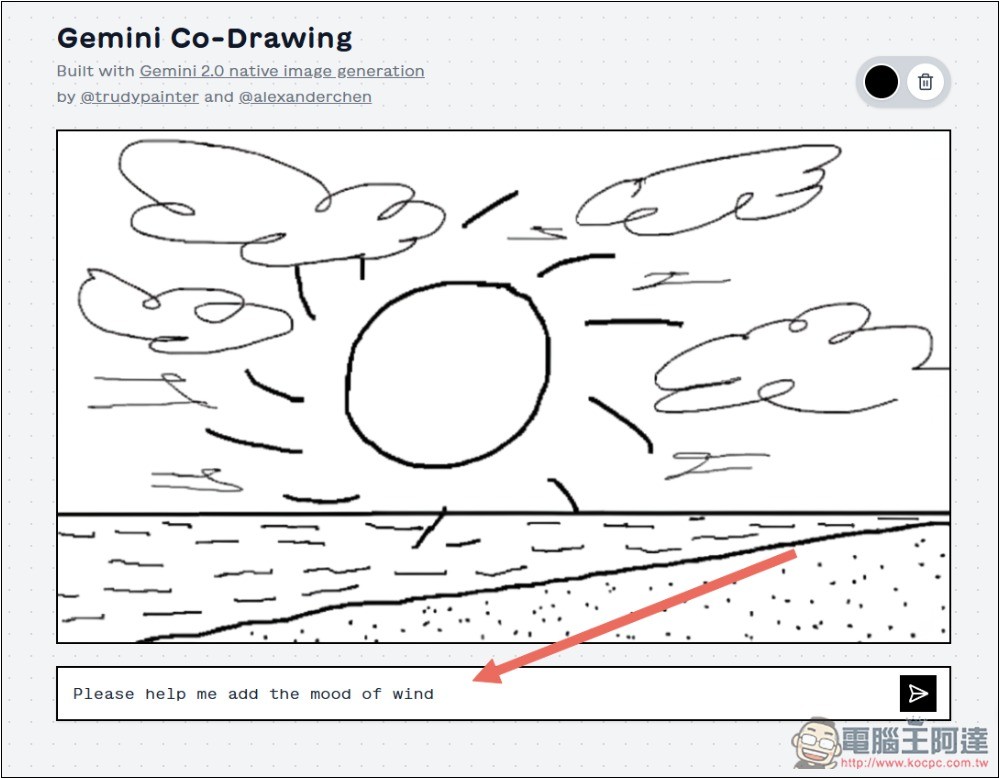
Must-learn immersive translation tips: press the space key three times to automatically translate the content into English (or other languages)
Immersive Translation is a very useful browser extension that not only translates web pages, but also provides YouTube bilingual subtitles,Translate e-booksIt has many functions, and supports many translation services, including Google Translate, Bing Translate, DeepL, OpenAI, Claude, etc. It is highly recommended for those who have never used it before.
In versions 0.6.2 and above, immersive translation has introduced the function of automatically translating input content into English and other languages. Just press the space key three times and the default will be turned on. The detailed steps are as follows.
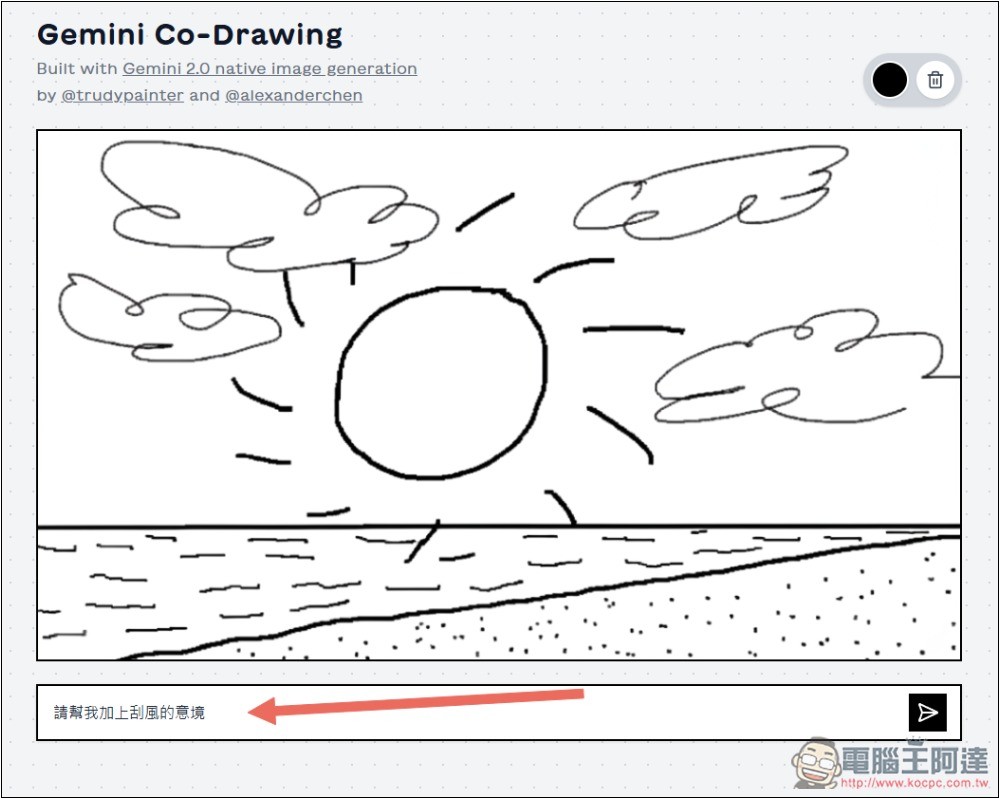
Basically all input boxes are supported, and the Gemini Co-Drawing AI free tool I found at huggingface.co also supports it. I first enter “Please help me add the artistic conception of wind” in the input box:
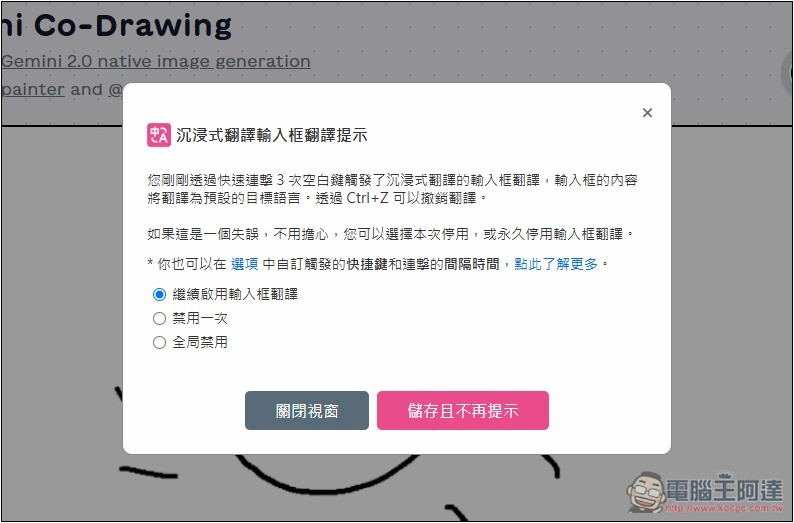
Then quickly press the space bar three times. This prompt will pop up for the first time. If you don’t want to see it in the future, you can save it and not prompt again. If it doesn’t appear after you press it three times, you can press it a few more times. Remember that the speed must be fast. If it is too slow, it may think you are just typing the space bar, not to enable translation:
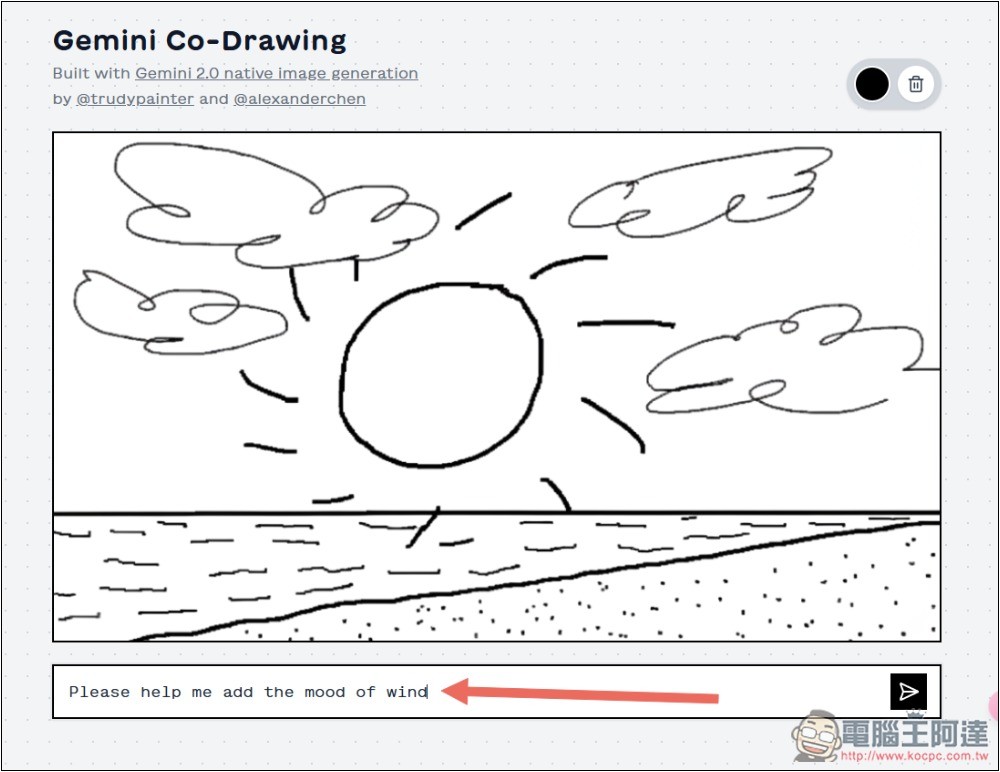
Then the magical thing happened. The content I just entered has been translated into English. There is no need to use other translation software. It is simple and easy to use:
If nothing happens when you press the space bar, or if you want to change the translation to other languages or set up other translation services, please go to the settings page of Immersive Translation and click “Input Box Enhancement” to find the relevant settings. For those who have no response when pressing the space bar, please confirm whether “Enable input box enhancement” is turned on:
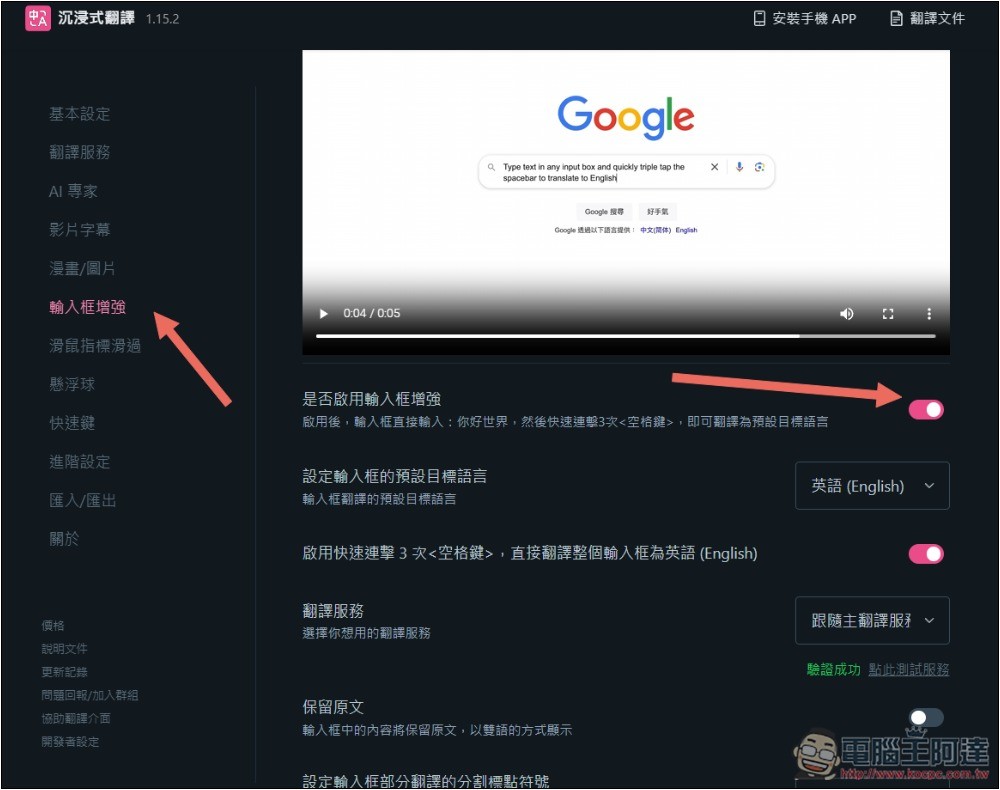
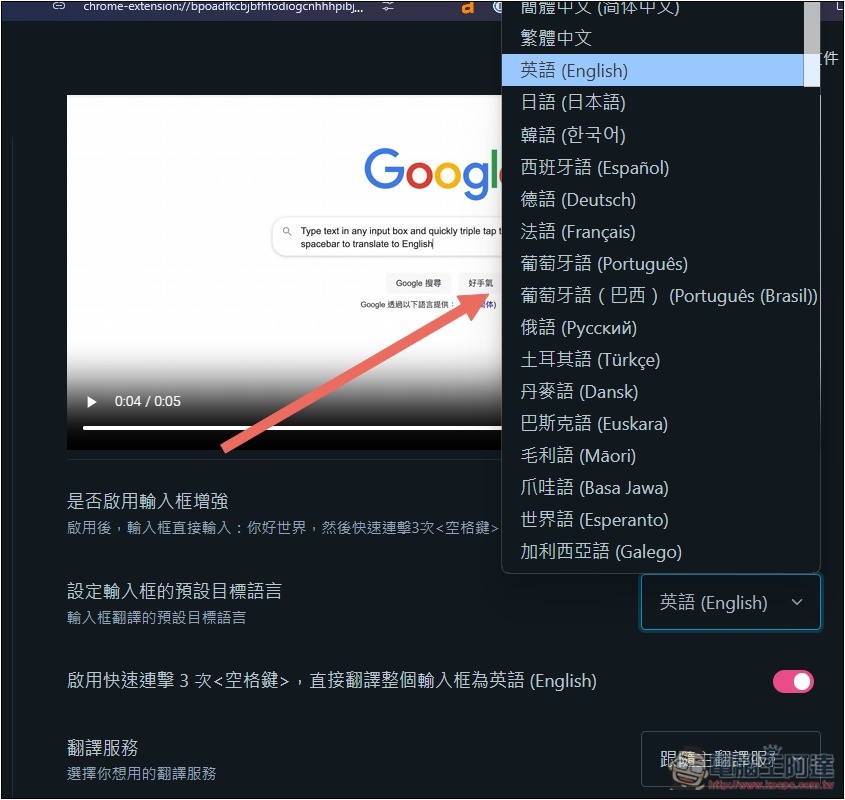
The default target language of the input box is set to the language you want to translate into. The default is English, and translation into Japanese, Korean, Spanish, German, French, Portuguese, Turkish, Danish, etc. is also supported:
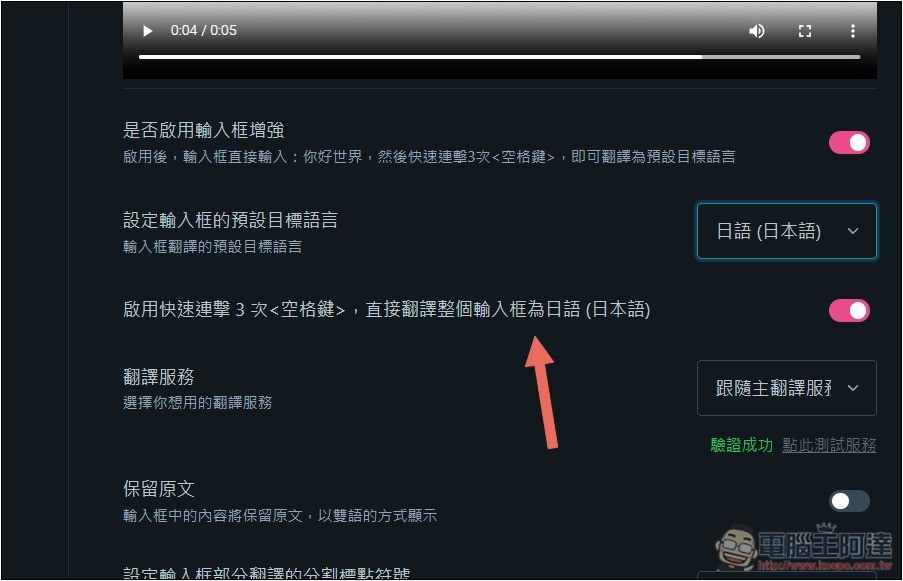
After changing to another language, activate the shortcut link 3 times to the right of the space bar, and you will see that it changes to the language you modified. If I choose Japanese, it will become Japanese (Japanese):
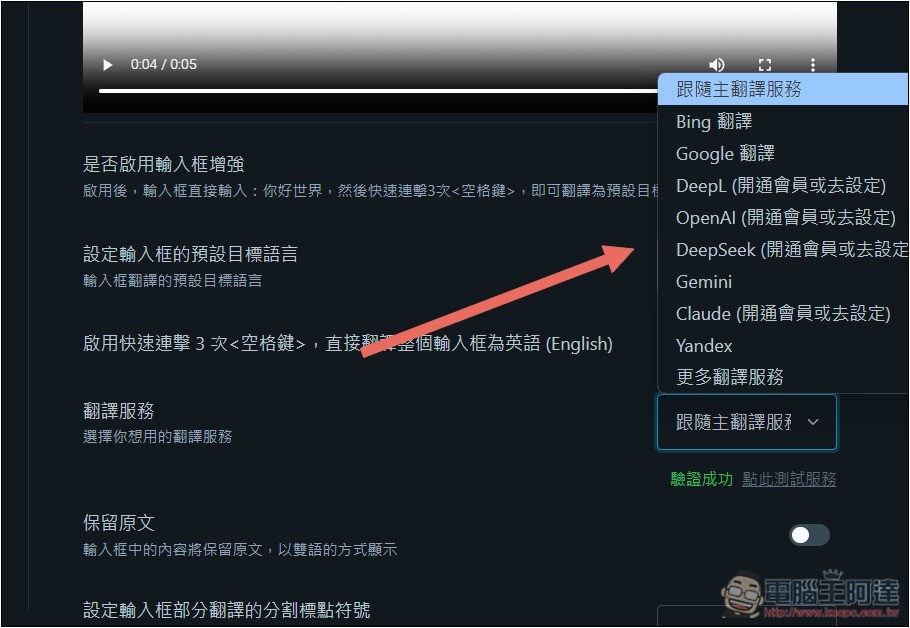
The translation service is the service used to set up automatic translation. By default, it follows your main translation service, and it can also be set to other services independently. However, please note that DeepL, OpenAI, DeepSeek and Claude need to upgrade your membership to use it, or configure your API:
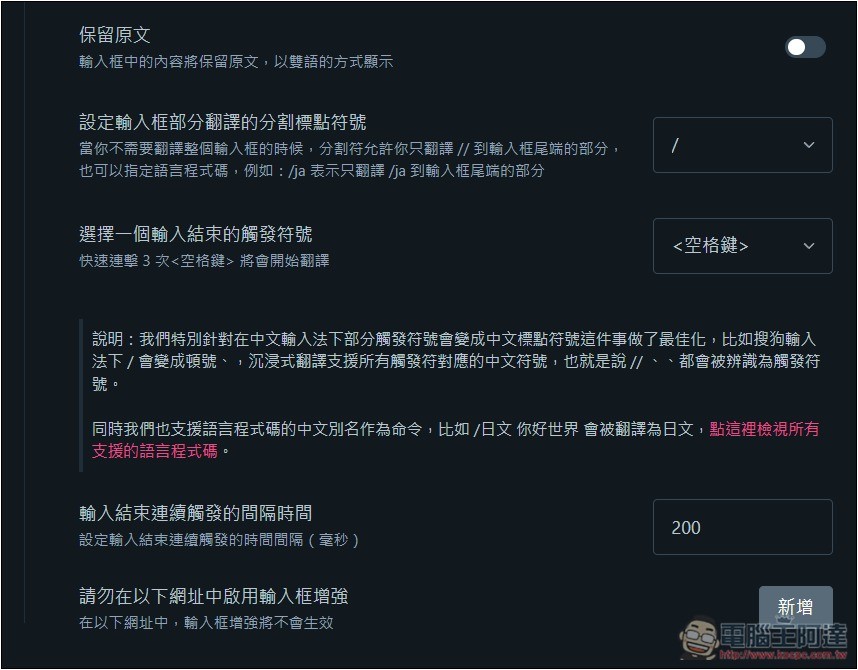
There are other settings below, such as keeping the original text in the input box and selecting other trigger symbols:
You may be worried that the quality of Google or Bing translation will be so poor that AI cannot understand it? I think this is okay. AI is very powerful now. Even if you input a typo, it will still know what you want to say. Therefore, even if the translation grammar is weird, AI can basically handle it normally.
Source: KOCPC Chinese