


Recently I discovered EasyVideoTrans, a very special free online tool. In addition to downloading videos from some well-known websites (such as YouTube), it also supports subtitle translation. After translation, it is dubbed into Chinese, which means that you can convert a foreign video into a Chinese-dubbed video in one go, or you can also upload the video manually.
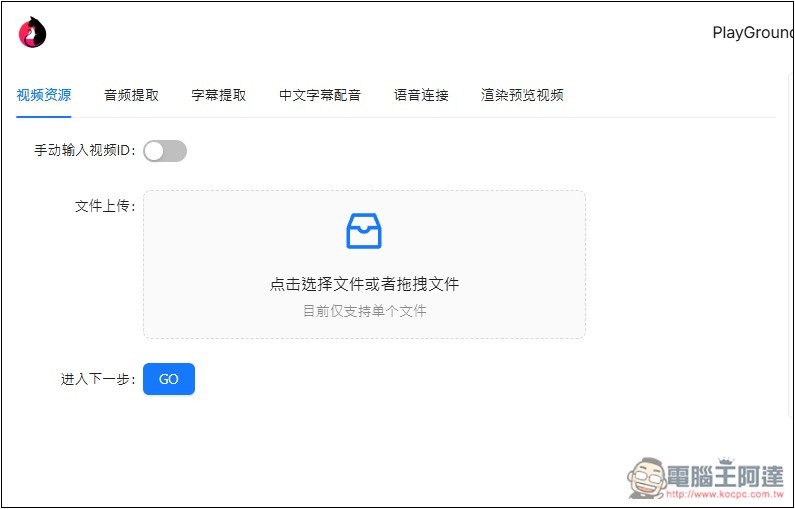
EasyVideoTrans introduction and operation tutorial
EasyVideoTrans is an open source tool, and the code is shared on GitHub, so you can also install it for local use. The method of use is very simple, just follow the steps on the screen, there is no difficulty.
Video download currently seems to only support YouTube (up to 60 minutes), and there is no video length limit for manual upload.
After clicking the link above to enter EasyVideoTrans, you can drag in the video you want to translate and dub. If you want to use the YouTube video download function, please turn on “Manually enter video ID”:
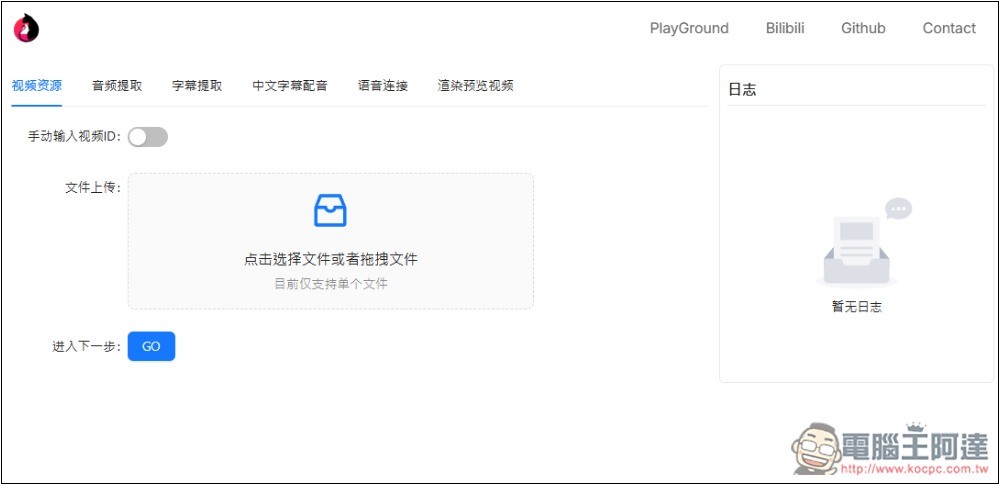
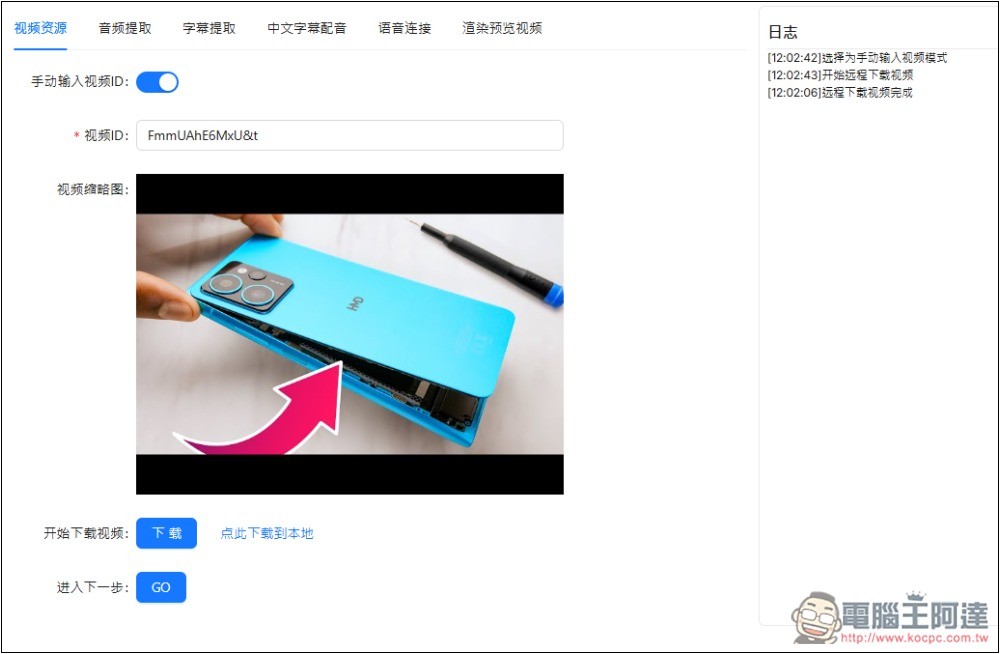
Paste the YouTube video ID, which is the English + number after v= in the URL. If the cover image is displayed, it means it was successfully captured. Press the button next to the download video:
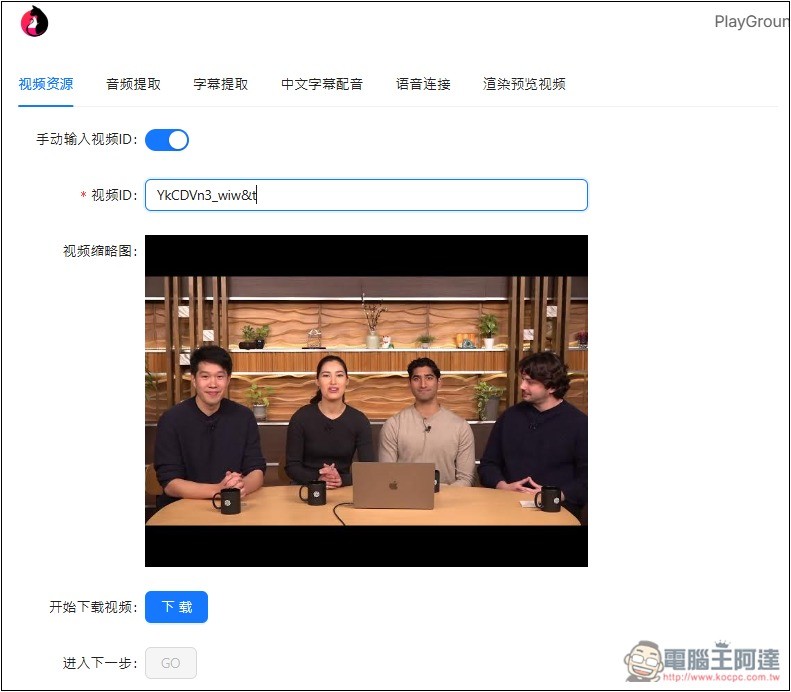
Then wait for the download to complete, and the log status will be displayed on the right:
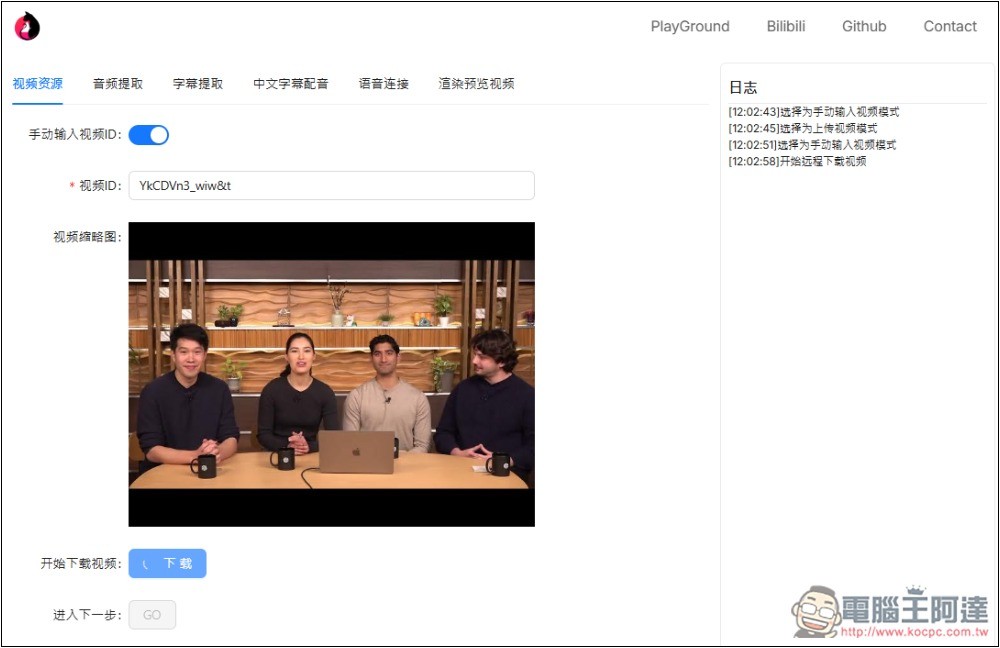
My original test was a YouTube video of Deep Research released by OpenAI, but it was 20 minutes long and took too long to download, so I changed it to the latest MKBHD video, which was about 9 minutes, and downloaded it remotely in a few seconds. Click here to download to local to download the video, then press GO:
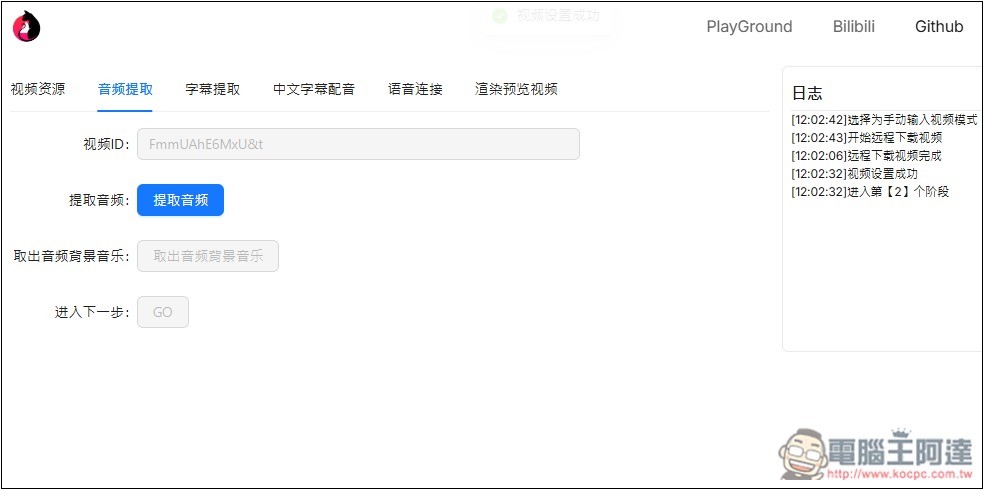
It will jump to the next step of audio extraction. Click the “Extract Audio” button on the screen:
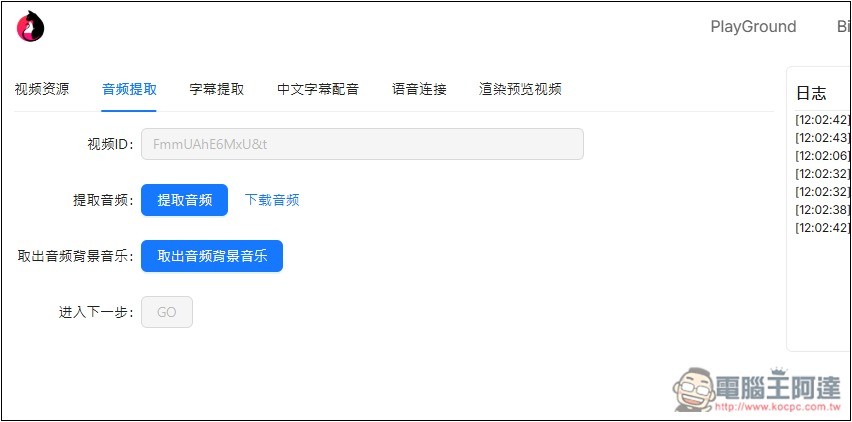
After the extraction is completed, it can also be downloaded locally. Then click “Remove Audio Background Music”. This action is to ensure the accuracy of converting sound into text and will not be affected by the background music:
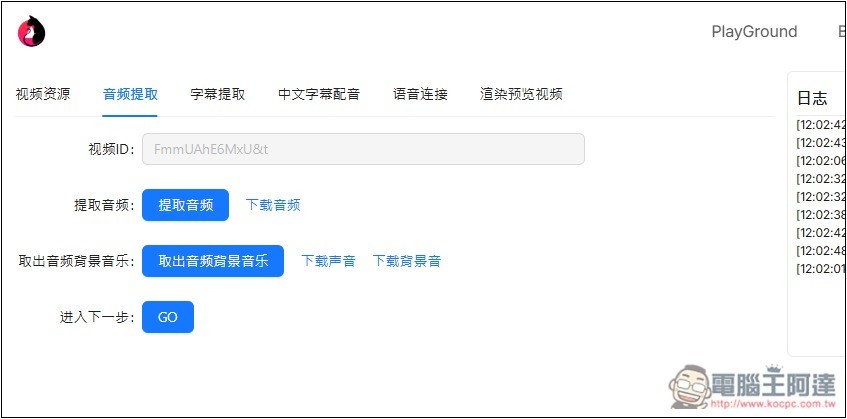
After taking it out, you can also download it locally. Then press GO again:
You will enter the subtitle extraction stage. You can upload subtitles manually or use the extraction function to automatically generate subtitles for this video. The language options currently only support Simplified Chinese and English:
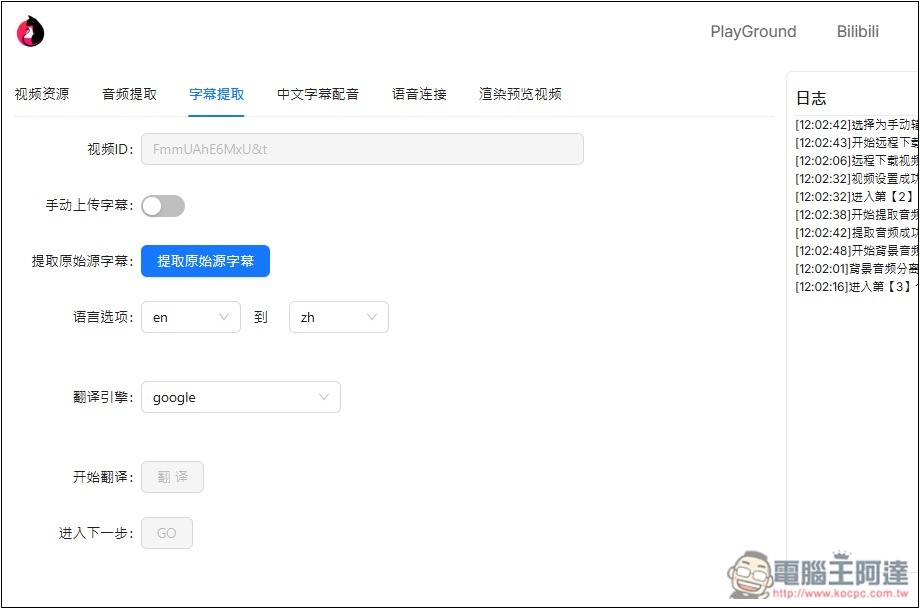
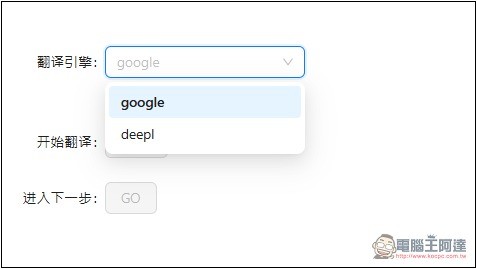
Translation engines include Google and Deepl, and ChatGPT is expected to be added in the future:
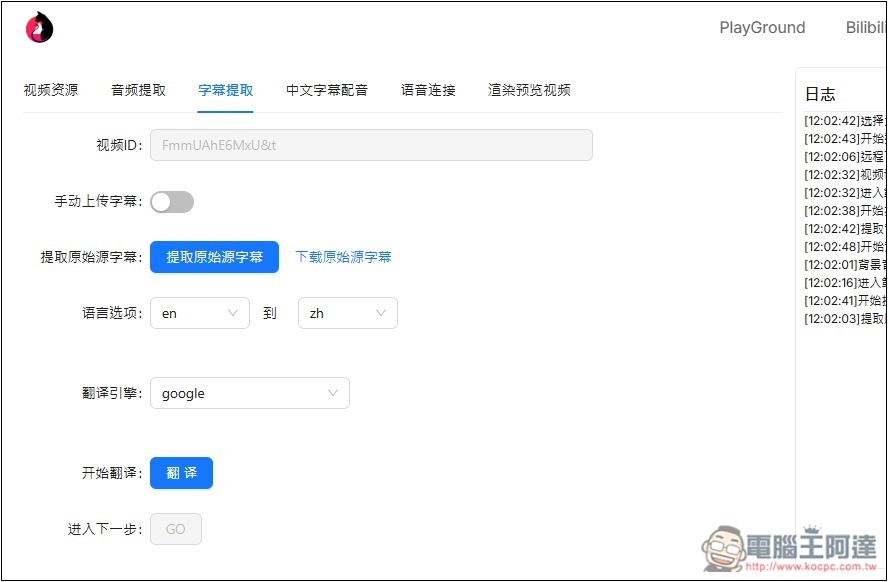
After the subtitles are extracted, the translation function below will light up:
The next step is Chinese subtitle dubbing, and the matching service is Edge TTS:
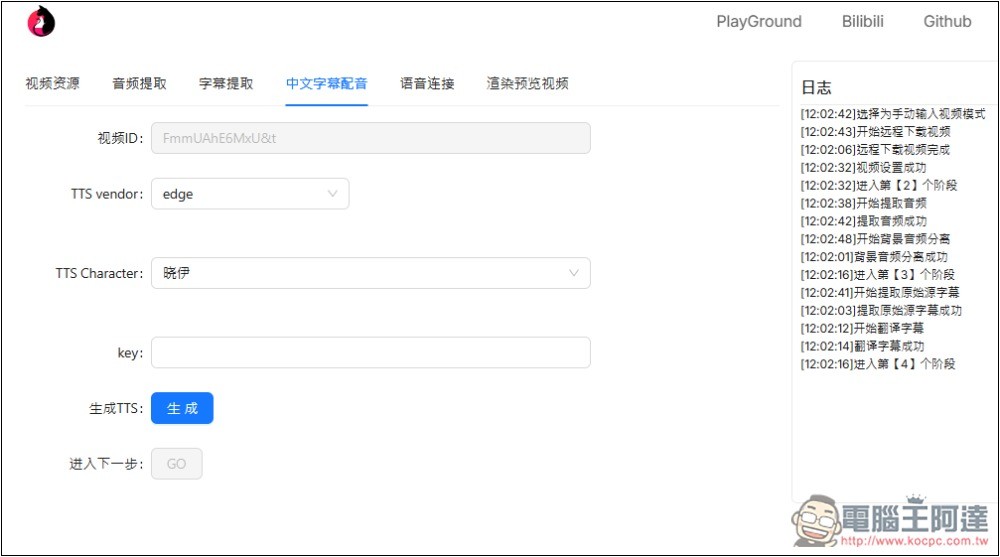
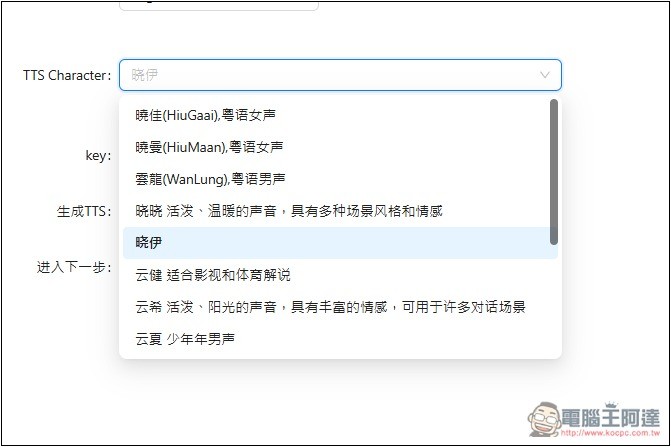
There are many choices for TTS dubbing. Some of them will be mentioned later on which scene or style is suitable, such as lively, warm, sunny, suitable for film, television and sports commentary, etc.:
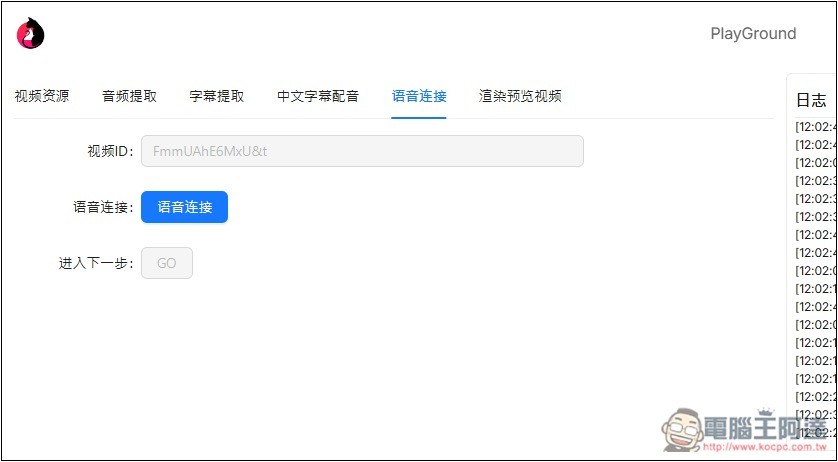
After the voice is dubbed, the next step is to connect it to the video. Press the voice link:
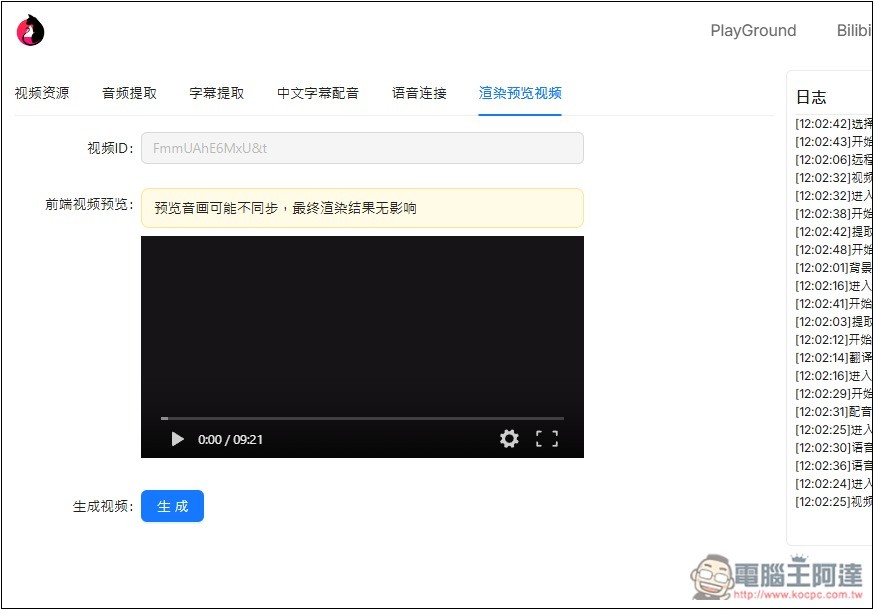
After completion, you can play the video in the rendering preview video page. If you like it, click the generate button below, and the video download button will appear:
In addition, the subtitles generated by this tool currently only support Simplified Chinese:
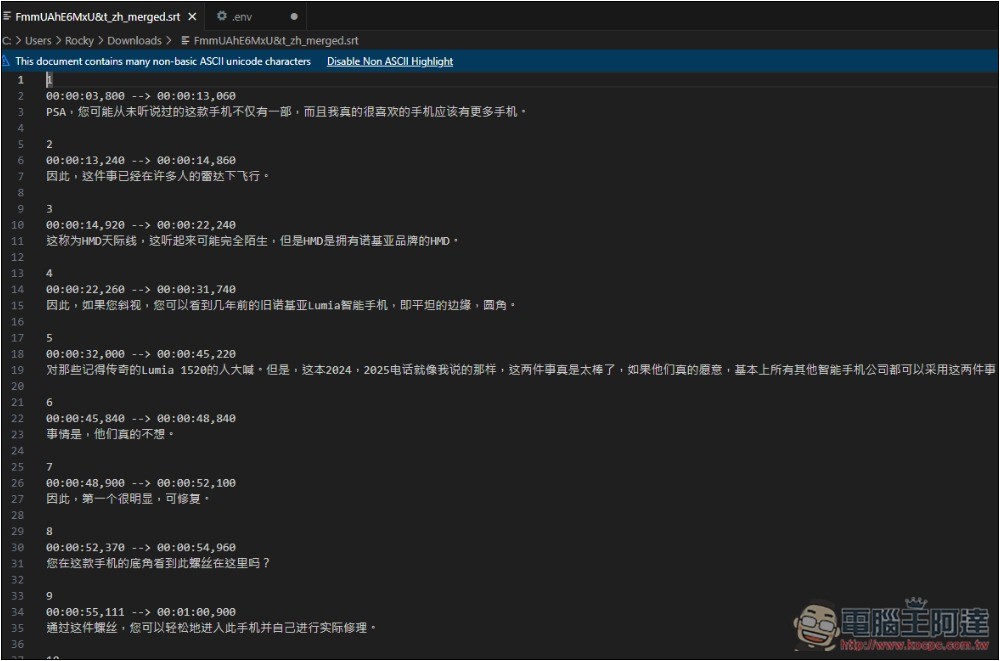
In terms of translation quality, I think Google Translate and DeepL are still not good enough. I hope developers can also import ChatGPT translation as soon as possible.
Source: KOCPC Chinese