


In addition to operating BBS through mobile apps, PTT villagers also use PTT through computer browsers, and sometimes browse PTT articles through the web version. However, when it comes to attaching pictures to PTT articles, Imgur is often used as a free image bed space, and the picture link is posted in the article for everyone to browse. However, the problem of being unable to preview images directly can now be solved through the Ptt Media Preview extension.
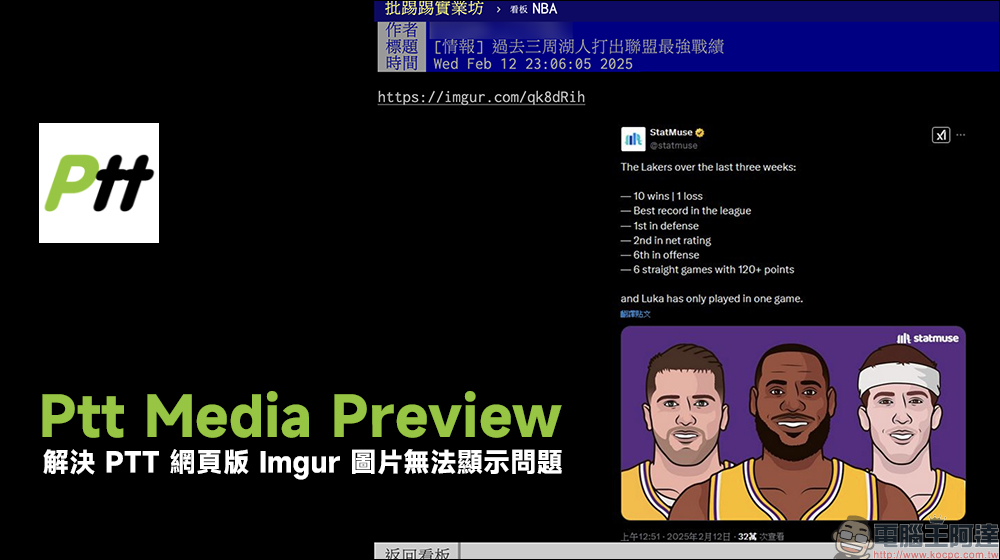
Ptt Media Preview expansion plug-in: solve the problem that PTT cannot display Imgur images
I opened the PTT article through a computer browser, but found that I could not directly preview and display the uploaded to Imgur Free pictures of beds? If you don’t want to click on the picture link to view the picture, it is actually the Ptt Media Preview expansion plug-in introduced today. This plug-in supports Chrome and Firefox browsers and can help villagers have a better PTT image and video preview experience, especially solving the problem that Imgur image links cannot be previewed directly.
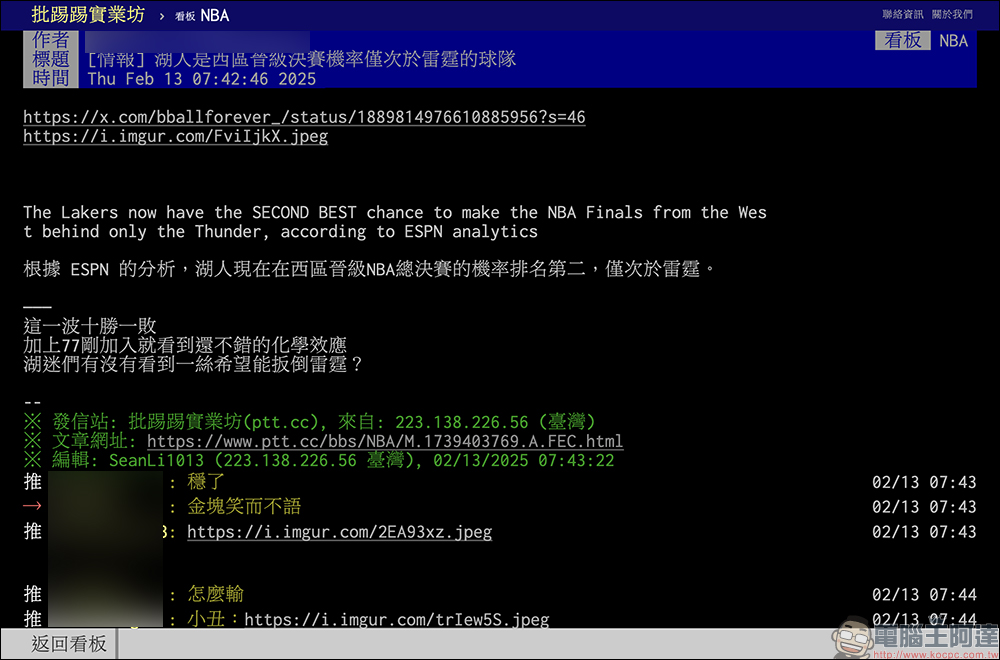
Taking the Chrome browser as an example, go to the Chrome Online App Store and “Add the Ptt Media Preview plug-in to Chrome”:
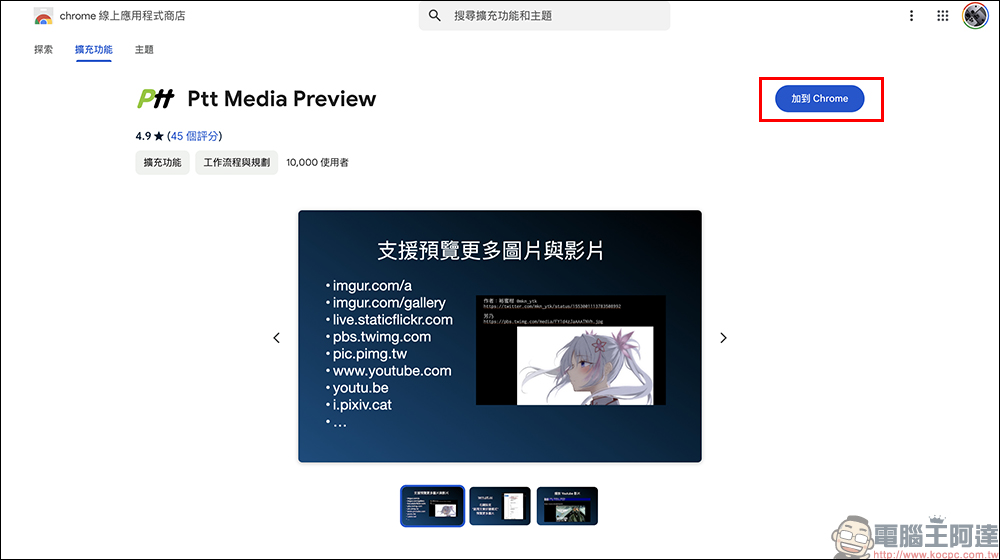
Next click “Add extension”:
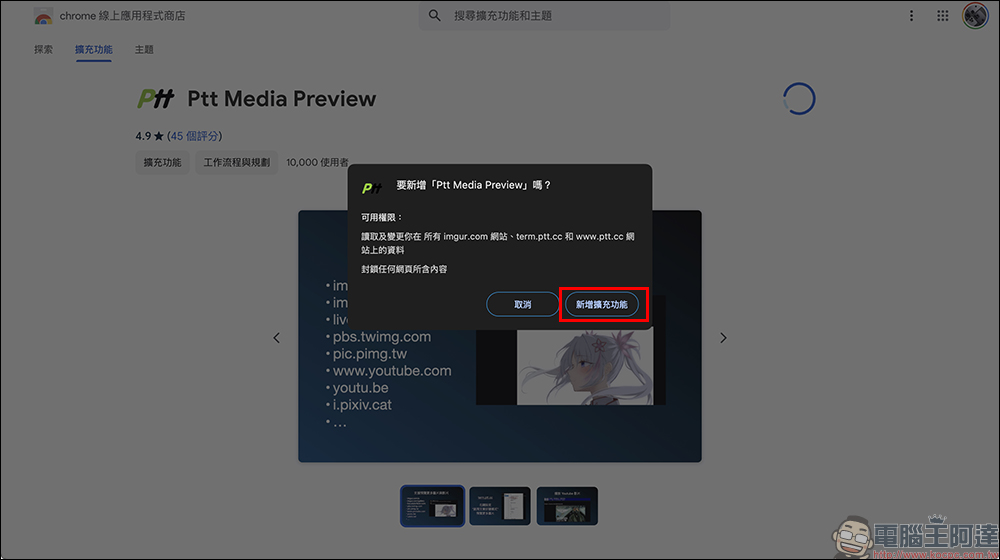
After enabling Ptt Media Preview, when users open PTT articles in the Chrome browser, Imgur images will be previewed normally!

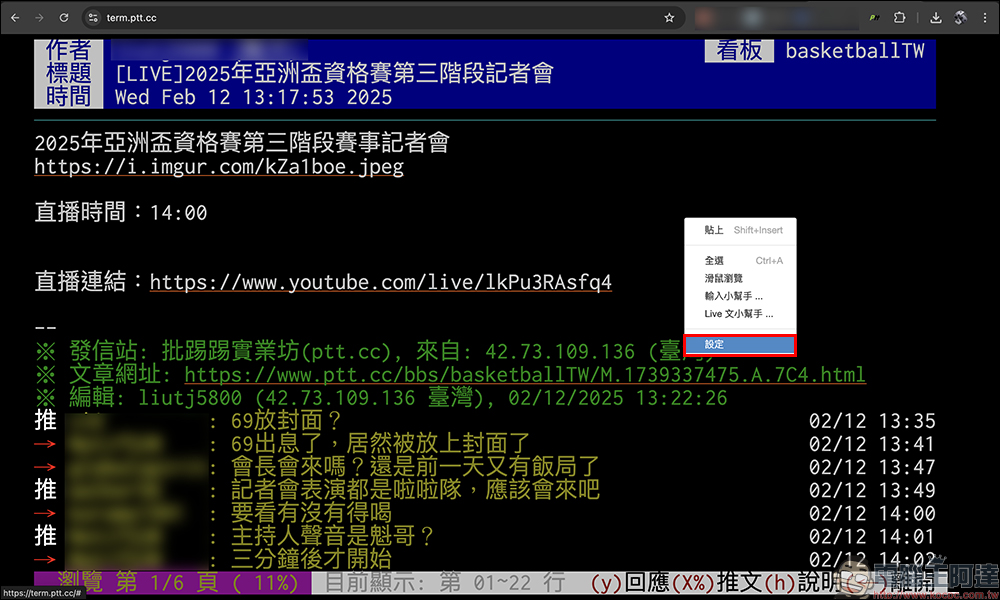
In addition, some people will choose to use term.ptt.cc To log in and operate PTT, if you want to restart the Imgur image preview, you can right-click in the blank space and click “Settings”:
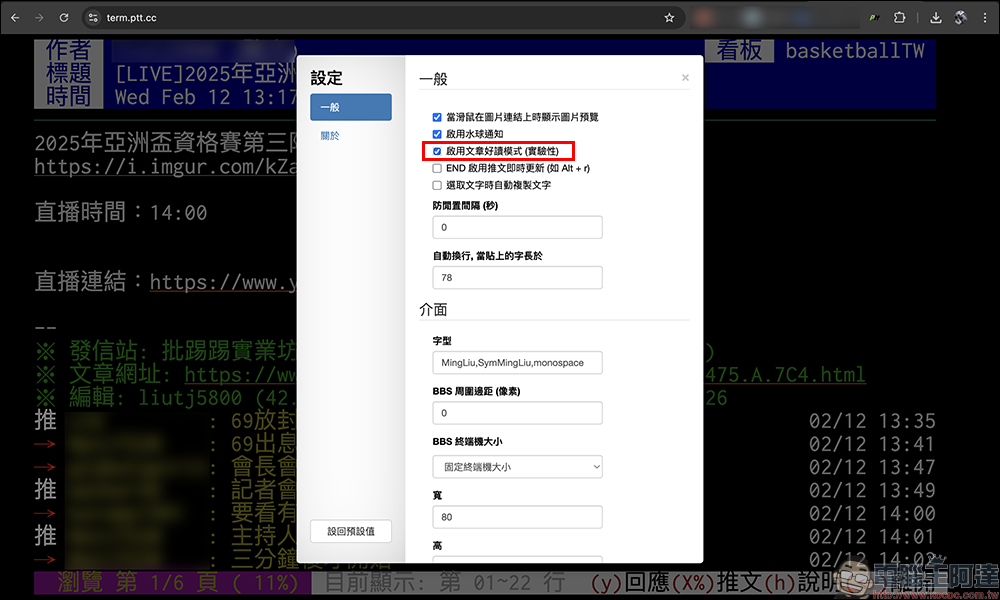
In the general category of settings, check the “Enable article reading mode” function to enable it:
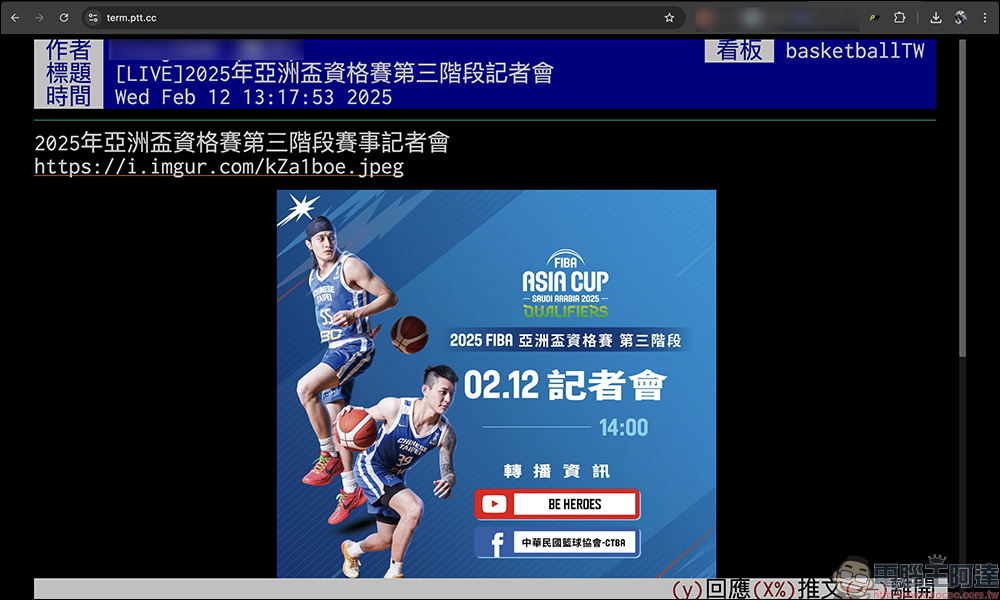
Then reopen the article and you will find that the images can be previewed normally.
According to the instructions of Ptt Media Preview, after installing this plug-in, you can browse pictures and video links on the PTT web version and team.ptt.cc. The supported formats are as follows:
- imgur.com/a
- imgur.com/gallery
- live.staticflickr.com
- pbs.twimg.com
- pic.pimg.tw
- www.youtube.com
- youtu.be
- i.pixiv.cat
You can find that Ptt Media Preview can actually preview and display in addition to images from Imgur, images and video links from platforms such as Flickr, X (Twitter), YouTube, etc. Ptt Media Preview can also convert Imgur’s .jpg or .png format images into .webp format, or replace .gif with .mp4 format to speed up PTT’s input speed and reduce the traffic used.
Ptt Media Preview extension plug-in (Chrome Online App Store)
Further reading:
LINE launches the free font “Coriander”, how to apply it please read this article

Source: KOCPC Chinese