


Almost every version of Windows 11 updates will have bugs. Although most of them are encountered by some users and rarely affect all computers, workers still worry about getting lucky one day, so they will definitely want to pause the update or even turn off the update.
However, Windows 11 does not provide the function of turning off updates. Instead, it sometimes suddenly enables automatic updates, which troubles many people. If you want to stop the Windows 11 update function, this article will introduce a useful free open source tool called Windows Update Killer. With just one click, you can postpone Windows 11 updates for 26 years and resume updates at any time.
Windows Update Killer is a free tool to postpone Windows updates until 2051 with one click
Windows Update Killer is a free, open-source tool that’s strictly registry-only, and its developers say it’s a simple, no-nonsense script for pausing Windows updates until 2051, allowing you to choose when to update at any time, rather than waking up to find your computer has automatically restarted.
Although it has been directly delayed for 26 years, he still recommends manually performing Windows updates at least once a month, because some updates may contain important security vulnerability fixes to ensure that the computer has the latest security patches installed.
For those concerned about security, the goal of this script is to provide a simple and easy-to-understand solution. Anyone can open it with Notepad and view the code without worrying about viruses or other malware.
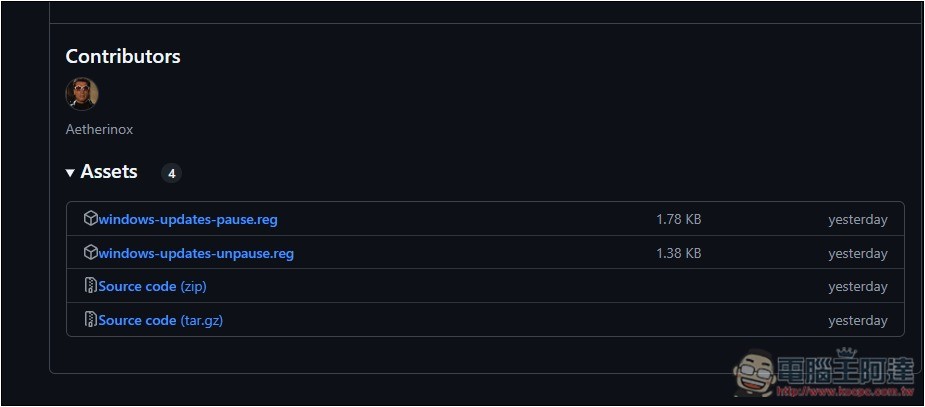
After clicking the link above to enter the GitHub project page, please download the latest version. The latest version currently is v1.0.6. You can find the file download point in the Assets column. windows-updates-pause.reg is the registry for delaying, and windows-updates-unpause.reg is used to cancel the delay:
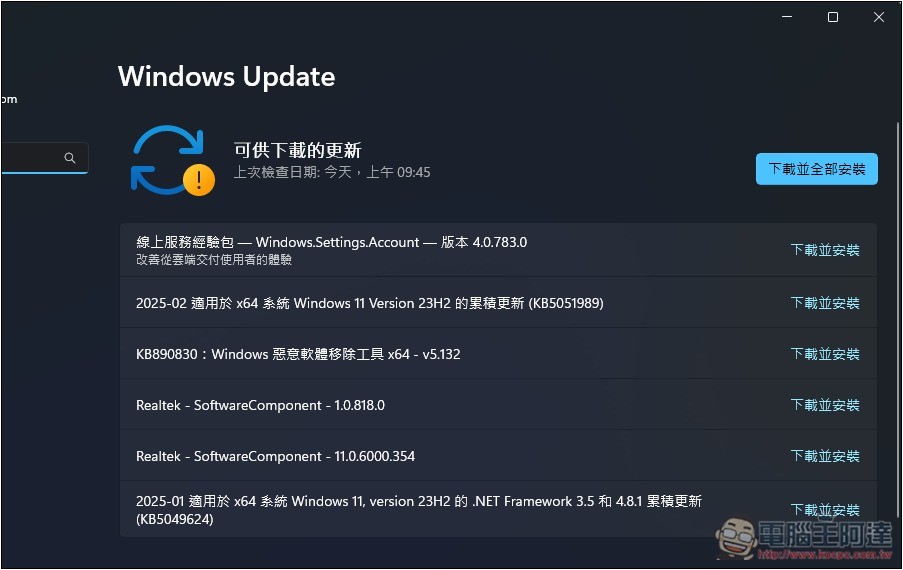
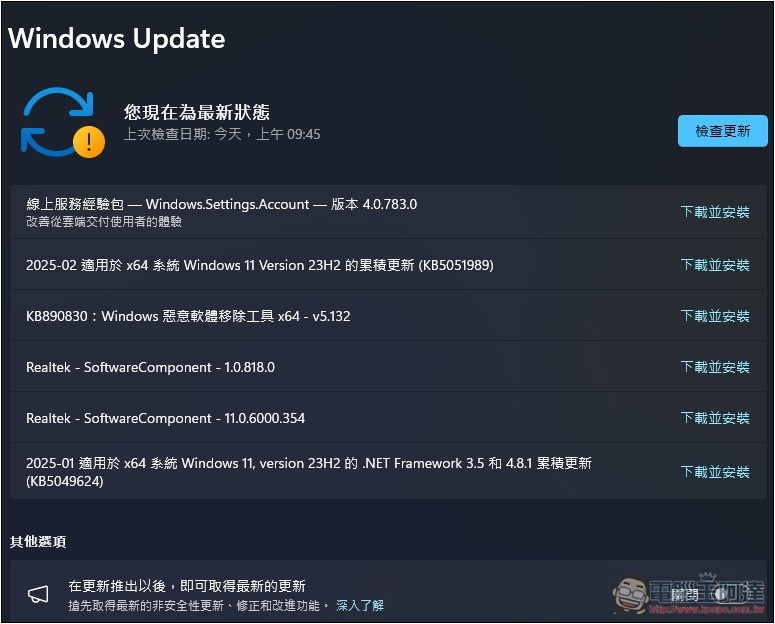
This is the status of Windows Update on my computer before I used it. You can see that the check date is 09:45 this morning:
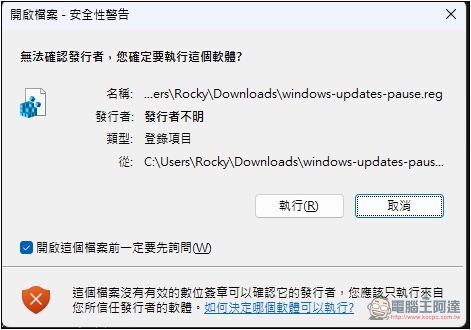
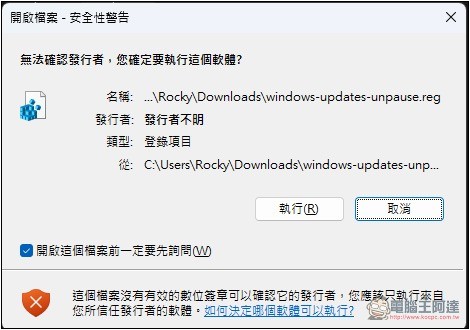
Next, click twice on the downloaded windows-updates-pause.reg registry. A security warning may pop up. Please press Execute:
Then this window will appear, which says “Changing or deleting values outside the Add Information session will cause the component to not work properly…”, please click Yes:

It shows that the machine code and value have been successfully added to the login:

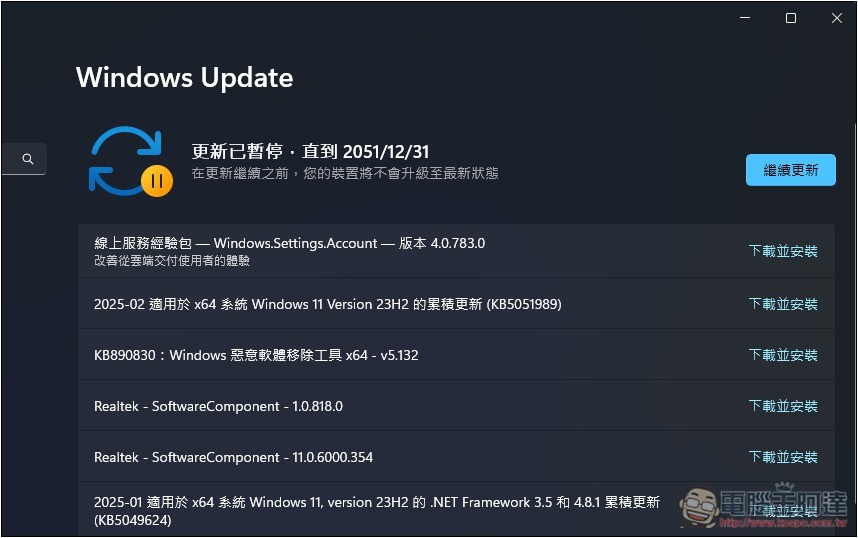
Go to the Windows Update settings page again, and you will see “Updates have been suspended until 2051/12/31.” Although it is said to be postponed, the delay of 26 years can also be regarded as turning off Windows Update entirely, and during this period, a next-generation Windows operating system will be launched:
It is also very simple to resume the normal update process. Just download windows-updates-unpause.reg and click twice to execute:
After completing, return to the Windows Update page and the status will change back to the last check date:
Source: KOCPC Chinese