


Many people may not know that today is an important annual “Internet Security Day”. There are more and more fraud cases every year, and the methods have become more sophisticated. Even well-informed people may still be deceived. In order to let everyone quickly understand today’s common online fraud and phishing techniques, Google has specially created a “Test your fraud prevention ability” test. There are 10 questions in total, each with a certain degree of difficulty. Even someone who thinks I should be able to get them all right, only got 6 questions correct. I highly recommend everyone to take the test.
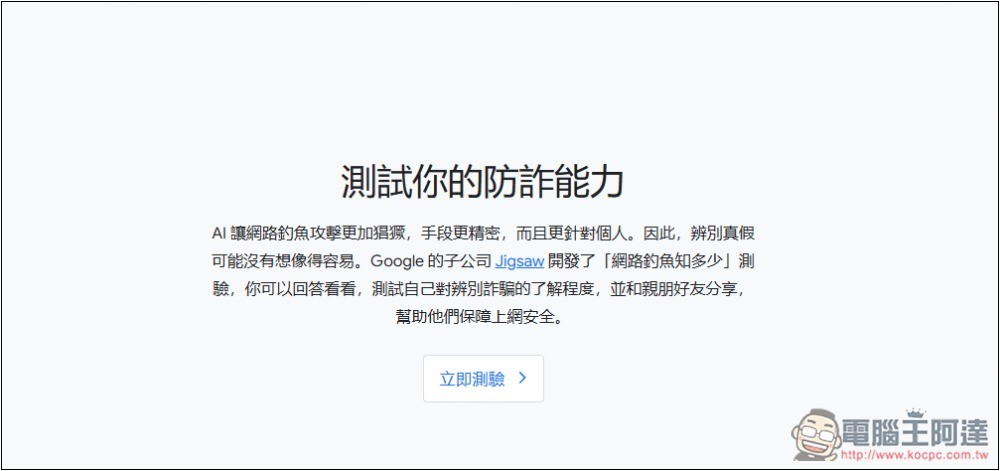
Google launches ‘Test your fraud protection’ for Cybersecurity Day
“Test your fraud prevention ability” is a test developed by Jigsaw, a subsidiary of Google. You can quickly understand your level of fraud detection. Although they are some very common email and message scams, not every question is a scam. Some questions require observation of details to identify whether they are genuine. Google also recommends sharing it with family and friends to help them stay safe online:

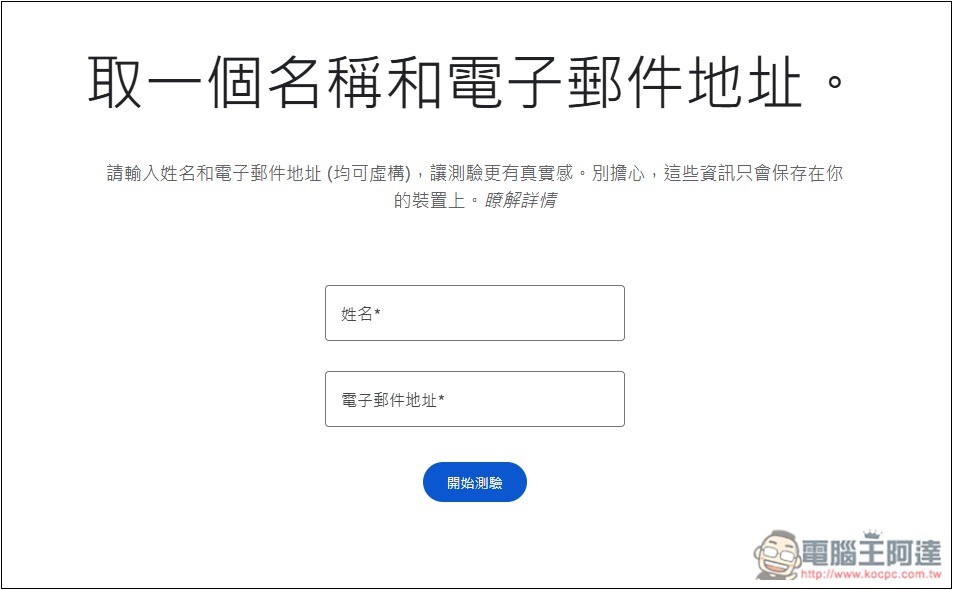
Before starting the test, you need to fill in your name and email address, but you can fill it in casually. Google also said that you can make it up, mainly to make the test more realistic, and the information will only be saved locally:
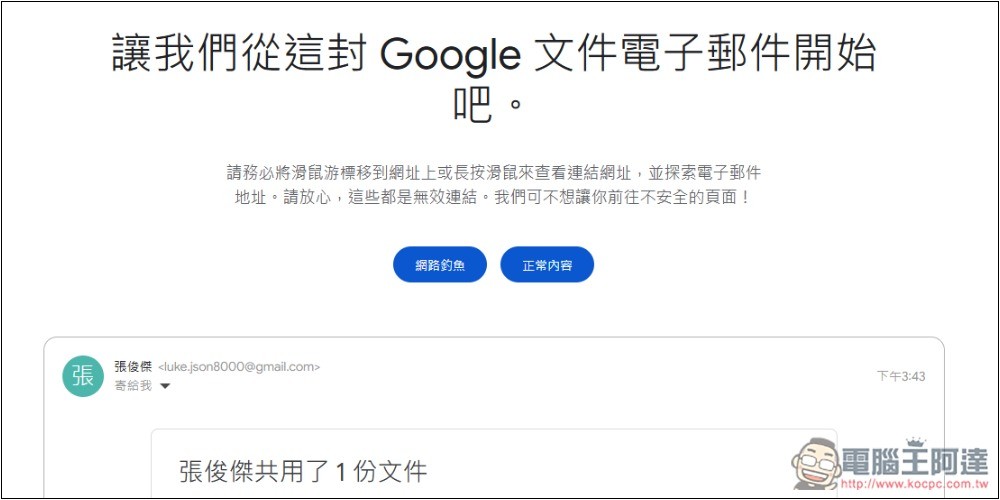
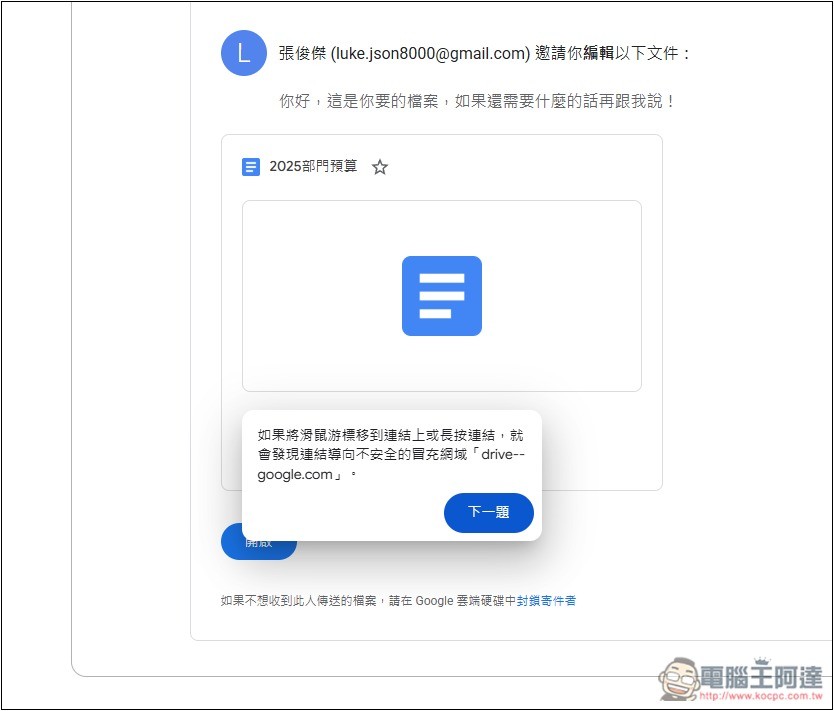
Then the test will begin. There are only two answers: “phishing” and “normal content”. The questions are below. In addition, there will be some tips above. Like the first question, you must move your mouse over the URL to view the link URL. All the links to the questions are invalid, and there will be no action even if you click them, so you can operate with confidence:
Regardless of whether you answer correctly or incorrectly, you can check the instructions and they will tell you one by one what details you need to pay attention to about this phishing email or scam:
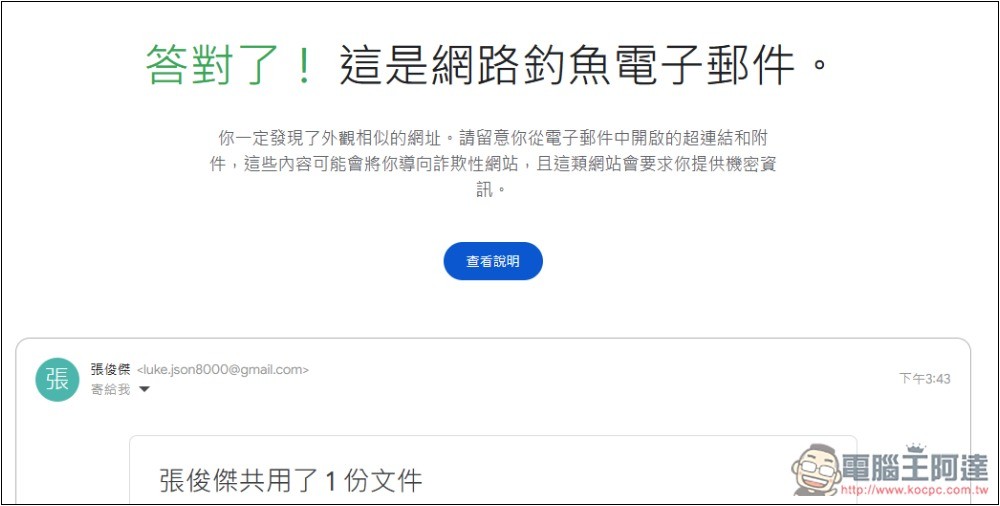
Like this, there will be a prompt window saying “If you move the mouse cursor over the link or long-click the link, you will find that the link leads to an unsafe impersonation domain”:
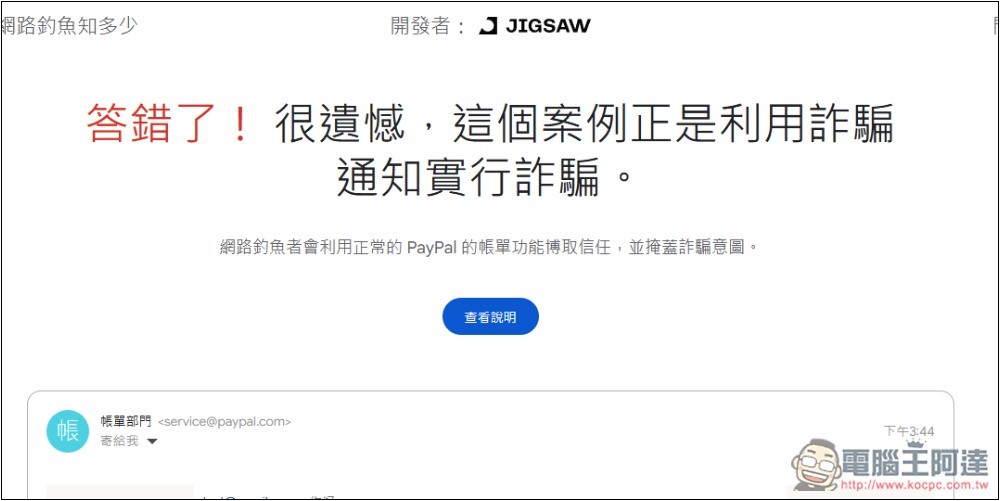
Some questions are a bit difficult, like this question on PayPal. I saw that the sender was paypal.com, so I thought it was genuine content, but in fact it was also a scam:
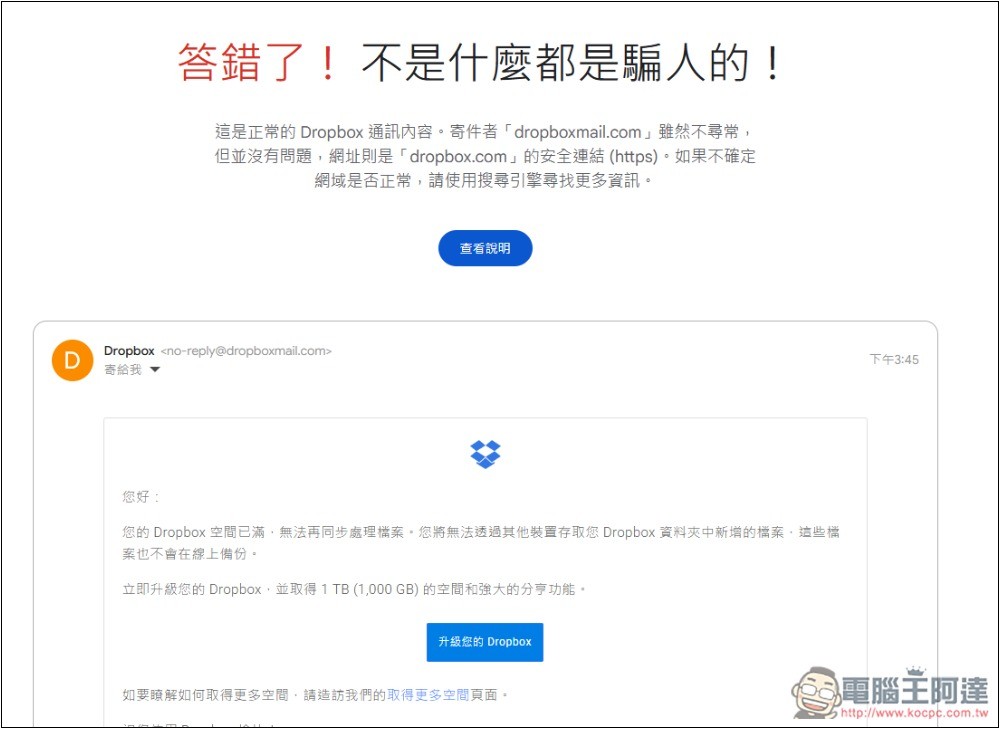
I thought dropboxmall was abnormal and a lie to this question, but in fact it is normal content. I must check every detail before I can give the answer:
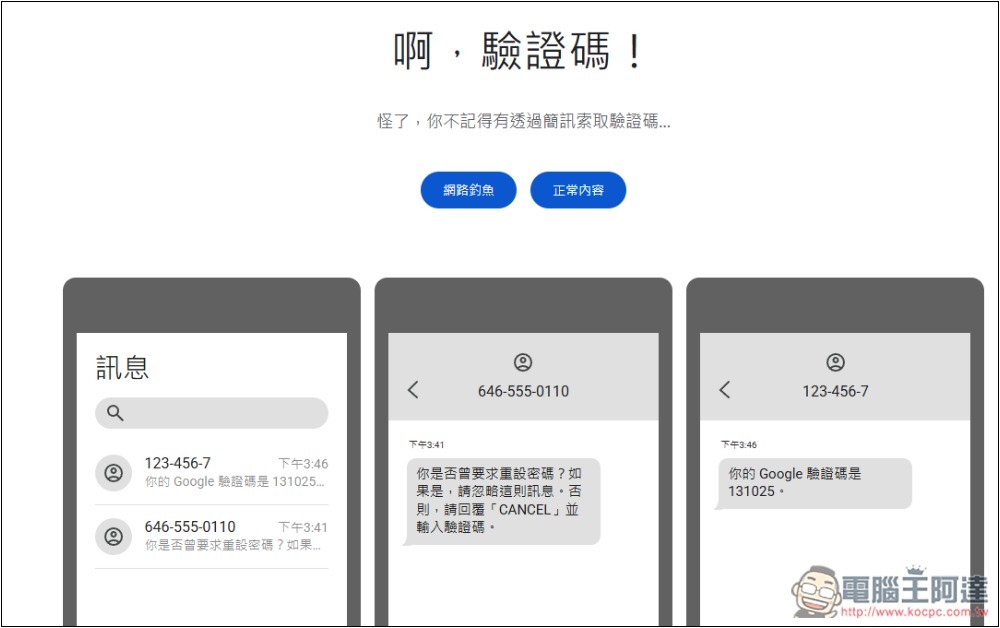
There are also scam questions about verification codes:
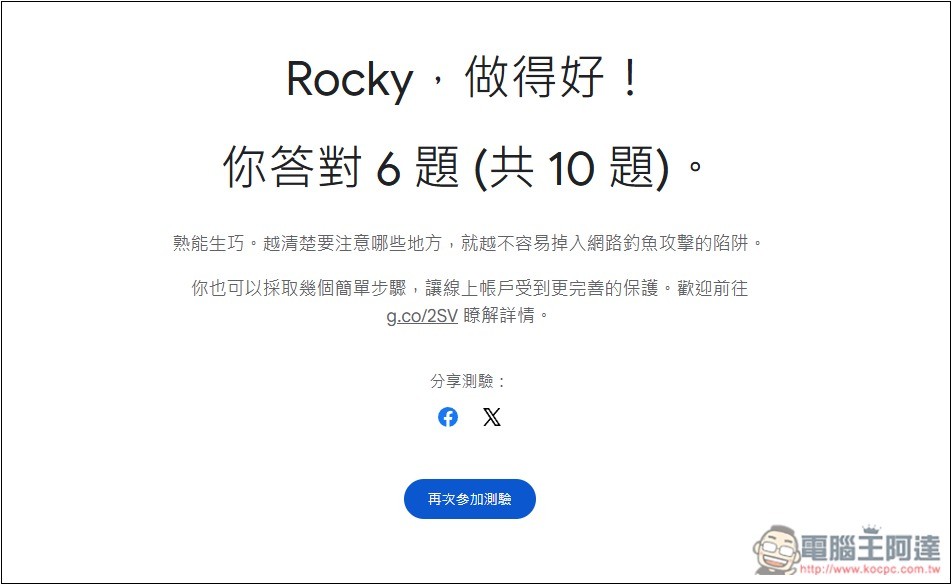
In the end, it will count how many questions you answered correctly. Unexpectedly, I only got 6 questions. I thought I would answer at least 9 questions:
In addition to testing your fraud prevention capabilities, Google also created aSecurity center page, which can help you more comprehensively strengthen the security of your Google account, including “Perform security settings check”, “Set up two-step verification to prevent hackers”, “Password management helper”, “Lock lost devices”, “Safely browse the Internet”, etc.:
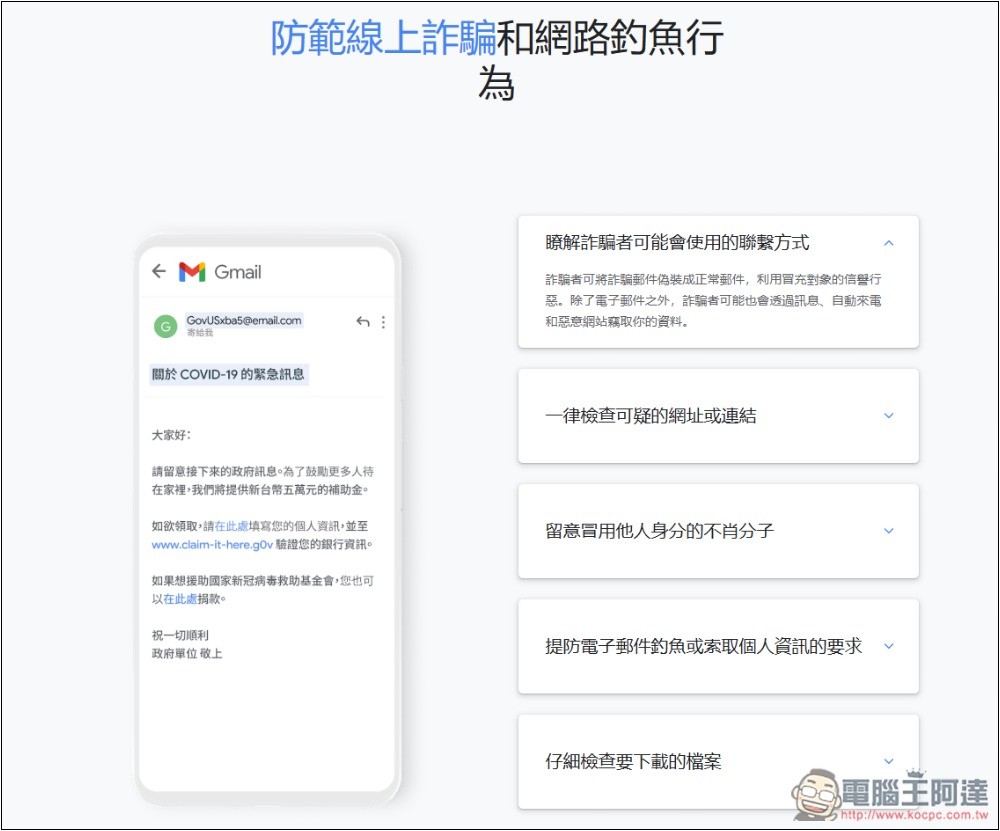
Google also provides five tips to prevent online fraud and phishing:
- Understand the contact details scammers may use
- Always check for suspicious URLs or links
- Beware of unscrupulous individuals who assume someone else’s identity
- Beware of email phishing or requests for personal information
- Double check the file you want to download
Source: KOCPC Chinese