


There are many smart home brands and products on the market, and it is difficult to monitor the security of each brand one by one. Even the most popular brands will inevitably have some worrying news. In many ways, IoT is like a double-edged sword, but this does not mean that you have to abandon all smart products and return to the past. While some of these security factors depend on the brand and are beyond your control, there are some simple things you can do to ensure a secure home environment. Just focus on two main things: Wi-Fi and the smart device itself. 6 simple ways to enjoy your smart home with peace of mind.
6 simple ways to make smart home products safer
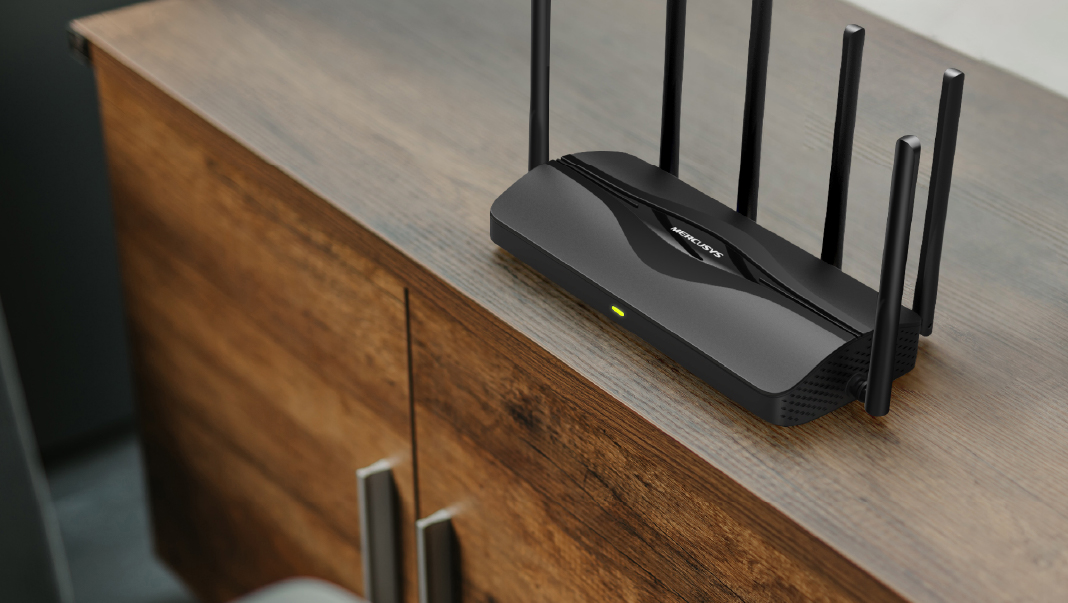
Update or upgrade your router
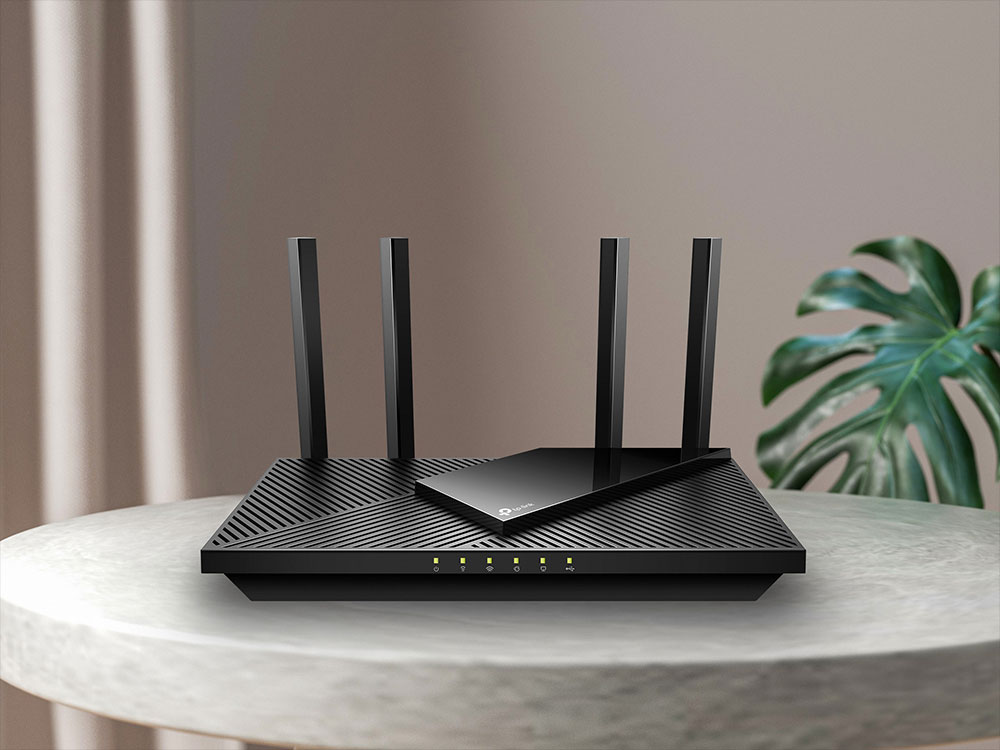
The router is the key to connecting all the smart products in the home, so strengthening the router is the top priority. First, you should update your router’s firmware to the latest version and install all security patches to address existing known vulnerabilities. In addition, consider replacing old routers. Depending on the manufacturer, users are usually advised to replace them every 2 to 5 years.
Now, the latest routers add more security features using the WPA3 standard, which was published in 2018 and rolled out to all Wi-Fi certified routers in 2020. If your router was purchased before 2020, you can consider replacing it with a newer model now. If your old router is not broken but is no longer suitable for use as a main router, it can also be used as a Wi-Fi extender.
Change default Wi-Fi login information and password
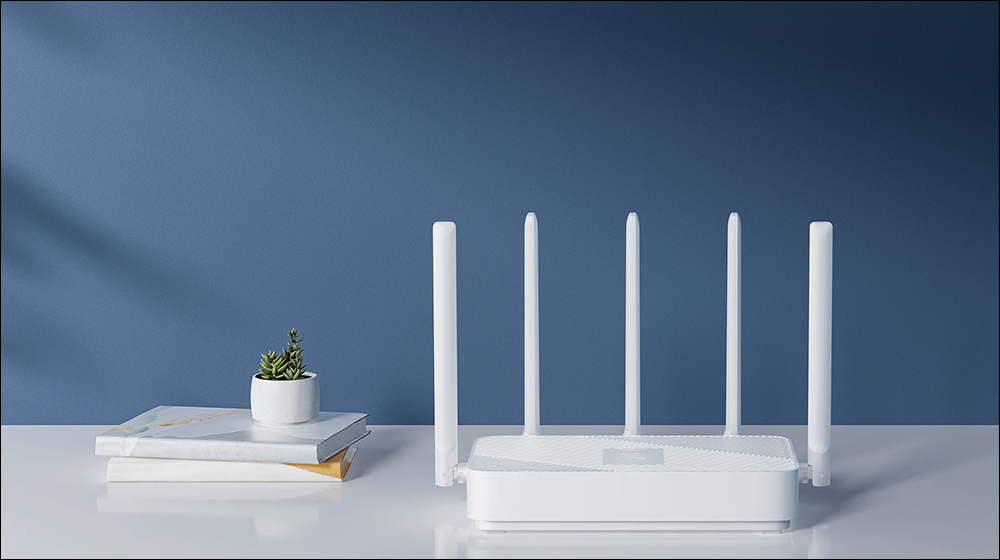
Some people never change their passwords after installing Wi-Fi at home. This poses risks to users’ personal data and smart products at home. For example, hackers can use specific tools to exploit vulnerabilities in specific routers. Fortunately, changing your Wi-Fi password and name is easy. In addition to replacing your password with a strong, hard-to-guess password, you can regularly change your password to provide greater security.
In addition, you may also want to change the default password of the router itself. Many times, these original passwords are accompanied by words such as “admin” that are easy to guess, and the chance of guessing is greater.
Manage your smart home device passwords
The number of homes using smart devices continues to grow, and it’s worth taking the time to secure all the smart devices in your home. One of the easiest, free ways to do this is to make sure you manage the passwords for the numerous smart devices in your home. Choosing strong passwords can make them more difficult for hackers to crack with existing tools, reducing your chances of becoming a target. To help manage these complex passwords, you can also use a password manager.
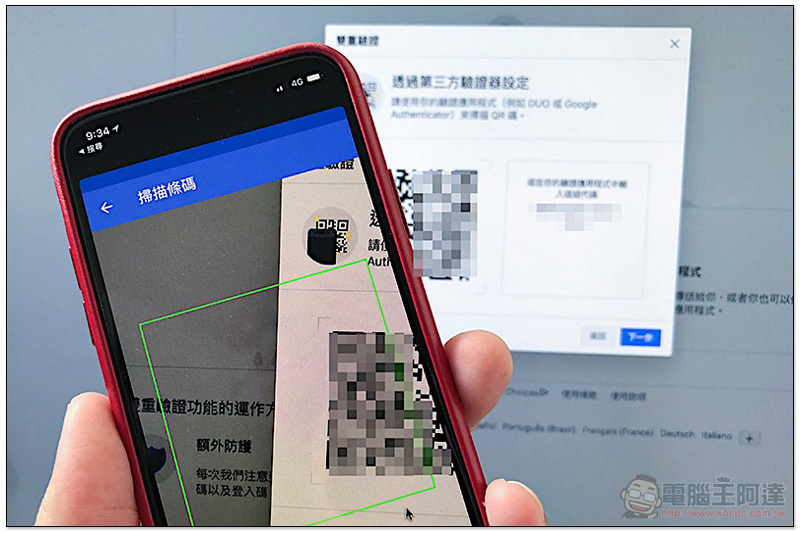
Also, enable 2FA (two-factor authentication) and MFA (multi-factor authentication) where possible. Through the above two verification methods, even if a hacker obtains your user name and password from leaked data, he will not be able to fully log into your account.
Set up separate Wi-Fi for guests
Developing good Internet habits for everyone in the family goes a long way toward smart home security. In many ways, your security is often determined by the least secure person in your environment. However, not everyone who visits your home is security-conscious. In some cases, you may need to allow guests to access your Wi-Fi. Unfortunately, you can’t be sure if someone has malicious intentions, and giving less trustworthy people access to your home Wi-Fi can leave you exposed.
Setting up a guest-only Wi-Fi network is one way to allow guests to use the network while reducing risks to your home. Guest Wi-Fi allows people to get online while still maintaining a level of isolation from your personal or smart home devices. In addition to your own Wi-Fi name and password, you can also manage network-related resources for other separate guest Wi-Fi networks, such as parental controls, time limits, or bandwidth control. These functions can be set in the APP used with newer routers. If you have frequent visitors in your home or studio, you can also use the old router as a dedicated router for guests after you decide to replace it with a new one.
Partition your smart home tools
Similar to adding a guest network, you can also consider moving some smart devices to a different Wi-Fi network. Unlike computers, smart home devices often don’t have built-in anti-virus capabilities, not to mention that some devices are more susceptible to viruses than others, such as smart TVs, so they are often used by unscrupulous parties as entry points to other devices in the home that are more difficult to hack.
To add a layer of isolation between less secure smart home devices, you can choose to split your Wi-Fi. Once you do this, some of your smart home devices are actually on a different network than other devices that may contain more sensitive information, such as computers or phones. Similar to guest Wi-Fi setup, this can be done with the help of a second router dedicated to higher-risk smart home devices.

Replace smart home devices that are no longer supported
With the rapid advancement of technology, smart home product manufacturers launch newer and better product versions every year. Although many products can still be used for many years after the upgraded version is launched, some brands will use some small means to attract people to buy new products, including no longer providing firmware updates. At best, the lack of support is a minor inconvenience, such as not being able to use the latest features or hitting performance limits. In the worst-case scenario, these devices no longer receive security updates, potentially making it easier for viruses to penetrate.

While above we’ve listed a few ways you can try to make your smart home products less vulnerable to hackers, it’s important to note that your online habits also have a huge impact on overall security. While smart devices can be a gateway for hackers to break into your home network, they are not the only way. Therefore, you must pay special attention to your web browsing, downloading of applications, and the links you click, be alert, and regularly update the operating systems of your home computers and mobile phones to block any intrusion loopholes from all aspects.
Source: KOCPC Chinese