


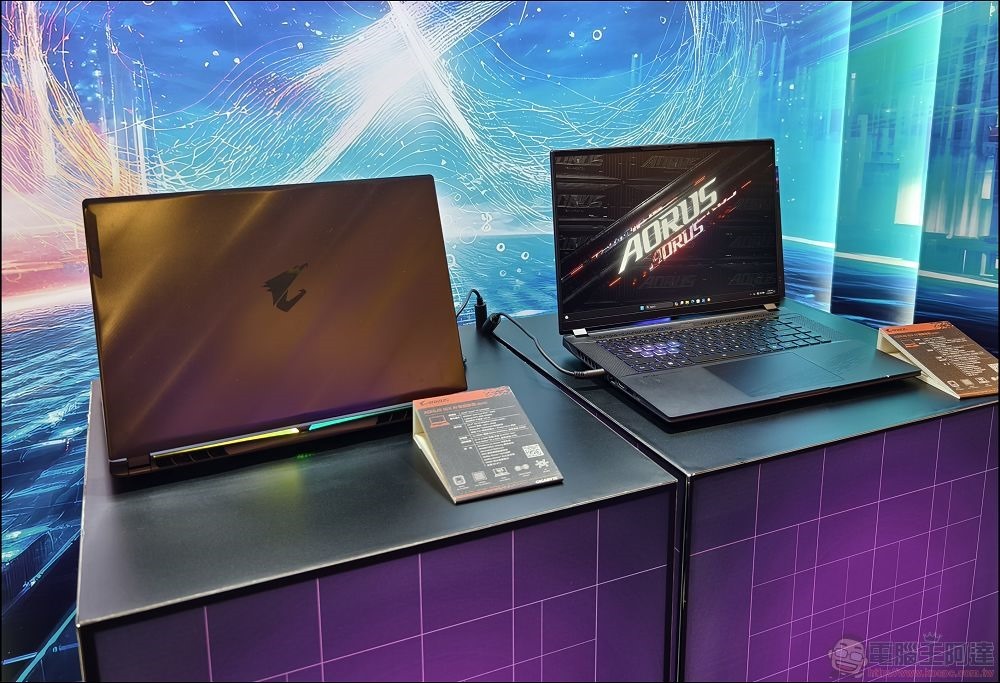
Are you planning to build a new computer? Are you in the market for a packaged computer or laptop for gaming? If you have a limited budget and don’t know how much storage space you need to buy, this time we have put together a key guide to help you find the answer. Of course, if you use it for games, we recommend you choose SSD storage, which is not only faster, but also better meets the needs of some large games.
How much storage space does a computer for gaming require?
Heavy gamers who like to install a large number of games: 4TB or more
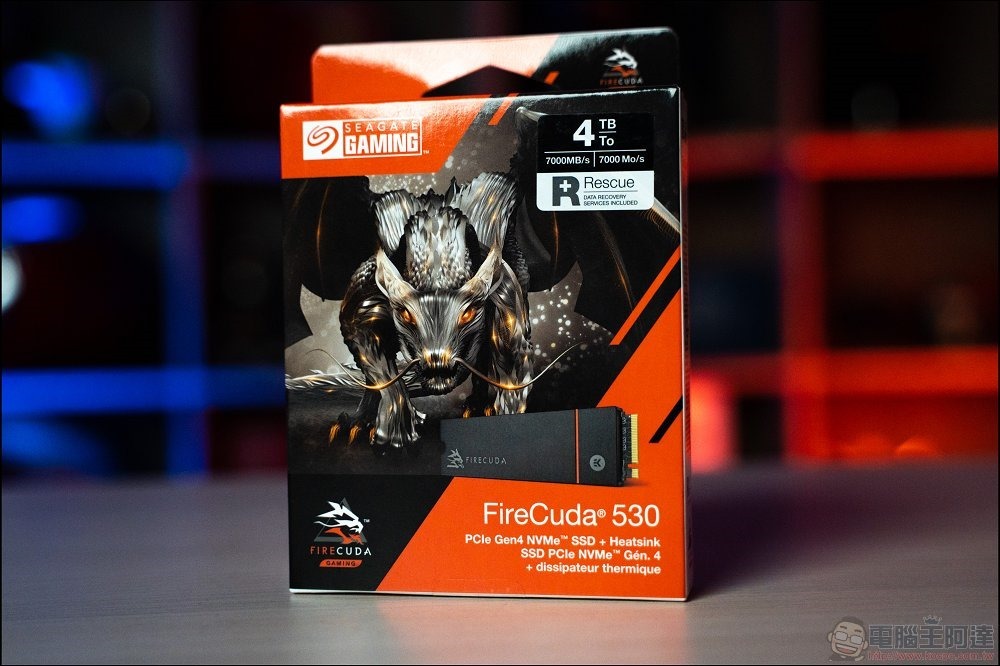
If you prefer that every time you buy a game, it must be installed on your computer. Every time you open a game, it is like choosing a concubine. If you are used to only installing and not deleting games, then it is recommended that you prepare an SSD with a capacity of 4TB or more. Even if you only play AAA games, this large capacity option is enough for you to install about 50 large games. If you don’t have to buy 3A, the 4TB storage capacity should be enough for you to install and run more than 100 games on your computer.
4TB SSDs these days are no longer as ridiculously expensive as they used to be, and if you need a large-capacity SSD for some reason, you definitely won’t lose money buying a 4TB one.
Best option for most gamers: 2TB
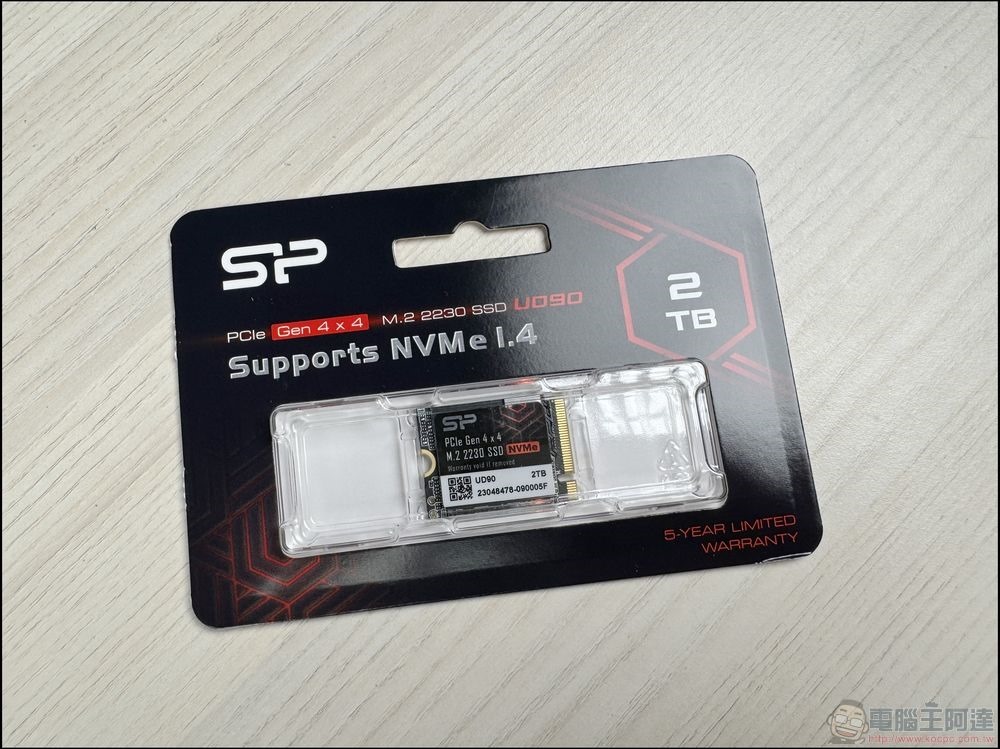
For the average PC gamer who likes both single and multiplayer games, as well as AAA and indie games, 2TB is the most average choice. Personally speaking, the computer has a capacity of 2TB. Every once in a while, I delete games that I haven’t played for a long time. Of course, I keep buying new games to install them. At least so far, I have not filled it up.
In terms of price, 2TB SSD is the capacity with the highest CP value, and the price is also very moderate, making it a very suitable choice for most people.
The most basic option: 1TB
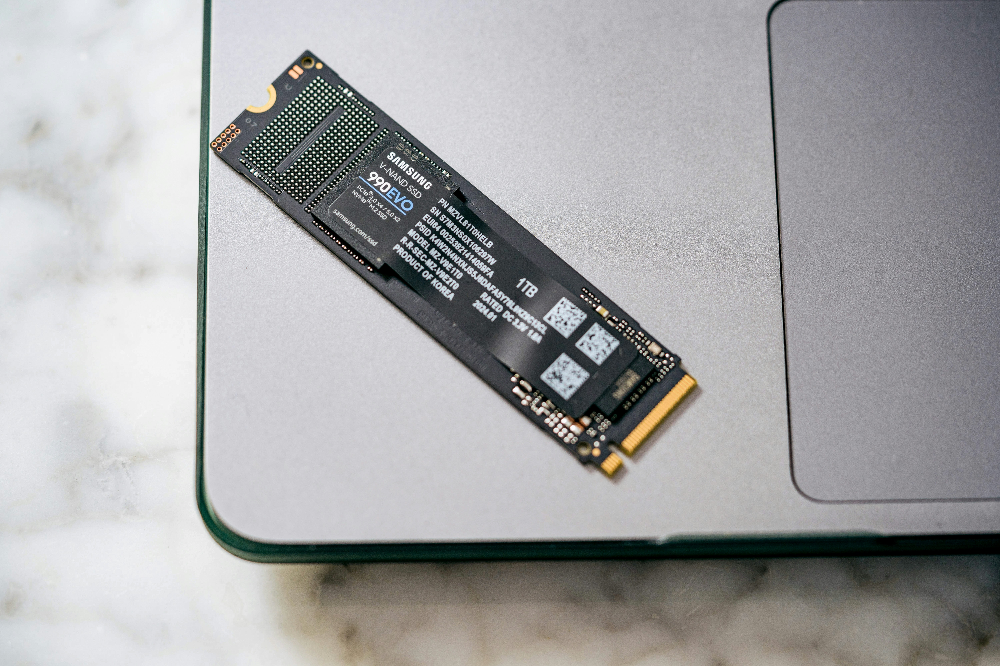
If you want to assemble your own computer, it is actually recommended that you install at least a 1TB SSD. The price difference between a 1TB SSD and a 500GB SSD on the market is not big now, giving yourself more storage space from the beginning. If you start with 500GB, you may fill it up with games soon and start spending money on a new expansion SSD and consider deleting some games.
Newbies & dedicated players who don’t play AAA games: 500GB
For starters, after taking into account the space in the system disk that must be used to store the Windows system, necessary applications, and personal data, you will probably end up with less than 450GB of space left to store games. If you like to play multiplayer games, it will take up more, and the available storage will drop to less than 300GB.
Realistically speaking, unless you plan to delete games regularly from the beginning to make room for new ones, 300GB is not enough for gamers. If you don’t play AAA games at all, or are a dedicated player who can play one game for more than 5 years, then this space is enough for you.
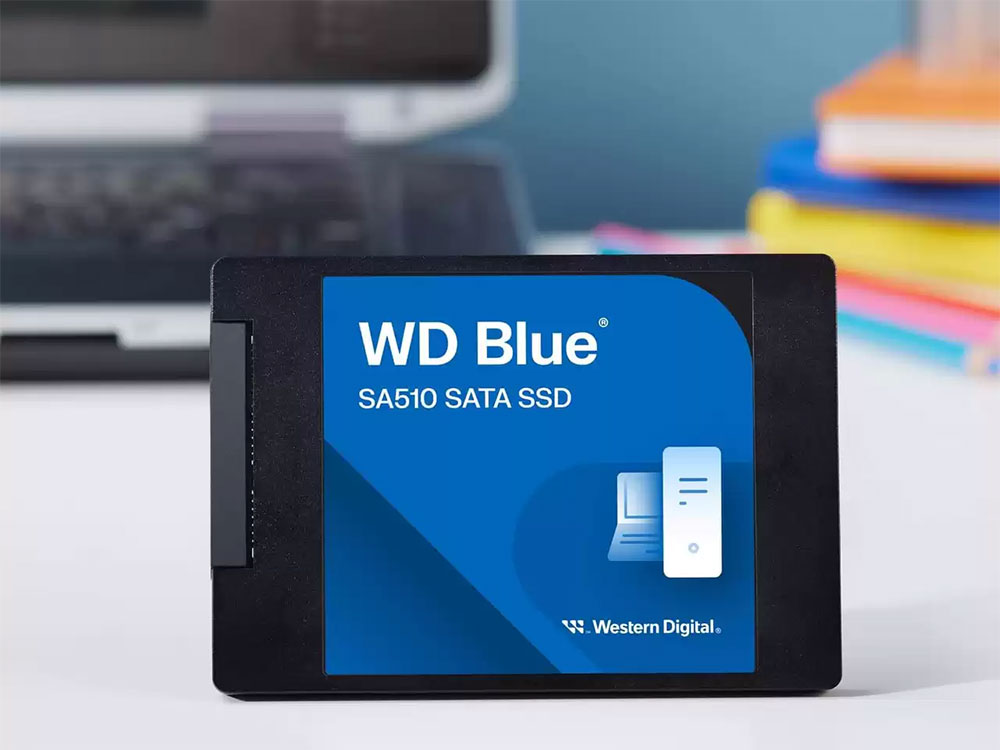
Do players still want to buy HDD?
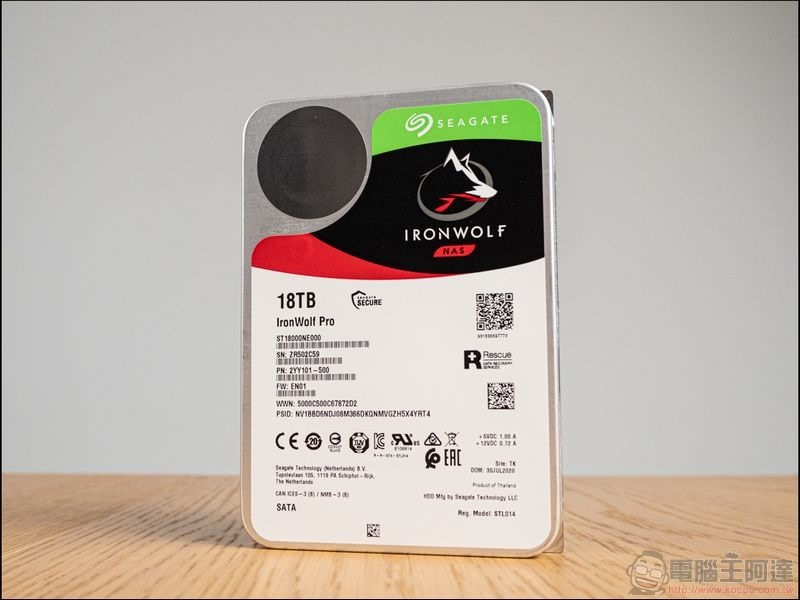
Many newer AAA games may run slowly or stutter at times when installed on an HDD because they are constantly transferring new data from the hard drive to RAM, and the HDD is too slow to transfer smoothly.
Generally speaking, HDD is very suitable for storing video files, backing up computers, or long-term storage of data that is not frequently read and written. It will be a temporary game storage solution for players with slow home network speeds or extremely lightweight players. HDD is also suitable for storing nostalgic games and indie games that have low hardware requirements. However, if it is a game that you often play recently, it is recommended that you install it on SDD for a better gaming experience.
In summary, of course, the more storage space, the better. You can load all kinds of game data as you like, but for ordinary computer gamers who don’t want to spend too much budget, the best choice is a 2TB SSD, so that you have enough space to accommodate new games while keeping old games that you rarely play.
Source: KOCPC Chinese