


After a computer has been used for a period of time, it will definitely store a lot of pictures and photos, and there is a high chance that there will be duplicate files, secretly occupying hard disk space, and it is very troublesome to compare them one by one by yourself. This article will introduce a free tool called “PixDuplicate” that can be run through a browser. It can quickly scan the specified location of the computer for duplicate pictures or photos, and all processing is done locally, without uploading to the server, which is very safe.
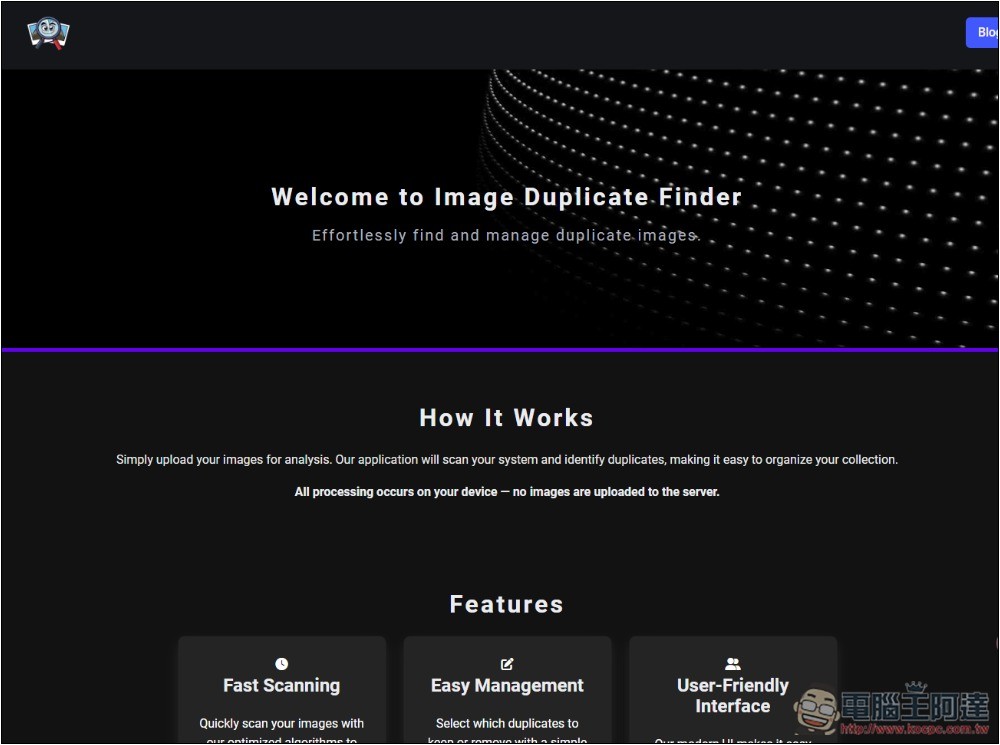
PixDuplicate is a free tool that scans your computer for duplicate photos or images.
PixDuplicate is a browser tool. The representative said that there is no need to install it, just open the browser and you can use it. Supports many image formats, including JPG, PNG, BMP, WEBP and GIF, with a maximum single file size of 40MB.
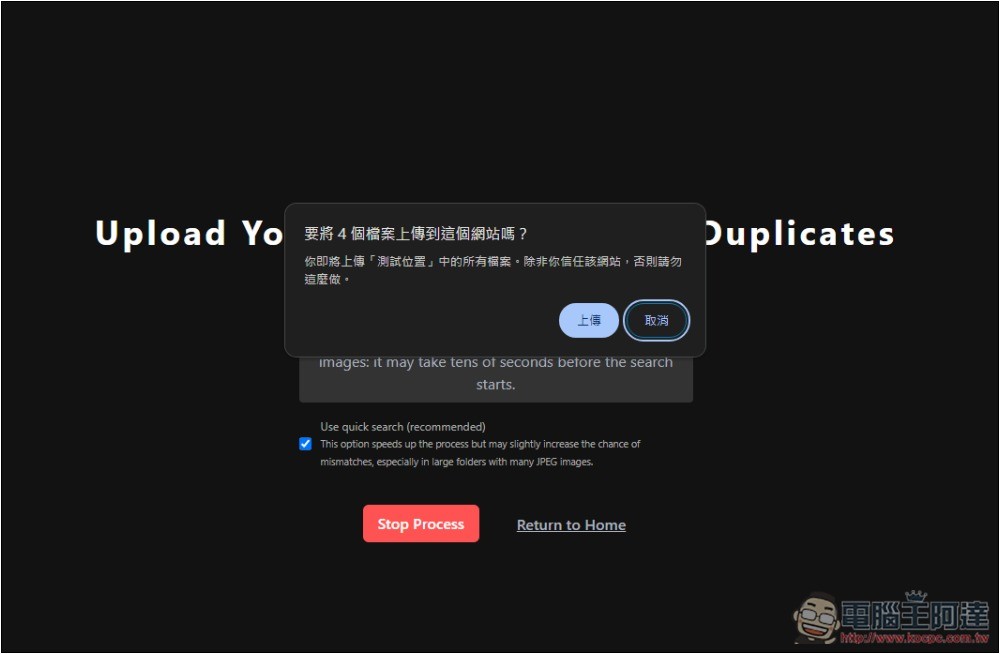
When scanning a picture, a reminder will pop up asking whether you want to “upload” it. In fact, it will not be uploaded. Most browser tools do this. All scanning processes of PixDuplicate are processed locally, so you can rest assured.
In addition, I also tested the iPhone and it can be used, but there is no way to specify the album when scanning. You need to manually specify the photos or pictures to be scanned. If you want to scan multiple photos, you must select each one. It is not very easy to use. The mobile version is not recommended to use this tool.
After clicking the link above to enter PixDuplicate, scroll down and you will see that there are two functions: “Scan One Image” and “Scan All Images”. The former scans the pictures or photos you specify for duplicates, and the latter scans the specified folder for duplicate pictures or photos:

Scan One Image At the top, select the image you want to know whether there are duplicate files, and at the bottom is the folder to be scanned:

Scan All Images directly specifies the folder you want to scan. It will look for duplicate images and list them all at once:
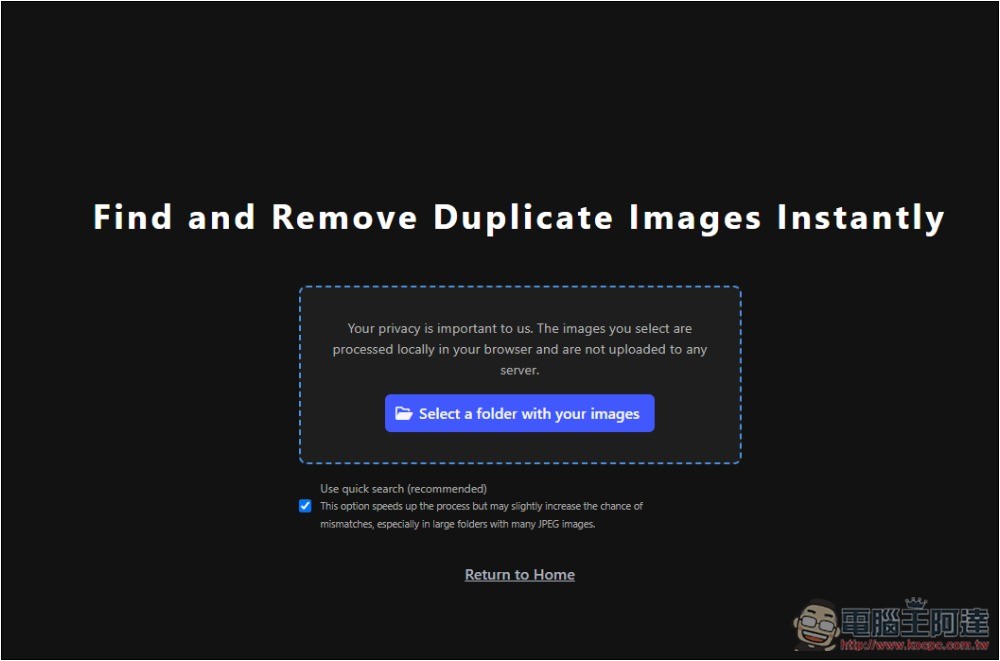
When you click Scan, x files will pop up based on the number of files in the folder you specified and will be uploaded to this website. As mentioned before, they will not actually be uploaded:
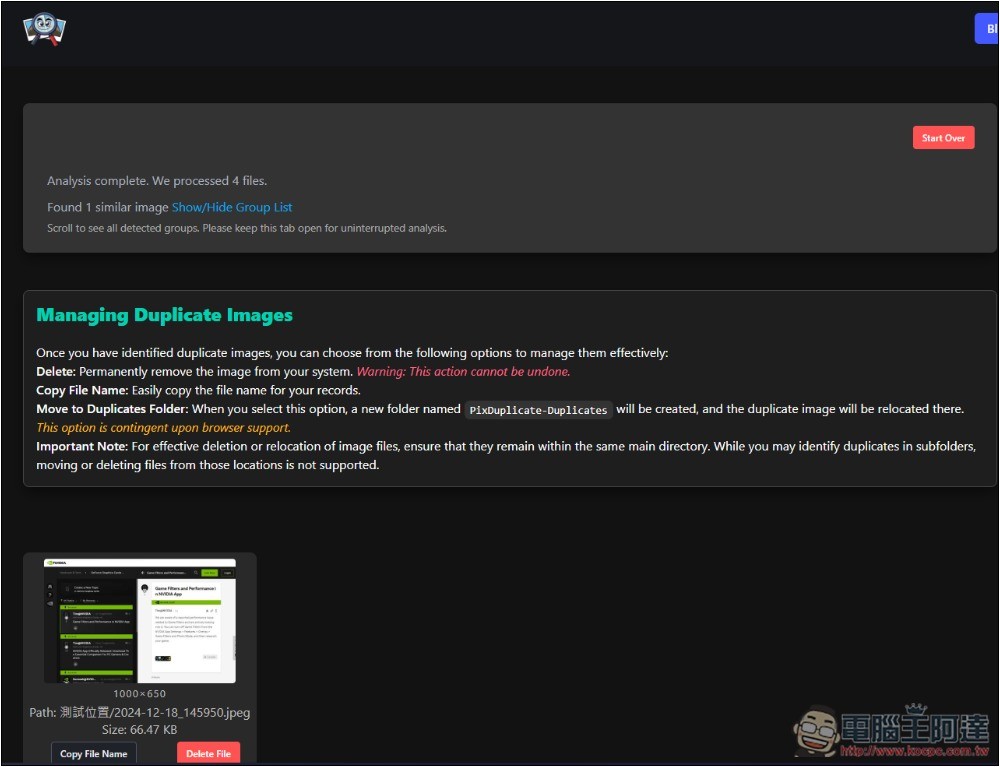
I tested Scan One Image and found duplicate images in the folder I specified. The top also displays how many duplicate files were found and how many files were scanned:
In addition, I tested Scan All Images and found that if the image content is very similar, it may still cause misjudgment, such as the second picture below. Even if the picture is small, you can still clearly see that it is a different screenshot with the naked eye:
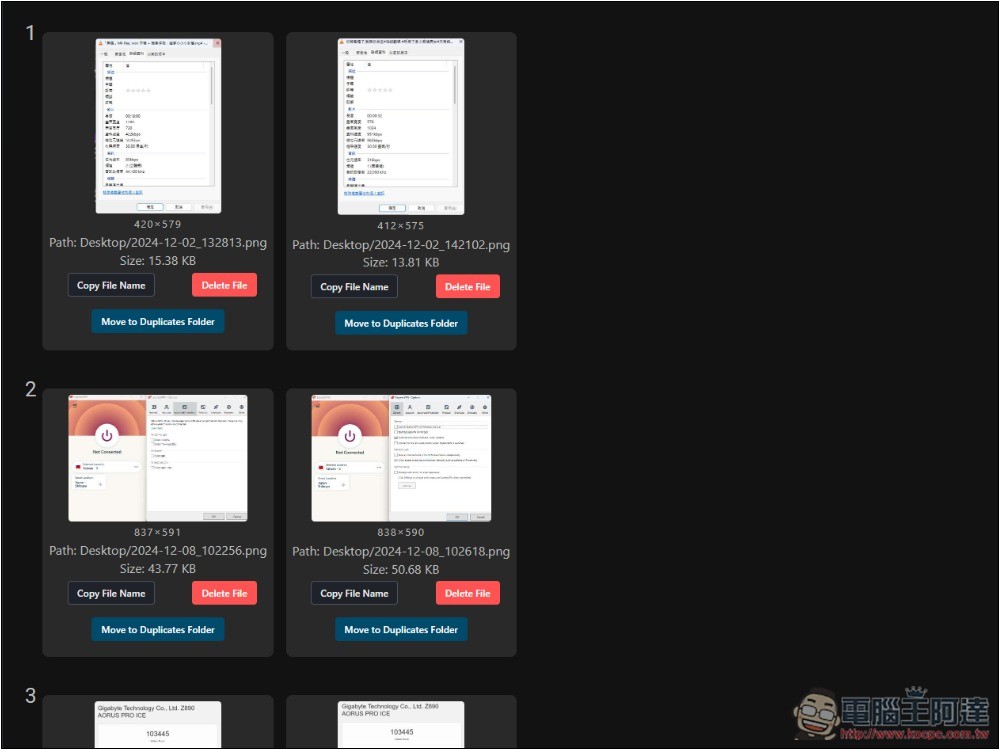
Although it provides a Delete File button for each picture, I couldn’t delete it directly in my test. Instead, it might crash the tool page, so it is not recommended.
You can find the duplicate image from the path and file name below the image, and then delete it.
In addition, according to the developer’s explanation on Product Hunt, he is currently developing an offline PWA function so that people who do not have access to the Internet can use it, but it is not yet known when it will be launched.
In any case, if you are still worried about pictures being uploaded, it is recommended to install an offline tool.
Source: KOCPC Chinese