


Nowadays, many people use videos to record the big and small events in their lives. Therefore, not only professionals, but also ordinary people often need to edit videos. There are many choices on the Internet. Which ones are useful and recommended? I believe many people have this question, and this article will help you compile a list of 16 well-known and very good ones, both free and paid, supported by Windows and Mac versions, and there are also options without watermarks.
Recommended list of 16 video editing software
1. Movavi Video Editor Plus
- Supported platforms: Windows, Mac
- Download page:Click here to go
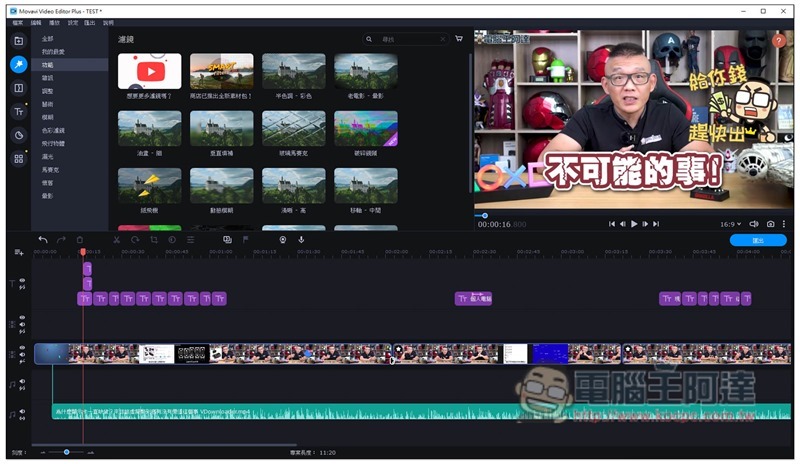
Movavi Video Editor Plus is the most recommended video editing software in this list. It is available in Traditional Chinese and does not require high computer specifications. The interface layout is similar to that of most software. The location of each function is also very intuitive. It is very easy to use. It took me almost no time to get familiar with it when I first used it. There are also shortcut keys for commonly used functions, such as pressing Ctrl + B to split. Once you get used to it, the editing time can be greatly reduced.
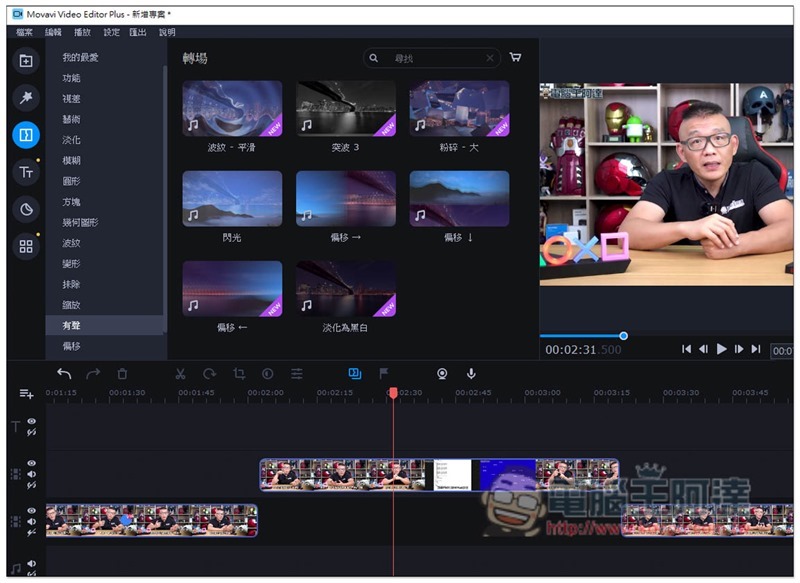
There are also a lot of material libraries provided, including filters, transitions, stickers, background images, etc. Especially for transitions, there are at least 50 or more choices, and many of them are transition animations that are often seen in professional videos. You can apply them to your own videos with just one click, and you don’t need any professional skills or knowledge. This is really great:
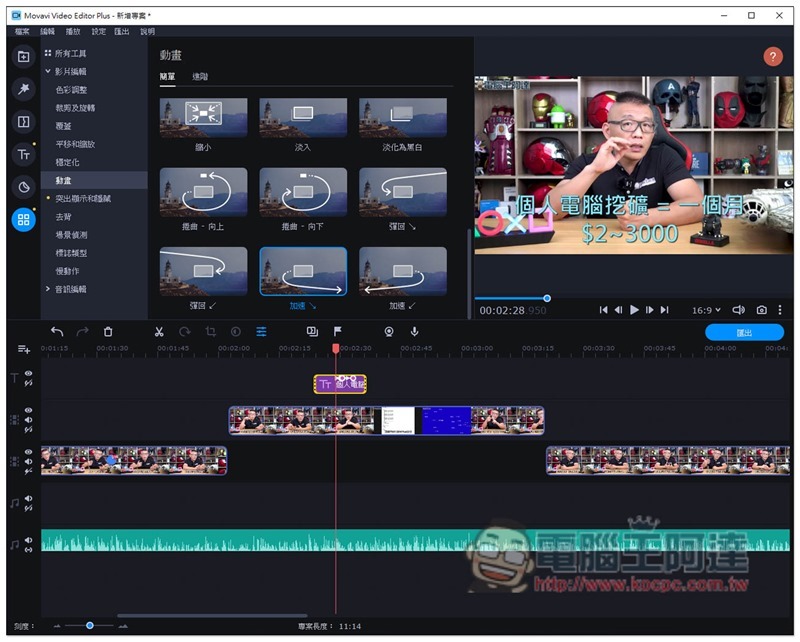
In addition, there are some object animations, such as text sliding down from the middle and disappearing. There are also 27 commonly used animations built in. You only need to drag it to the object to complete. Not only does it save a lot of trouble, but it can also add more richness to your videos for those who don’t know how to animate:
What also surprises me is that at this price point, I didn’t expect that it also has hardware acceleration technologies such as AMD, Intel, and NVIDIA. This is very important when making videos and outputting them. I have tried to apply multiple special effects to the entire video and play the video preview, and the speed is still smooth. It supports almost all output formats, including MP4, AVI, MOV, WMV, MPEG, MKV, etc., as well as MP3, AAC and other music formats. For those who run YouTube channels, this product can also directly upload to platforms such as YouTube and Viemo, which is very convenient:
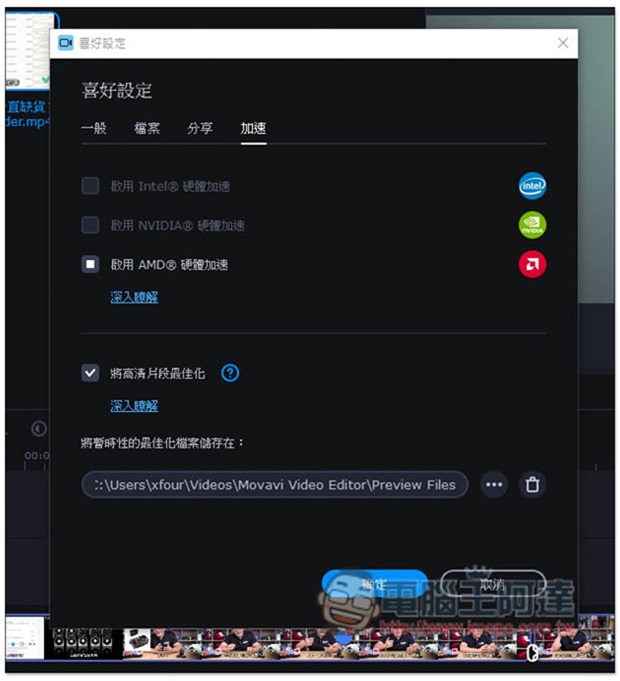
A free trial version is provided, but it is highly recommended to buy the paid version, because compared with other models, the price of Movavi Video Editor Plus is really cheap, even for the lifetime version, the CP value is very high.
Download Movavi Video Editor Plus
2. Pinnacle Studio
- Supported platforms: Windows, Mac
- Download page:Click here to go
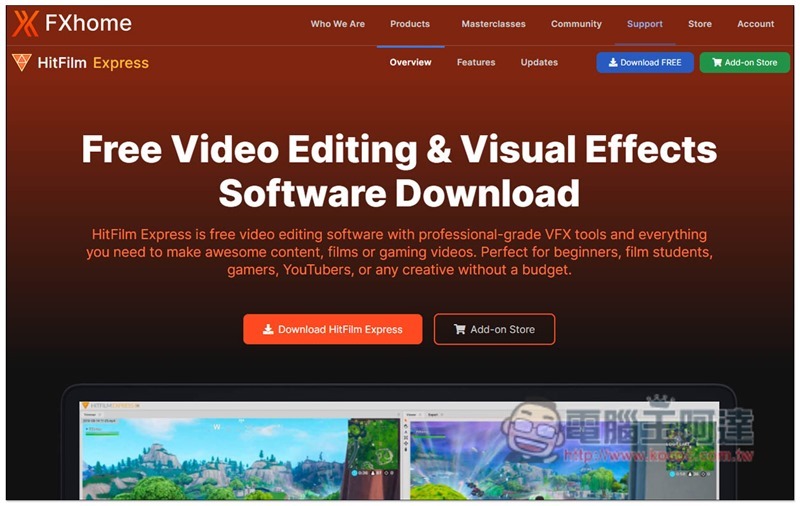
Pinnacle Studio is a video editing software that is relatively well-known abroad, but it only has an English interface, so it may be difficult for people who are not good at English to use it. In addition to editing functions, it also provides many practical functions, such as: picture color correction, copying objects in videos, eliminating objects, and movie-level transition effects.
There is a free version, but it only has a 30-day trial period. After that, you have to pay to upgrade before you can continue to use it.
3. Capcut
- Supported platforms: Windows, Mac
- Download page:Click here to go
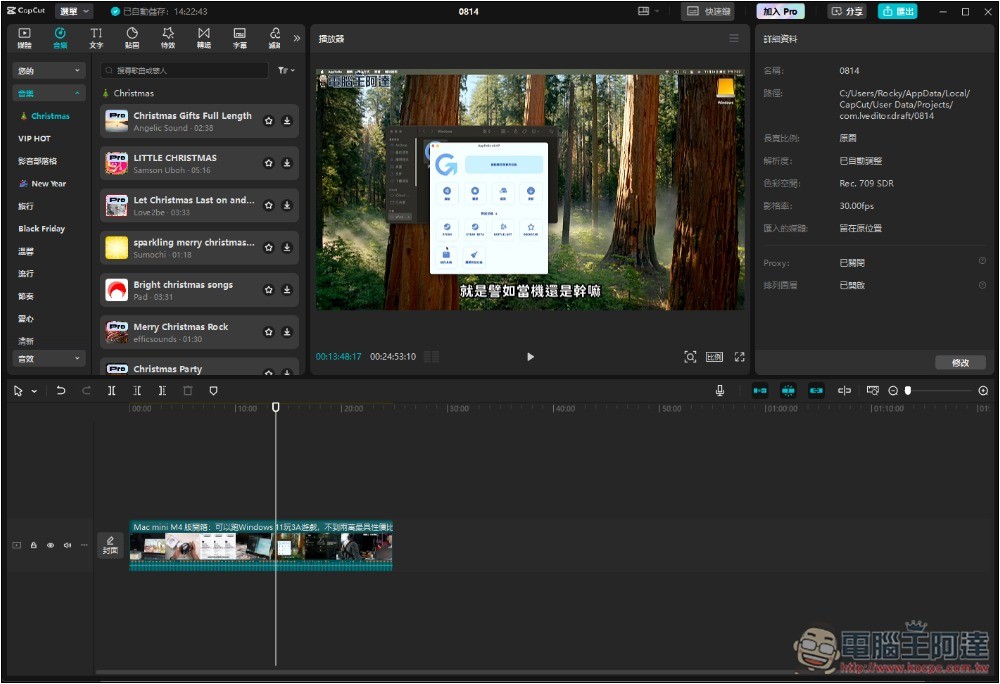
Many of you may have heard of Capcut, which is also known as Capcut. It is a well-known Chinese video editing software that provides a lot of free materials, such as soundtracks, textures, special effects, and transitions. It even supports AI generation, but this requires additional payment to use.
It has basic editing functions, and it also supports Traditional Chinese, so you don’t have to worry about not being able to understand it, it’s quite easy to get started.
However, compared to the past, there are not so many free materials in Capcut now, and many of them require additional payment to use, especially high-quality materials. There is no lifetime buyout version, only a subscription system, which will cost a lot of money in the long run.
4. Easeus Video Editor
- Supported platforms: Windows, Mac
- Download page:Click here to go
Easeus Video Editor is a video editing software suitable for novices. It has an easy-to-use interface and provides basic editing functions and material libraries. However, it does not support hardware acceleration technology and does not have many advanced features. It can output MP4, AVI, MOV, WMV, MPEG, MKV and other formats. The free version has some limitations, such as watermarks, not all material libraries available, and no 1080p video output.
5. DaVinci Resolve
- Supported platforms: Windows, Mac, Linux
- Download page:Click here to go
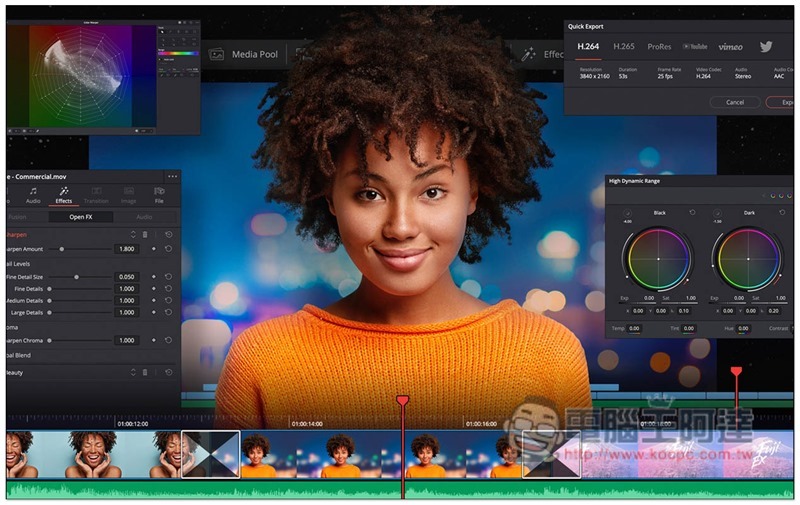
DaVinci Resolve is a set of multi-functional free software that integrates video production, color correction, visual effects and sound effects post-production. The operation is somewhat complicated and it may take some time to get familiar with it. In addition, the editing functions of this set are strictly auxiliary. The most powerful thing is the color adjustment, which allows you to adjust the colors like Hollywood movies. Of course, this requires certain professional skills to adjust.
6. Apowersoft Video Editor
- Supported platforms: Windows, Mac, web version
- Download page:Click here to go
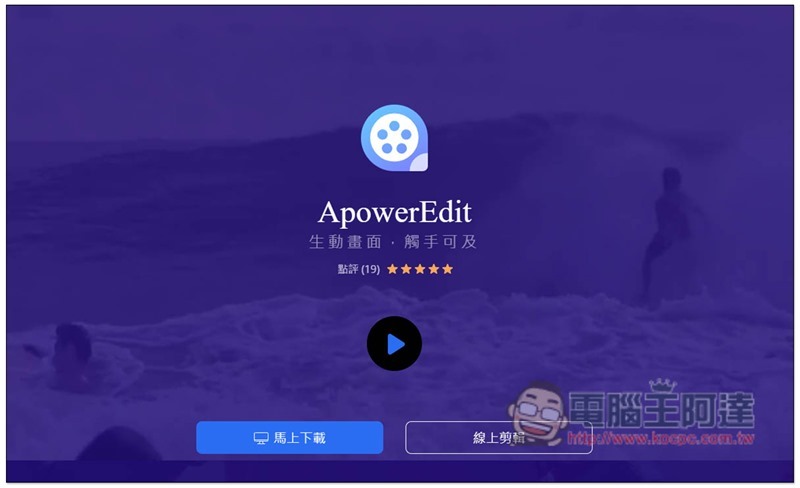
Apowersoft has a lot of software, the most famous of which are screen recording and format conversion. Video Editor is their video editing software, which is suitable for beginners. It has built-in special effects materials that allow you to easily create interesting home videos. It supports direct import from digital cameras, mobile phones and other devices. After production, it can be directly uploaded to social platforms such as YouTube and Twitter.
7. Filmora Video Editor
- Supported platforms: Windows, Mac
- Download page:Click here to go
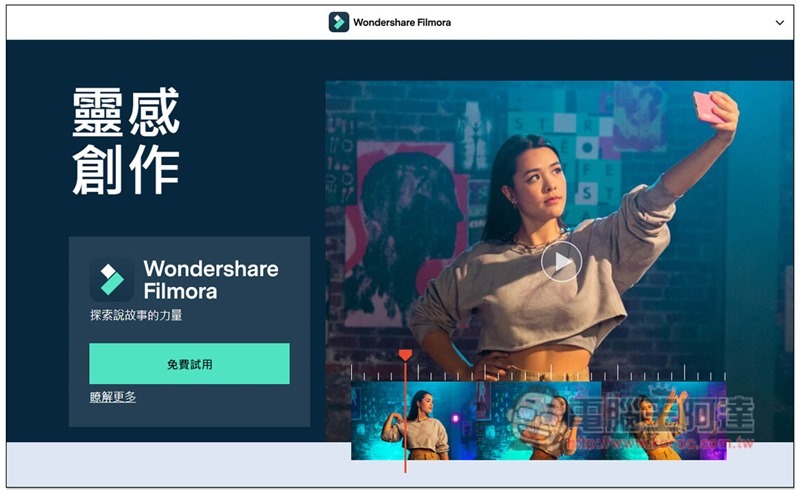
Filmora Video Editor is a perfect replacement for Windows Movie Maker and iMovie, which can meet general video editing needs. It also has more than 800 built-in stylish special effects, ranging from text titles, music materials, overlay effects and filters, to special effects. In addition, there are also practical editing tools such as frame rate, color adjustment, and picture stabilization.
There is a free version of this product. Although all functions can be used, the output will have a watermark and the entire material library cannot be used.
8. Adobe Premiere Pro
- Supported platforms: Windows, Mac
- Download page:Click here to go
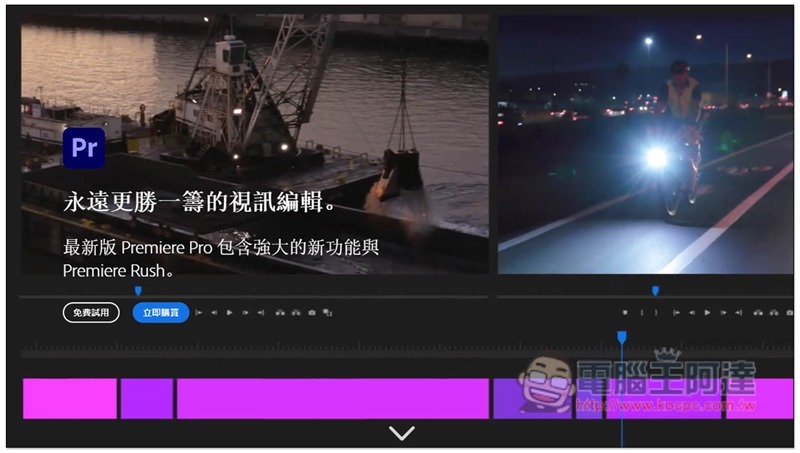
I believe many of you have heard of Premiere Pro. It is a professional video editing software launched by Adobe. The computer specifications must be of a certain level to run it. In addition to basic editing tools, it also provides many advanced functions, such as animation and video effects, built-in sound effects editing panel, Lumetri color tools, etc. It can also be used with After Effects.
However, because the functions are too powerful, it may be difficult for novices to get started. In addition, it is also a paid software, the price is not very cheap, and it adopts a subscription system, so there is no one-time buyout.
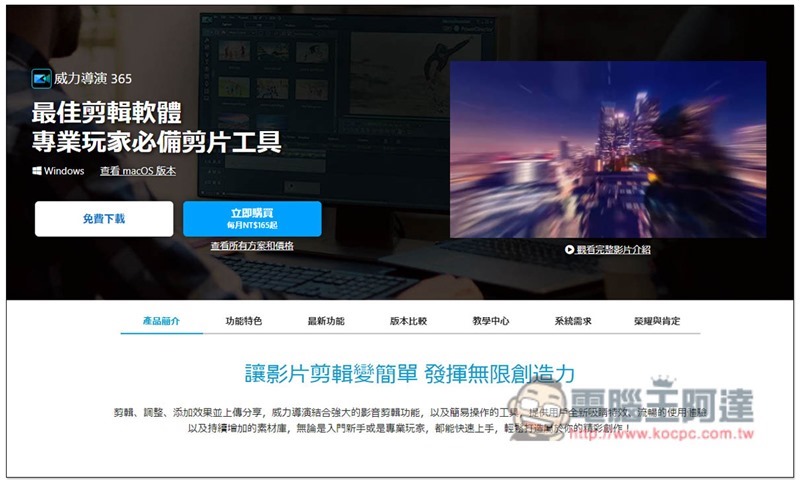
9. Cyberlink Video Editor (PowerDirector)
- Supported platforms: Windows, Mac
- Download page:Click here to go
PowerDirector should be familiar to everyone. It is also a feature-rich video editing software with an easy-to-use interface. There are many material libraries that can be directly applied. Subscribers even provide resources from the well-known Shutterstock material network. However, the disadvantage is that the price is a bit high, and the one-time purchase version lacks many attractive functions and resources.
10. Shotcut
- Supported platforms: Windows, Mac
- Download page:Click here to go
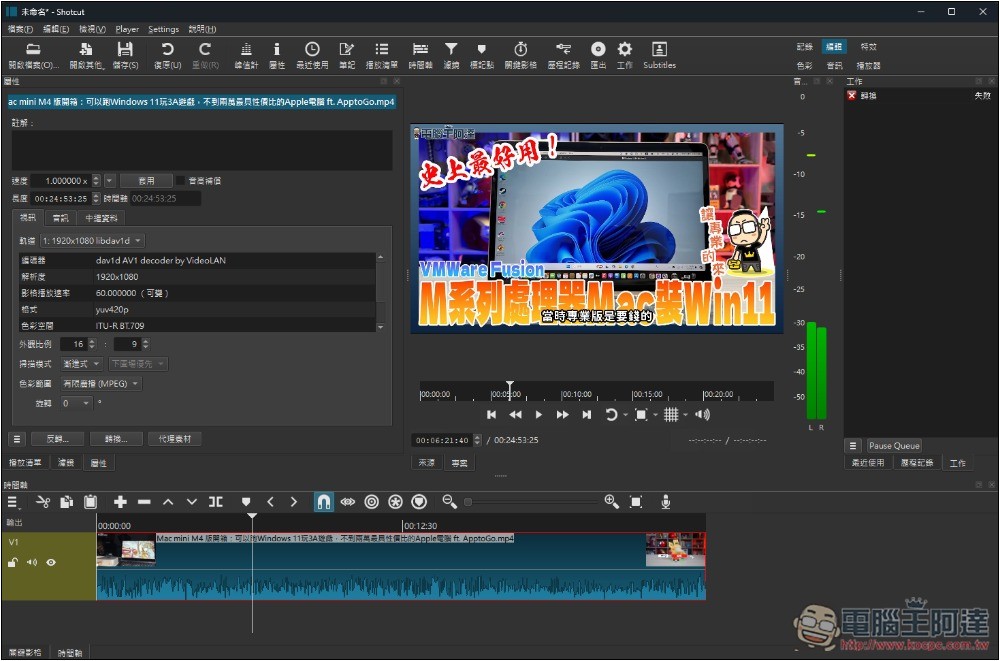
Shotcut is a cross-platform open source video editing software that can not only be installed on a computer, but also provides an installation-free version, which is very rare among editing software.
If you only need simple editing functions, such as merging multiple video clips and removing certain clips, this set is good. But if you want to make your videos richer, Shotcut is not recommended at all because it doesn’t have any built-in materials and you need to find them yourself.
More importantly, the operating interface is not easy to use. It took me a while to figure out which functions are where and how to use them. For those who have never used editing software, it may be more difficult.
11. Lightworks Video Editor
- Supported platforms: Windows, Mac
- Download page:Click here to go
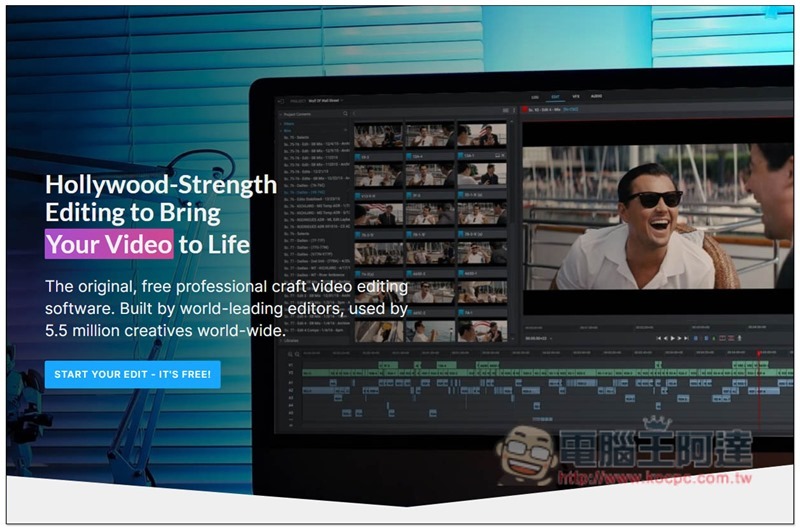
Lightworks Video Editor is a very old video editing software. It has free and paid versions. The free version can use almost all editing functions and has no watermark. The disadvantage is that the output quality is only up to 720p, and the paid version is not cheap.
12. Corel Video Studio

- Supported operating system: Windows
- Download page:Click here to go
Many people should have heard of the name VideoStudio. It is a fairly old video editing software. As far as 2023 is concerned, I think the operating interface still has room for improvement. The editing functions are quite rich. There are many built-in transition effects, practical filters, sound effects prompts, 3D Titler function, facial recognition technology, etc., as well as a voice-to-text tool that allows you to quickly add subtitles. However, there are many paid versions of this product, such as home version, professional version, and flagship version. The functions available in each version are different, which is a bit complicated. You need to register an account before using it. When I installed it for the first time, garbled characters appeared. It seems that the software support is not that good.
13. NCH Videopad
- Supported operating systems: Windows, Mac
- Download page:Click here to go
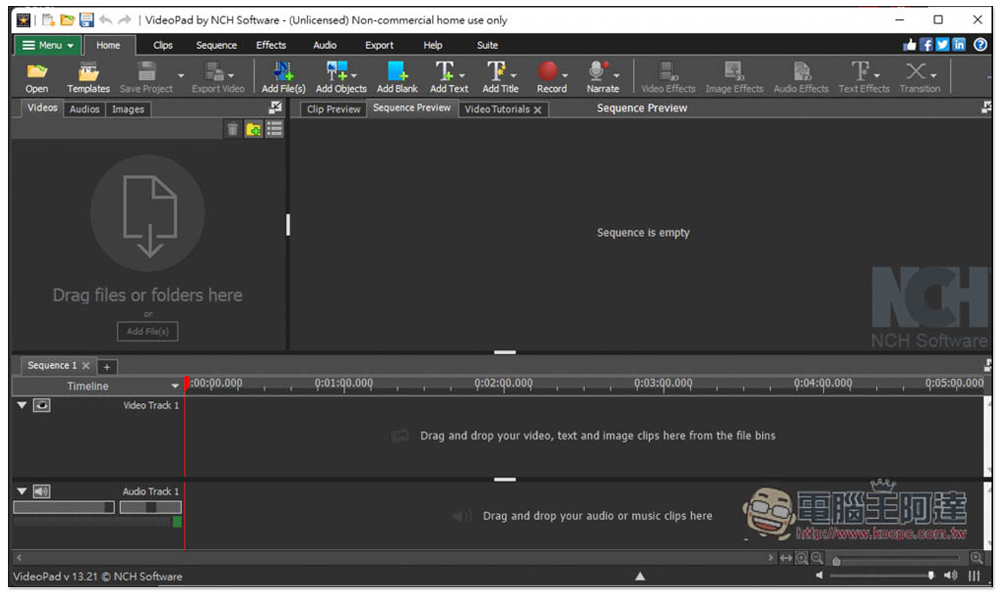
The interface of NCH Videopad is a bit cheesy, but it’s easy to use. It also has built-in tutorial videos so that new users can quickly understand how to use it, but it doesn’t support Chinese. Basic editing functions are available, including color control, video shake reduction, 3D editing, and transition animations. There are also some built-in sound effects available. As a professional editing software, NCH Videopad still lacks some important functions, such as advanced special effects and filters. The automatic subtitle generation through speech recognition also needs to be improved, but it is not very accurate.
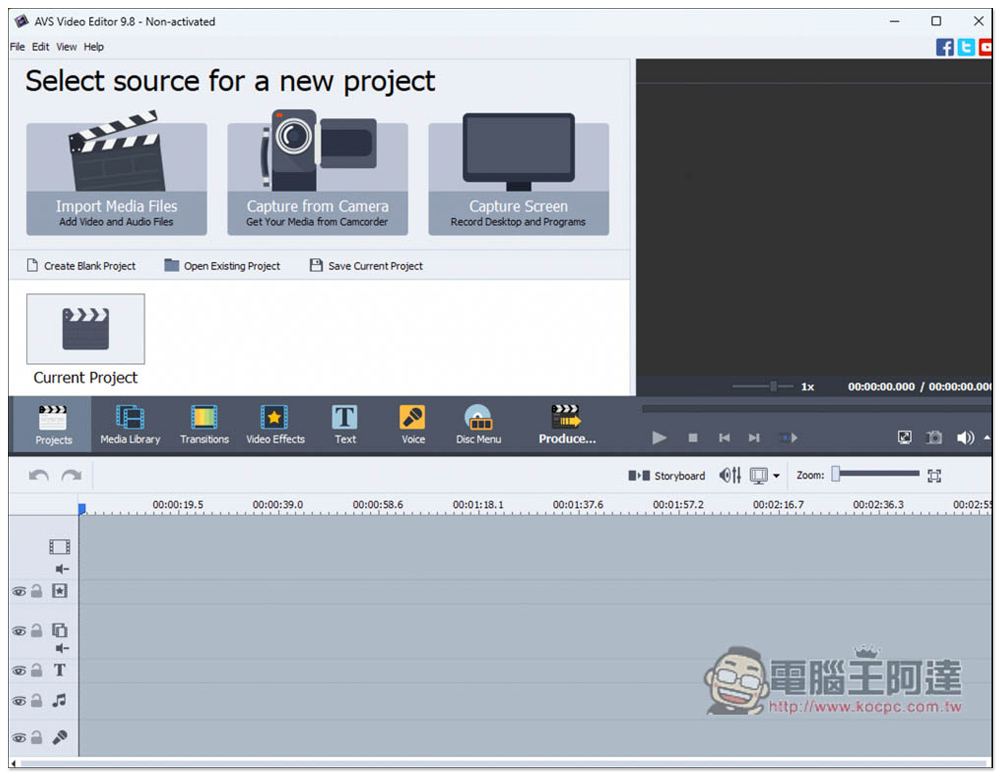
14. AVS Video Editor
- Supported operating systems: Windows, Mac
- Download page:Click here to go
AVS Video Editor is also a simple-to-operate video editing software. When you open it for the first time, a tutorial video will appear and an official website link will be provided to facilitate users to learn operating knowledge. However, it is not currently available in Chinese, which may be difficult for people who are not good at English. It has built-in rich transitions, effects and titles, which are very useful for editing videos. The output quality of the videos I tested is not as good as other models, so please note this.
15. Camtasia
- Supported platforms: Windows, Mac
- Download page: Click here to go
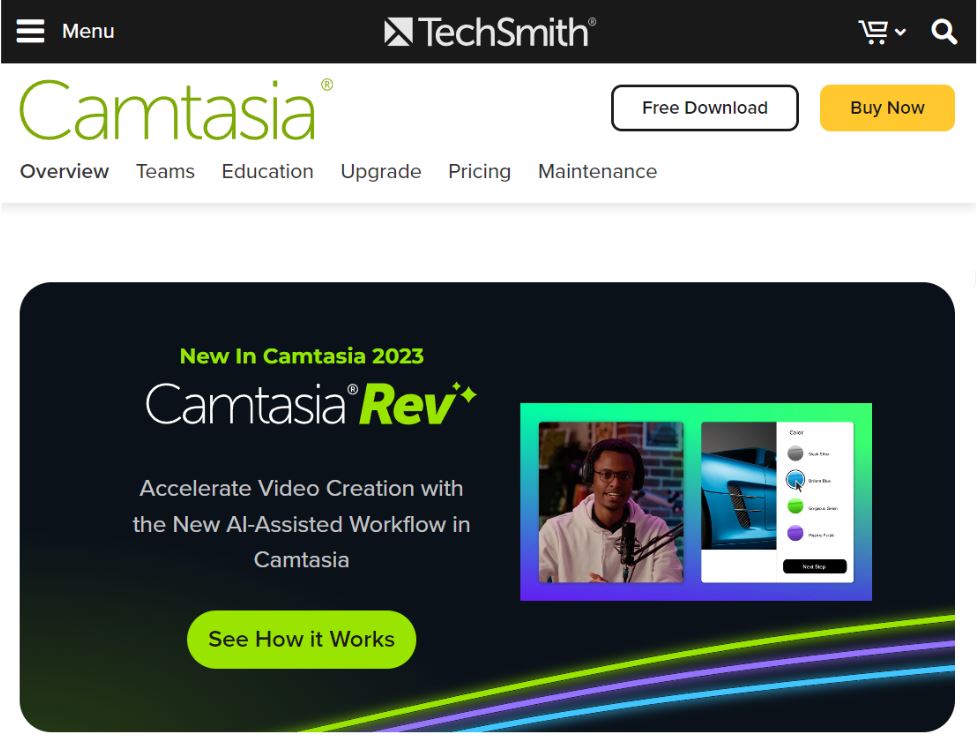
Camtasia is a two-in-one software that includes a video editor and a screen recording tool (Camtasia Screen Recorder & Video Editor). Its video editing usage is quite streamlined. The operator only needs to focus on the work at hand and will not be interfered by superfluous things. Compared to professional video editing software full of advanced features, Camtasia is more suitable for beginners and is relatively affordable. Users can apply a wide range of royalty-free stock footage, music, and special effects to easily produce professional-looking videos.
Another user group of Camtasia will start with screen recording, which is another of its well-known tools. This function is helpful for making instructional videos, and can quickly turn practical operations into applications such as webinars and online courses.
The shortcomings of this app include: only providing basic video editing functions and no Traditional Chinese user interface.
16. HitFilm
- Supported platforms: Windows, Mac
- Download page: Click here to go
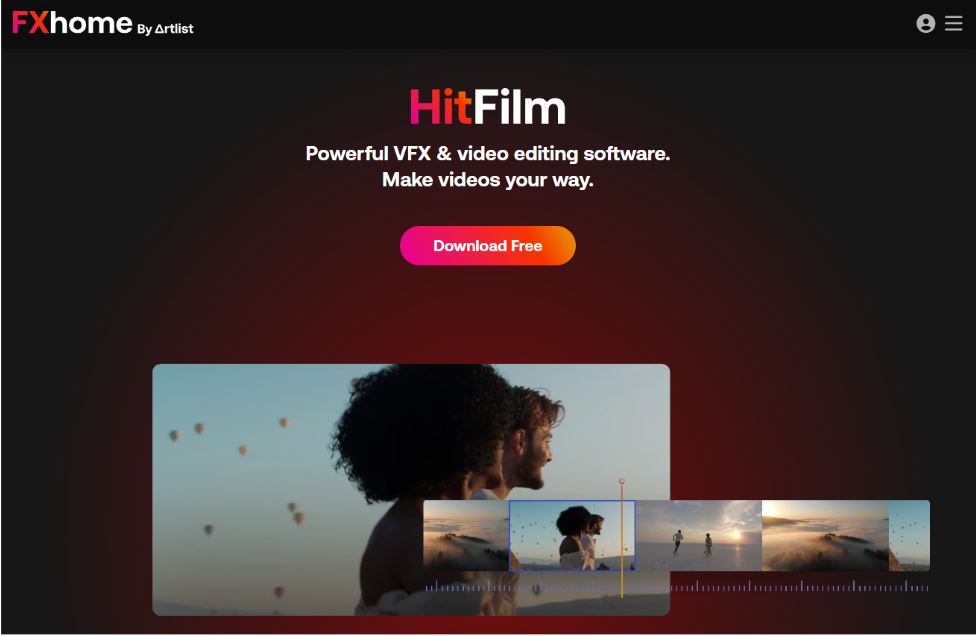
HitFilm is a free computer version of video editing software, published by FXhome by Artist, which supports two operating system platforms. It is suitable for beginners, students and self-media workers. This app has a variety of built-in visual effects. Using them in your videos will produce a great eye-catching effect.
This product adopts a three-level rental strategy. The free version of HitFilm Free only provides limited functions and material libraries, for example: 5 templates + 25 special effects + 10 songs, but it can only perform basic editing and output to 720P HD. The HitFilm Creator in the middle can use Imerge Creator and output it as a 4K video, and can use more material library content. The highest version, HitFilm Pro, incorporates 3D special effects and can use an additional 6 pieces of software and the largest amount of materials.
The shortcomings of this software include: it requires a computer with higher specifications to run it, and the free version has more functional limitations.
Summarize
The above is the list of currently recommended video editing software. For most video editing needs, Movavi Video Editor Plus is quite good and can satisfy all aspects. Especially for friends who don’t know much about video editing, there are many built-in materials and special effects that you can use with one click.
Source: KOCPC Chinese