


As the picture quality of iPhones gets better and better, many people now take a lot of photos every day, especially when going out, and everyone must want to take beautiful photos. If you are not confident about how to pose or adjust the poses, “Photography Poses” is worth trying. It contains more than 15,000 photo poses, ranging from individual, group, family, newborn, and pet photos. It even provides information on the camera settings used to take specific photos.
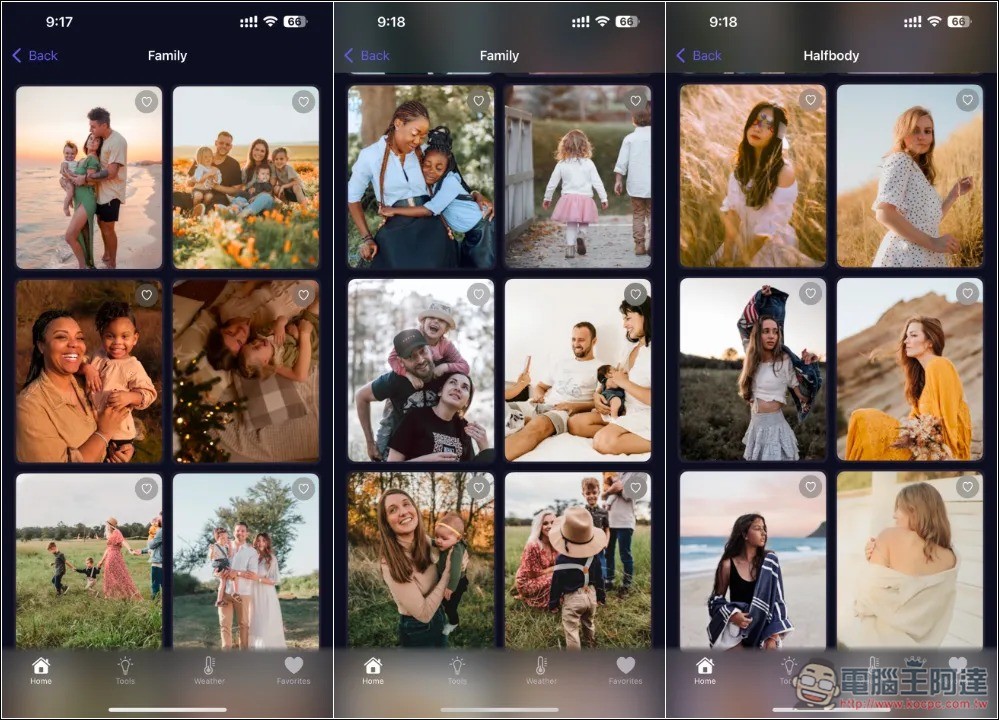
Photography Poses contains more than 15,000 photo poses for various situations
Photography Poses is a comprehensive posing tool that is billed as specially designed for photographers. It has more than 15,000 pose suggestions and detailed instructions to meet various shooting needs. It has a free version, but it can only use basic functions, and the lifetime version is $99.
After opening Photography Poses, if there are still limited free activities, an Apps Gone Free screen will pop up, which says that the lifetime version is only free for a limited time for one day, press Continue:

Confirm whether 100% OFF is displayed and cross out the amount. After pressing Continue, check that there is no amount when obtaining. This step is very important. If there is, do not press Get. After completion, “Your purchase has been successful” will pop up, which means that the lifetime version has been obtained:

When you scroll down on the home page of the app, you can see various categories of postures. There are many categories, such as family, pets, couples, newborns, graduation photos, groups, weddings, pregnant mothers, half body, whole body, head, sitting, standing, etc.:

After entering any category, you can browse all poses and suggested photos. For example, the family pictured below has a variety of situations, from outdoors, at home, to the beach, to the forest, and the number of people ranges from 2 to more than 5 people. There are so many of them, they are definitely enough for you:
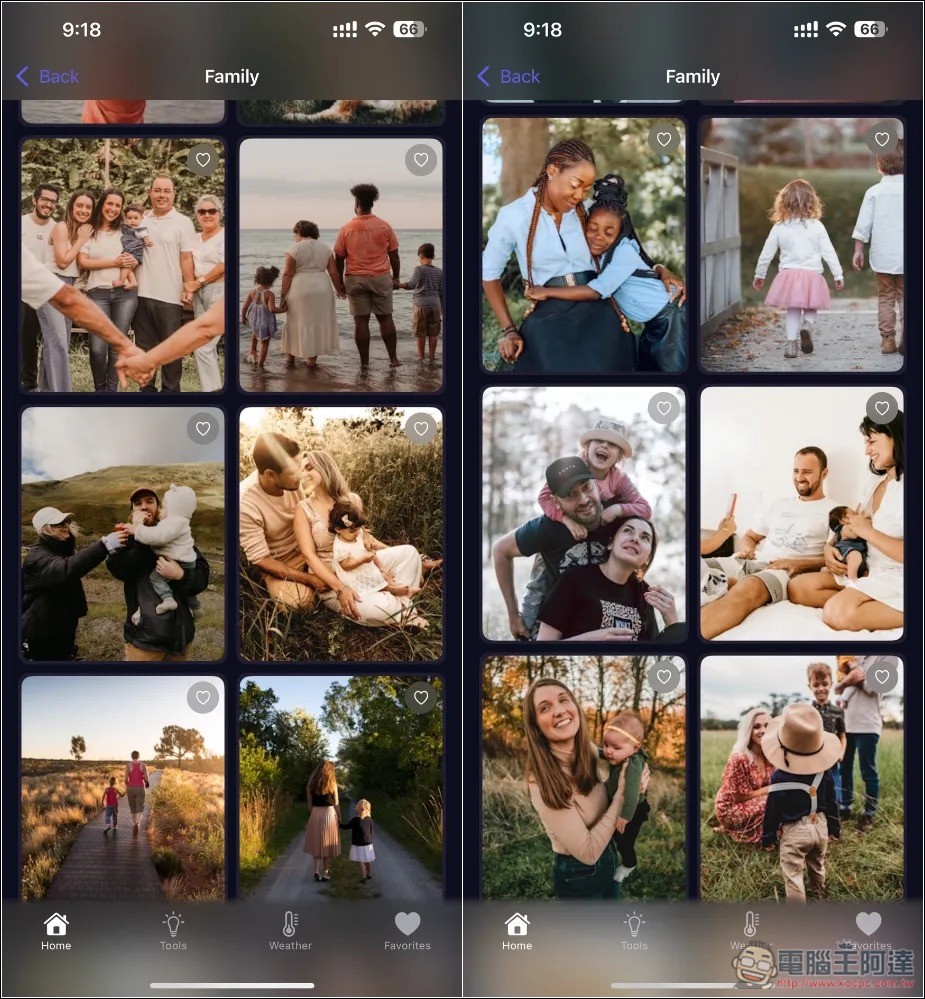
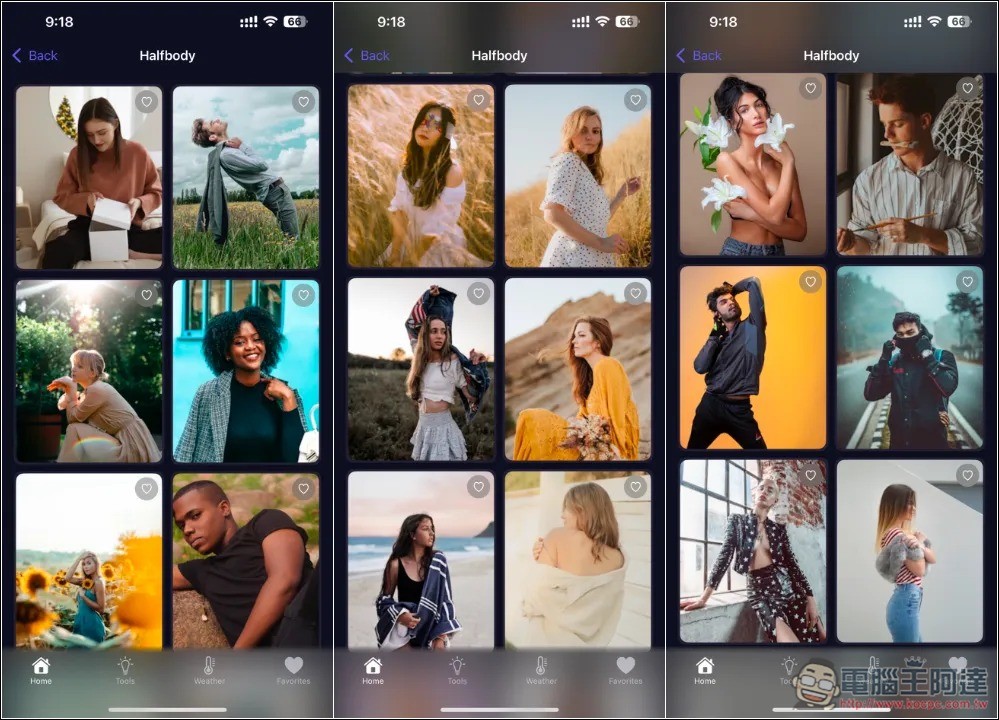
Half-length photos should be quite practical for many people. If they don’t know how to take natural and beautiful photos, just open this app and find a favorite action to take:
If you are worried about whether you have obtained the lifetime version correctly, you can go to the settings and check if PhotoX Premium is written above, and then click Manage subscription. It is correct if it says Free Lifetime:

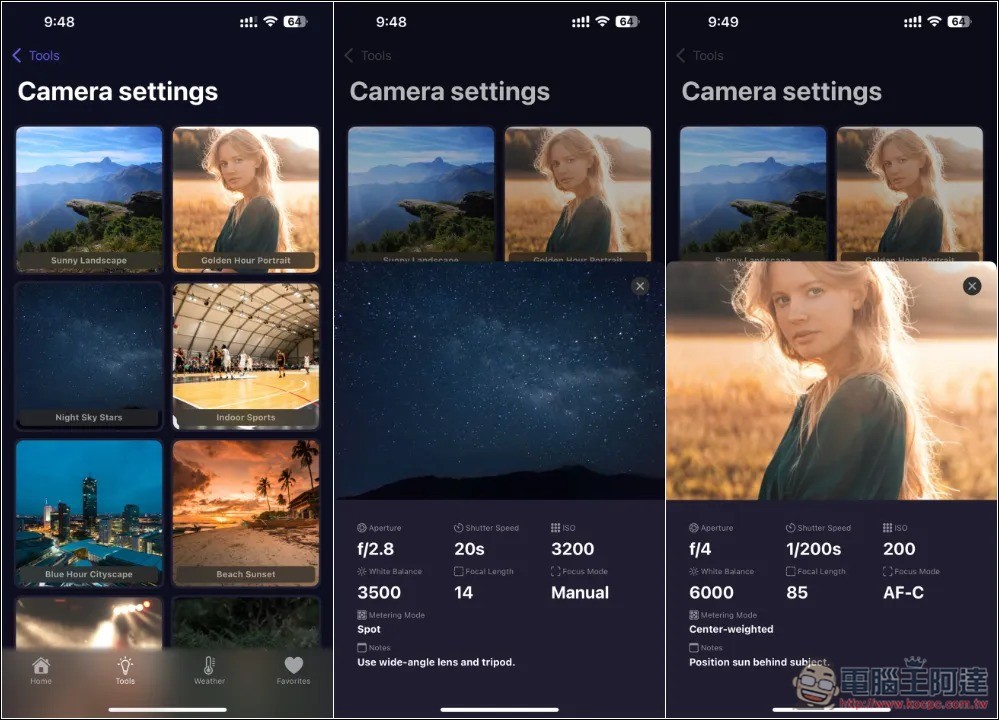
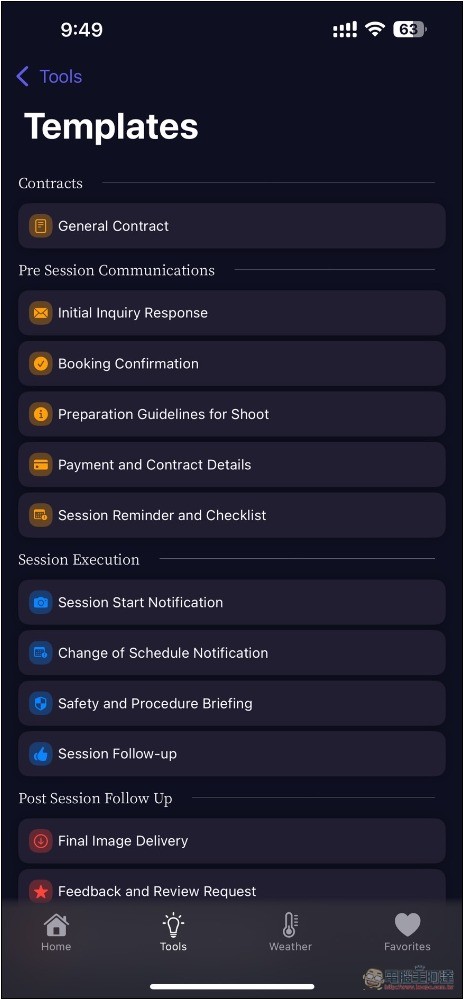
In addition, in the Tools menu, you can also find other functions, including camera settings and templates:
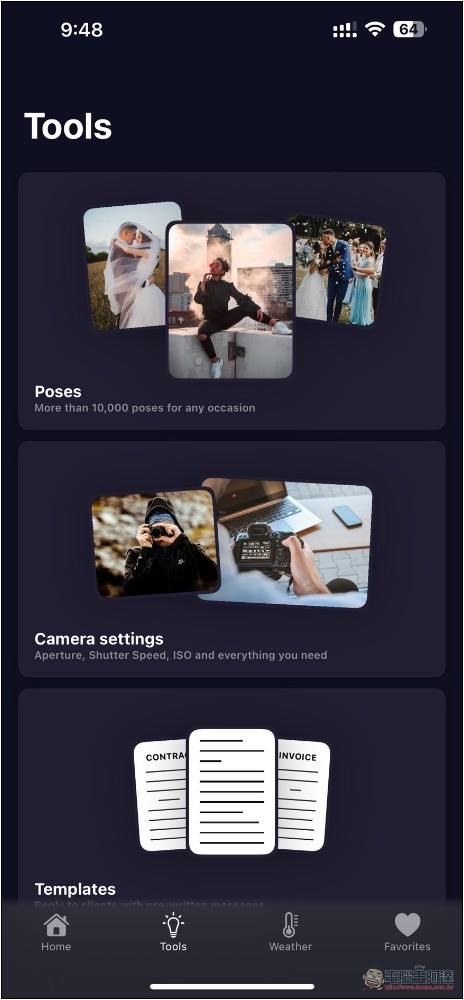
There are many beautiful photos in the camera settings. Open the one you like and you will get the camera settings used to take the photo, including aperture, shutter, ISO and other information:
Templates contains some text templates:
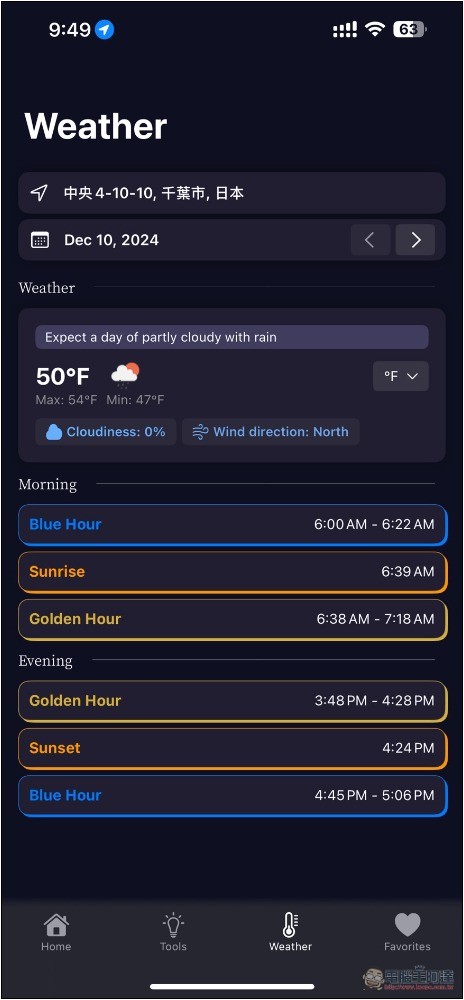
There is also a very special function: weather. In this app, you can quickly learn the weather information of your current location, including when is the golden moment for taking pictures, as well as the time when the sun rises and sets. This information is not available in most weather apps:
Source: KOCPC Chinese