


RAM is usually measured in MHz, and everyone is already used to it, but if you often pay attention to computer specifications, you may have noticed that some computer specifications now use MT/s instead of the MHz used in the past to express RAM speed. So what is MT/s? Why use it instead?
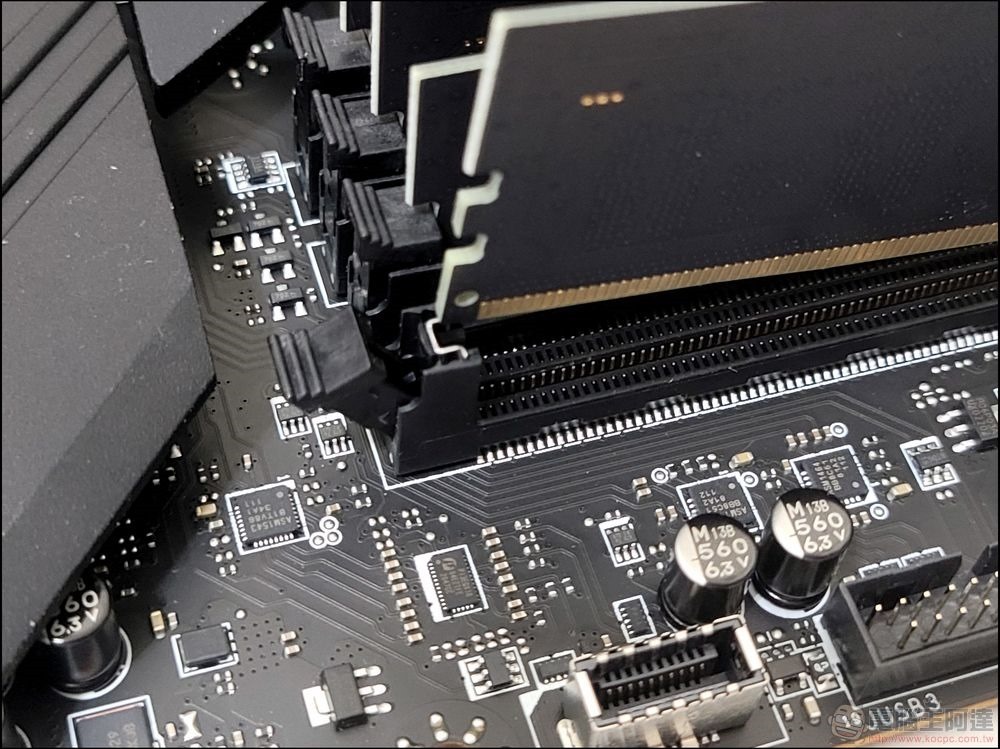
Why are some RAMs measured in “MT/s”? what is it?
How RAM specifications used to work
RAM is traditionally measured in MHz, with 1MHz representing one million cycles per second. Computer hardware uses square waves to express clock cycles. The peaks and troughs on the square wave represent a single cycle. In each cycle, RAM can complete a memory operation, such as reading or writing. In other words, RAM running at 1MHz performs one million transfers per second.
This makes calculating the speed of your RAM quite easy. If you have 133MHz RAM i.e. it is half as fast as 266Hz RAM. However, with the invention of DDR (double data rate) RAM, it became possible to transfer data at both the peaks and troughs, effectively doubling the data rate.
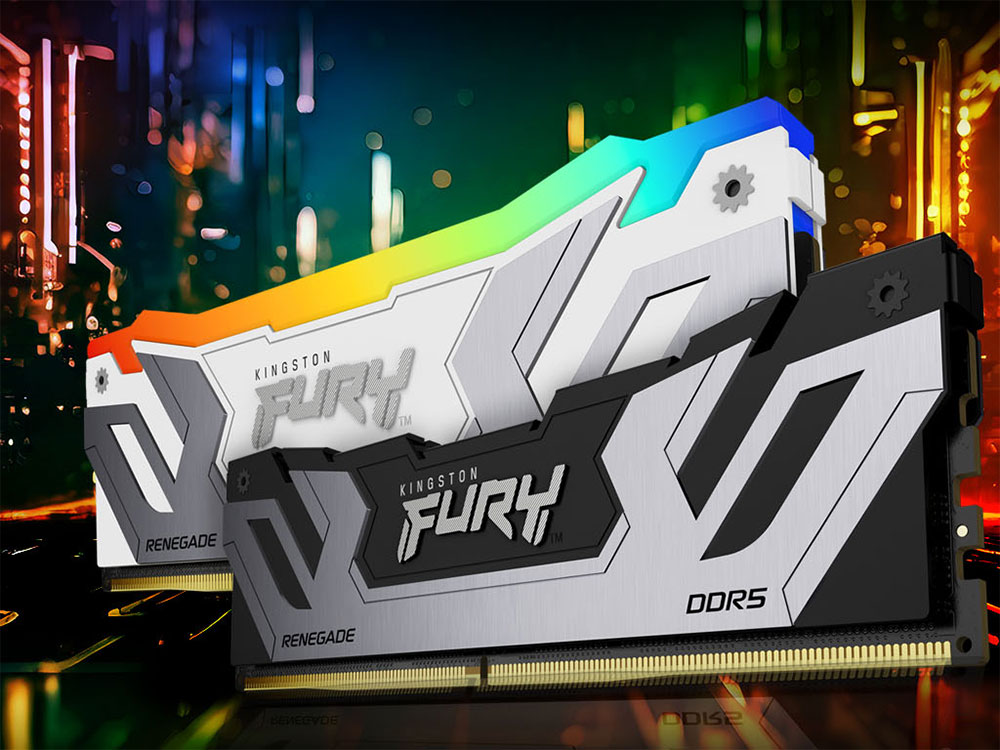
Therefore, 133MHz DDR is actually as fast as 266MHz traditional RAM. To make things simpler for users, most RAM manufacturers choose to market their DDR RAM as the MHz rating of “effectively” regular RAM, so you’ll see something like a DDR4 3200MHz RAM, but the actual clock speed of the RAM is only 1800MHz.
Problems with MHz as a performance metric
So, what’s different? On the one hand, this means that the RAM specifications on the market are technically inaccurate. More importantly, however, MHz is a measure of real data that can be moved, which means it is not a one-to-one analog of MHz. The MT/s specification is the theoretical maximum amount of data that can be transferred per second. While the RAM will run at its rated frequency, it won’t always run at its maximum MT/s due to the variable workload the computer is designed into.
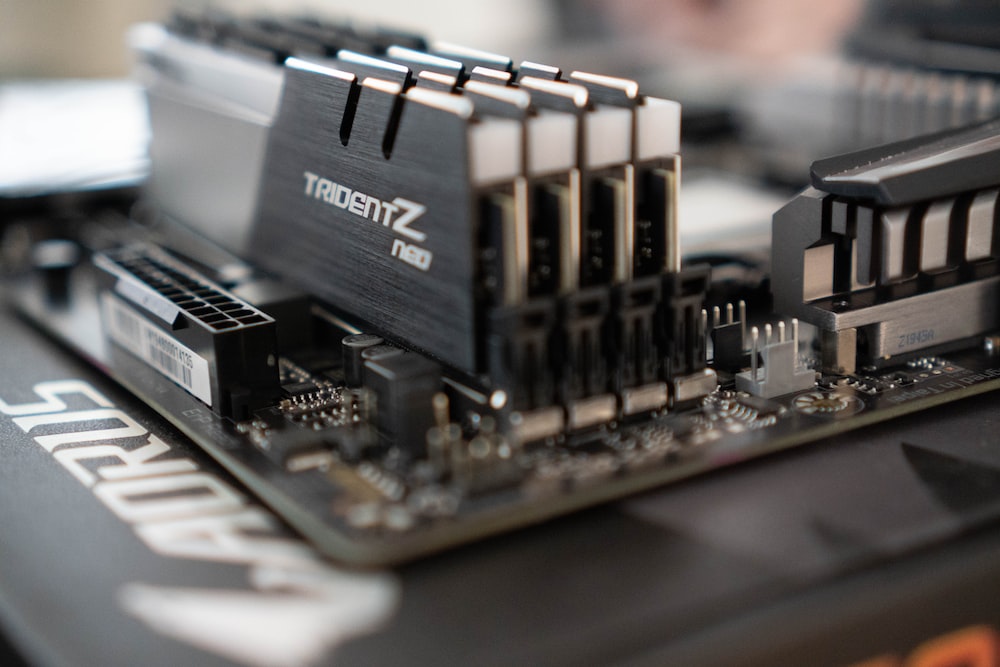
The future of RAM also needs to be taken into consideration, as QDR (Quad Data Rate) memory can perform four operations per clock cycle, two of which are for reading and two for writing. This is harder to express in MHz, so it seems to make more sense to address the issue of actual data volumes.
MT/s makes more sense, but is not the whole story
While it is true that MT/s is a better measure of RAM performance than MHz, it is not perfect or even the whole story. RAM latency is also important, but if you insist on data transfer performance, there’s more to the problem.
You can see that the actual amount of data moved in MT/s depends on the width of the RAM bus, which is how many bits can be moved per transfer. Main system RAM on modern computers has been 64-bit for years, so that means you can compare apples to apples as long as two RAM modules have the same bus width. However, MT/s is not that simple for GPU VRAM because GDDR (Graphics DDR) uses a wider bus. Lower-end GPUs have 128-bit busses, while 256, 384, and 512-bit busses are more typical.
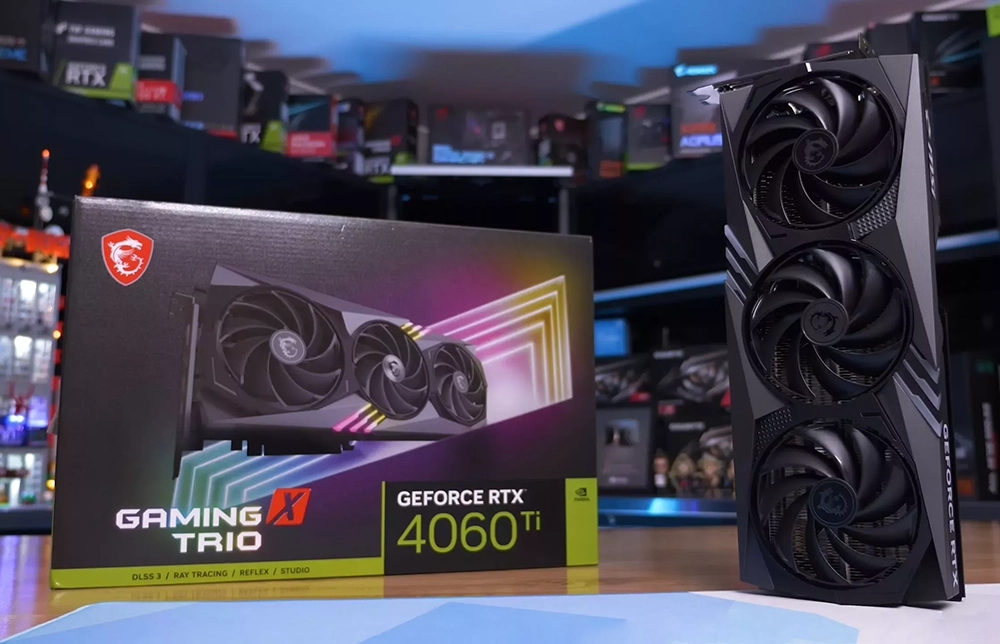
Therefore, it might make more sense to simply rate RAM in Mbps, which tells you exactly how much actual data the RAM can theoretically move, which many RAM manufacturers already do. This move removes the confusion around MHz and MT/s and tells you exactly what the total RAM bandwidth is.
Source: KOCPC Chinese