


Building your first computer is a memory worth cherishing for years to come, and doing a lot of research into choosing the right components makes the DIY experience that much more personal. At the heart of the component selection is the central processing unit (CPU), which can be thought of as the brain of the computer, responsible for performing tasks such as launching applications, performing calculations, and controlling I/O. The CPU sits on the motherboard and works with the graphics card, RAM, storage, and other components to form a complete system.
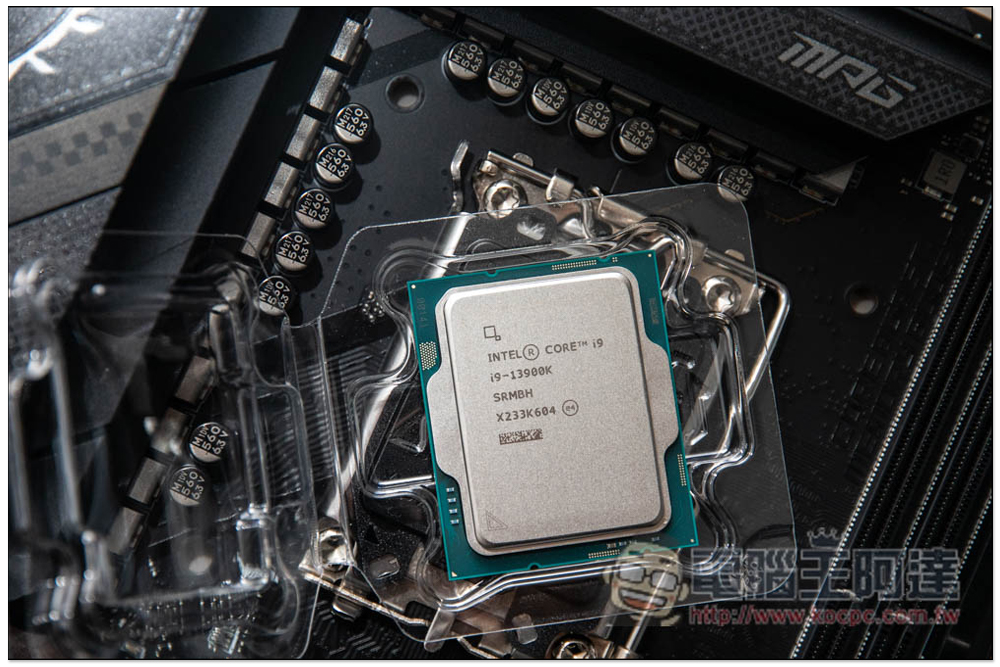
What is a CPU core? How many do you need?
Factors like performance, compatibility, and power consumption need to be taken into consideration when buying a CPU, and important specs like clock speed and lithography are often reliable indicators of a CPU’s performance. While speed in GHz is how fast the CPU can crunch data, the number of cores determines how many tasks the CPU can handle simultaneously. Depending on the generation of the CPU, a higher clock speed doesn’t necessarily mean a more powerful CPU.
That’s why the CPU core is one of the key items of a processor that can change your buying decision. But what exactly is the core? With such an eye-catching metric, this time we’ve compiled all the basics you need to know about CPU cores, and how many cores you need to be suitable for handling different types of workloads.
What is the difference between CPU and core?
The first step in understanding a compute core is to distinguish it from a CPU. The CPU is the element that oversees the individual cores, like a manager in a team. A CPU can have a single core or multiple cores, and like employees, each processing unit is assigned a unique task. The more employees there are, the more productive a team is overall, thanks to its ability to multitask.
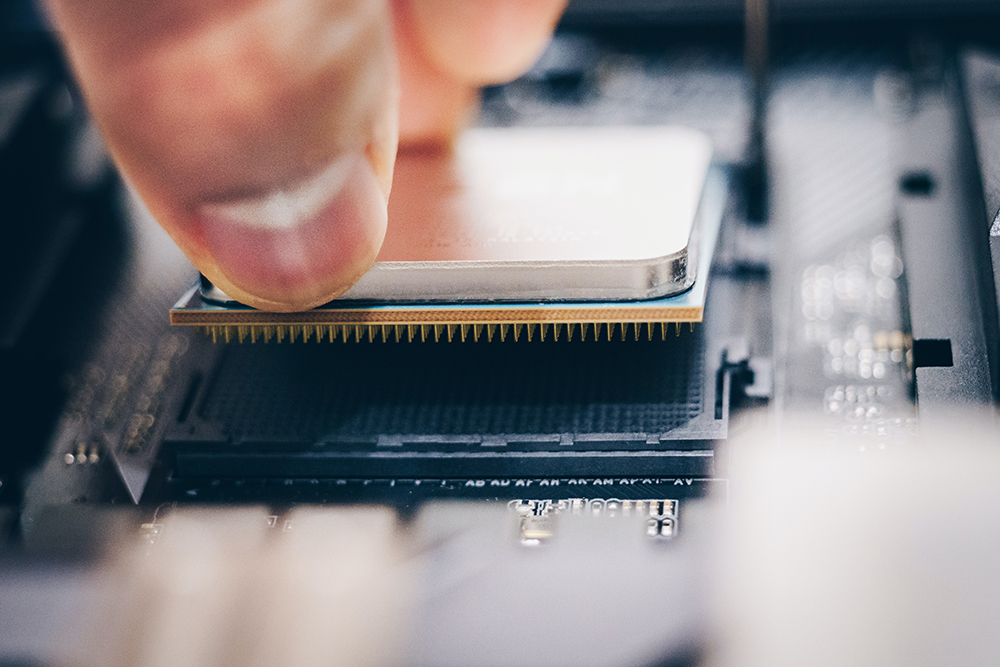
Traditionally, computers have relied on processors with a single CPU core designed to handle one task at a time. As microprocessor technology advanced, we adopted a dual-core architecture on a single chip. Some CPUs also feature simultaneous multithreading, which is the process of splitting each physical core into virtual threads. This count is typically 2x the number of cores available in the processor. This improves system efficiency and can improve the performance of applications that can take advantage of multiple threads.
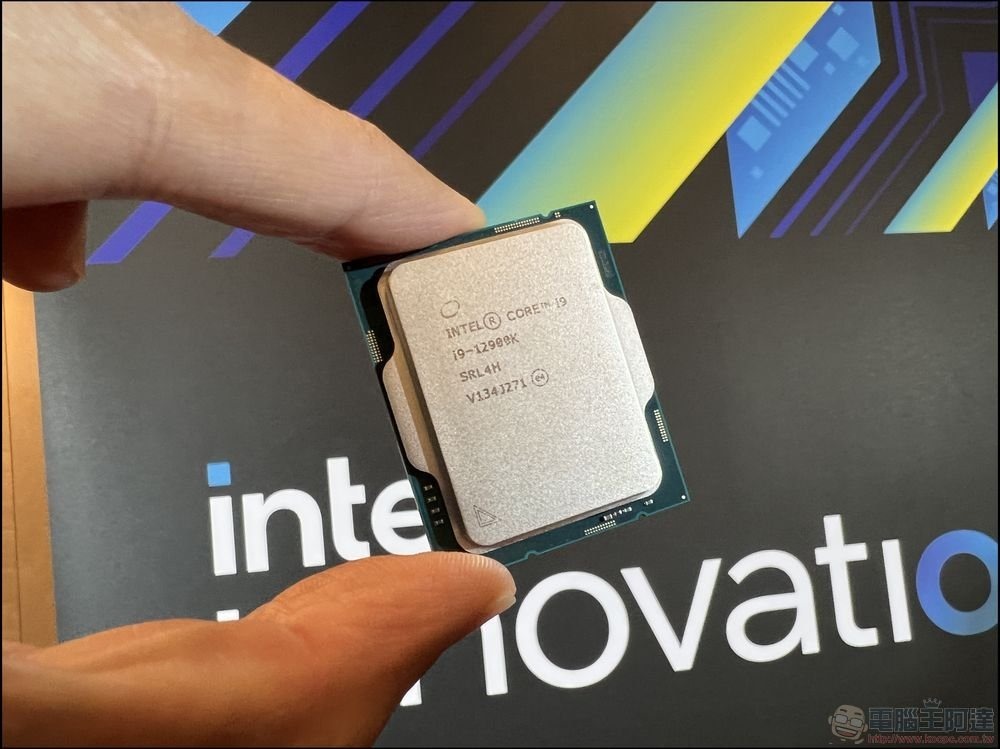
To summarize, a CPU consists of smaller units called cores, each of which works independently. The core itself contains key components such as the Control Unit (CU), Arithmetic Logic Unit (ALU) and memory. The CU handles data flow, while the ALU handles mathematical and logical operations. Memory usually stores temporary data, such as the results of operations performed by the ALU, while cache stores information that the core needs to access frequently.
How many cores do you need?
Almost all current generation CPUs on the market have at least 2 cores, such as the Intel Pentium Gold G-6400. These budget-oriented CPUs are used to handle day-to-day surfing, file editing, and media playback. If you need gaming or productivity, a 4-core CPU is your minimum target.
Some of the best gaming CPUs often feature up to 8 cores, making them ideal for high-end gaming and content creators, such as the Ryzen 5 8600G which packs 6 cores and 12 threads. The 6-core CPU is also a middling mainstream option that can handle a variety of tasks, including more demanding gaming and 4K video editing. While AMD has earned its reputation in this competitive space, some of the highest-end Intel CPUs, like the Core i9-14900K, also feature up to 24 cores and can accommodate performance-focused builds.
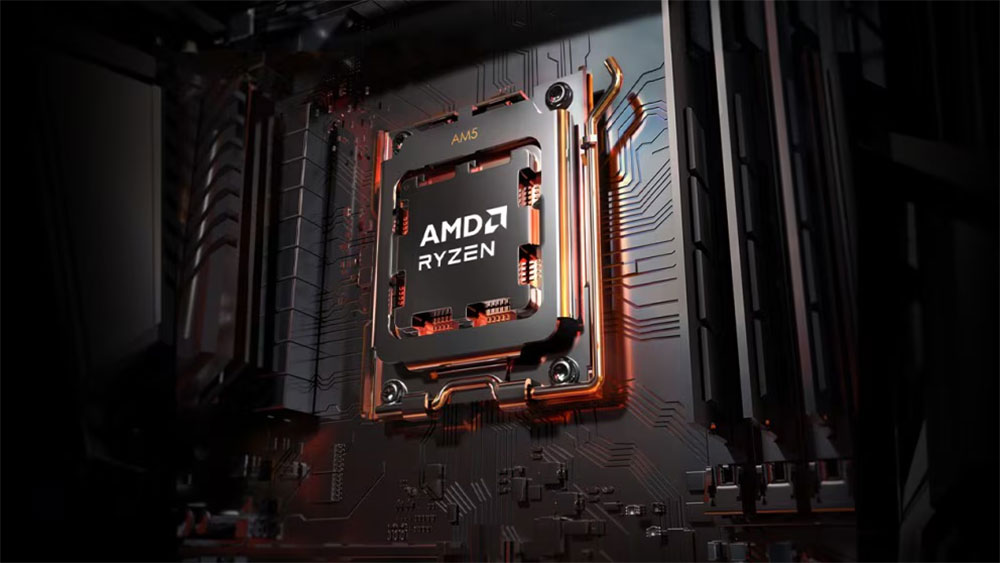
CPU model names also tend to be very confusing, e.g. Use of letters in AMD processors. It’s important to understand how these processors differ and the differences between desktop and laptop CPUs. It’s also worth noting that an 8-core CPU from 10 years ago isn’t necessarily better than a 4-core processor released these days, and if anything, it’s likely to be outclassed in synthetic benchmarks and real-world use. This is why in addition to the number of cores, other characteristics of the processor also need to be taken into account.
Source: KOCPC Chinese