


Nowadays, many pictures have watermarks, or your own pictures also have them. But if you accidentally lose the original file, you may want to get a picture without watermarks. This article will recommend a powerful AI watermark removal online tool “Kaze.ai”. In my actual test, even if the picture is blocked by multiple watermark texts, it can achieve almost perfect removal effect.
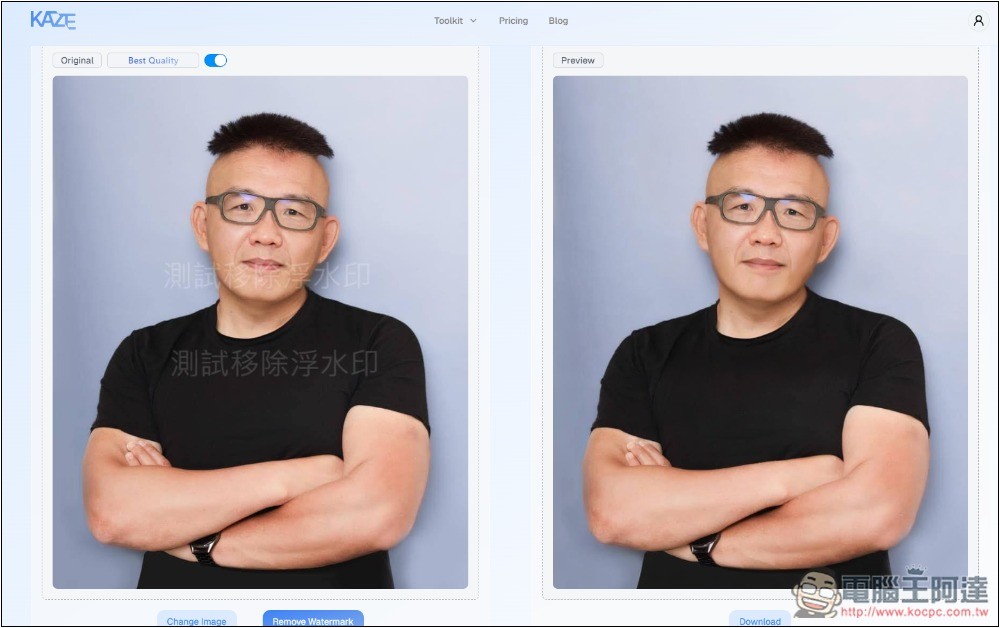
Kaze.ai uses AI to achieve near-perfect watermark removal effects
Kaze.ai is a newly launched AI tool. Judging from the website menu, it not only removes watermarks, but also provides photo quality improvement, background replacement, picture style conversion, object removal, etc. However, currently only watermark removal is open.
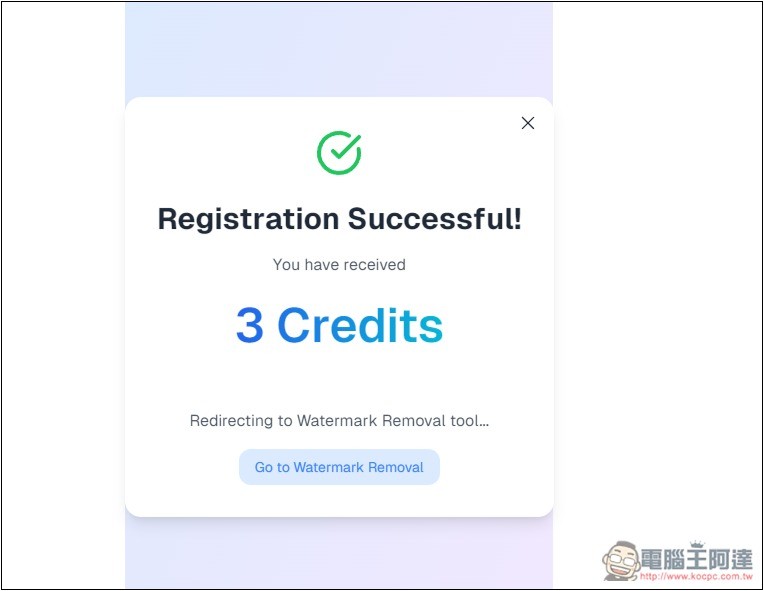
Another thing to note is that free users will get 3 Credits, which means they can use it 3 times to remove image watermarks. If you don’t register, you will get 2 Credits. However, you need to pay to download the original image file after removal. The price is not expensive, but there are other ways to download to larger files.
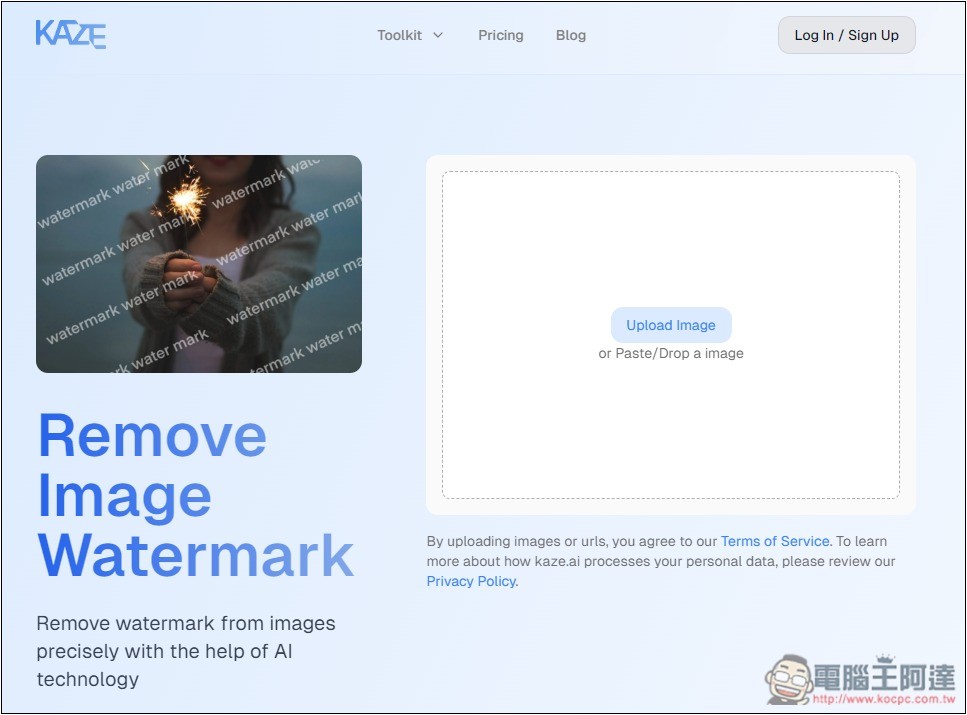
The use of Kaze.ai is very simple. Click the link above to enter the tool page and upload the image you want to remove the watermark. You can also drag the image:
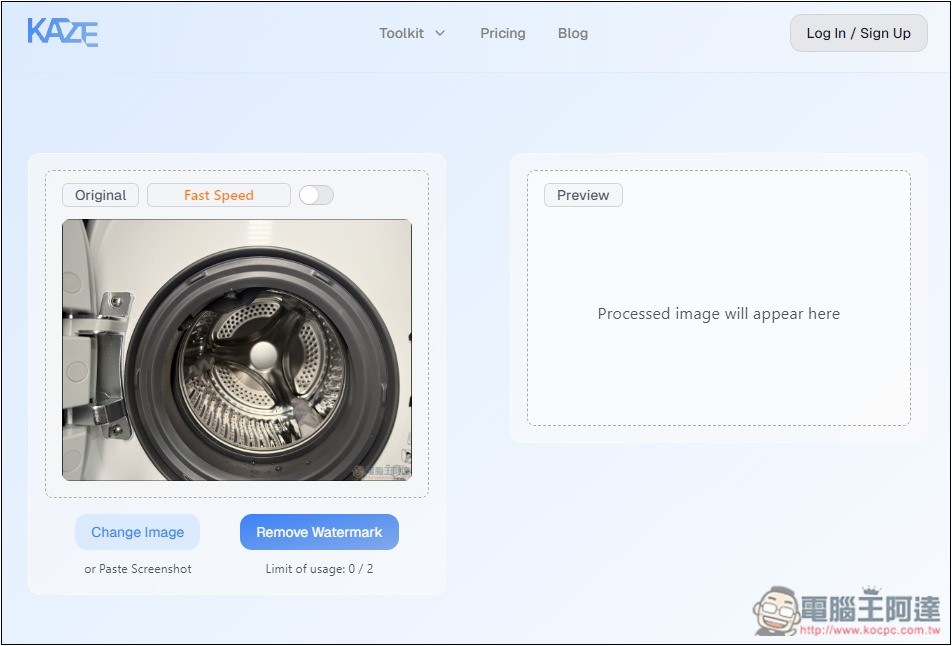
I tested the picture on our website. There is a watermark in the lower right corner. In addition to text, there is also a logo pattern, and it is in color. The logo is also covered in the black area of the washing machine, which is not easy to remove normally. Press Remove Watermark to start removing the watermark. The remaining number of uses will be displayed below. Unregistered members can use 2 times:
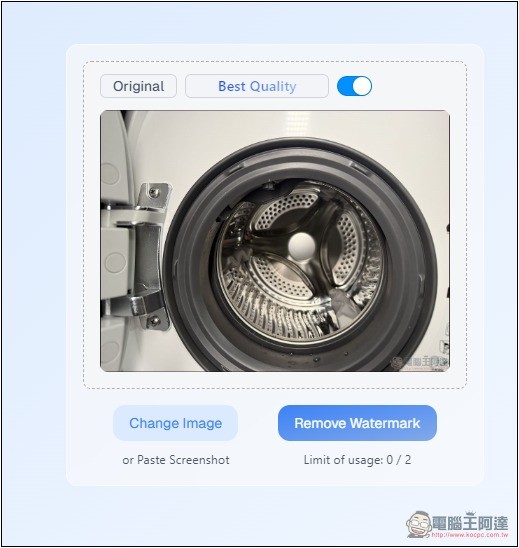
There is also an option above to switch whether you want Fast Speed or Best Quality. I tested that the best quality is also very fast, so you can use the best quality directly:
After pressing Remove Watermark and waiting for a few seconds, the picture after the watermark has been removed will be displayed on the right side. I have to say that it is really good. Not only is it completely removed, the original covered picture content is also repaired through AI. If you don’t zoom in, you can’t tell that this picture originally had a watermark:
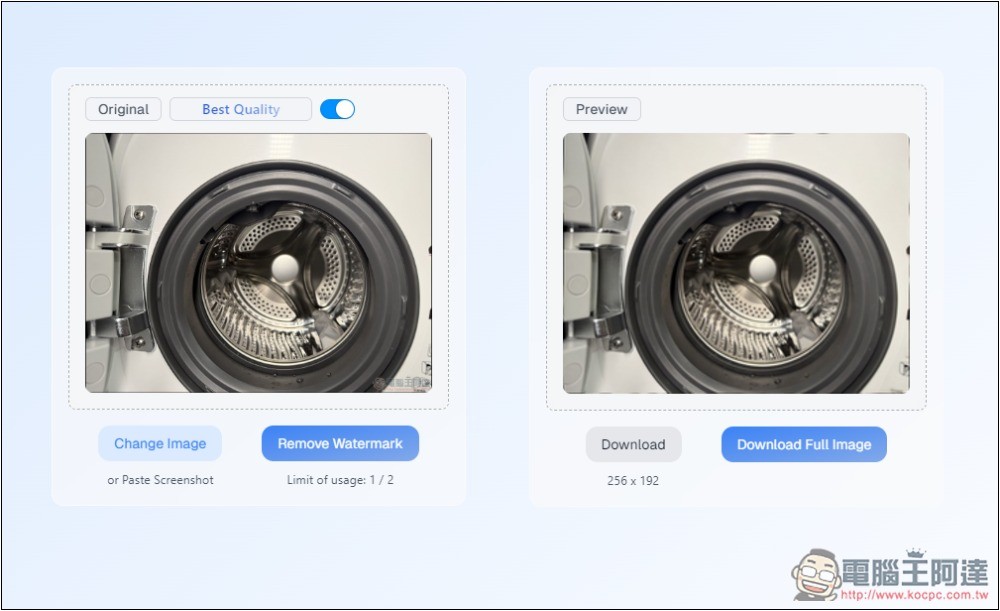
However, it should be noted that to download images of original size, you need to upgrade to a paid membership. If you do not upgrade, the downloaded images will be small files. However, there are ways to obtain larger files. I will teach you below:
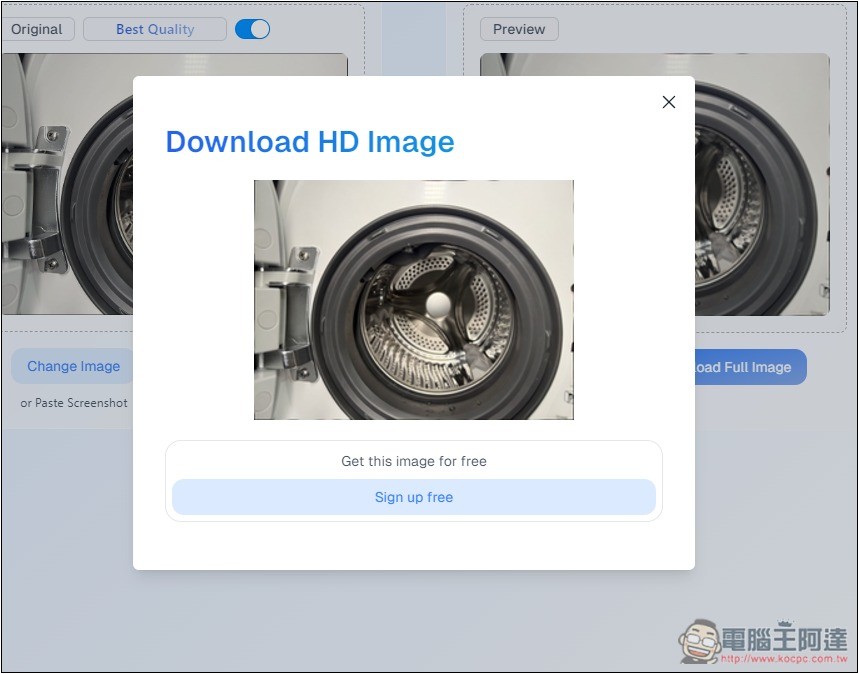
With the $2.99 per month Kaze Lite plan, you can get unlimited image downloads. If you really need to get the original images with the watermark removed, you can consider this one:

Sign up for a free membership and get 3 Credits:
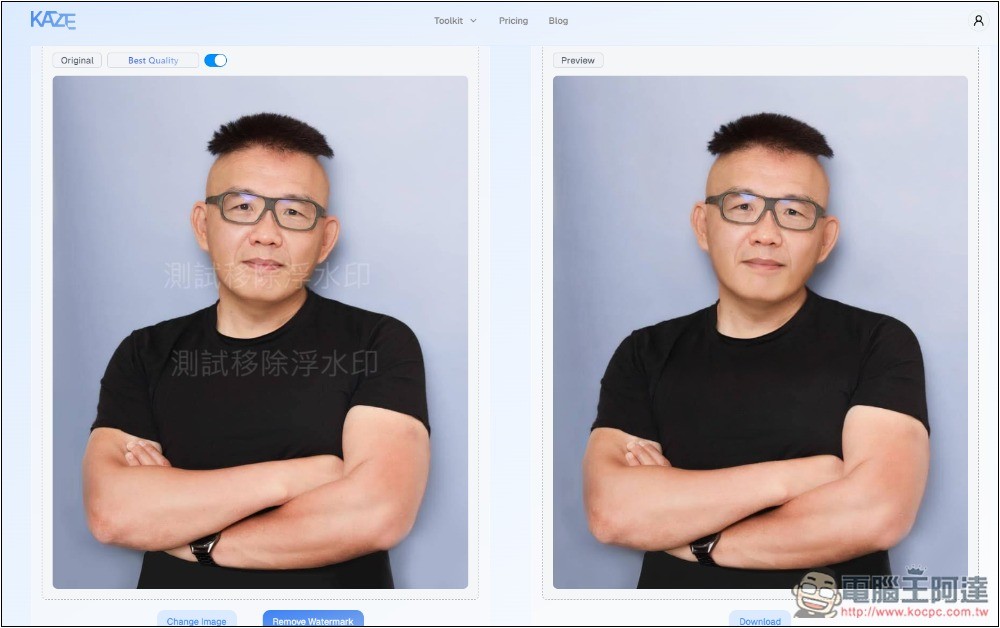
Next, I tested a picture with a watermark on the portrait, and the watermark was covered on top of the portrait. There were more than one. Many pictures will use this watermark effect:
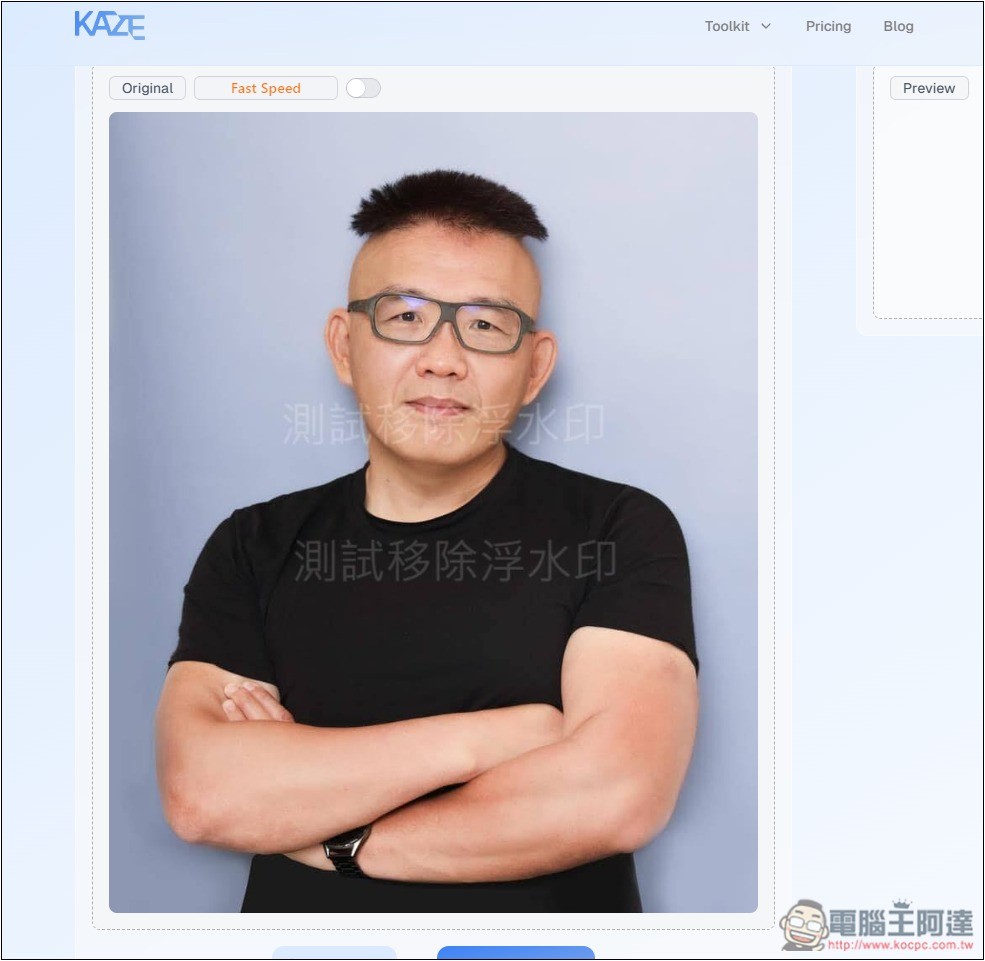
Kaze.ai is very good at this kind of watermark covering the face. You can notice that the face is repaired very well:
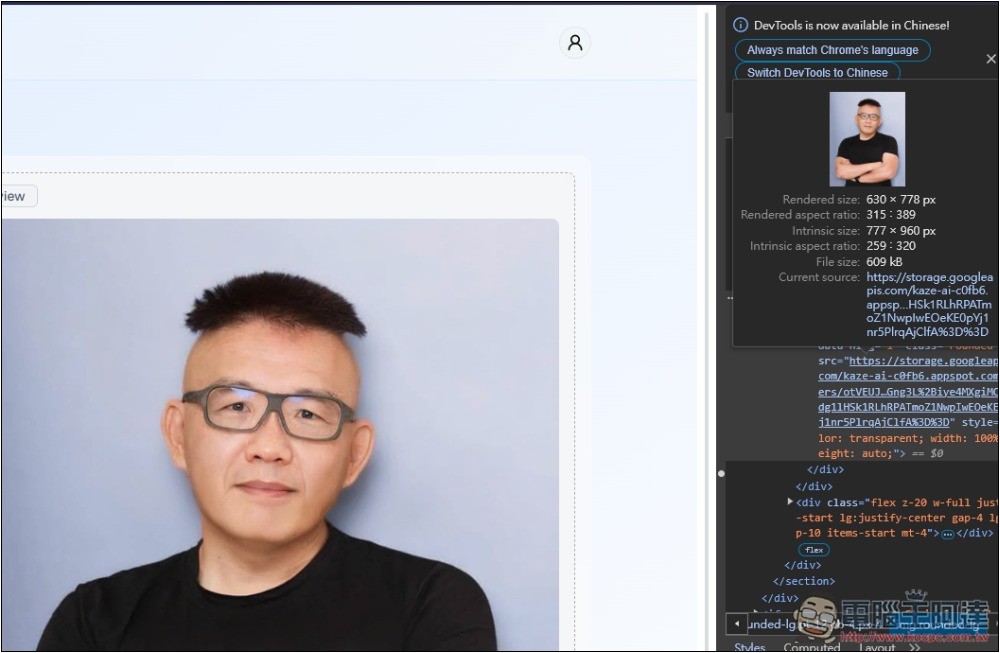
As for downloading the large file mentioned above, you can use the browser’s check page function to find the large image link of the image on the right, but it is not sure whether it is the same size as the original file:
Kaze.ai’s other AI tools should be launched one after another in the future, and those who are interested can also play with it.
Source: KOCPC Chinese