


In the past, when it came to RSS subscription tools, they could only subscribe to online articles. Recently, I discovered this very powerful Free Follow tool. It is also an RSS subscription, but it is not just for online articles. It also supports many social networking sites, such as Thread, X, Instagram, etc., and even YouTube videos, Little Red Book, etc. are no problem.
It can be said that if the content you usually browse is supported by Follow, then subscribe to all of it. In the future, you can browse all the content through Follow without having to open each website one by one. It is super convenient.
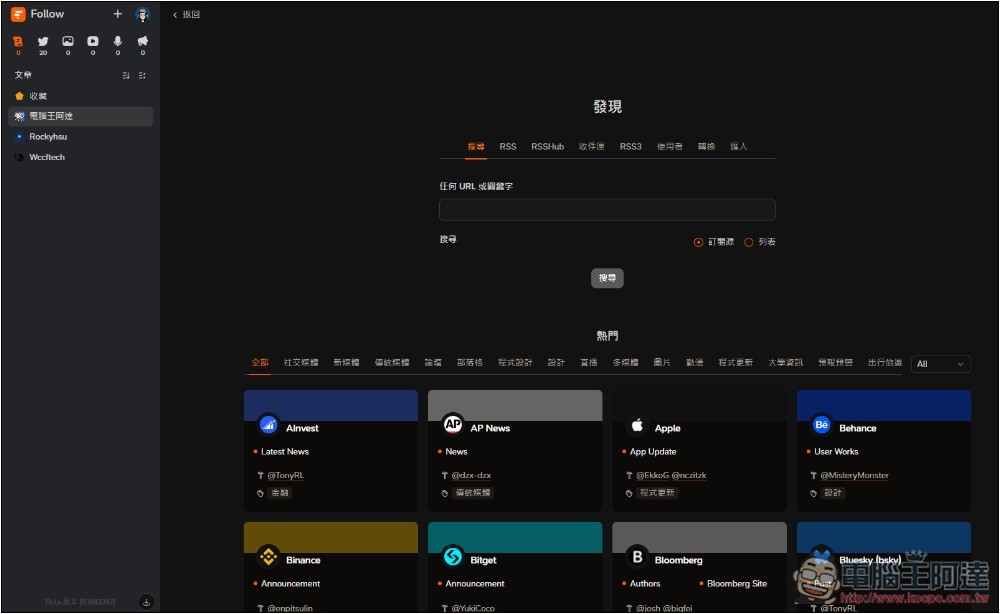
Follow A super powerful subscription information management platform operation tutorial
Follow provides web and desktop versions of the tool. You can try the web version first. If you think it is good, then install the desktop version. It is available for Windows and Mac.
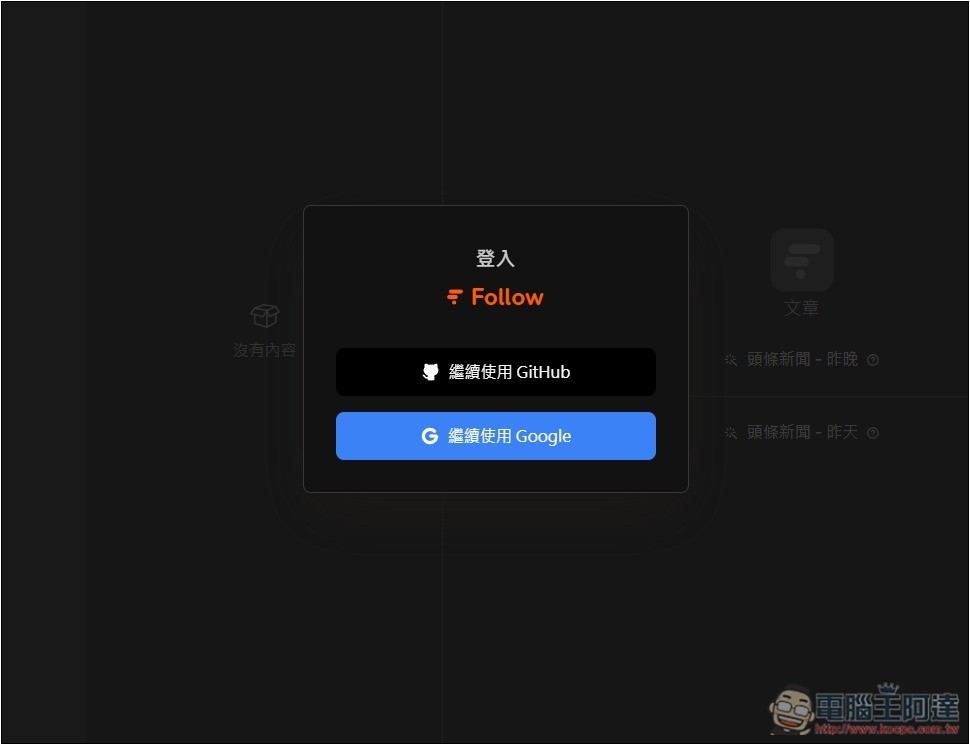
You need to register an account to use Follow. GitHub and Google account registration are supported, which one you want to use:
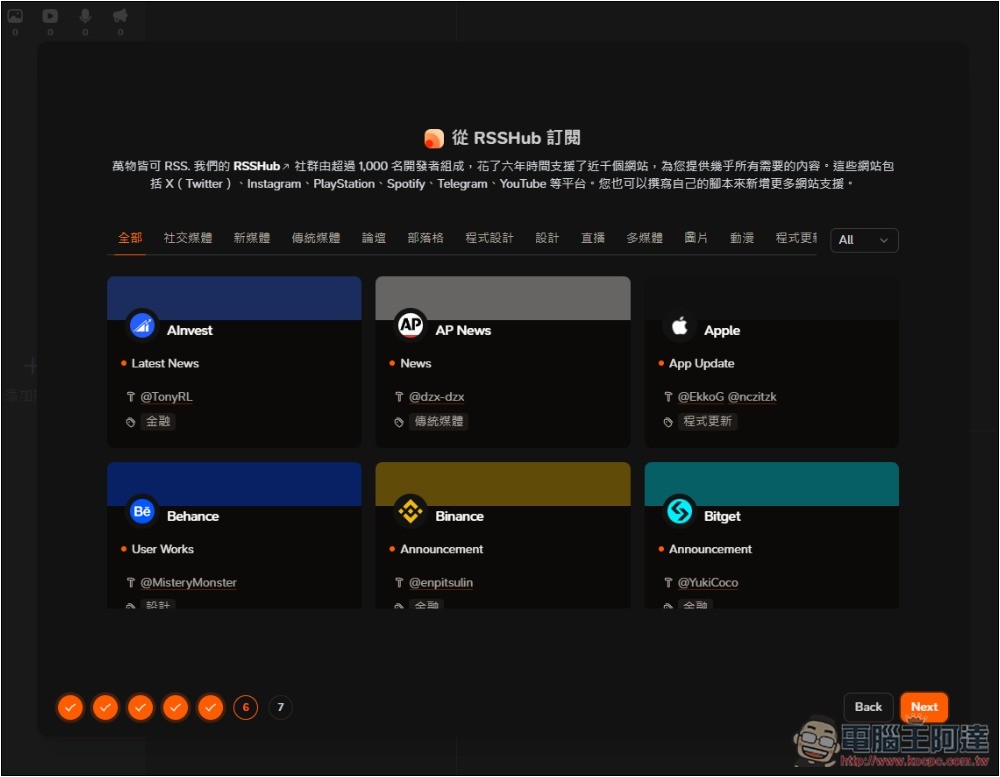
After registration, several well-known websites, social accounts, forums, news media and other subscription sources will be provided. If you like them, you can subscribe directly:
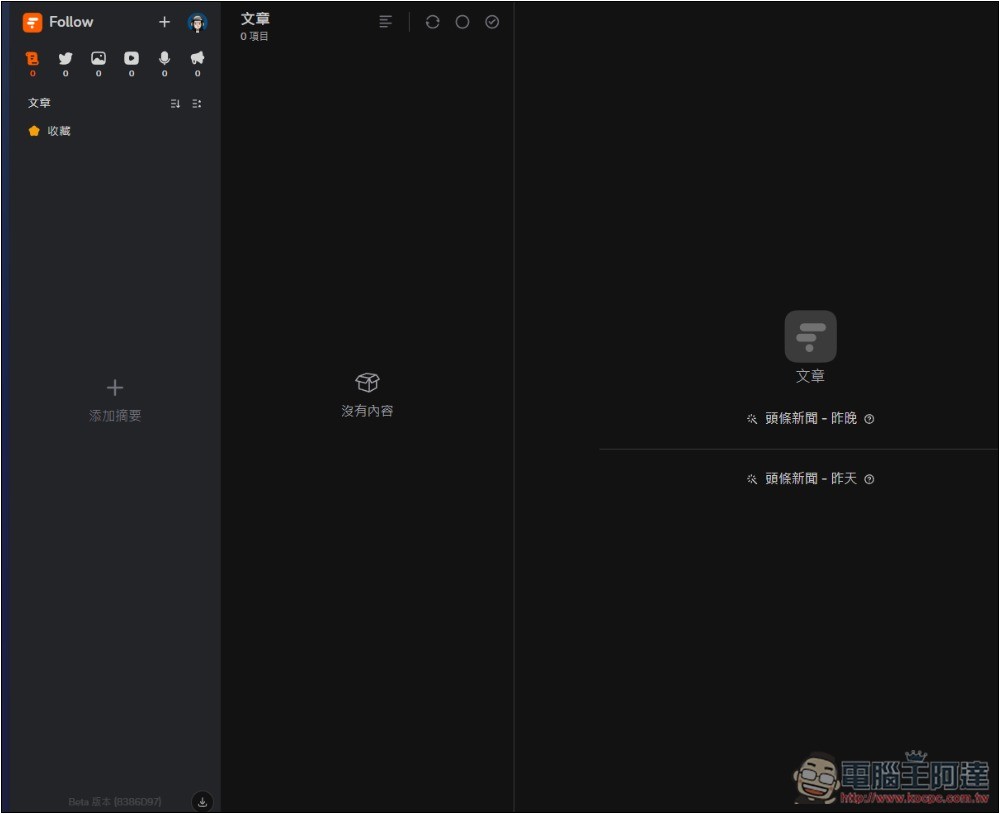
The user interface design is quite simple, just like most RSS readers. Press + in the upper left corner to add a new subscription source:
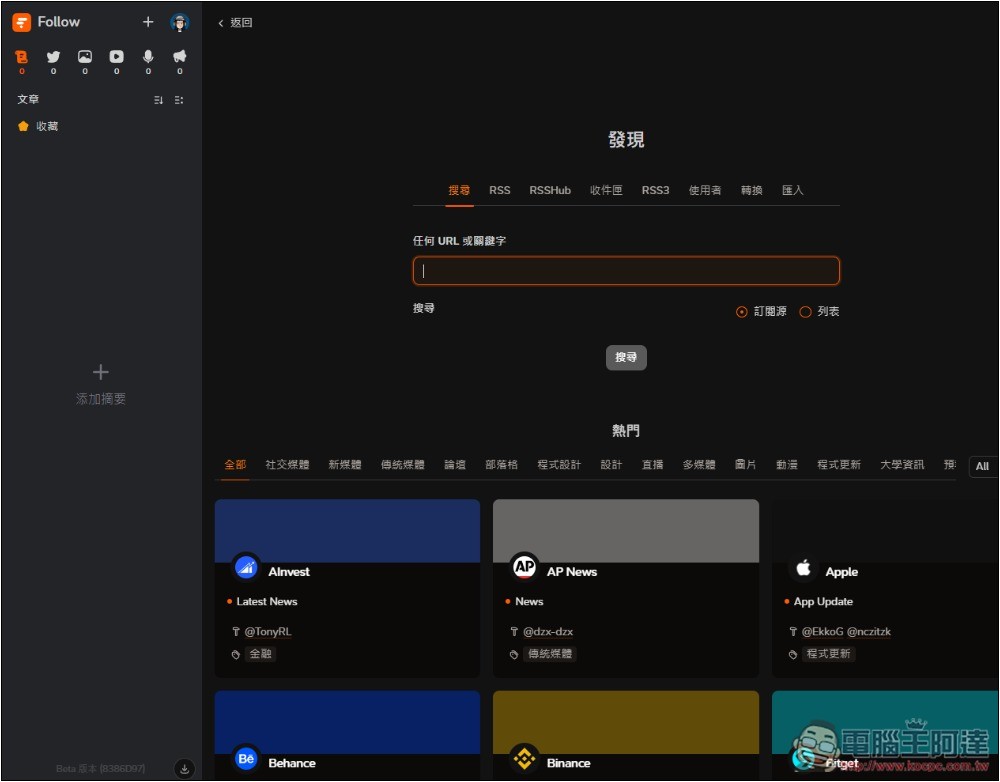
After pressing +, a search-like screen will appear. You can enter any URL you want to subscribe to in the input box, or search for keywords. If there is one in the database, you can also add it directly:
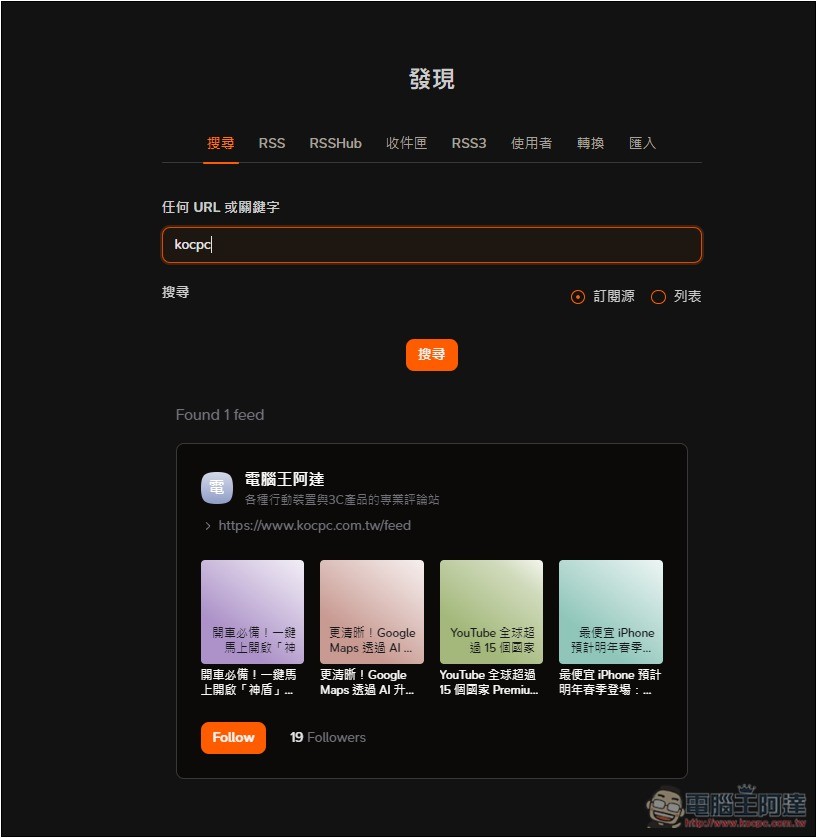
For example, I searched for the English keyword kocpc of Computer King Ada to see if it was in the database. I didn’t expect it to be there. The results will be displayed below. Click Follow to subscribe:
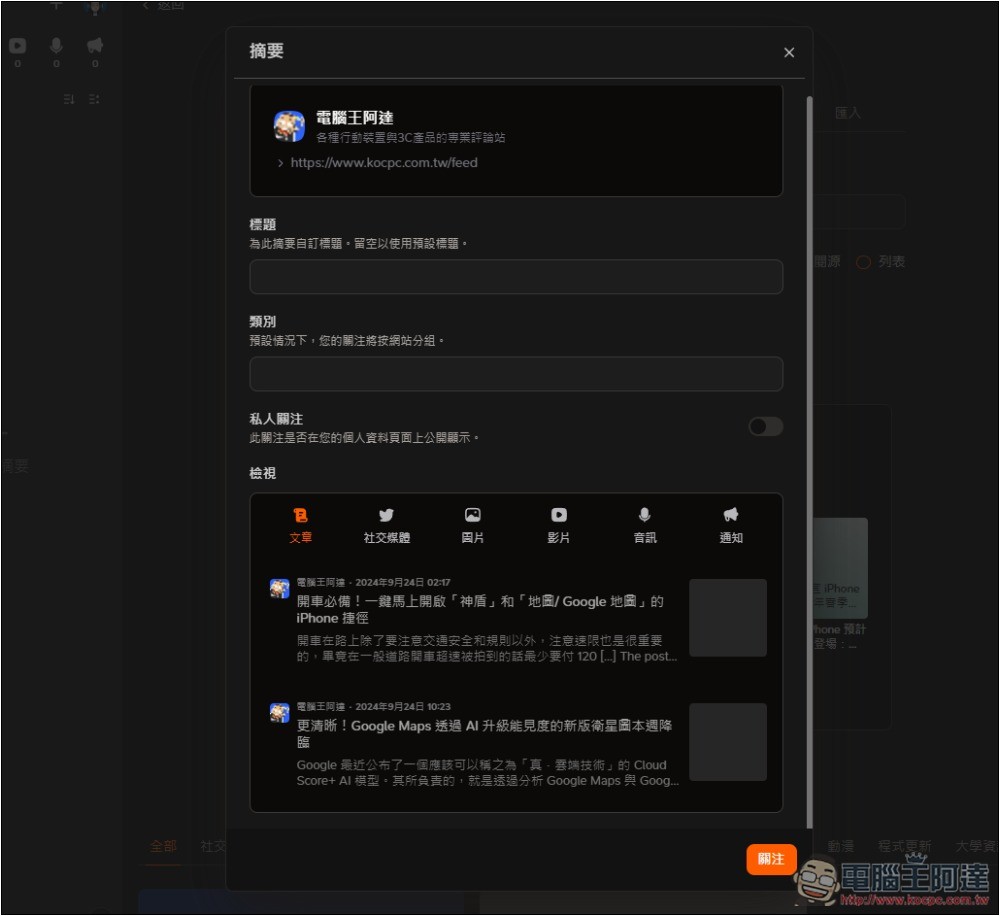
The special thing about this product is that when subscribing, in addition to setting the title and category, you can also specify the viewing method. There are 6 types of articles, social media, pictures, videos, audio and notifications. Of course, the computer king Ada website chooses “articles”:
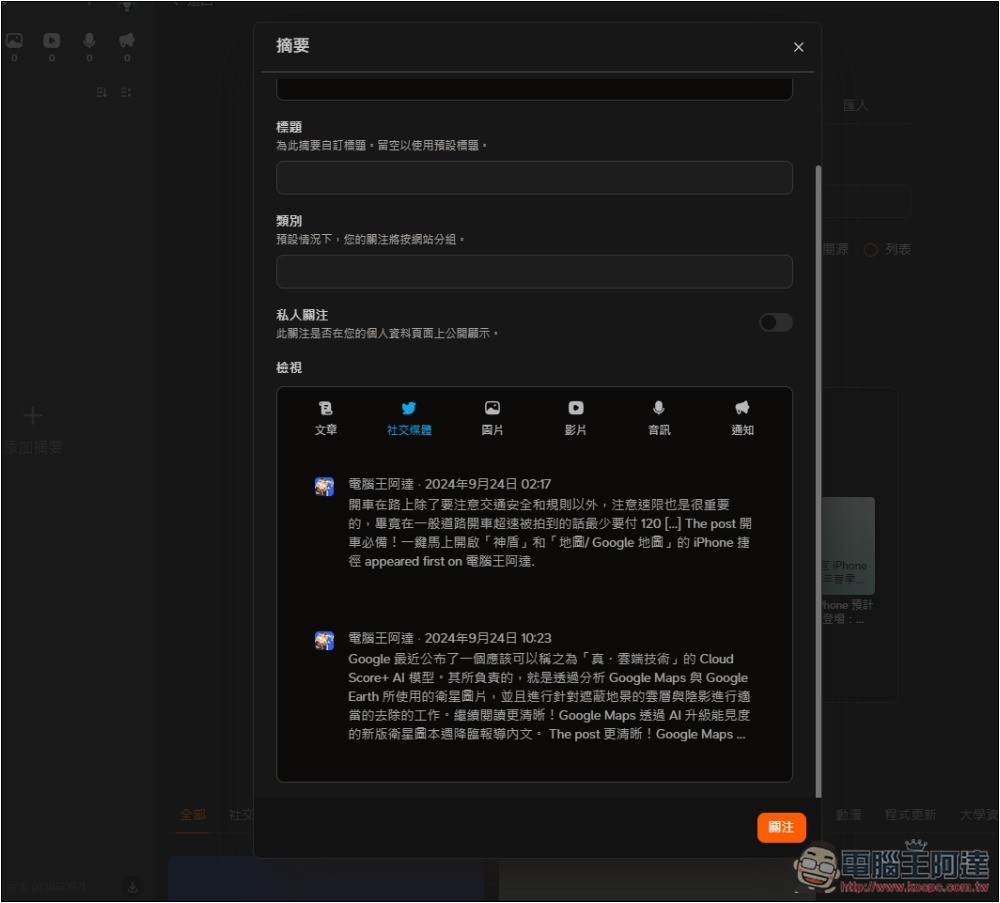
Each viewing method is different. If I change to social media, it will only display text content without images:
After setting, the subscribed sources will be displayed on the left, with the content in the middle. In addition, you can notice that there are 6 icons in the upper left corner, which correspond to the “View” option just now. If you select an article, it will appear in the first icon. I quite like this design. It allows me to switch between the sources I want to read more quickly. For example, when I want to only read sources from social platforms, I can switch to the second icon without worrying about being mixed up with others:
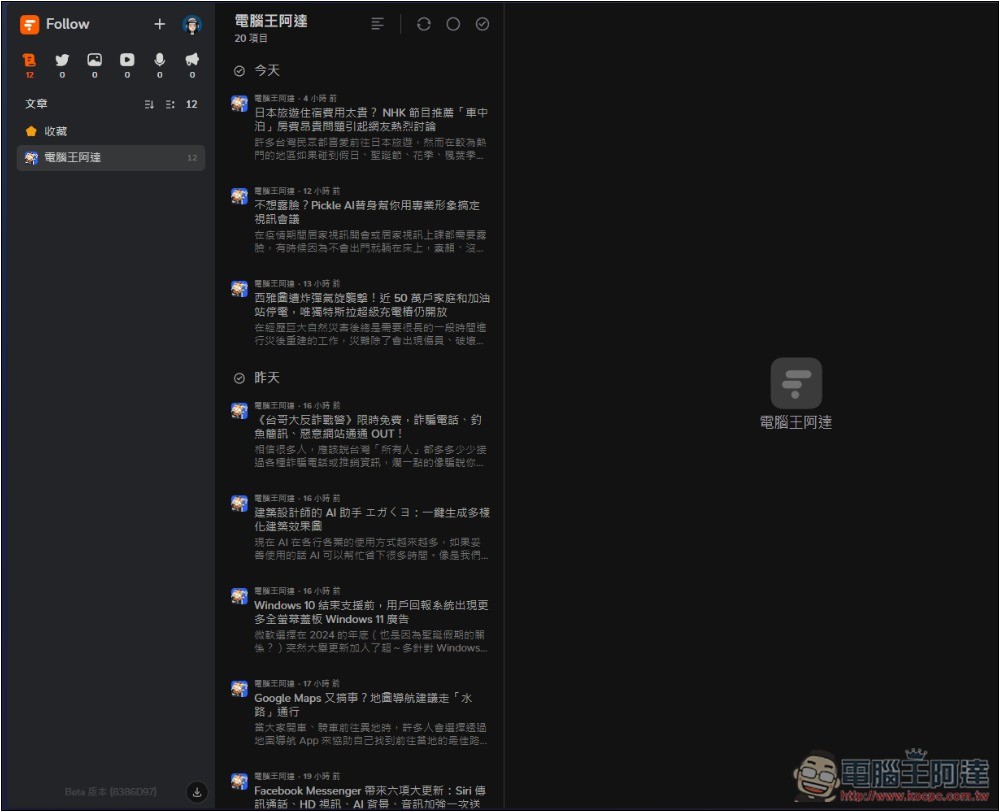
Then I tested the YouTube channel of Computer King Ada and found it successfully. This is really good. You can subscribe to and track whether your favorite YouTube channel has new videos without a Google account:
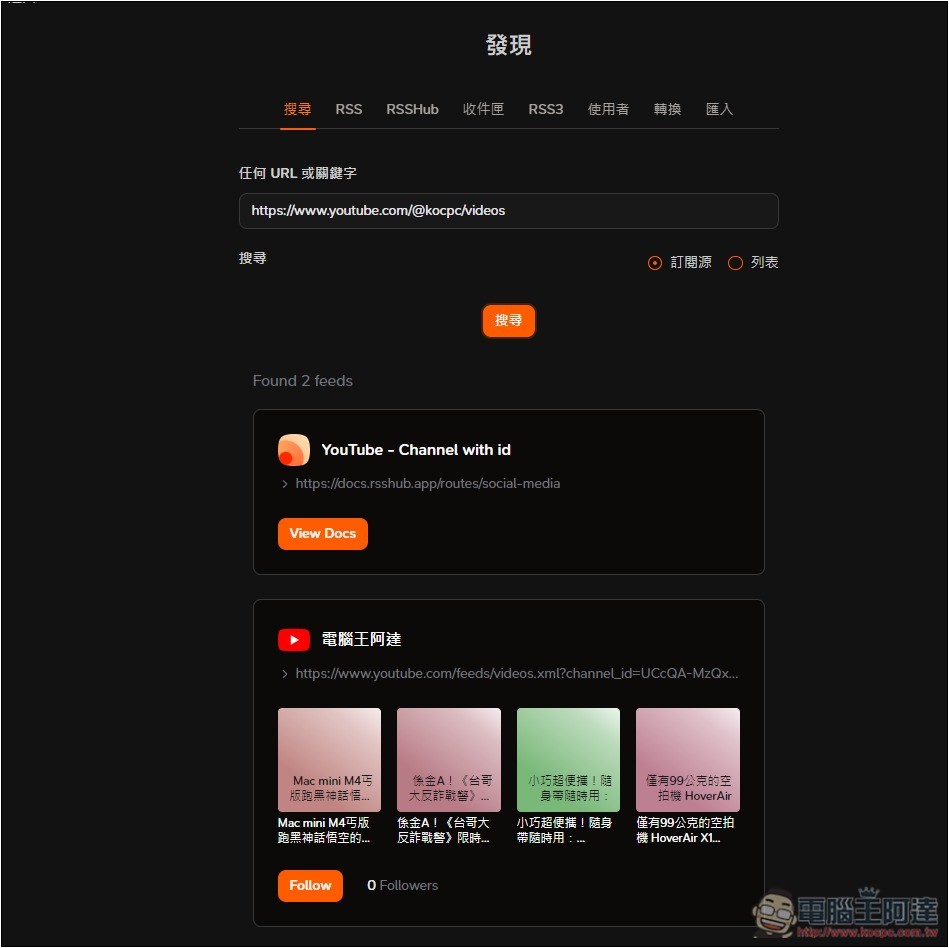
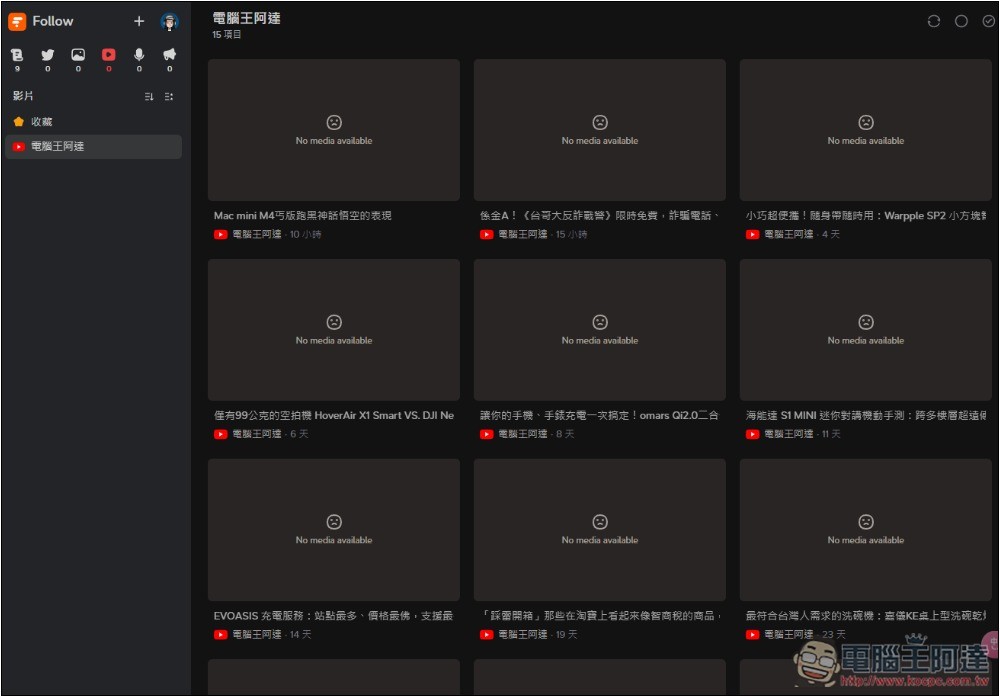
Unfortunately, it seems that YouTube video thumbnails cannot be displayed correctly. I am not sure whether this is temporary or not supported in the first place:
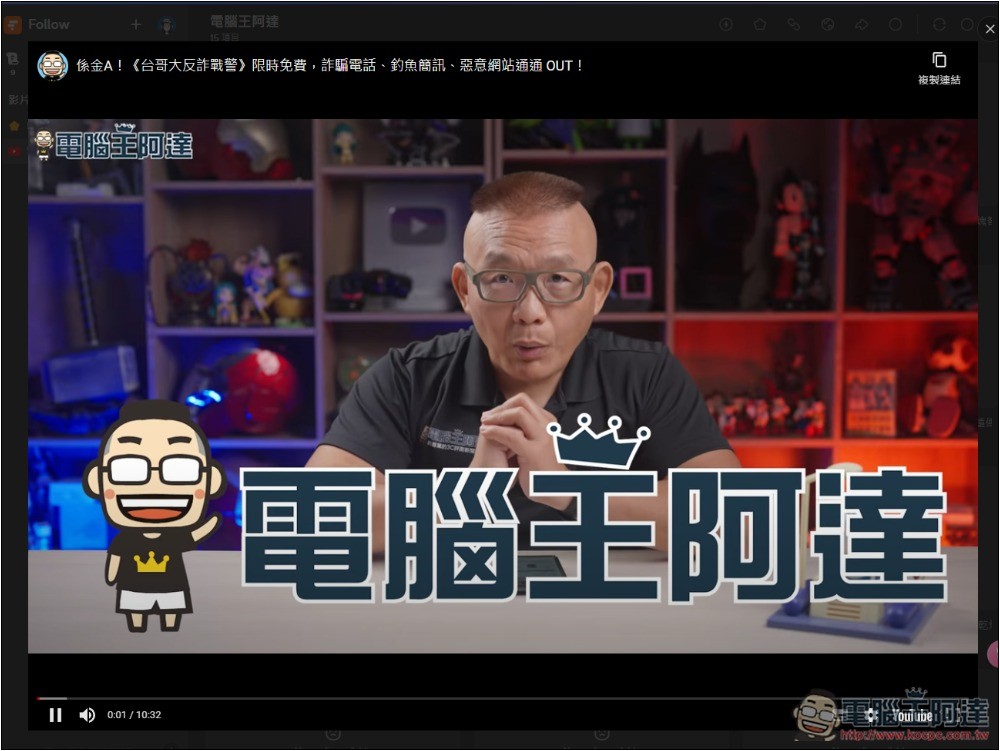
However, the video can be watched directly on this platform and will not jump to the YouTube website:
Next, I tested X.com and it was successful. Just paste the URL of the account you want to subscribe to and track in the search box:
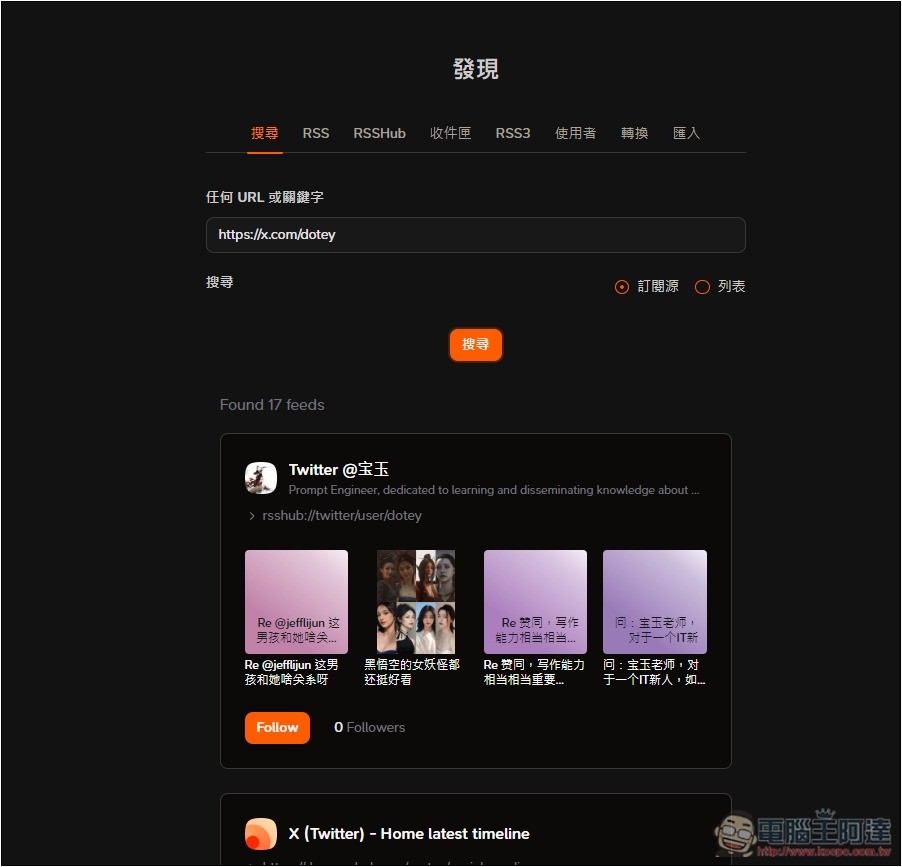
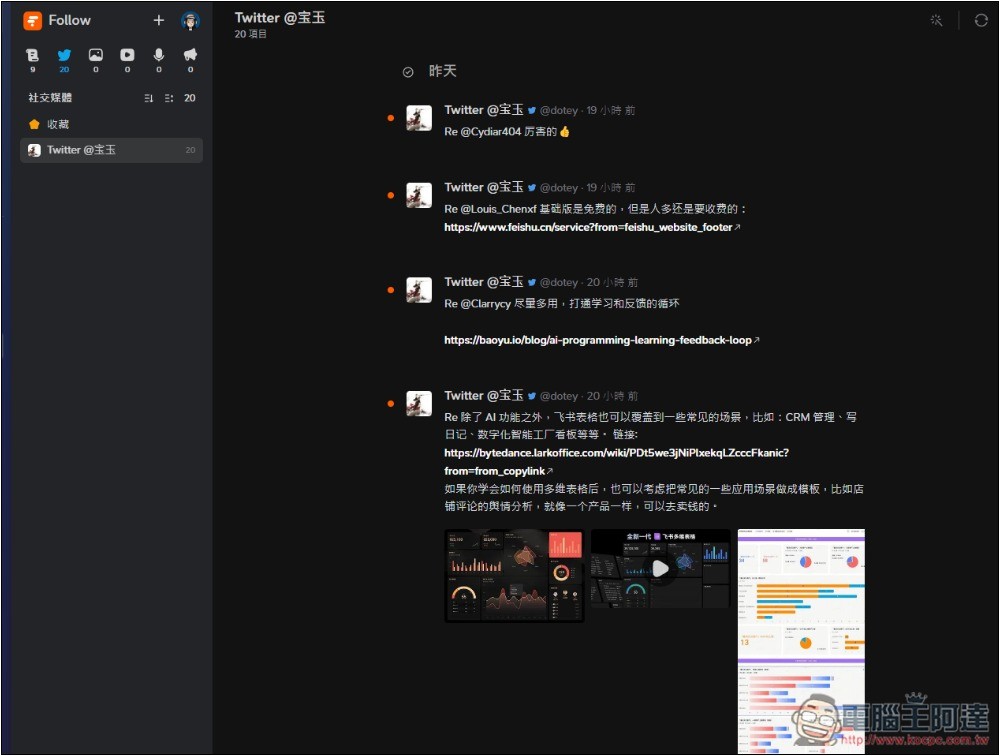
Then in the community icon, you can browse the posts of the user and channel:
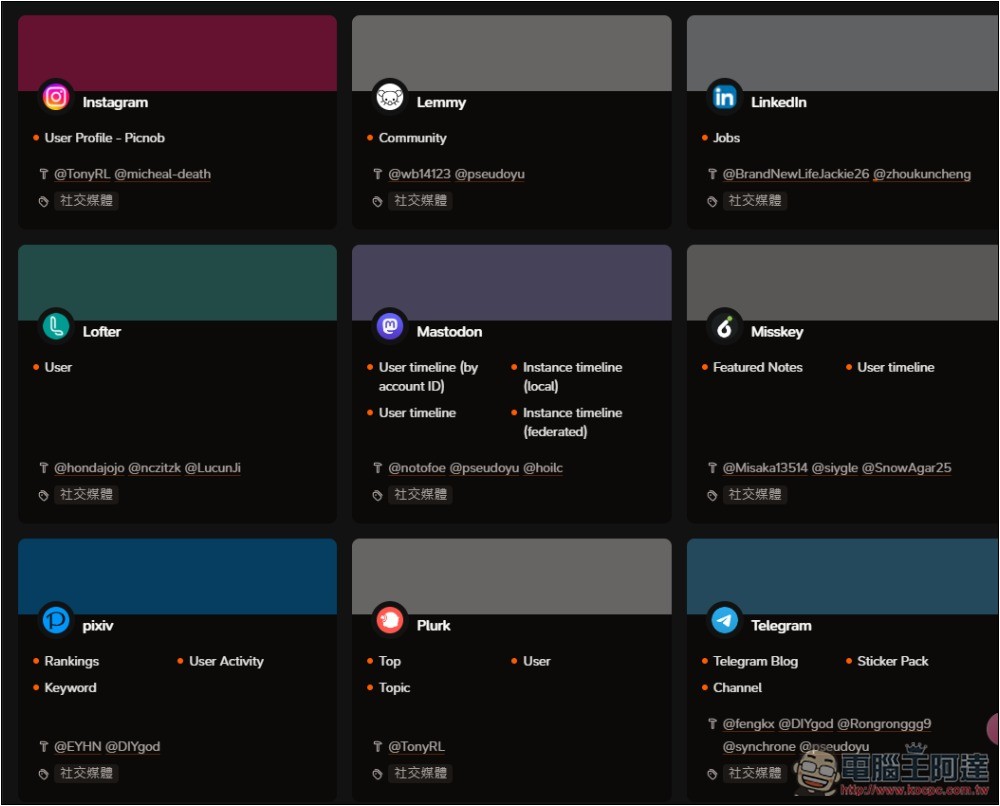
If you try to post the URL and can’t find it, you can also search from the discovery menu to see if there is a service you want to add. Like when I posted the IG URL and couldn’t find it, I found that the source was Instagram:
I will add it from here and paste the user’s Instgram ID:
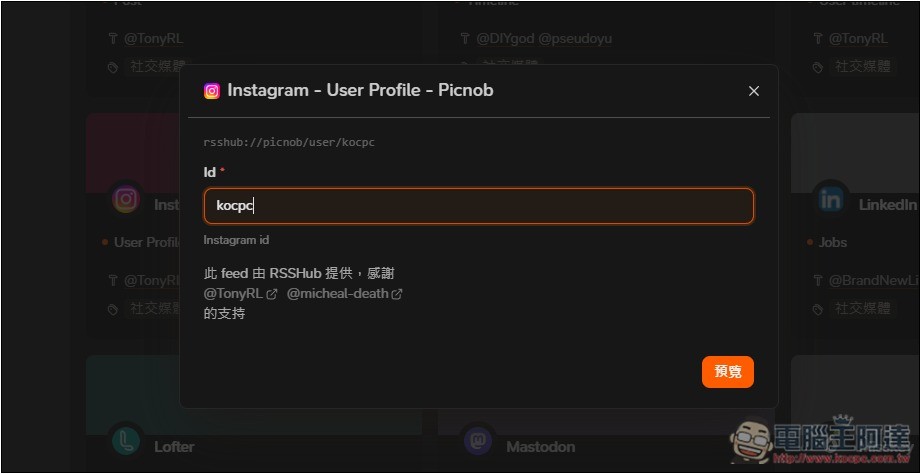
You can find and subscribe normally:
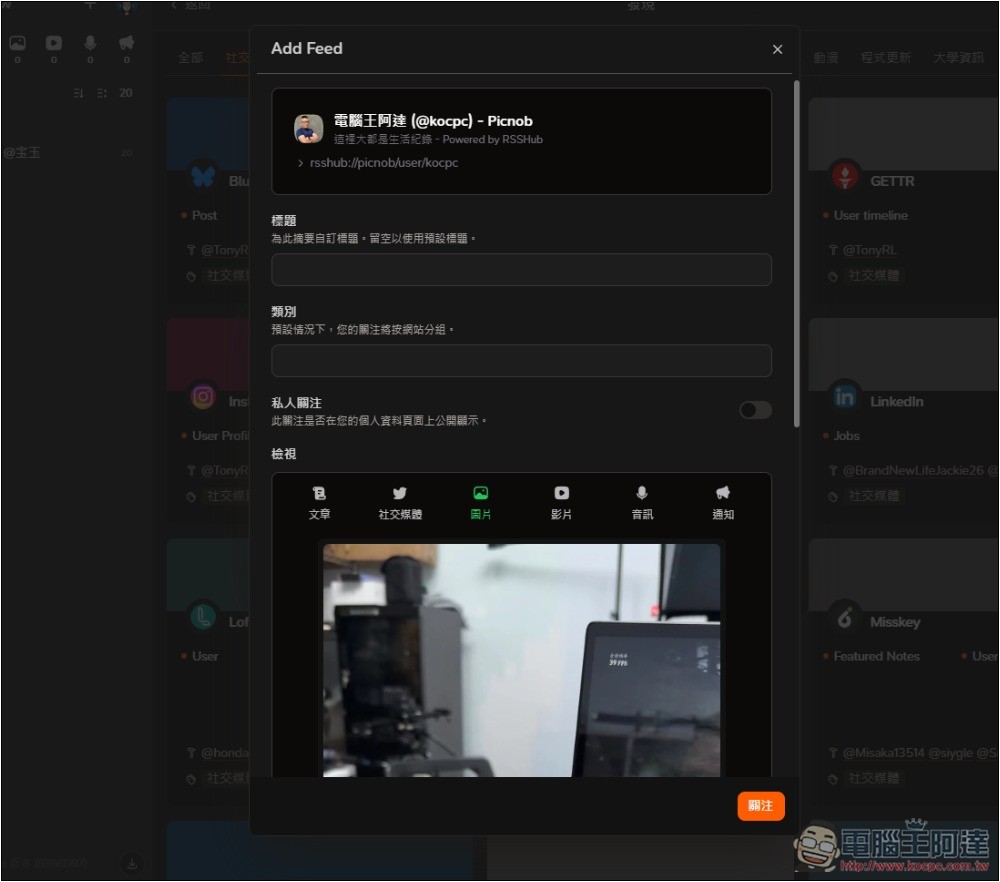
If you choose to view pictures on Instagram, you can browse it just like IG, with pictures displayed on the screen:
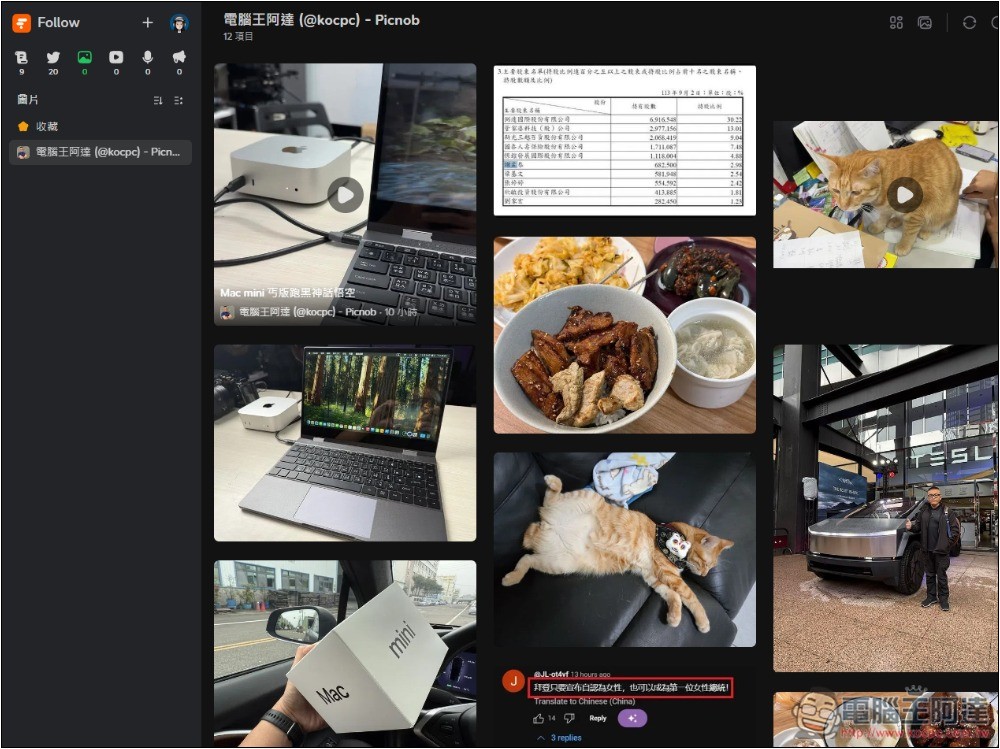
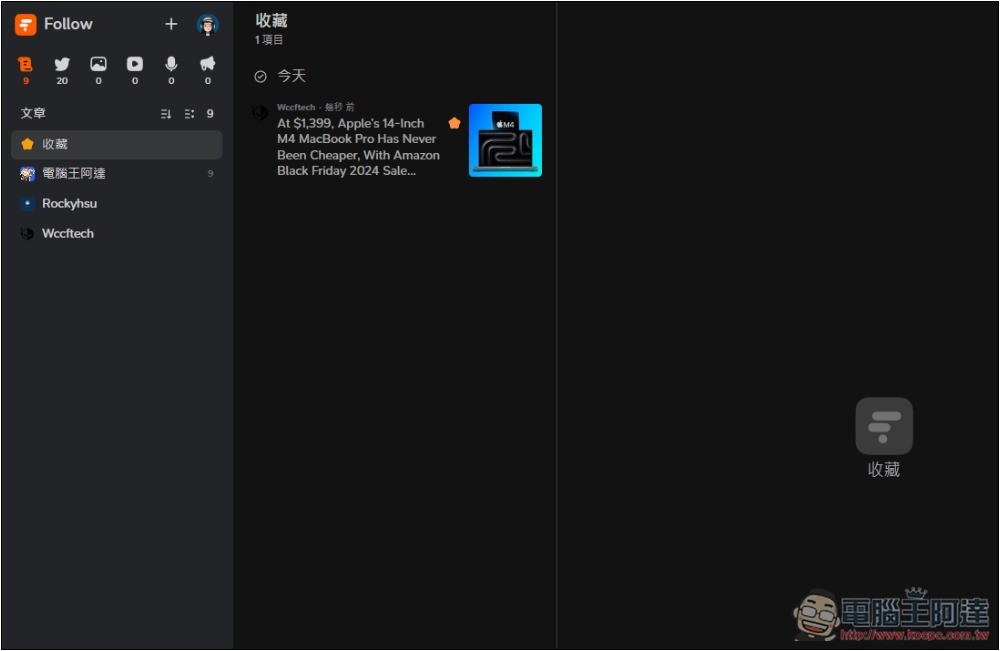
If you see some good content and want to browse it again in the future, you can add it to your collection:

The content will appear in the favorites folder:
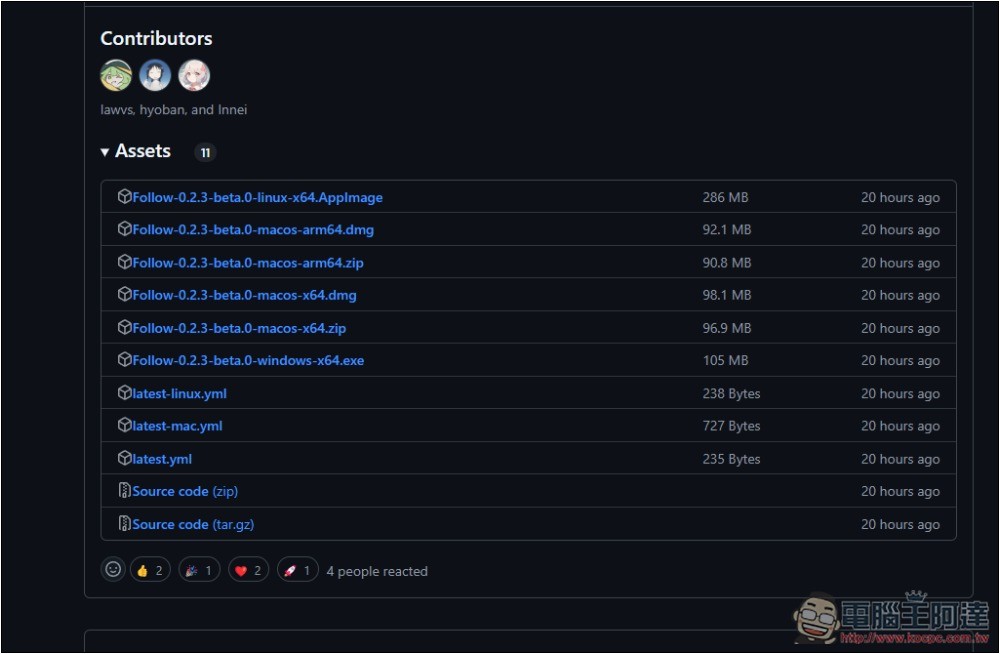
The installation file for the desktop version is at GitHub superior:
Follow’s functions don’t stop there, it also supports integrating other tools, built-in shortcut keys, and sharing your feeds with others.
Source: KOCPC Chinese