


Upgrading is an integral part of the computer building process and is one of the main advantages of building a DIY computer. Many users will replace components over a period of 5 to 10 years and end up with a brand new computer after a round of replacement. Some people think that regular upgrades are a drawback of gaming PCs, but you don’t have to upgrade every generation.
In fact, modern computer components have become powerful enough that you can easily use your system for 4 to 5 years without having to upgrade. How long you should wait between computer upgrades is obviously subjective, but there are some rules of thumb to follow when making a long-term evaluation of a brand new computer.
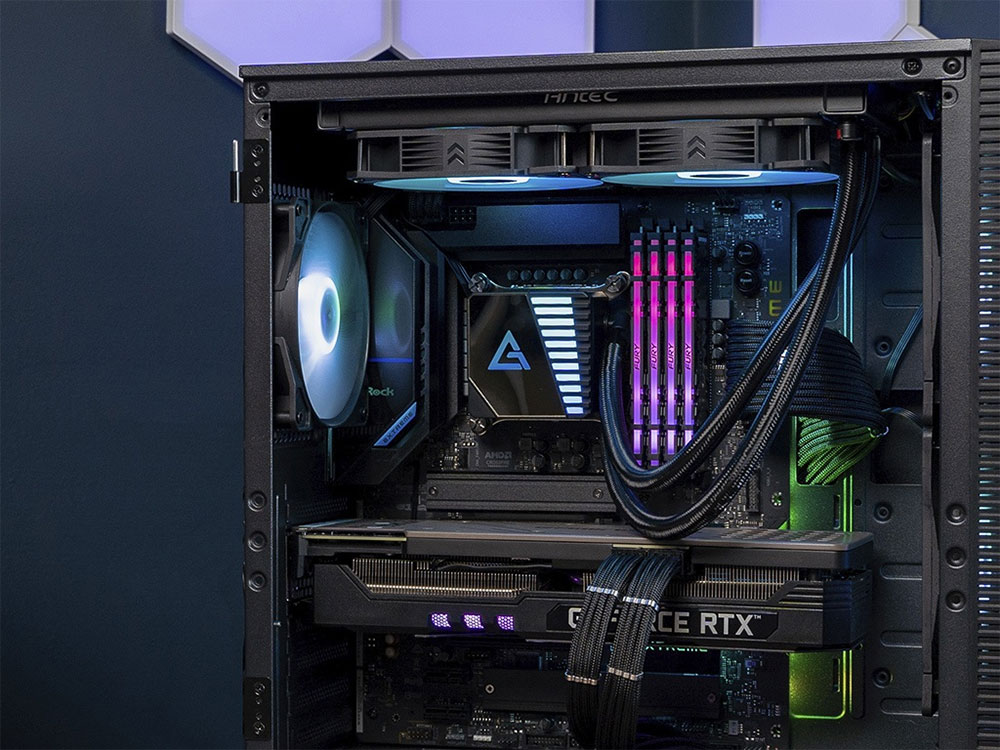
How long does it take for each computer upgrade?
CPU and GPU upgrades
Companies like Nvidia, AMD, and Intel try their best to convince you to upgrade every year, but the most important thing is whether the performance of the games and programs you usually run is acceptable. The best time to upgrade is when you start to feel like your computer is struggling to do things you’re used to, whether that’s playing games at 60FPS+ on medium settings, editing 4K videos, or just having multiple browser windows open at the same time.
Even a budget GPU like a GTX 1050Ti or a GTX 1060 can last up to 10 years if you only play easy-to-run games like Minecraft, Heroes, Dota 2, or indie games at 1080P. If you have a mid-range GPU, such as a GTX 1070 or RX 5700 at 1080P, you may like to mix competitive gaming and single-player gaming, and you can comfortably use the same GPU for about 5 – 6 years. However, for high-end consumers, upgrades are usually more frequent because they need the same high-end performance at higher resolutions, and will ultimately choose to upgrade every 3 – 4 years.
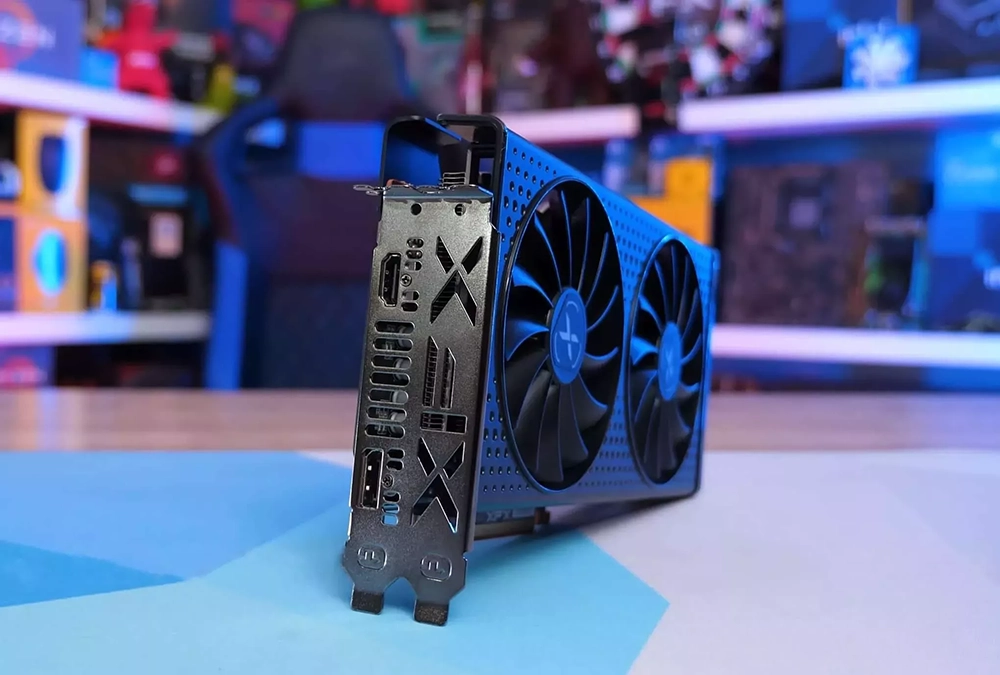
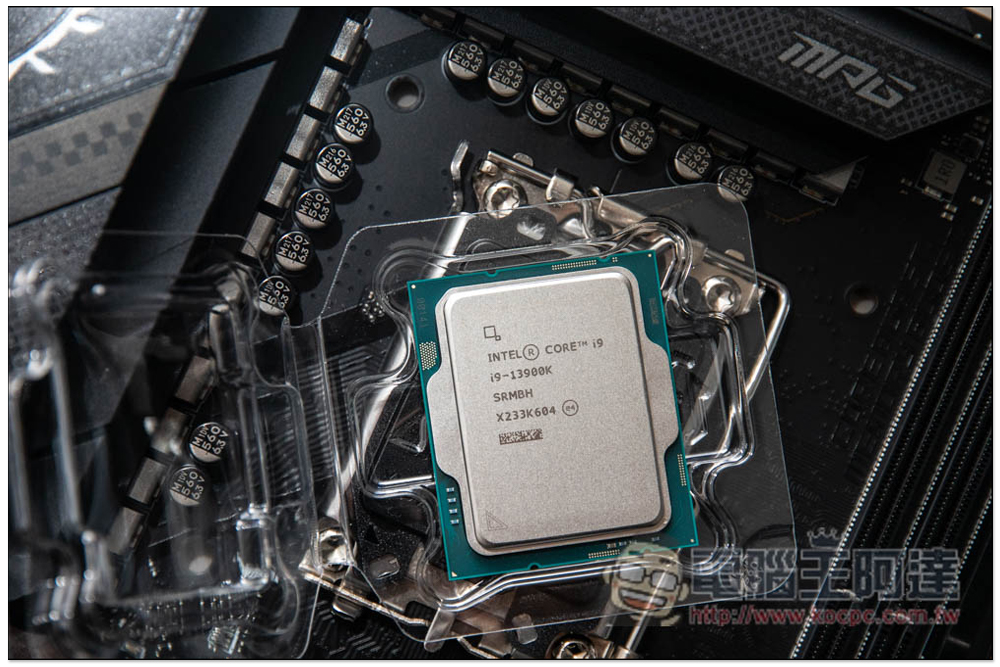
As for CPUs, people often wait longer between upgrades, sometimes using the same CPU and platform for up to 10 years. Others typically pair CPU platform upgrades with GPU upgrades, mostly every 4 to 5 years or so. As long as you don’t need the best performance of the latest games and can optimize the in-game settings, you can still use an older CPU paired with a relatively modern GPU.
The above mentioned are common habits, but if you want a set of quantitative rules, you can refer to the following guidelines:
- If you have the budget, you can upgrade your GPU every other generation, usually every 4 years, such as from a GTX 1080 to an RTX 3080.
- If you’re saving money, or aiming for something other than the best available, upgrade your GPU every three generations, usually every six years, such as from a GTX 1080 to an RTX 4080.
- When the CPU starts to bottleneck the GPU, upgrade. The optimal time frame for CPU upgrades is approximately 5 to 6 years.
The ideal CPU upgrade timing aligns well with GPU upgrades every three generations, so you can combine the two and invest in a complete system upgrade. Or, if your high-end CPU is still going strong, or the latest CPUs aren’t your cup of tea, you can choose to just upgrade your GPU to get a sizable gaming performance boost.
Motherboard, RAM and other
When considering a PC upgrade, the CPU and GPU are the most important. Other components, such as the motherboard and RAM, are tied to your CPU platform and the features you want to access. Components such as the CPU cooler and power supply will need to be upgraded if they are not compatible with your new CPU or are not powerful enough to support your new graphics card. As for storage, capacity or speed, you may be prompted to upgrade to a new hard drive.
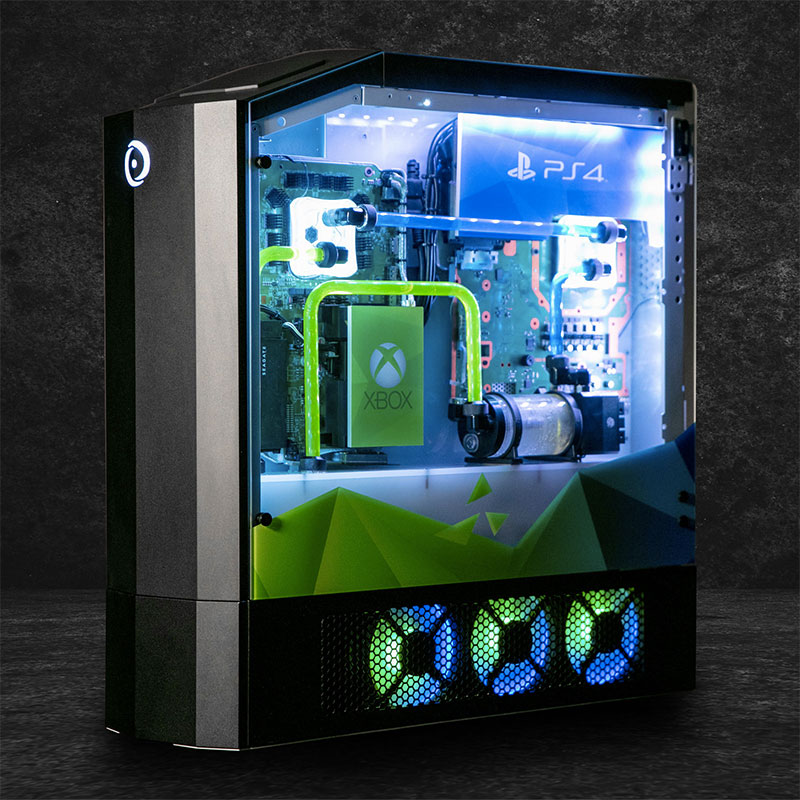
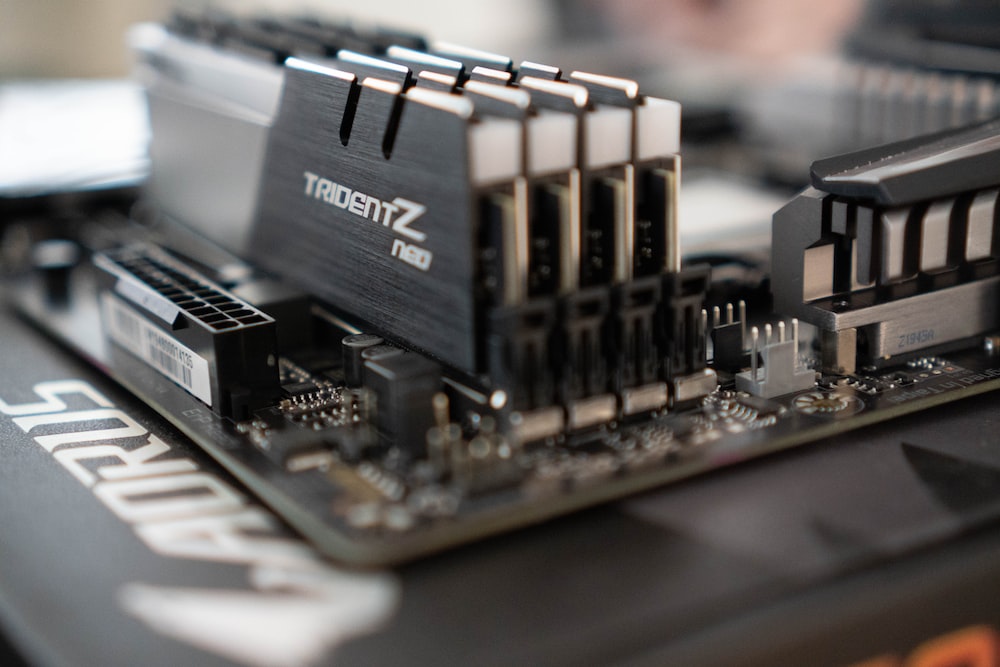
If you upgrade to a new CPU platform after 6 years, you will most likely need a new motherboard. Even AMD’s sockets are probably no more than 5 years old. If the current capacity is not enough to meet the needs, or the new CPU platform does not support the old RAM standard, you need to upgrade the RAM.
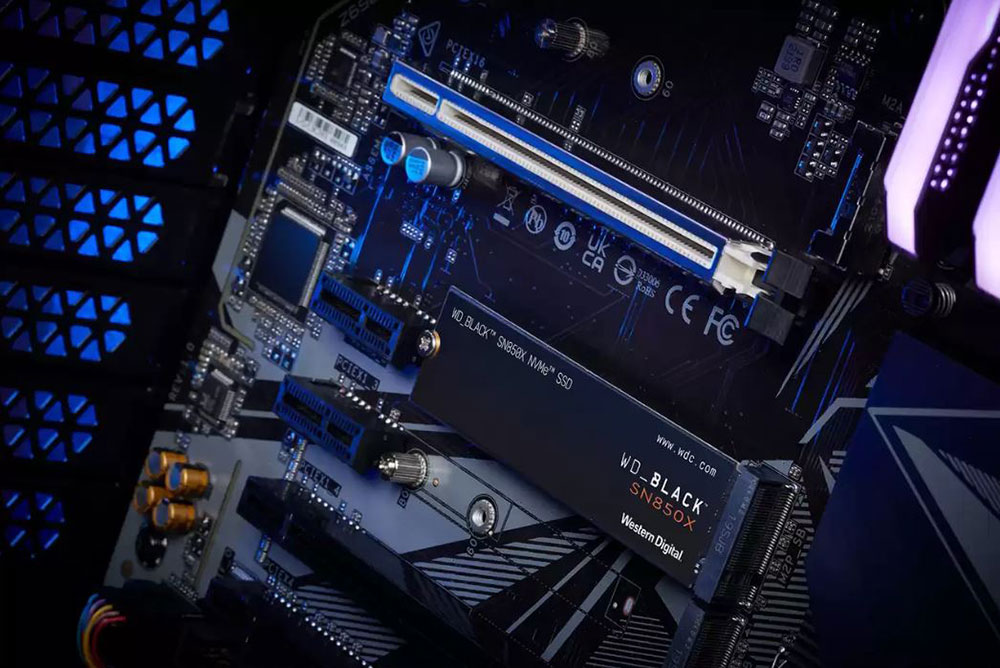
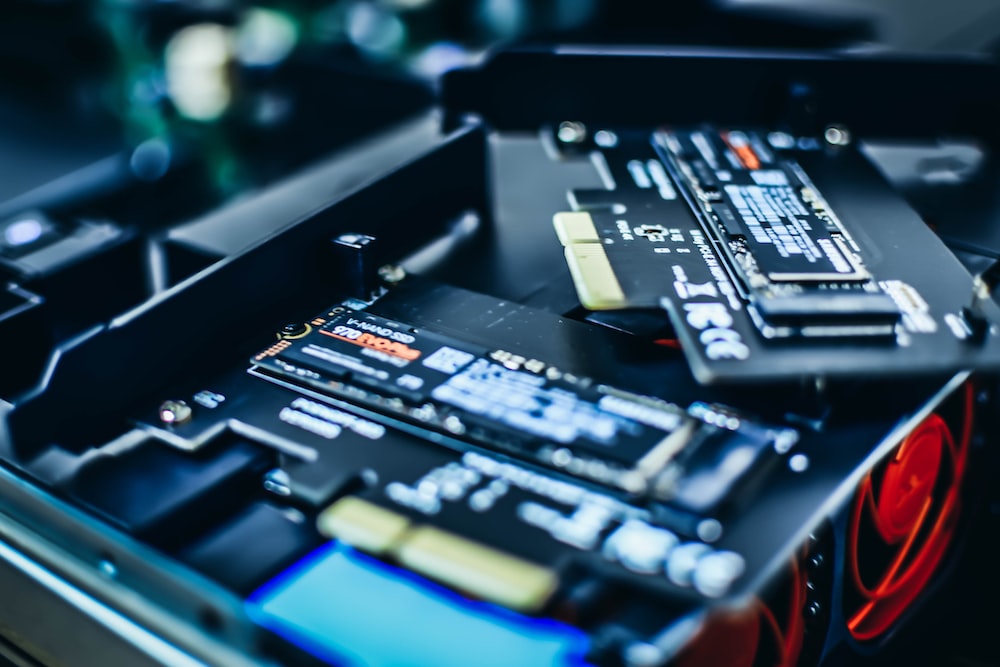
You can easily use a PCIe Gen3 SSD for gaming without having to upgrade for years unless you run out of storage space. You can also switch to a faster Gen4 or Gen5 SSD with a future platform upgrade if your productivity workloads really benefit from it (and the motherboard can support it), or you can do a mid-life Gen5 SSD upgrade.
If you’ve built your computer with extra wattage headroom for the power supply, the power supply can often last through multiple generations of CPUs and GPUs. If not, you’ll need to buy a new power supply with the wattage, efficiency, and build quality to handle your new GPU and CPU. As for cooling, a good 360mm AIO or a high-end air cooler will last you through multiple CPU generations. A new CPU socket may sometimes require a cooler upgrade if your cooler is no longer physically supported, but many times adapter kits can be used to help with older coolers to save some budget.
Once you fall in love with building computers, upgrading will become an integral part of your life. Whether it’s a single component or an entire computer upgrade, it should always be at the forefront of your mind. However, waiting for the right time to upgrade your computer allows you to get the most out of your existing system and prepare you for years of computer adventure to come. So balance your performance needs with your budget and upgrade accordingly.
Source: KOCPC Chinese