


There are actually many word card apps on the market like WordSnap. However, the development team chose to introduce an AI assistant function that can translate and supplement word definitions and other information. Coupled with the easy-to-use interface, it can be said that the practicality will be greatly improved in an instant. Continue reading the article about the experience of using “WordSnap”, a fast word card memory app that incorporates generative AI, and supports the learning of multiple languages such as English and Japanese (update: end of limited exemption).
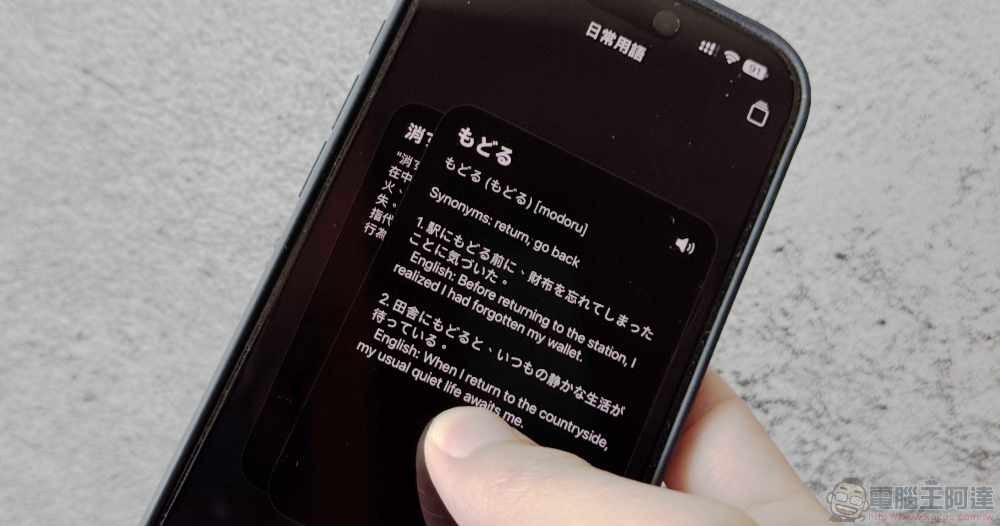
The user experience of “WordSnap”, a quick memory word card app integrated with generative AI, supports the learning of multiple languages such as English and Japanese (Update: End of limited exemption)
Since generative AI became more practical, the first application that many people thought of also included language learning. The application “WordSnap” that thinks of incorporating AI assistants to help with learning quickly has recently launched a limited-time free event. In addition to the original half-year subscription price of up to NT$690, a limited-time free price with zero yuan for lifetime use is provided.
Friends who want to download it can first install it through the link below, and quickly navigate to the “WordSnap Premium” subscription page through the app, select the “Lifetime” option to obtain the limited-time free qualification – Note: Because the limited exemption will end at any time, please pay attention to whether the checkout amount is 0 yuan.
“Word Snap” App Store download
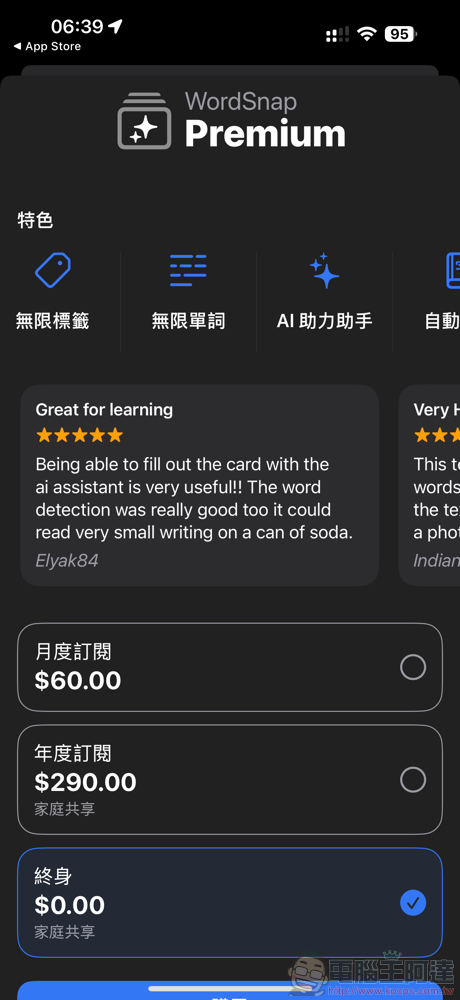
“WordSnap” user experience tutorial
There are actually many word card apps like WordSnap on the market. However, the development team chose to introduce an AI assistant function that can translate and supplement word definitions and other information. Coupled with the easy-to-use interface, it can be said that the practicality will be greatly improved in an instant. The following is the official application description:
使用 WordSnap 踏上令人興奮的語言之旅,這款應用程式讓學習新語言變得簡單又有趣! 告別傳統、乏味的方法,採用創新的方式來擴展詞彙量。 只需拍攝照片或匯入圖像,然後就可以看到 WordSnap 的 AI 迅速為您識別和翻譯單字。 它讓學習變得輕鬆而愉快——非常適合任何渴望探索新語言的人。
透過 WordSnap,您可以掌控自己的學習體驗。 應用程式掃描您的照片後,選擇您感興趣的單詞,然後單擊將它們添加到您的自訂詞彙列表中。 我們的應用程式可以識別照片中的多種語言,為您打開一個語言世界供您選擇。 WordSnap 不僅提供翻譯功能,還提供翻譯服務。 這是關於理解的。 我們的人工智慧為每個單字提供詳細的定義和上下文,使您的學習體驗豐富而有效。 加入 WordSnap 社區,改變您學習語言的方式 – 輕鬆快樂!
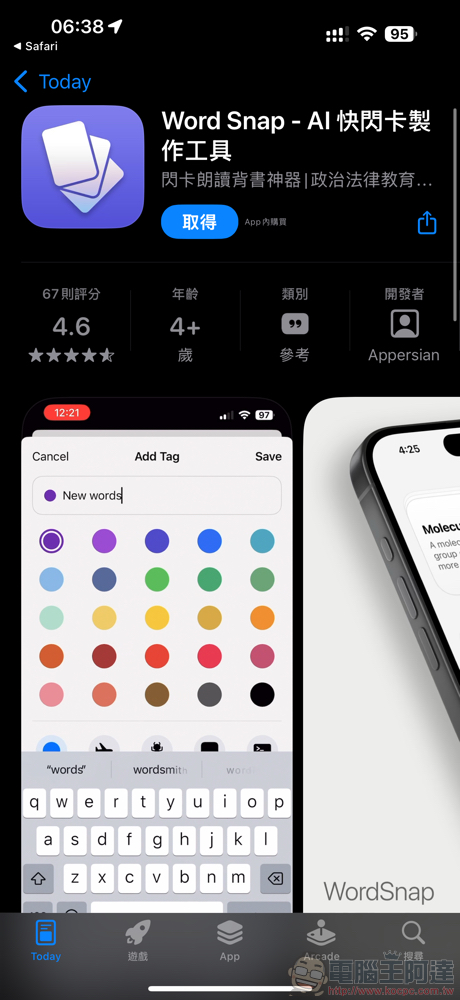
The app is only 13MB in size and supports languages including Traditional Chinese.
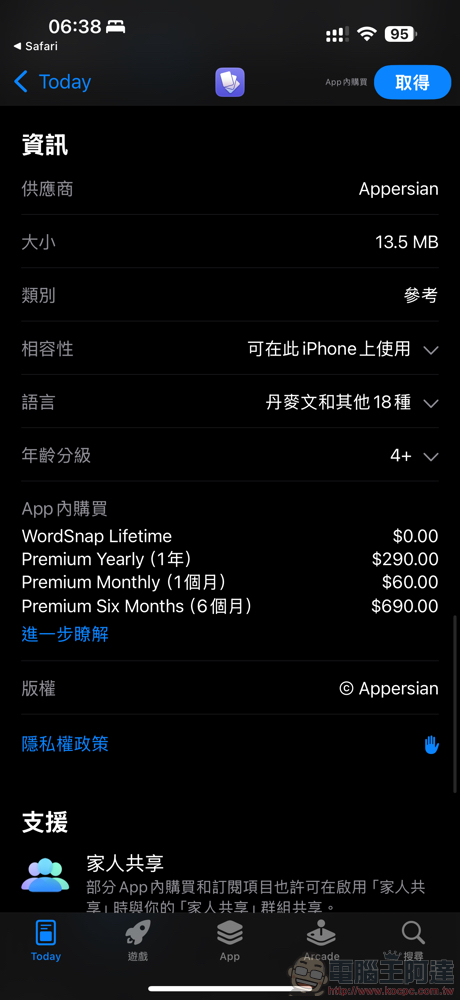
When you open the app, there will be guidance on various functions (there will also be steps to subscribe. Remember to get it if it is free for a limited time to enjoy unlimited tags/vocabularies and AI assistant and other enhanced functions that facilitate learning and remove restrictions).
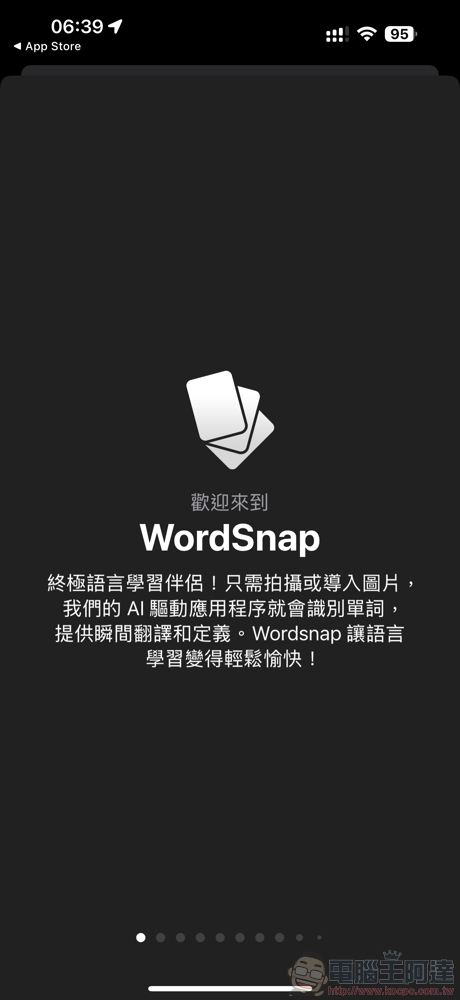
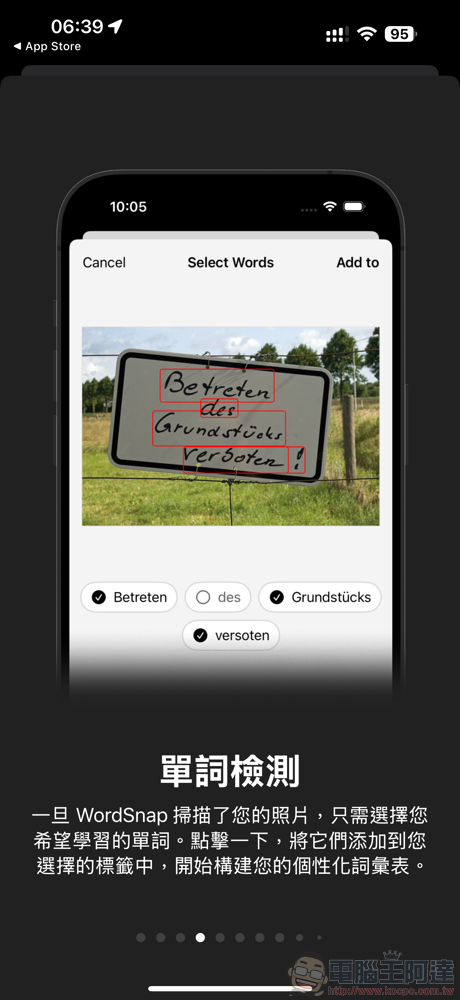
The best thing among them is probably the function of quickly adding words by taking a photo! Of course, manual input is also supported.
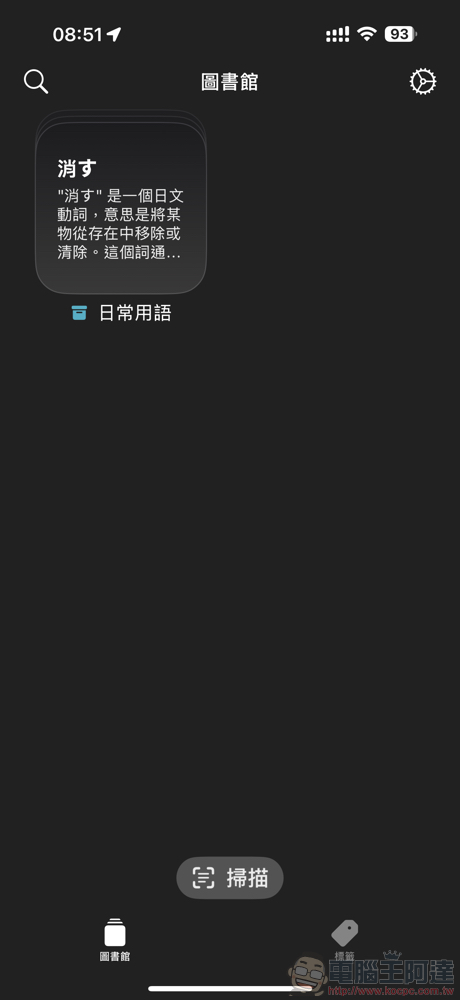
Before starting to use it, we recommend that you find the setting gear in the upper right corner of “Library (which means database)”.
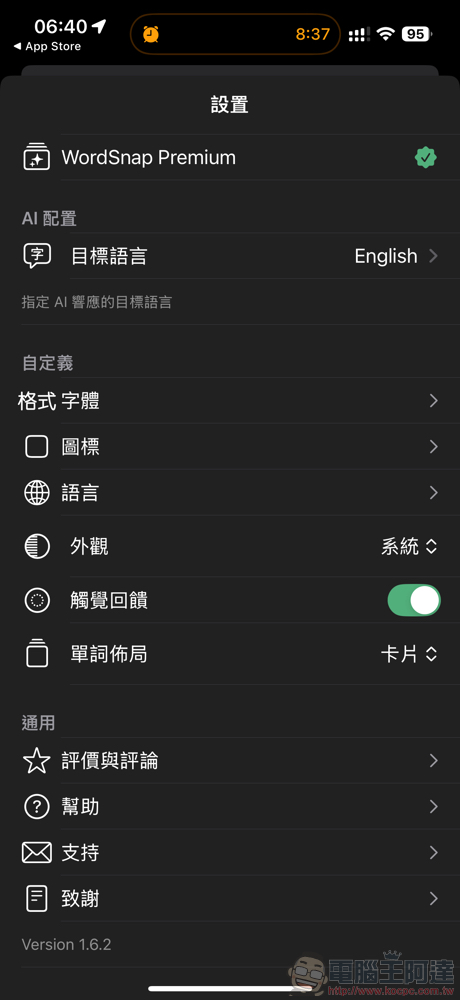
On the one hand, you can confirm whether the status of WordSnap Premium is correct. On the other hand, you can set the “Target Language” of “AI Configuration” to Traditional Chinese (it depends on your language needs), so that the AI function can respond in Traditional Chinese as much as possible.
Through the “Scan” button at the bottom of the interface, you can enter a photo or directly take a photo to detect and quickly import words – yes, this is what “WordSnap” is all about. (PS: You can also enter words manually, but you need to create a tag category before you can add it through the “…” option)
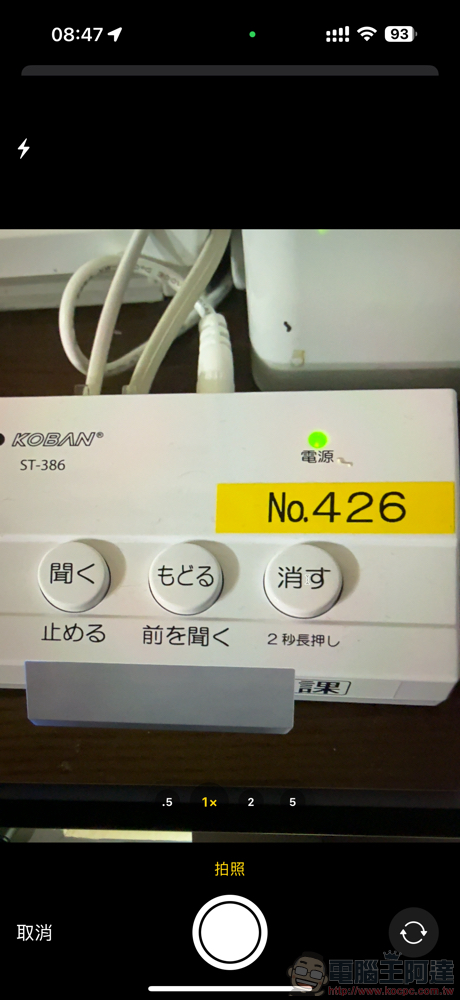
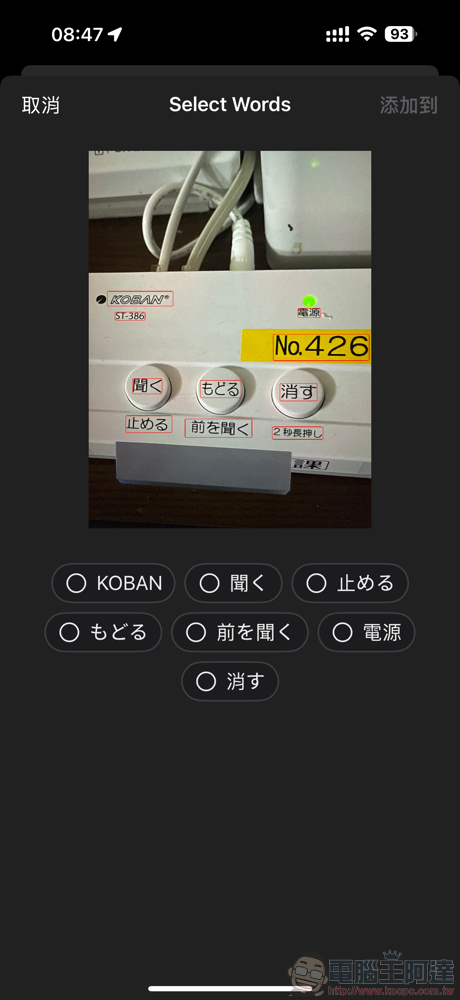
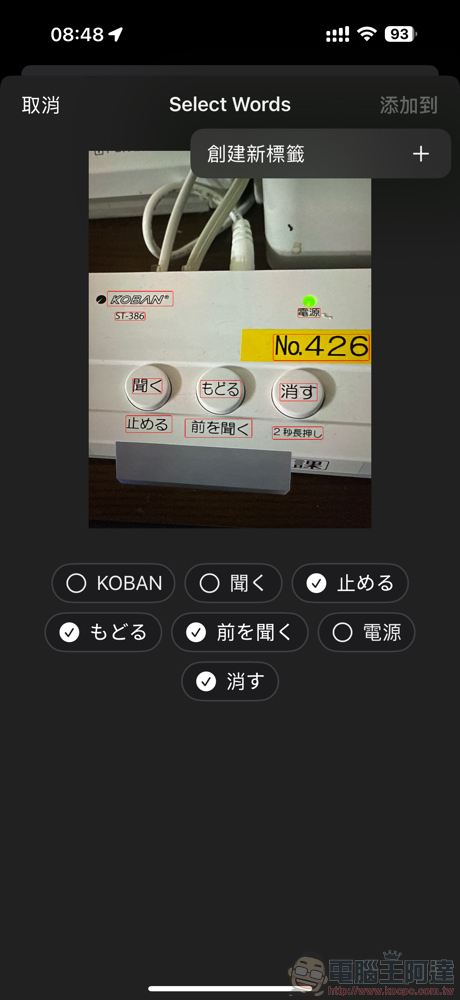
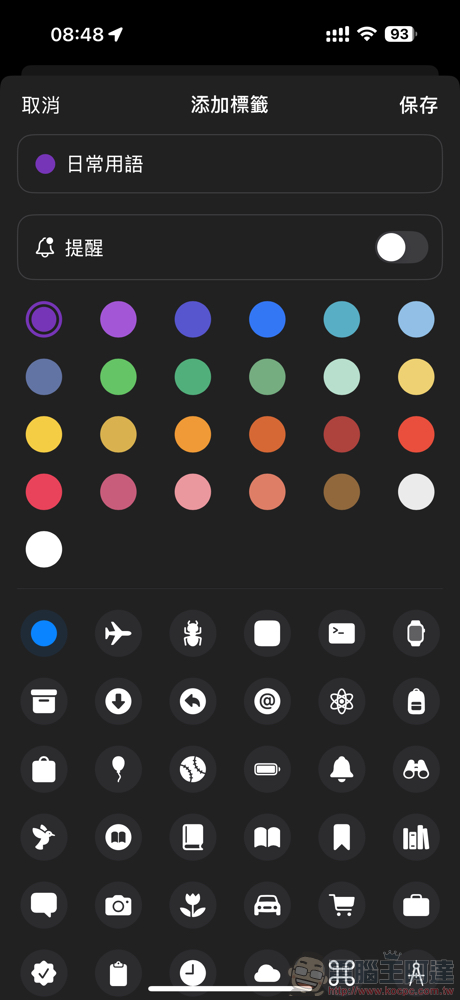
Check the words you want to add and use “Add to” to add a new tag category – taking Japanese as an example, you can organize it into the tag page folder of Japanese words, or you can classify it by icons and colors.
Appears after the word card booklet, you can review the words and listen to the pronunciation, and you can also “add notes” to a single word.
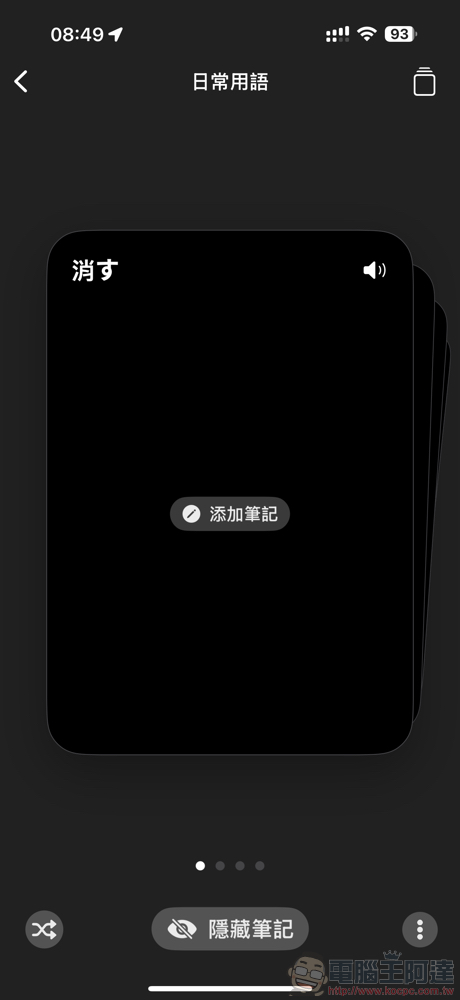
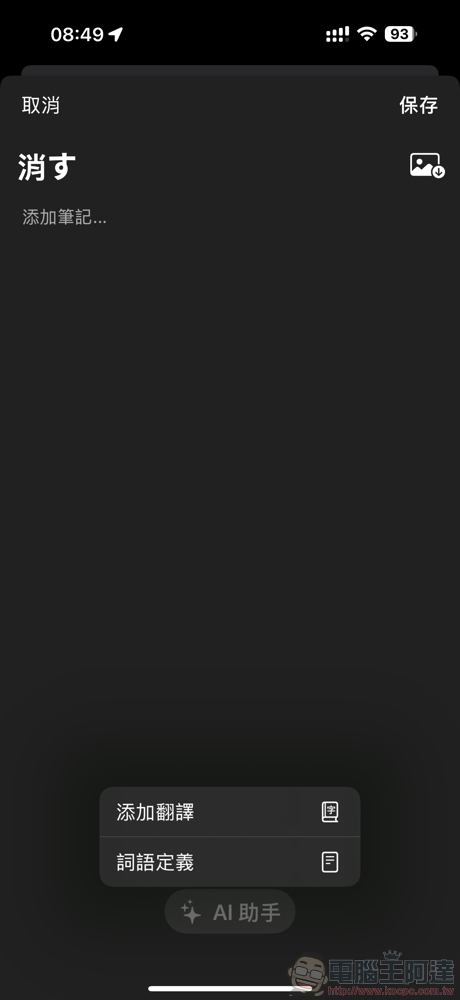
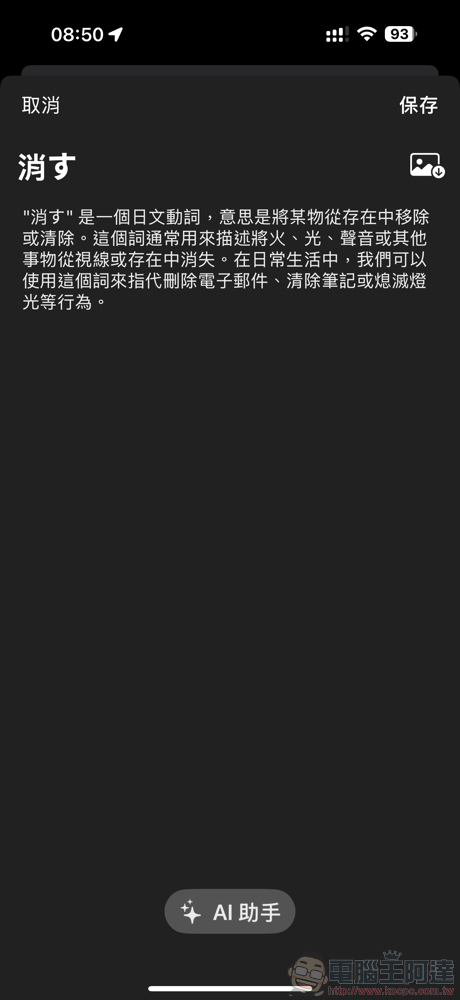
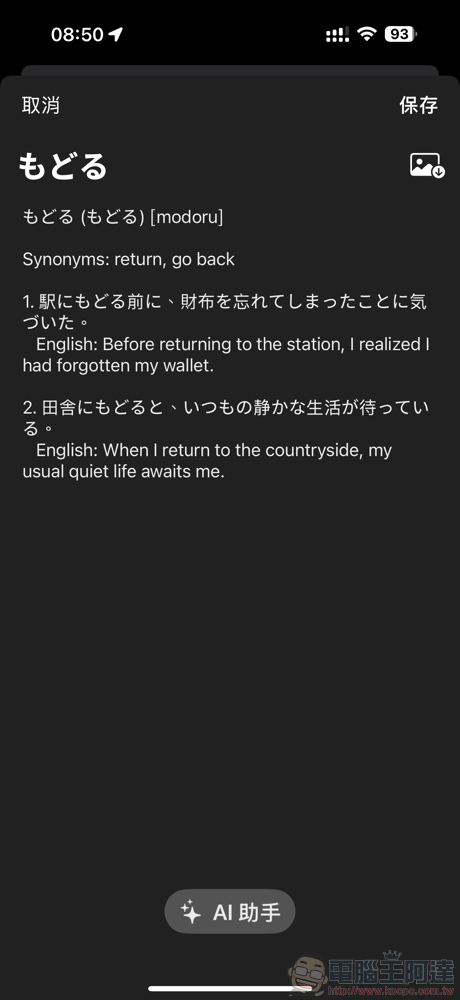
The effect of adding notes is as follows – you can find that sometimes results in non-specified languages will appear (here, when “add translation”, results translated in English will be generated), I hope there will be updates in the future to solve this problem. But the results of “word definition” are pretty good. You can also edit the content yourself (but the content generated by the Word Snap AI Assistant cannot be superimposed (it should be copied and processed) or the generated logic instructions can be customized).
Conclusion
“Word Snap” is a new-generation word card application that incorporates the novelty of generative AI. The experience of being able to quickly add words by taking photos or pictures is very intuitive, and you can also quickly get learning help through the AI assistant and voice playback function later. I believe that with the help of the subscription system, we will continue to introduce and revise to provide better AI-related functions in the future. It is recommended that you download it and use it.
Further reading:
Google Gemini introduces multi-tasking floating window support and teaches you how to activate it
Source: KOCPC Chinese