


YouTube recently launched a wealth of new features, and soonsleep timerIt will also be open to all users, which can be said to comprehensively improve the user experience. The “playback speed” function that many people like to use allows videos to be played at the fastest speed of 2 times and the slowest speed of 0.25 times. Now users can further fine-tune the playback speed in increments of at least 0.05 times! Then continue reading this article to find out how to do it.
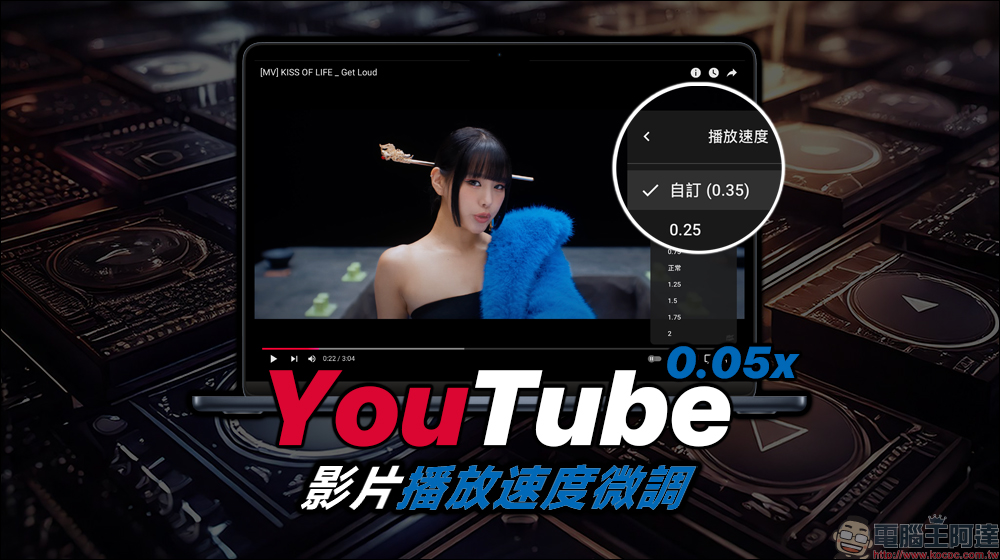
YouTube video playback speed supports 0.05 times fine-tuning. How to operate? Read this article
At what speed do you usually play videos at? Some Vlog videos are lengthy and if they want to watch them quickly, many people will choose to play the video directly by setting the player to 1.5x or even 2x speed. However, the gap between the several preset playback speed settings is still very obvious. Sometimes the playback speed is set too fast or too slow, and it cannot be adjusted to the best speed. However, after the recent YouTube update, this useful feature finally brings more customization options!
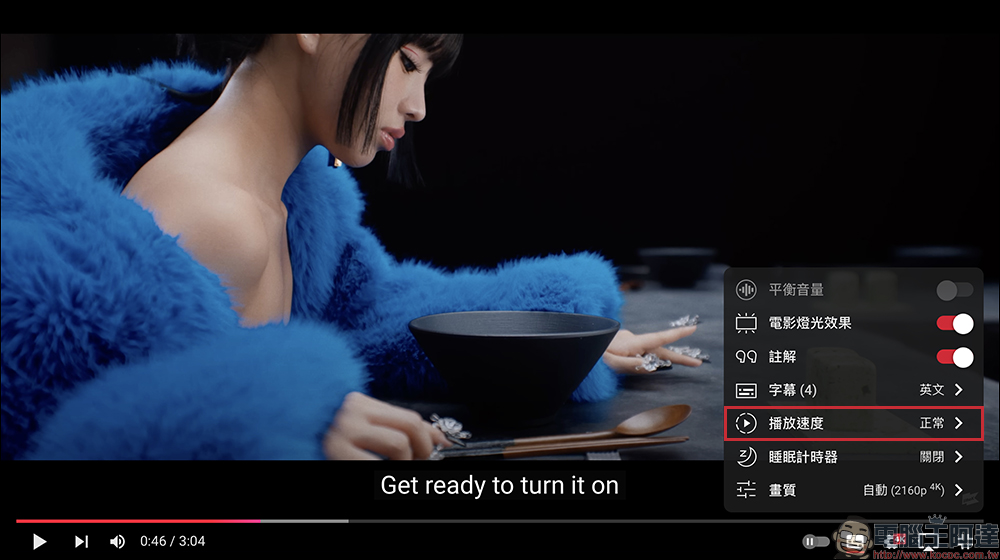
If you have never used YouTube’s “Playback Speed” function, you can first click the gear (settings) button of the player on YouTube in your web browser. Expand the function menu and you will see the “Playback Speed” option. Generally speaking, “Normal” will be displayed by default without adjustment, which is the standard 1x speed playback.
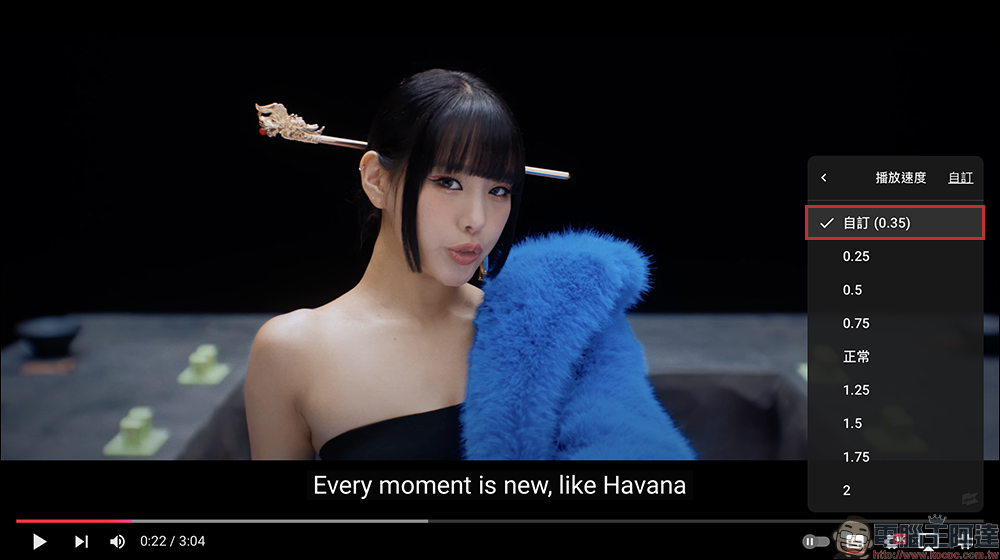
If you want to adjust the playback speed, YouTube presets have speed options of 0.25, 0.5, 0.75, Normal, 1.25, 1.5, 1.75, and 2x. Now, if you feel that you are not satisfied with the above playback speed setting options, you can now “customize” the playback speed you want.
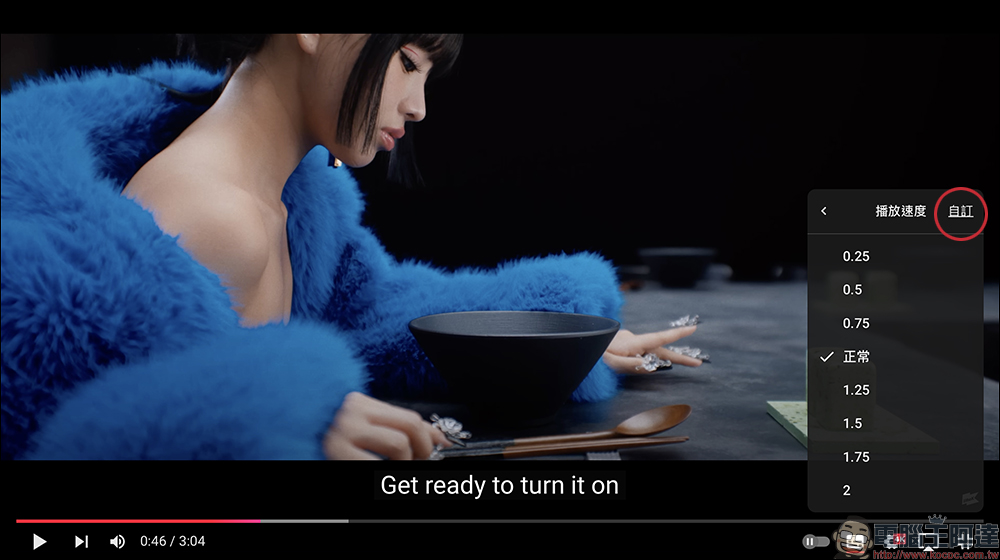
After clicking the custom button, the menu will display a custom playback speed slider. Just drag to adjust the playback speed.
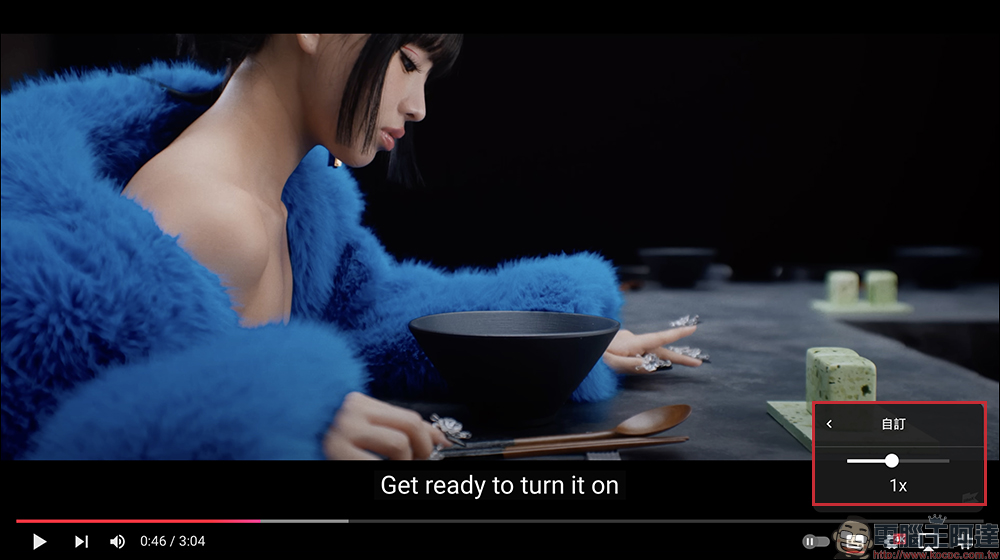
And after testing, it was found that the adjustment of this custom playback speed function can already set the playback speed in units as small as 0.05, such as 0.35x, 0.45x, etc. Playback speeds, so that when selecting a video, you don’t have to worry about the video being too slow after slow motion, causing the illusion of lag in the video playback process.
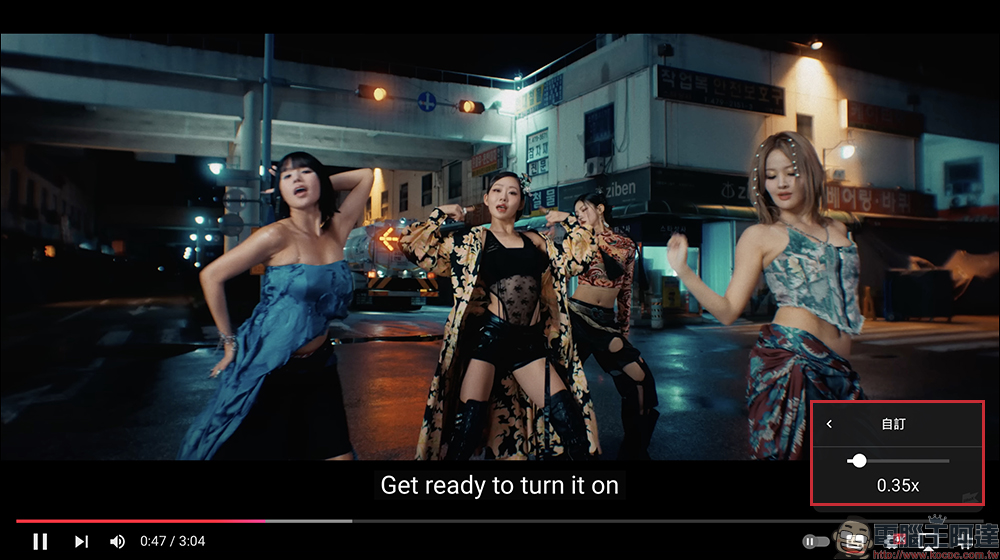
If you have customized the playback speed previously, you can also switch it directly when selecting the playback speed later.
Conclusion
YouTube’s newly launched “Custom Playback Speed” option is undoubtedly a very useful feature, especially for users who want to precisely control their viewing experience. Traditional fixed playback speed options such as 0.25, 0.5 or 2x speed are sufficient for most people’s needs, but sometimes we may want it to be a little faster or slower. The newly added customization options allow users to fine-tune the video speed in a more flexible way to achieve a viewing rhythm that is more suitable for personal needs. Whether they are learning content, watching instructional videos, or wanting to savor certain clips in detail, they can provide a better sense of control.
In addition, this feature can effectively help save time or allow you to enjoy the content without missing any key details. This update reflects YouTube’s response to user needs and demonstrates its commitment to improving the user experience. In the future, with the launch of more customized features, I believe YouTube will further change the way we watch movies. However, many users believe that YouTube should provide faster speed options such as 3x speed. After all, when playing some slower-paced videos, 2x speed may not be fast!
Further reading:
Tesla Optimus Bot humanoid robot makes stunning debut, showing more life applications
Source: KOCPC Chinese