


It was discovered a few months ago that testing has been launched, allowing users without paid YouTube Premium subscriptions to enjoy the “true.in-App”, the latest mini-player support for using the picture-in-picture floating window experience in the YouTube App. Now it has come to users’ iOS and Android mobile applications with the recent application update. Continue reading YouTube’s new mini player and settings page are here. Is it easier to use? Here’s a quick look at the text of the report.
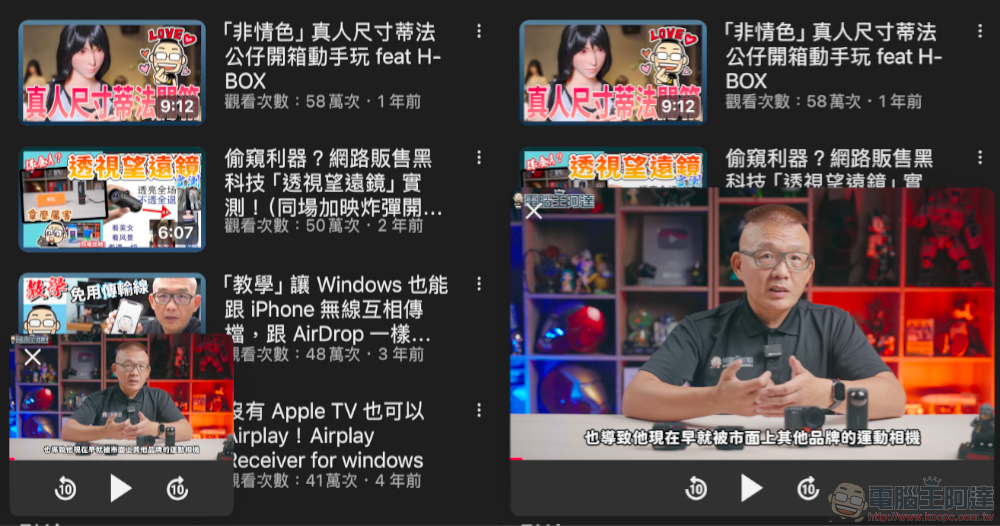
YouTube’s new mini player and settings page are here, is it easier to use? Here’s a quick look
It was discovered a few months ago that testing has been launched, allowing users without paid YouTube Premium subscriptions to enjoy the “true.in-App”, the latest mini-player support for using the picture-in-picture floating window experience in the YouTube App. Now it has come to users’ iOS and Android mobile applications with the recent application update.
In addition, there are many detailed adjustments to the interface and functions – even the settings page has been changed. In this article, let’s take a look at these changes.
Tutorial on how to use YouTube’s new mini player
Compared with the old version of the YouTube mini player, the new version is closer to the picture-in-picture experience that includes built-in support for iOS and Android mobile systems – you can see the comparison chart of the foreign media 9to5Google. Basically, the previous mini player is closer to the concept of “putting it in a drawer”; the new screen is larger, and there is no upper and lower cropping.
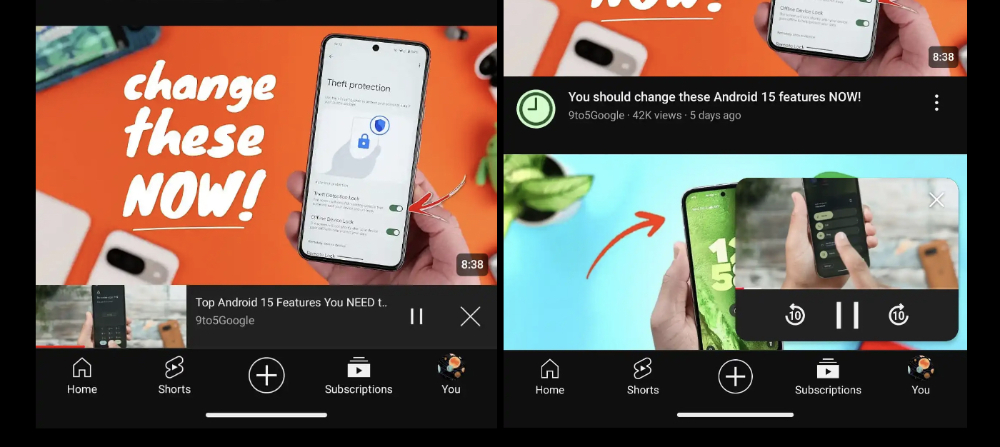
▲Image source: 9to5Google
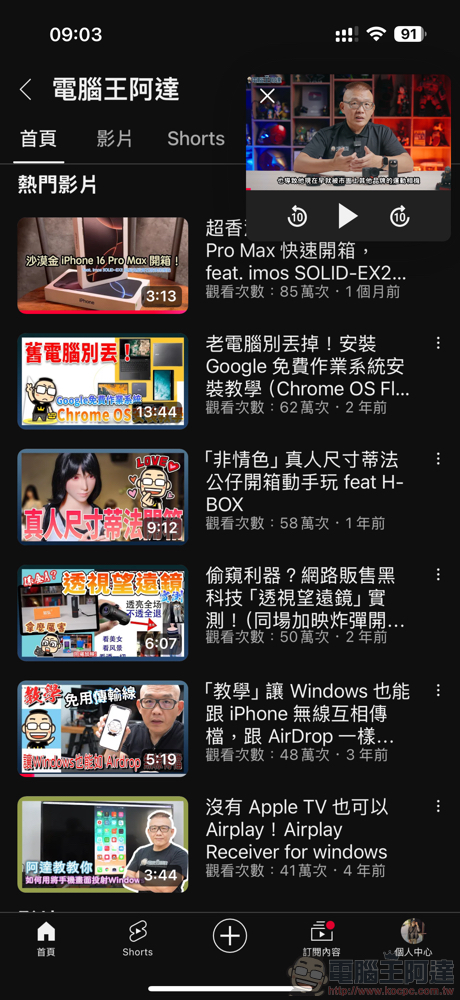
Using the mini player works the same way as before. Simply “swipe down” on the video window to place the video at the bottom and turn it into a mini player. The new experience can not only be stored at the bottom, but can also be moved to the four corners of the screen, and even “double-click” the mini-player video screen to enlarge the screen. Below is our simple demonstration.
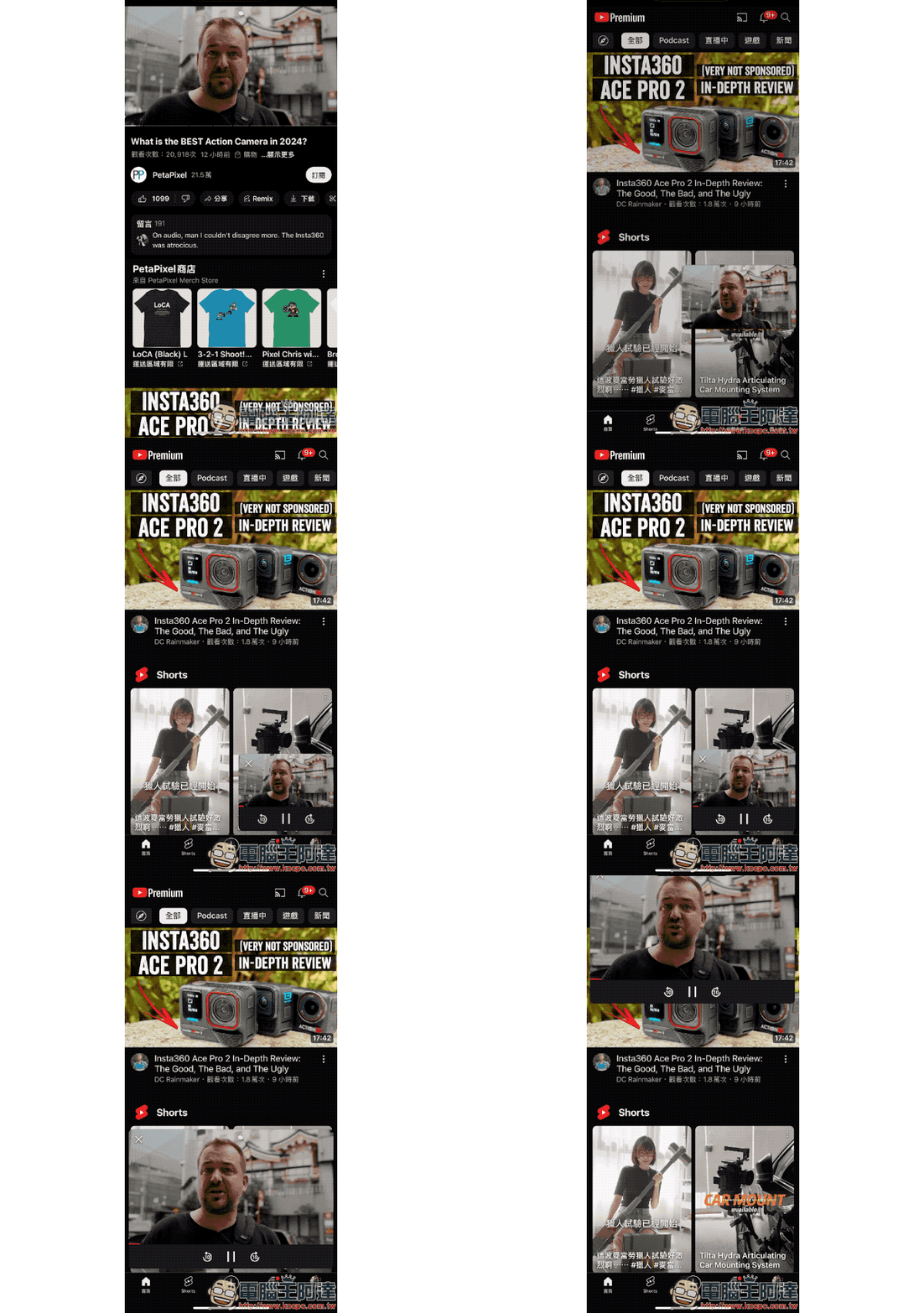
Based on our actual testing, this feature can be used even by user accounts that are not YouTube Premium paid subscriptions. Compared with the past, the playback interface only has two buttons to close and pause playback. Now it provides options to fast forward and rewind 10 seconds, which can be said to be greatly improved in operational convenience.
Other improvements
This wave of updates also provides a new interface for quickly setting sleep timers and playback speeds in the “⚙️” gear button menu during playback settings.
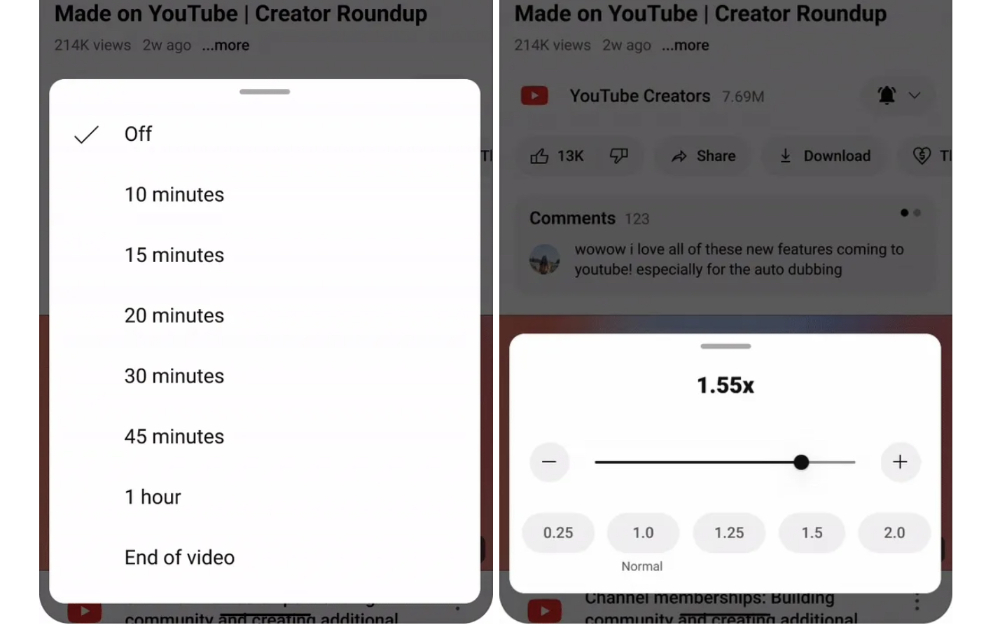
▲Image source: 9to5Google
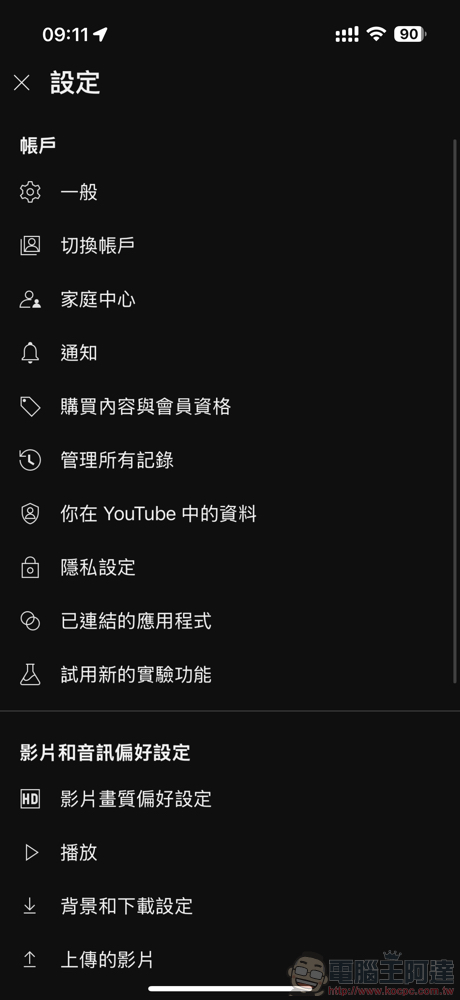
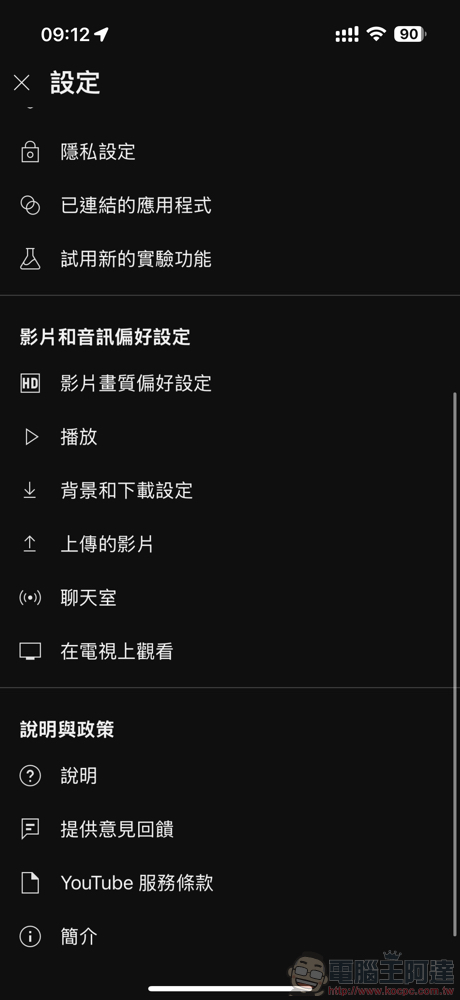
The YouTube setting function page has also been changed. Compared with the Android version, which the editor has not yet received a new version update, the iOS version has been organized into categories.
For the playlist part, the AI image generation thumbnail function that YouTube Music has previously provided has been imported. It also provides a new interface for sharing via QR Code.
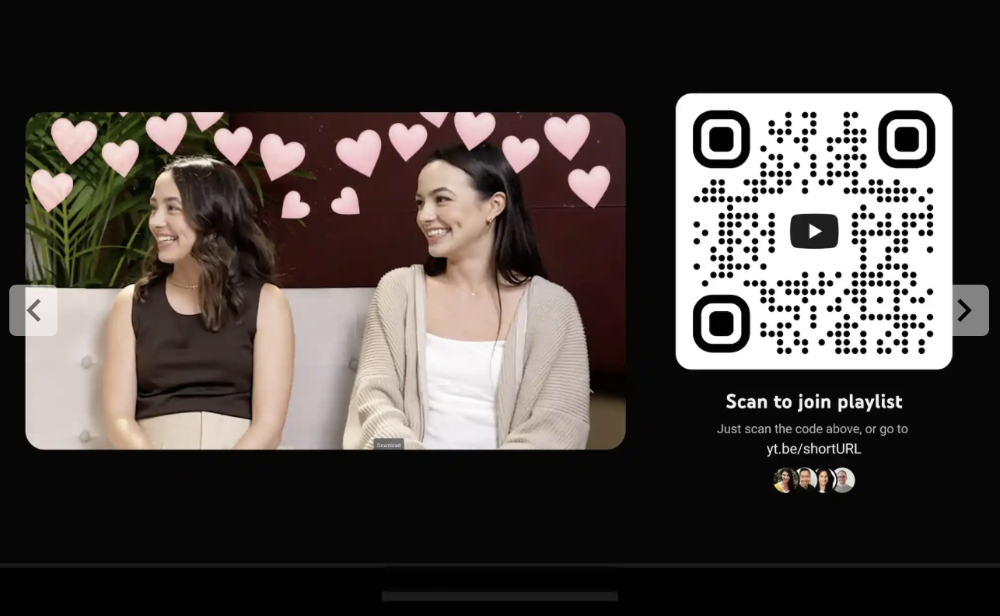
▲Image source: 9to5Google
Quote sources:9to5Google|
Further reading:
Source: KOCPC Chinese