


People who often use the ChatGPT web version know that for some reason, sometimes when there are too many chats, a response error may occur. However, the Mac version of ChatGPT does not have this problem. Therefore, heavy users of ChatGPT Windows must be waiting for the arrival of the Windows App.
Finally earlier, OpenAI suddenly released the Windows App, and it was open to almost all users at once (except for free users). Unlike the previous Mac, which was tested on a small scale first, as long as you meet the monthly subscription qualifications, you can now use the App on Windows! But the functions are not as rich as Mac.
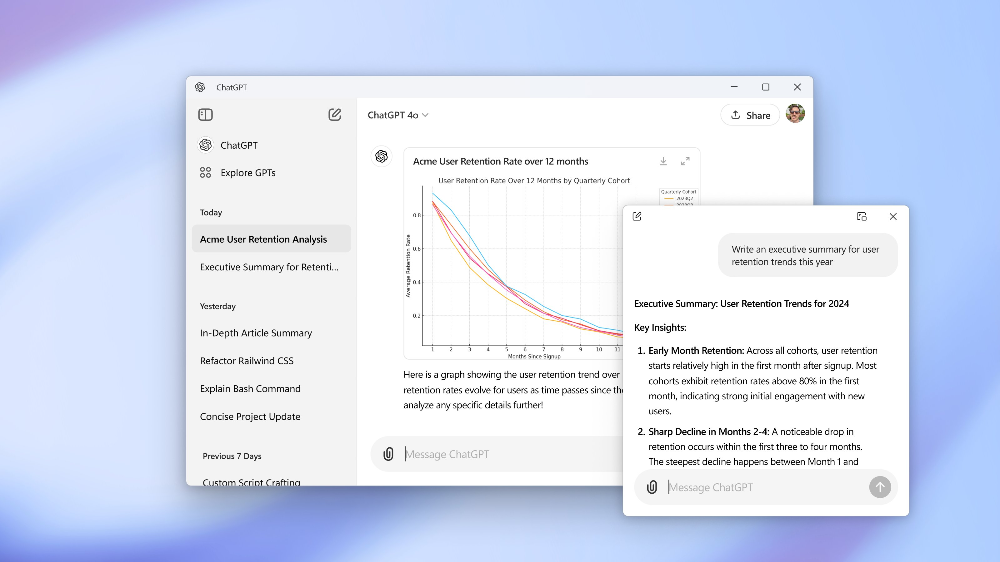
How to get ChatGPT Windows version
There are two ways to obtain ChatGPT Windows version. The first is to install it directly from the built-in Microsoft Store in Windows. The second is to go toWeb versionDownload the installation file. The versions installed in both are the same.
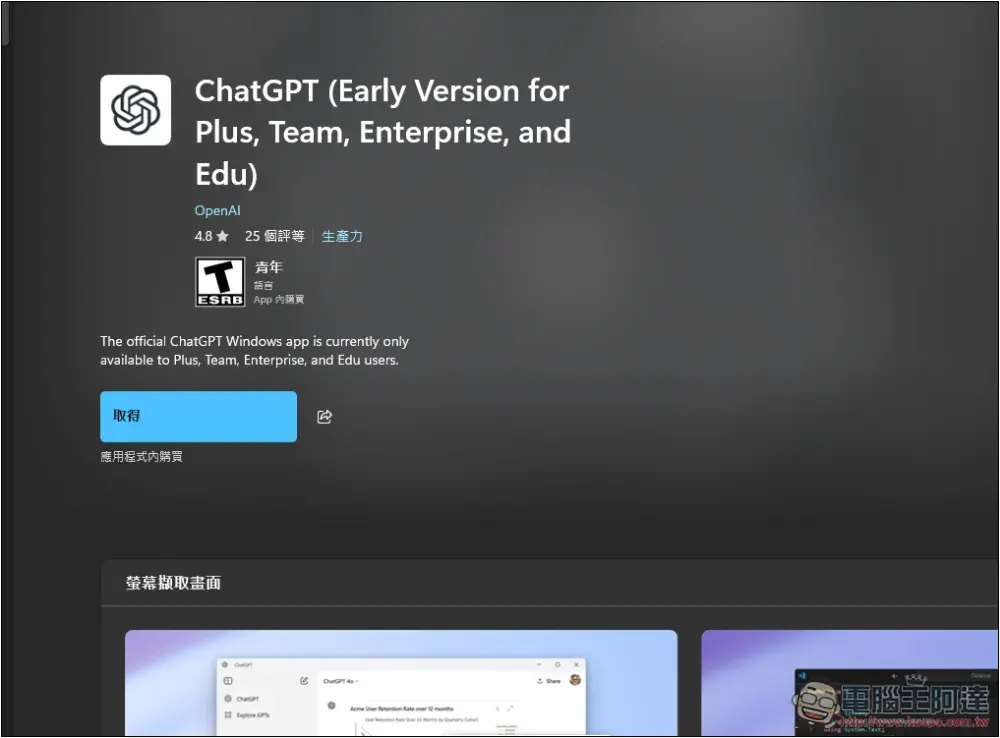
Now search for ChatGPT in the built-in Microsoft Store of Windows, and you will see a ChatGPT (Early Version for Plus, Team, Enterprise, and Edu) application. This is the official ChatGPT App. As the name suggests, it is still an early version, so not all functions are available, but basically chatting is no problem:
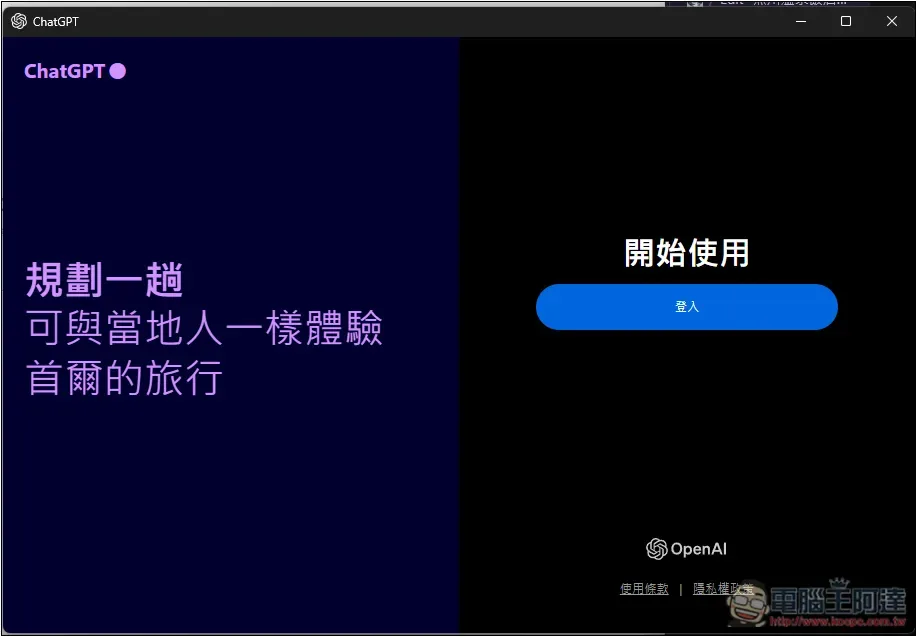
After opening, log in to your ChatGPT account:
Then you can start using it. The operation interface is the same as the web version, but some functions are not available. For example, it does not support voice input, only text input. The upload function only allows you to select files, unlike Mac where you can take screenshots:
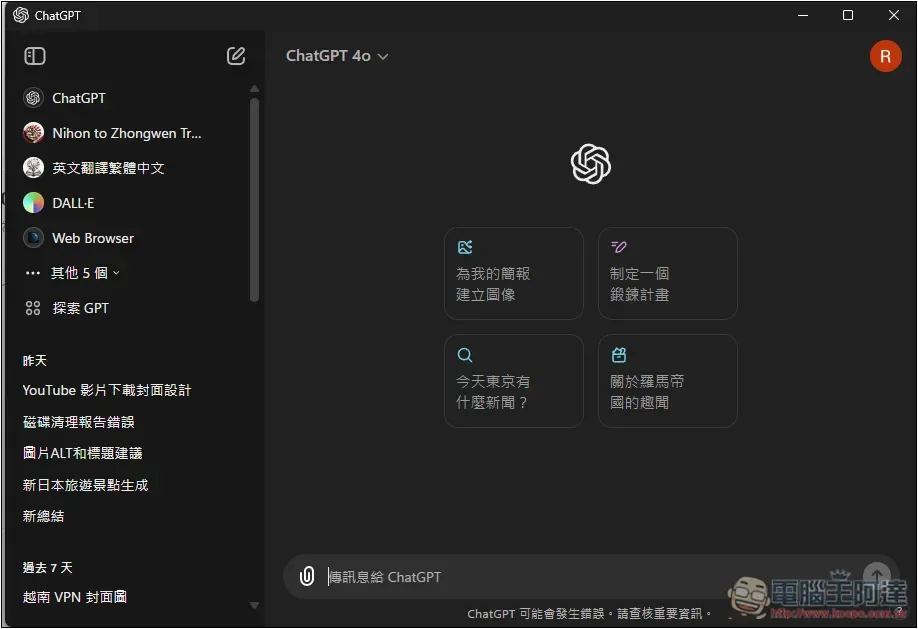
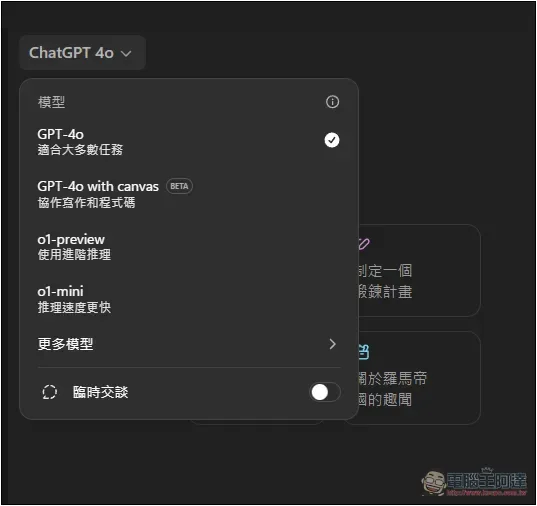
However, you can still choose to use models, including the latest GPT-4o with canvas, o1-preview and o1-mini:
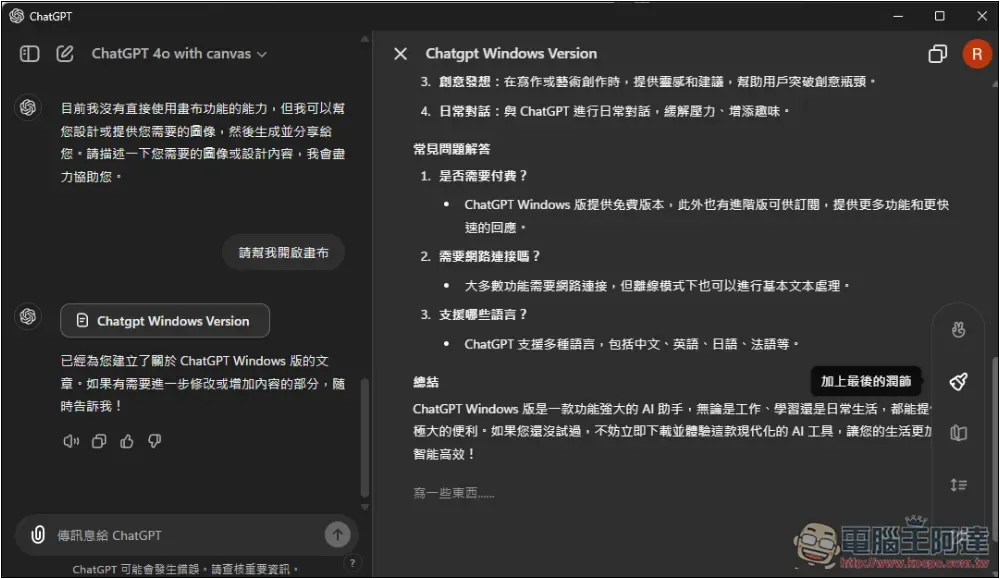
The measured canvas function is indeed no problem, and there is also a function menu on the right:
What’s the difference between using the app and the web version?
Based on my long-term experience of using it, I think the biggest advantage of the App is its stability, which is better than the web version. For example, the response error Error mentioned earlier always appeared when I used the web version, but it went smoothly when I switched to the Mac version of the App.
However, the current version of ChatGPT Windows is still an early version and may not be as stable as the web version. This will only be known after testing.
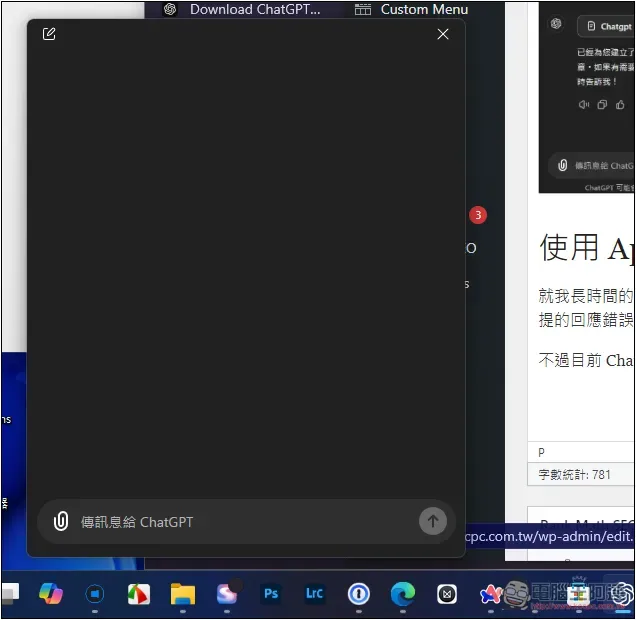
In addition, Windows App also supports the shortcut key Alt+Enter to quickly open the chat window, allowing you to chat with ChatGPT in any window:
When will the Windows version be open to ChatGPT free users?
According to OpenAI’s official X.com description, it is expected to be launched to all ChatGPT users later this year. Representatives said that free version users will have the opportunity to use the Windows App within 3 months.
I guess we don’t have to wait too long, it’s just a matter of confirming whether the Windows App can run properly on Windows computers among all subscribed users.
We plan to launch the full experience to all ChatGPT users later this year.
— OpenAI (@OpenAI) October 17, 2024
Source: KOCPC Chinese