


Android’s three latest Theft Protection features are now available through updates to the new version of Google Play Services, supporting devices starting with Android 10 or later. In this article, we will also teach you how to enable these functions. Continue reading How to enable Android’s latest theft protection (active detection and locking)? This article tells you the content of the report.
▲Image source: Google
How to enable Android’s latest theft protection (active detection and locking)? This article tells you
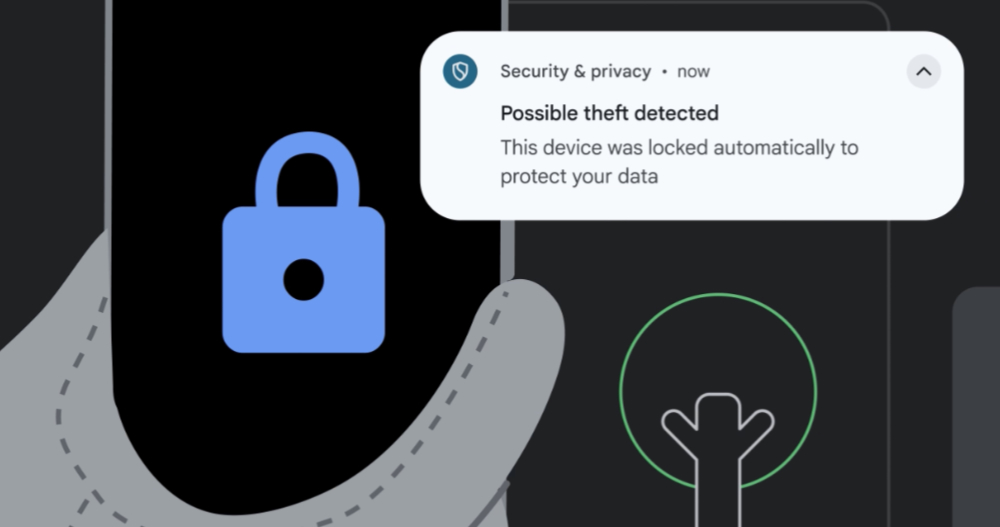
Google has announced new anti-theft features for Android devices that use Google’s AI and machine learning models to detect when your phone is forcibly snatched from your hands. The “Theft Detection Lock” will automatically lock the phone whenever a theft-related action is detected, making it unusable.
When a thief attempts to interrupt your mobile phone connection for a long time, this feature will automatically lock the mobile phone screen “Offline Device Lock”, and there are three latest theft protection (Theft Protection) that can lock the mobile phone screen through mobile phone number and security barriers.
▲Image source: 9to5Google
According to foreign media reports, devices running after Android 10 are now supported through updates to the new version of Google Play Services. In this article, we will also teach you how to enable these functions.
The latest Theft Protection activation tutorial
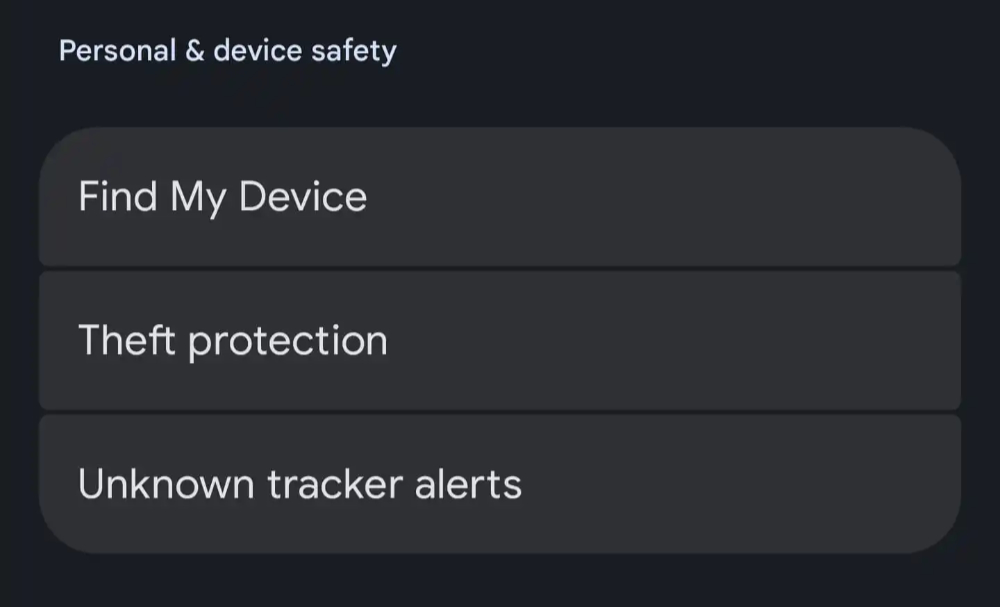
This feature will be available as a new Theft Protection option in “Security & Emergency > Personal & device safety” in Android system settings.
▲Image source: 9to5Google
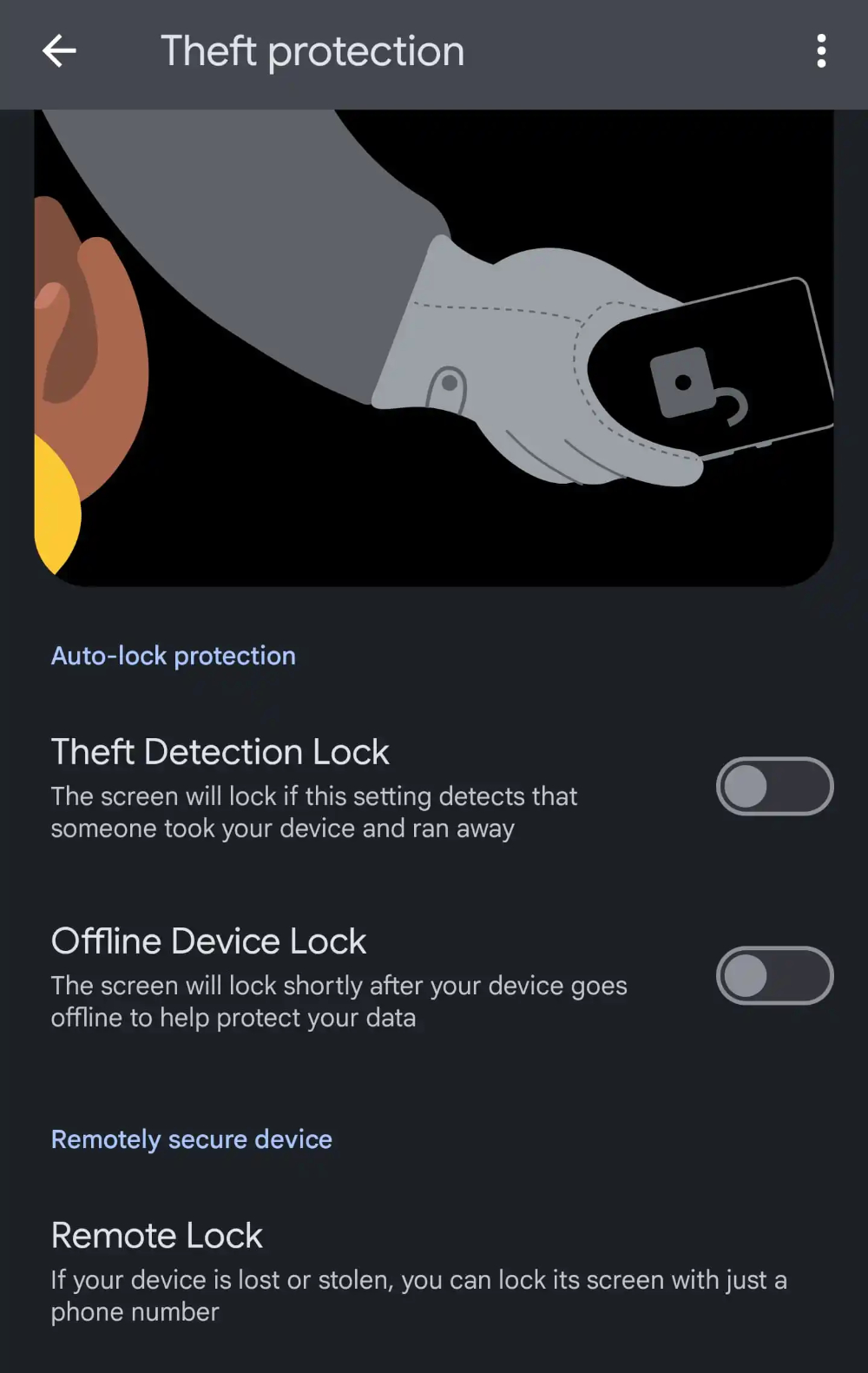
When entering Theft Protection, you can activate two automatic functions including “Theft Detection Lock” and “Offline Device Lock” through the switch – after activating the offline device lock function, the device will be automatically locked when it detects that it is offline to avoid further digging into the data in the device when it may be stolen.

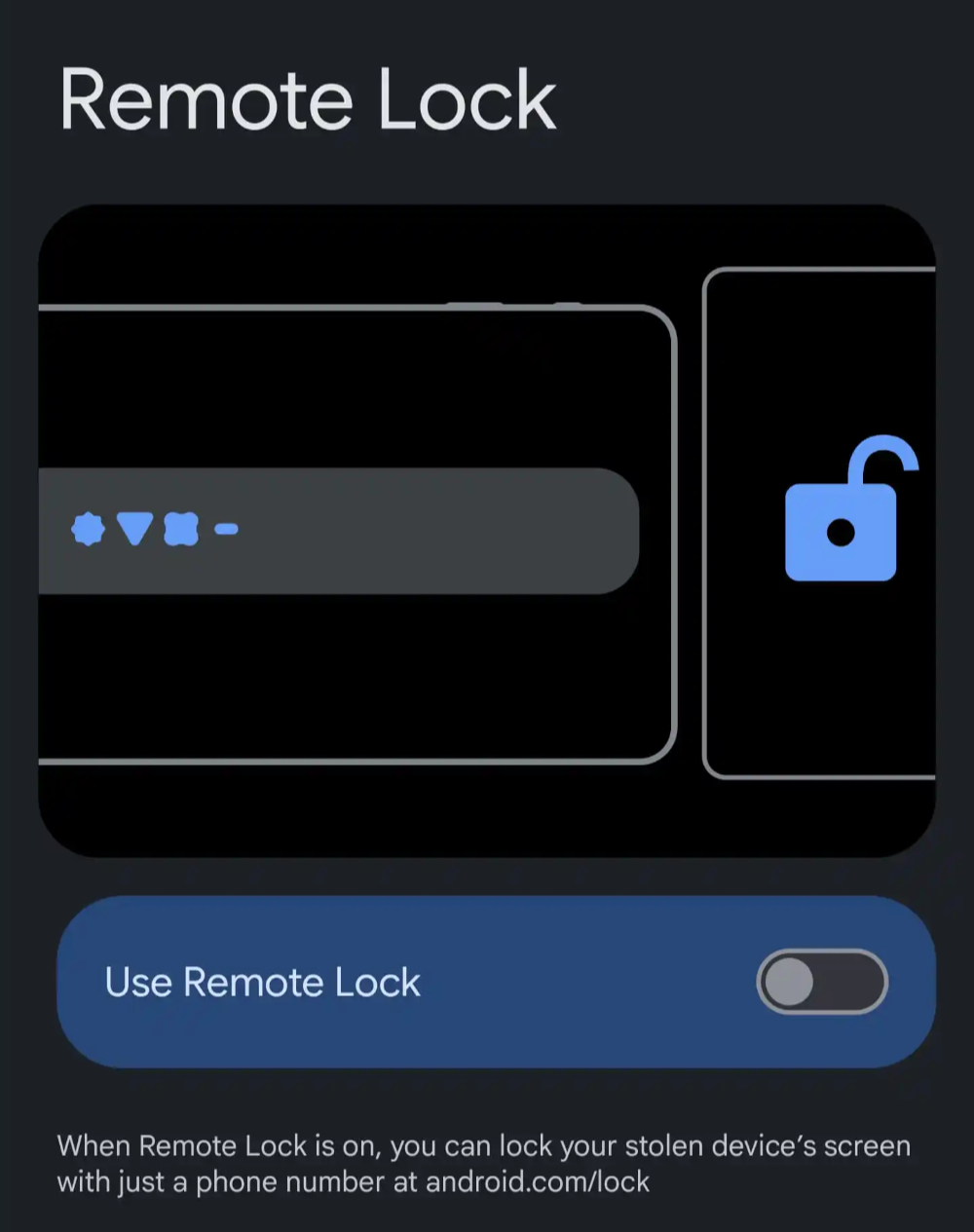
And if it is determined that the device is lost or has even been mastered by others, you can activate the “Remote Lock” function to actively lock the device with a simple phone number – you can android.com/lock This page is used to enter the phone number of a lost or stolen Android device.
It should be noted that the remote lock setting must be activated and connected to the Internet (after being activated on the web page, the device will automatically lock when connected to the Internet); then when the device screen is remotely locked, it can be unlocked through the screen lock function after recovery.
▲Image source: 9to5Google
In line with the usage conditions previously disclosed by foreign media, the two automatic anti-theft functions of “Theft Detection Lock” and “Offline Device Lock” will only automatically activate the locking mechanism twice a day. So to put it simply, if your usage situation is easily judged as stolen by this function, the practicality of this new mechanism may be reduced a lot (after all, it may exceed the number limit when it is really stolen…). But for ordinary people, this kind of spare function should be activated as soon as they receive it.
According to foreign media, this feature has now been fully rolled out to users of Android 10 and above. Friends who have not received it yet can wait patiently for Google Play services to be updated.
Quote sources:9to5Google|
Further reading:

Source: KOCPC Chinese