


Every year, the latest iPhone successfully sweeps all mobile phone sales charts as soon as it is launched. It is not difficult to understand why, because the new iPhone has excellent battery life, excellent appearance and performance, etc. However, you don’t have to buy the latest model every time to have a good experience, and if you know what you’re looking for, you can get your favorite phone at a more affordable price on the second-hand market. So what are the key points that need to be paid attention to when buying a second-hand iPhone?
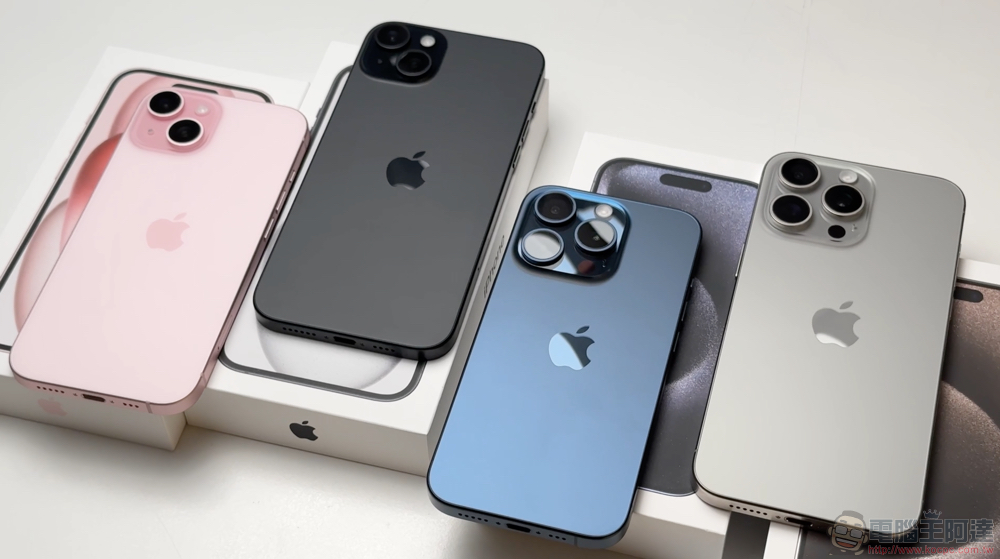
13 things you need to check before buying a used iPhone
Buying any second-hand tech product comes with risks, and you want to make sure the phone is in good condition inside and out, is safe, and is not stolen property that has been reported lost or stolen. There’s still a lot to confirm, though, so you’ll want to follow us and do the necessary checks before handing over your hard-earned money.
1. Turn on the computer
The most obvious thing to do is to boot up the iPhone and see if it powers on normally and isn’t locked by a previous user. If it’s locked, it means the phone may have been stolen. Don’t believe sellers who say the battery is dead, if they claim they won’t unlock it until after the sale, then ask them to unlock it in front of you to prove ownership of the phone. It’s most convenient if the phone is still logged into the original owner’s account, and you can ask the seller to demonstrate and test all the features mentioned in this article. Experienced sellers will wait until the phone is officially sold to restore the phone to its original settings, but an honest seller can unlock the phone anyway.
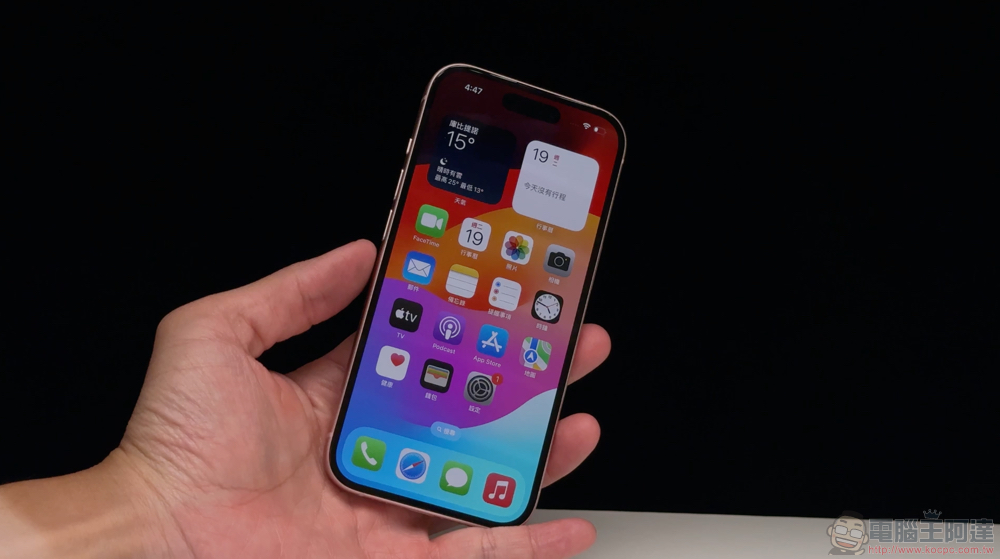
2. Check the appearance for physical damage
Once you’ve opened your iPhone and confirmed that ownership indeed belongs to the seller, it’s time to inspect the phone for physical damage. A cracked screen is the easiest to spot, but you’ll also want to carefully inspect the body for scratches, dents, discoloration, or any other marks, as well as the camera lens for any obvious scratches. If you inspect the phone in person, you can take a good look at the conditions mentioned above; if you consult with the seller online, please ask the seller for photos of the phone from all angles after removing the protective case. Please make sure the photos the seller sends contain close-ups or are of high enough resolution to allow you to zoom in and see every detail.
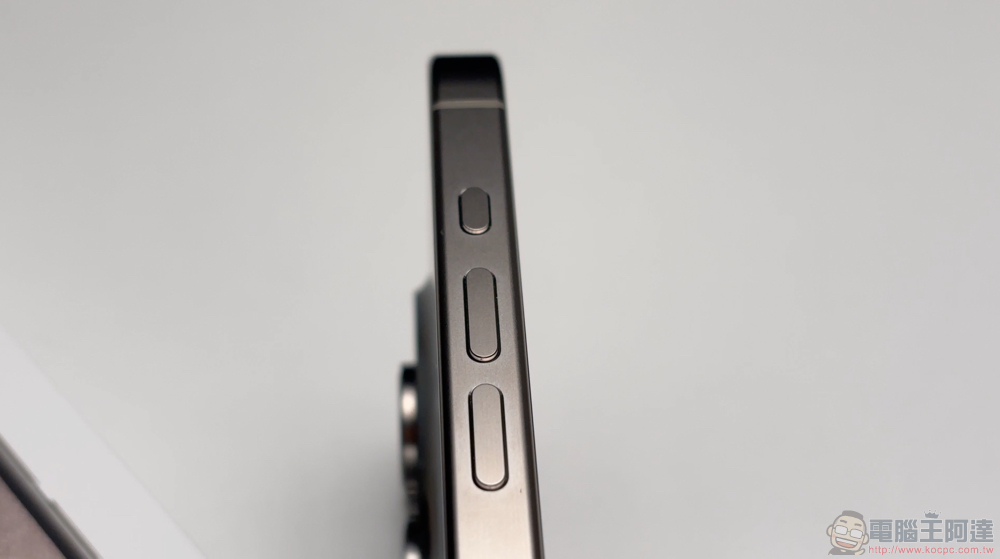
Don’t overlook imperfections just because they are small. While minor physical damage is usually fine, you can use it as a counter-offer. However, if there are dents on the body, it means that the phone may have experienced a serious collision or drop, which may be worrying. You can also check the outside of the fuselage byliquid contact indicator(almost all models have the SIM card slot) to check for water or liquid damage.
3. Check for screen burn-in and backlight issues
Screen burn-in is when images (such as website logos, etc.) permanently leave traces on the screen. If you leave a channel on for several hours and the channel’s logo remains in a fixed position, you may have burn-in on your TV. This can also happen with newer iPhones, with the iPhone 15 Pro Max initially having the issue, but iOS updates have since corrected the bug. You probably won’t notice it during daily use, but once you notice it, it’s hard to ignore.
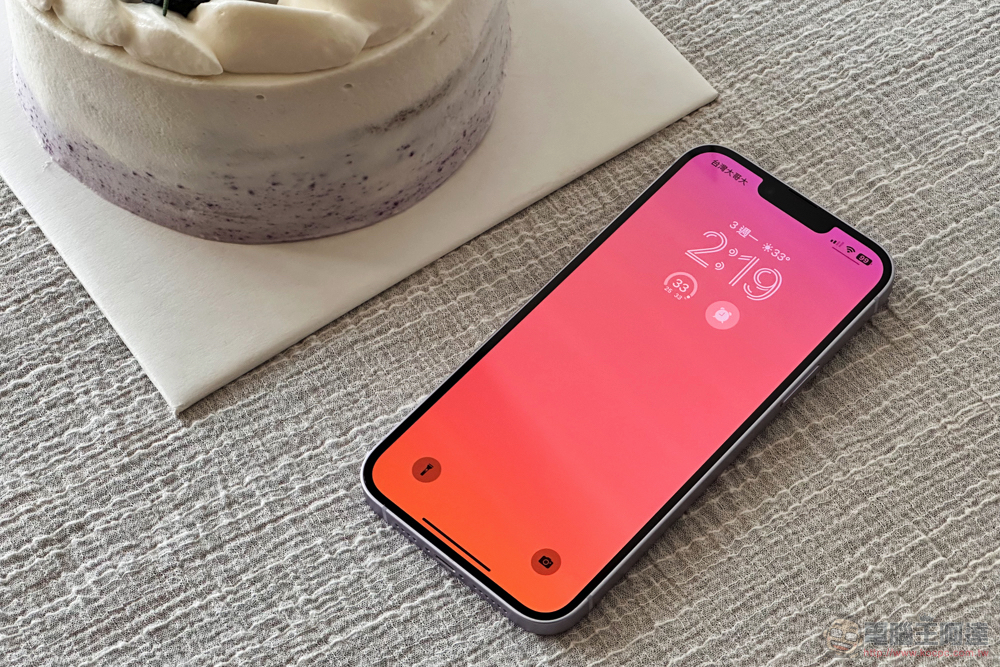
Confirm there is no burn-in by playing a video that alternates between various solid color backgrounds (there is a screen burn test video on YouTube). As each color appears, you can check to see if there are any issues with the specific color (press Pause if you need more time checking each color). You can perform the same operation to check for LCD backlight issues on older iPhones without Super Retina XDR displays by turning on a pure white slide.
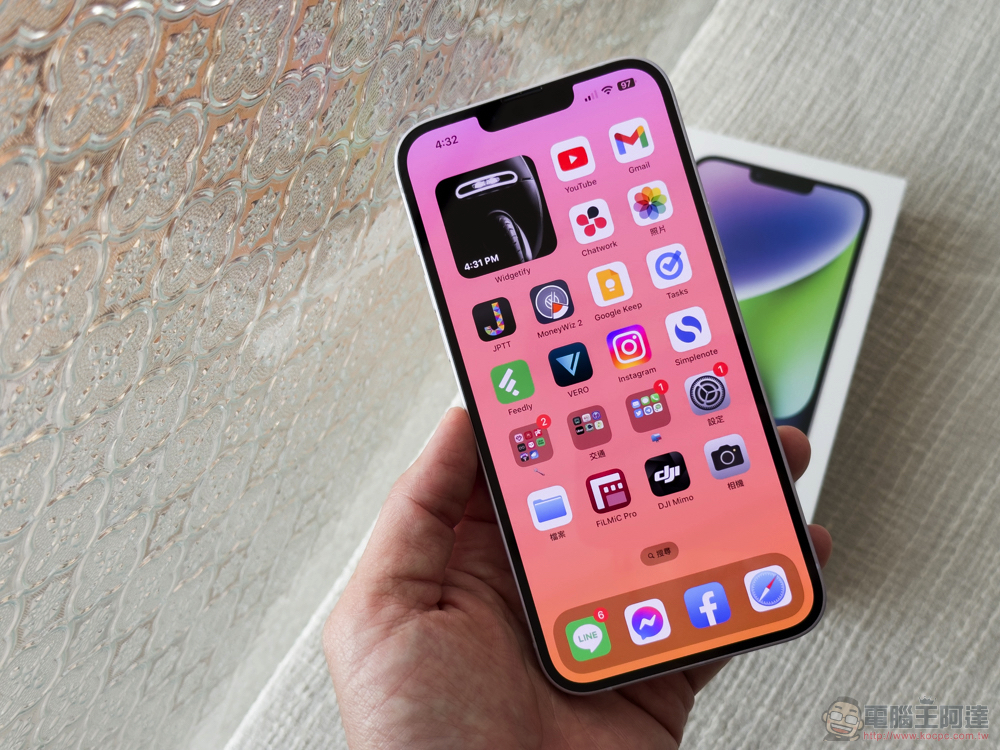
Keep in mind that the iPhone screen is one of the most expensive components. Damaged phone screens are common, so people are often tricked by fake or third-party panels when sending their iPhones in for repair. If the colors aren’t as vibrant as they should be, or the brightness isn’t up to scratch, your iPhone may be using a cheaper alternative panel.
4. Ask about maintenance history
Ask the seller whether the iPhone has been repaired, such as whether the screen has been replaced, whether the battery has been replaced, etc. If so, ask for a copy of the repair receipt or the location of the repair center so you can verify the details and make sure the phone is sent to an original Apple or a reliable authorized repair service provider.
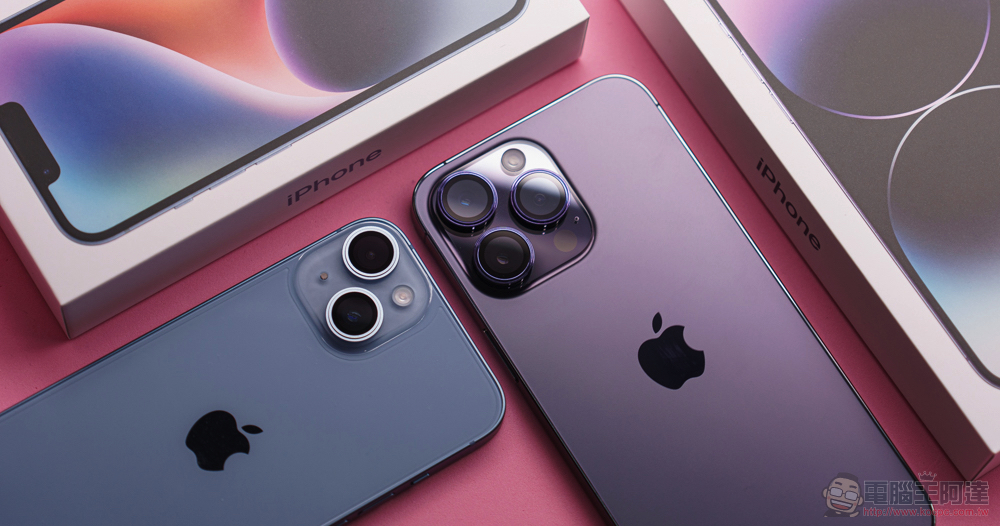
On iPhone 11 or later, go to Settings >> General >> About and look for Parts & Service History. If the phone has been repaired, this section will appear and tell you whether the iPhone you purchased used genuine Apple parts. For example, if your device has a non-original display, you will receive a message saying “Unable to verify that this iPhone has a genuine Apple screen.” In this case, you will see a similar message about battery status. Any iPhone 12 or later can give you information about more replaced components. Overall, no news is good news, and if that doesn’t apply (if the phone hasn’t had any repairs), this section won’t be visible.
5. Check whether the charging port is normal
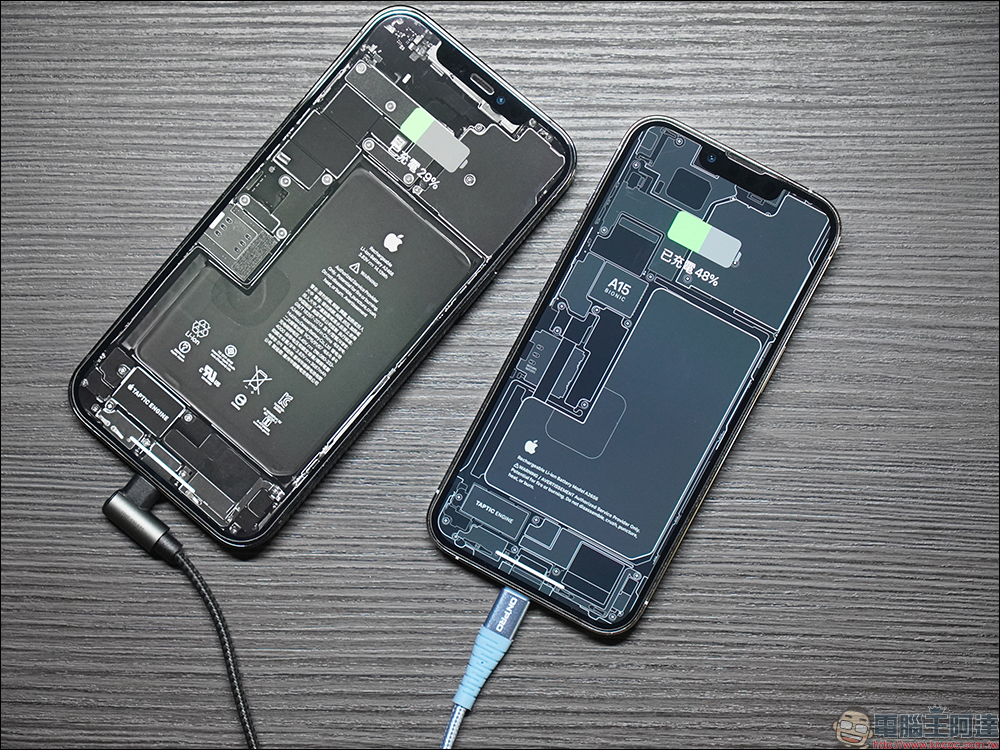
Charging functionality is one of the most common issues encountered when trading in a used iPhone. You can bring a power bank with you during the interview and plug in the power cord for the iPhone you are about to trade to verify whether it can charge normally. Also, check the charging port to make sure there is no damage inside, such as pins that are not bent, dented, or have any obstructions. Then unplug the charging plug and check whether the phone displays power normally and does not drain out quickly.
6. Request proof of purchase
There are more and more cases of mobile phone theft, reset and second-hand sale. In order to avoid getting into troublesome disputes when you unknowingly buy someone else’s mobile phone from a thief, please ask the seller for a proof of purchase or a copy of the invoice as much as possible. It can be forwarded in the form of a paper photocopy or the original email receipt. The seller can also black out the credit card information, but the receipt must be the seller’s name, or the previous owner can be confirmed (such as helping mom sell an old phone, etc.).
If the phone has been paid for, please make sure you receive confirmation that it has been paid in full. If the seller cannot provide a receipt, it may not mean that the phone was stolen, but it may mean that the phone has changed hands multiple times. If you are thinking about whether to continue trading, you can make a judgment at this time.
7. Verify IMEI code
A phone’s International Mobile Equipment Identity (IMEI) is like a digital fingerprint of the device. It can confirm if a phone is legitimate, track purchase history, ownership, specifications, and more. Please ask the seller to check and tell you the IMEI of your phone from “Settings >> General >> About”. The 15-digit number obtained can be checked on IMEI.info.
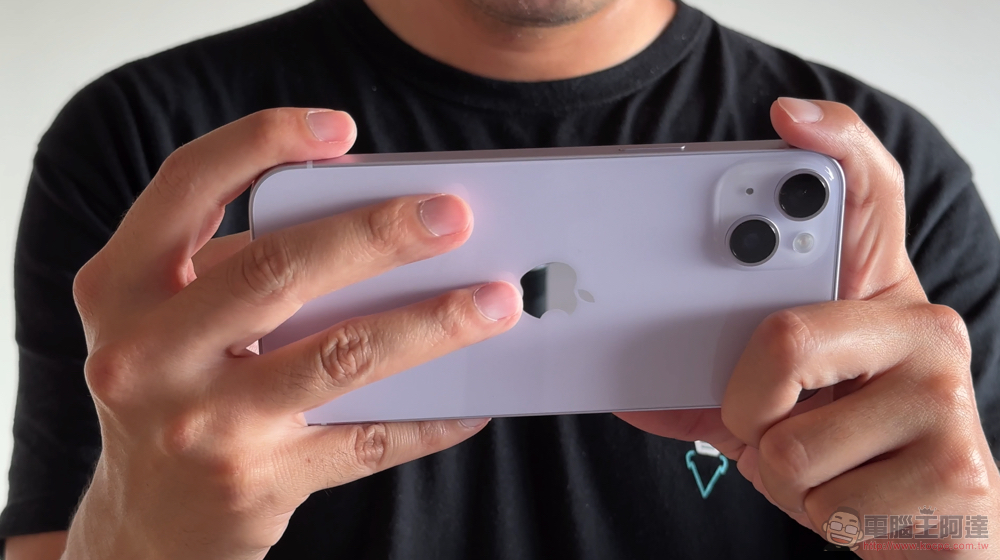
The results will tell you the country, mobile network, warranty details, system version, and other specifications that can be compared with the details provided by the seller. You can also check to see if your phone has been reported lost or stolen. If you unknowingly purchased a stolen iPhone, the police may contact you after tracing your iPhone, requesting the phone be handed over, conducting interviews, and requesting evidence that you are an unknowing, innocent third-party buyer. So, it’s better to be safe than sorry.
8. Verification serial number (SN/ Serial Number)
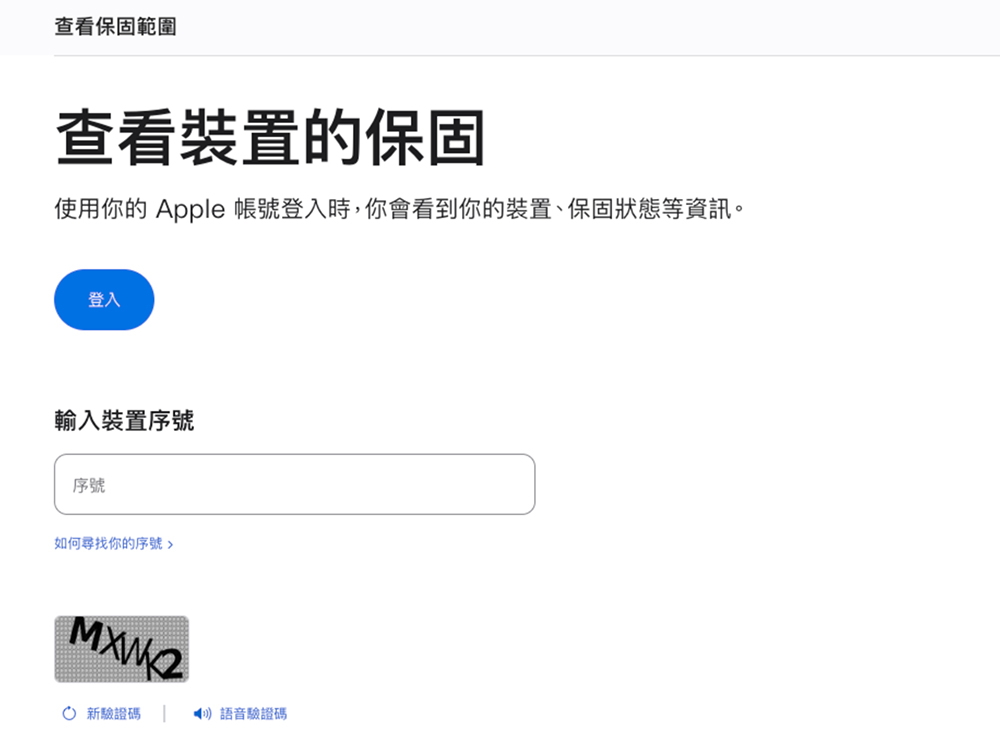
The serial number is the second tool you can use to verify the authenticity of a used iPhone. Go to “Settings >> General >> About” to check and write down the serial number. Through this information, you can find out when the iPhone was activated and whether its official warranty has expired, and you can also ensure that the specifications provided by the seller are correct. you can visit Apple’s services page, enter the serial number to view the service and support range of the mobile phone.
9. Run hardware tests
Try the phone in person, or ask the seller to verify with you whether features such as touch response and physical buttons work through a live call or recorded trial video. Sellers are required to update their phones to the latest supported operating system and then use all common gestures to navigate on the phone, such as tapping, swiping, zooming in and out, etc. Visit the website, launch the app store, view the map, view the control center, and select a random app to measure its speed and efficiency. At the same time, sellers are required to demonstrate the use of physical buttons, take photos, screenshots, and turn on and off the phone, etc. If it’s an older iPhone that still has a Home button, ask the seller to make sure it works properly. Pay close attention to the responsiveness of your device when doing this. If it’s a used new phone like the iPhone 15 Pro Max, check the action button on the side to make sure it’s working properly as well.
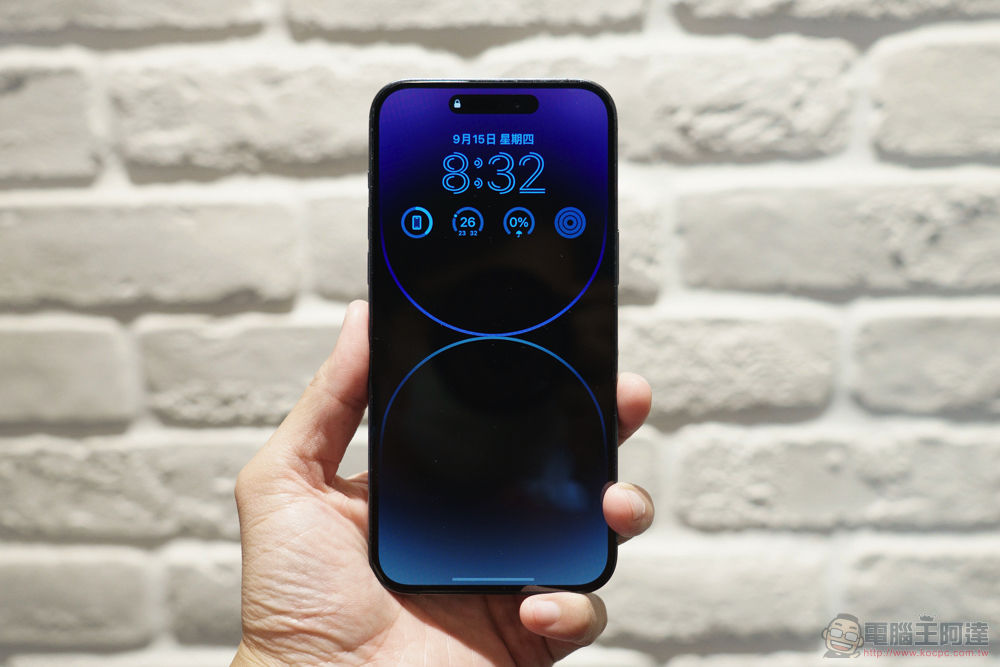
Don’t just test screens and physical buttons: verify that biometrics work too. This includes features like Face ID or Touch ID (you have to ask the previous owner to show it to you). If possible, try an NFC chip and maybe use Apple Pay to buy a coffee when you meet in person to show you it’s working. Alternatively, you can download an app that detects and reads NFC cards and try it on any NFC-enabled item, such as a contactless bank card or NFC sticker. Apps like iDiagnosis can test your phone and check sensors like GPS.
10. Test all lenses on your camera
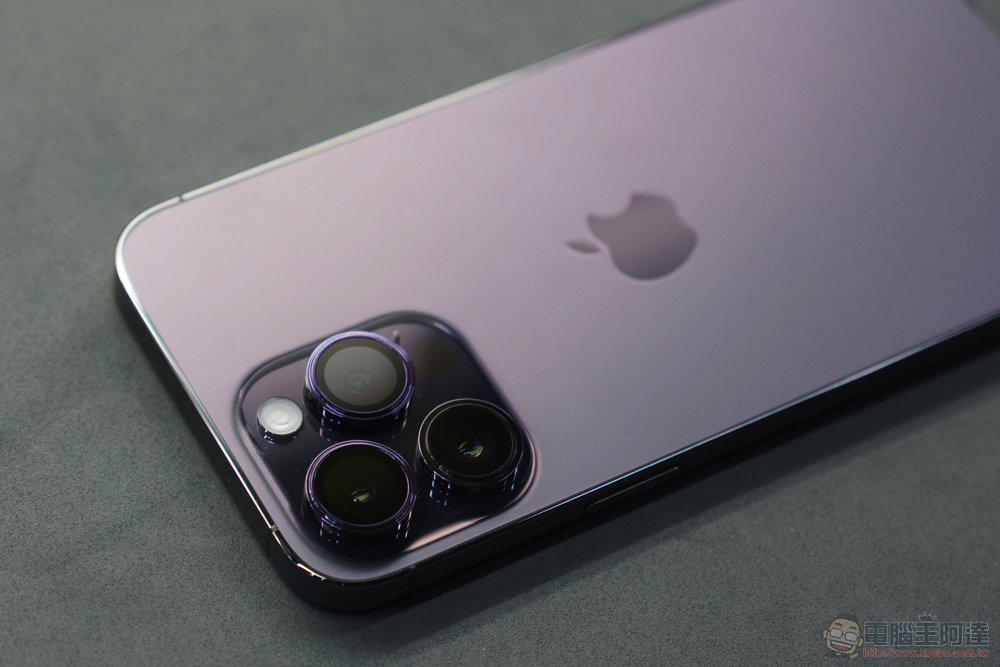
Cameras are very important to a smartphone, so naturally you want to make sure they are still functioning properly. If the camera in your phone has been repaired at an unauthorized shop, the phone may now contain non-original camera parts. Ask the seller to take some photos and send them to you, or take some yourself to check. This way, you can check the quality of your photos and make sure there are no issues like cloudiness, graininess, or lens cracks. Be sure to ask to take photos or videos using front and rear cameras.
11. Test the speakers
Even if your iPhone survives water damage and appears to be working fine, it can cause lasting damage to the speaker. iPhone speakers can malfunction for a variety of other reasons, and before buying a used iPhone, it’s important to test how well the speakers operate at both full and low volume. Play music or a video with the speakers turned up as loud as possible; also make a phone call to check for any obvious noise interference. Even if the iPhone being sold no longer has a valid SIM card or eSIM, if you’re discussing the purchase remotely, you can ask the seller to connect it to Wi-Fi or a personal hotspot and make calls using a VoIP app like FaceTime.
12. Test the microphone
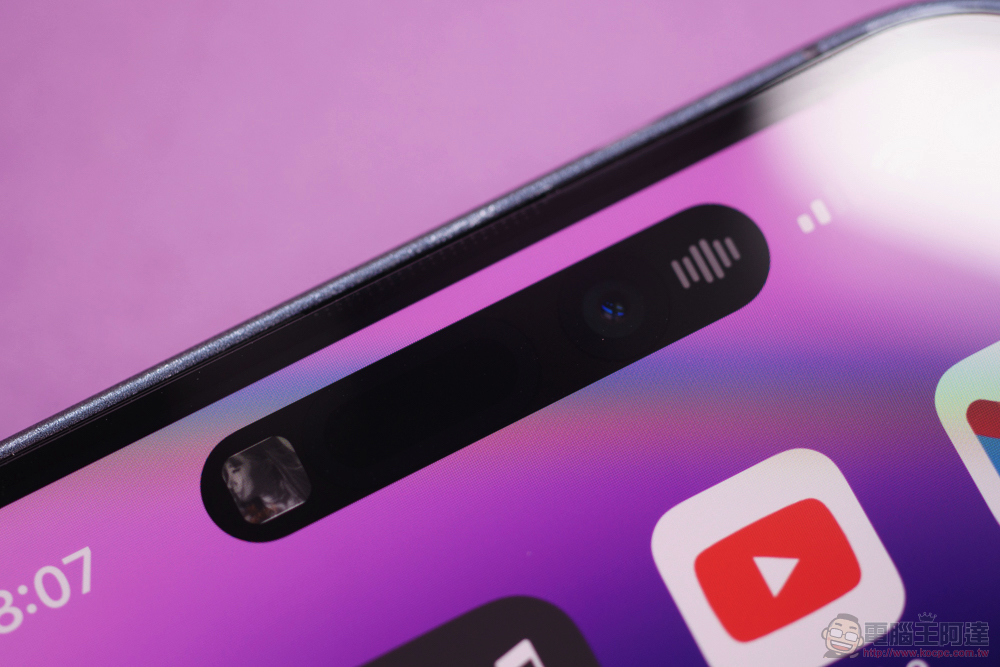
Hand in hand with speakers are microphones. If your iPhone microphone isn’t working properly, you won’t be able to comfortably make calls, record videos or voice notes, or talk to Siri. Ask the seller to record something with their voice on their phone and then play it back to you so it sounds good. You can also test the microphone while you’re talking to the other party to see if you can hear them and if they can hear you. When you meet in person, you can record and listen to a voice memo to hear how the audio capture sounds.
13. Check battery health
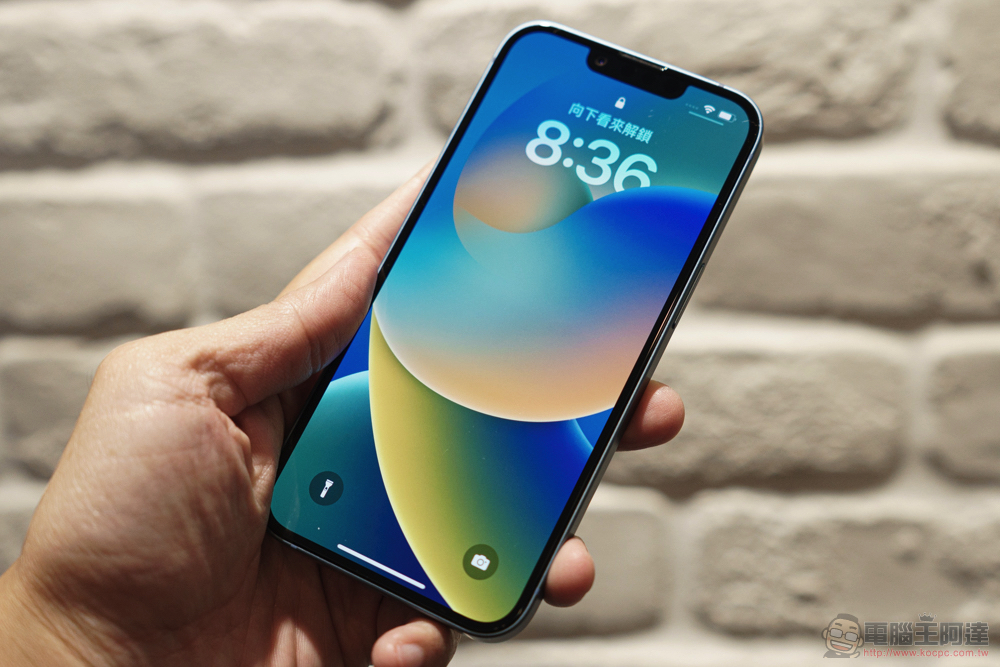
In addition to asking about battery repairs and checking whether your iPhone is charging properly when plugged in, you can also check your phone’s battery health in the Settings menu. Go to “Settings >> Battery >> Battery Health” and it will tell you the current maximum capacity of this iPhone’s battery. You can also view a history of charge times, including how long it took the battery to charge to a specific level and how often the phone was charged. Cell phone batteries drain over time, so it’s normal for an older phone to not last as long as a brand new phone.
It may sound strange to ask so many things from a seller, but anyone who understands the risks of buying expensive used electronics will be happy to accommodate your requests. This may require extra effort and time from both you and the seller to work together, but both parties will be happier with the transaction. They can sell the phone for what it’s worth, and you can buy it with the peace of mind of knowing that the phone you’re buying isn’t going to die within a week or reveal serious flaws or issues that were present beneath the surface when you bought it.
Source: KOCPC Chinese