


I never thought the Nintendo Switch could do this! A foreign netizen has an old printer Prusa MK3S released in 2019. He threw a trial print model of a small boat into the printer and had to wait 90 minutes at every turn. Seven years ago, this speed was fast, but now it is much slower than in an environment where high-speed 3D printers are popular. Therefore, he came up with a unique modification method, taking a cracked Nintendo Switch and connecting it to the MK3S, and then relying on the open source firmware Klipper The entire machine was reprogrammed into the brain. It used the same hardware and the same boat trial printing model, but changed the command center. It was 90% faster, and the printing time was reduced from 90 minutes to only 8 minutes and 41 seconds.
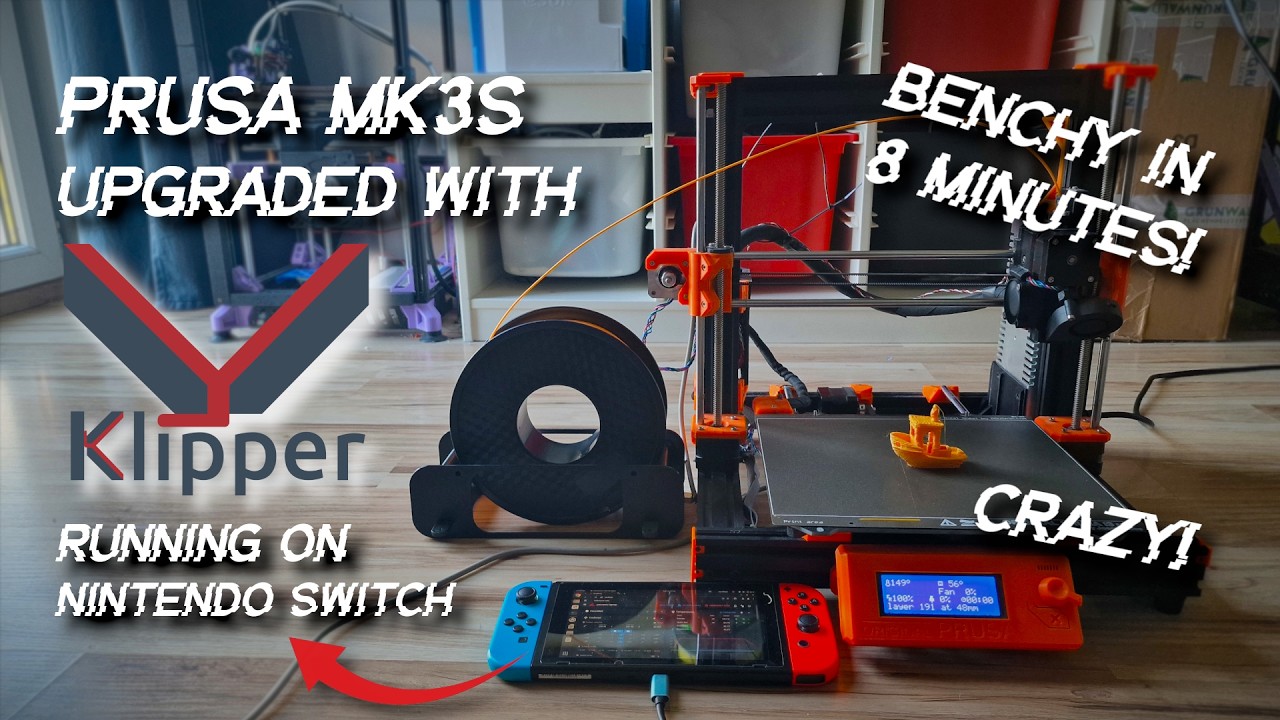
Image source: Cocoanix 3D Printing
Nintendo Switch becomes the brain of the printer through Klipper, Prusa MK3S directly pulls to 400mm/s and accelerates to 17,000mm/s²
A few days ago, a netizen uploaded a video on his YouTube channel Cocoanix 3D Printing to share how he increased the printing speed of his old 3D printer Prusa MK3S by 90% through the Nintendo Switch. He did not prepare much:
- A Prusa MK3S (an old Czech printer released in 2019)
- A cracked Nintendo Switch was reinstalled with Ubuntu Linux and used as a small computer
- Klipper firmware and some open source auxiliary tools
As for why you chose Nintendo Switch? Cocoanix explains in the video that the Switch uses an Nvidia Tegra X1 chip, a quad-core ARM CPU, which is more powerful than the common Raspberry Pi 4. In addition, the Switch itself has a battery and a touch screen, and can be placed directly on the table as a printer console.
The brain of the original 3D printer Prusa MK3S is the 8-bit microcontroller on the motherboard. This small chip is responsible for two things: “calculating the movement trajectory (how the line walks, which way to turn, and how much acceleration)” and “driving the motor and heater.” It may not sound like much, but when the printing speed is increased, the amount of calculations will increase dramatically, and the small chip will not be able to handle it at all, so the speed will certainly not increase. The Klipper open source firmware transfers these tasks to the Nintendo Switch, and the printer itself is only responsible for printing. However, in order to put Klipper into Nintendo Switch, you must first crack it:
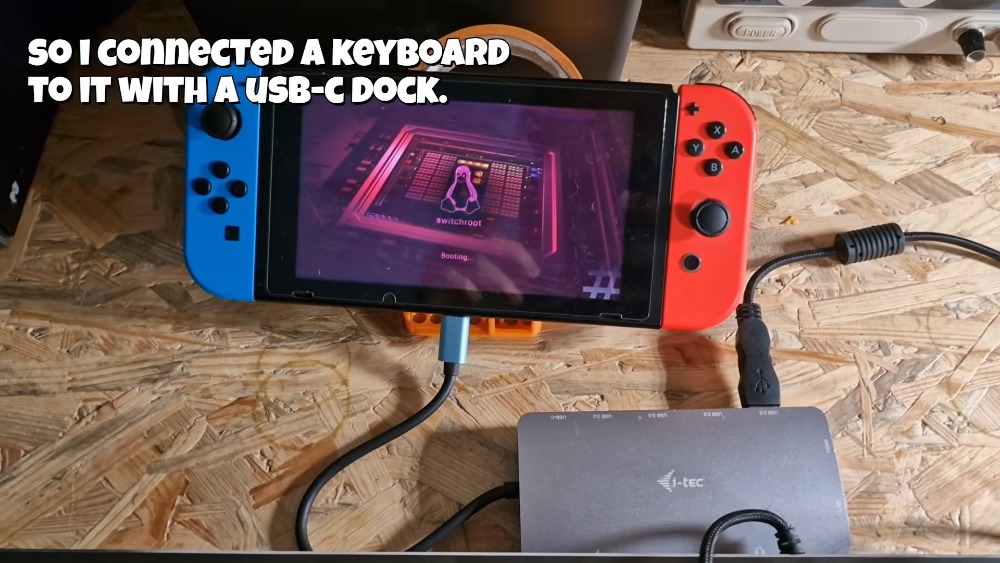
Image source: Cocoanix 3D Printing
After cracking, he used a script called KIAUH to install three tools: Klipper, Moonraker (an API responsible for external communication), and Mainsail (a web interface for operating the printer using a browser) with one click. It can be regarded as installing a printer background management system on the Switch. Afterwards, you can use a tablet or mobile phone to open a browser to remotely control the printer:
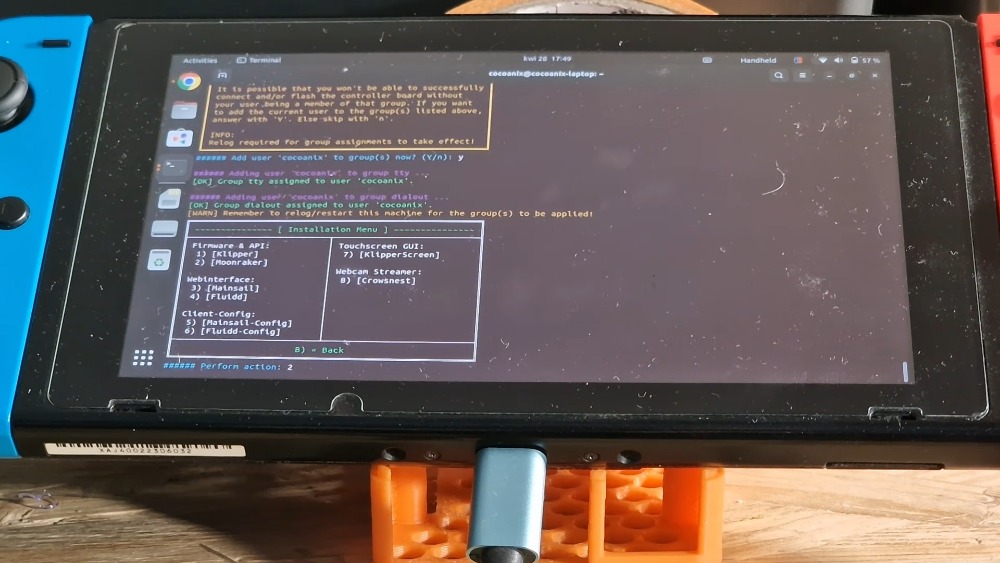
Image source: Cocoanix 3D Printing
The next step is to change the Prusa MK3S printer body.
Prusa MK3S also needs to install Klipper. The Switch is equipped with the brain of Klipper. For the MK3S motherboard, the factory Marlin firmware needs to be wiped out and replaced with Klipper firmware:
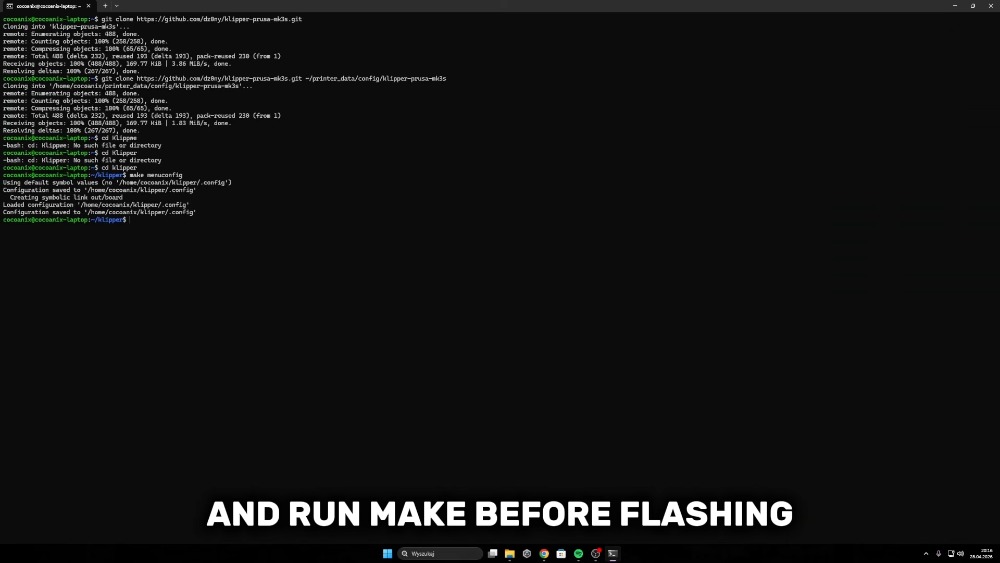
Image source: Cocoanix 3D Printing
After brushing, you still need to change a printer.cfg configuration file (this file is placed on the Switch) to tell Klipper what the motor, heater, and limit switch look like. Both sides communicate via a USB cable:
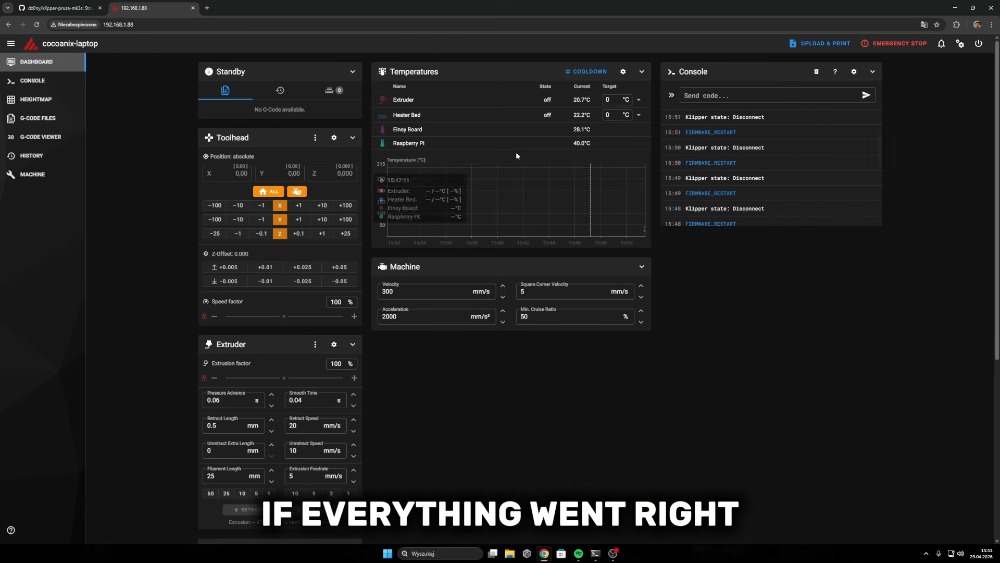
Image source: Cocoanix 3D Printing
Finally, I started running the Input Shaper resonance test. To put it simply, the printer will vibrate when it moves at high speed. The “resonance frequency” of each machine is different. The Input Shaper will automatically detect where the vibration is, and then add a reverse waveform to the control signal to offset the vibration. This is also the key to why it is 90% faster and the printing quality can still be maintained:
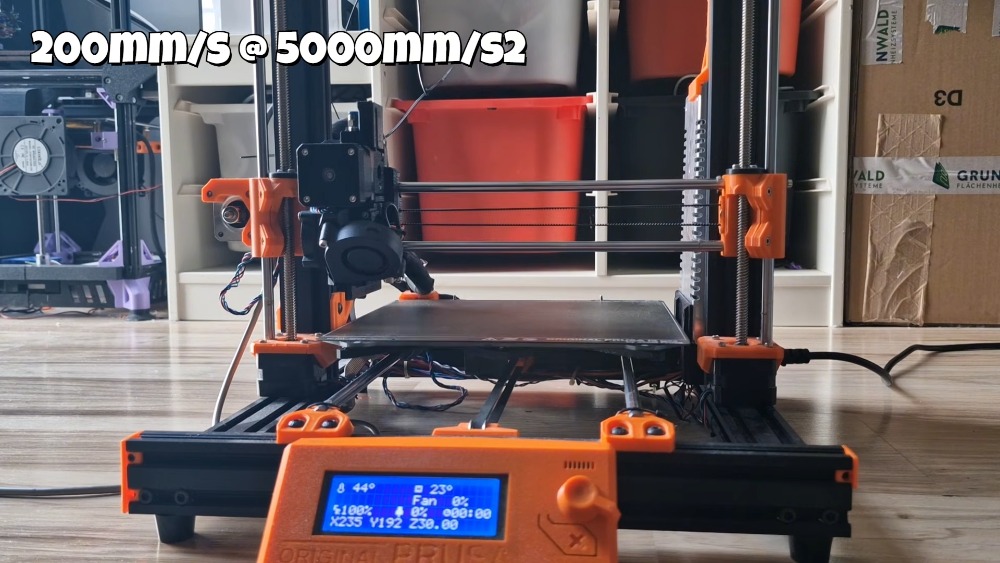
Image source: Cocoanix 3D Printing
After all the adjustments were made, he raised the top speed of the old MK3S to 400mm/s and the acceleration to 17,000mm/s². The original MK3S was around 200mm/s and the acceleration was 1,250mm/s²:
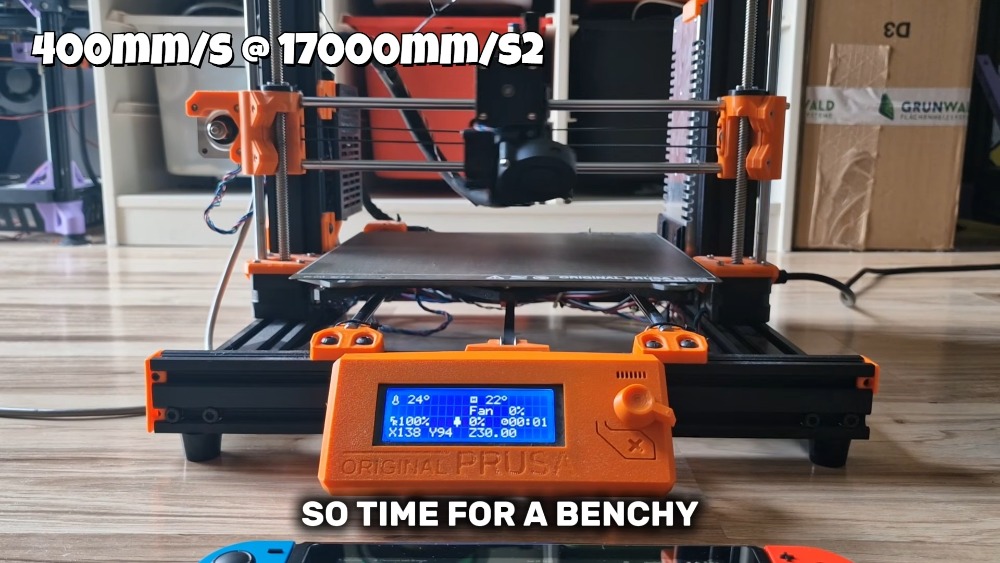
Image source: Cocoanix 3D Printing
Finally, enter the actual printing, using the 3DBenchy boat. The original MK3S takes about 90 minutes to print a ship. After modification, it takes 8 minutes and 41 seconds. Moreover, it is a finished product that complies with SpeedBenchy specifications, which is about 90% faster. The difference is equivalent to 10 times the speed:
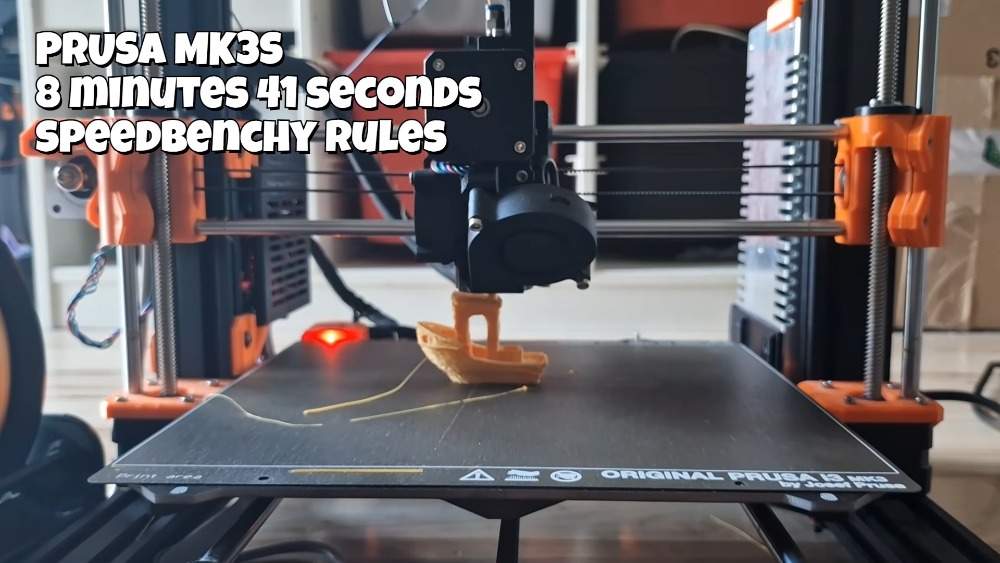
Image source: Cocoanix 3D Printing
Cocoanix also added in the video that the current bottleneck is not the computing power or the motor, but the “toolhead”. The physical speed of hot-melt plastic cannot keep up with the mechanical movement. If it goes faster, the plastic will not have time to melt. In other words, he has completely squeezed out the software and computing potential of this MK3S.
Finally, I would like to remind you that cracking the Nintendo Switch will violate Nintendo’s terms of use, and you will be permanently banned, unable to connect to the store, etc. So for people who just want to upgrade their 3D printer, it is better, simpler and less troublesome to just buy a Raspberry Pi 5.
Full video:
Source: KOCPC Chinese