


Generate AI When giving presentations, some users may often find themselves troubledpromptHow should you write when you’re lacking inspiration or the generated output isn’t very good? And to help users quickly generate high-quality AI presentations, documents, or web pages,Gamma The official list has 100 prompts organized for various industries and needs, so you can use them directly — definitely worth bookmarking.
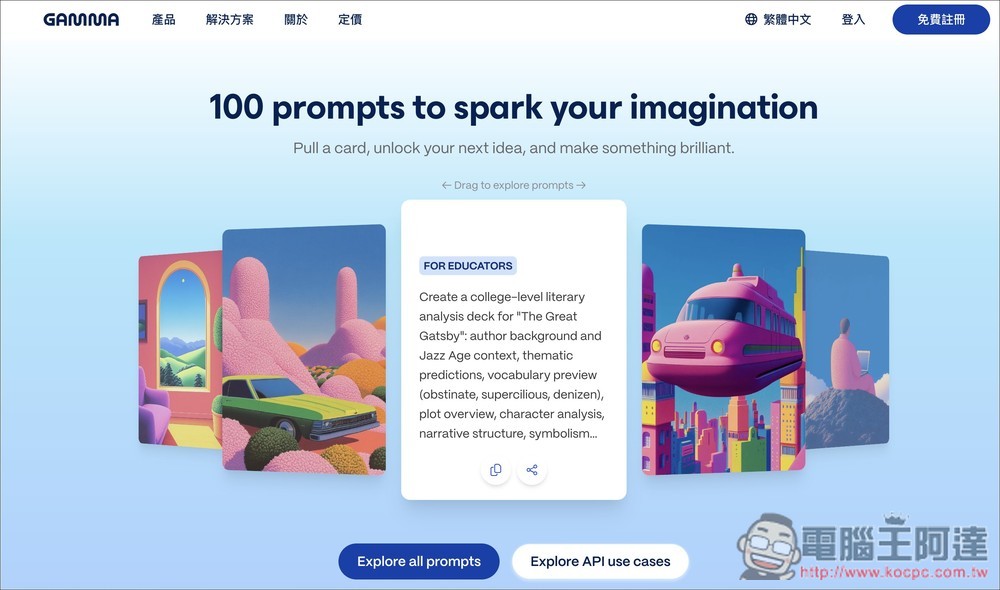
Gamma officially releases 100 prompts to help you easily generate high-quality AI presentations, documents, and webpages.
Gamma Prompt Library is a resource hub officially curated by Gamma that compiles over 100 high-quality prompts, allowing users to quickly draw inspiration from these prompts to generate the presentations, proposals, web pages, and other content they need. It offers multiple categories, including marketing, sales, education, consulting, general purpose, and more. If you haven’t registered yet, you canClick to register。
Besides the prompts, this page also showcases multiple API, automation, and workflow examples—such as combining tools like n8n, Zapier, Claude, and OpenAI with Gamma to automatically generate presentations, videos, personalized proposals, research summaries, meeting notes, and more. Those who are interested can also take a look.
After clicking the link above to go to the Gamma Prompt Library page, scroll down to start browsing the 100 prompts, with a few of the most popular ones listed at the top. Although the prompts are in English, you can specify Traditional Chinese content when generating, so there’s no need to worry about that. If you don’t understand what a prompt means, just use the browser’s full-page translation feature to translate it into Chinese.
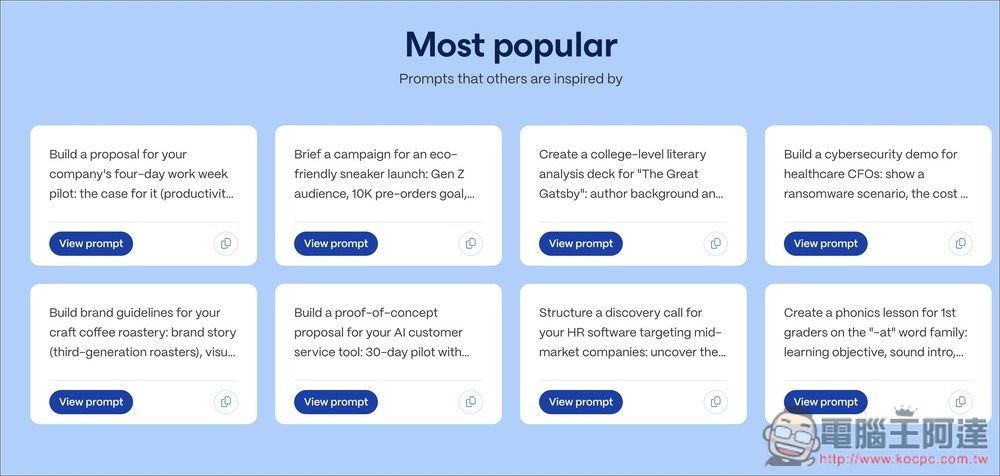
There are five categories: professional sales, marketers, educators, consultants, and general. After finding the prompt you need, click View prompt below.
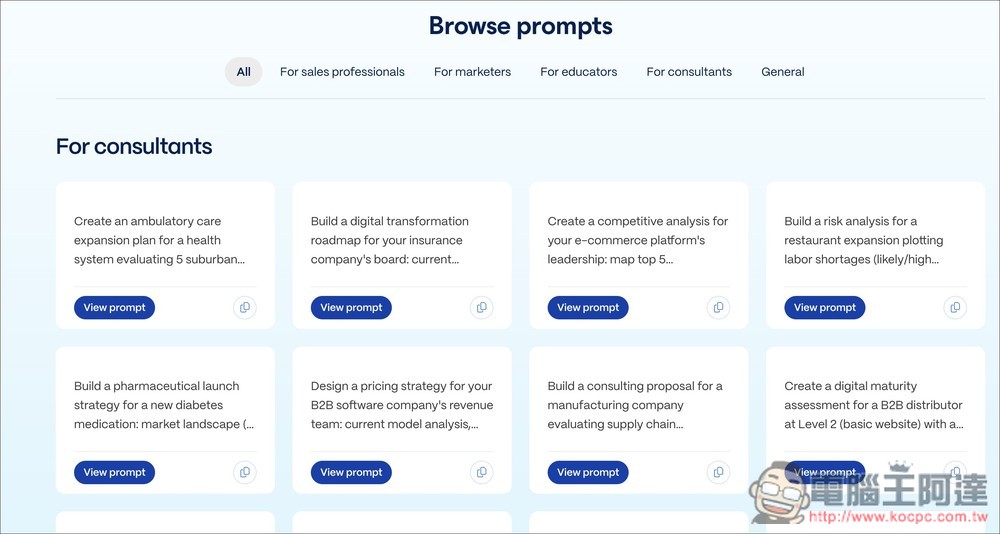
Then you can browse all the prompt contents. If they look good, click Try it now in Gamma below:
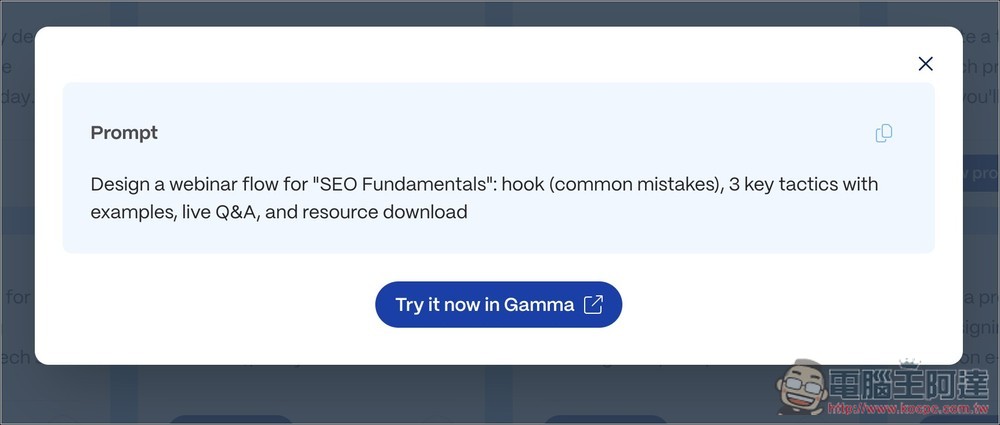
It will go straight to the Gamma generation settings screen, where you can specify whether to generate presentation content, a web page, a document, or social. The prompt content can be edited or added to as you like, and by default it will generate 10 cards (10 slides) with content in Traditional Chinese. If everything looks good, click “Generate Outline”:

After the outline is generated, check if there are any issues or areas that need modification:
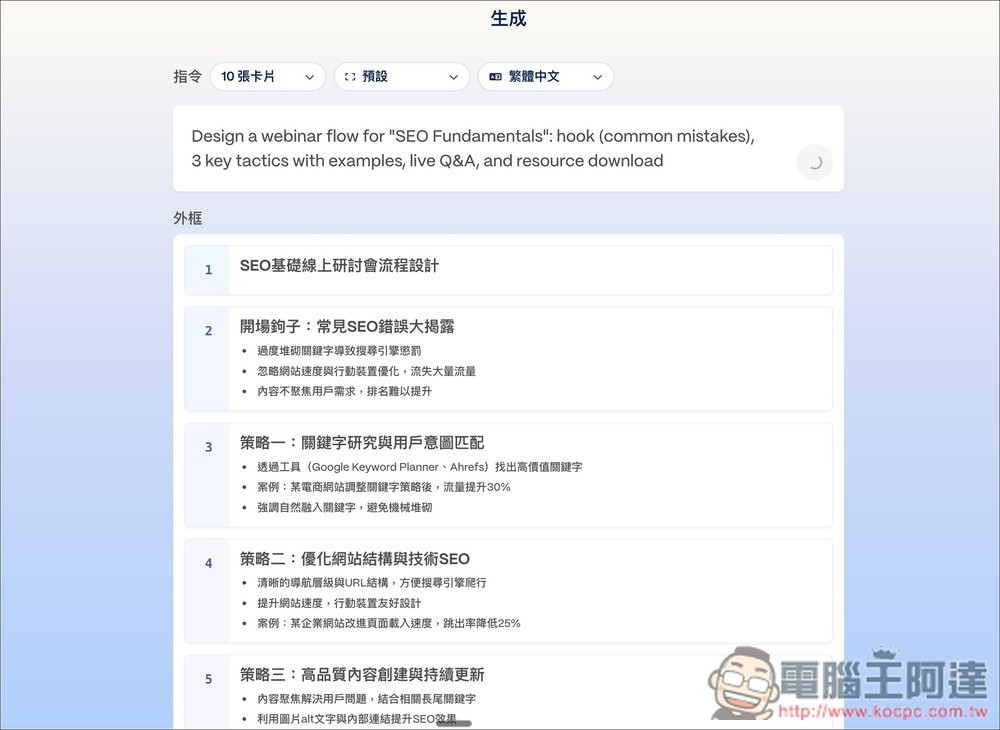
Then set up the presentation content, such as how many words you want on each card, visual theme:
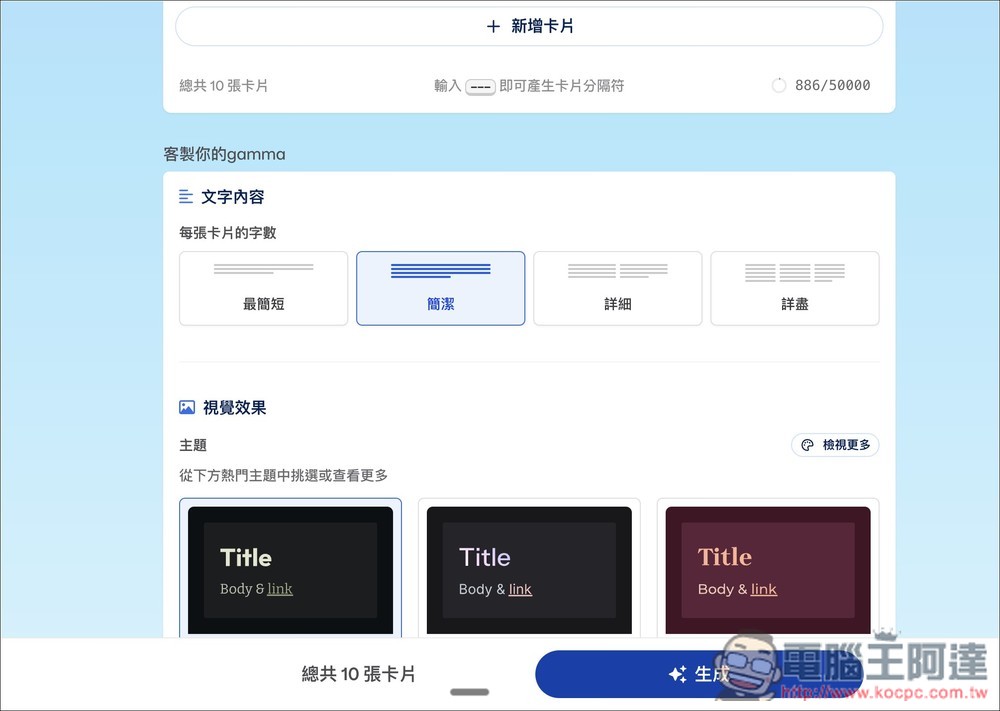
Once you’ve set the image source, AI image model, and whether there are additional keywords, click Generate below, and Gamma will start generating this AI presentation:

Gamma’s AI-generated presentations are of consistently high quality, and you can freely adjust every image, text, and layout on each slide:

The 100 prompts provided by Gamma are basically only suitable for Gamma, because the prompts aren’t very detailed. If you toss them into other AI tools without any modification to generate presentations, the results won’t be as good as those generated in Gamma.
However, at least there are reference examples—you just need to spend a little more time adding and modifying the prompts yourself, and you should be able to get decent presentations from other AI tools.
Click here to register for Gamma
Source: KOCPC Chinese