


Although Windows and Mac have some built-in fonts, you may not think they look good, or they may not match the style of your work. If you want to know if there are more free fonts available, this article will recommend a very good “Free Font” website. It has collected more than 800 fonts, and they can all be used for commercial purposes. Before downloading, you may preview the effects of Simplified Chinese, Traditional Chinese, English and numbers, which is quite good.
Free Font is still an open source project. Those who are interested in learning more can go to GitHub Browse.
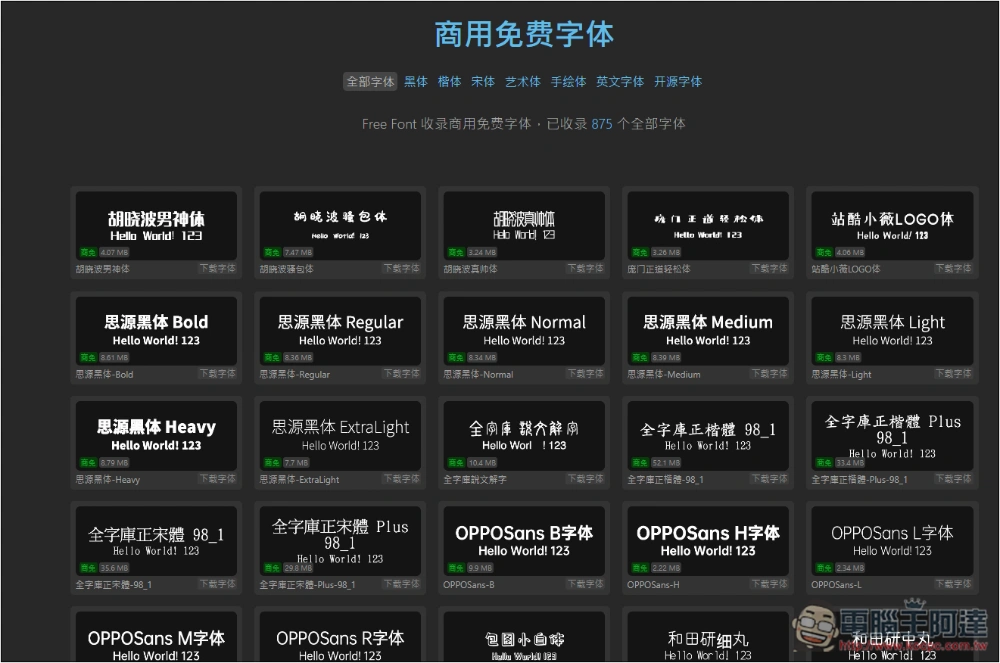
Free Font is an open source project that collects more than 800 commercially available free fonts, which can be downloaded without registration.
Free Font After entering the website, you can start to search for the fonts you like. The lower left corner of each font will indicate whether it can be used for commercial purposes. The free label means that it can definitely be used for commercial purposes. OFL-1.1 is no problem, but there are still a small number of personal free ones, so pay more attention when searching.
After clicking the link above to enter Free Font, the homepage will list all free fonts. According to the website, there are now 875 included:
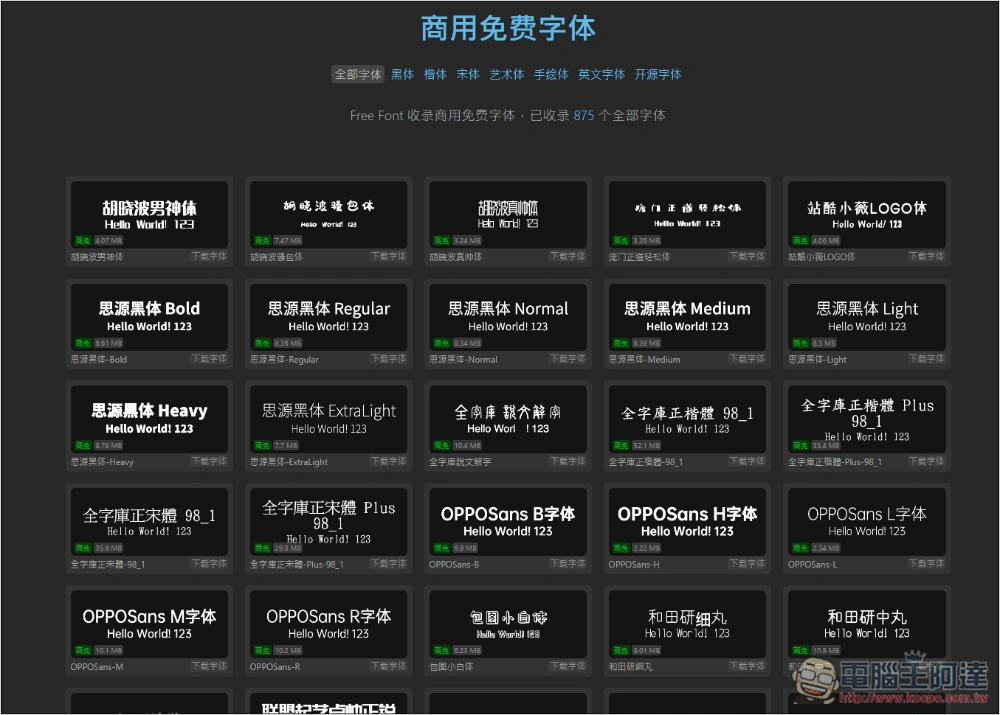
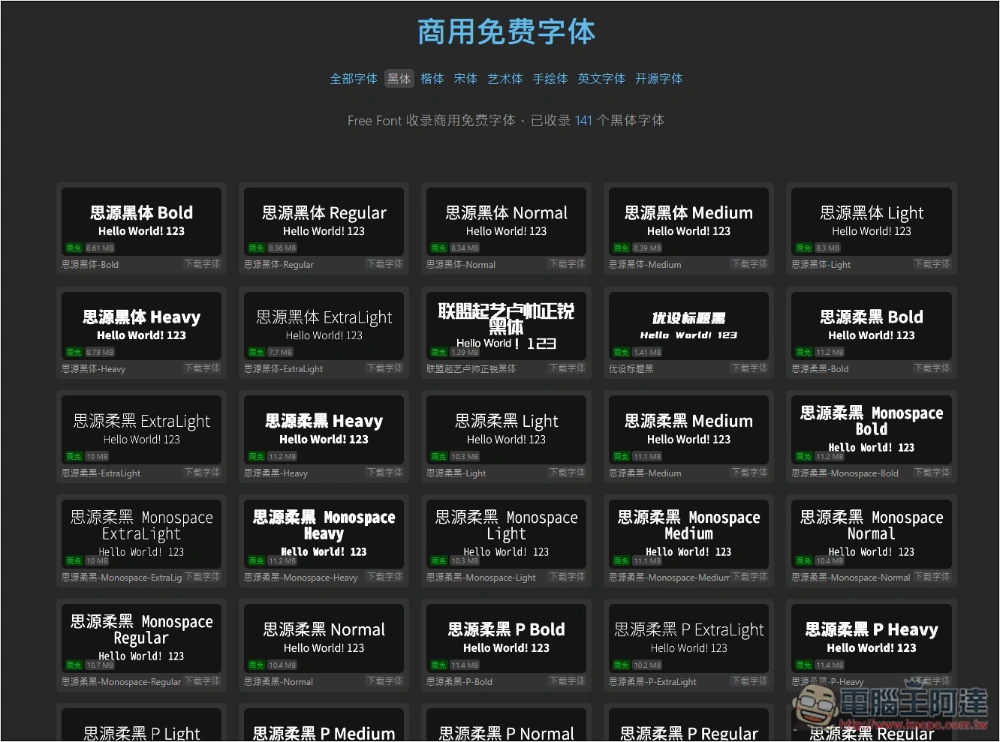
There are several main font categories above, including “Heilongti”, “Kaili”, “Songti”, “Artistic”, “Hand-drawn”, “English fonts”, and “Open source fonts”. After selecting, only relevant fonts will be listed. Most of them support Chinese. If you want to find one suitable for English, remember to look for it in English fonts. For those who are still worried about commercial issues, you can also limit the use of open source fonts only:
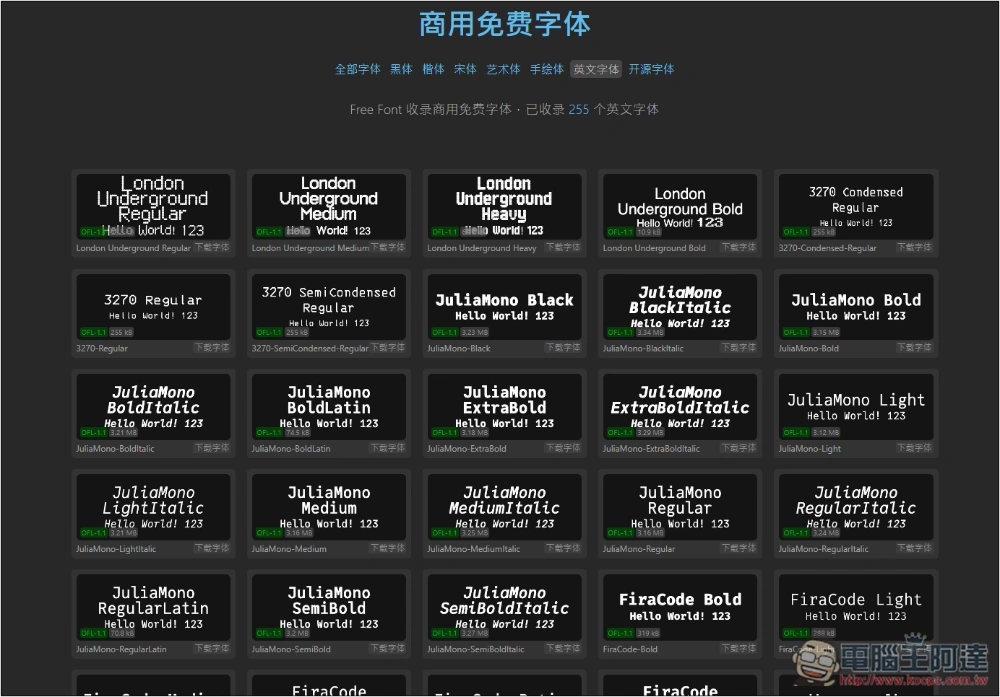
It seems that the English font only supports English and cannot be used in Chinese:
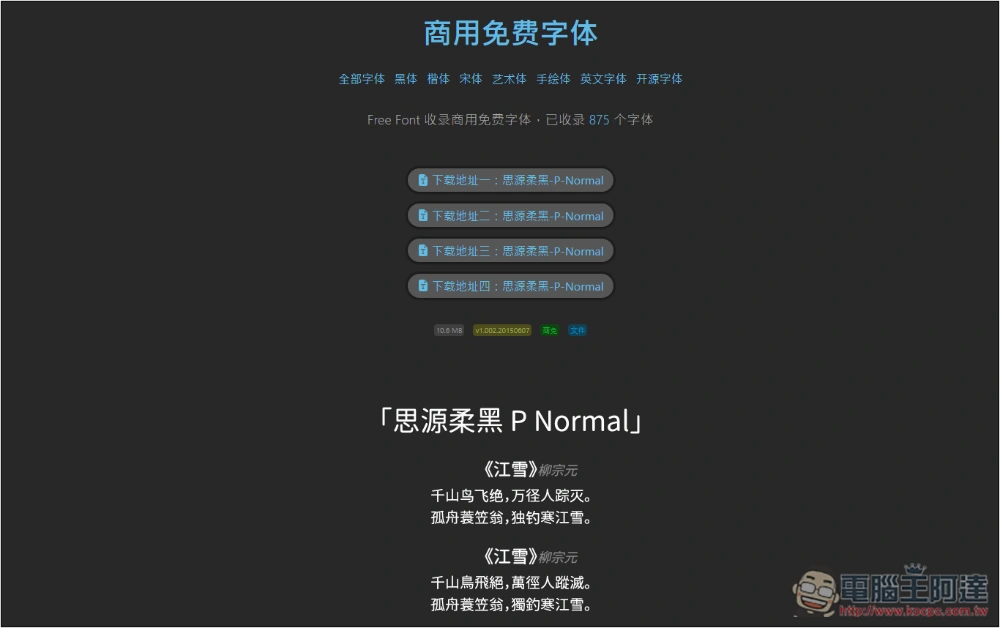
Once you find a font you like, go to the inner page and you will see the download points. There are almost four of them, so you can just choose any one to download. Font examples for each language will also be displayed below, including Simplified Chinese, Traditional Chinese, and English:
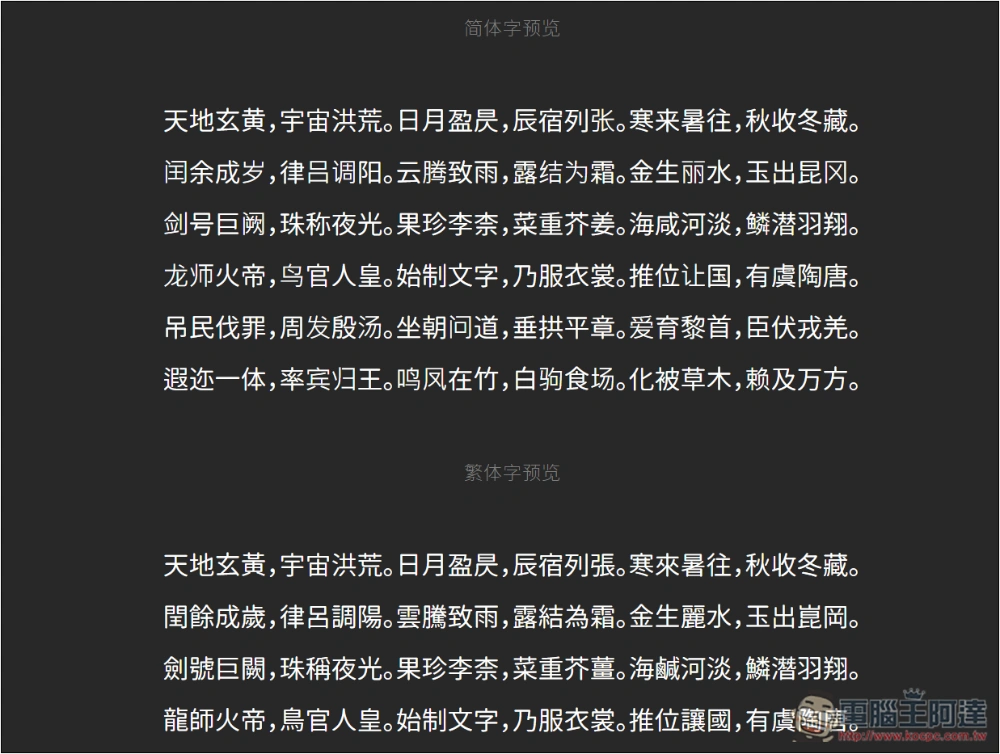
If you feel that the small words above are not clear, you can continue to scroll down and there will be a larger font for reference, and it will also indicate which language it is:
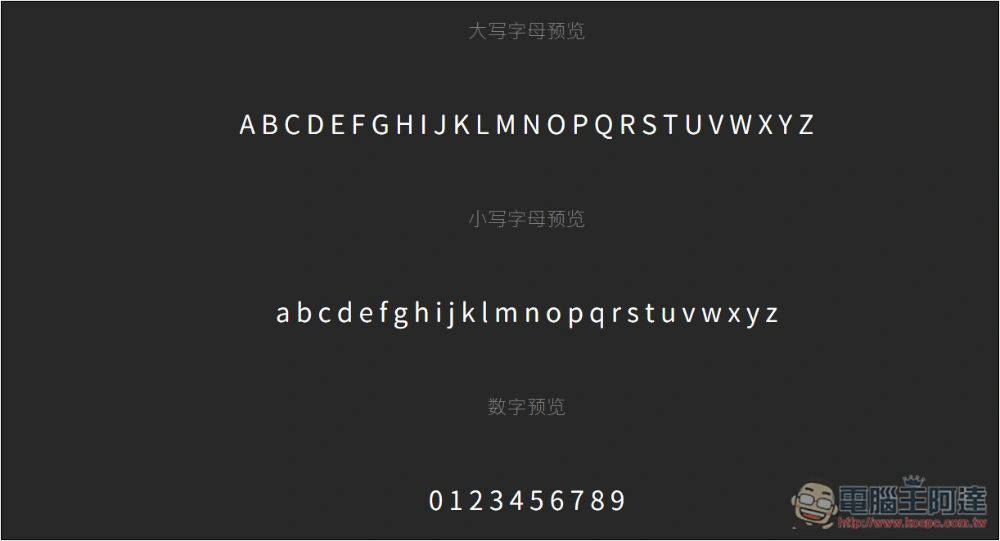
Both uppercase and lowercase English and numbers are available:
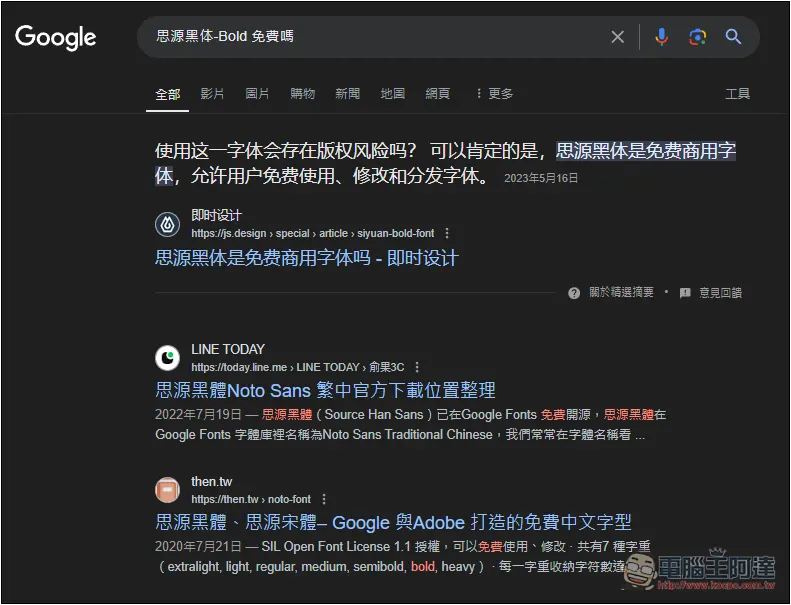
If the font is marked for commercial use and is not an open source font, and you are still worried about commercial use, you can copy the font name and Google it, and you should be able to find the licensing instructions for most of them. The developer also recommends confirming whether the font is still free before using it:
This is the open source license agreement description in the GitHub project.
GPL-2.0
The GNU General Public License requires that if you use a font that is subject to the GPL in a work, that work must also be distributed under a GPL license. To avoid controversy, the GPL introduced the “GPL Font Exception” clause, preventing it from affecting files that use the font. Due to their potentially controversial nature, use Wenquan series fonts with caution.
OFL-1.1
The SIL Open Font License is developed by SIL International and will not be extended to works using the font. It only requires that modified works of the font be distributed under the same license. It is the preferred licensing terms for open source fonts.
IPA-1.0
The IPA open font licensing terms are formulated by the Japanese IPA and comply with the open source definition of the Open Source Initiative for the use and distribution of open fonts.
How to install new fonts in Windows
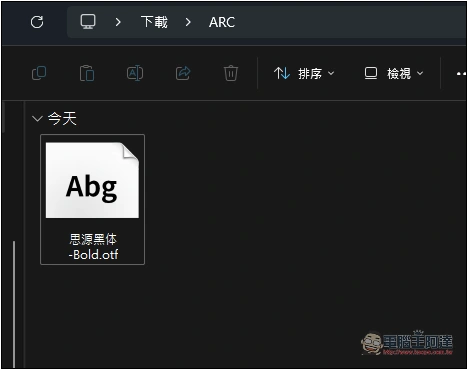
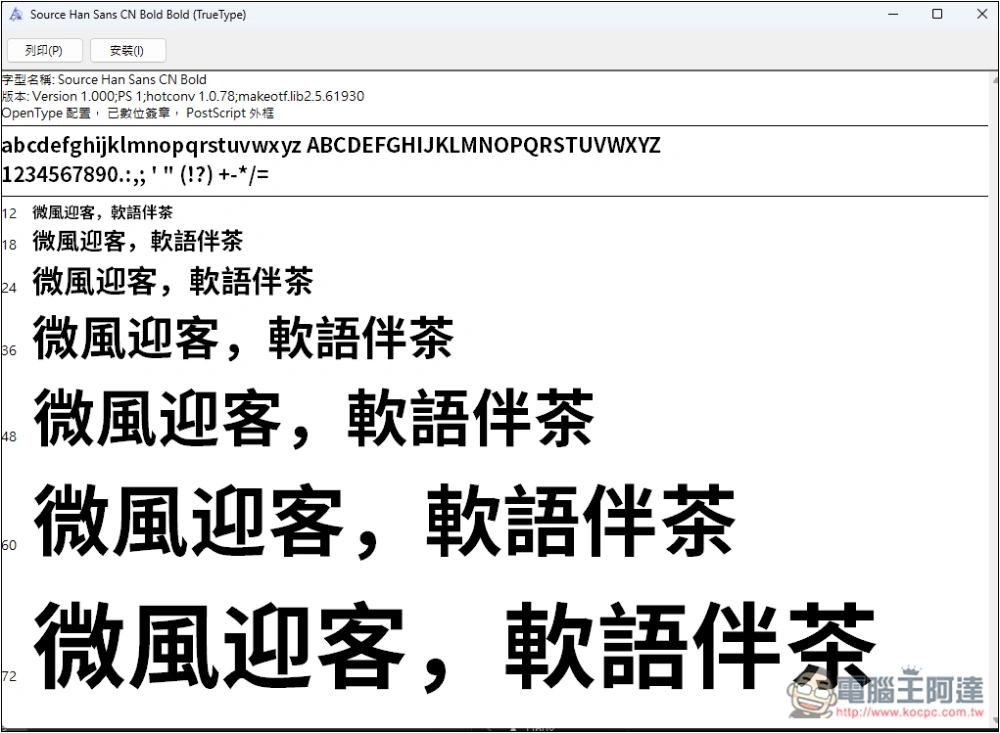
It is very simple to install new fonts in Windows. Font files downloaded from Free Font can be installed directly with two clicks, as detailed below.
After the download is completed, you will see a font file like this, click twice to open it:
You will see the installation function in the upper left corner, click it to install, and the screen will also display the font application effects of each language:
How to install new fonts on Mac
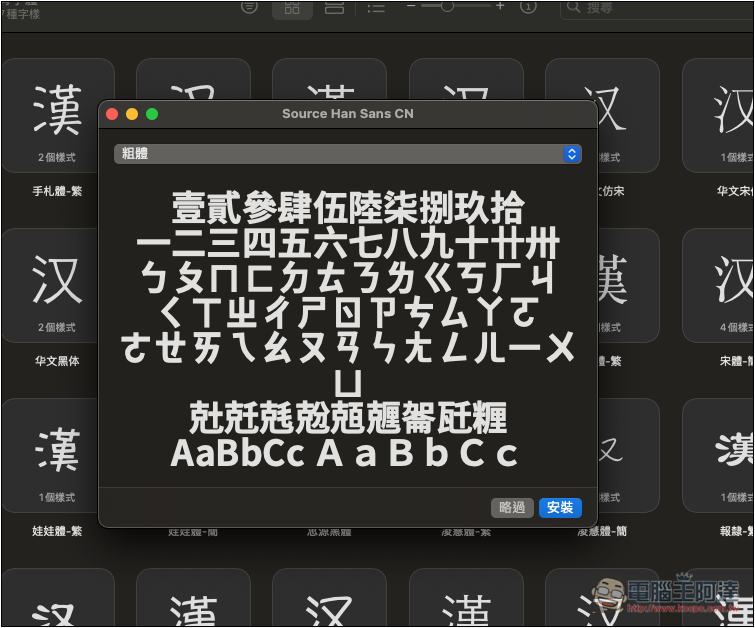
The same is true for Mac. After downloading, click twice to open it, and you will see this screen. Click the install button in the lower right corner:
Source: KOCPC Chinese