


Looking for useful slideshow creation software? We all take a lot of photos when we go out and take them as souvenirs. We definitely want to create a beautiful slide show. Not only will it be easier to recall, but with music, transitions and text, the whole atmosphere will be more touching, and it will even remind people of important moments at that time. This article will help you compile a list of the 12 best recommendations currently to help you quickly find the choice that suits you.
12 super easy-to-use slideshow creation software [2024 photo to video conversion tool recommendations]
1. Movavi Video Editor
- Supported operating systems: Windows, Mac
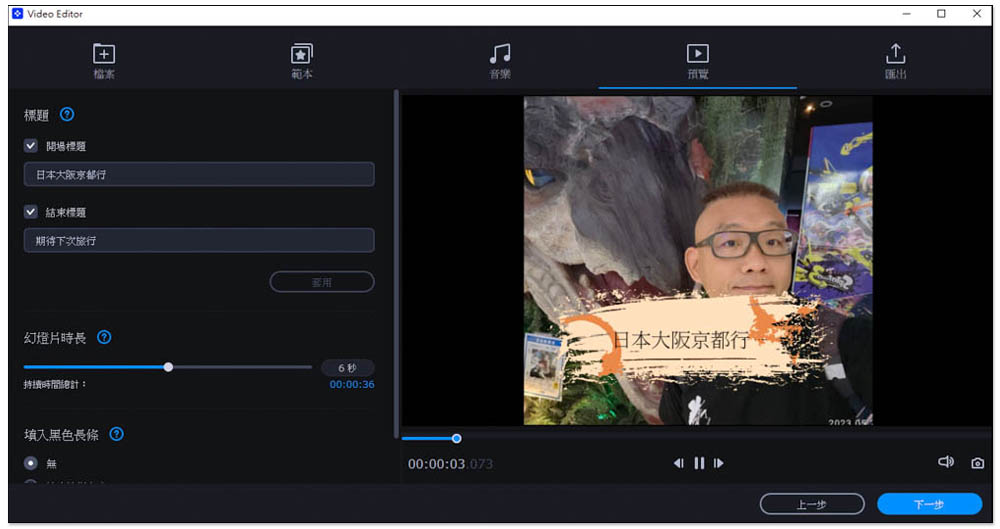
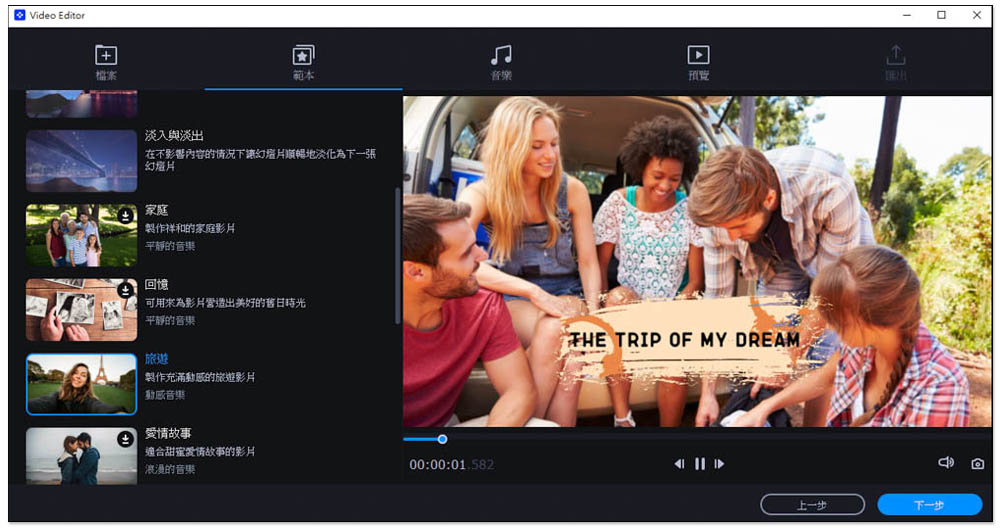
Movavi Video Editor is our most recommended slideshow production software. Strictly speaking, it is a video editing computer software that supports Traditional Chinese. However, it has a built-in slideshow production function. The production process is super simple and clear. Import photos -> select templates -> select music. Once there is no problem, it is done. It is the simplest one among them. You can probably complete a slide show in less than a minute.
What I like more is that the built-in slide templates are “super high-quality”, unlike other software that are very retro (that is, slides from more than 10 years ago), and there are various situational themes, such as: slideshows suitable for family, memories, travel, love stories, etc., allowing you to quickly find suitable templates, and there are many background music choices.
After setting the template and music, the video length will be automatically adjusted based on the number of photos, which is very smart. If you want to insert a video into a slideshow, you can also enter the video editing background to add it manually. The editing flexibility is very high. After production, it can not only be output to commonly used video formats, such as AVI, MOV, WMV, MKV, MP4, but also provide the function of sharing to the Internet. Supported platforms include YouTube, Vimeo and Google Drive.
Click me to go to the official website
2. Icecream Slideshow Maker
- Supported operating system: Windows
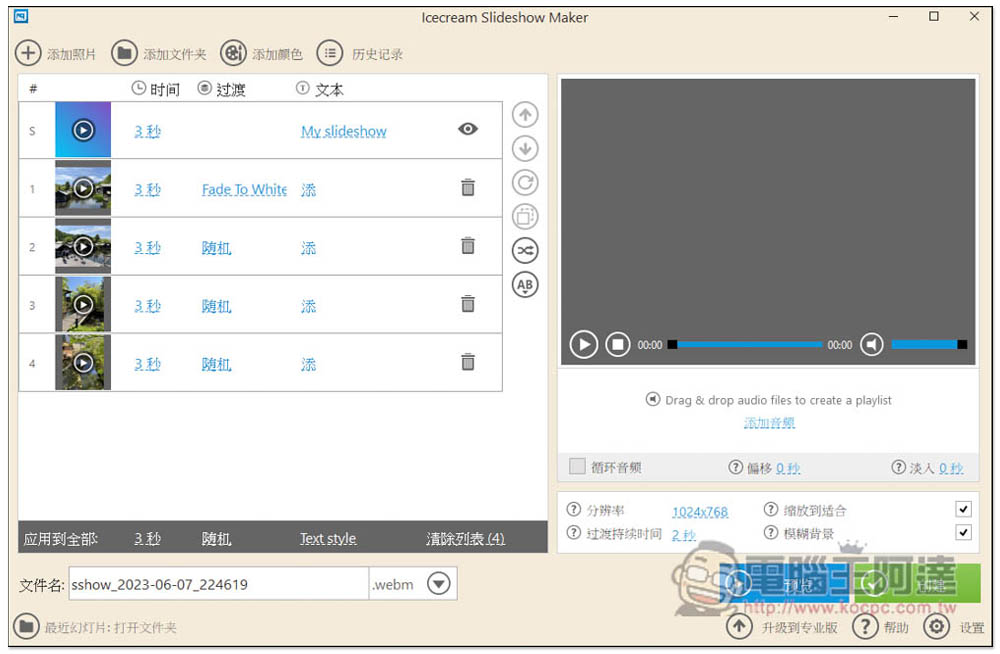
As its name suggests, Icecream Slideshow Maker is a slide show and photo carousel software designed for converting photos into videos. It is available in Simplified Chinese and has more than 25 photo transition effects. Unfortunately, there are no free templates. You need to set everything yourself, such as photo dwell time, choosing the transition effects to use, and whether to add text. It also supports adding background music. There are only 4 video output formats, and MKV is not supported.
Click me to go to the official website
3. Magix Photostory
- Supported operating system: Windows
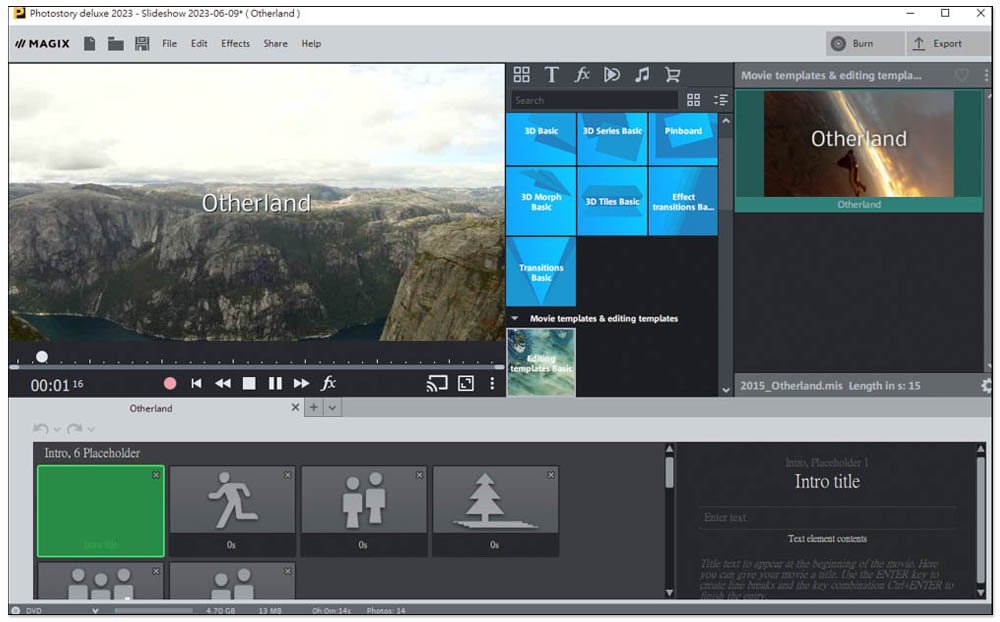
Magix Photostory is also a photo slideshow creation software. It does not currently support Chinese. The operation interface is a bit complicated and it may take some time to become familiar with it. The biggest advantage of this app is that it has many single photo template special effects that you can add to photo and video production. However, there is only one template for the entire slideshow, which I think is not enough.
Click me to go to the official website
4. Invideo AI
- Online tools
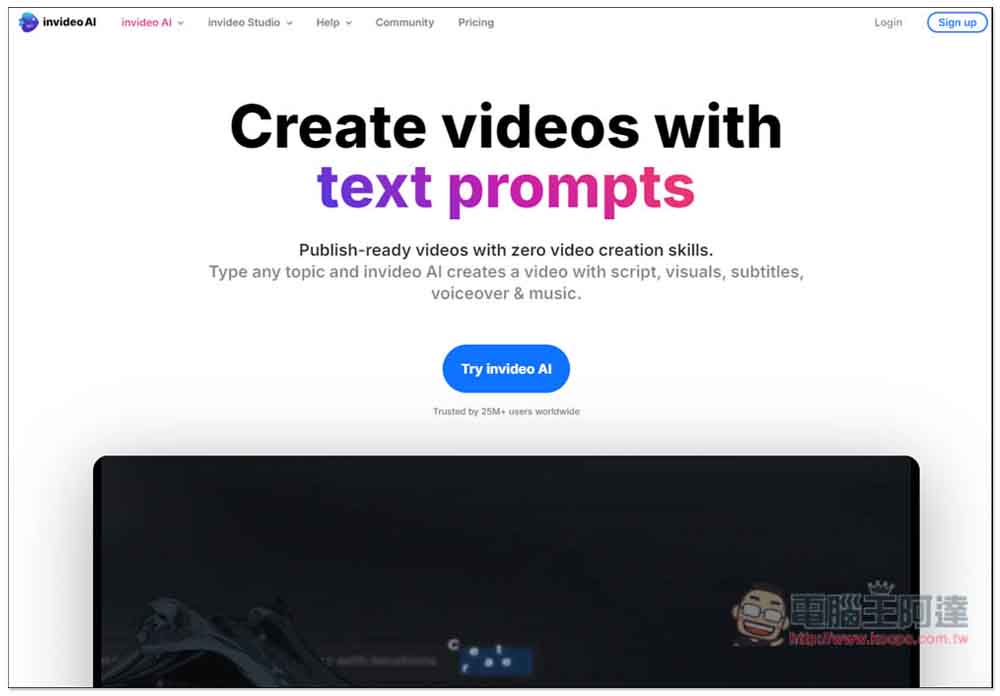
Invideo AI is an online tool that automatically generates presentations with AI. Just enter the title, description, or key points of the presentation you want, and AI will generate the rest for you, including content text, images used, and dubbing. However, please note that the generated presentation is a video file, just like a short video, not an ordinary static picture presentation.
The presentation video generated by the free version will have the Invideo Logo and can output up to 1080p resolution. The payment plan adopts a monthly/annual fee system, which is not cheap in the long run and is suitable for people who need multiple presentation videos every month.
Click me to go to the official website
5. PowerDirector
- Supported operating systems: Windows, Mac
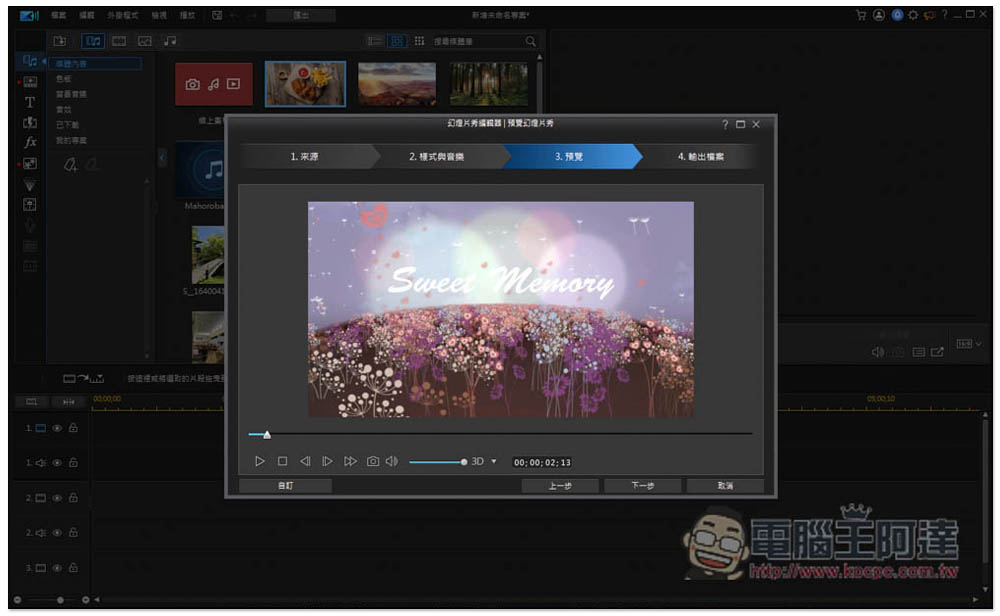
Everyone should be familiar with PowerDirector, which is PowerDirector video editing software. It has built-in photo and video production functions. It not only has 11 free templates, but also has a lot of free music, with hundreds of songs to choose from. This is quite good, and the production process is also very simple. However, most of the transition effects of the free templates are a bit outdated. It is easy to tell that they are templates, and the quality is not very high. It feels like the photo slideshow is just an add-on. In fact, the video editing function is more powerful.
Click me to go to the official website
6. Photopia Creator
- Supported operating systems: Windows, Mac
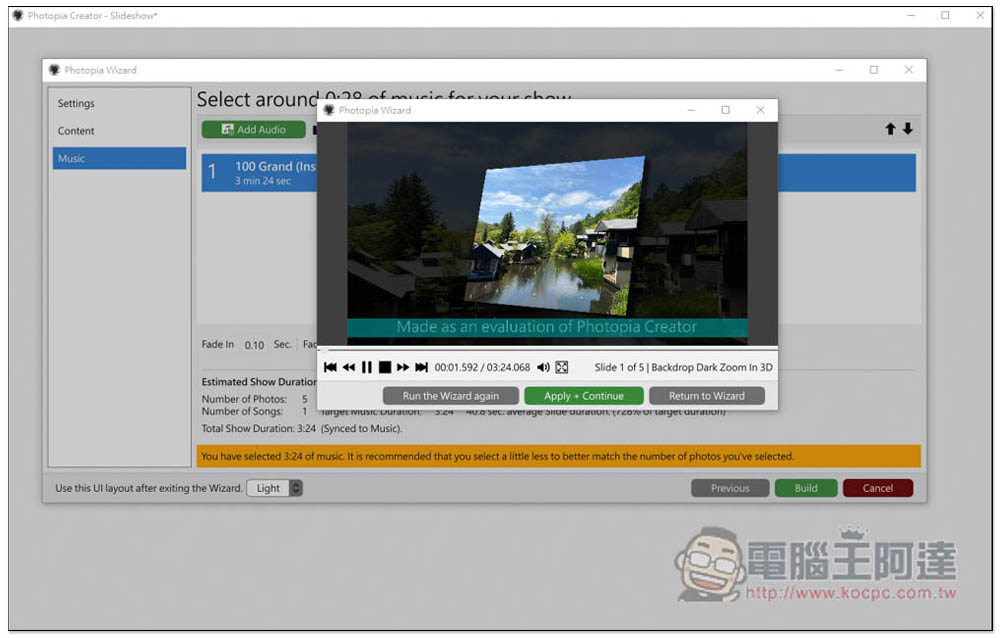
The biggest feature of Photopia Creator is that its free template application process is very simple. It provides a large amount of free background music that you can use directly, and the length will be perfectly adjusted to suit the number of photos you have. There are more than 700 effects and filters in total to meet various production needs.
But overall, I think the shortcomings still outweigh the advantages. Many areas deserve improvement. For example, although there are many templates, many of them are a bit too old and have no texture, and the interface design is not in line with modern times.
Click me to go to the official website
7. Iskysoft Slideshow Maker
- Supported operating systems: Windows, Mac
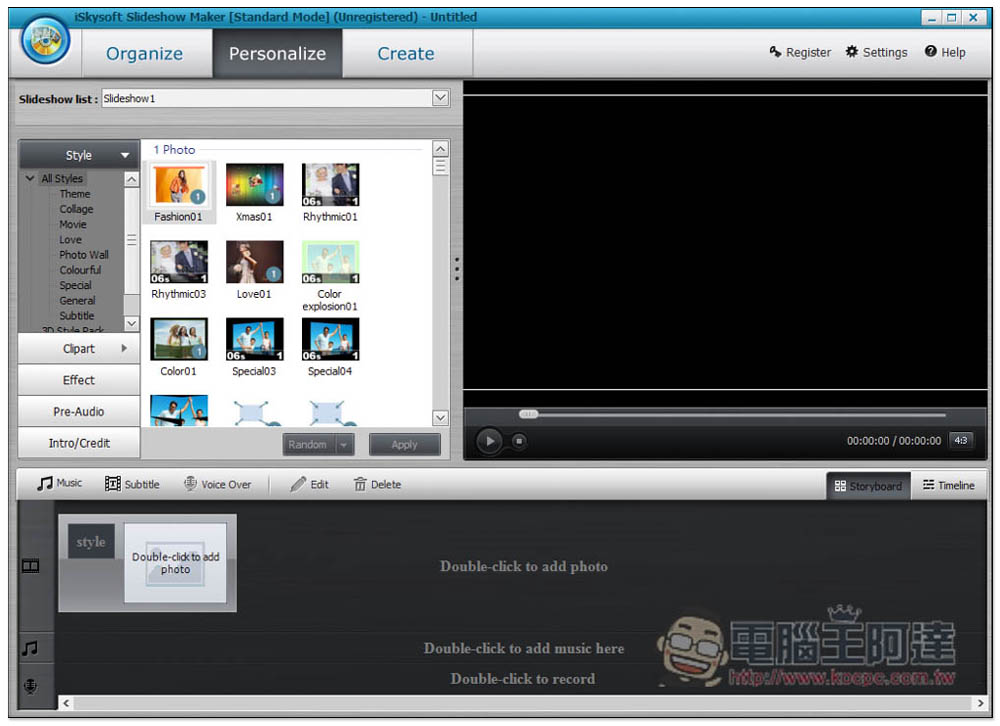
Iskysoft Slideshow Maker is a very old software that provides photo slideshow production functions. It has two usage modes, “normal” and “advanced”. It is recommended to use normal. Currently, it only supports English. The interface design is very retro, and the templates provided also use some very old presentation methods. Older people may like it, but young people do not recommend it.
Although many aspects are very retro, the output part has to be said to be quite powerful. It has many formats, including the most commonly used MP4, and also supports burning DVDs and sharing to YouTube channels.
Click me to go to the official website
8. Minitool Movie Maker
- Supported operating system: Windows
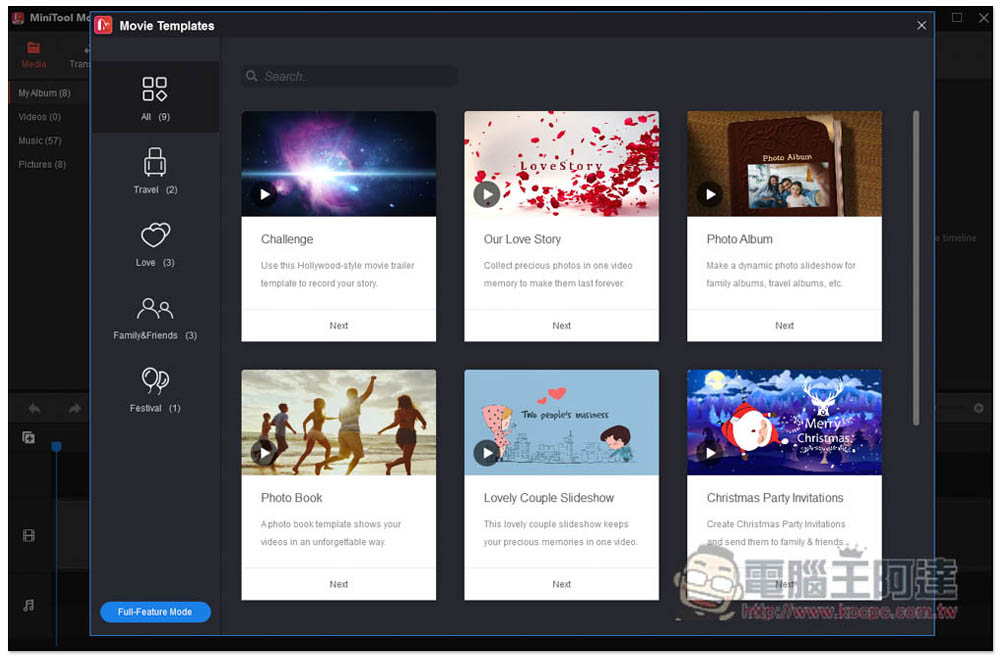
Although Minitool Movie Maker does not currently support Chinese, the interface is quite simple and does not have too many complicated functions. It has all the necessary free templates, stickers, transitions, special effects, text and other tools.
Compared with other photo slideshow making software, this one has a little less free templates. There are only 9 at the moment of writing, and they seem to be rarely updated. For those who often make photo slideshows, it may be easy to get tired of using it, and it is a bit difficult to edit by yourself, which will test your design, arrangement and other abilities. In addition, it’s already 2023, and I didn’t expect that this slideshow creation software does not support dragging and importing materials.
Click me to go to the official website
9. Flexclip
- Online tools
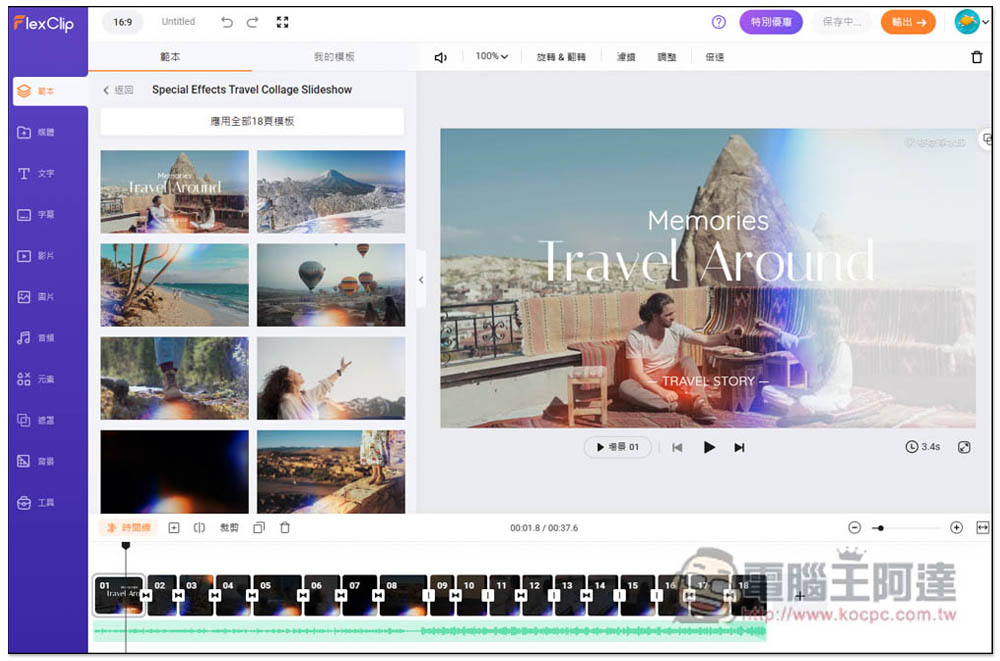
For those who don’t want to install tools on their PC, you can consider using Flexclip, a free online tool that supports Traditional Chinese and is super rich in functions. Not only does it have free templates, it can also add text, subtitles, videos, symbol stickers, etc. to the slides. Each template also comes with good background music, which lazy people will definitely like.
But because there are so many functions, I think it is a bit complicated to use, and I may even not understand how to use it. The free version can only output videos up to 720p, and there is a watermark. If you want to remove it, you must upgrade to a paid membership, so I would recommend directly buying the above slideshow creation software to make it more practical.
Click me to go to the official website
10. VEED.IO
- Online tools
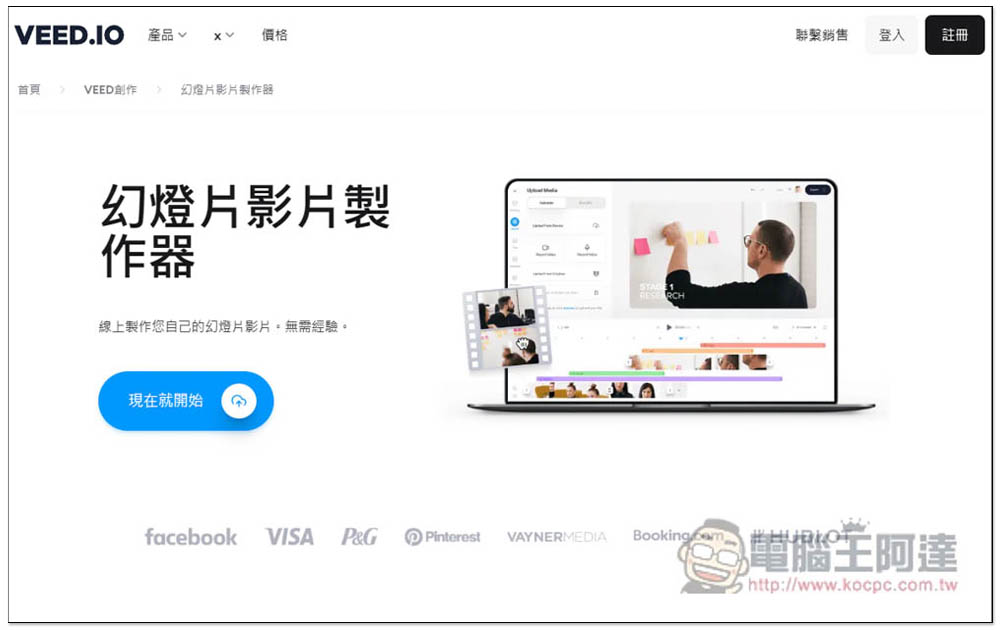
VEED.IO is also an online slideshow video maker that requires no installation, just open the browser and use it. Although the homepage is in Chinese, it will change to English after entering the maker. Not only is the operation interface a bit complicated, but there are no free templates. Everything has to be designed from scratch. It is not recommended for novices and is more suitable for people with a design background.
Click me to go to the official website
11. Canva
- Online tools
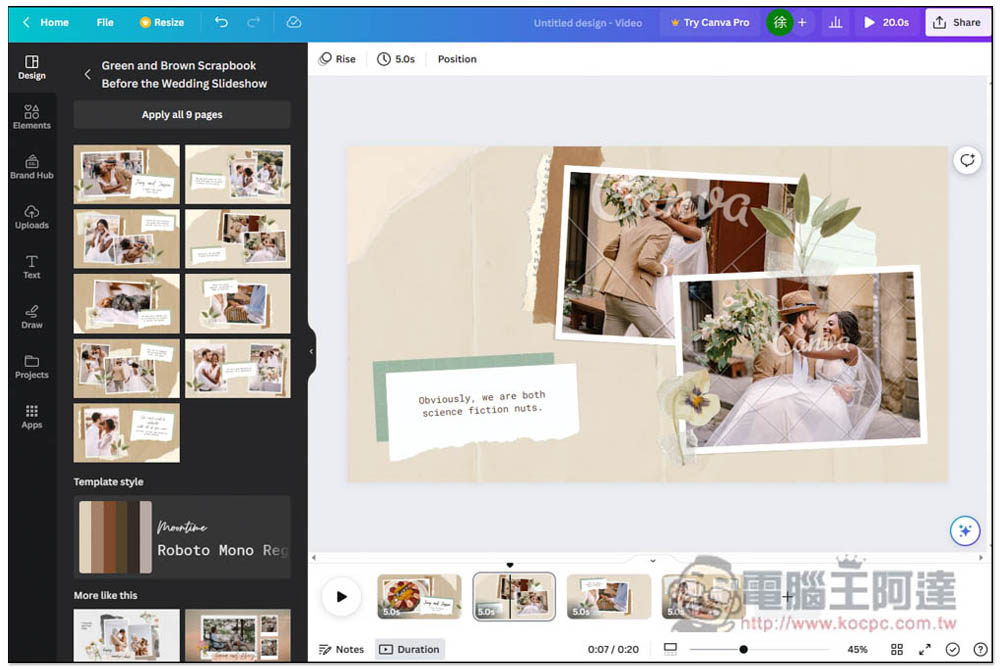
Many people should have heard of the name Canva. It is a very well-known online design tool. They also provide slideshow creation functions and have many high-quality free templates built in. I like this very much, but it does not currently support Chinese. For people who are not good at English, it will be more difficult to get started. In addition, free and paid materials are all mixed together, making it easy to misuse them accidentally (this happens to me very often).
Because it is an online tool, not only does it require an Internet connection to use it, but the files created are very large and take a while to download.
Click me to go to the official website
12. Aiseesoft Slideshow Maker
- Supported operating system: Windows
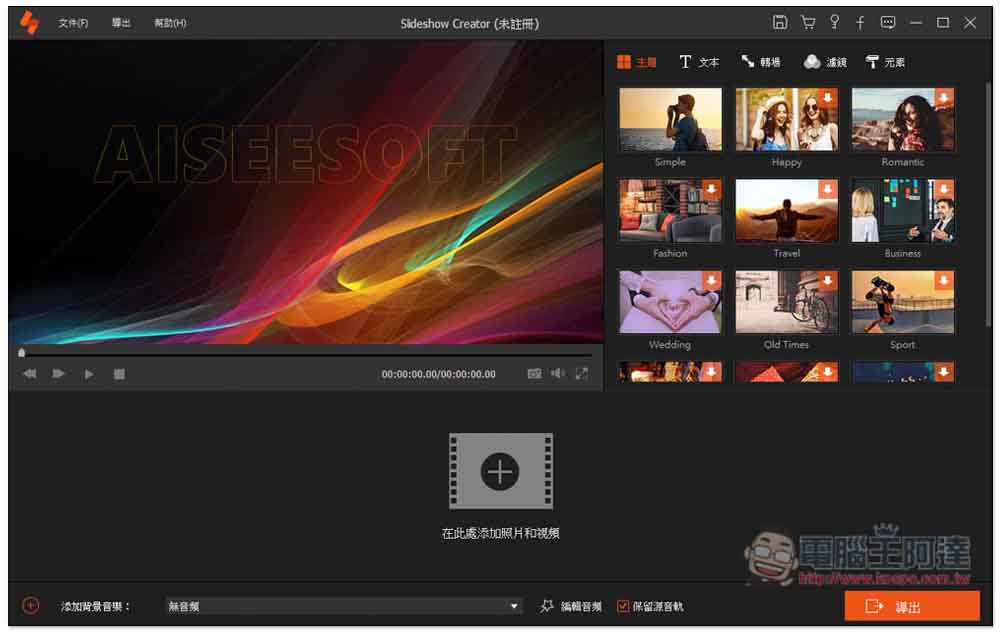
Aiseesoft Slideshow Maker is a slideshow production software that is quite simple to operate. It has a Chinese interface and provides several templates that can be directly applied, such as: travel, business, wedding, Christmas, etc. Although the quality is good, there are not many choices, and only the paid version is available.
Unfortunately, there is no free background music provided, so you have to use your own. There are transitions, filters, and materials, but there are also very few choices. Overall, it is more suitable for novices or people who occasionally need to make presentations. I think the price is a bit expensive, after all, there are not many functions.
Click me to go to the official website
Summarize
The above are currently the most recommended slideshow creation and photo carousel software. For those who use it frequently, it is highly recommended to choose Movavi Video Edito. It is much better than other software in every aspect. It can also be used to edit videos and supports Traditional Chinese.
Source: KOCPC Chinese