


Speaking of performance testing tools, almost everyone should know Geekbench. It is a must-use and reference tool when testing CPU and GPU. Recently, they have finally launched the Geekbench AI testing tool. It is also free for everyone to use. For those who are interested in the AI performance of their computer, hurry up and download the test. It can test CPU, GPU, and NPU.
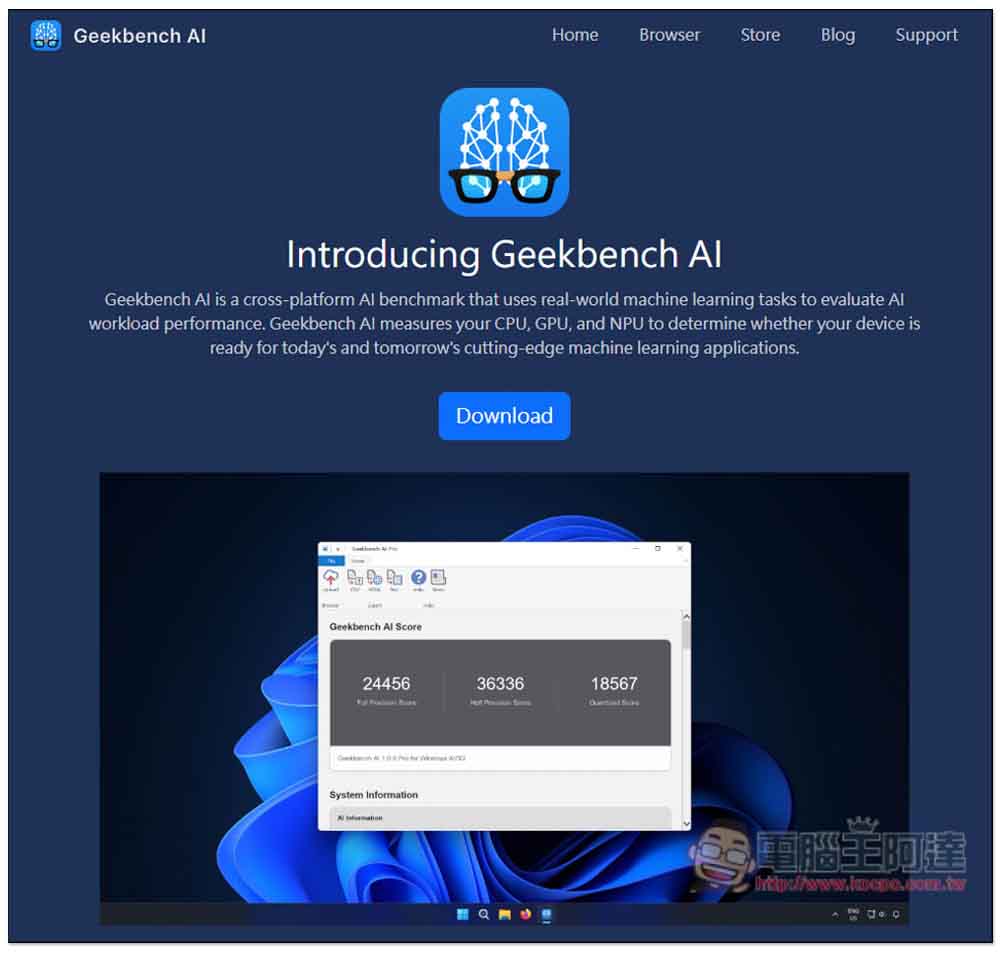
Geekbench AI free testing tool is here to test the AI performance of your CPU, GPU, and NPU
Geekbench AI is a cross-platform free AI performance testing tool that supports macOS, Windows, Linux, Android and iOS. It means that you can quickly know and compare the AI performance of each device you have.
Click the link above to go to the Geekbench AI official website and select the system version you want to download. Each system has some minimum requirements, such as:
- Windows requires Windows 10 64-bit or above, 8GB memory
- macOS requires macOS 14 or above, 8GB memory
- Android phones require Android 12 or above and 4GB of memory
- iOS requires iOS 17 or above
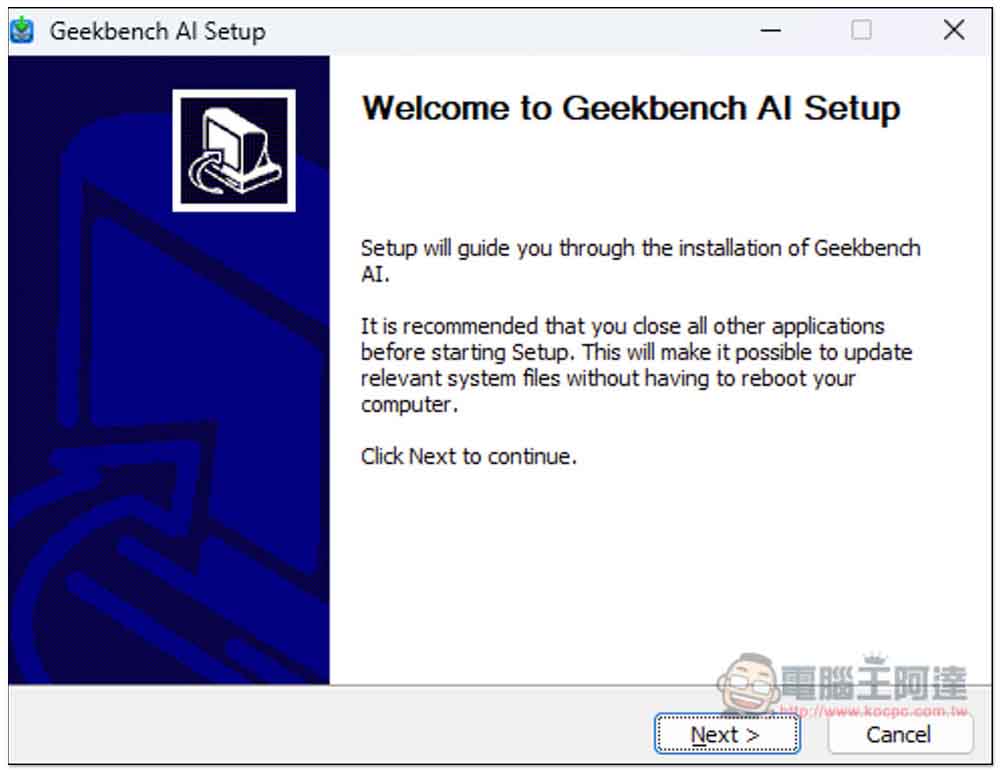
I use the Windows version as an introduction and demonstration. If there are no special requirements during the installation process, just keep pressing Next:
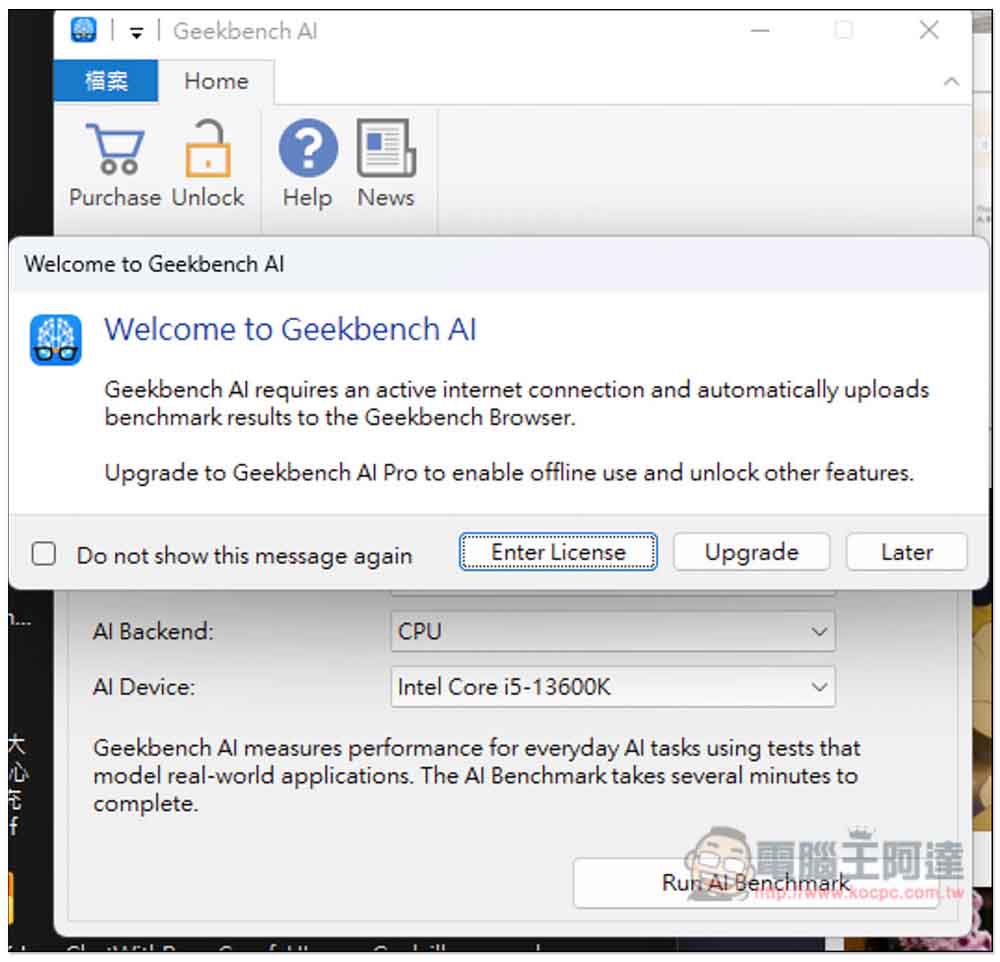
This notification will pop up when you open it. Simply put, the free version requires an Internet connection and automatically uploads test data results to Geekbench Browser. If you want to use it offline and unlock other features, you must upgrade to the paid version. The paid version is $99 (Geekbench AI Pro):
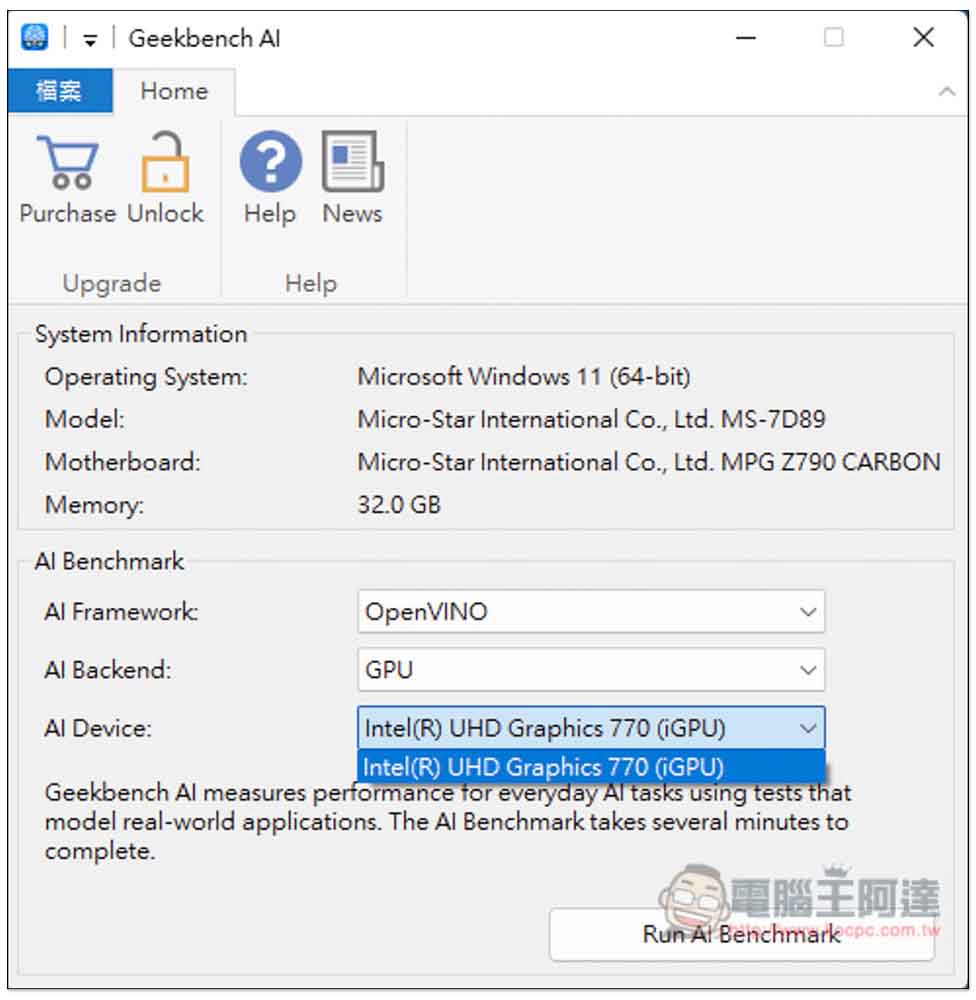
System Information will display your current operating system version, motherboard and memory, and the AI Benchmark below has some settings:
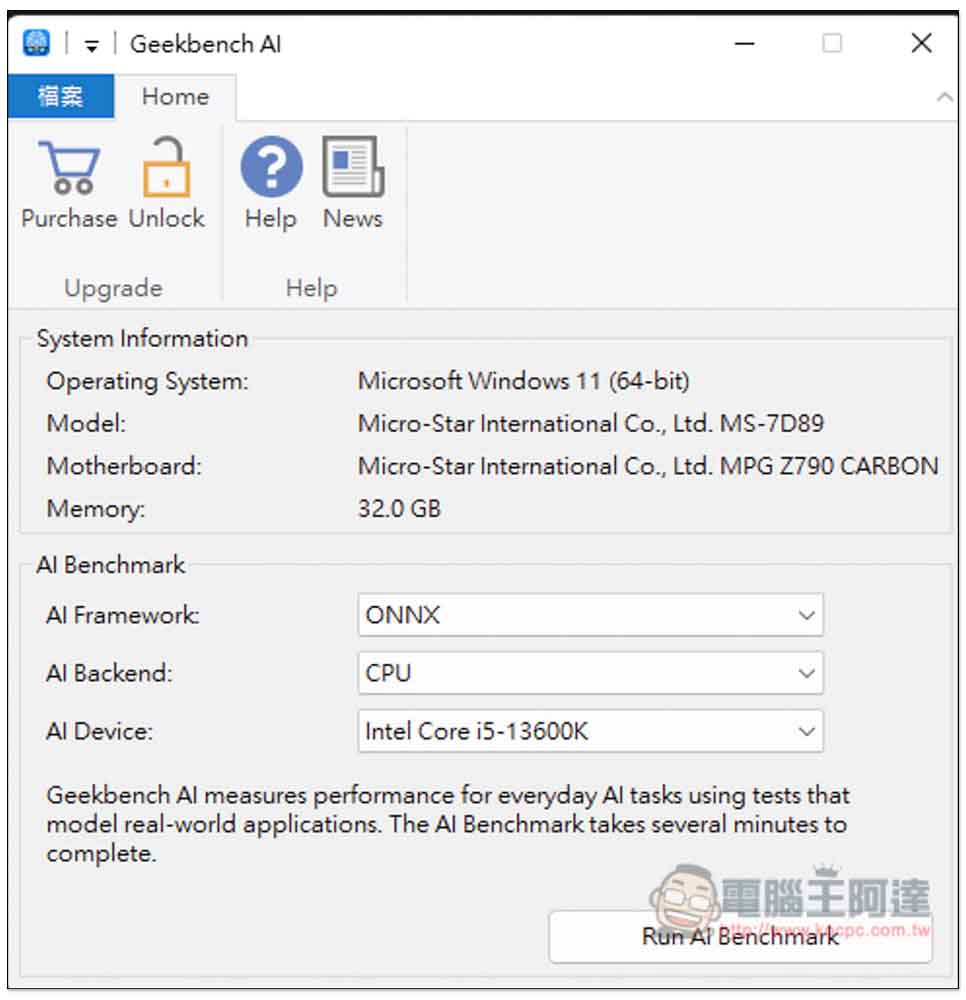
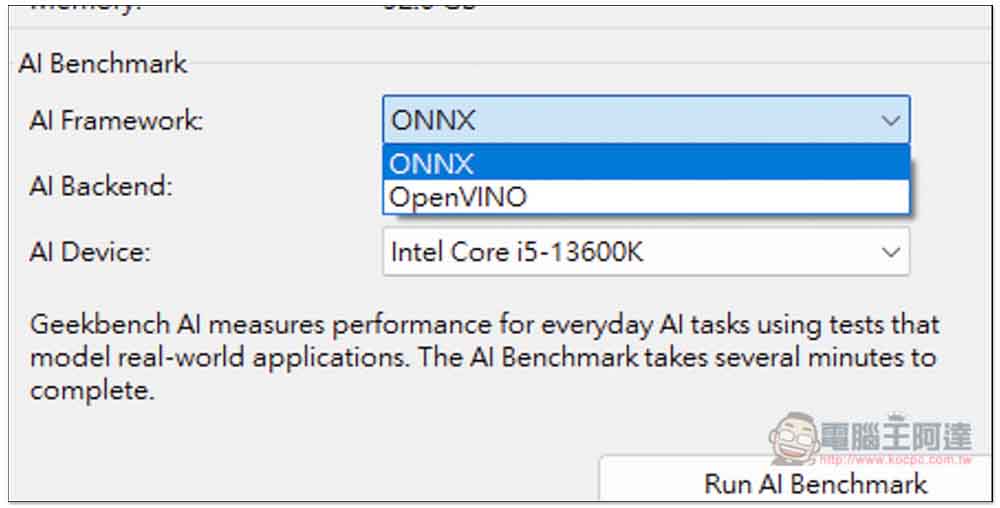
There are two types of AI Framework: ONNX and OpenVINO. If you don’t know which one to choose, you can test both and it won’t take too much time. After testing, refer to the database on Geekbench Browser and compare with other netizens:
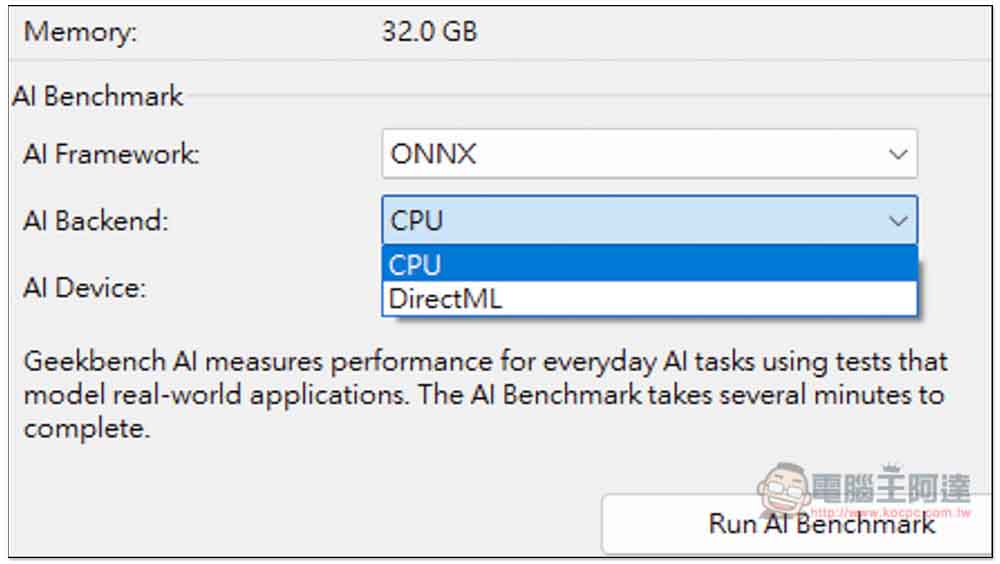
Under ONNX, AI Baackend has two options: CPU and DirectML. If you want to test GPU, choose DirectML:
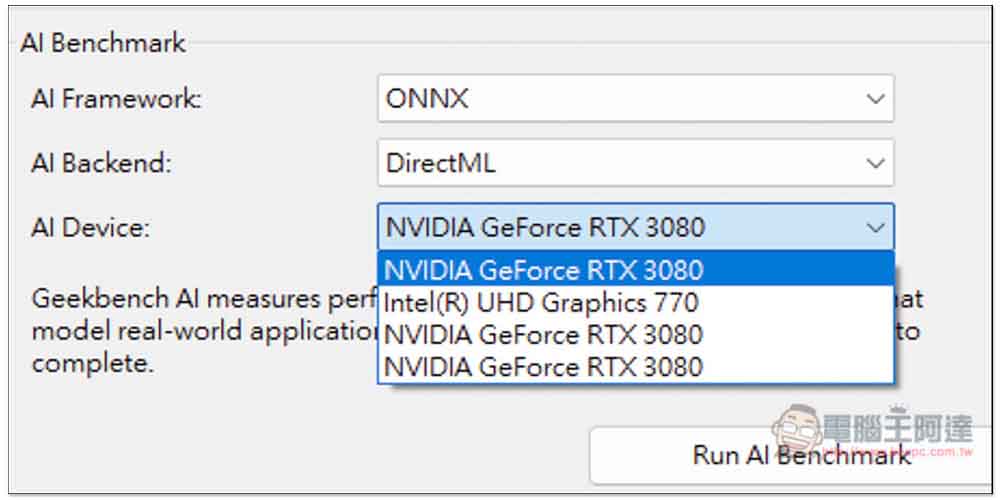
Like this, AI Device will list the GPUs in your computer, both independent and internal graphics:
It is worth noting that OpenVINO’s GPU can only test the internal display, and cannot test NVIDIA and AMD graphics cards:
The test does not take long, it takes about 1 to 2 minutes to complete, but I am not sure whether it has something to do with the hardware AI performance:

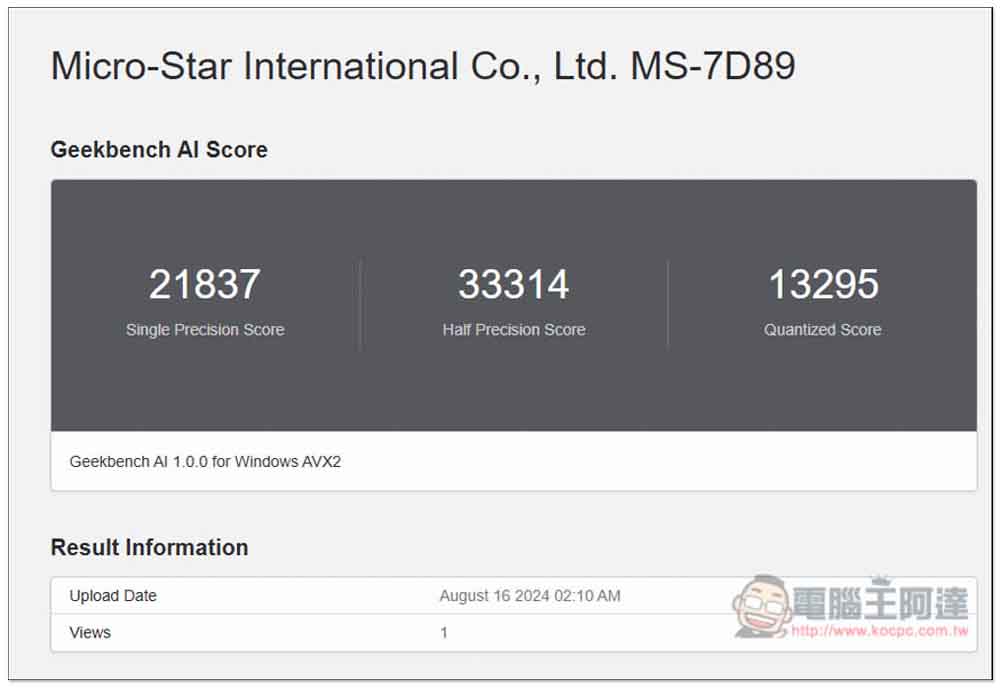
After the test is completed, the browser webpage will automatically open to display the results. There will be three scores. You can compare these with the scores of other devices:
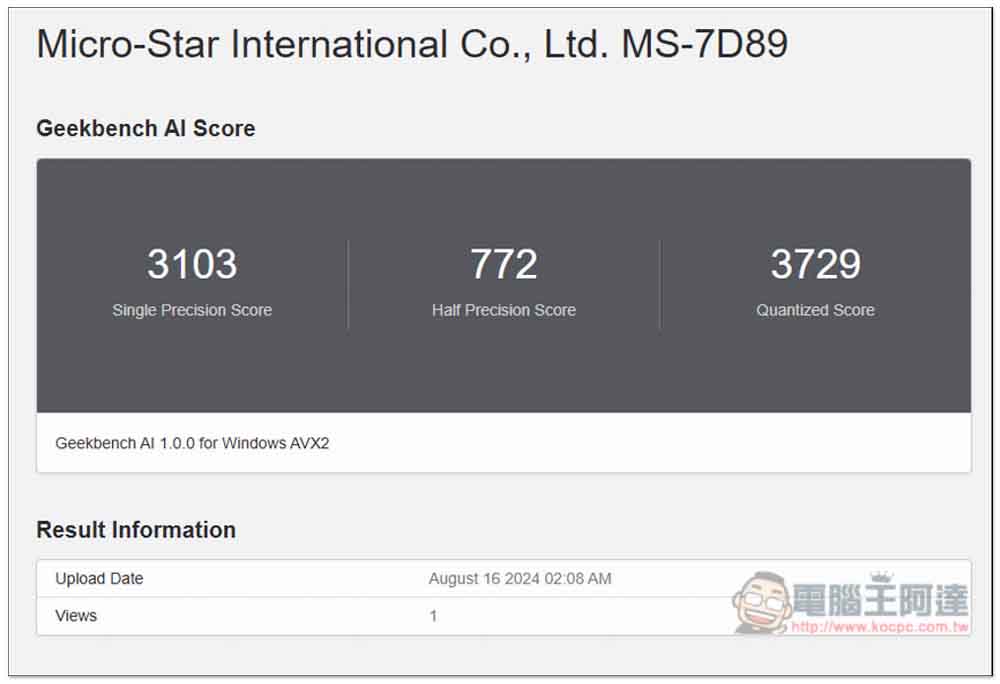
The above is the test result of my Intel processor, and the picture below is of RTX 3070. The difference is very big. For now, the AI performance of GPU is still much better than that of CPU and NPU:
Source: KOCPC Chinese