


Is it time to replace your old Wi-Fi router? In addition to the common standard routers with varying numbers of antennas on the market, you can also see a product called a Mesh router. Mesh has been on the market for many years, but most people don’t know its operating principle and significance, let alone its advantages and disadvantages compared to traditional Wi-Fi routers. This time we will discuss it step by step.
What is Mesh Wi-Fi? How does it work?
What is a mesh?
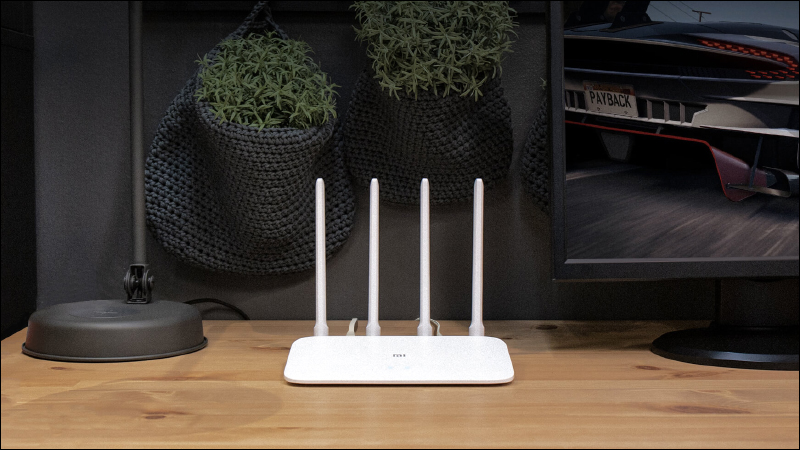
First, let’s briefly discuss traditional Wi-Fi routers. Traditional Wi-Fi routers use a single device to handle Wi-Fi network settings. Whether it is a small black box with some extending antennas or a stylish white box with built-in antennas, they are common network configurations in every home. For traditional Wi-Fi routers, the unlimited experience is centered on a single point. If you are close to the router, the network experience will be better; if you are farther away, the signal will be worse. If you are outside the range of the router, you will not receive network signals.
If a traditional Wi-Fi router is like a stereo system parked somewhere in the house and blasting music throughout your home, Mesh Wi-Fi is more like a smart speaker system set up around the house. Each speaker isn’t a powerful Hi-Fi stereo system on its own, but the system ensures your music can be heard clearly no matter where you are in the house.
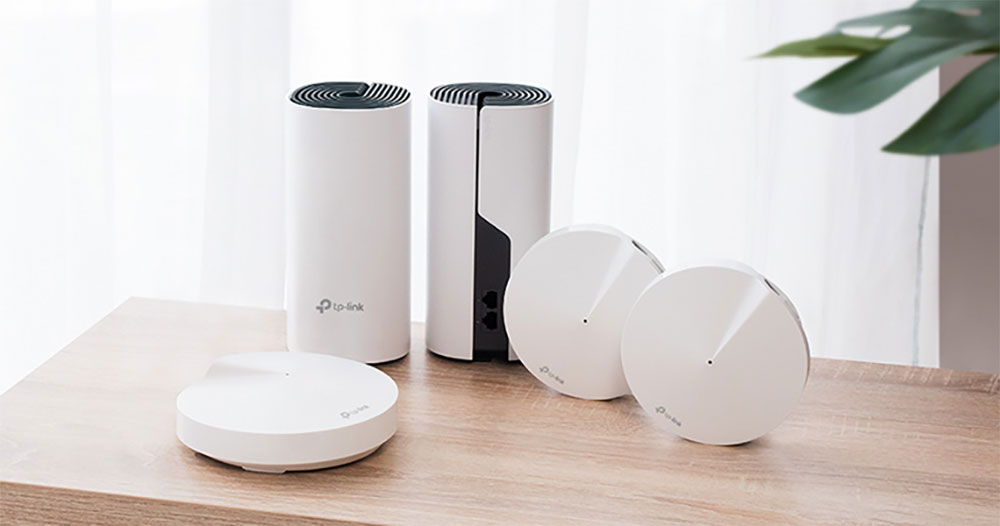
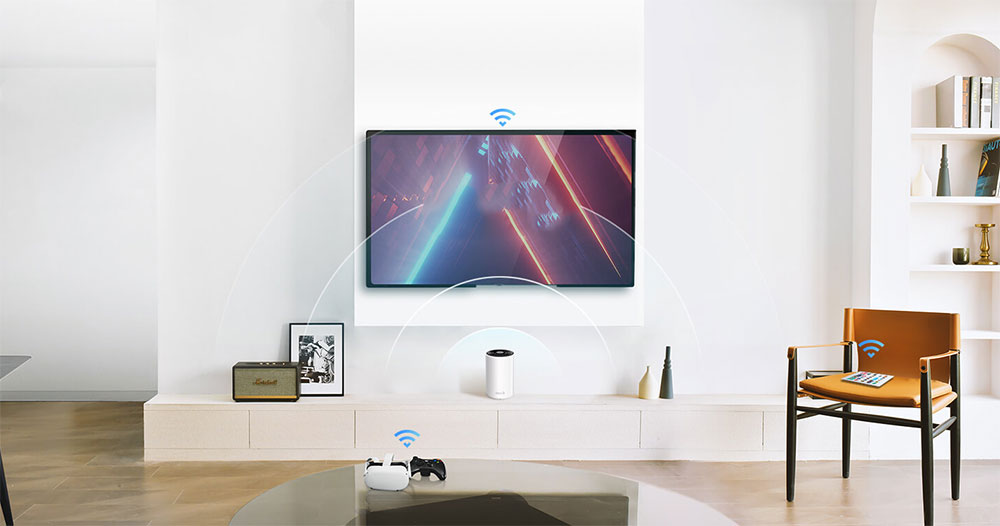
Mesh WiFi uses multiple nodes instead of a single node like a traditional Wi-Fi router. Mesh can deliver a stronger Wi-Fi signal throughout your home because multiple devices broadcast your Wi-Fi in different locations in your home. In Mesh Wi-Fi terms, each unit is a node, so how does it work? One node acts as a “base station,” and you connect it to a network modem just like a traditional router. In fact, if you want to prepare your mesh platform for future scalability, you can use the base station as a standalone Wi-Fi router. Other Mesh nodes communicate wirelessly or wiredly with the base station to effectively cover the entire space through a mesh Wi-Fi configuration. Some mesh systems even have an entire frequency band, dedicated wireless backhaul for node-to-node communication.
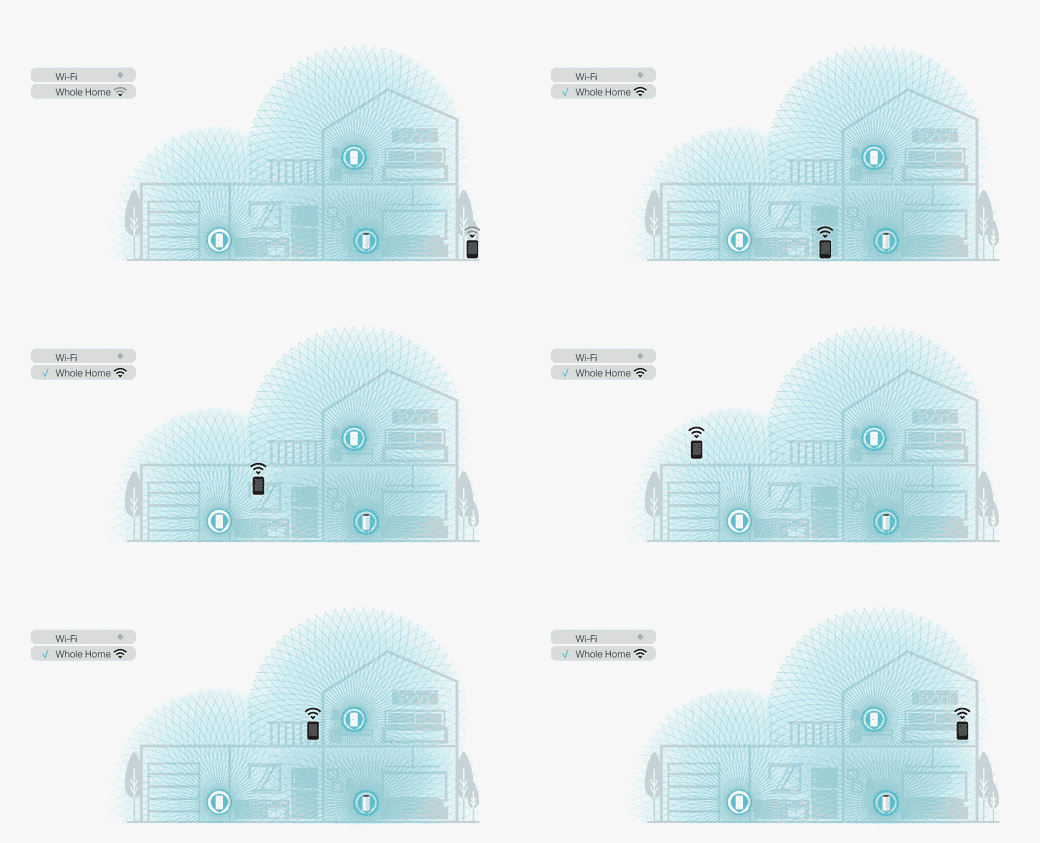
Regardless of the backhaul, each node communicates with every other node, so you get a stable Wi-Fi connection whether you’re on a balcony, attic, or in a basement.
So aren’t cheaper Wi-Fi extenders the same as Mesh?
If you’ve used so-called Wi-Fi extenders, you may be wondering what the difference is between using a Mesh system and just using a Wi-Fi system. After all, there is some overlap between the functions of Wi-Fi extenders and Mesh networks.
When a Wi-Fi extender is chosen and set up correctly, it can be a reasonable stopgap solution to Wi-Fi problems. If your Wi-Fi problem is simple, like you have good Wi-Fi coverage in your home but your smart doorbell outside keeps cutting off, you might just need a cheap extender. But overall, the reputation of Wi-Fi extenders is not very good, because although it does extend Wi-Fi, it is very weak. For low-bandwidth applications, these shortcomings are not important, but for streaming movies, playing games, etc., the extender cannot afford it at all.
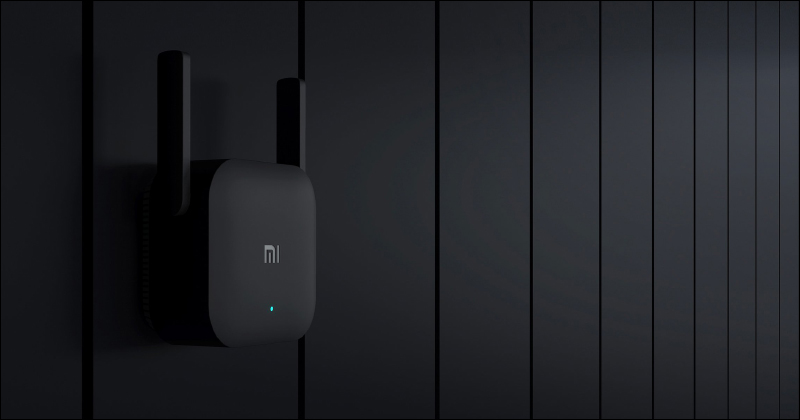
A Wi-Fi extender actually overlays another Wi-Fi network on top of the existing Wi-Fi, while a Mesh is a unified network. All hardware components come from the same manufacturer, are designed and optimized to work together, and integrate the entire network system through the same firmware, interface, and settings. There are only a few exceptions where Wi-Fi extenders can communicate with each other or with the main router, whereas Mesh nodes are essentially designed for seamless communication. In summary, if you are planning to solve the Wi-Fi coverage problem in your home, Mesh is a more stable and reliable option.
What are the advantages of Mesh Wi-Fi?
Above we have discussed what a mesh system is and how it differs from a Wi-Fi extender. Let’s take a look at the advantages of mesh networking over traditional router setups, including improved Wi-Fi coverage, simple management, and the ability to expand when more coverage is needed. Overall, Mesh is the recommended wireless network setup for almost everyone. For the vast majority of people, placing a multi-node Mesh Wi-Fi system in their home will solve all Wi-Fi issues they encounter, and even people living in small spaces or apartments can get away with using a single node as a router.
- Improve coverage
If you have a larger living space, especially one with lots of cubicles, designs, or lots of Wi-Fi shielding elements, switching to Mesh Wi-Fi is the easiest way to improve your network coverage. Of course, you have to place each node in the best possible way, but it’s so easy that you almost don’t have to worry about it. Mesh Wi-Fi companion apps often have setup prompts, notifications when you place a node too far away, and other help setting up Mesh Wi-Fi.
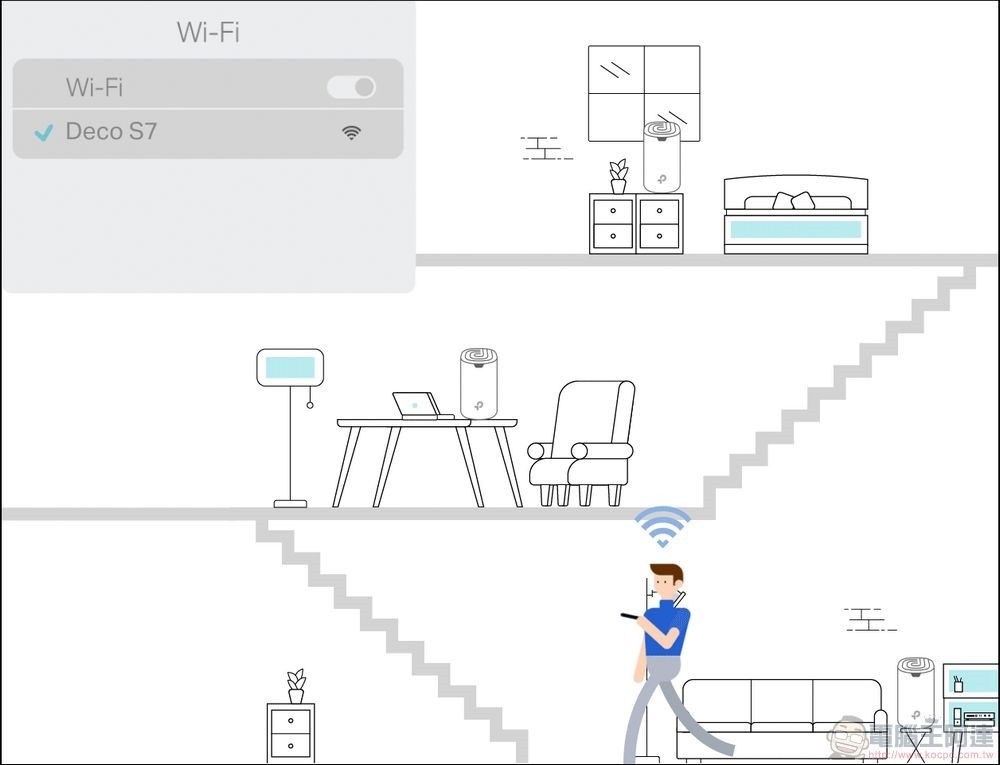
- Extremely simple to manage
When it comes to mesh-specific apps, almost all of them are extremely user-friendly these days. There are many personalized functions, such as easily pausing Wi-Fi during children’s study time at night, parental monitoring on children’s devices, remote management, smart home integration, etc. The consumer Mesh platform is very different from the application interfaces of most traditional Wi-Fi routers. Both maintenance and construction take into account the needs of non-technical personnel. Therefore, the pagination, options and switches on the menu are presented in a straightforward manner to help users control the network. Therefore, most people will find that the experience of the Mesh Wi-Fi interface is much more pleasant than that of traditional routers.
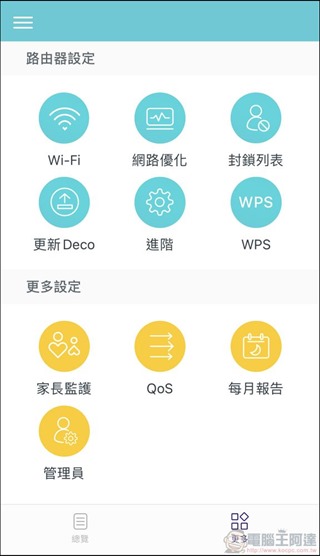
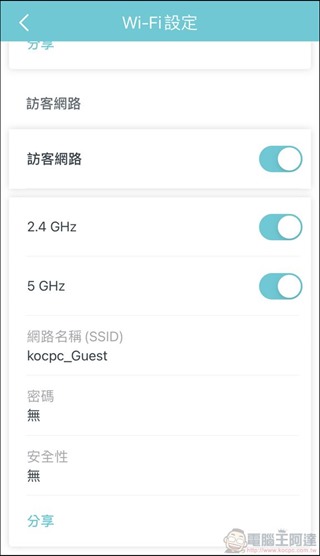
- Highly flexible expansion space
When you use a traditional router and need more coverage, you have to buy a new router with more power or use a Wi-Fi extender to solve the problem. The clever thing about Mesh Wi-Fi is that the entire network is a large network connected by nodes, and the nodes are designed to interact in the most effective way. If you initially purchased a three-piece Mesh Wi-Fi set but realize you need an additional one, you only need to purchase a separate Mesh node to join the existing Mesh Wi-Fi. Once set up, you can expand the coverage range without purchasing the entire set or jumping from one network to another based on your location at home.
What are the disadvantages of Mesh Wi-Fi?
Although Mesh Wi-Fi is great, it has some undeniable disadvantages, let’s take a look at them below:
- More expensive
Historically, mesh Wi-Fi platforms have been significantly more expensive than their traditional Wi-Fi router counterparts. When consumer mesh Wi-Fi products launched in the mid-2010s, 3-packs of devices were most often priced at around $500, and now you can buy premium mesh Wi-Fi products with a similar budget, as well as more affordable options. The price difference is obvious when you compare comparable Mesh Wi-Fi to a traditional router, but if you compare the cost of buying Mesh Wi-Fi to the cost of buying a more powerful, modern traditional router (and maybe adding in the cost of a decent Wi-Fi extender or two), it quickly becomes apparent that Mesh Wi-Fi is actually cheaper than it first appears.
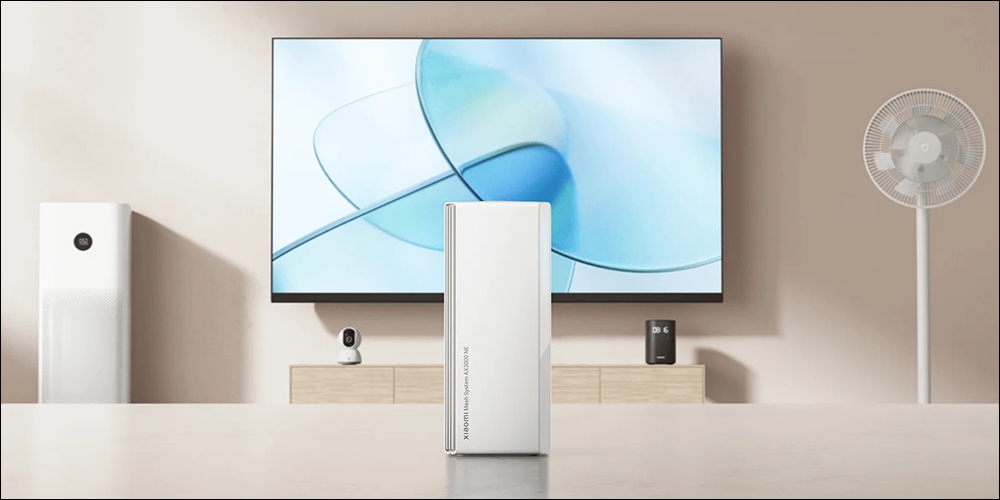
- May overlap
While using a single node as a Wi-Fi router is a great way to get into a mesh network, not everyone needs a multi-node system. Just because mesh systems are suitable for many situations doesn’t mean they’re suitable for small spaces. If you live in one room and one living room, you don’t need to use a 3-node system. Even if you place the nodes as far away as possible, they will still be too close to each other (the other half of the signal strength will be transmitted directly to the next door neighbor’s house). If you like the parental monitoring features or smart home integration on a specific mesh platform, choose one node for your huddle rather than 2-3 completely overlapping nodes.

- Not friendly to advanced internet users
We mentioned above about the user-friendly features and ease of use of Mesh networking. For most people, because they do not have technical skills and have no intention of becoming amateur network engineers, having a simple, easy-to-use interface is ideal. But if you are an advanced home network user, you may soon encounter the limitations of the user interface and firmware of the Mesh system. Most Mesh platforms have an application with a simple interface, designed to be easy to use by non-network engineers, but some Mesh Wi-Fi still retain some traditional router interfaces for advanced users to operate. If you like to use advanced functions such as virtual LAN, manual adjustment of frequency band allocation and transmission power, then you should pay more attention to whether it meets your needs when choosing.
Although the initial cost of Mesh Wi-Fi is higher, if you look at the long-term evaluation, you can get a better and more stable Wi-Fi network connection and a node deployment that is easier to expand or reduce. Overall, it is actually a very worthwhile investment. If you live in an environment with multiple compartments (especially cement compartments), a large square footage, or upper and lower floors, Mesh Wi-Fi is definitely the obvious choice.
Further reading:
For optimal Wi-Fi coverage, this is where your Mesh router nodes should be!
Source: KOCPC Chinese