


Google announced at this year’s I/O Developer Conference that it is preparing to add “Everything else”, that is, all tickets that do not support digitalization, into Google Wallet/Google Wallet. Now it has been officially launched in the United States. This article will focus on how to use Google Wallet’s new function that can turn any card into a digital version? Is it safe? Let’s give a brief introduction. Once it is available online, you can quickly master it and start using it.
▲Image source: Android Authority
How to use Google Wallet’s new feature that can turn any card into a digital version? Is it safe?
When you begin to enjoy the various digital “wallet” functions on your mobile device, you can pay for tickets, identity verification, and use it as home/car keys. I believe many people will find this function so convenient that they will never go back. They may even wish to digitize all tickets including ID cards and Easy Cards – well… although many foreign countries have already had it.
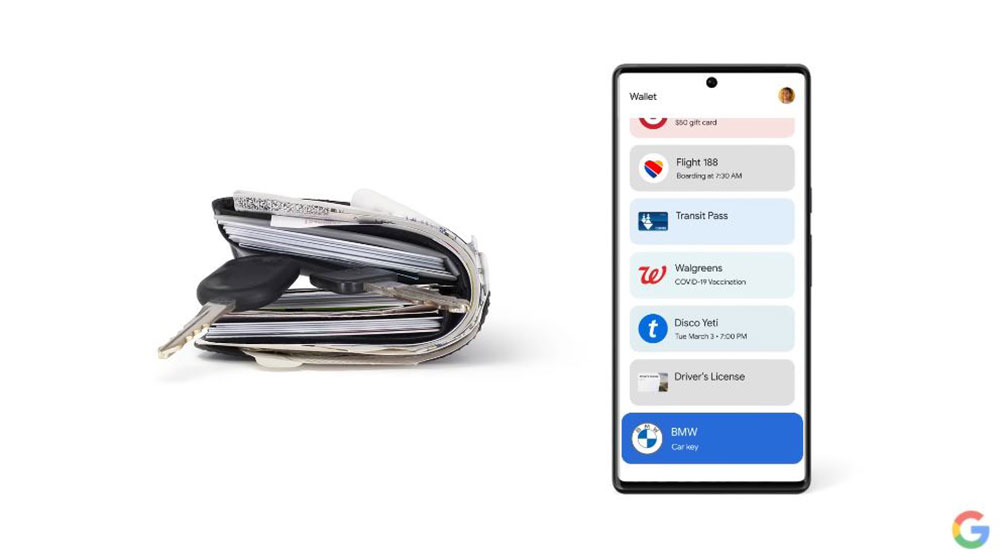
For this kind of tickets, the possibility of digitization may not be seen in a short time. Google announced at this year’s I/O Developer Conference that it is preparing to add “Everything else”, that is, all tickets that do not support digitalization, into Google Wallet/Google Wallet. Now it has been officially launched in the United States.
Yes, although it is only available in the United States, it should not be difficult (should) for the AI recognition text information function to support Chinese. Perhaps only ticket type detection will rely on local teams in each country to provide samples for AI learning as much as possible. Therefore, I personally feel that this function is probably not as far away as we think.
This article will introduce the new function of Google Wallet that can turn any card into a digital version. Once it is available online, you can quickly master it and start using it.
Is it safe?
First of all, for this type of function that handles sensitive personal information, everyone should immediately be concerned about the security.
▲Image source: Android Authority
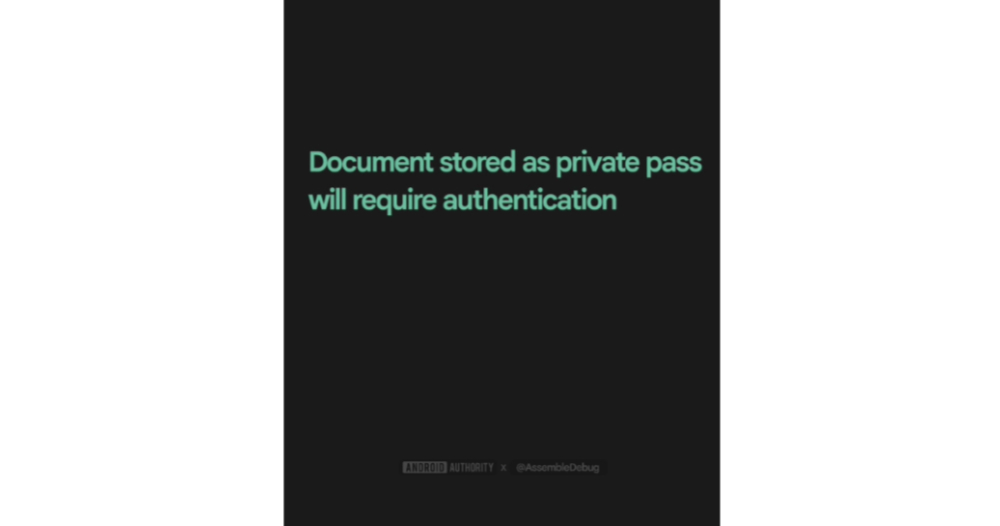
As for the “Everything else” category of Google Wallet, there are two types: Normal/Private. The difference with the latter is that when accessing it, like payment functions such as G Pay, you will need to further confirm and unlock with the device’s password or biometric recognition mechanism before you can access it.
Therefore, relatively public information such as personal business cards and other information will be classified in the general category; “digital versions” of tax documents, driver’s licenses and other identity documents will be stored in the private category.
▲Image source: Android Authority
In addition, although Google Wallet’s guidance function for AI recognition of tickets and certificates mentions that it will require permission to allow Google to process this private information. However, according to foreign media information, it is mentioned that these analysis processes will be performed locally on the device and the data will not be uploaded to Google’s servers. On the other hand, ticket information set to “Private” will not be automatically synchronized between users’ devices.
Basically, this method of processing is at least much safer than directly storing the photo of the identity document in an album or file folder.
How to use
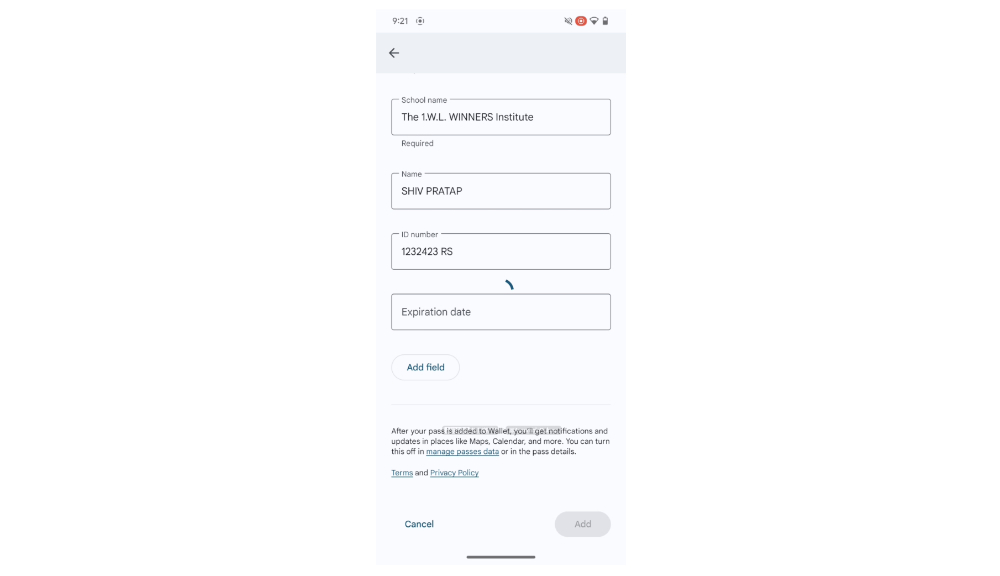
This new feature can be found in the “+Add to Wallet” card category in Google Wallet – you can see the “Everything else” option at the bottom.
This part should be integrated with the current “Photo” option in Taiwan, which is mainly used to recognize QR Code barcodes. In fact, if you don’t agree to the new terms of use, Google Wallet’s functionality will go back to the original way of recognizing copied barcodes to add cards – so it’s obviously integrated.
▲Image source: Android Authority
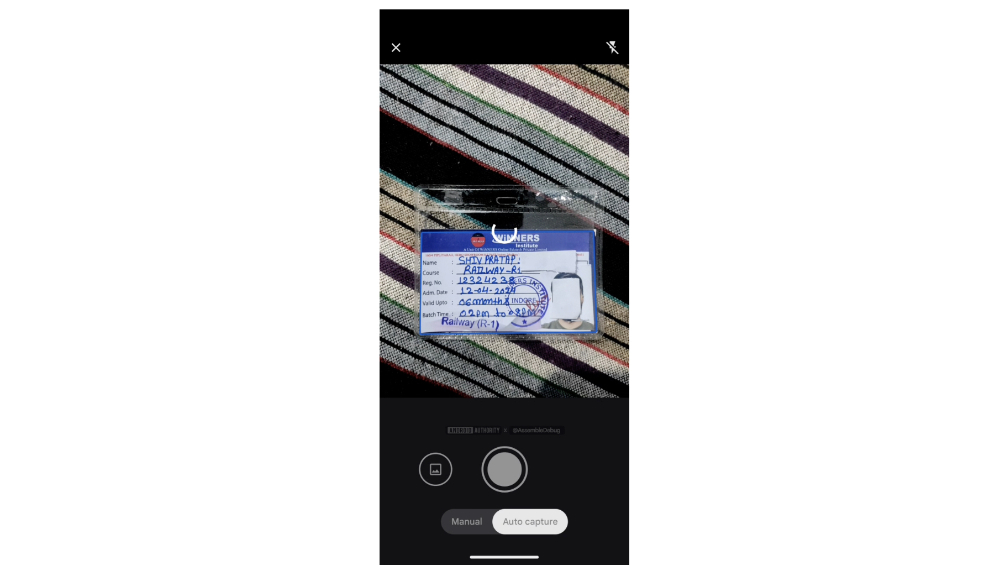
After agreeing to the terms, the camera will be started directly to take photos of the ID.
▲Image source: Android Authority
Regarding the usage examples of foreign media, on the one hand, they did not place the documents on a table with a particularly simple background to shoot. On the other hand, I am also quite surprised that this function can also support general handwritten information.
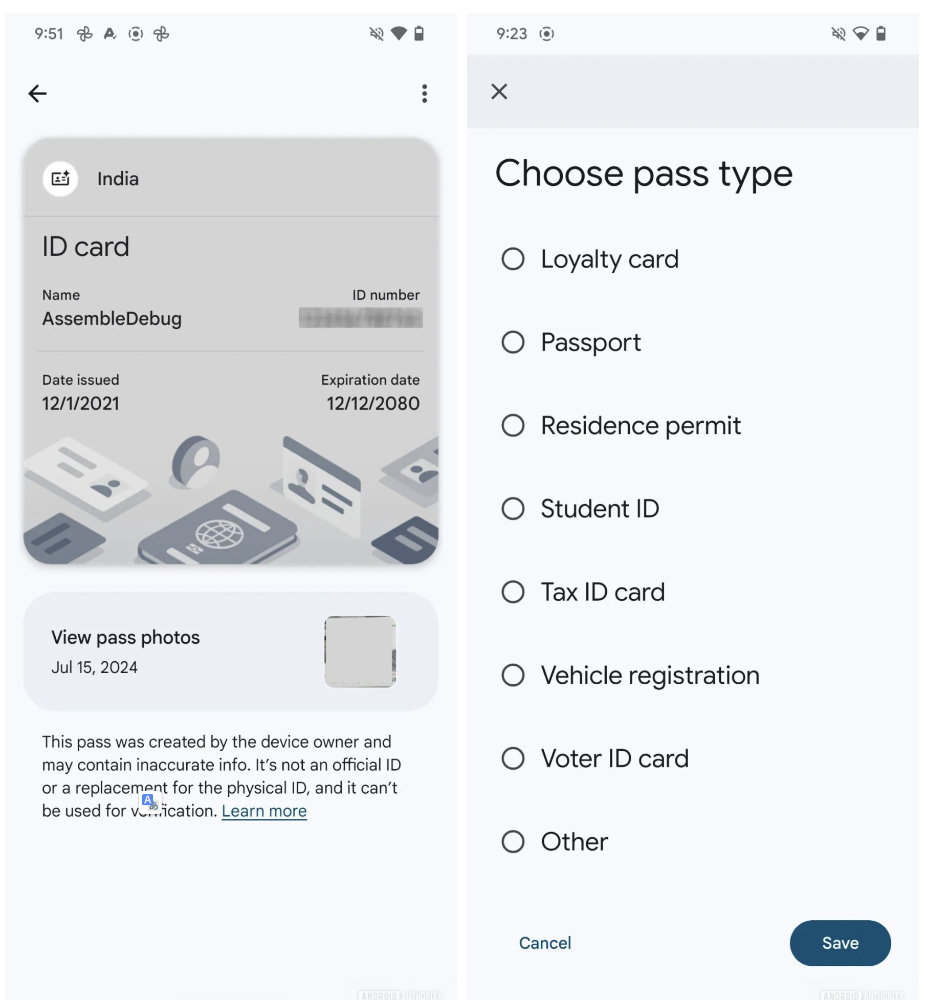
Then, after you finish taking your ID photo. AI will then proactively suggest you the type of document. At this stage, the categories that Google can identify through AI include:
.名片
.汽車保險卡
.駕照
.活動票券
.健保卡
.身分證
.圖書館借書證
.會員卡
.護照
.居留證
.學生證
.稅務證
.車輛登記證
.投票證
.其他
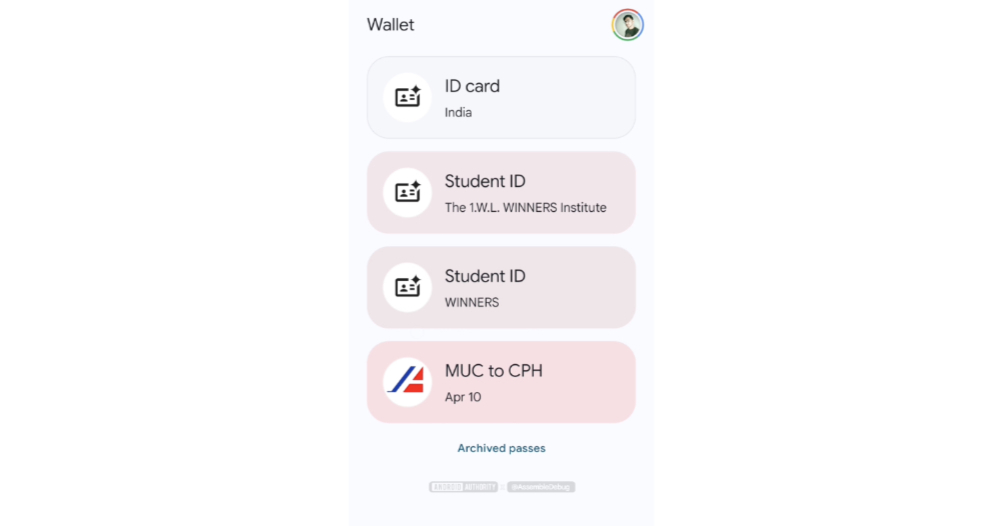
After the identification is completed, the Google Wallet interface will automatically bring up and fill in the default field information – if you manually switch categories, the fields may change slightly, so you may need to re-enter them yourself; the interface also provides the freedom to add information fields by yourself.
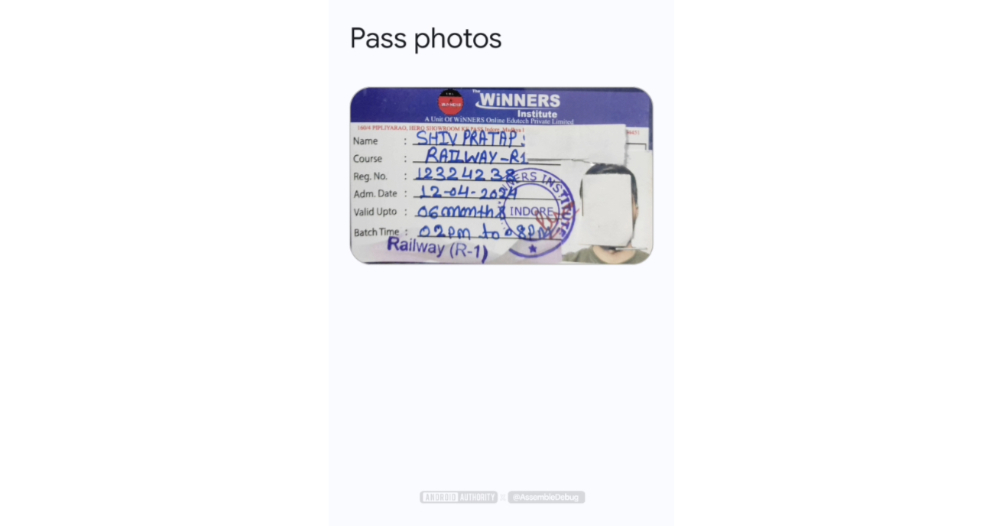
After joining, the Google Wallet will have a nearly square digital display interface, and the original image of the card can be reviewed in the “View pass photos” field – it should also be possible to prove to the checking personnel that you have a physical card (although if you encounter a physical card that you must give it to, you still have to rummage around).
▲Image source: 9to5Google
At this stage, the Google help page does not provide steps for providing this feature for Traditional Chinese. But we can refer to the specific steps of “Add the pass to your Google Wallet” on the English page:
1. Open the Google Wallet app.
2. Click “Add to Wallet” and then select “Others”.
3. Agree to the terms and conditions – If you do not agree, you can only create a pass from an image containing a barcode.
4. Take a clear photo or select an image file in the picker.
5. Preview the information captured from the image and edit it if necessary.
6. Click “Add” to save the pass.
Conclusion
In fact, among the system functions currently in public beta on iOS, there is a function that can be used to search for identity documents stored in the photo database after taking photos. Personally, I think the function of Google Wallet is to store photos and identify information. But the privacy protection part is really more comprehensive – at least the storage area will require additional biometric locks. Therefore, it should be a pretty good way to digitize tickets. I hope Google can open it up for use outside the United States soon.
Quote sources:9to5Google|Reference materials:Android Authority
Further reading:
Source: KOCPC Chinese