


When buying a new laptop, in addition to looking at the brand, appearance, and processor, one of the biggest decisions is whether you should choose a model equipped with a discrete graphics card. This has a major knock-on effect on the entire laptop, and it’s also relatively expensive, so this time let’s take a closer look at whether a discrete graphics card is necessary for you.
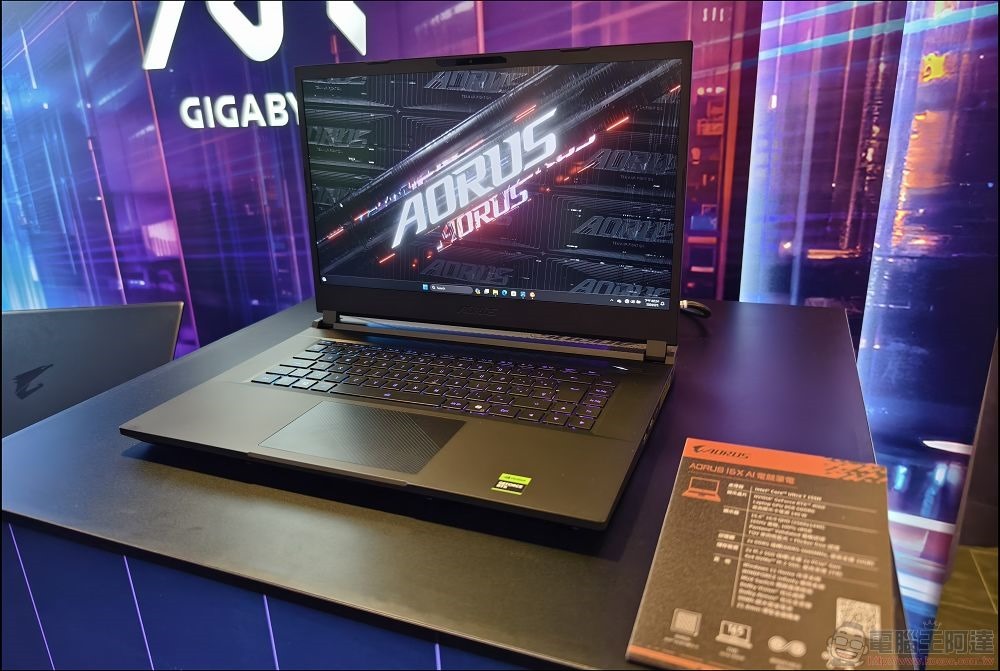
Do you need a laptop with a discrete graphics card?
What is a discrete graphics card?
Just like the independent graphics card in a desktop computer, the independent graphics card in a laptop also has its own value. Unlike a built-in graphics card, a discrete graphics card has its own processing chip, its own memory and its own cooling system, and is a completely separate computer component from the CPU. The built-in graphics card is in the same package as the CPU and shares the same memory. Typically, discrete graphics cards in laptops offer higher performance than built-in graphics cards, which is why you’ll find them in high-load laptops aimed at gamers, creative professionals, or professional engineering.
Do you need a high-end graphics card?
Performance is the main reason to choose a discrete graphics card when purchasing a laptop. If you will run applications that require a powerful graphics card, then choosing a discrete graphics card is the best choice. Another question is, if you move around a lot, do you need a high-end graphics card? If you only need a high-end graphics card when your desk is connected to a power source, you can choose an external graphics card, which allows you to use a powerful discrete graphics card when needed without any sequelae. This does mean that you need to buy a laptop that supports external graphics cards.
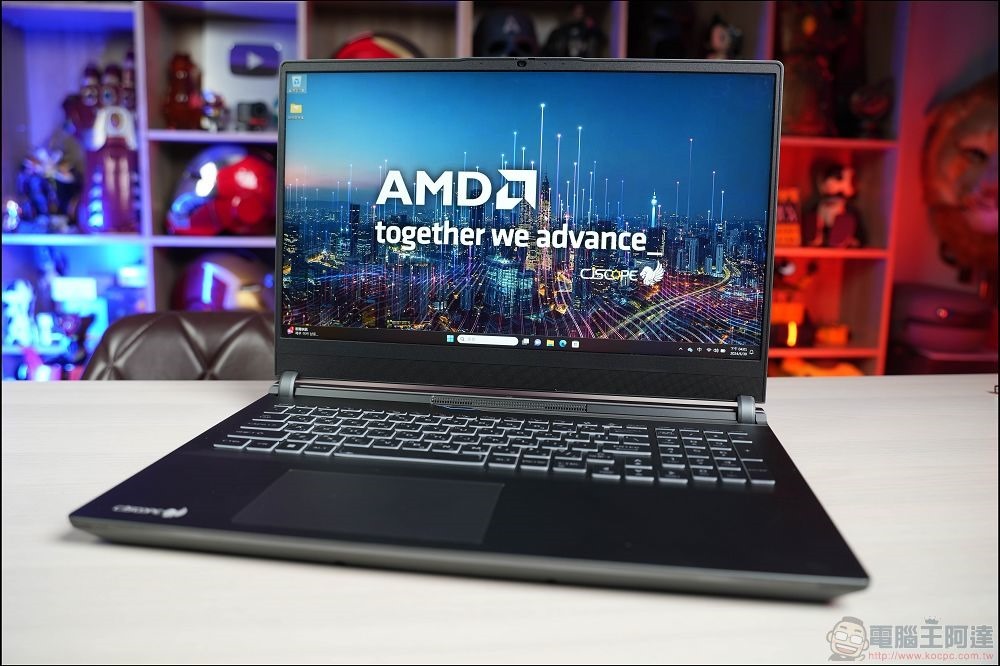
How important is battery life?
Discrete graphics cards tend to consume quite a bit of power. If you want a laptop with a certain endurance, a discrete graphics laptop may not be your first choice. Having said that, many laptops offer both built-in and discrete graphics in the same system, for example, a laptop that supports NVIDIA Optimus will dynamically switch between the 2 GPUs depending on the application being used and whether it is running on battery power.
Laptops without discrete graphics generally have better battery life anyway, but you should make this decision based on the baseline battery performance of the various laptops you’re considering.
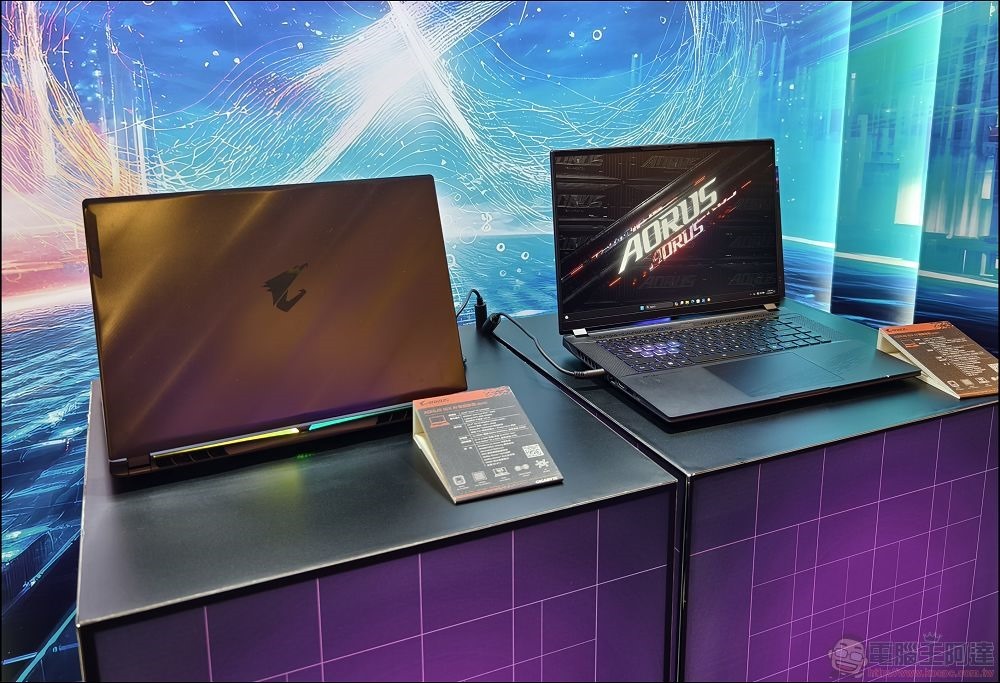
Do you want a thin and light laptop?
Discrete graphics cards take up a lot of space in laptops. In addition to the components on the motherboard, in addition to the rest of the laptop, there are heat sinks, fans; power circuits and vents. While some brands have successfully produced thin and light laptops that come with discrete graphics (such as the Razor Blade laptop), you probably don’t want to check how much these systems cost.
Therefore, assuming your budget is reasonable, the best thin and light laptop option is a model with built-in graphics card.
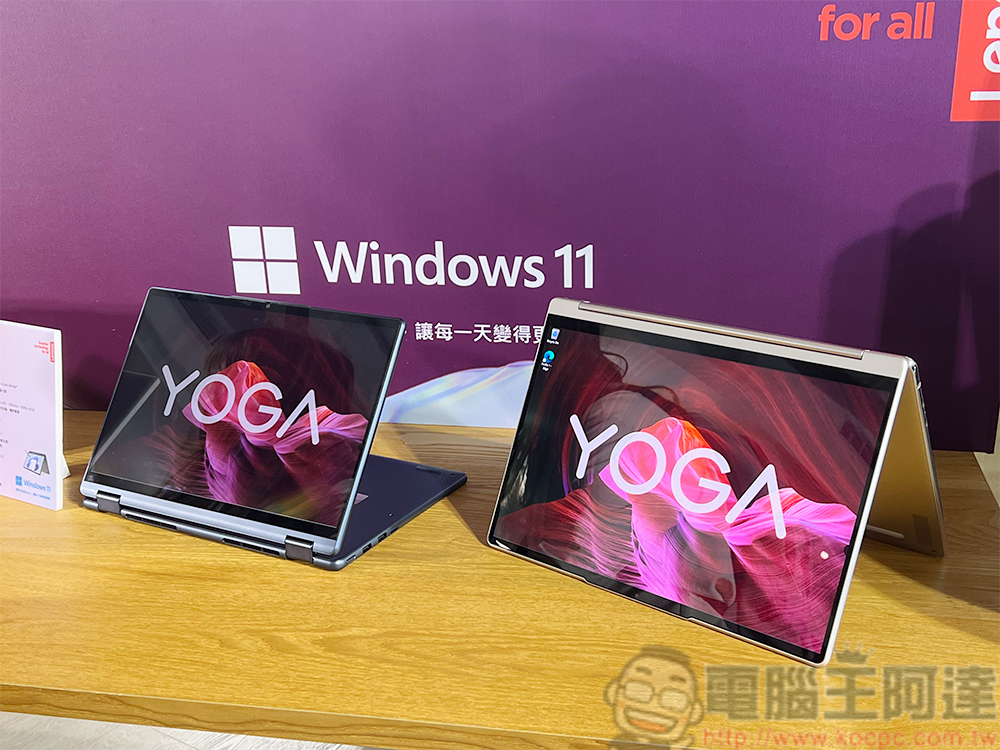
Will the built-in graphics do the job?
In the past, built-in graphics were pretty much just usable, you could use PowerPoint and watch some YouTube videos, but anything involving 3D would be just another boring slideshow. Today’s built-in graphics cards have come a long way, making the purchasing decision even more complex.
AMD began to enhance its competitiveness through APU and introduced independent graphics card technology into CPU. That’s why handheld gaming systems like the ROG Ally can play high-end games with relative ease. The latest consoles, such as the PlayStation 5 and Xbox Series X, technically use built-in graphics cards. Even Intel, which has poor built-in graphics performance, has finally begun modernization attempts. Apple’s MacBooks also use built-in graphics cards, and even the lowest-spec MacBook Air equipped with an M1 chip is comparable to the previous generation of game consoles.
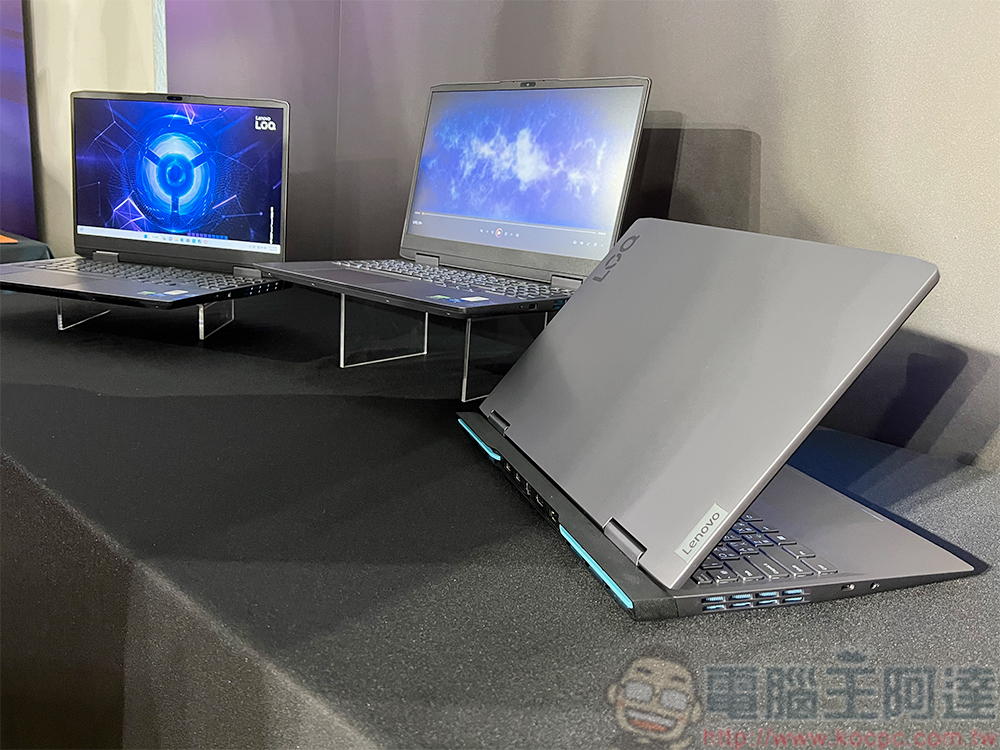
Since the bottom line for built-in graphics performance has improved a lot, you should do some simple research to see if future modern laptops can actually meet your needs with their built-in graphics. Don’t forget to check the TDP ratings of various laptops, as the performance of the same graphics card may vary depending on how much power it is allowed to draw.
Source: KOCPC Chinese