


In order to save space, many people now set the photo format to HEIC on their iPhones and iPads. However, sometimes they need to use it, or some old Windows versions do not support preview, so they want to convert it to JPG, PNG and other formats. This article will recommend a very easy-to-use “Convert HEIC to JPG” free Chrome extension. Once you get it, you can convert it through the browser, and it is done locally, which means there is no need to upload it to a network server. It is very safe and fast.
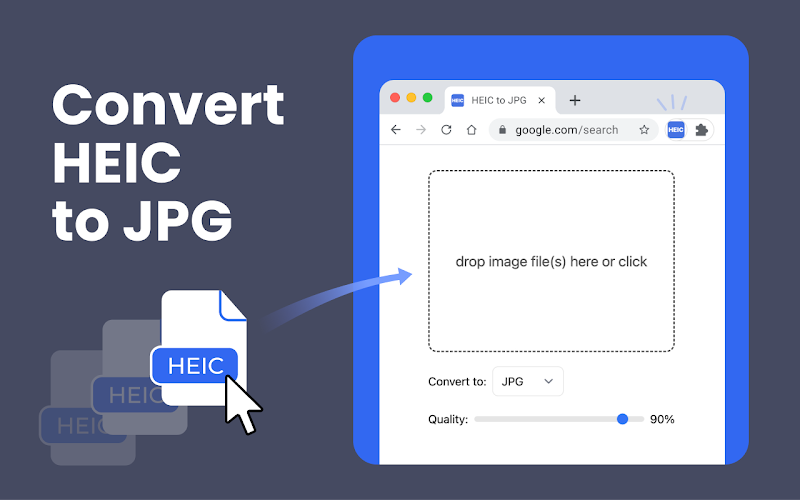
“Convert HEIC to JPG” is the simplest way to convert formats, and can also be converted to PNG, WEBP, BMP, etc.
- Obtain “Convert HEIC to JPG“Extended functions
Although “Convert HEIC to JPG” is a Chrome extension, it is not limited to Chrome. It can be installed on any browser with Chromium core, such as Microsoft Edge, Arc browser, etc.
The usage is also very simple. After the installation is complete, just select the HEIC photos you want to convert. It supports multiple conversions at one time. Select the format after conversion, such as JPG, PNG, BMP, etc., and press Convert to complete. I tested that even with dozens of HEIC photos, the conversion was completed in an instant, which is very fast.
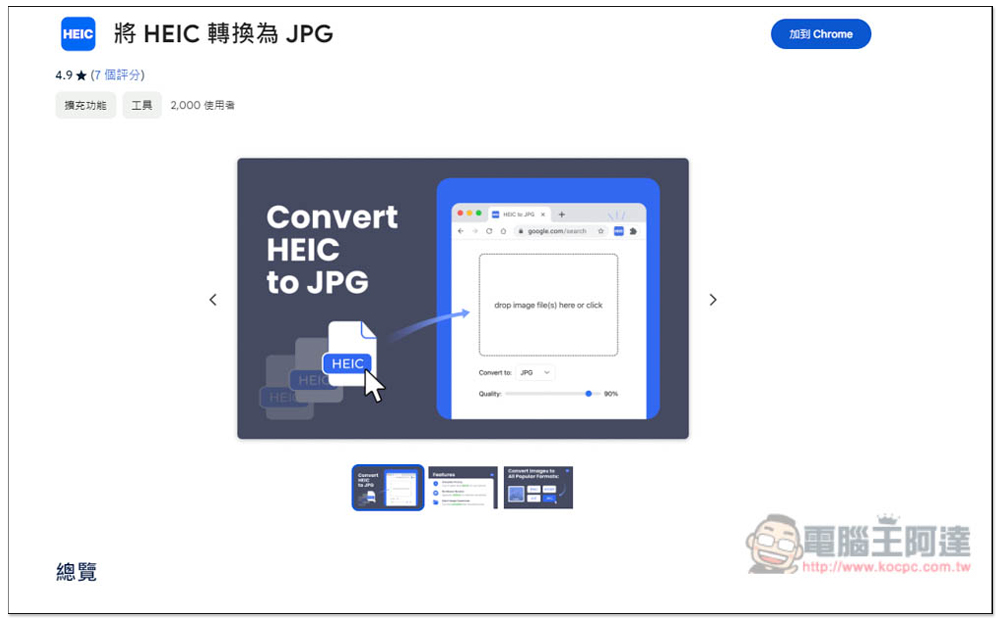
Click the link above to enter the Chrome store page, and click “Add to Chrome” in the upper right corner:
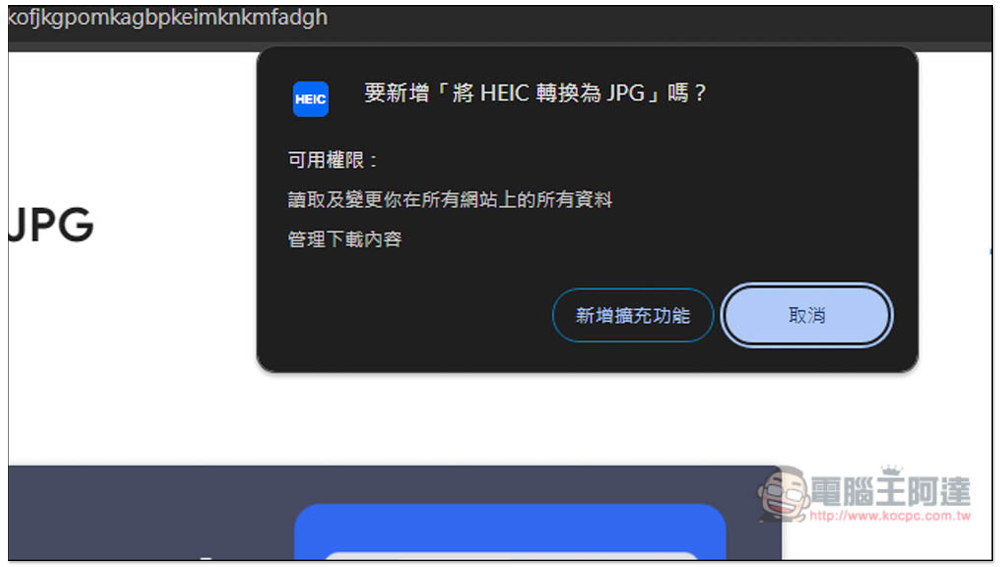
If you are using Chrome, this message will pop up above, click “Add Extension”:
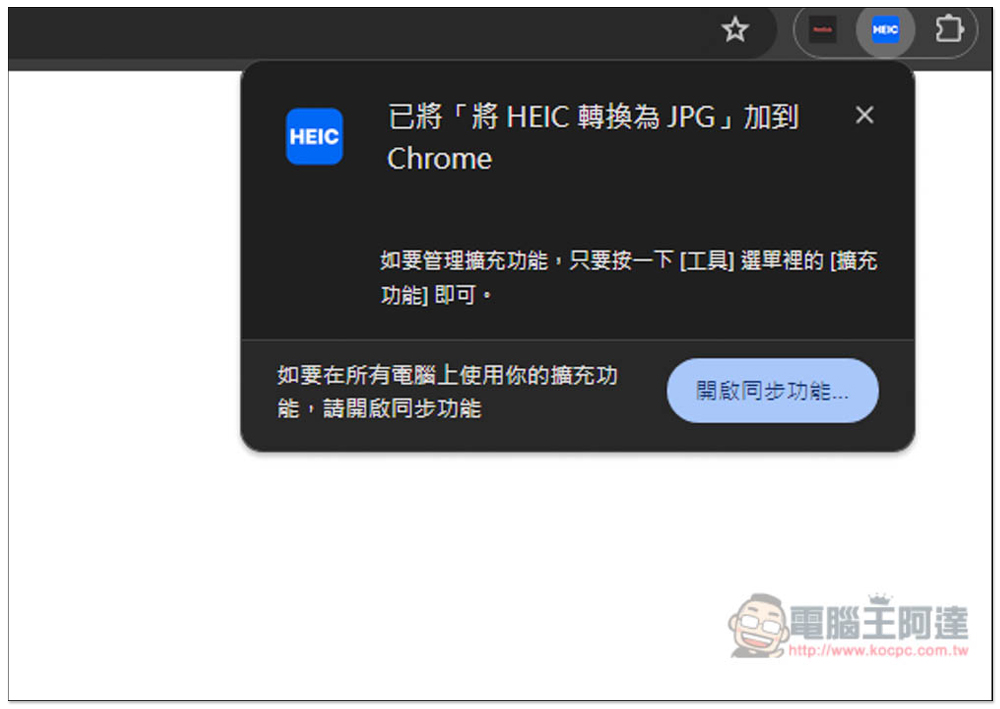
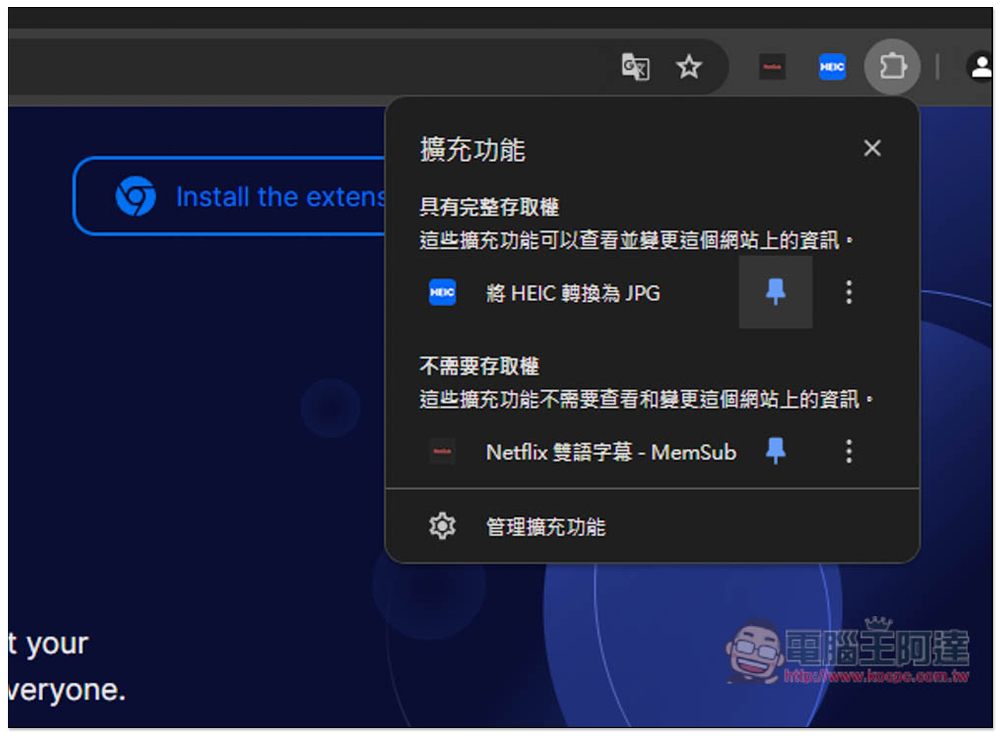
When this message appears in the upper right corner, it means that the installation is complete. If you use it frequently, you can pin and select this extended function icon so that you don’t have to go into the menu to find it in the future:
Like this, open the rightmost menu, light up the pin, and it will be pinned to the upper right corner:
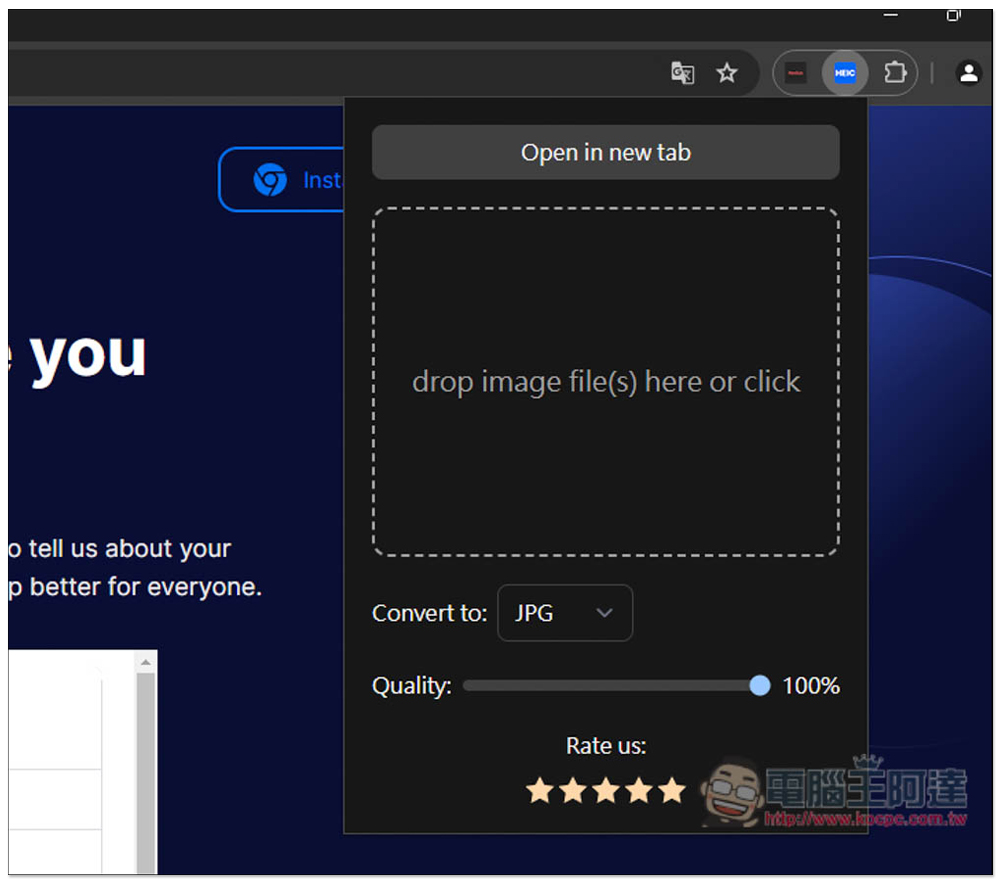
When you want to convert HEIC files, just click the extended function icon. It is recommended to open it in a new tab, which will be easier to operate. Just click “Open in new tab” at the top:
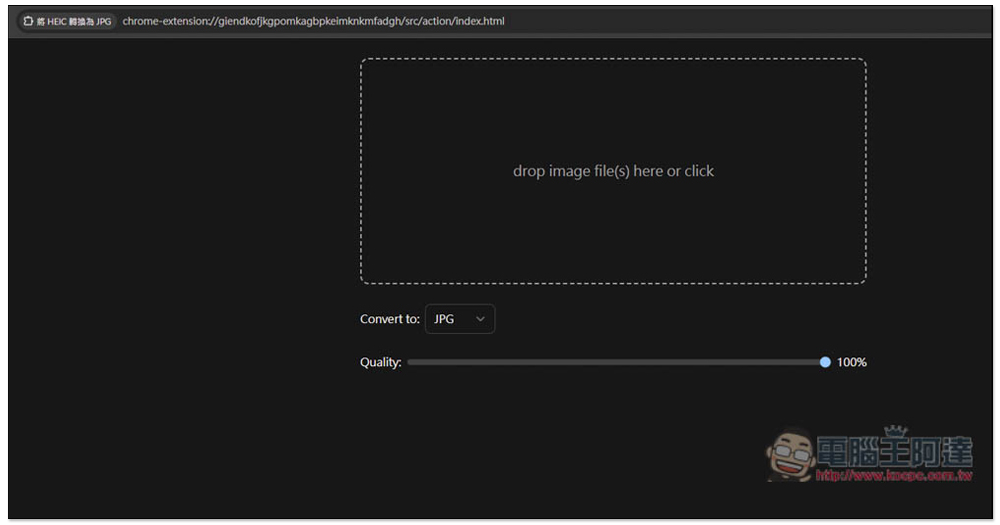
After the whole thing is expanded, first set the format you want. The default quality is 100%. If you want to lower the quality, adjust the bars below:
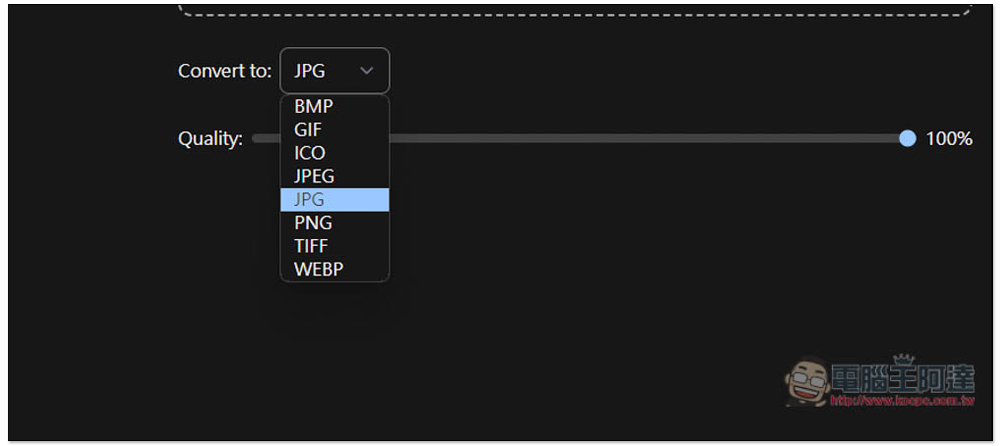
The supported conversion formats are JPG, BMP, GIF, ICO, JPEG, PNG, TIFF and WEBP. No matter which format, the conversion is completed locally, so it is very safe. Your HEIF photos will not be uploaded to any server (those who are worried can check the speed. There is no need to upload at all. Once the photos are read in, they will be completely converted immediately):
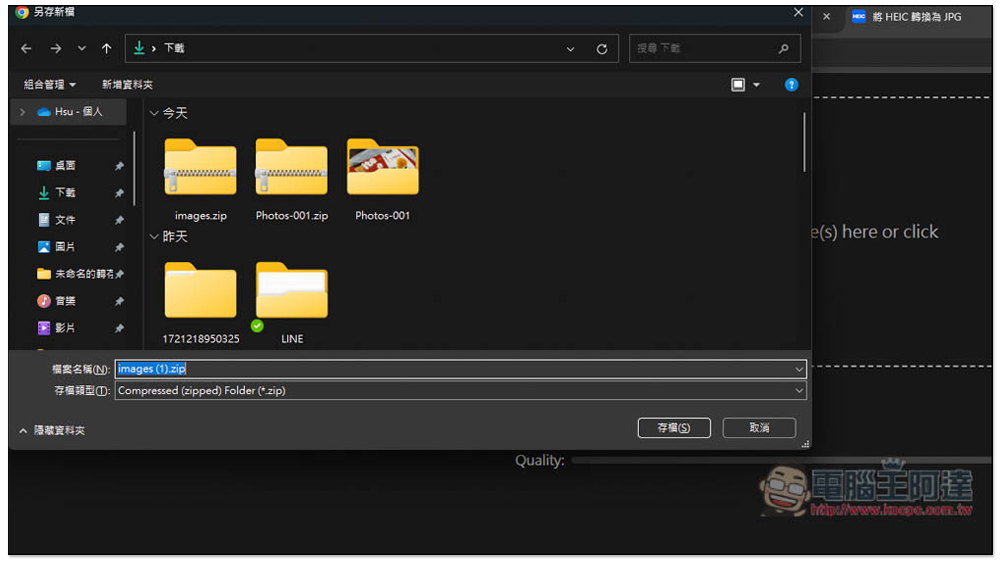
After the conversion is completed, a window to save as a new file will pop up immediately. Multiple photos can be converted at one time, so the converted photos will be saved as ZIP compressed files:
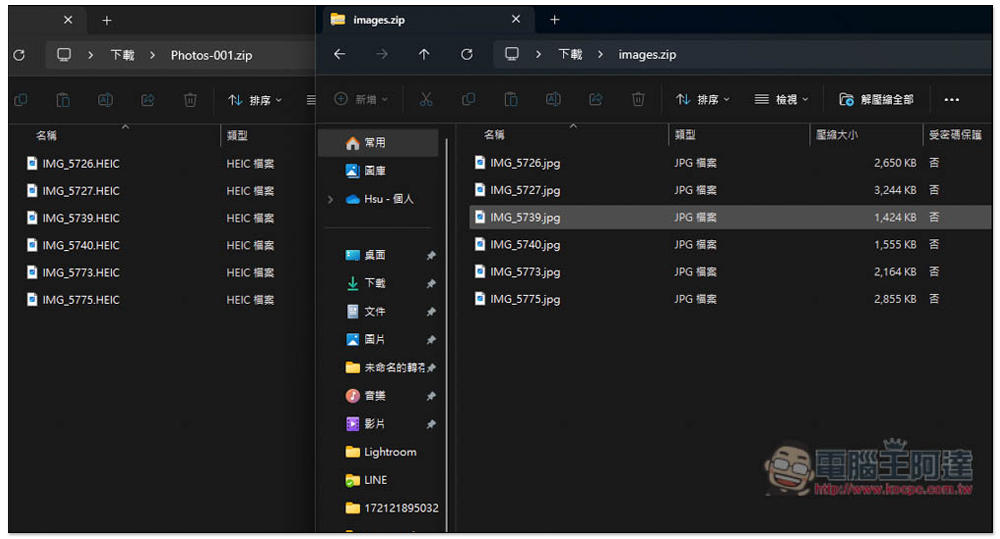
The actual measurement inspection is indeed converted into JPG format:
Finally, I would like to remind you that the conversion tool of this type of Chrome browser extension may have errors and become unusable due to the browser being updated to a new version. In this case, you can only wait for the developer to update.
In addition, there seems to be a problem with the dragging file function in the current version. When I tried dragging the file directly into the window, an ERROR error message appeared, and the file could only be selected manually.
Source: KOCPC Chinese