


Except for occasional software updates, most people don’t restart their phones frequently. Unless you often shut down your phone automatically after running out of power, then turn it back on after charging, you will hardly ever touch it. This is why the National Security Agency (NSA) of the United States encourages users to restart their phones every week.
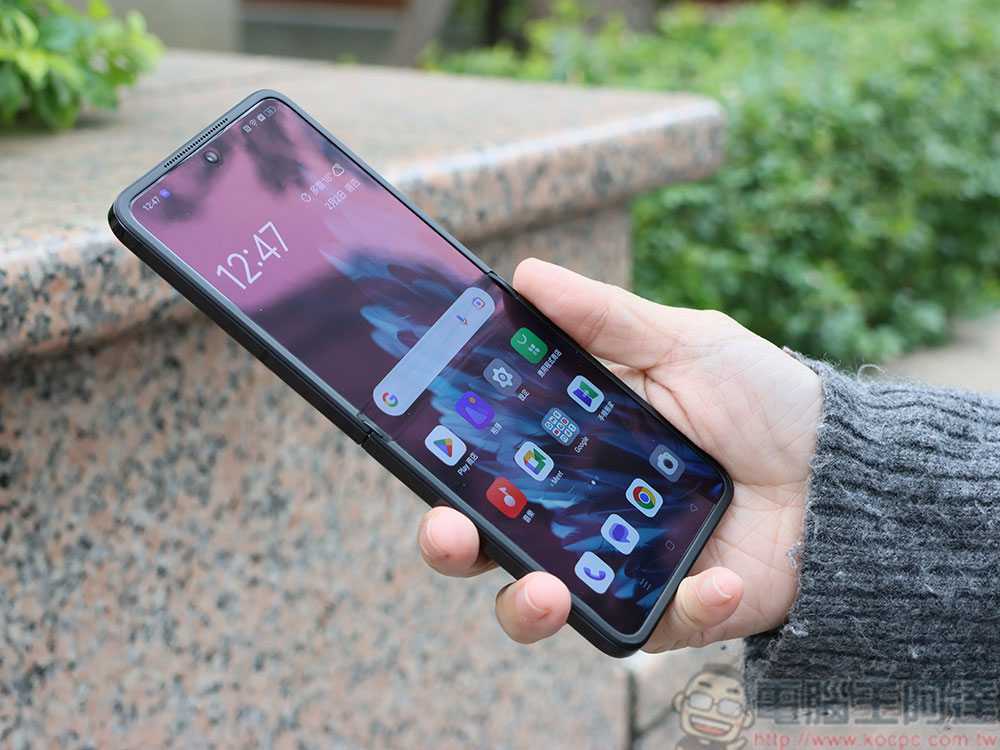
The NSA recommends that users reboot their phones every week to clean out potentially malicious code
In short, the NSA recommends that users, regardless of whether they have an iPhone or Android phone (as well as iPads and tablets), reboot regularly to clear out any malicious code that may have entered the system. This advisory should not cause concern as no new specific threats have been discovered, but a complete reboot by shutting down and then powering the device back on is part of good digital health and an NSA advisory One of 13 Best Actions for Mobile Devices, which helps protect users from phishing, malicious apps, and other online features.
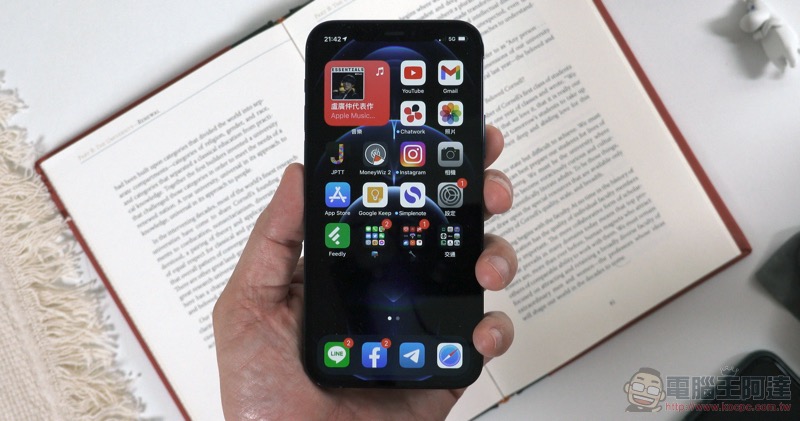
Other operational security best practices the NSA recommends you follow include:
- Keep your applications and software up to date to protect against known vulnerabilities.
- Only install software from official app stores to prevent malicious apps.
- Avoid connecting to public Wi-Fi networks that may intercept data (such as those in hotels).
- Avoid clicking links or opening attachments in emails to prevent viruses.
- Lock devices with biometrics, PINs and passwords to prevent lost devices from being used to access personal accounts.

How regularly booting Android and iOS devices improves security
Modern mobile operating systems include measures to protect core systems from malicious code modifications. However, this does not prevent the actual execution of malicious code, whether through user action (for example, opening a virus-infected email attachment) or without user action (for example, in the case of a zero-click attack). Restarting your device means that any malicious code that might be running will be stopped, and since it cannot modify the operating system on your device, it will not start again when the device boots up.

Malware that logs or interferes with activity can also be stored in temporary files, which are typically cleared upon reboot. Your device performance can also be improved by shutting down and restarting regularly, as buggy apps that may be taking up more and more memory will be forced to free up those resources and restart.
Stay safe in a world of action with increasing threats
We all rely on mobile devices in our daily lives, so giving them up is out of the question. So, how do you stop worrying and learn to love your connected present and future? The best thing you can do is follow the best measures and stay vigilant whether at home, at work or even on vacation. Most attacks and scams occur due to user negligence rather than sophisticated technical attacks like those in spy movies (unless you happen to be a spy or have a sensitive identity). If you do fall victim to a cybersecurity attack, you can at least have some peace of mind knowing that you did your best to avoid, and possibly even reduce, the damage that was done.
Source: KOCPC Chinese