


Google has confirmed that Gemini Nano AI will be built into the Chrome browser. Although the stable version is not yet available, Chrome Canary has been imported, which means that you only need to install the Canary version to get an early experience, and it can be used without the Internet. I will teach you below. There are 3 methods, and they do not need to go through the console. It is much simpler.
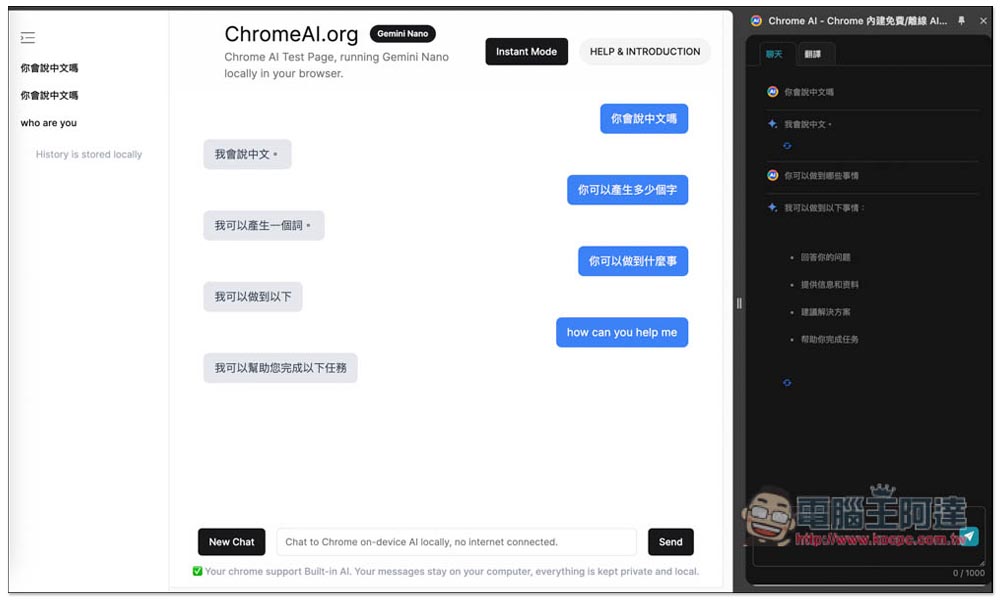
3 ways to be the first to experience the free Gemini Nano AI built into Chrome, which can be used even without an Internet connection
There are two necessary conditions that must be done first, no matter which method you want to use:
- Install Chrome Canary Browser version
- Enable specified options and download models
I will not teach you about the installation part. After installation, there are two options to enable and download the Gemini Nano model.
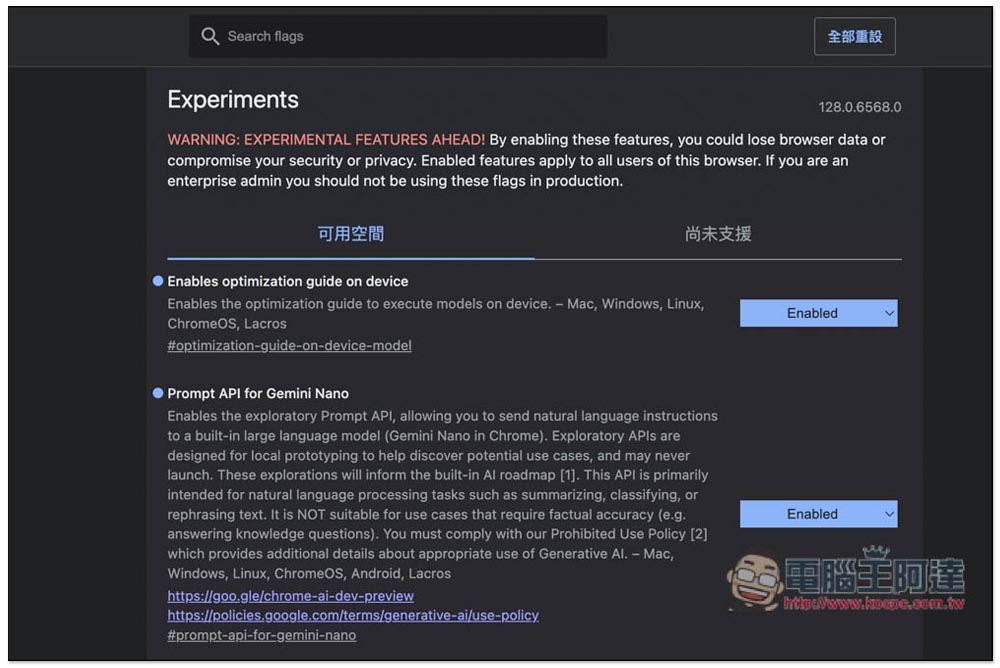
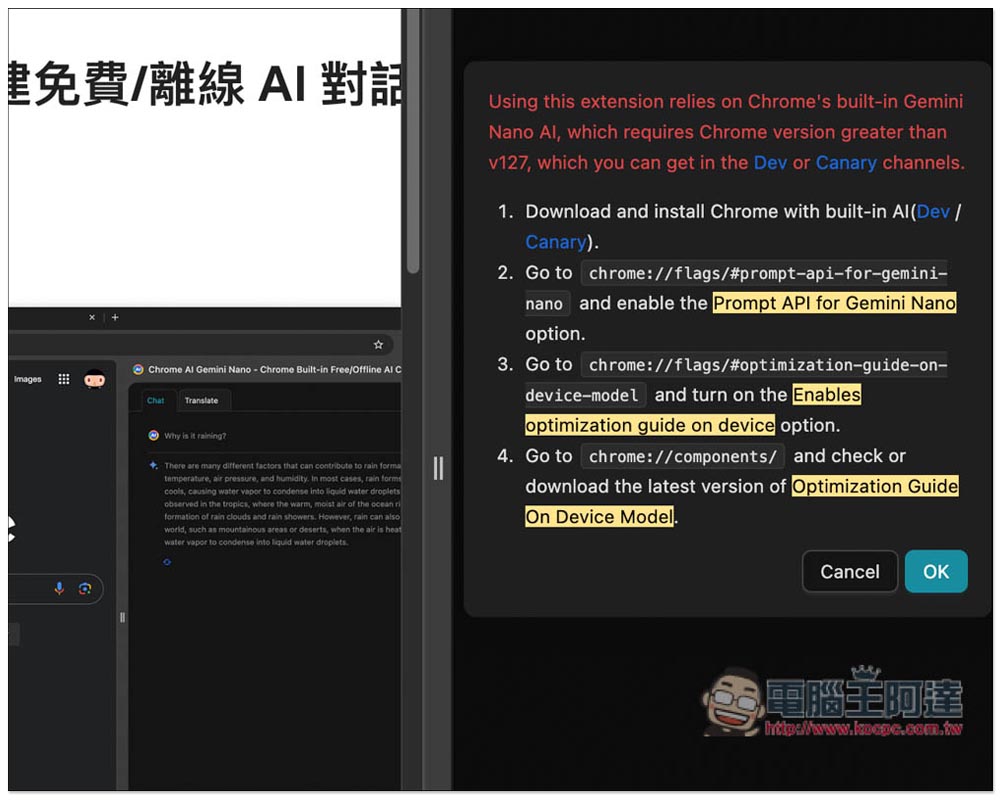
After installing the Chrome Canary browser, open it and enter it in the address bar chrome://flags/, you will enter the experimental menu, and you need to turn on both “Enables optimization guide on device” and “Prompt API for Gemini Nano” (Enabled):
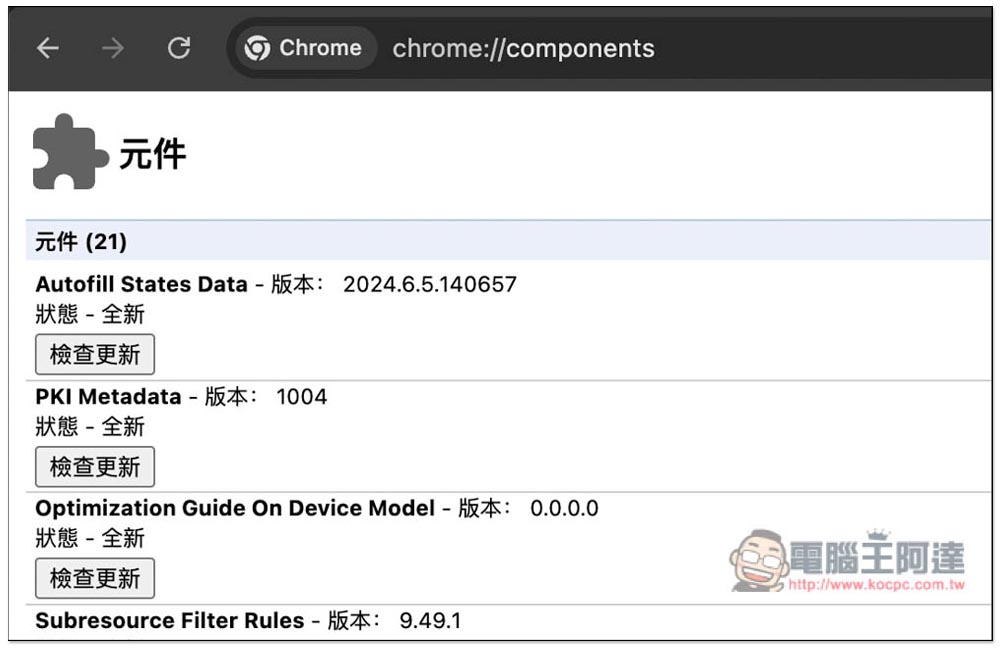
Then enter chrome://components , find the Optimization Guide On Device Model, and click Check for Updates below. If you don’t see this option, you can wait a few minutes and then open this page to check. If you still don’t see it, you can try changing the browser language to English US:
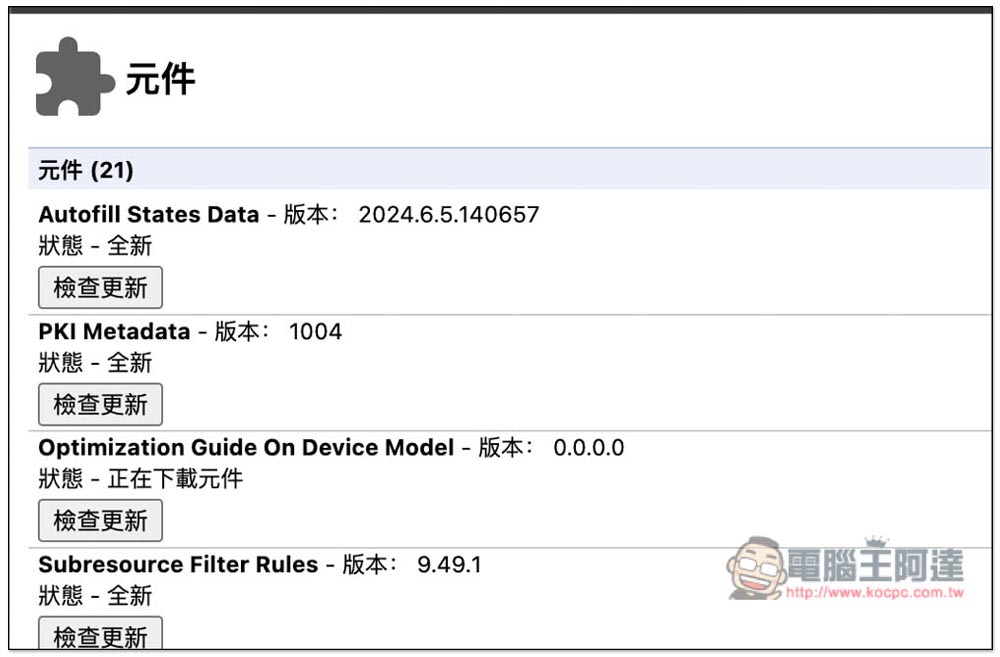
After pressing Check for Updates, the status will change to Downloading components. This is downloading the Gemini Nano model file. The file is quite large, about 1.2GB, and it will take a while:
Once the file is downloaded, you can start using Gemini Nano AI.
1. Via Chromeai.org
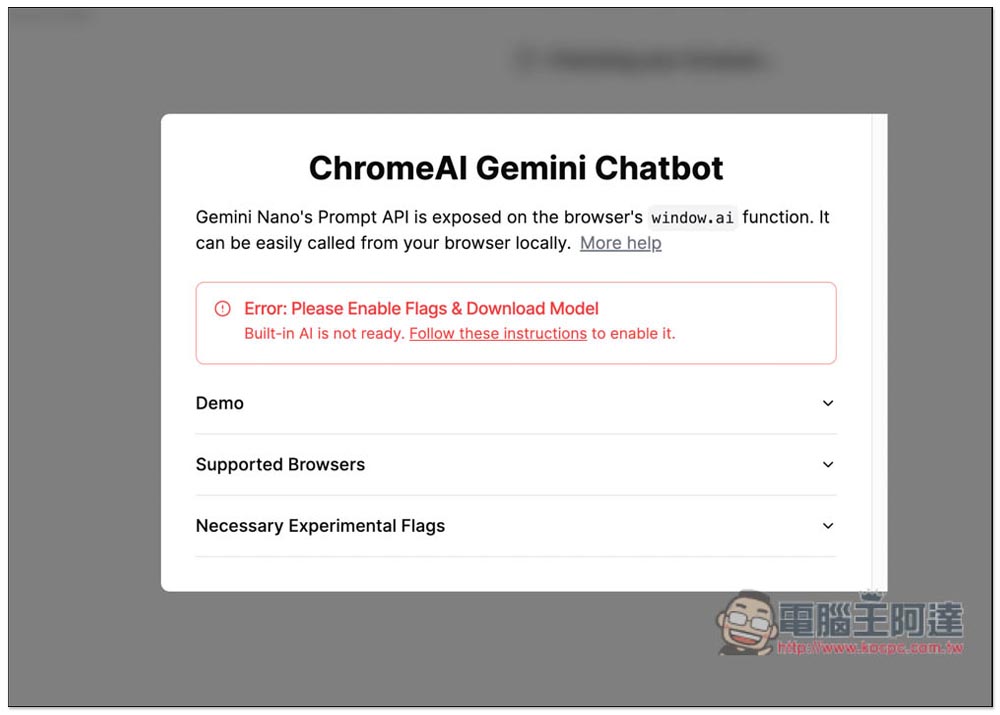
Some netizens developed this Chromeai.org website, if you have completed the above three actions, you can directly start chatting with Gemini Nano AI. If not, an error will pop up:
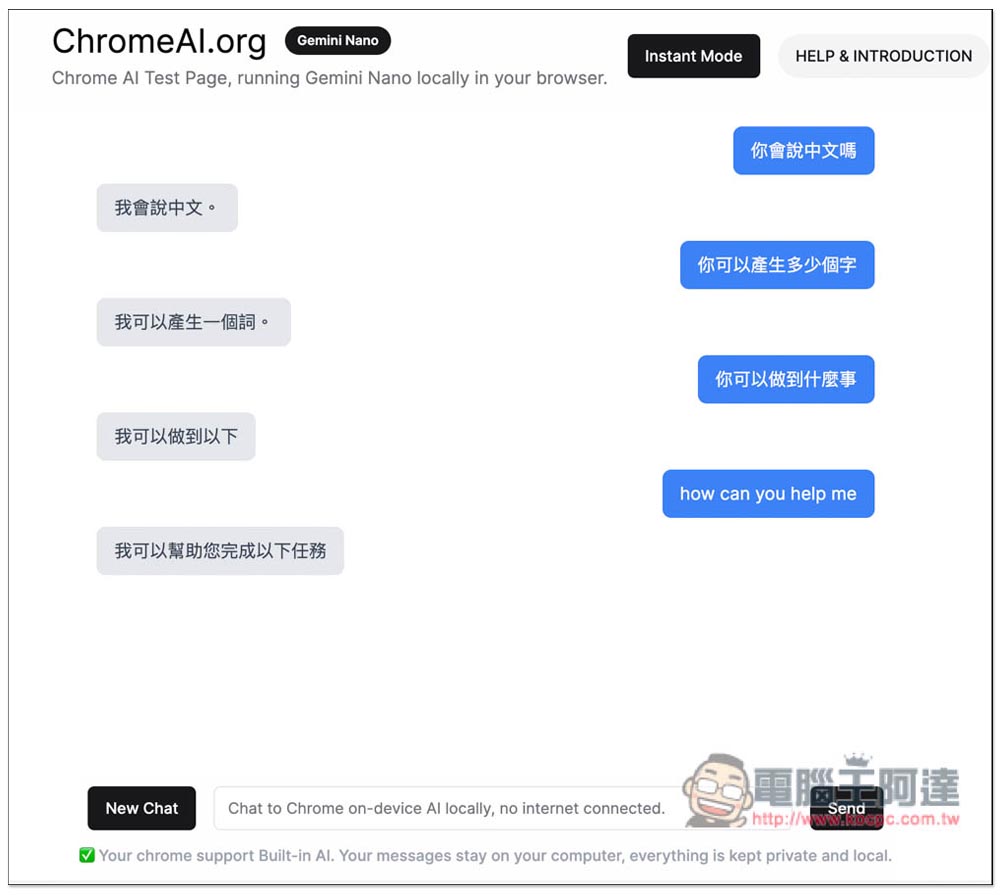
I tested that Gemini Nano AI can chat in Chinese, but the stability of the website is not very good. The Chinese part cannot output long content and often gets stuck:
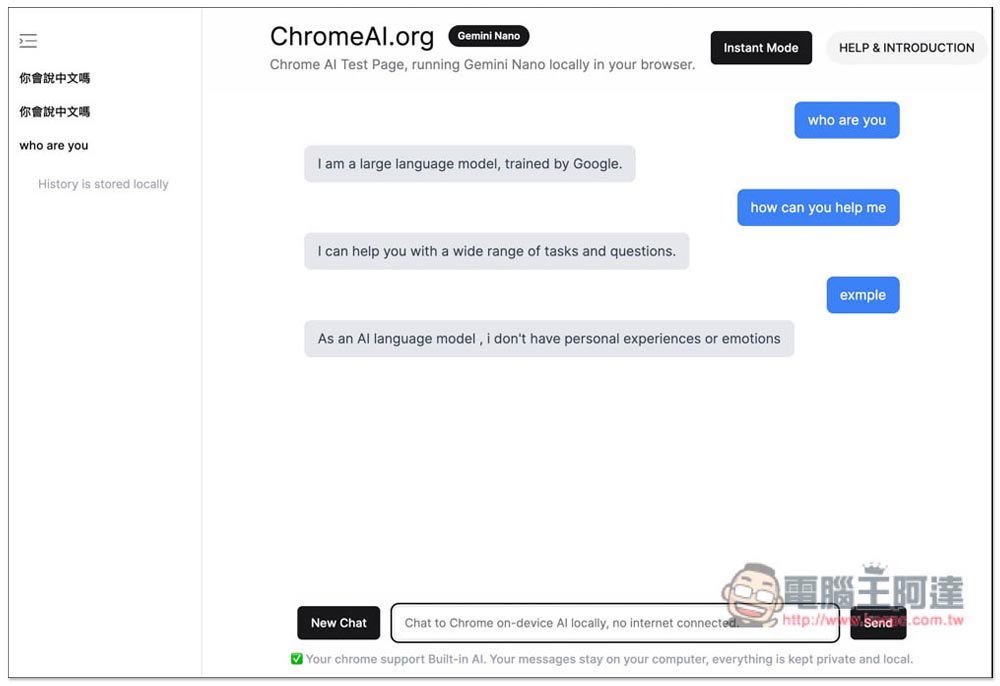
The English part is a little better:
2. Via Next.js Chrome AI Chatbot
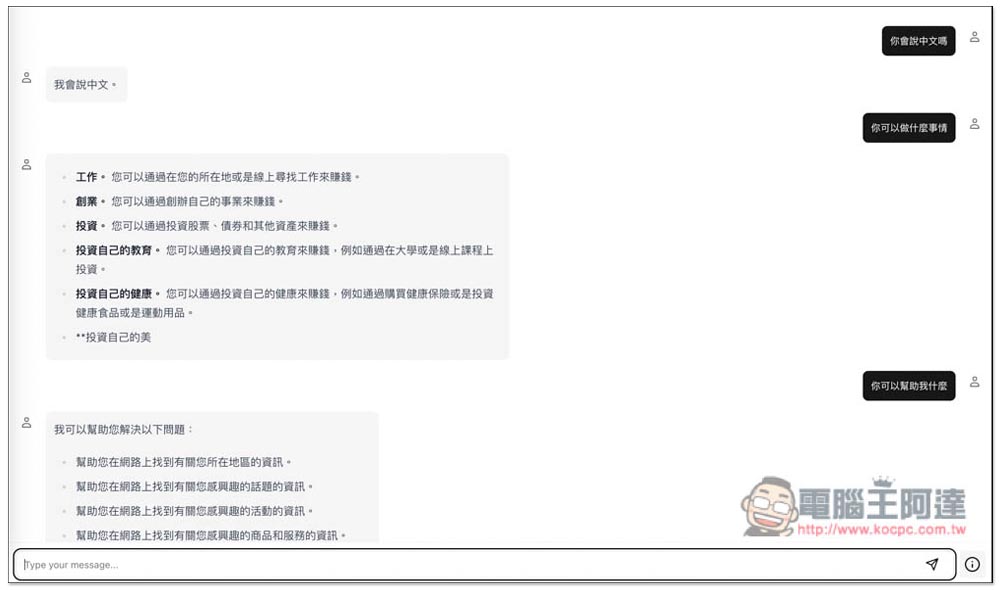
Next.js Chrome AI Chatbot It is somewhat similar to the previous one, but the interface is cleaner and simpler. However, there is no way to record your past chats, which means that as long as you reorganize the page, all chat records will disappear. Please note this:
3. Via Chrome extensions
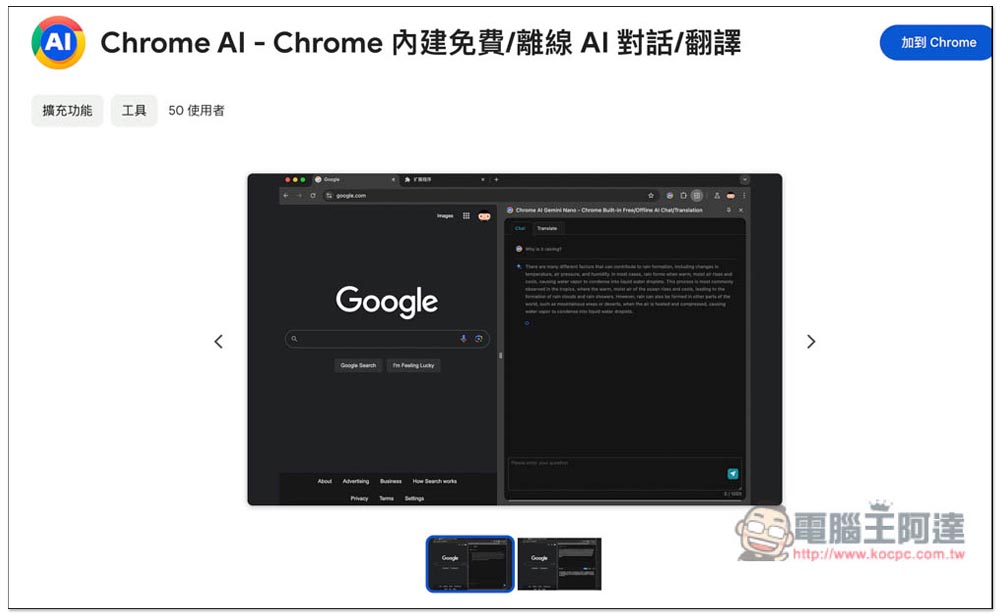
Some netizens have also developed exclusive Chrome AI The extended functions can be used directly after installation (but you still need to perform the top three actions):
After opening it, you will also be reminded that you need to open the specified experimental options and download the model:
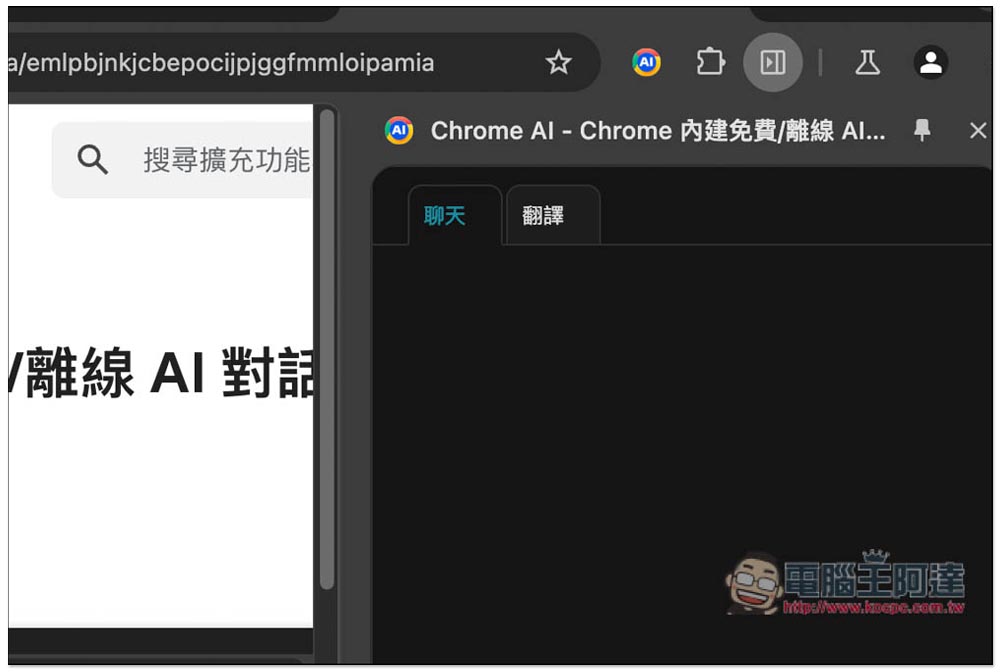
The biggest feature of this extension is that it is divided into two conversation methods: “Chat” and “Translation”. If you need to translate, you can switch to the translation window:
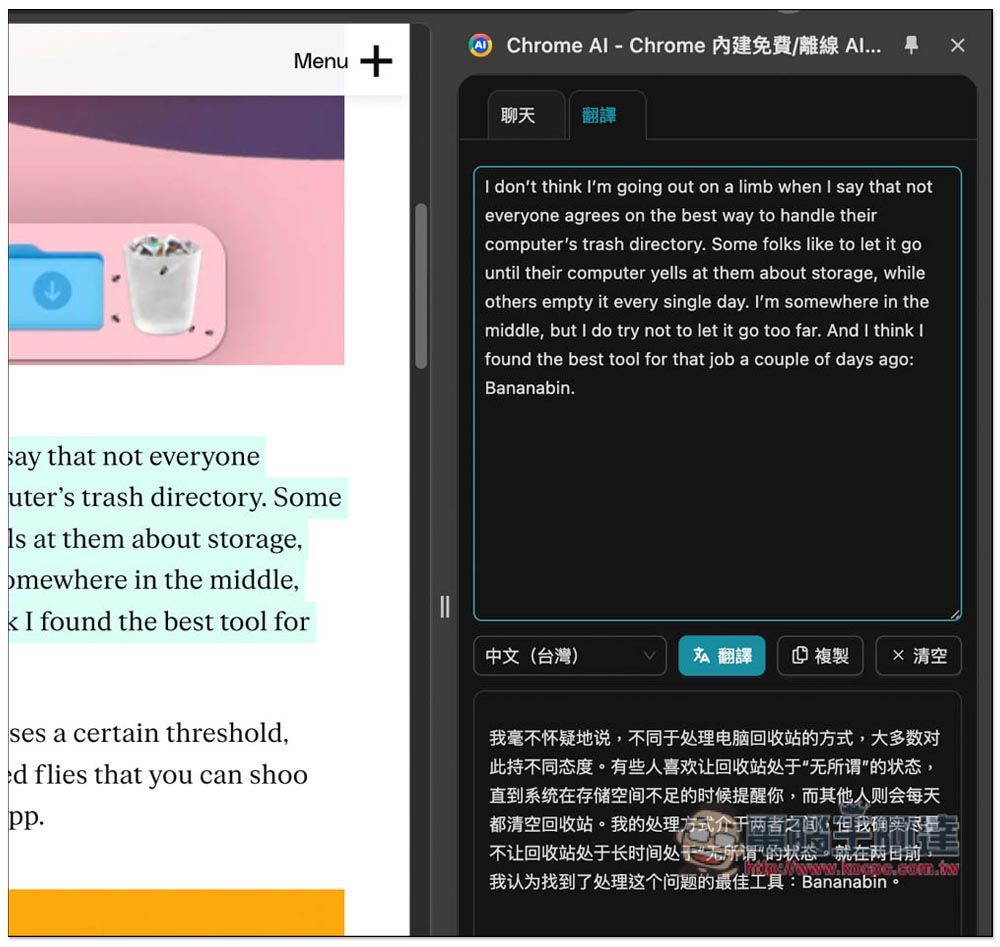
In the translation window, you can choose the target language for translation. You don’t need to download prompts yourself. Moreover, the translation is done through Gemini Nano AI, which is very fast. But the translation quality is average, ChatGPT is much better, and I chose Chinese Taiwan, and it still translated into Simplified Chinese:
Source: KOCPC Chinese