


Nowadays, many people download online videos and watch them on mobile phones and tablets, so they often have the need to convert videos. This article will help you compile a list of the 14 most recommended video conversion software. It is easy to use, fast in conversion speed, and requires no installation, helping you quickly find the option that suits you.
14 super easy-to-use video conversion software [2024 recommendation]
1. Movavi Video Converter
- Supported operating systems: Windows, Mac
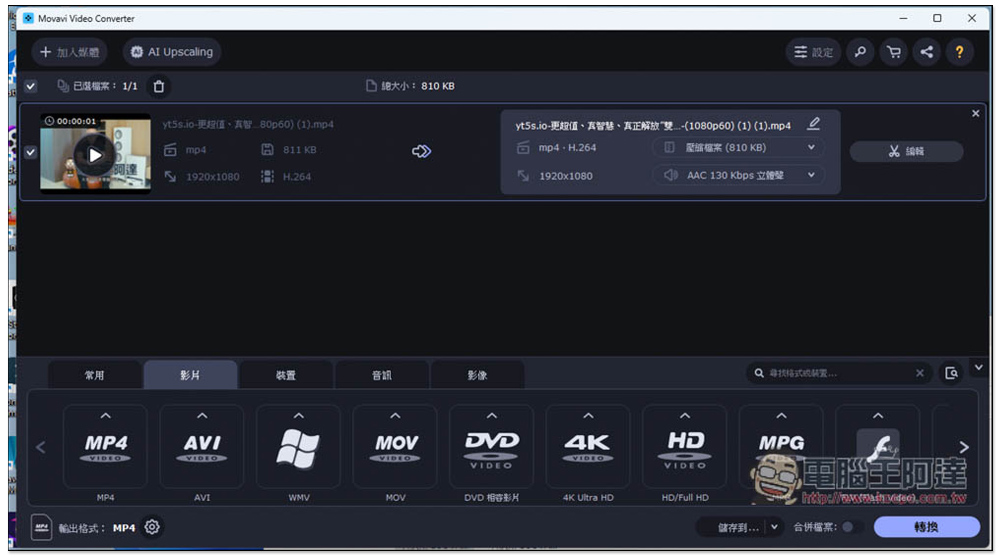
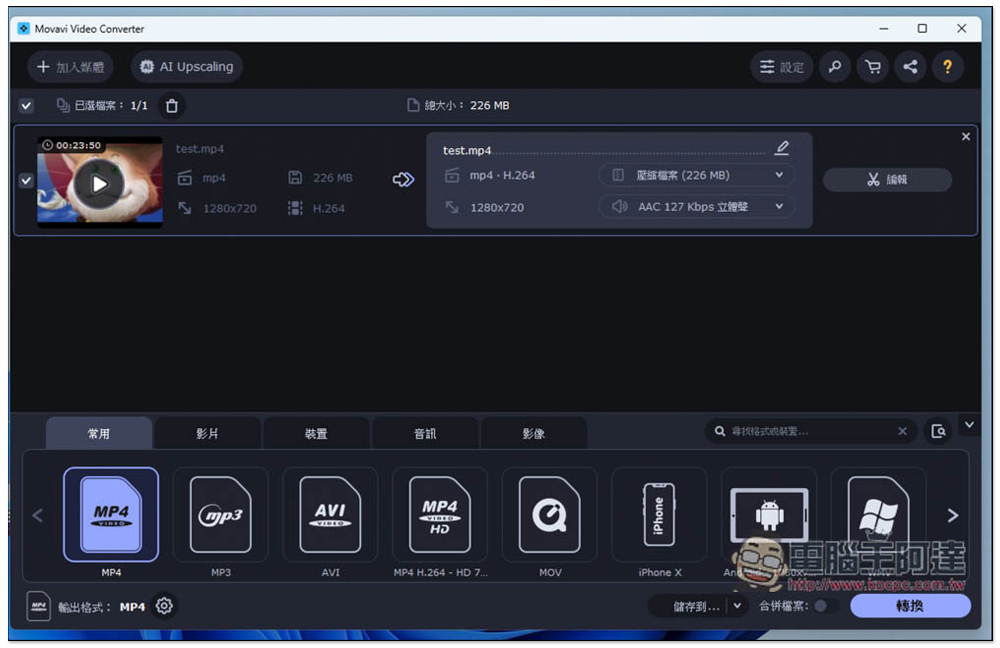
Movavi Video Converter is my most recommended video converting software among all, it performs best in all aspects. It supports hardware acceleration, the conversion speed is very fast, and it does not occupy too many system resources, which is quite good. It provides more than 180 audio and video formats, including MP4, AVI, MOV, WMV, MKV, and even DVD and 4K high-definition video formats. There is also a device menu, such as iPhone, iPad, Xiaomi, Samsung, Sony, etc. If you want to transfer the video to a mobile phone or tablet for viewing, then just select your device without worrying about transferring to the wrong format.
Another thing I really like is that you can set the size of the converted file when converting, which means that if you don’t want it to be too big and take up too much storage space, you can adjust it in advance. You don’t need to convert it first like many other video converting software, which saves trouble and effort. Of course, there is no shortage of subtitle file merging and editing functions.
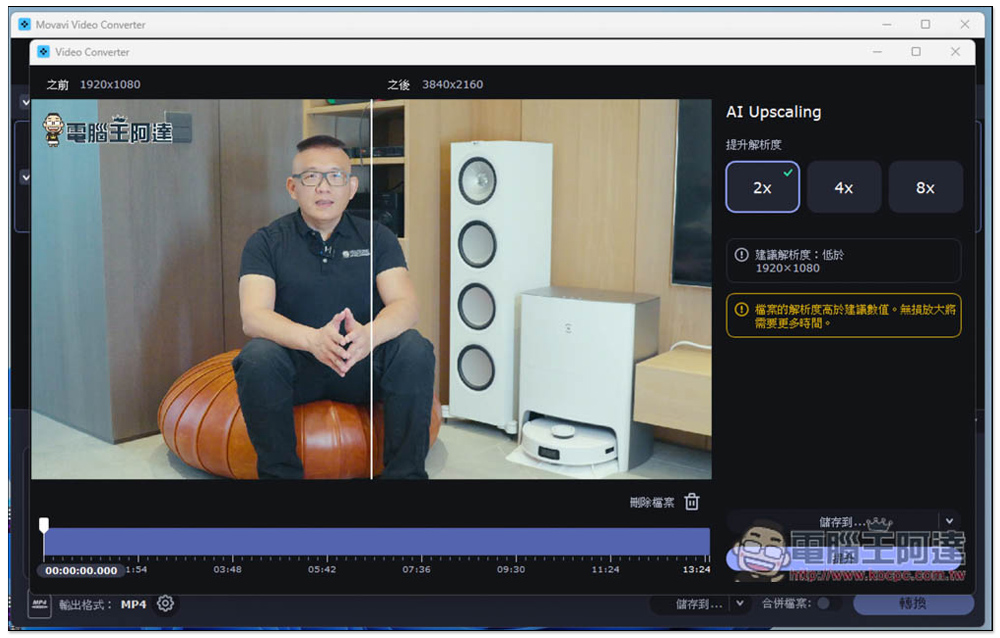
For videos with poor image quality, Movavi Video Converter has a built-in exclusive “AI Upscaling” function, which will help you improve the video resolution through AI without reducing the quality. There are three options: 2x, 4x and 8x. The operation is also super simple. After dragging the video to the AI Upscaling interface, click Upscaling and wait for it to finish running.
Click me to go to the official website
2. HitPaw Video Converter
- Supported operating systems: Windows, Mac
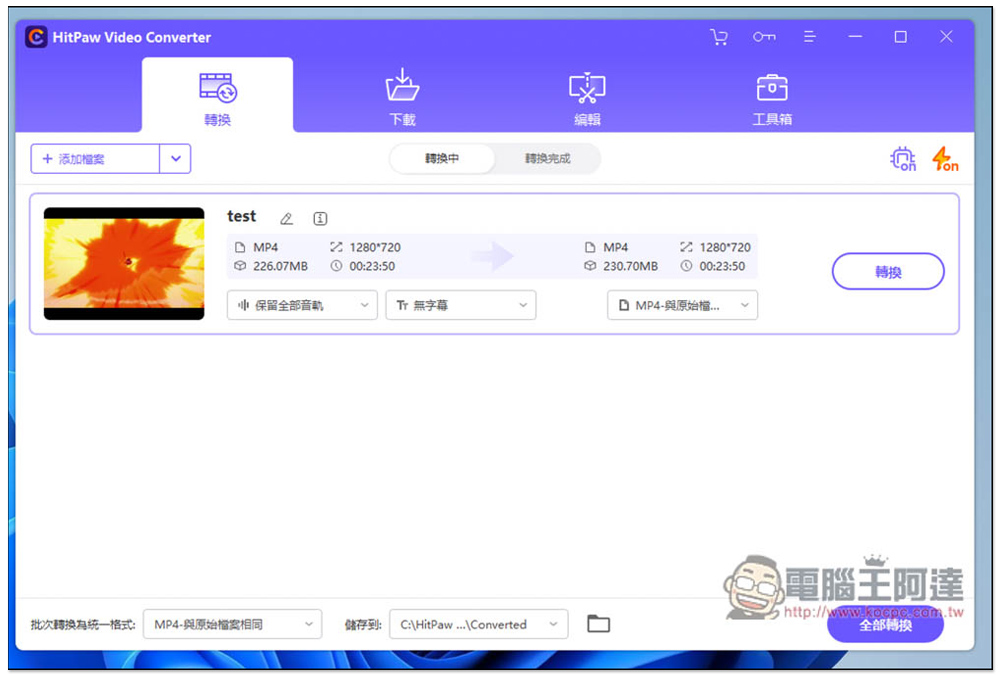
HitPaw Video Converter is a multi-functional video conversion software. In addition to providing conversion to 500+ video formats and 300+ audio formats, it also has a built-in video download function. You can also use it to download videos from Apple Music, YouTube, Facebook, TikTok and other websites. It also has simple video editing functions. It supports hardware acceleration, and the conversion speed is generally good, but it is still slower than the previous Movavi Video Converter in my test. Because there are so many functions, it may take some time for newbies to get familiar with it.
Click me to go to the official website
3. VideoProc
- Supported operating systems: Windows, Mac
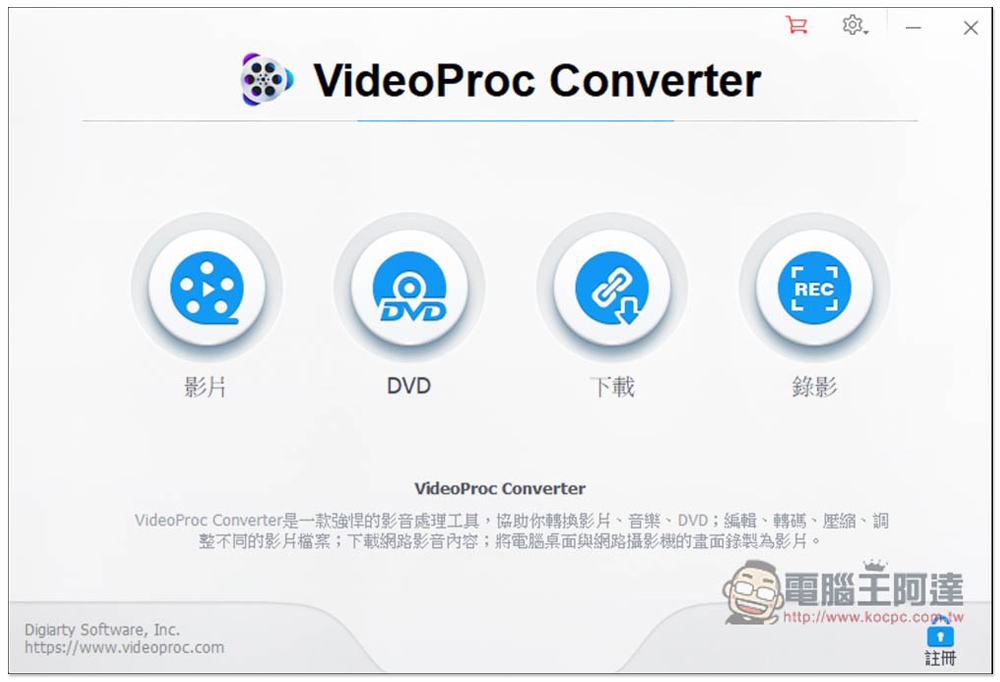
Many people must have heard of this product, and it often has limited-free promotions, so it is recommended to get it when it is free. Like HitPaw Video Converter, it has many functions, including converting files, DVDs, downloading online videos, video editing, and even provides screen recording functions. As for converting, it can convert more than 420 formats, including commonly used ones, and there are many settings that can be adjusted when converting.The only pity is that there is no way to specify the file size after conversion. It can only be determined through the quality options. The new version has added a compression function, you can adjust the desired compression ratio, and the interface design quality needs to be improved.
Click me to go to the official website
4. Stellar Video & Audio Converter
- Supported operating systems: Windows, Mac
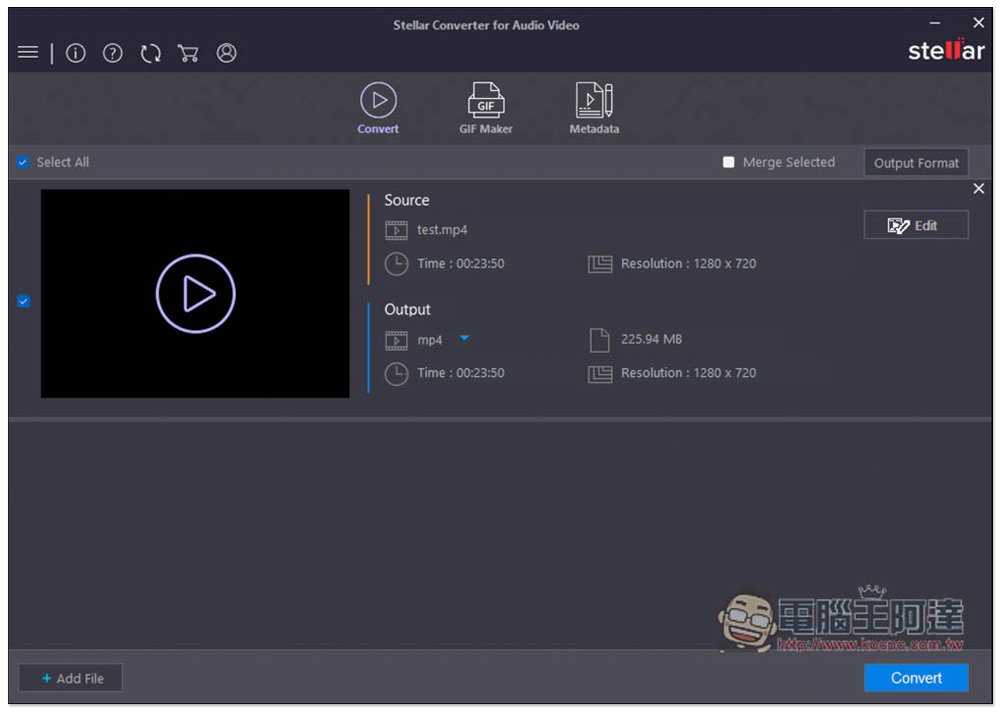
The operation interface of Stellar Video & Video & Audio Converter is super simple. Open it and import the video or music file you want to convert. After selecting the format, click Convert to complete. There are not many complicated settings, so novices will like it. However, it is not available in Chinese yet, so it may not be suitable for friends who are not good at English. After the audio and video files are imported, there are also editing tools. Compared with others, the import and conversion time of this one is a little longer, and it is a bit strange. Unexpectedly, it is already 2023, and there is software that does not support the file dragging function.
Click me to go to the official website
5. Handbrake
- Supported operating systems: Windows, Mac, Linux
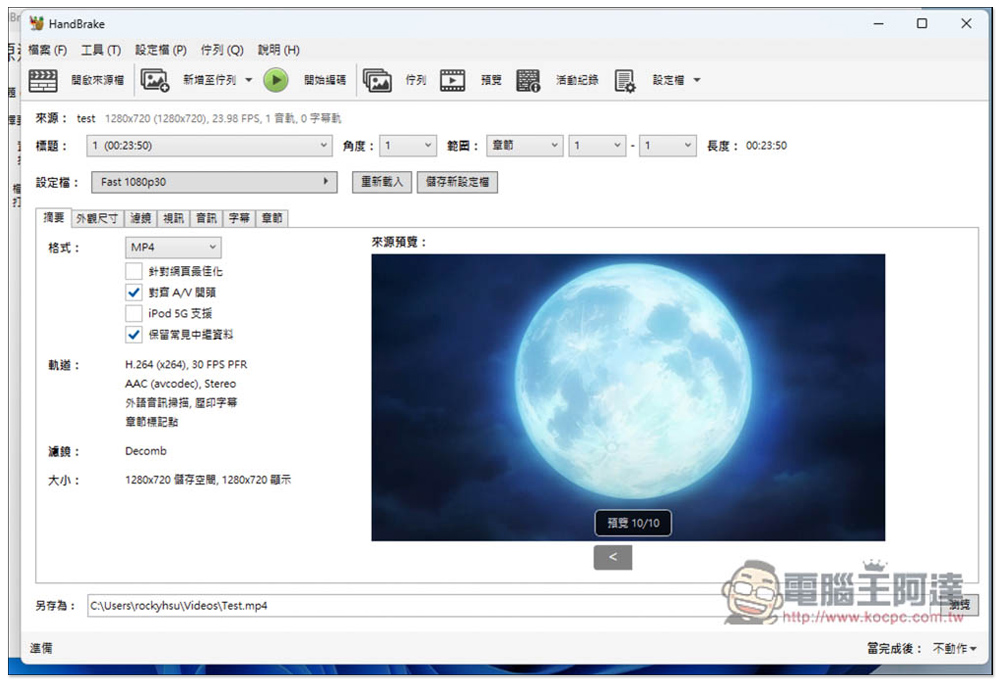
Handbrake is an open source free video conversion software. It is completely free and has many adjustable conversion settings. Advanced users should like it. However, many settings also mean that the interface is more complicated. I don’t recommend it to people who are not familiar with computers or are new to conversion software. It is more difficult to get started. In addition, the conversion formats provided are not as many as those of the previous software, the speed is not particularly fast, and it does not support hardware acceleration.
Click me to go to the official website
6. Wondershare UniConverter
- Supported operating systems: Windows, Mac
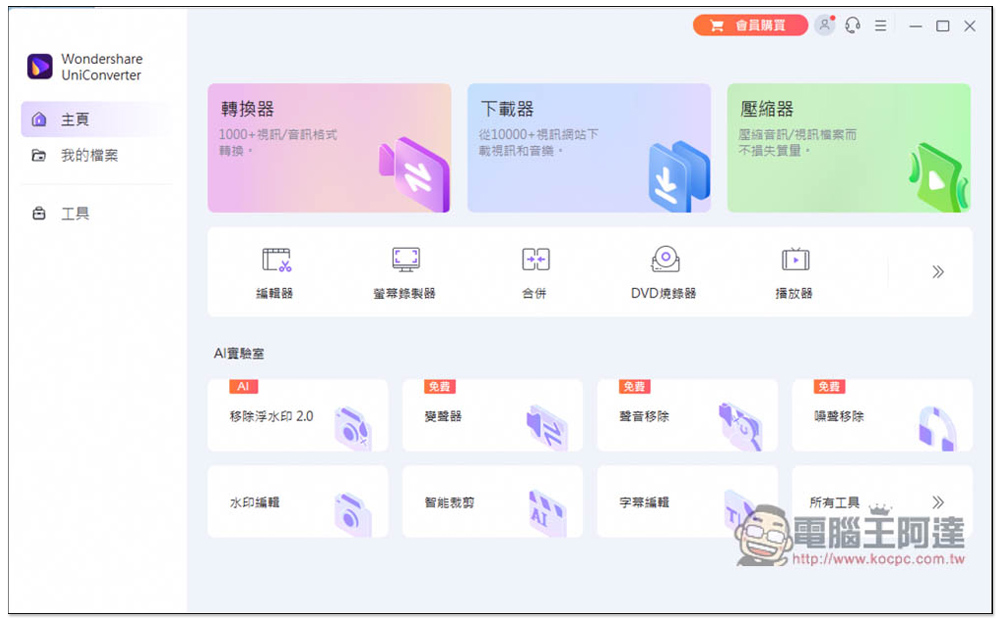
Wondershare UniConverter should be the most feature-rich conversion software in this article. It has converting, video downloading, video compression, editing, screen recording, DVD, player, GIF creation, picture and image conversion, etc. It even makes people think that it is a tool treasure chest rather than a conversion software. It supports more than 1,000 formats, including AVI, MOV, WMV, and MKV, and also has a convenient device list. However, there is no way to set compression when converting. If you think the file is too large, you need to use the compression function, which is a bit more cumbersome.
Click me to go to the official website
7. Leawo Video Converter
- Supported operating systems: Windows, Mac
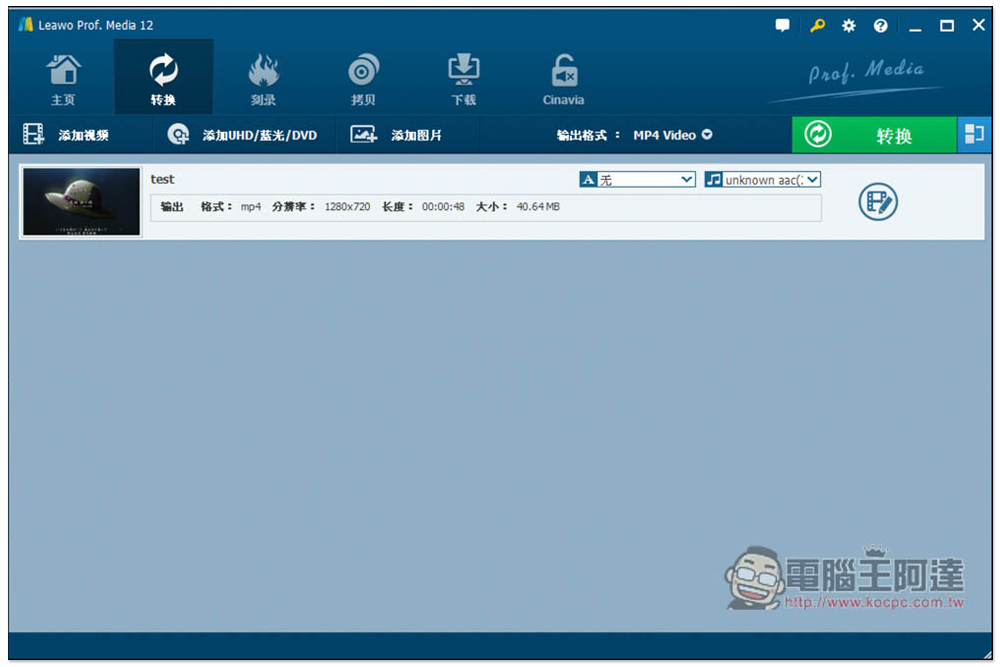
Few people know about Leawo Video Converter. It is also a very versatile conversion software program. In addition to converting more than 180 formats, it also has the functions of burning, copying, and downloading Internet videos. It has many uses. It’s just that the interface design is a bit cheesy, and I don’t think it’s that smooth in some parts of the operation, and there’s no way to know the file size after conversion in advance.
Click me to go to the official website
8. Aiseesoft Video Converter Ultimate
- Supported operating systems: Windows, Mac
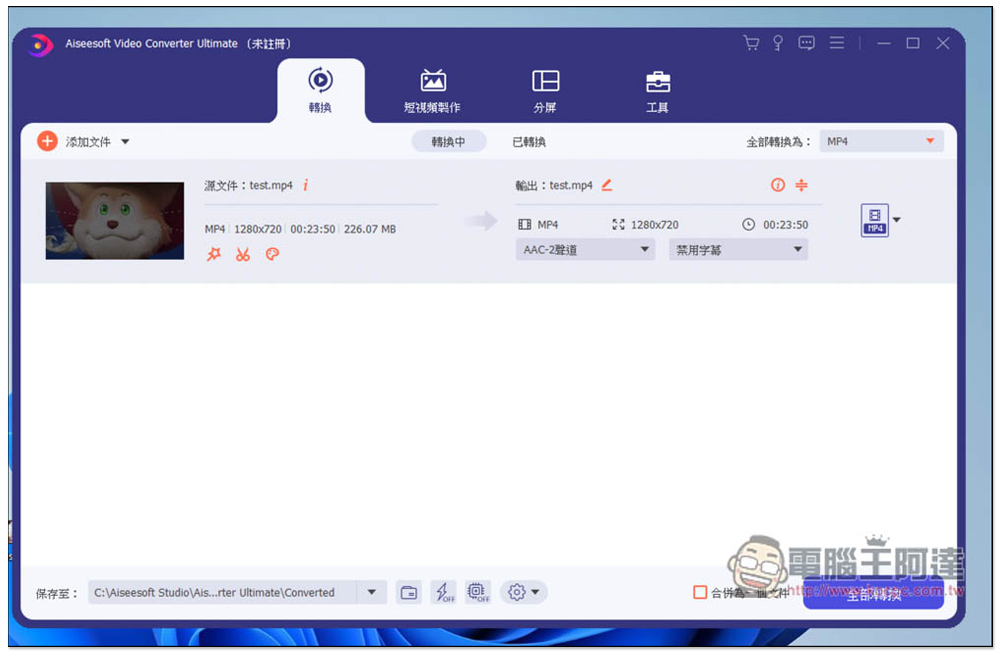
If in addition to converting, you occasionally need to create some short videos or play multiple videos together on the same screen, then you can consider the Aiseesoft Video Converter Ultimate video converting program. Provides more than 1,000 conversion formats, supports hardware acceleration, and the conversion speed is pretty fast. The short video production function has many built-in themes, allowing you to quickly apply them and easily create distinctive short videos. In the tools menu, you can also find other additional practical functions, including: video and audio compression, image conversion, watermark removal, GIF production, and more.
Unfortunately, there is no way to set the compression first when converting, and you need to use the video compression function separately.
Click me to go to the official website
9. Freemake Video Converter
- Supported operating system: Windows
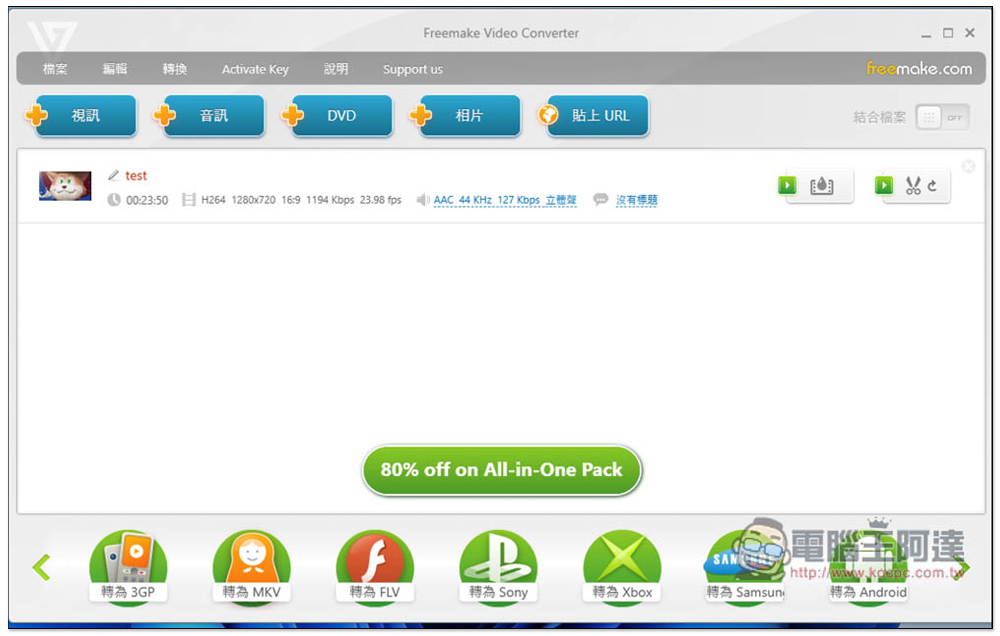
Looking at its name, many people may think it is a free video conversion software, but in fact it is not. Freemake Video Converter has a free version, but its functions are much limited. It has video, music, DVD, photo and URL conversion functions. The format part does not support as many as the previous models, but the commonly used ones are there. I don’t like the format menu design very much, because if the format you want to convert is on the far right, you have to keep clicking on the arrow to find it, and the sliding is a bit stuck. Although this can be solved by “Add to Favorites”, it feels unnecessary. There is also room for improvement in the interface design, which is not that high-quality.
Click me to go to the official website
10. Any Video Converter
- Supported operating system: Windows
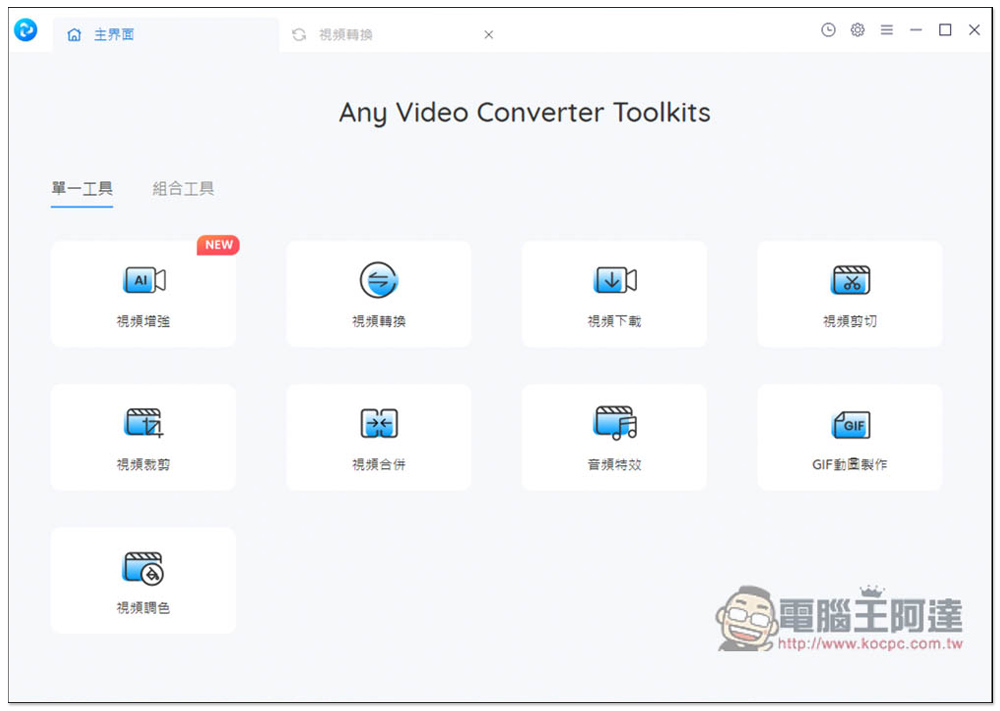
I really like the software interface of Any Video Converter. Every function is graphical, so you can easily find the functions you need. In addition to converting video and music formats, it also has editing, merging, adding special effects, and AI video enhancement. Some functions require additional installation packages. There are not many conversion formats provided, only a few mainstream ones, such as MP4, AVI, WMV, MOV, etc. There is no way to obtain the file size before converting, and there is no compression function.
Click me to go to the official website
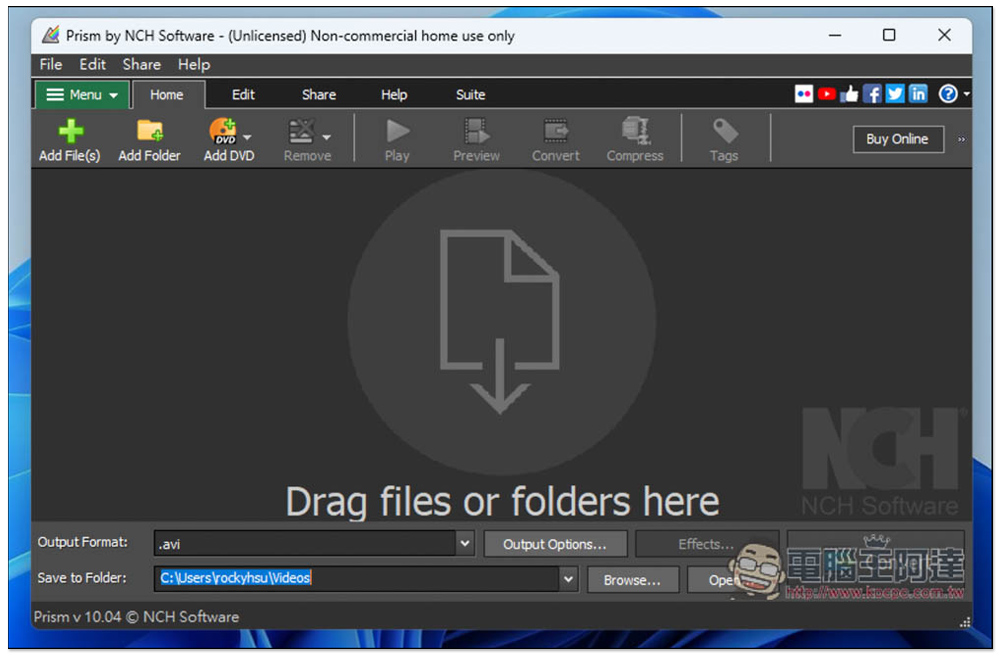
11. NCH Prism Video Converter
- Supported operating system: Windows
If you want extremely fast conversion speed, you can check out NCH Prism Video Converter, a video converter that claims to be lightweight and can complete video conversion in just a few minutes, and supports most commonly used audio and video formats. However, it does not currently support the Chinese language, so it will be more difficult for friends who are not good at English to get started. Post-production editing functions are also provided, including adding subtitles, changing colors, raising watermarks, etc.
Click me to go to the official website
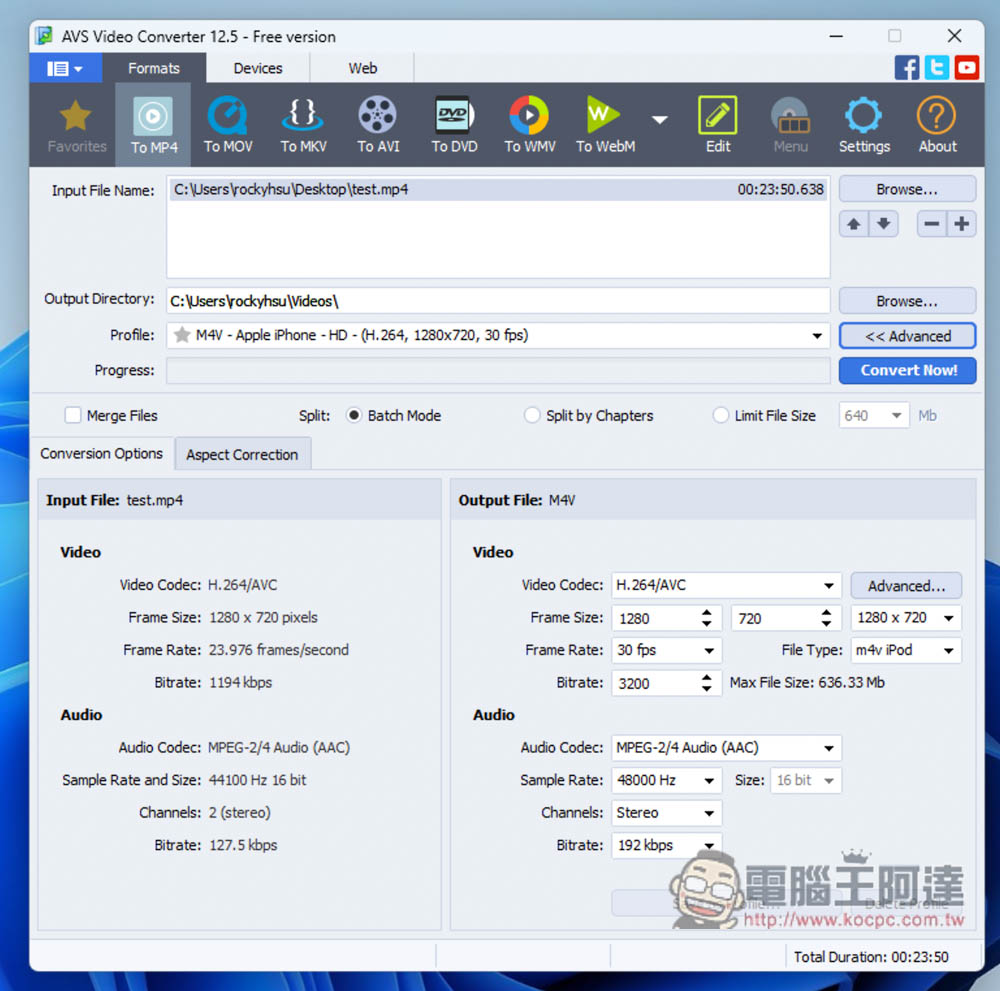
12. AVS4You Video Converter
- Supported operating system: Windows
AVS4You Video Converter is also a pretty good video converter. Its biggest feature is that it graphicalizes every converted format. Therefore, even if you don’t have Chinese, it shouldn’t be difficult to get started with simple conversion. Just adjusting the conversion settings is not necessarily necessary. It is recommended that people with a little knowledge of English should try it. It can convert more than 150 formats, supports NVIDIA CUDA® and Intel® Media codecs, and has simple image editing functions.
Click me to go to the official website
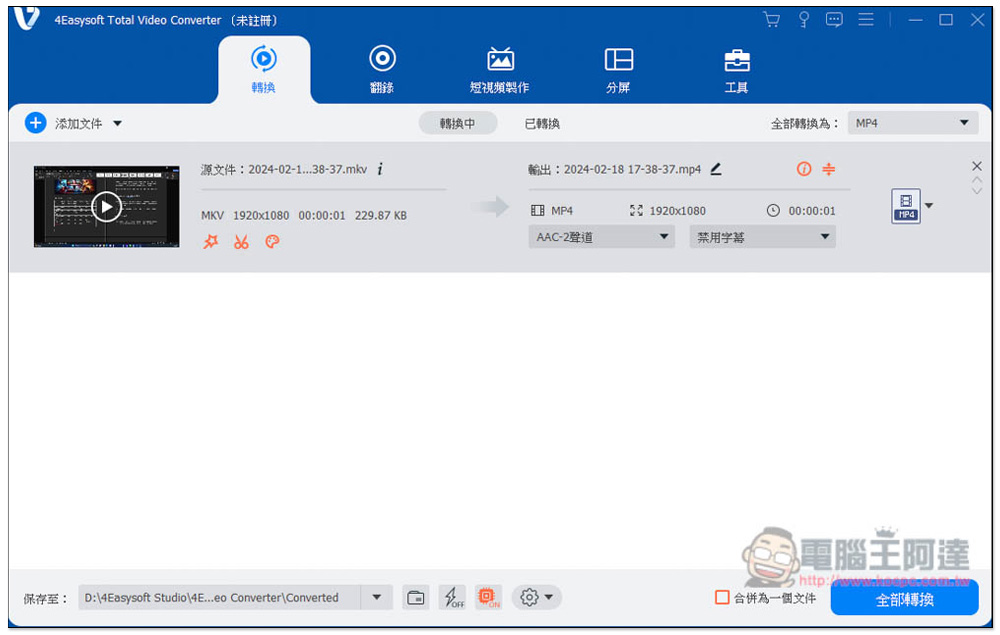
13. 4Easysoft Total Video Converter
- Supported operating systems: Windows, Mac
4Easysoft Total Video Converter supports more than 600 video and audio formats, which is quite good. It also provides DVD ripping, short video production, split screen, and toolbox. It has a very rich function section and also has hardware acceleration function, so the conversion speed is quite fast. However, there are currently no AI-related tools.
Although this product has been launched for more than 10 years, it has not been well-known for some reason, and no one has shared relevant reviews on the Internet, including abroad.
Click me to go to the official website
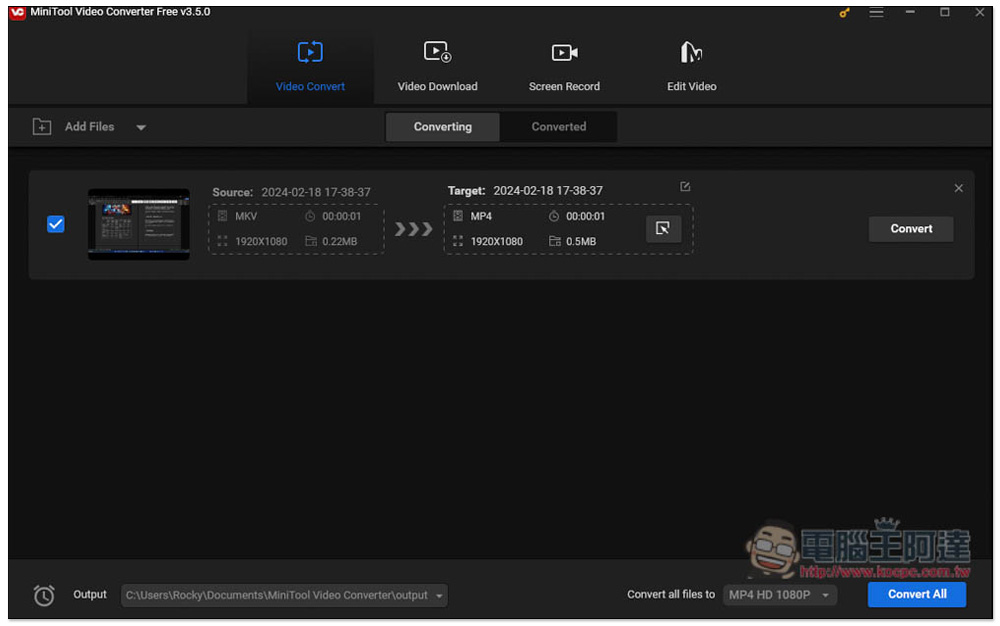
14. MiniTool Video Converter
- Supported operating system: Windows
MiniTool Video Converter supports more video formats, more than 1,000, and has built-in YouTube video downloading and screen recording functions, so it also has other functions when conversion is not needed.
However, it does not have Chinese language and does not support hardware acceleration, so compared to the above models, the conversion speed will be slower.
Also note that the free version has many restrictions, and the paid version only has a subscription plan, and there is no one-time purchase of the lifetime version, so the price is quite expensive in the long run.
Click me to go to the official website
Summarize
The above is the list of the most recommended video conversion software at present. Each one has its own advantages and disadvantages. The most average and most worthy of investment is of course Movavi Video Converter, which is really easy to use.
Source: KOCPC Chinese