


Windows is the most popular system in the world, used on almost every personal computer, and today’s Windows 11, despite mixed reviews, is still phasing out older versions of the system. However, some software masters hope that their Windows 11 can remove the essentials, retain the best parts, and remove fat and useless functions. Therefore, repackaged versions of Windows are still circulated among some users, such as versions that remove key authentication and directly enable it, slimming versions that remove a large number of uncommon functions, or versions that have various built-in repair tools. These have certain user support. However, there are more repackaged systems that do more harm than good to users, and may cause more troubles if used. For ordinary people, it may not be a perfect solution.
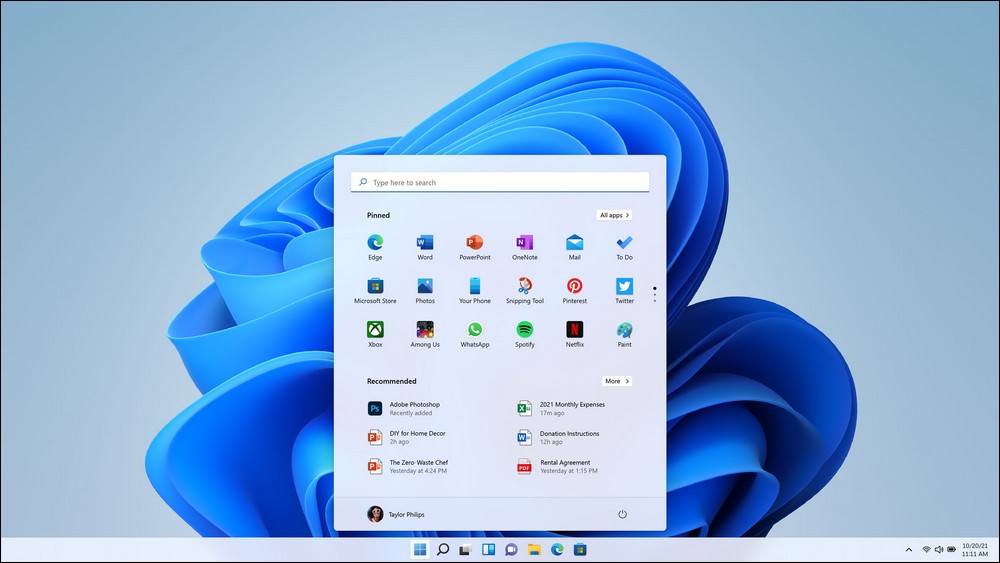
Windows is usually divided into different versions for various use cases. The biggest difference is the division according to functions and uses. For example, the common home version and professional version on the market, the functions of the latter are more comprehensive than those of the former. In addition, there is an education version for campuses, an enterprise version for internal corporate environments, etc. Each version has its own characteristics, and they are all fully developed and tested by Microsoft before they are released. Therefore, it is worth reassuring in terms of credibility.
Windows Unofficial ISO: Throw away the reliability and put something new in it
But in addition to these versions, some experts will also try to edit the files in the ISO file package to modify service settings and core functions, and repackage them into unofficial Windows installation ISO files. However, these systems are usually modified to a relatively large extent. Although seemingly reliable functions have been added, some functions are purely gimmicks, and some are only useful for specific users and may not be suitable for all users.
These systems usually have similar risks. For example, users may not be able to verify on their own whether the core functions of the system have been spoofed, or whether there are hidden backdoors or viruses, or they may even be forced to open the Administrator privileges. As a result, as soon as the system is connected to the Internet, it can be used as a springboard by unknown persons.
Take the slimmed-down version of Windows 11, or Tiny 11, which has been discussed before. The biggest attraction of this version is that it requires a very small hard disk space and retains the update function. However, in actual use, it is handcuffed. The main factor is the removal of the IE 11 browser, which makes many software unable to be installed smoothly.

Some people may think that there are thousands of Linux distributions, so is Linux really safe? Similar to Windows, the ISO installation image files launched by Linux distributions usually have so-called electronic signatures, and there are also check codes to verify the integrity of the ISO and internal files. Some larger distribution organizations will help the ISO with an option to check the integrity of the ISO file at startup. Therefore, under the protection of these mechanisms, the ISO itself may not be easily tampered with.
Secondly, every Linux distribution has more or less package libraries. These package libraries are distributed around the world. When downloading and installing an updated system or installing software, the process also includes verification and key authentication. Assuming that an organization that provides a distribution or package library has a problem with the management and maintenance of the key, the system will first lock the update channel to avoid installing problematic things.
Conclusion: The original version is better
From this information, we can know that although there are many unofficial versions of Windows systems, these versions are usually not suitable for ordinary people to use on computers for main work or use. These systems usually have some fun and may be a proud work for computer experts, or they are made for certain purposes, but may not be easy to use for ordinary people. If you want some improvements to the operating system, it is best to install the genuine system first and then make improvements. Even if you make mistakes, you can refill the original ISO to restore it to the initial state. In this regard, the original Windows ISO isn’t that bad.
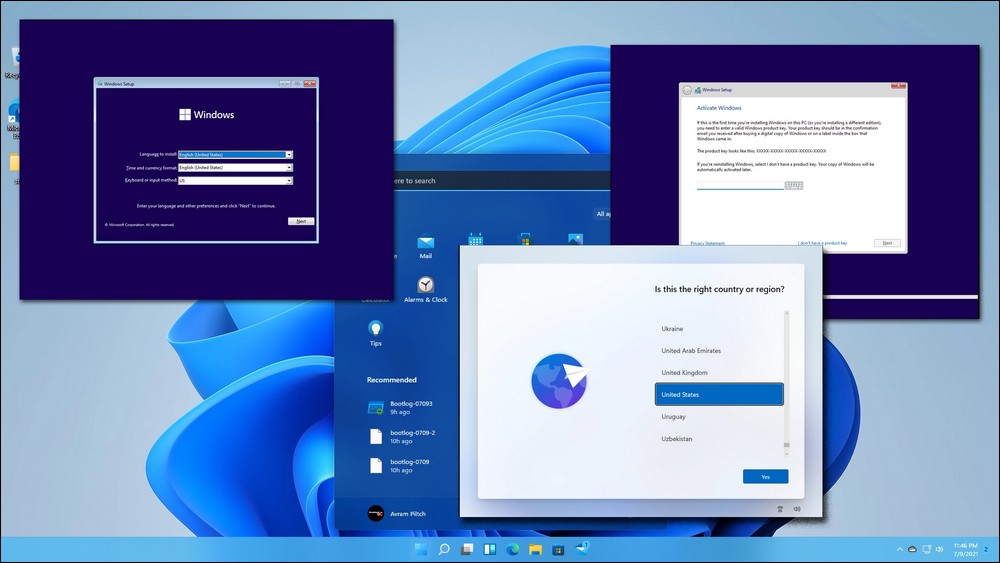
It’s not unreasonable to not know how to change this or that in the system. Some experts have also written instructions that can be used to automatically make system changes, remove default content, etc. However, these things usually require some understanding of command interface operations. Foreign media XDA Developers shared two examples. The first is Win11Debloat, which can help the system lose weight. This software is actually a set of Powershell commands, which can be downloaded from GitHub Obtained from the website. Next is WinUtil, which is a software with only English interface and a graphical interface for operation. Also available from GitHub Obtained from the website. However, you still need to be careful when using it. Any changes to the system may affect system functions or stability. If you are really not sure, you can ask friends around you who know more about computers to refer to the details together.
Source: KOCPC Chinese