


In the past, it was easy to find the fastest USB, you just had to look for USB 3.0 instead of USB 2.0. But now, you can see many products on the market that are labeled as Gen 1, Gen 2, Gen 3 or Gen 2×2, making the decision confusing. Now, we’ll walk you through the differences between USB 3.2 Gen 1, Gen 2, and Gen 2×2.
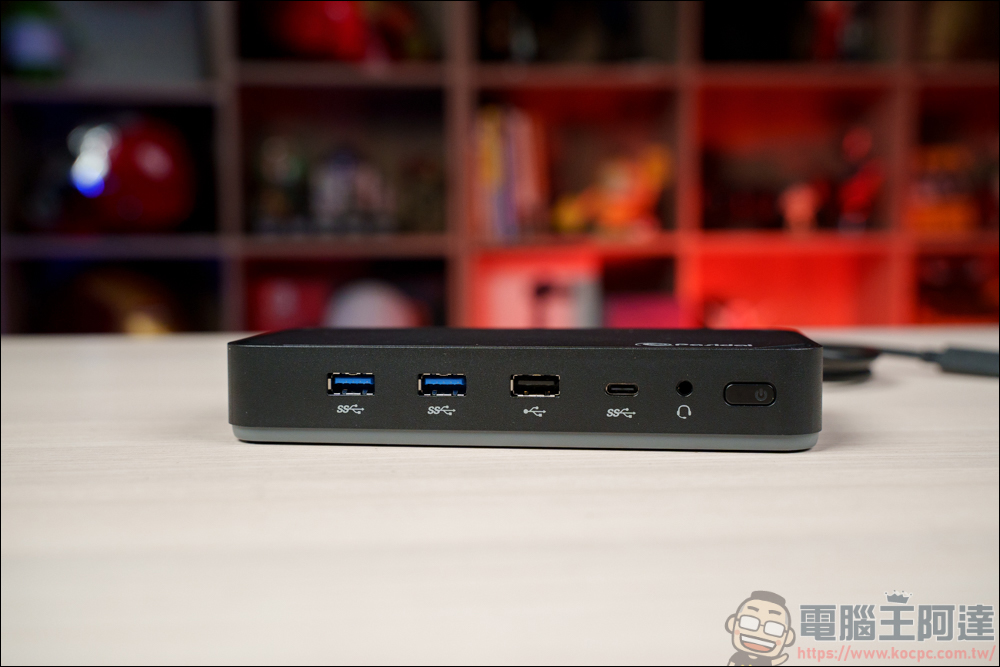
What are USB 3.2 Gen 1, Gen 2 and Gen 2×2? What’s the difference?
In the past, USB only had two major versions, 2.0 and 3.0. All you needed to know was that 3.0 was faster than 2.0. You can buy a USB 2.0 flash drive and plug it into a computer with a USB 3.0 port, and it will still work just fine, just at USB 2.0 speeds. When you plug a USB 3.0 flash drive into a USB 2.0 port, you can only enjoy USB 2.0 speeds. If you want to reach the peak of speed, you need to use a USB 3.0 flash drive with a USB 3.0 port. It’s that simple and clear, but with USB 3.1 everything changes.
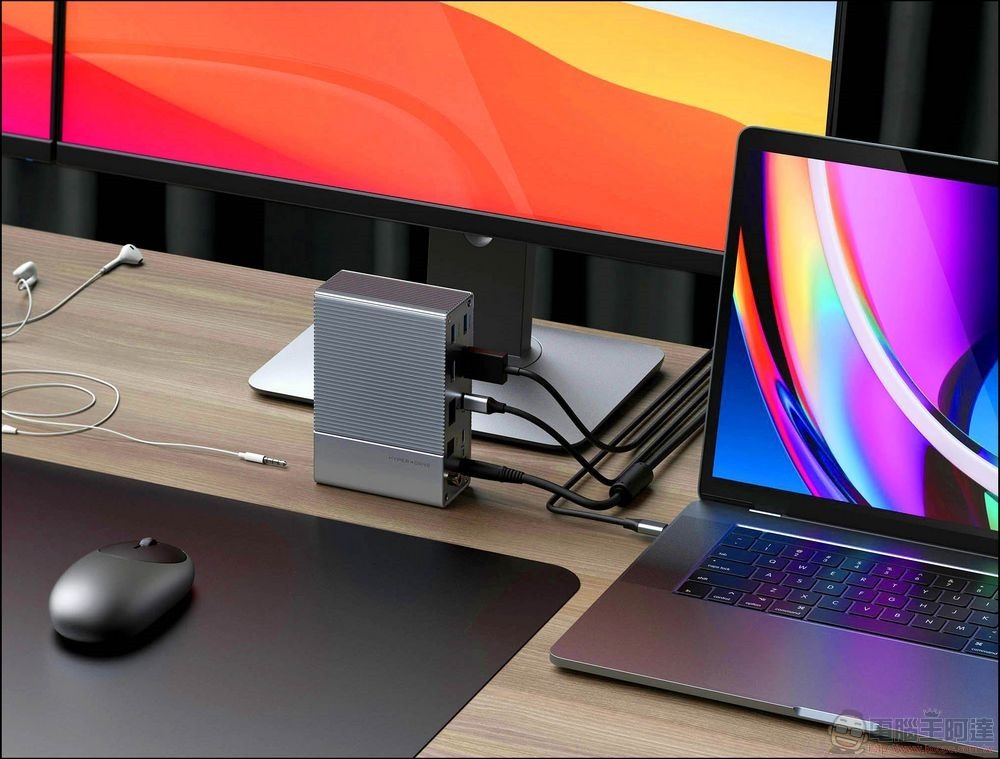
USB 3.1 naming confusion
The USB-IF maintains and updates USB specifications and specifications, and provides a naming scheme for USB cables and devices. When they introduced USB 3.1, they didn’t simply keep the name separate from USB 3.1. Instead, they named the new standard “USB 3.1 Gen 2” and retroactively renamed USB 3.0 to “USB 3.1 Gen 1.”
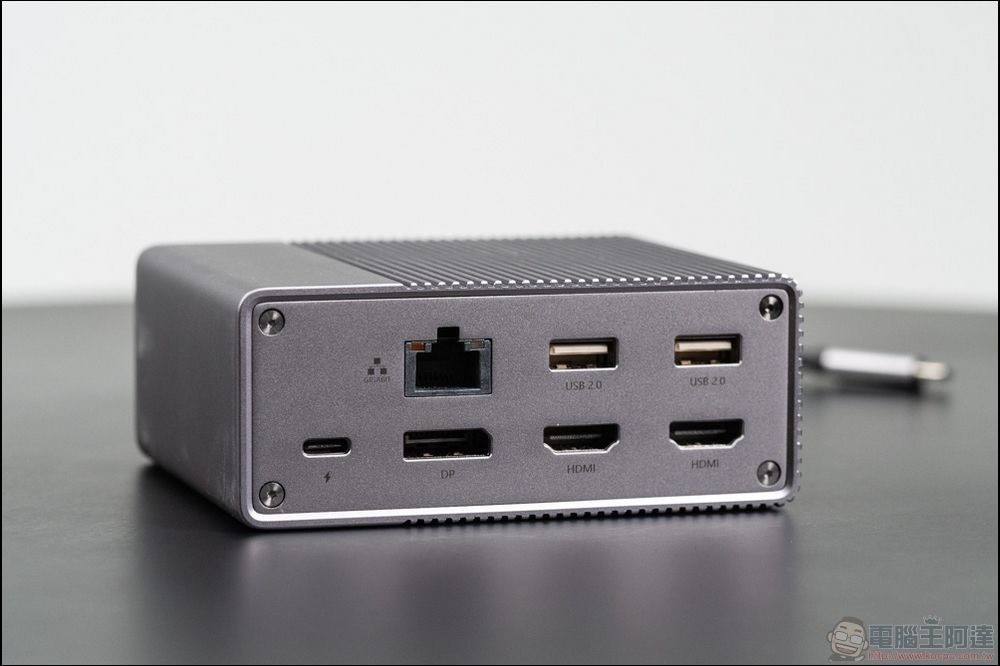
To complicate things further, even the transfer speeds themselves have been renamed. USB 3.1 Gen 1 (formerly USB 3.0) can achieve a transmission speed of 5Gbps, called “SuperSpeed”; USB 3.1 Gen 2 has a transmission speed of 10Gbps, called “SuperSpeed+”. Technically, it does this by using 128b/132b encoding in full-duplex transmission mode. Full-duplex transmission is exciting because it means data can be transmitted and received at the same time, which is why it’s faster.
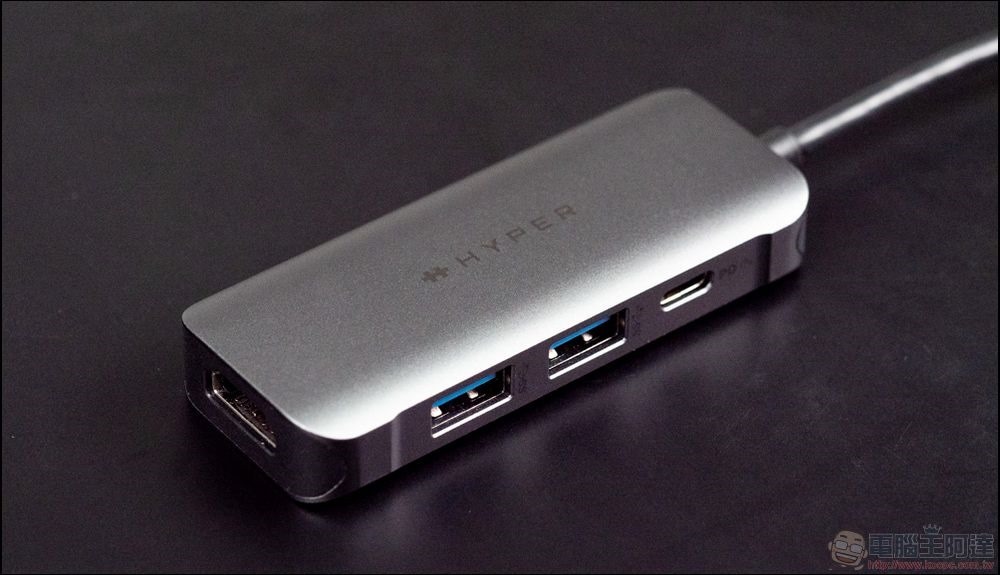
The difference between the two is a bit confusing, but for the average consumer, just remember that the 2nd generation is newer and better than the 1st generation, which will make the purchase more clear. To help differentiate speeds, USB-IF also uses a special seal that manufacturers can use only after they are certified to prove that the wire meets the promised specifications.
USB 3.2 is faster, but more confusing
In September 2017, USB-IF announced the USB 3.2 specification. USB 3.2 can reach speeds of 20Gbps, twice as fast as USB 3.1 Gen 2, with two 10Gbps lanes, so you can think of it as more wires being put into the same cable. Like previous iterations, this newer standard is backwards compatible, meaning you won’t be able to get faster speeds without supporting new hardware. At MWC 2019, USB-IF announced the labeling and naming scheme for the new standard. The previous naming was once again deprecated and changed retroactively. USB 3.0 with a transmission speed of 5Gbps will become USB 3.2 Gen 1.
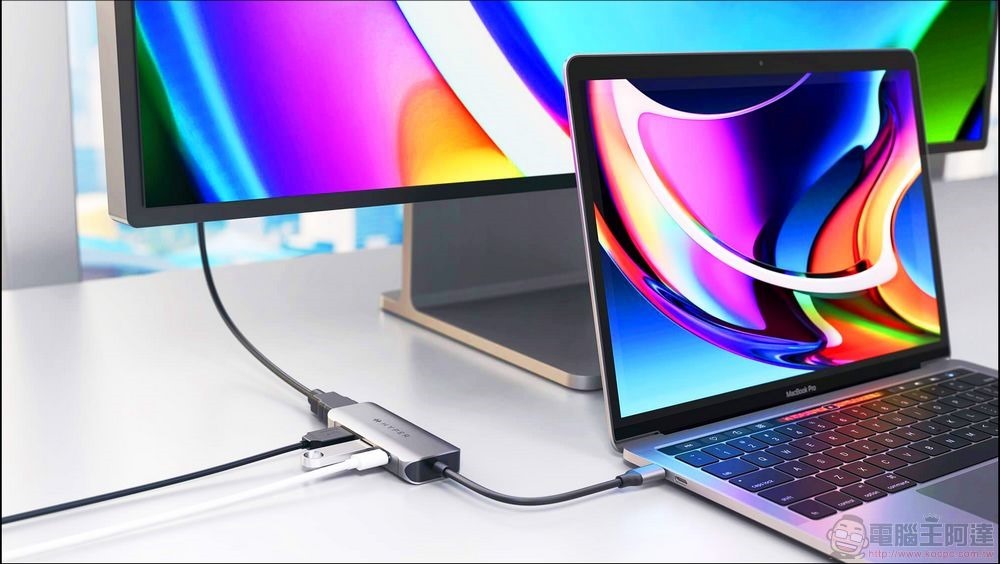
The 20Gbps standard is named USB 3.2 Gen 2×2, breaking from the predictable naming conventions of the past. Physically, it has two 10Gbps lanes, so it’s effectively 2×2. While the name makes sense, it is confusing and consumers must have some familiarity with USB hardware to realize what it really means.
Simpler names are coming, but they are not used uniformly
Starting in 2020, USB-IF does not want users to see these complicated names anymore. Instead, they hope that the first-generation products will be sold as “SuperSpeed USB”. The unit recommends that manufacturers sell Gen 2 products as “SuperSpeed+ USB 10Gbps” and Gen 2×2 as “SuperSpeed+ USB 20Gbps”. It’s an improvement, but it’s not foolproof, and fortunately, the USB-IF has further simplified the recommended names in 2022 to more simply express the speed, which are USB 5Gbps, USB 10Gbps, and USB 20Gbps.
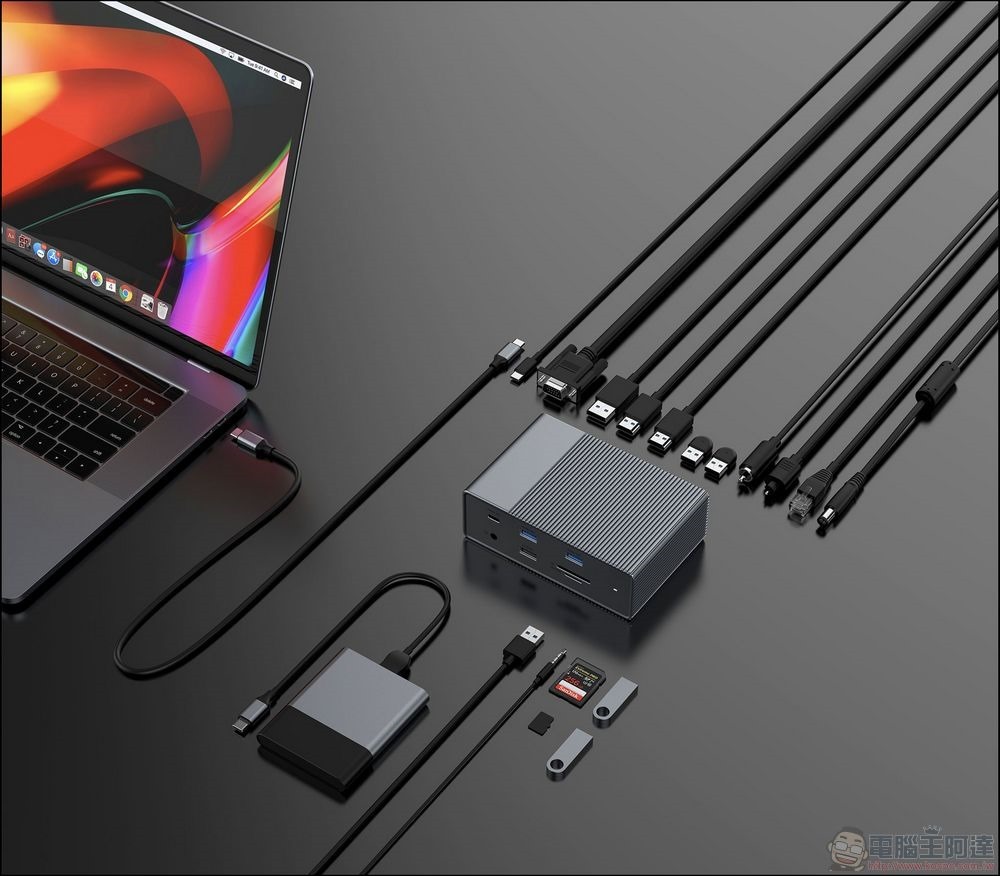
At this point, you may feel that it is simpler and easier to understand, right? But this does not mean that manufacturers must use these simplified names. Manufacturers can sell their products under the SuperSpeed or earlier Gen 2.2 designation, or if they can’t be bothered to be tested and inspected, they can drop the badge and use whatever name they like.
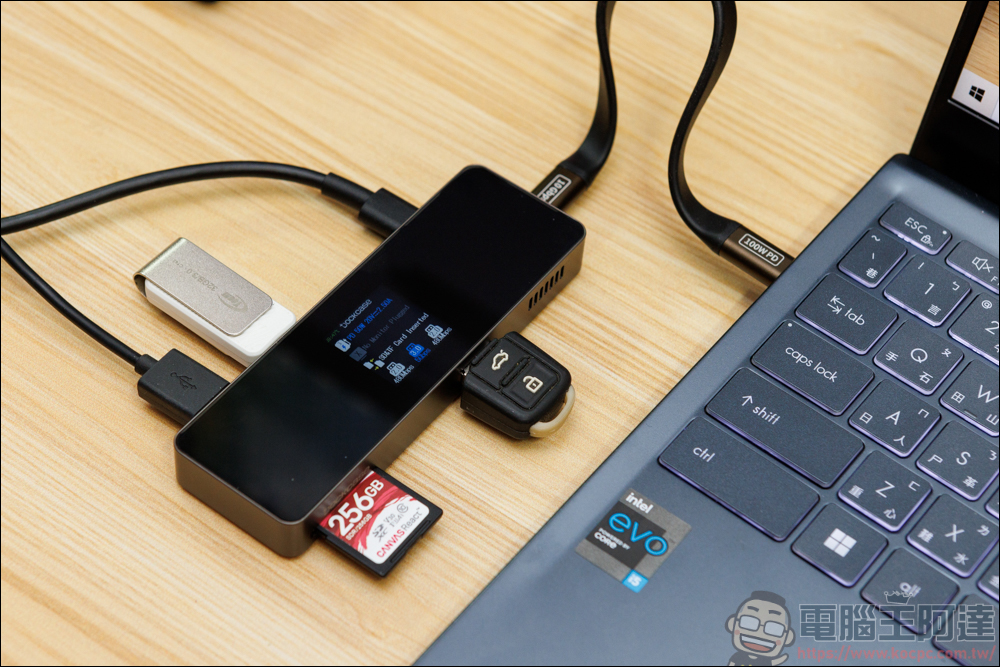
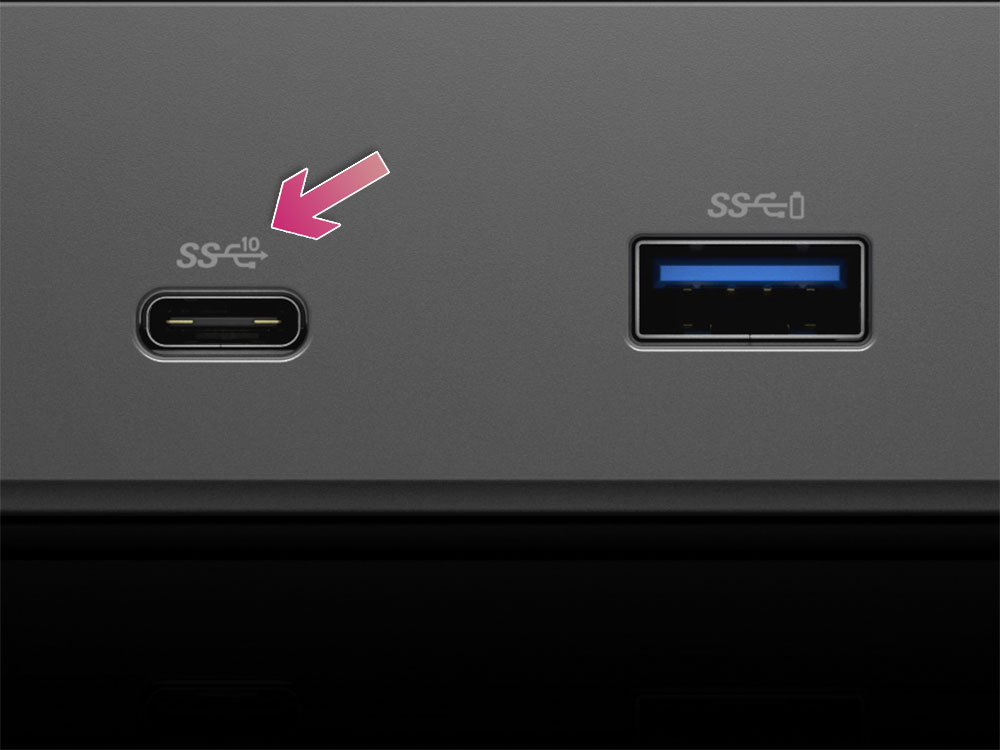
The naming issue is at least simpler when manufacturers use the SuperSpeed standard. Look for “SuperSpeed” in the name and check for numbers. If you didn’t see it, it’s USB 3.2, the slowest. If you see “SuperSpeed+” and 10 or 20, it means the transfer speed is 10Gbps or 20Gbps. As shown in the figure below, SS and 10 indicate that the USB port is an ultra-high-speed port capable of 10Gbps transmission. The branding of the newer SuperSpeed+ USB 20Gbps uses the same logo, just a 20 instead of a 10, so at least it looks obvious.
If you remember the early issues with USB-C, the label looked similar and worried about repeating the same mistakes. When purchasing, please read the product introduction carefully and purchase from reputable and trustworthy sources. It is recommended to purchase products from more trustworthy brands.
USB 3.2 Gen 1, Gen 2 and Gen 2×2 speed comparison
If the device you have does not use the USB-IF recommended label, below we have compiled an information table about the US generation, which includes the speed it can reach, the corresponding official label and other names. The only other notable difference between these generations is that USB 20Gbps (Gen 2×2) is limited to USB Type-C ports and cables, so you won’t see any USB Type-A or Micro USB connections with that label.
| generations | speed | official name | Other names |
|
USB 3.2 Gen 1 |
5Gbps |
USB 5Gbps |
USB 3.0 |
|
USB 3.2 Gen 2 |
10Gbps |
USB 10Gbps |
USB 3.1 Gen 2 |
|
USB 3.2 Gen 2×2 |
20Gbps |
USB 20Gbps |
SuperSpeed+ USB 20Gbps |
If you’re wondering about power delivery in addition to speed, it’s simple: All USB 3.x ports, regardless of generation, only offer a humble 4.5W charging capability. While that’s nowhere near the 18W required to fast charge a phone, it’s at least much better than USB 2.0’s 2.5W, so if you have the choice between USB 2.0 and 3.2 ports to charge your device, always choose the 3.2 port (but don’t expect too much from it).
There will be no new members of USB 3.2
When you see this, do you feel like it’s a bit messy and messy? The good news is that USB 3.2 and all other descendants are over, and have now been replaced by technologies like USB 4, which handily beat USB 3.2 in data transfer speeds and power delivery. Best of all, it was introduced after the SuperSpeed badge appeared, so choosing the right cable is much simpler than USB 3.2.
Source: KOCPC Chinese