


Previously, we shared an article titled “Over 500 Nano Banana promptsThere are indeed a great many articles on the topic, but many of the prompts lack Chinese translations, and the layout isn’t easy to read, so honestly, they’re not that convenient to use. Recently, though, I came across this even better site called “OpenNana.” Besides also collecting prompts from GitHub The prompts, many of which come from masters in the X community, currently number 350.Prompt, and it could increase at any time,
Every prompt includes image examples, prompts in both Chinese and English, and one-click copy for prompts, along with features like keyword search and tags. It’s quite handy, and I recommend it to everyone.
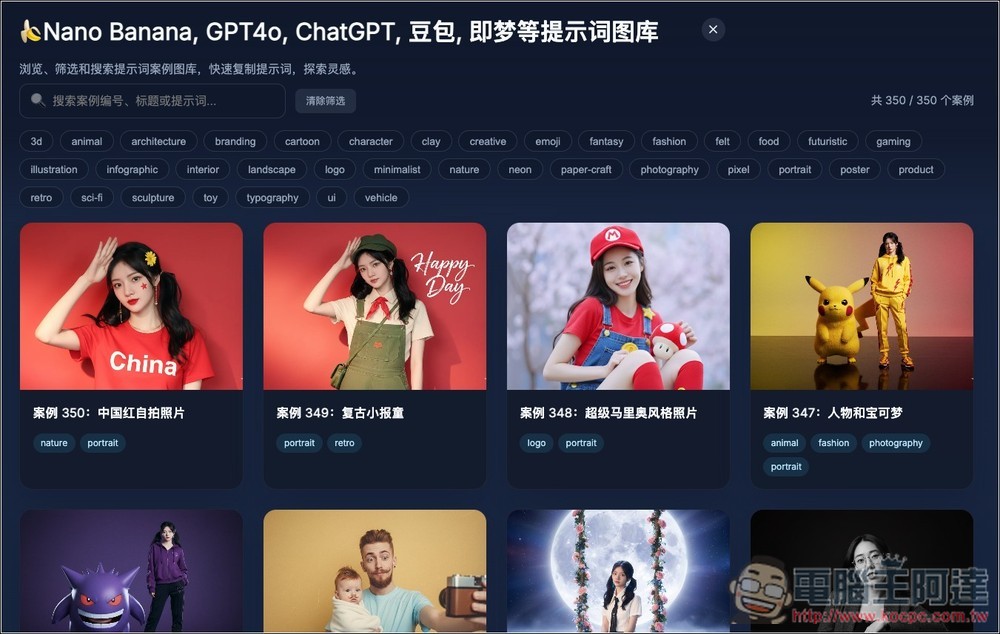
OpenNana collects hundreds of prompts, compatible with AI image generators like Nano Banana, GPT4o, and Jimeng.
OpenNana is a collection Nano Banana、GPT4o、ChatGPT, and prompt library platforms like Jimeng, whose main purpose is to let users easily browse, filter, and copy various AI Examples of prompts, and drawing inspiration from them to improve your AI-generated works.
Here are the main features.
- Browse hundreds of prompt examples: organize and archive each one.
- Built-in filtering and search functionality: quickly find prompts for specific purposes, themes, or styles using tags and keywords.
- Quick copy prompt: Once you find a prompt example you like or that suits you, you can copy it with one click for use.
- Explore inspiration: not just pure copying, but also using examples to understand how prompts are designed, structured, and styled, and then create a prompt that is uniquely your own.
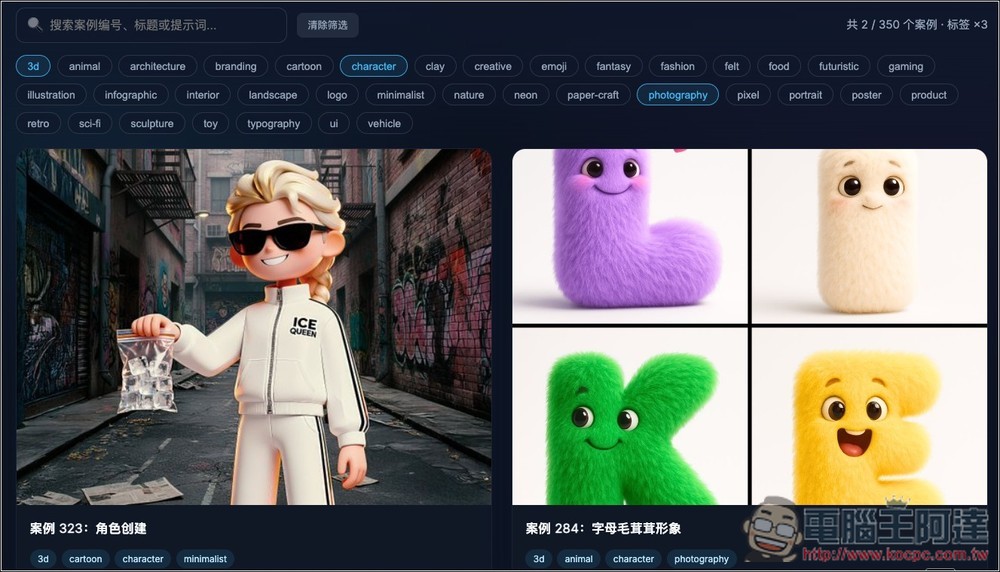
Click the link above to go to OpenNana, and the homepage will list thumbnail examples of all prompts, each with tags. You can use the search function at the top to enter keywords to search, and you can also click the tag cloud at the top:
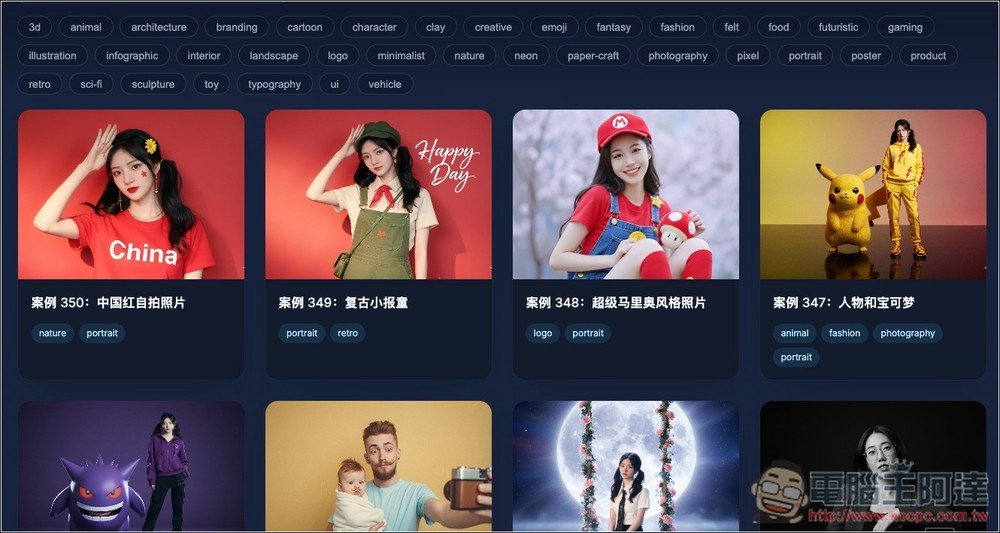
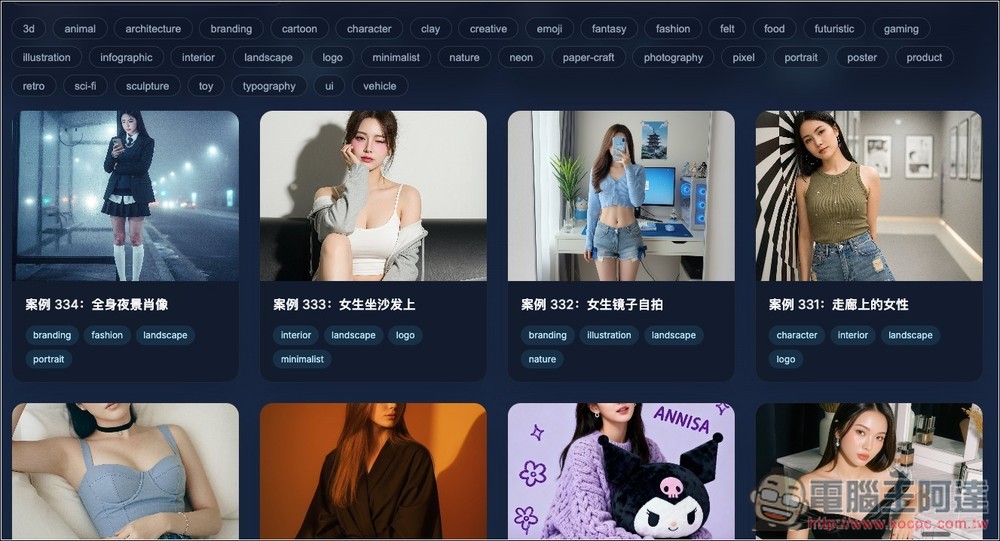
Scrolling down reveals more; there are currently 350 examples, and more will be added gradually:
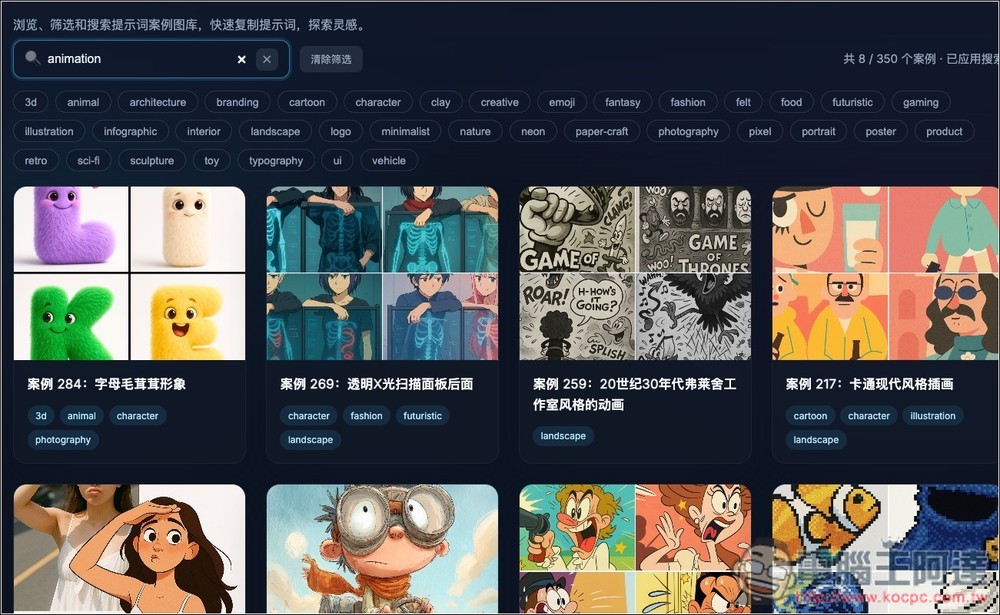
Although the search feature supports Chinese, it is recommended to use English, as it will yield more and more accurate results. In the image below, when I search for “animation”, it lists prompts that match “animation”:
In the tag cloud section, you can enable multiple ones to quickly find prompts that better match your needs. In the image below, I enabled 3d, character, photography:
After finding a prompt you’re interested in, open the viewable large image:
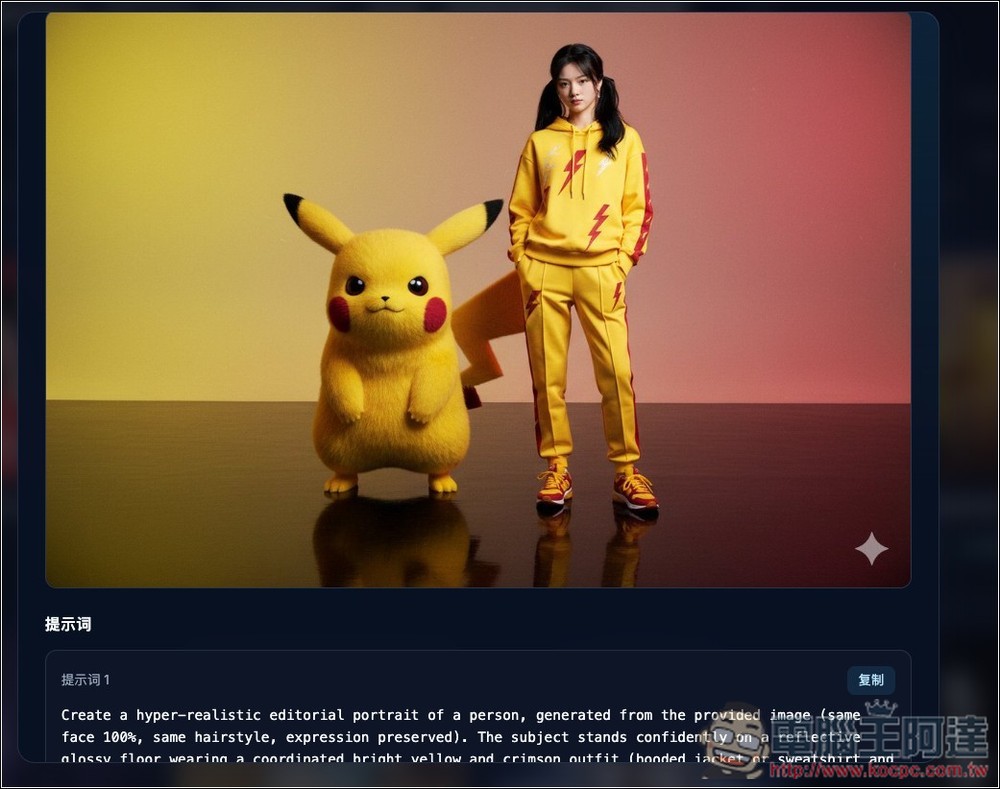
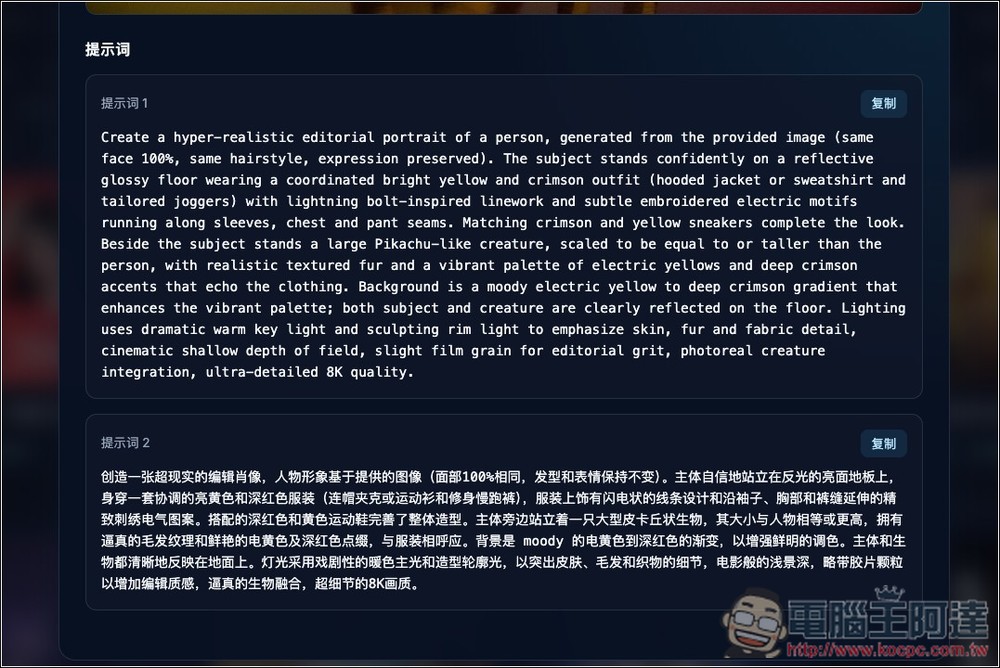
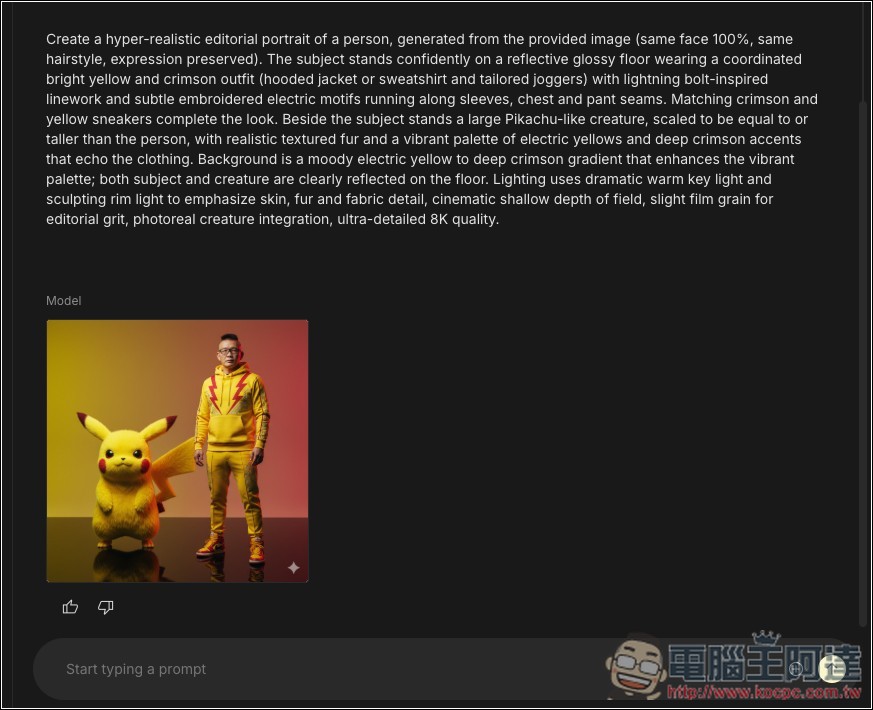
Scroll down to find prompts in English and Simplified Chinese—you can simply click the button in the top right corner to copy them all at once. Also, if you’re generating images, I’d recommend using the English ones, since they sometimes produce better results than Chinese. Use the Chinese prompts just to understand how everything works, or to tweak parts into what you need. For this Pikachu and character photo I found, you can clearly tell from the Chinese prompt that it has the AI generate the character based on the provided image, and it specifically notes that the face is 100% identical.
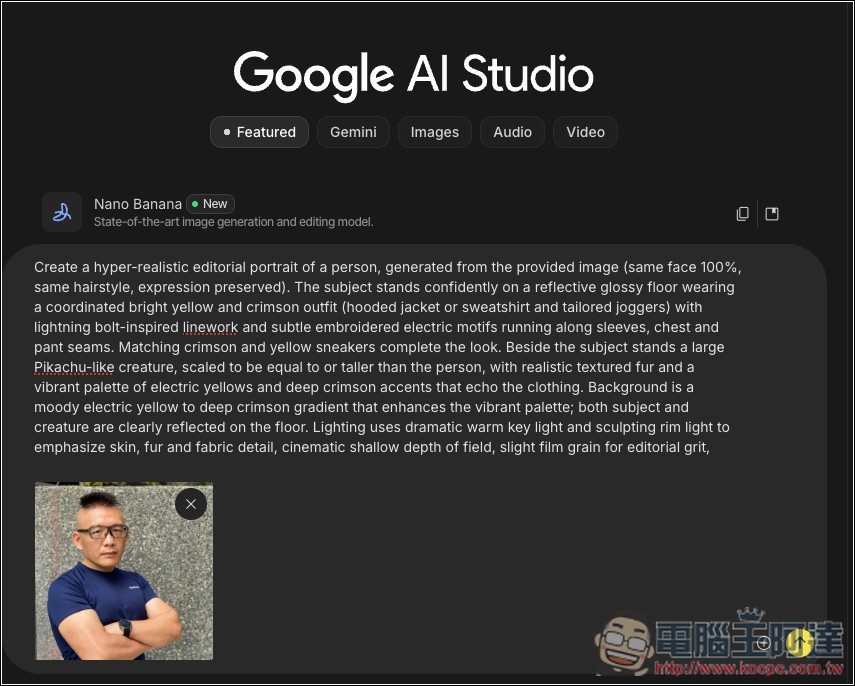
This means I can combine real people in the picture. I’ll upload Ada’s photo, and then pair it with this prompt:
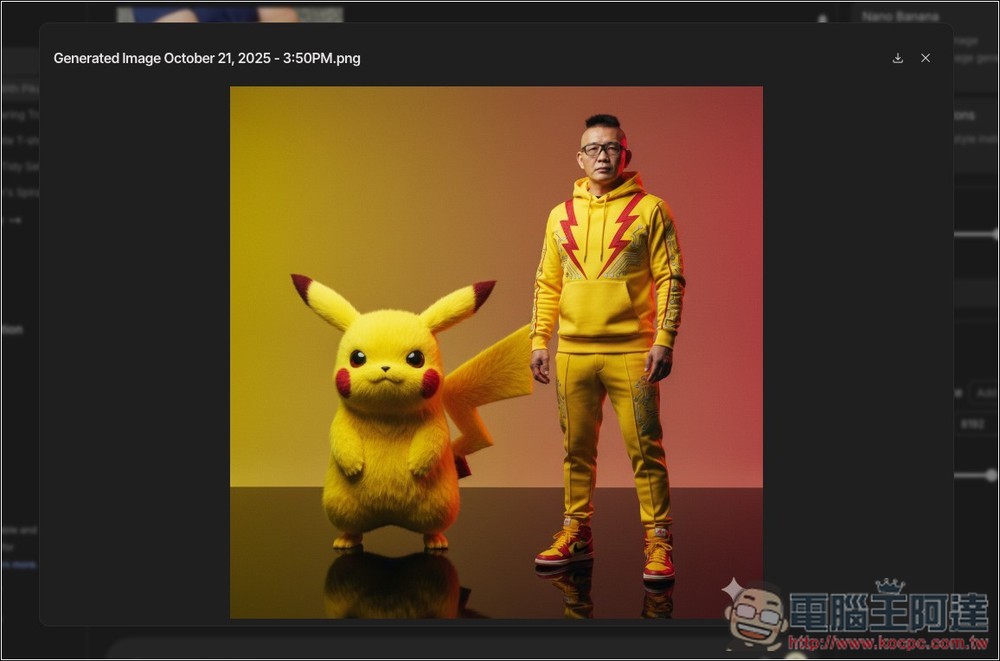
Sure enough, it generated a photo of Ada and Pikachu together:
Zooming in on the face, it really is 100% identical—kinda uncanny:
Source: KOCPC Chinese