


Although many people now apply for cloud space, it is quite easy to share files, but if you encounter large files, such as more than 5GB or 50GB, it is likely to fill up your space. At this time, you can consider the Sharrr free file sharing space introduced in this article. It supports up to 100GB, supports point-to-point encryption, files are stored in Switzerland, which has the best security and privacy, and there are no ads. More importantly, it is also an open source tool, and this project is shared on GitHub.
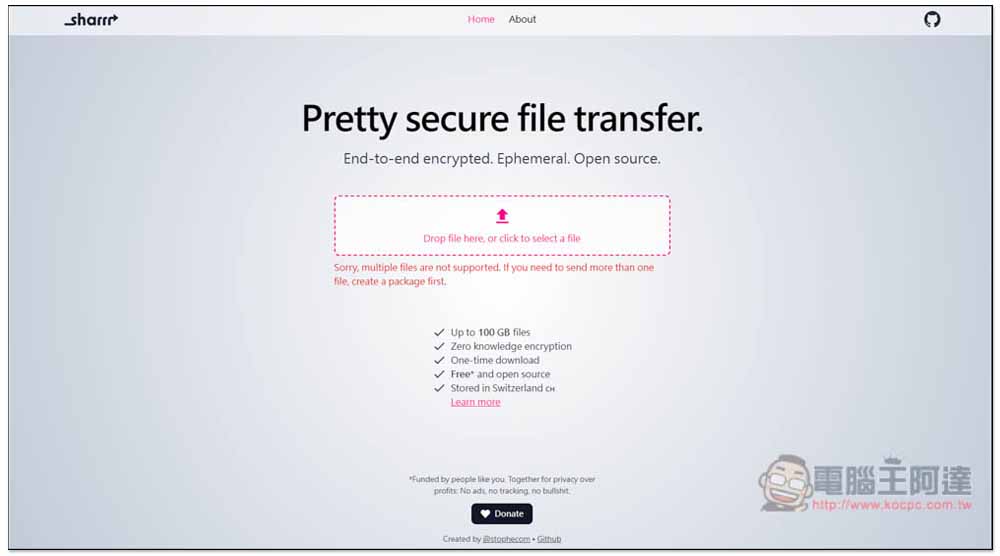
Sharrr supports up to 100GB and files are stored in free shared space in Switzerland.
Sharrr is very different from other file sharing space websites. On the About page, there is a detailed description of the project of this tool, including the technology it uses, storage methods, etc. The paragraph describing the file size also emphasizes that strictly speaking, this tool has no upper limit on file size. I am not sure whether it means that it is no problem if it exceeds 100GB.
The uploaded files will be stored on the Swiss server and encrypted, and the files will be split into smaller pieces, all of which will be individually encrypted and stored on S3. Decryption action is also required when downloading. It is mentioned in the description that not only the client must be allowed to request a file, but also the file cannot be streamed directly to the download folder. A service worker is therefore required to intervene, details can be found on the About Me page.
It is also very simple to use. You do not need to register any account. You can directly upload the file you want to share. However, it only supports single files, so if you have multiple files to share, you need to turn them into a compressed file. I think the upload speed is a bit slow. I’m not sure if it’s because my network speed is too slow or if it’s just like this. I’ll just test it myself.
One thing is very important: files will only be kept for 7 days, after which they will be automatically deleted.
Click the link above to enter the Sharrr history. Then you can drag the file you want to share into the window, or click the arrow to select it manually:
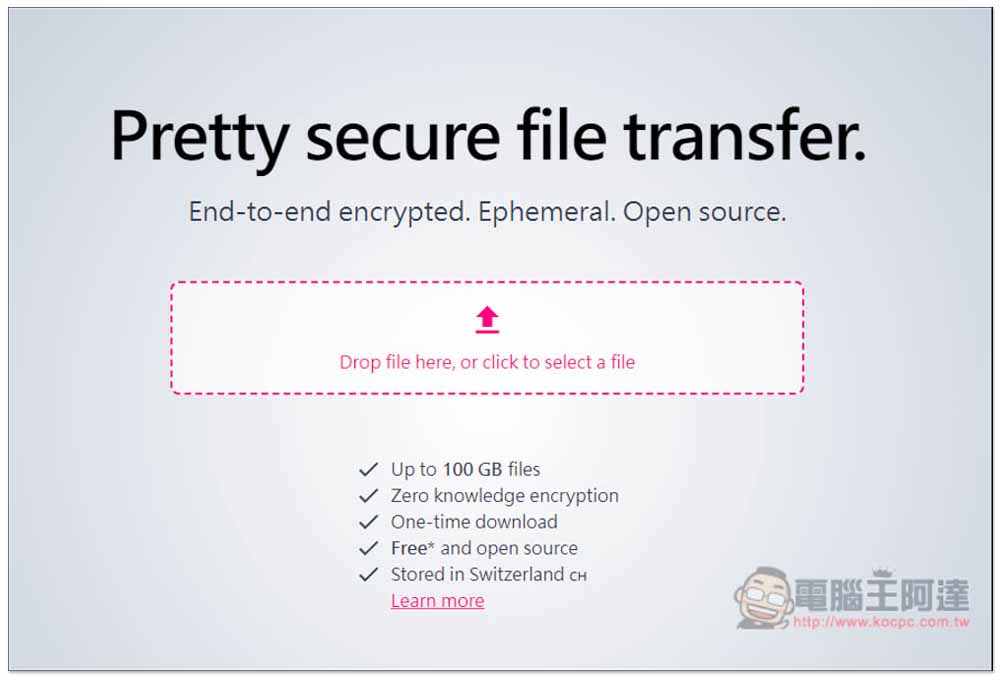
The drag part has a very interesting design, and this animation will pop up:

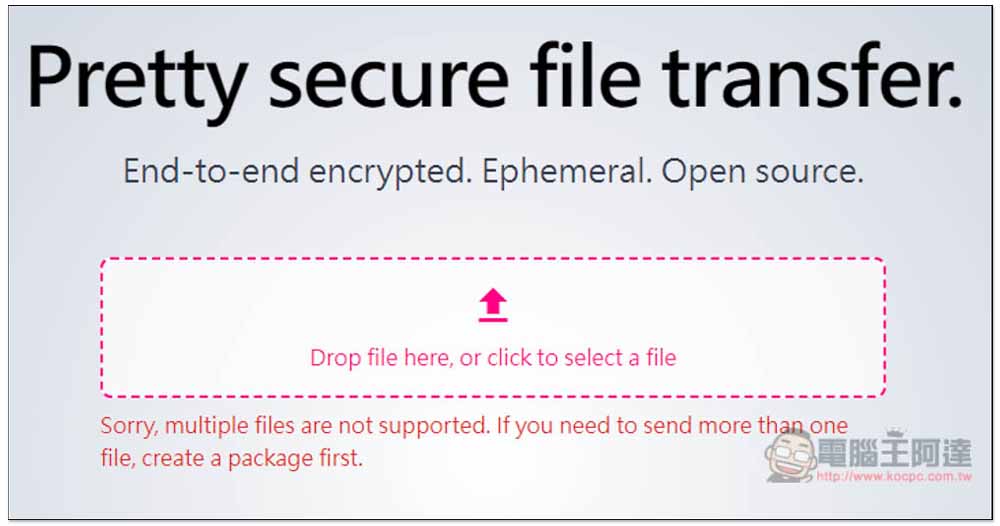
Dragging multiple files will prompt “Sorry, multiple files are not supported” prompt, requiring all files to be packaged into one first:
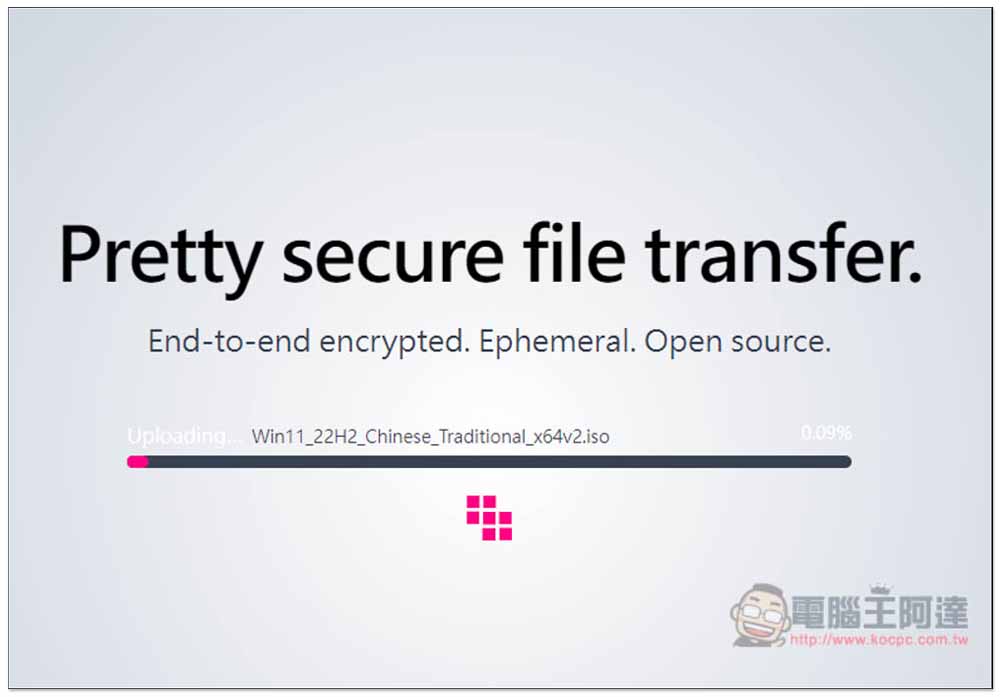
Then wait for the upload to complete. The speed depends on your network environment, but I guess the server of this website should not be fast, after all, it is free. During the upload process, you cannot close paging of this webpage and interrupt the network:
After the upload is completed, you will get a dedicated download point. Press Copy to copy the link. Remember to write down the link. If you close this window, you will not be able to retrieve it. The following will also indicate how long the expiration date is, which is really a 7-day countdown:
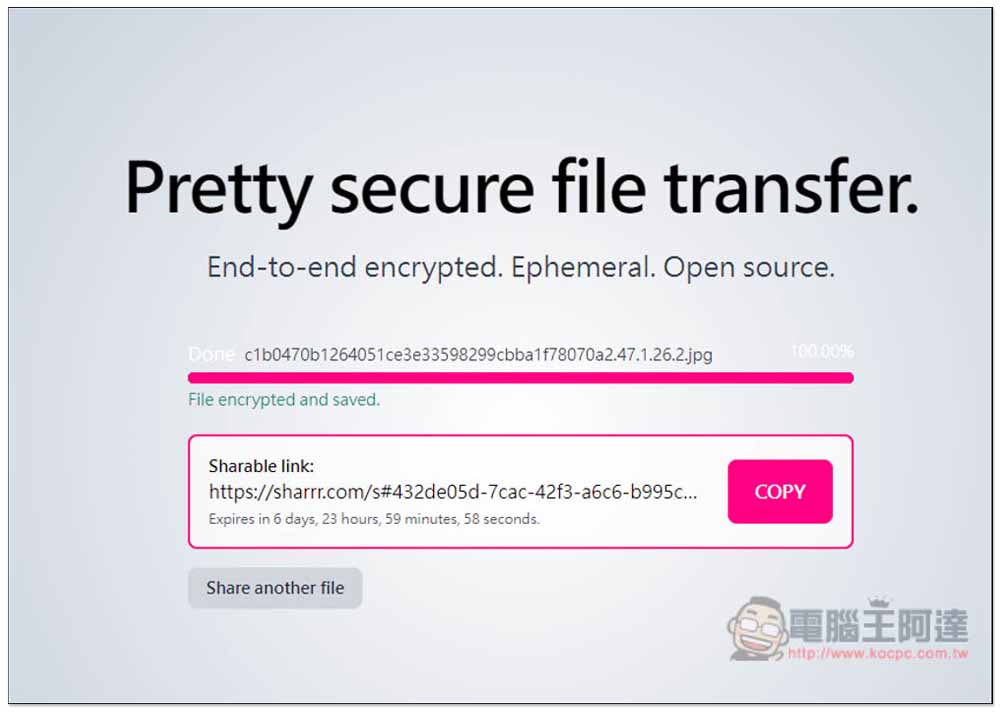
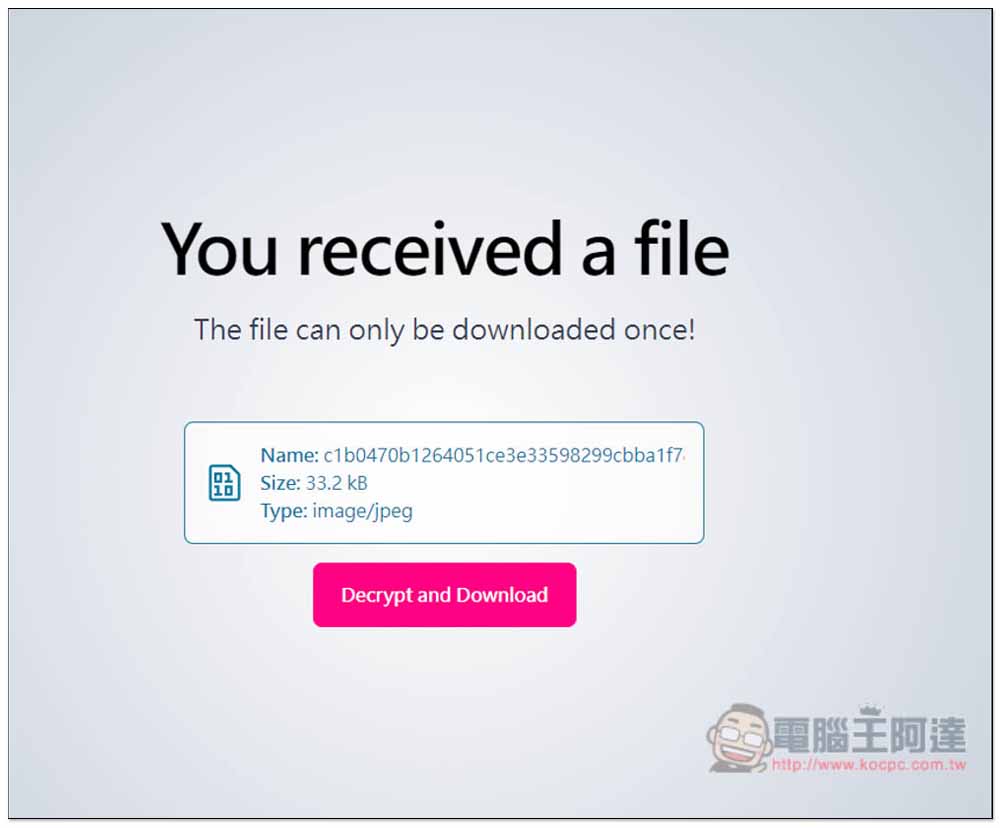
When someone posts the link you shared, a “You have received the file” page will appear. Click Decrypt and Download to start decrypting and downloading:
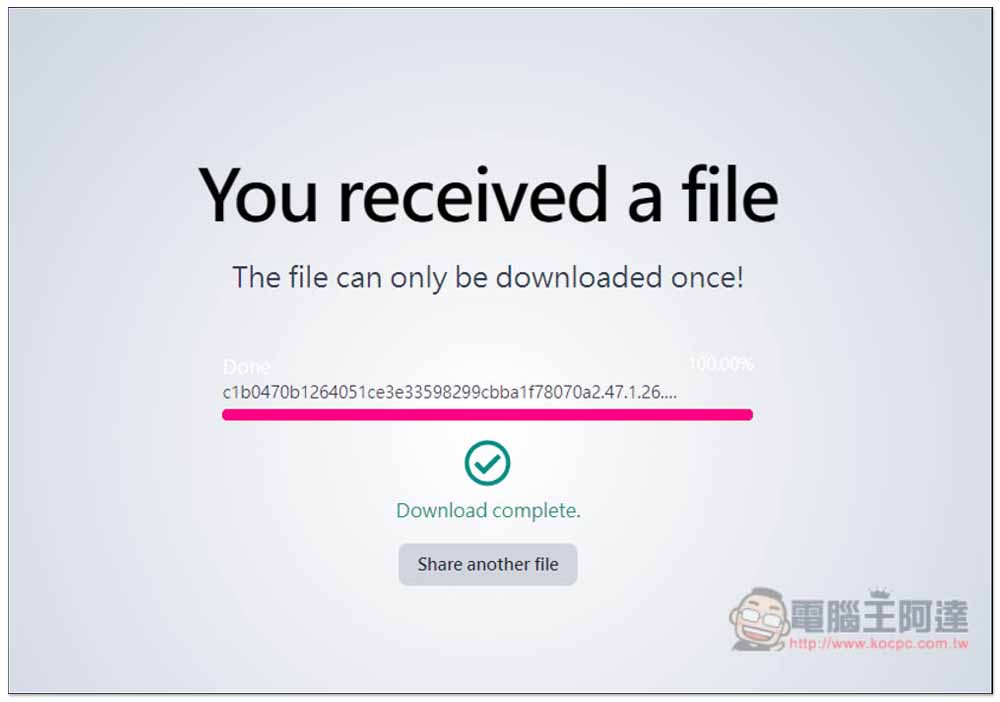
After downloading, a Download complete prompt will appear:
Although this free space is point-to-point encrypted and looks very safe, it is better to use your own free space for very important files. After all, it is your own exclusive space and you can freely decide how long the files should be shared.
Source: KOCPC Chinese