


ChatGPT、Gemini etc. AI After the tools have all joined the learning mode one after another,Copilot Earlier, we finally caught up as well, officially announcing in the official community the arrival of the brand-new “Study and Learn Mode,” allowing you to learn anything you’re interested in — and it’s free to use.
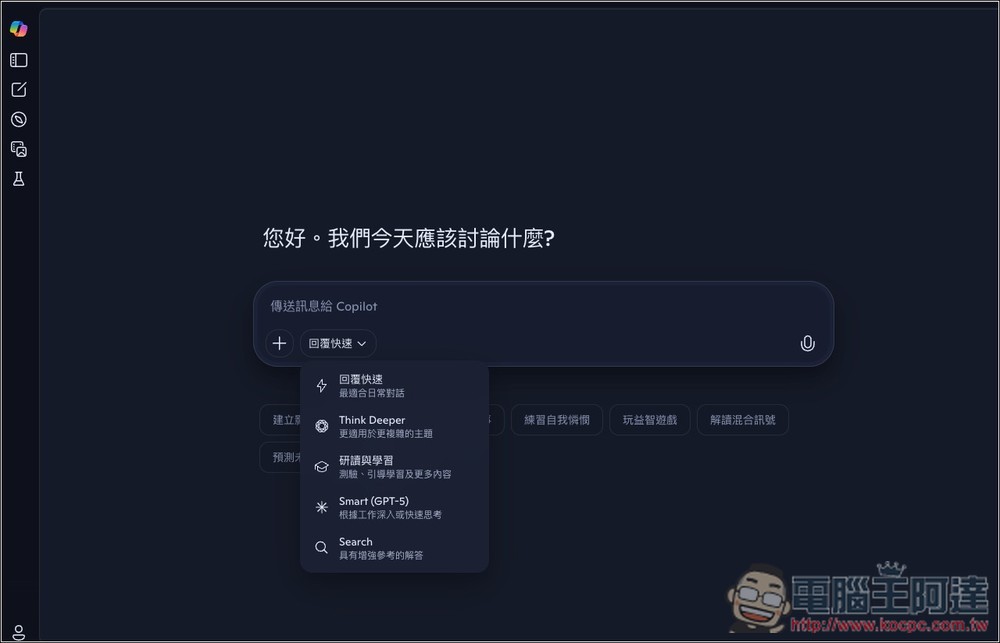
Copilot adds study and learning modes to help you learn more deeply.
Copilot earlier posted on its official community: “Learning just got smarter. Whether you’re diving into calculus or revisiting history, Copilot Study and Learn Mode flexibly adapts to the way you learn, and the best part is—it’s completely free.” In short, it announced the launch of Learning Mode.
The post also lists the features of this new learning mode:
- Need a hint? It’ll guide you to the answer rather than telling you directly.
- Stuck? It can explain concepts in a clear and accessible way, just like a real tutor.
- Want to switch topics? It will remember what you’ve learned, so you can seamlessly pick up right where you left off anytime.
- Want more practice? It can automatically generate practice quizzes from any material you upload.
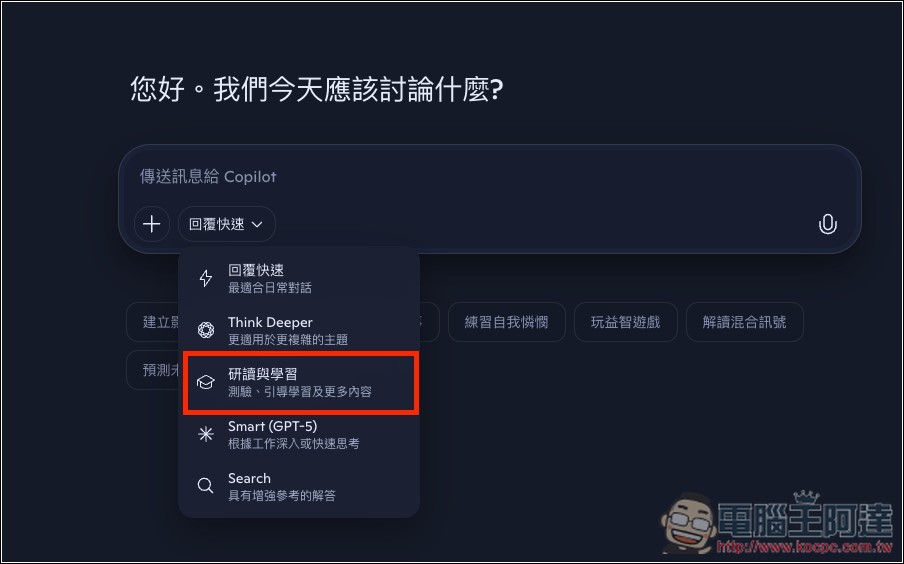
After opening Copilot, in the mode switching menu, you can find the newly added ‘Study and Learn’ mode:
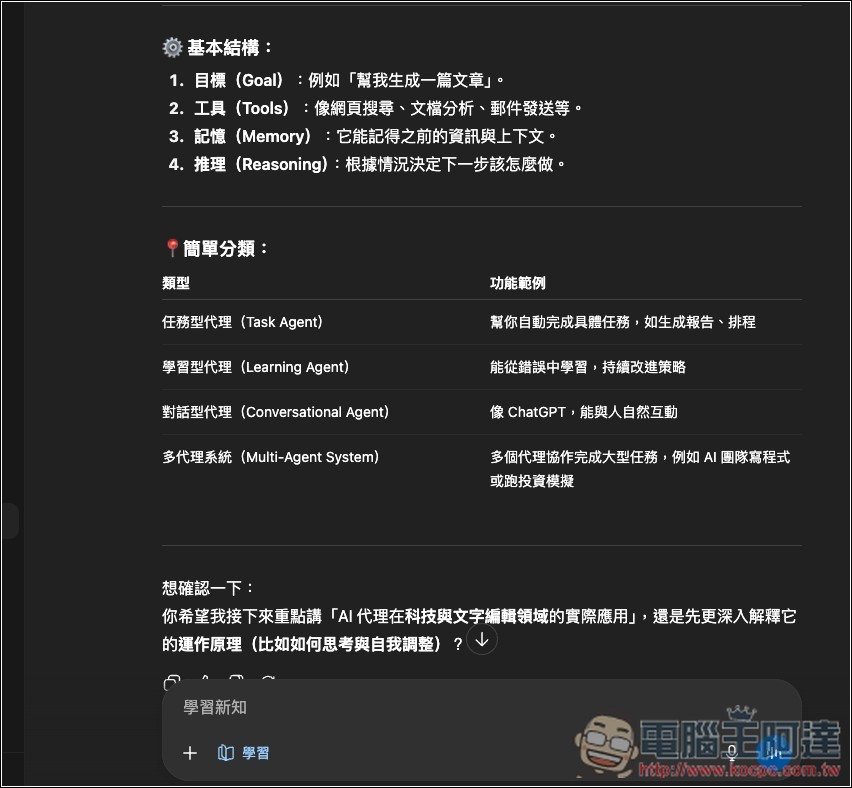
However, after testing it, I feel that the current “Study and Learning” and the regular “Quick Reply” seem about the same, not like ChatGPT, which has a clear difference. For example, when I ask “What is AI For “proxy,” both modes will first explain it directly, providing multiple H2 topics with brief descriptions.
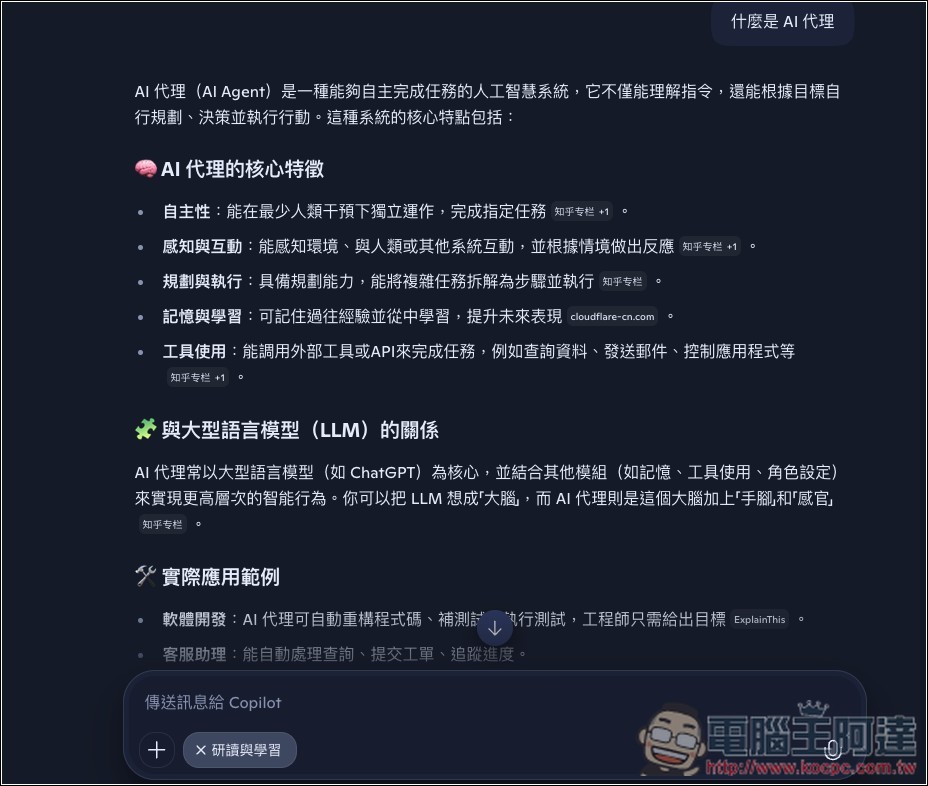
The only real difference is at the end: if I use the “Study and Learn” mode, the AI asks whether I’d like to go deeper, and gives options:
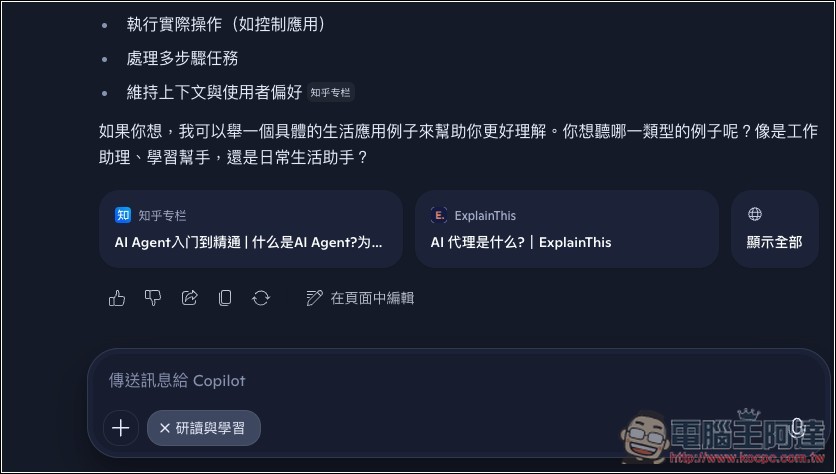
Generally, a “quick reply” won’t provide options:

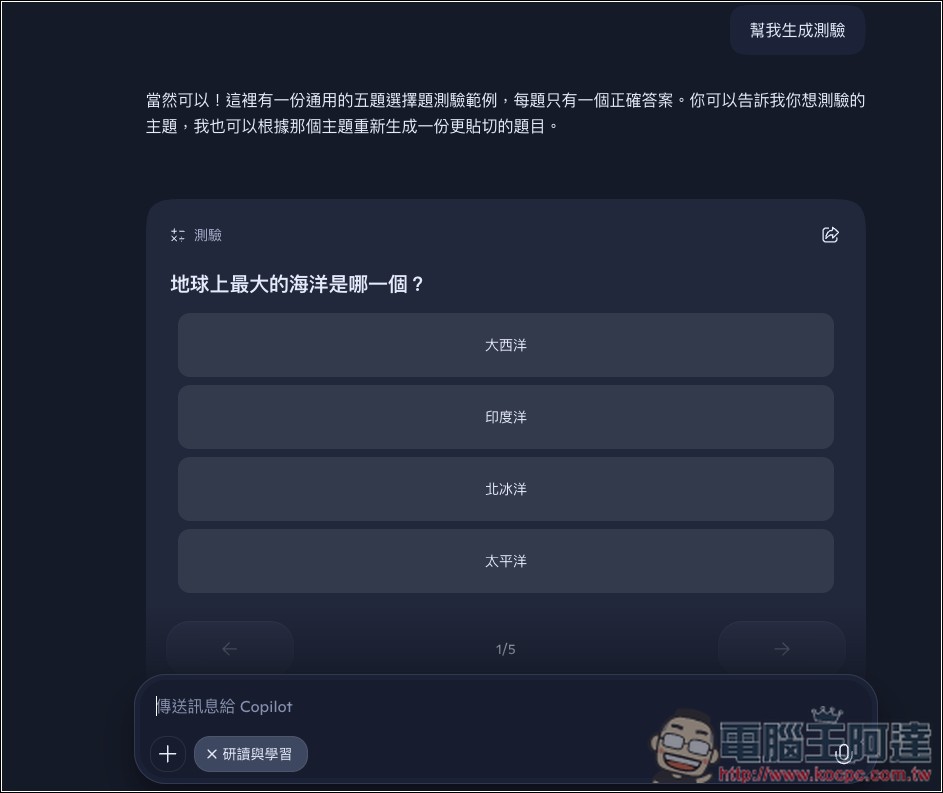
And what’s even stranger is that in the same chat room (for studying and learning), when I asked to generate a quiz, Copilot produced irrelevant questions instead of the content I was originally studying:
For the same problem, I switched to ChatGPT’s learning mode, and the answer it gave was better. It briefly explains the key points first, and then at the end asks if I’d like it to continue with content I might be interested in.
Perhaps because it was just released, Copilot’s “Read and Learn” mode doesn’t feel that great to use. Feel free to try it out yourself. Copilot hasn’t officially stated whether there are any restrictions on the free version.
That said, Copilot added the learning mode pretty late, and it’s actually harder to use, plus there’s no other new learning mode either. Honestly, that’s a bit underwhelming… Anyway, at least it gives users more choices. Now almost all well-known AI chat services have a learning mode, so learning new knowledge will become easier.
Why should you use learning mode when using AI to learn new knowledge?
- AI does not give answers directly, but gradually guides users to think for themselves through prompts and questions, ensuring they truly understand the concept.
- Based on your learning style, progress, and weaknesses, the AI will autonomously adjust content, such as generating customized quizzes or plans.
- Transform rigid topics into interactive games, flashcards, or simulated scenarios to make learning more engaging.
Source: KOCPC Chinese