


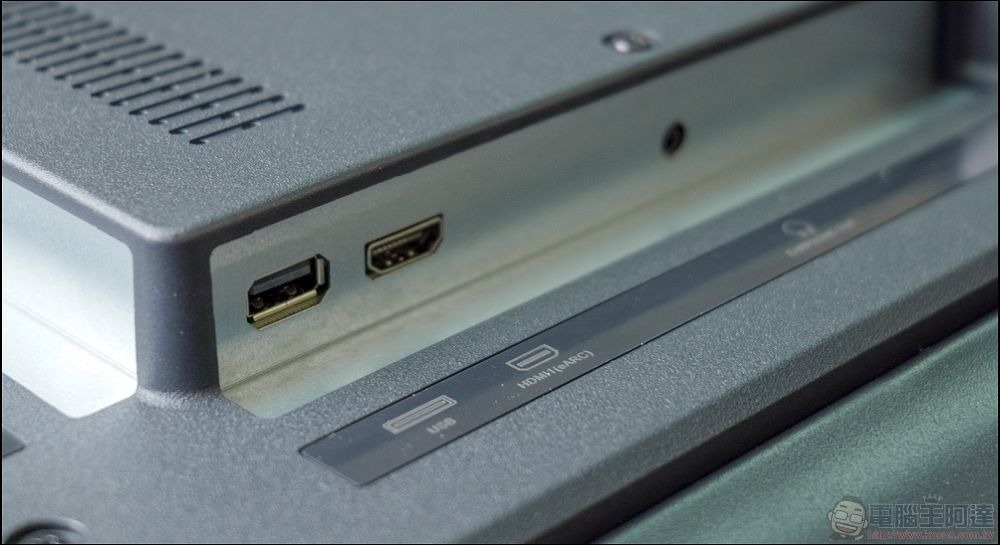
If you look at the port configuration on the back of the TV, in addition to seeing some HDMI ports, one of them may be labeled “ARC” or similar. This is not an ordinary HDMI port. If you know where to find it and use it properly, HDMI ARC can greatly simplify your audio cabling needs and setup, so let’s learn about it today.
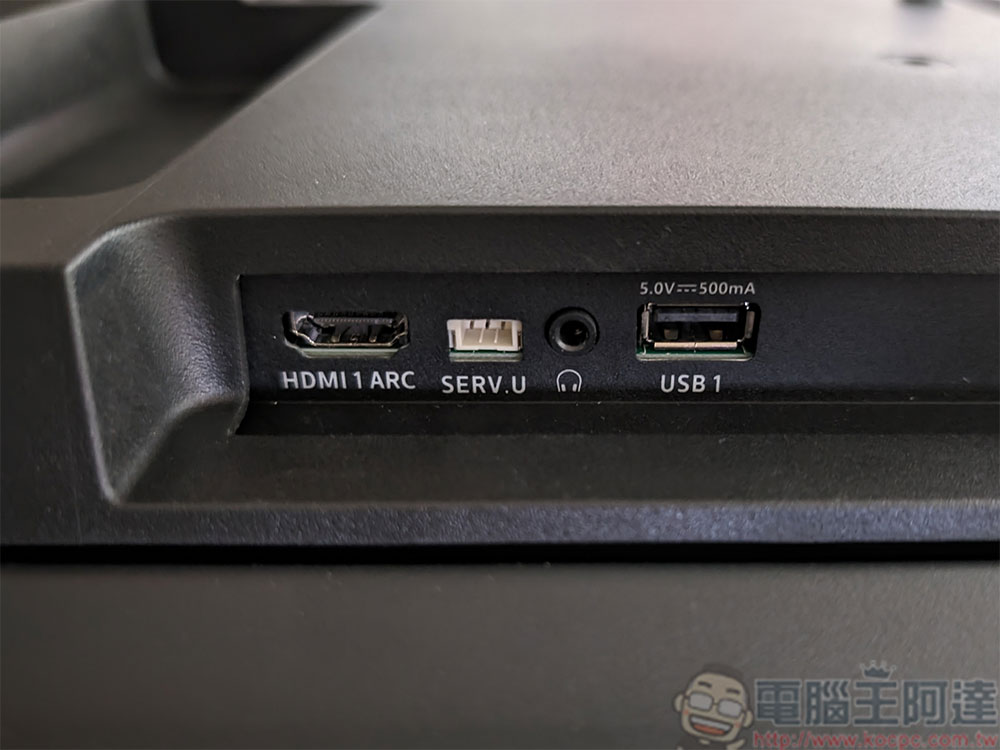
What is the “HDMI ARC” port on the back of the TV?
What is HDMI ARC?
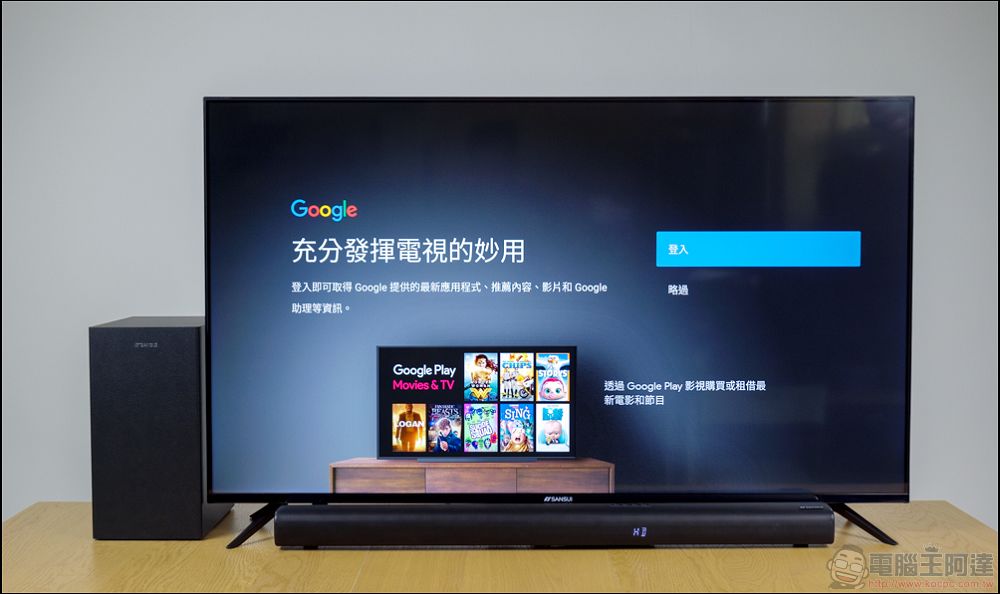
Historically, the AV receiver was the centerpiece of the home media experience. Everything was connected through it. DVD/Blu-ray players, cable TV, game consoles and other devices had to be connected to it, and the video box audio was then distributed between the TV and speakers. While there are still dedicated receivers, many newer TVs (with built-in smart features and tons of ports on the back) can act as a hub and come with a receiver if available. But without a receiver in a central location to process the audio, how do you get sound from your TV to auxiliary speakers, like that new Sound Bar you want to add? You can rely on older standards, such as fiber optic TOSlink cables (tiny connectors are still ubiquitous on TVs), but if your TV and speaker system are both newer, you don’t have to settle for using fiber optic standards from years ago, both to reduce the number of cables used and to allow HDMI to handle newer audio formats that TOSLink can’t handle.
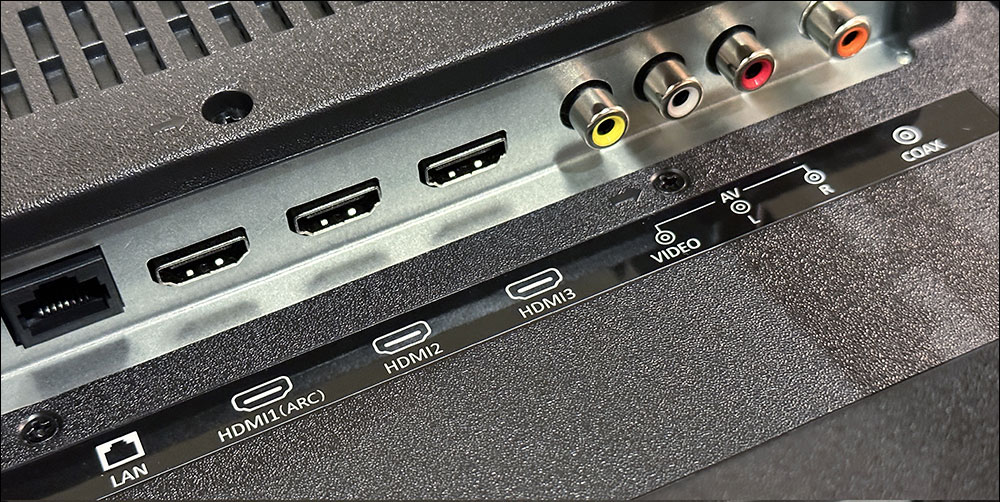
Starting with HDMI 1.4, HDMI supports a specification called HDMI ARC (ARC stands for Audio Return Channel), which provides two-way communication similar to the HDMI control scheme specification HDMI-CEC. In the original HDMI standard, your TV could receive audio over HDMI just like a Blu-ray player sent audio and video over the same cable, but it couldn’t send audio. HDMI ARC allows your TV to send audio, so now any audio produced by a built-in antenna tuner, a smart TV app like Netflix, or any other TV source can be sent to your surround sound system or sound bar.
eARC: the next generation standard
Since ARC’s introduction, it has been replaced by a newer version of the same technology (eARC). With the advent of the HDMI 2.1 standard, eARC adds additional functionality and compensates for some of the shortcomings of ARC, such as compressed signals that result in loss of audio data. So should you use eARC? If you have the choice, eARC can provide a better experience than ARC, but unless both devices you connect support eARC, you still won’t get the benefits of eARC. You’ll also need a High Speed HDMI cable or Ultra High Speed HDMI cable using Ethernet. No matter which version you have, in theory, using this feature should be as simple as plugging in an HDMI cable. In practice, however, manufacturer standards and other variables can get in the way.
Read details before using HDMI ARC
Although HDMI ARK has existed with HDMI 1.4 since its launch in May 2008, the way manufacturers have implemented it has gone from emphasizing “very good and clear” to “abandoning it halfway” and now perhaps not taking it seriously at all. With this in mind, the best thing you can do is read the details before buying. Of course, don’t think that the author is hasty in saying this, because it is literally what you see. In addition to the front panel showing picture quality, also look at the ports on the back of the TV to see if there is an HDMI ARC port. At the same time, there should also be an HDMI ARC port on the speaker system or receiver you want to connect. Of course, some brands don’t even label them at all. In this case, please go online and read the product instructions in detail.
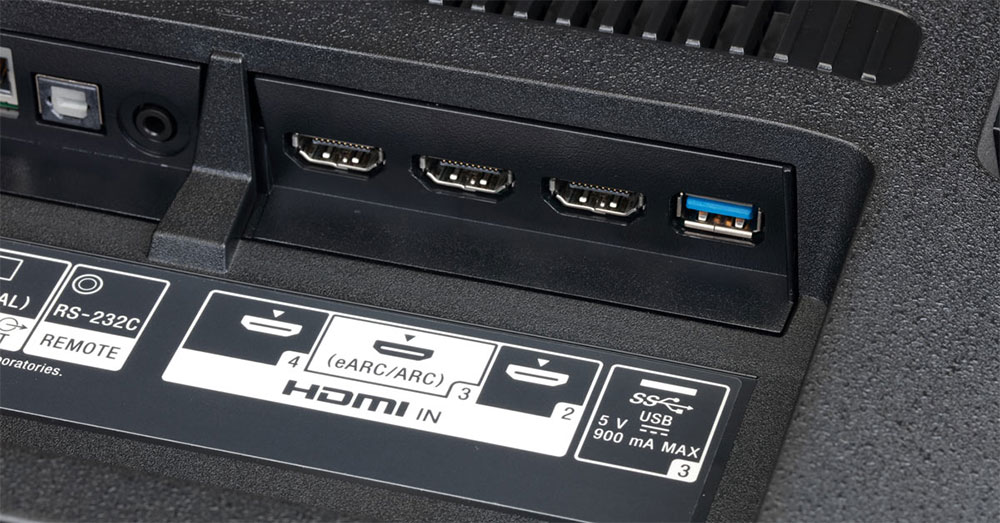
In some cases, even if there are labels on the ports, it may be confusing. For example, in the Sony Sound Bar below, the ARC ports are labeled “TV (ARC)” and “HDMI Out.” This label reflects that the Sound Bar is also an HDMI switch, so you should plug the HDMI connection into the Sound Bar and then connect the Sound Bar to the TV (so the ARC port actually serves as both the Sound Bar’s HDMI output and the ARC input to the TV). Not only do manufacturers often not label HDMI ARC, but many times manufacturers impose restrictions on the implementation of the ARC specification.
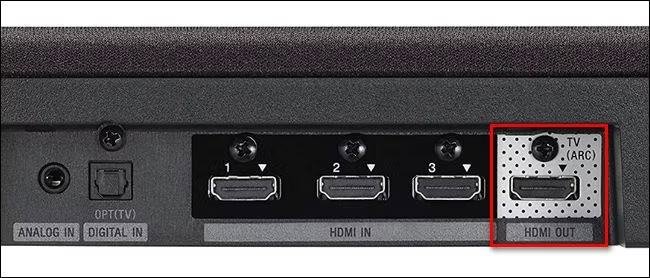
Ideally, any sound coming into or produced on your TV (for example, through a cable box or the Netflix app on your TV) should be passed through the HDMI ARC connection to the connected speakers. In practice, some manufacturers and product models have strange rules for how sound is delivered. For example, some TVs will only pass sound generated directly on the TV itself (e.g., via an internal wireless tuner or a built-in smart app), but not sound piped through one of the HDMI ports (e.g., via a connected Blu-ray player). The only way to fix this problem is to read the manuals for your ARC-enabled TV and ARC-enabled speaker system or receiver, rather than wasting time on trial and error.
Finally, there’s a rare trap that not too many people encounter nowadays. If you have two ARC-enabled devices and sound transmission isn’t working properly, consider replacing the HDMI cable. If you have a very old pre-HDMI 1.4 cable, it’s definitely worth spending a little money on a new, affordable HDMI cable to make sure the cable meets the new specs and is clearly marked as ARC compliant. Although not yet perfectly implemented across the industry, HDMI ARC is a great way to use your TV as a central hub to route audio to your speakers, if your device supports it, and reduce the clutter of too many wires in the process.
Source: KOCPC Chinese