


When making videos and sound files, you may sometimes want to use dubbing. This article will recommend a simple, easy-to-use and completely free “free text-to-speech” online tool that supports multiple languages. Even Chinese has multiple pronunciations. The speaking speed and pitch can be adjusted. This is quite special. The voice part is also advertised to be synthesized using Microsoft AI to achieve an effect close to the real voice.
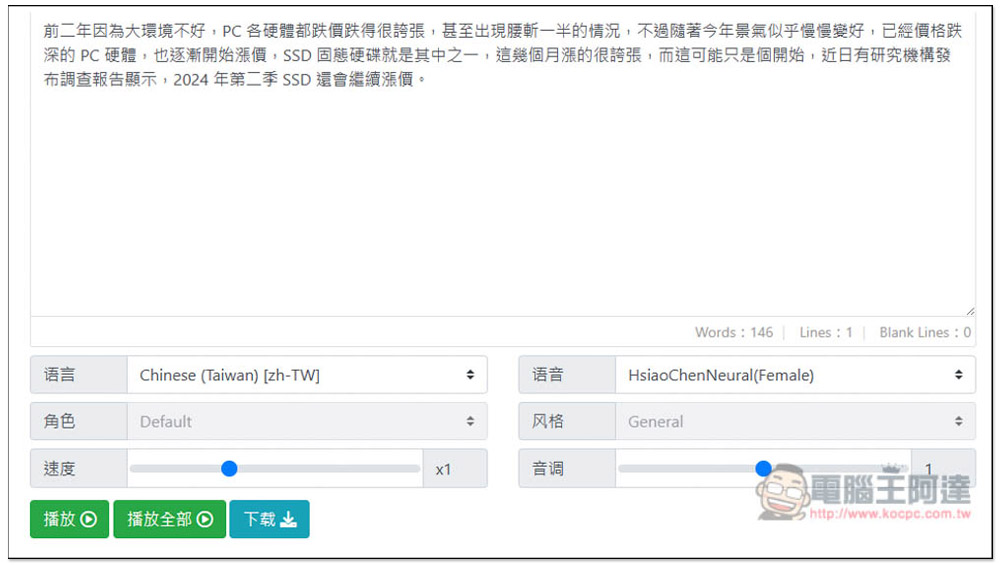
“Free text-to-speech” input text to get a voice MP3 file, synthesized using Microsoft AI speech library, and supports multiple languages
According to the website, “Free Text to Speech” uses Microsoft’s AI speech library to synthesize unique reading audio that is close to a real person’s voice, providing a highly expressive and human-like voice. It has four major features:
- Realistic synthesized speech
- Customizable text narration voice
- Sophisticated text-to-speech control
- Support multiple languages
There are also multiple reading styles available, including newscasts, customer service, shouts, whispers, and emotions such as happiness and sadness.
Although the developers say so, I have actually tested it. In terms of Taiwanese voice, it is actually the dubbing we often hear on YouTube and Facebook. It is not very similar to real people. You can still hear that it is computer dubbing. In addition, there is currently only one reading style available: General, and the characters cannot choose. Therefore, there is not much variability and can only be changed through the tone.
Overall, the voice dubbing is average, but it can be used without registration, and can be listened to online. If you are satisfied, you can download it directly. These are quite good.
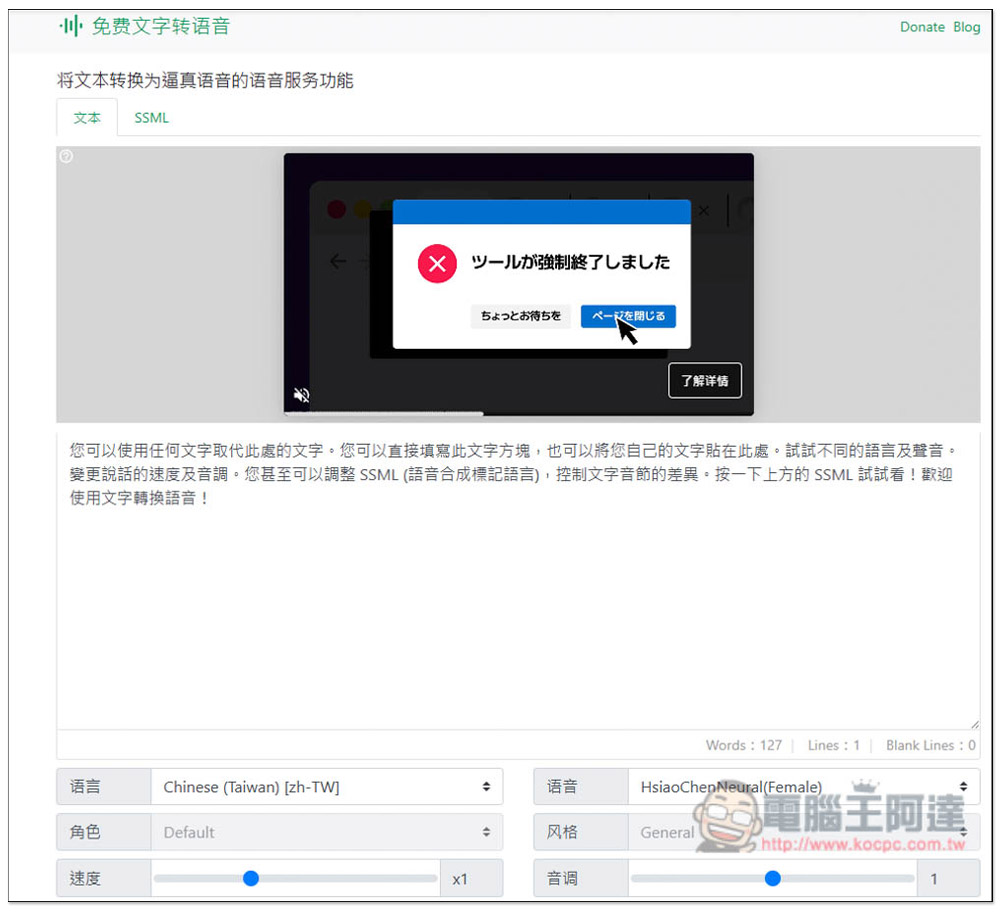
After clicking the link above to enter the website, set the voice settings you want first, and then post the text part after completion. The settings include language, voice, role, style, speed and tone. The role and style cannot be adjusted currently, only the default Default and General can be used:
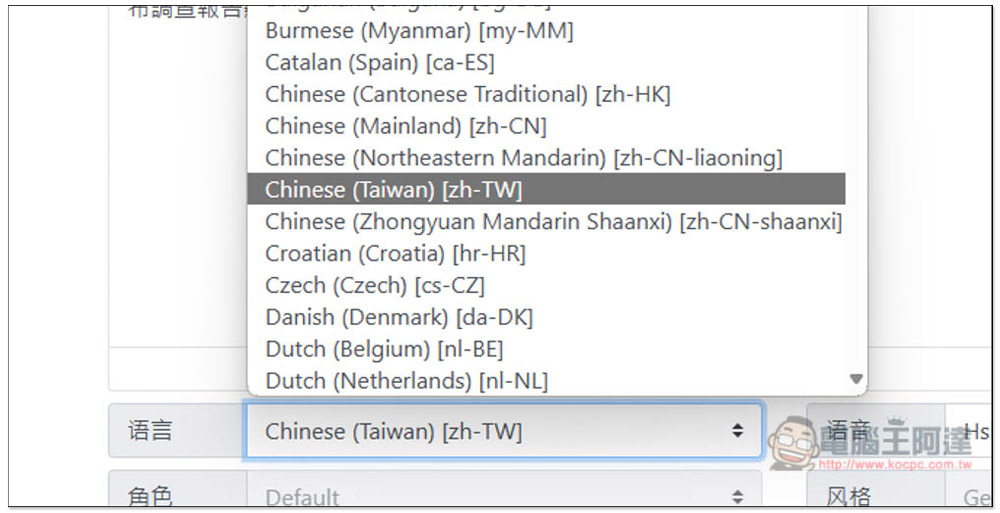
It supports many languages, and each language is also divided into pronunciations of different countries and regions. For example, the Chinese part includes Hong Kong, China, Northeastern, Taiwan, and Central Plains Mandarin:
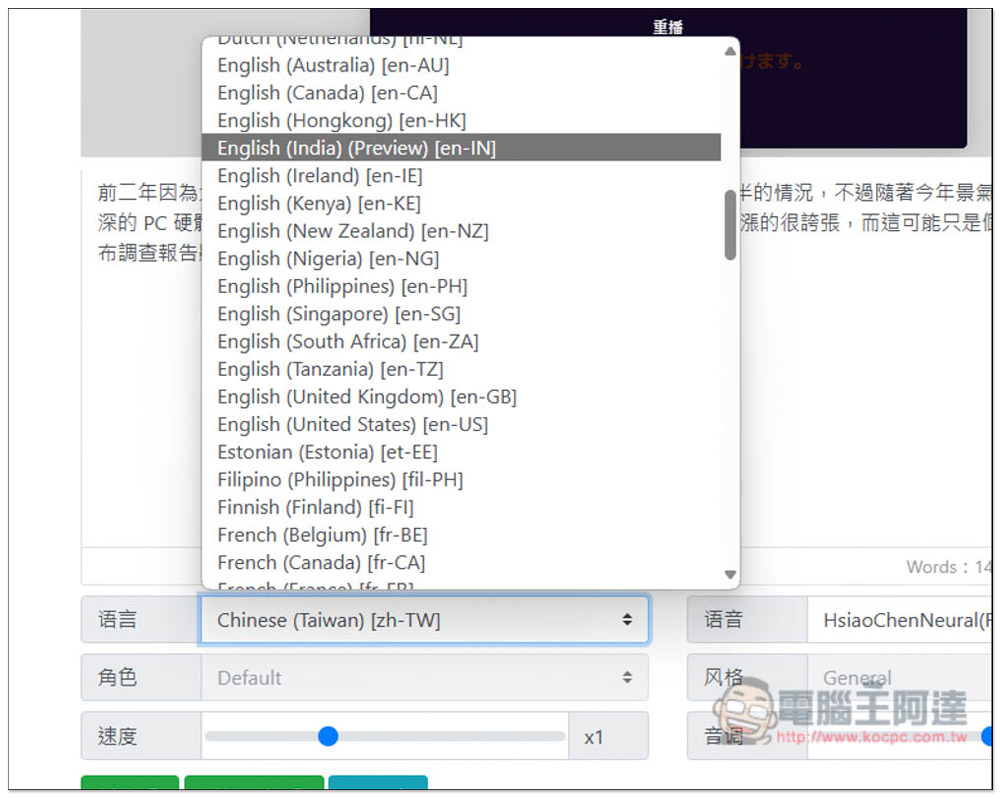
There are more in English, including Australia, Canada, Hong Kong, Kenya, India, New Zealand, Philippines, the United States, the United Kingdom and other countries:
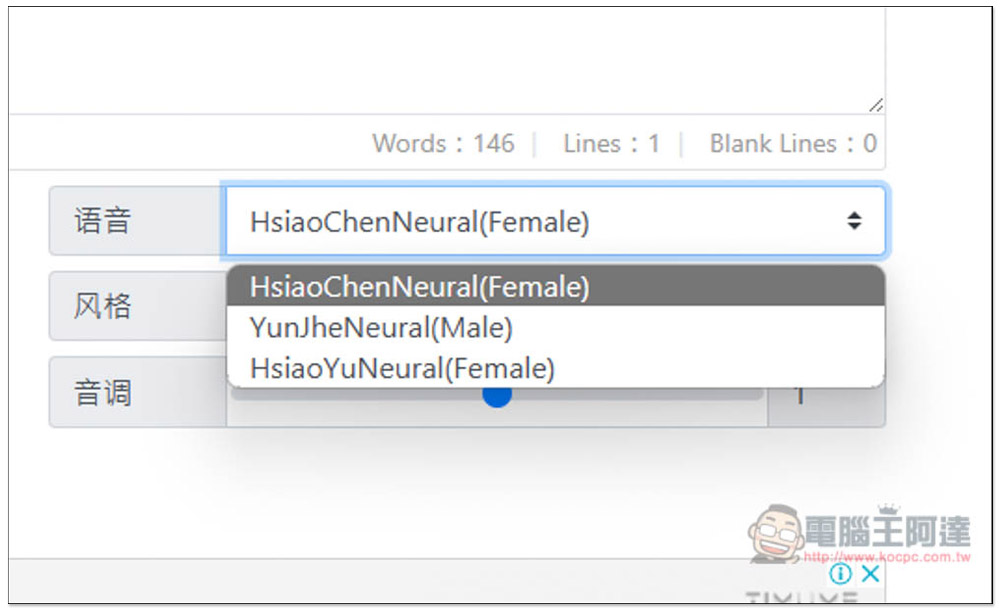
Taiwan only provides three voices, two female voices and one male voice:
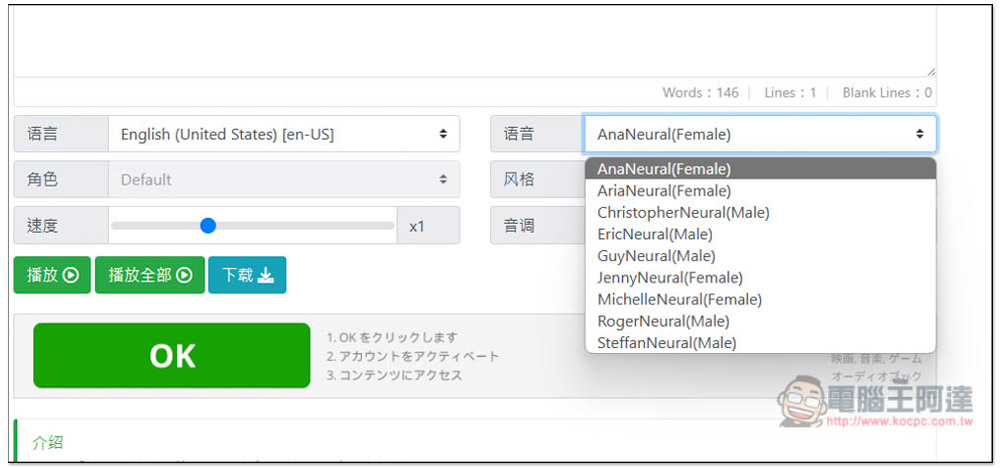
There is a lot of English in the United States:
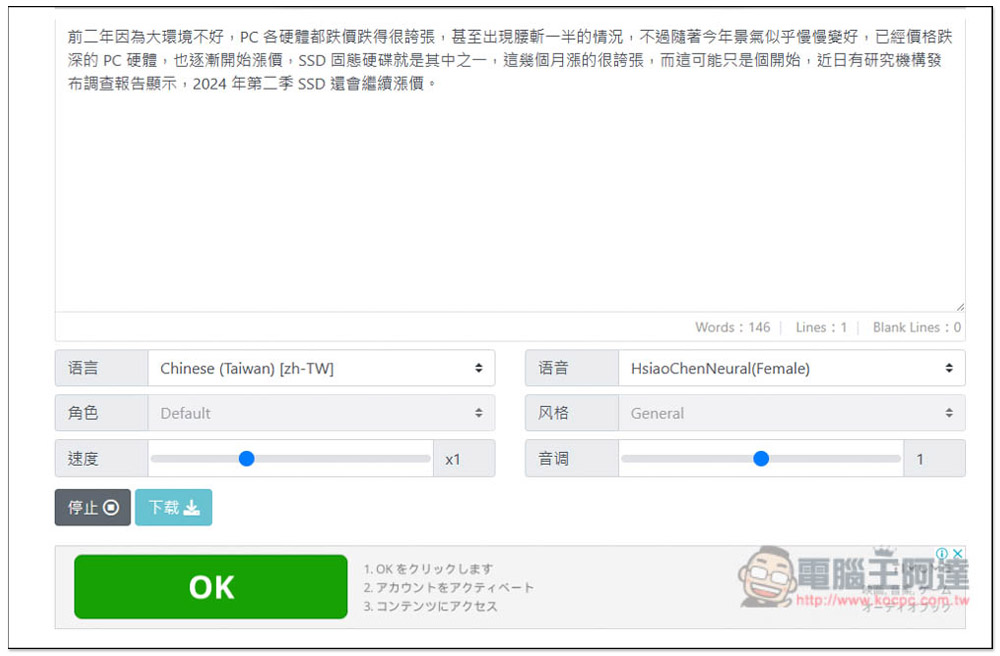
Once everything is set up, paste the text and press play below to listen. If you are satisfied, click Download to download the audio file in MP3 format:
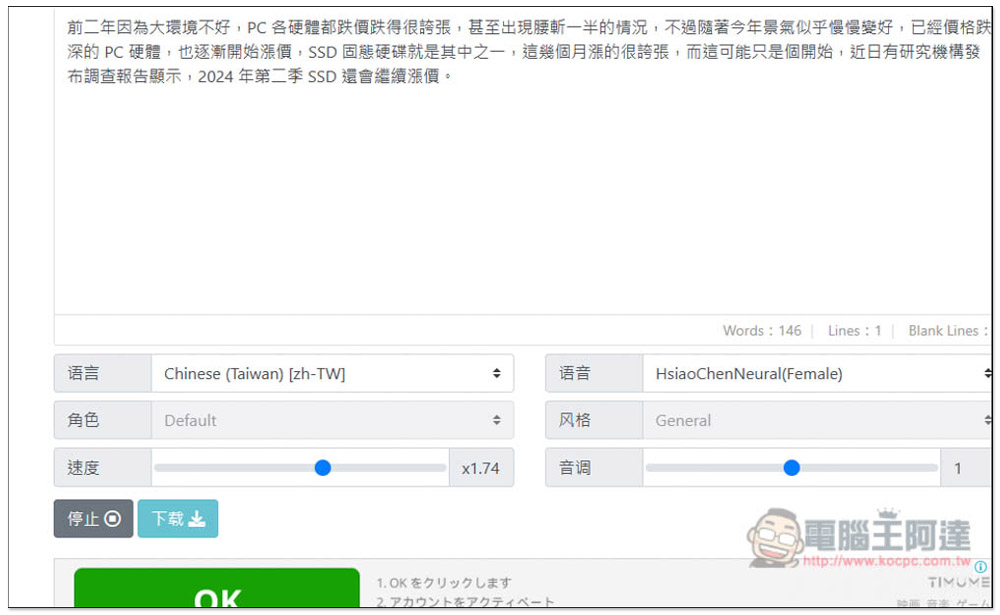
Speed and pitch do not support real-time adjustment. You need to stop playback first, and then try again after adjusting to apply:
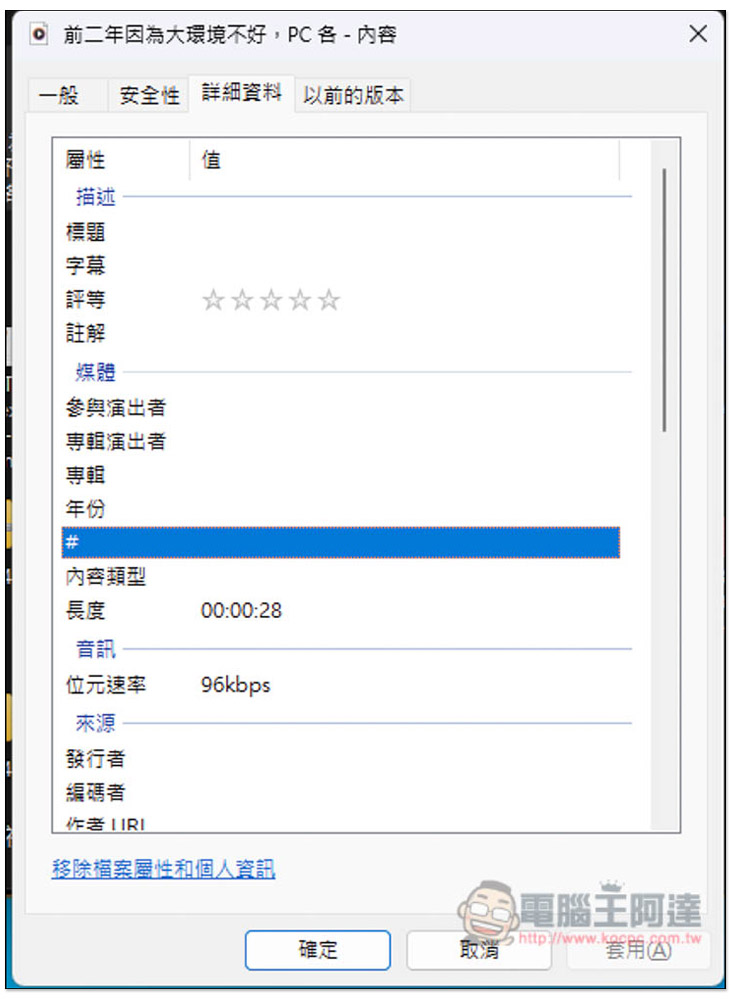
I checked that the MP3 audio file is 96kbps:
In addition, all functions can be used on the website and supported browsers, Chrome, Firefox and Edge. WeChat can only play, not download. For the mobile version, it is recommended to use Chrome, Firefox, and Edge App.
In addition to this one, we have also introduced other similar tools before, such as TTSMARKER、Sound of Text、VanillaVoice Wait, you can try them all to see which one best meets your needs. For Chinese, TTSMARKER should be better, providing up to 50 Chinese sounds.
Source: KOCPC Chinese