


ts file is a relatively unpopular format. It is not supported by many playback software and cannot be played natively on mobile phones. Therefore, you may want to convert ts to MP4. This article has compiled 10 of the best conversion software currently. You can choose the right one from them.
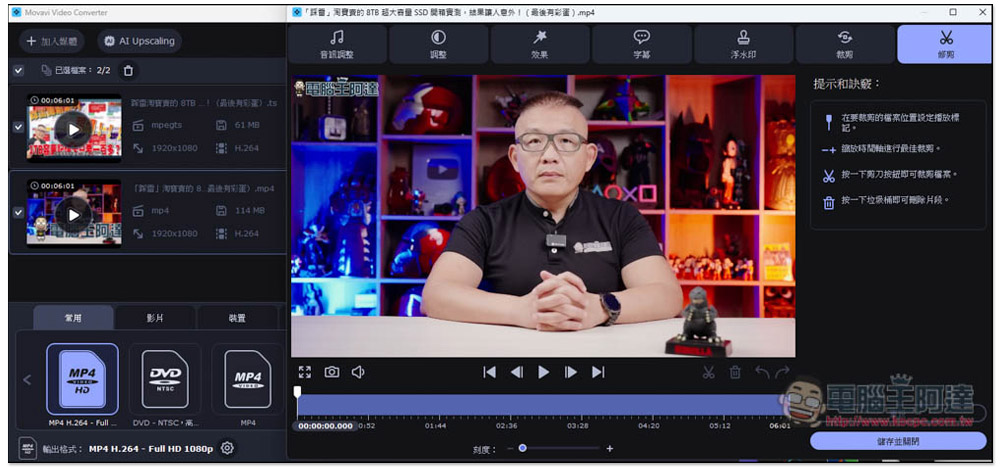
1. Movavi Video Converter
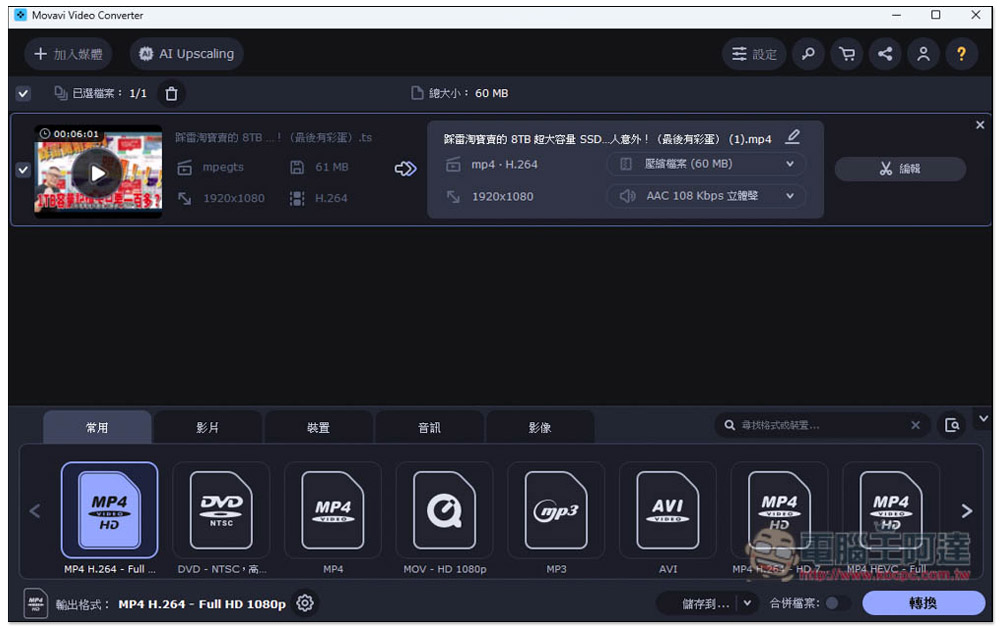
Movavi Video Converter is the most recommended ts conversion method in our selection. It is a very powerful video conversion software that supports more than 180 formats. It basically covers all the video and audio formats that will be used. Therefore, any video and audio conversion needs can be easily achieved through this software.
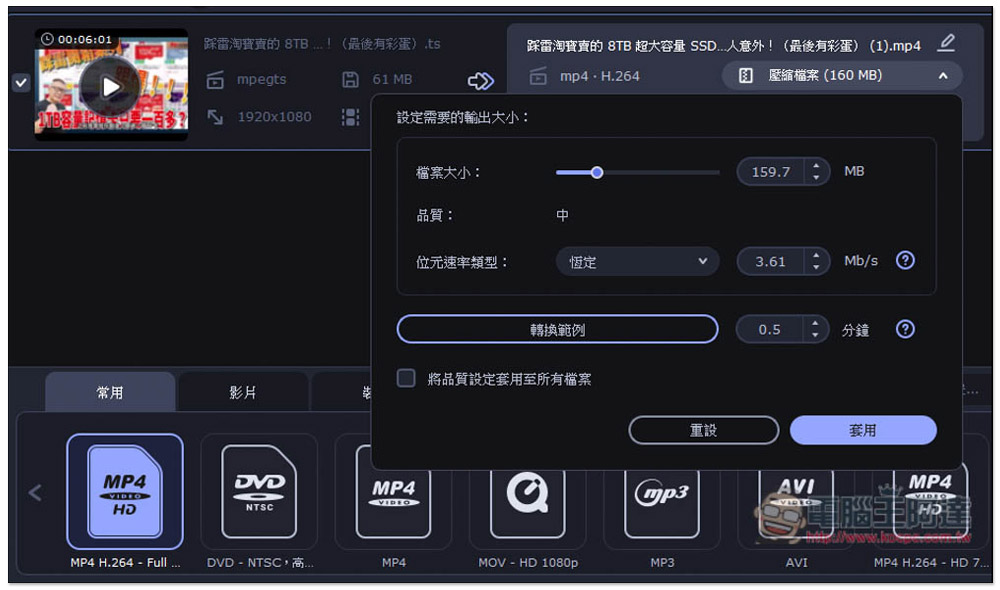
In addition to detailed settings for images and audio when converting, you can also set the compressed file size, which means you can fully control how big the file will be after conversion. I like this very much, and you don’t have to worry about taking up too much space:
The conversion speed is very fast, with its own SuperSpeed conversion technology and hardware acceleration built-in. I actually tested a 6-minute video with a file size of 61MB and converted it to MP4 H.264 while retaining the original quality. It was completed in less than 1 second, which is really exaggerated.
In addition, if there are some videos with poor resolution, it also provides an exclusive AI Upsecaling function, which can enlarge the resolution by 2 times, 4 times, or 8 times. After the enlargement, AI will enhance the details of the picture, and the effect is quite good. There are also video editing functions. You can make some adjustments before converting, such as trimming the clips you want to keep, adjusting colors, adding subtitles or effects, etc.
2. Any Video Converter
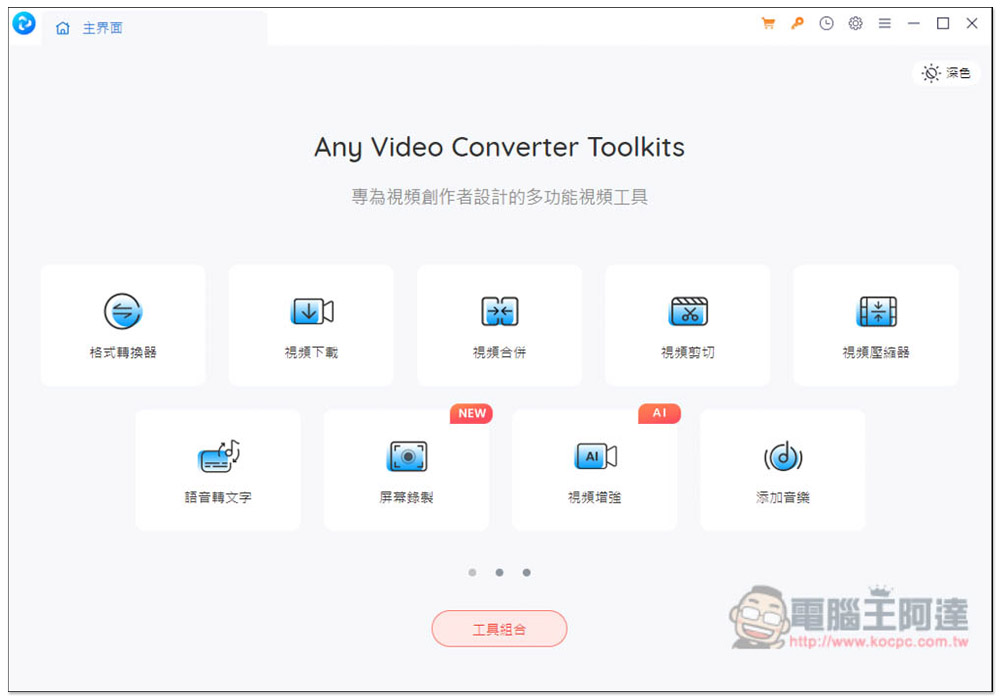
Any Video Converter provides many functions, not only format conversion, but also downloading, merging, speech-to-text, screen recording, adding watermarks, third-party tools, etc. However, there is one thing I don’t really like.
It separates many functions that can be combined together, such as video merging, video cropping, video color grading, video deceleration, etc. These are all video editing. Separating them can indeed make it seem like there are many functions, but in fact it takes up a lot of space. The function menu has as many as three pages. When using it, you have to keep switching pages there, which is a bit troublesome.
Compared with the previous Movavi, it does not support many transcoding formats, and there is no way to set the compression size. It does have hardware acceleration, but the speed is not that fast. The same video took 49 seconds to complete.
3. WinX Video AI
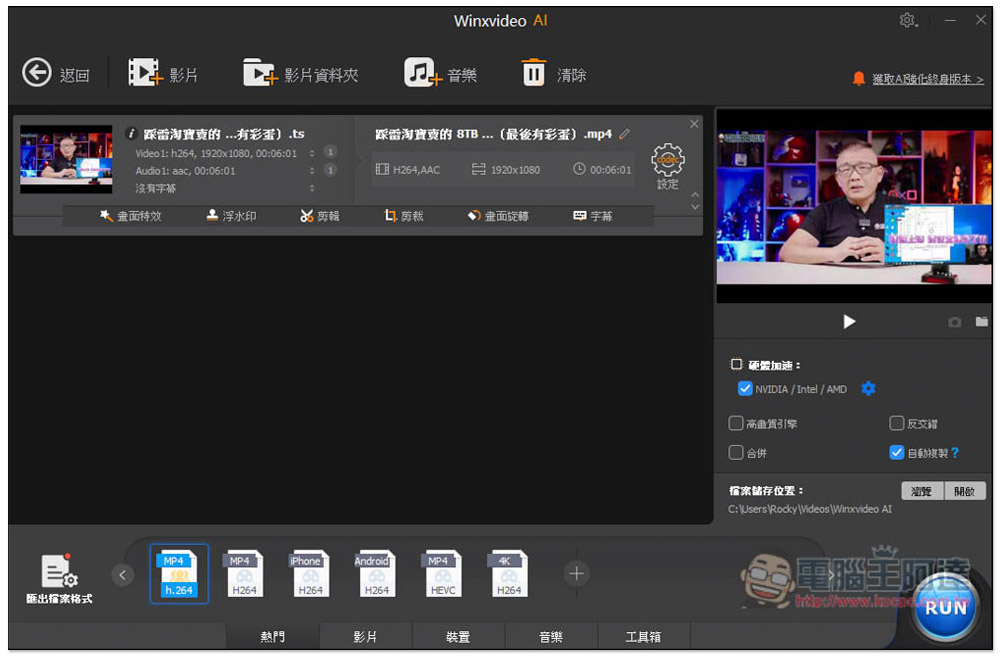
WinX Video AI is also a multi-functional audio and video software. It contains a video and audio conversion tool that can convert ts to mp4. The conversion speed is comparable to Movavi. In addition, as its name suggests, it has built-in AI functions that can improve the quality of pictures and videos. This product often has limited free promotions, so it is recommended to buy it sometimes without spending money on it. Although there is also a free version, it has many limitations.
4. EaseFab Video Converter
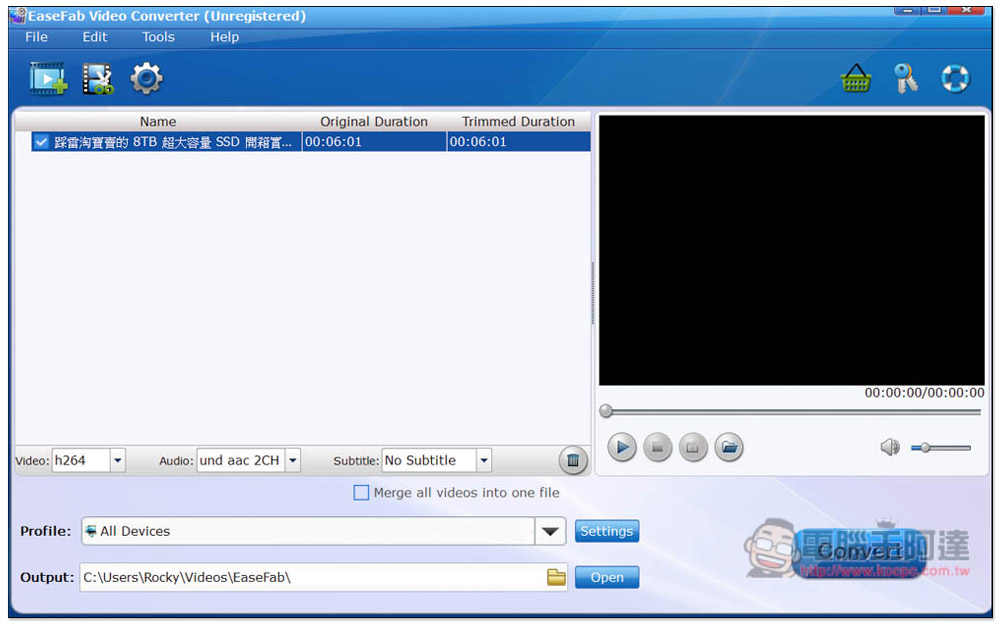
EaseFab Video Converter may be a name that few people have heard of. It is well-known abroad. It is a well-established video and video conversion software. The operation is very simple. Even people who are not very computer savvy should be able to get started quickly. However, this product feels like it has not made much progress, and the interface design is a bit retro, just like the Windows 7 era. The shifting speed is almost the same as the second model.
5. Talkhelper Video Converter
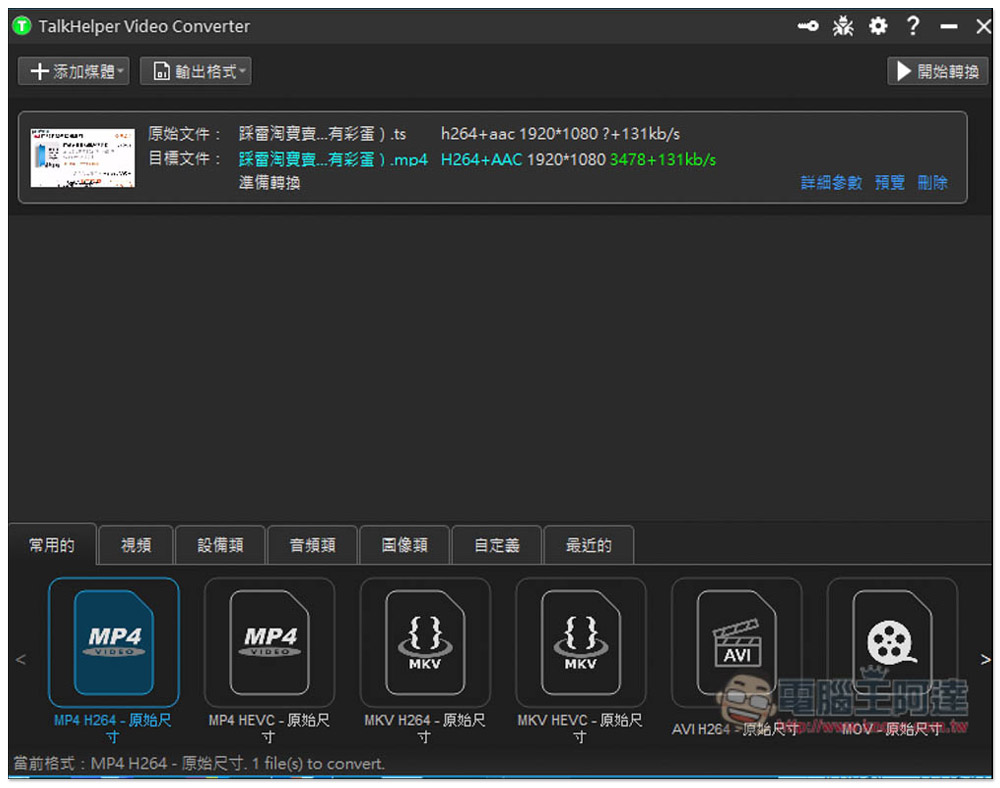
Talkhelper Video Converter is a very special conversion software. The official website is only in English, but the software supports Chinese, which means you don’t have to worry about not being able to understand it. It only supports PC. It claims to be able to convert all popular audio and video formats, including ts files, and is compatible with almost all devices. The format options also provide a device list, so if you are not sure whether you want to convert to MP4 or other formats, you can directly select the name of the device you want to use, such as Apple or Android.
Unfortunately, it does not provide editing functions, nor hardware acceleration, and the conversion speed is slower than other competing products.
Try Talkhelper Video Converter
6. AVAide MP4 Converter
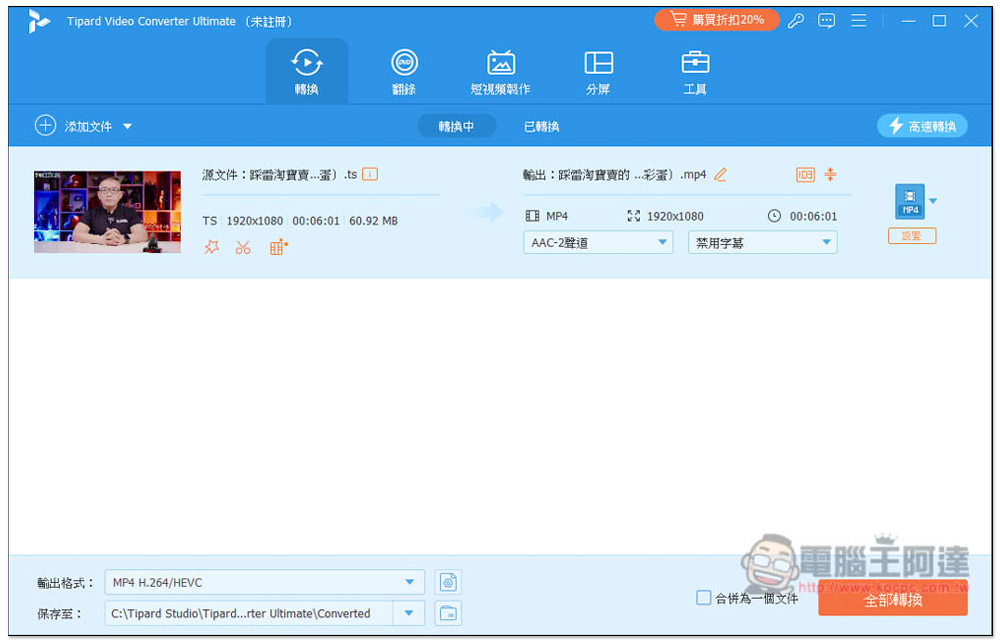
AVAide MP4 Converter is also a multi-functional audio and video software with transcoding, recording, short video production, split screen, and other tools. The conversion part supports more than 300 formats, such as: .ts, .mp4, .vob, has hardware acceleration function, and the conversion speed is pretty good. Although it supports Traditional Chinese, it is directly translated from Simplified Chinese.
In addition, it is already 2024. Unexpectedly, the drag and drop import function is not supported yet. It must be added manually, which is not so convenient for operation.
7. VLC
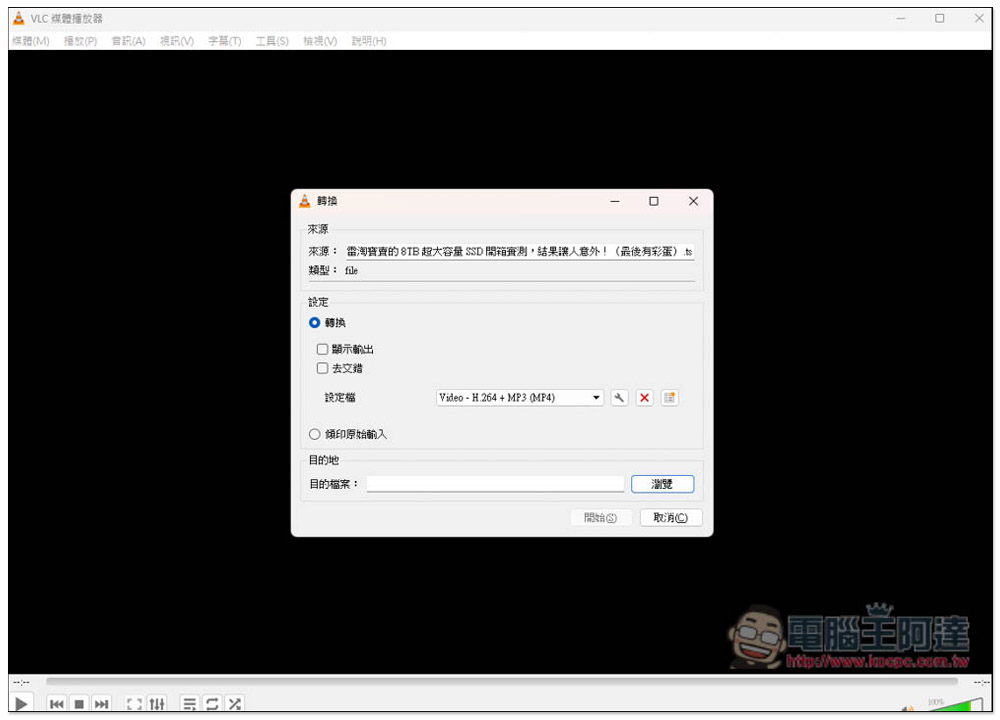
Many people should have heard of VLC, an open source audio and video player, but you may not know that it also has a built-in ts conversion function, which can be found in the media menu. It supports common formats. I think the operation may be a bit difficult for people who are not very computer literate. In addition, because this is mainly a playback function and the conversion function is additional, the conversion speed is much slower than other software.
8. Freeconvert.com
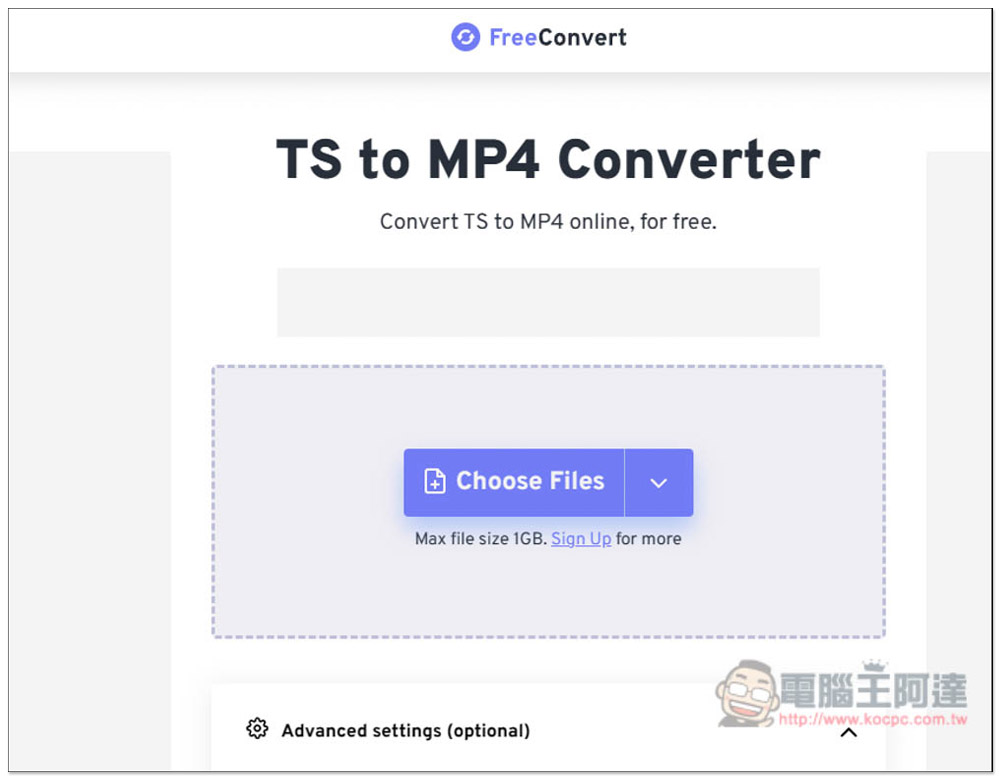
For those who don’t want to install software, FreeConvert is a good choice. It is an online conversion tool that supports converting ts files to mp4. However, you need to upload files when converting. Even if the free version can upload 1GB files, I still do not recommend converting large files, because uploading will take a lot of time, and the conversion time will be long if the file is too large.
More importantly, each file can only be transferred for a maximum of 5 minutes, which means that if your video is too long, even if the file size does not exceed 1GB, it will not be transferred.
9. Zamzar
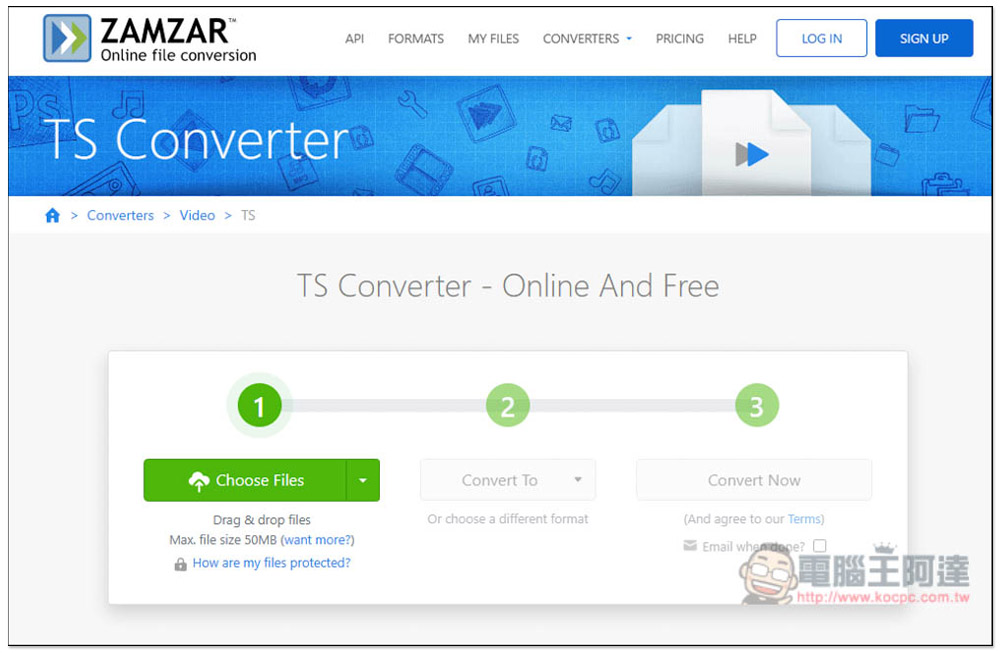
Zamzar is also an online file converting tool. The difference with the previous one is that it can only convert small files. Files that are too large cannot be used because a single file only supports up to 50MB. So, if you just want to convert a short video and it happens to meet the 50MB limit, then you can consider it.
10. Cloudconvert
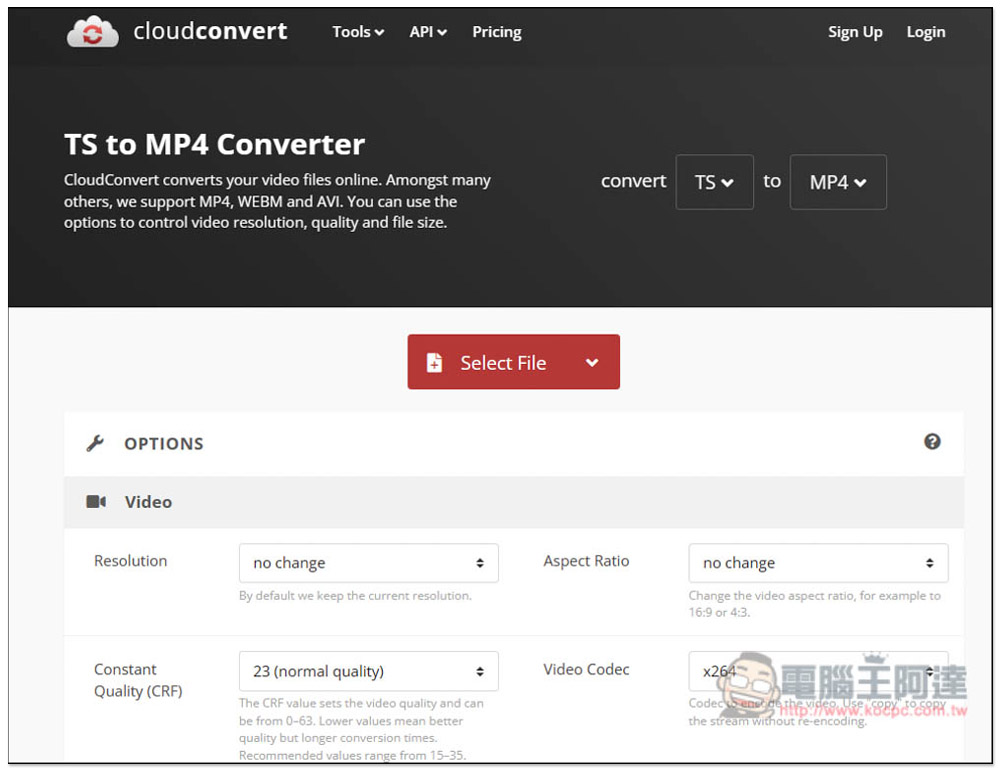
Cloudconvert, also a free online converter, supports more than 200 file formats, including .ts files. The maximum single file size is 5GB, and it can be converted 25 times per day for free. The biggest advantage of this product is that there are many conversion settings, from resolution, video and audio encoding, to editing functions (you can specify the clips you want to keep).
Of course, it is only recommended for people who need to convert small files, because the conversion speed of this online conversion is not very fast. For large files, you need to wait for the upload + conversion + download time, which may take several hours.
Summarize
The above is currently the most recommended list of converting ts files to mp4. If you only want to convert small files, then free online tools will be enough. But if you are converting large files or need to convert files frequently, then we highly recommend that it will be much more convenient to start with software directly. Movavi Video Converter is definitely the first choice.
Source: KOCPC Chinese