


Although we shared yesterdayHow to Get Early Access to Sora 2, free version ChatGPT Also applies, but the number of invitation codes is limited, so some people may have seen it too late and missed out on redeeming one, or maybe didn’t VPNThis article introduces a very generous MindVideo online tool that’s currently free for all users. Sora 2 models, and they haven’t even been generated yet.filmThe quantity is limited, and the downside is that generation speed is a bit slow, sometimes it even fails, especially when too many people are generating at once. Regardless, through MindVideo you can easily try Sora 2 for free, no invitation code needed.
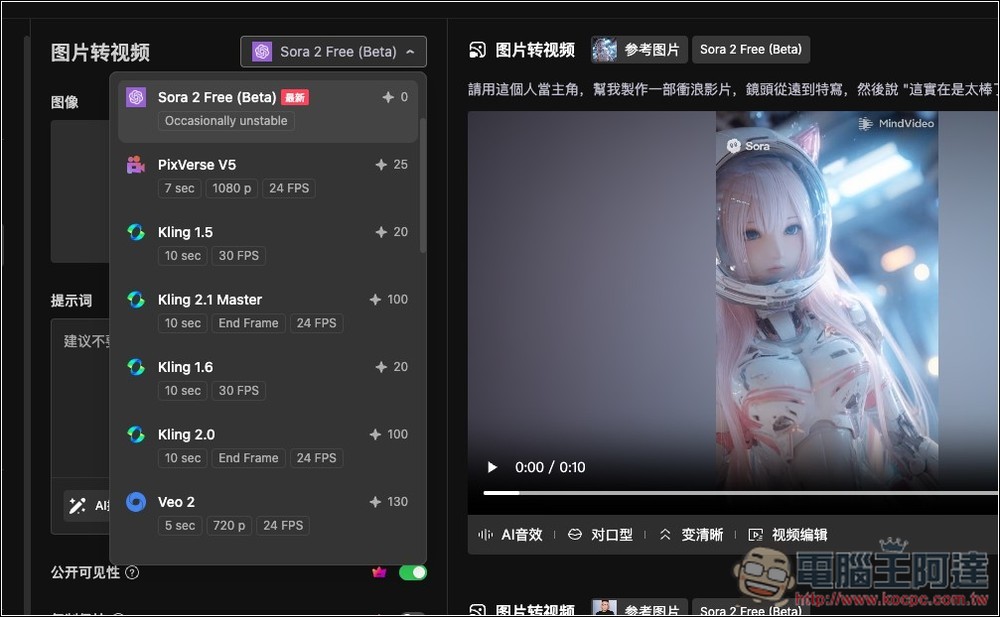
Introducing MindVideo: A Free Online Tool for Experiencing Sora 2
MindVideo is a free online AI Video generation tool that integrates multiple models, including Kling AI, Runway, Luma AI, Sora 2, Veo 3, etc. You get free credits when you sign up, which can be used to generate videos. Currently, perhaps because it was just launched, Sora 2 is free to use and doesn’t consume any credits.
Like other video generation tools, it can quickly generate AI videos by entering text prompts or uploading images. The interface is in Chinese and simple, making it very easy to use. The generated videos also offer online editing, adding AI sound effects, enhancing clarity, and other features.
Main features
- Integrating top-tier models: bringing together mainstream AI video models such as Sora, Veo, Kling AI, Runway, Luma AI, and more.
- Multiple generation modes: Supports text-to-video and image-to-video.
- High-quality video: Generates high-definition videos in up to 4K resolution (paid version).
- Rich AI effects: Built-in over 30 AI video effects and tools, such as AI face swap, AI hairstyle changer, AI muscle generator, AI kiss, and more.
- Free but the generation process requires waiting: There is a free generation quota, but the generation process may involve queuing, depending on the current number of users.
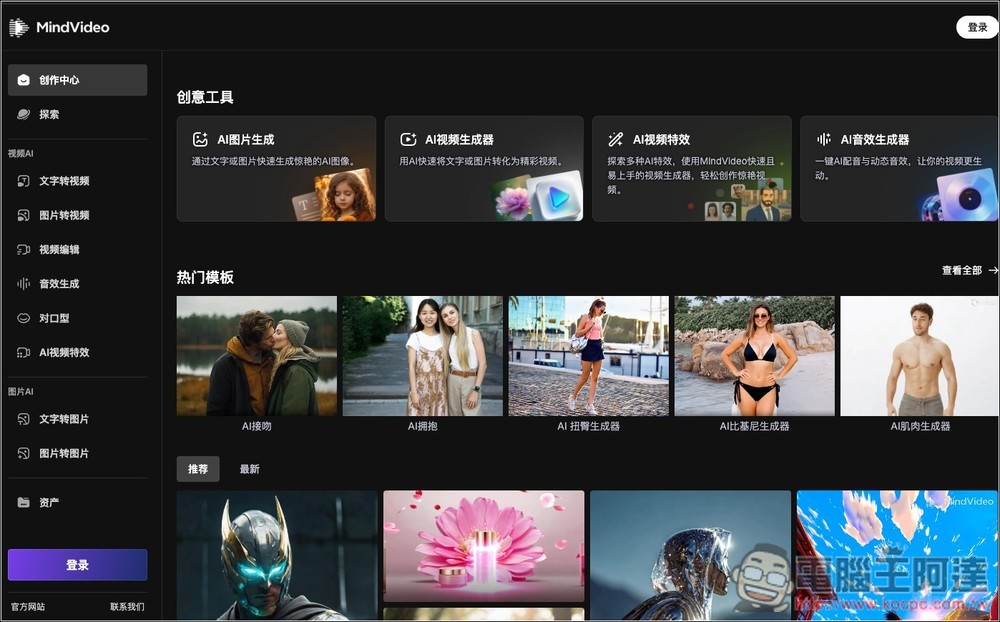
After clicking the link above to access MindVideo, enter “AI Video Generator”:
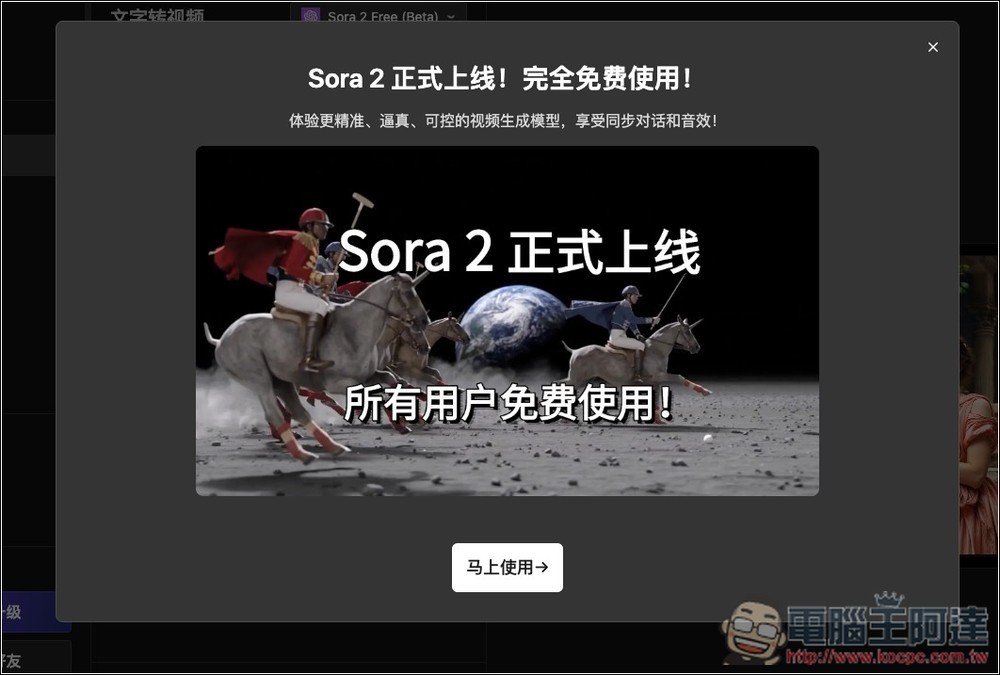
The first time you open it, you’ll see a notification that says “Sora 2 is officially live, completely free to use.” It doesn’t say how long the free period lasts, but I’m guessing it’s definitely time-limited—there’s no way it’s permanently free.
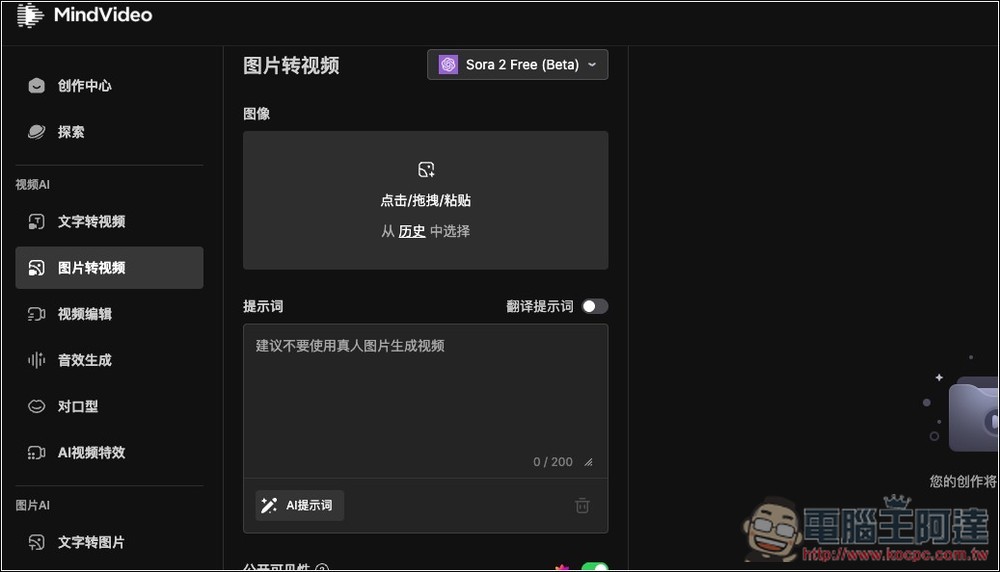
Registration is required before use, and quick login with a Google account is supported. Then, in the model menu, you’ll find “Sora 2 Free (Beta),” with the points cost on the right also marked as 0. Sora 2 is also currently the only free option among all models.
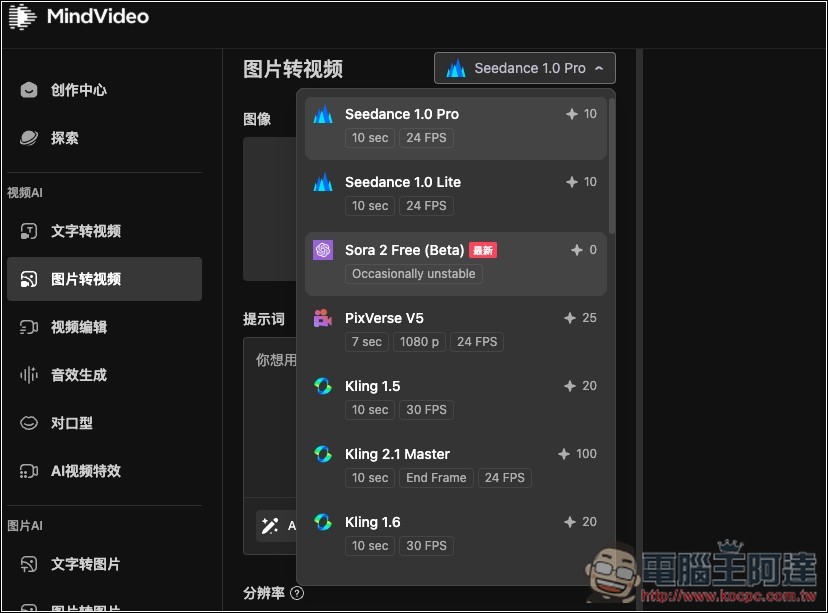
After selecting the model, upload your image below (if needed), and enter a text prompt:
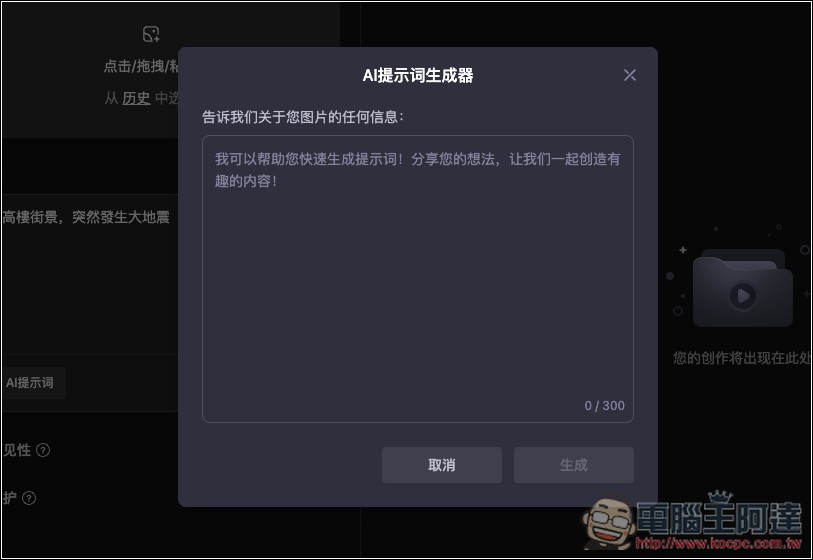
If you’re worried about writing bad prompts, try an AI prompt generator. Input the image content you want to generate, press generate, and the system will provide three complete prompts that fit the image context—and they’re in English.
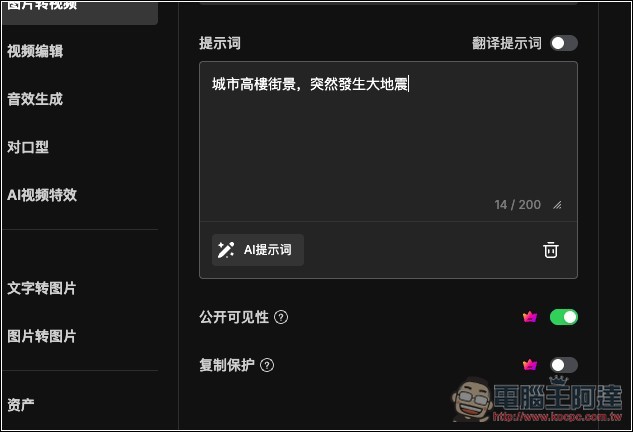
I entered “City high-rise street scene, suddenly a major earthquake strikes”
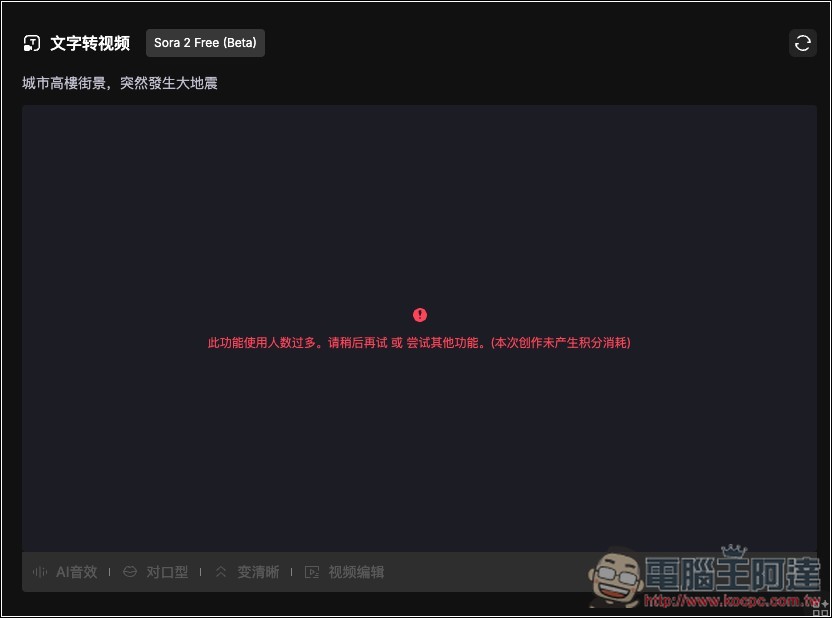
After pressing generate, just wait for the screen to finish. Generally, if there aren’t too many users generating at the time, it takes about 1–2 minutes to complete, which is fairly fast. But if there are other users, the time will be longer, and sometimes it may even fail to generate:
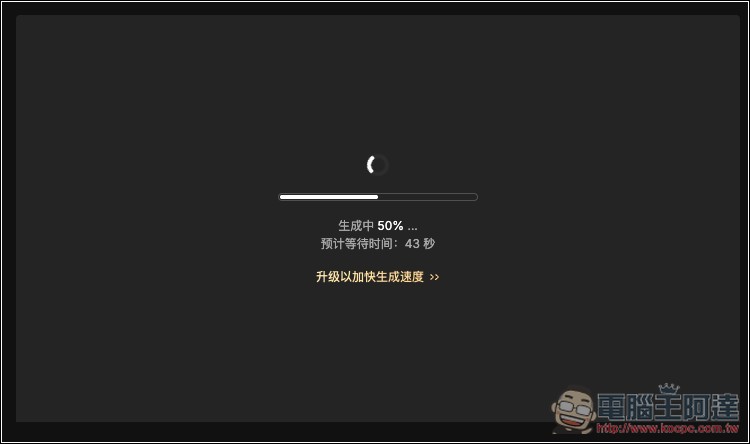
I failed on my first generation, press the button in the top right corner to regenerate.
If successful, the video display will show the MindVideo logo in the upper right corner. The Sora logo doesn’t seem to appear in every video—my second test had it, but this one doesn’t.
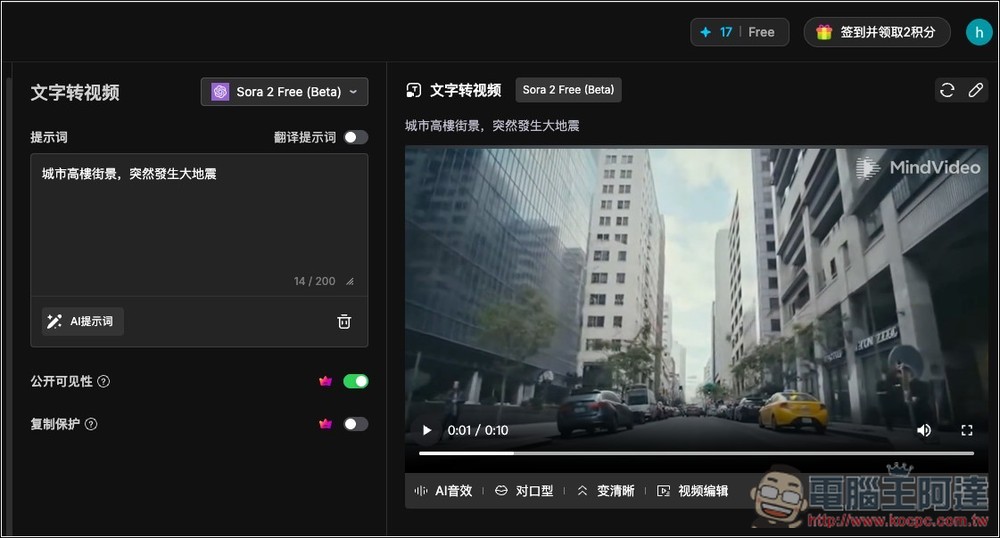
This is a video I tested. Sora 2 generates both visuals and sound at the same time—it really is quite impressive:
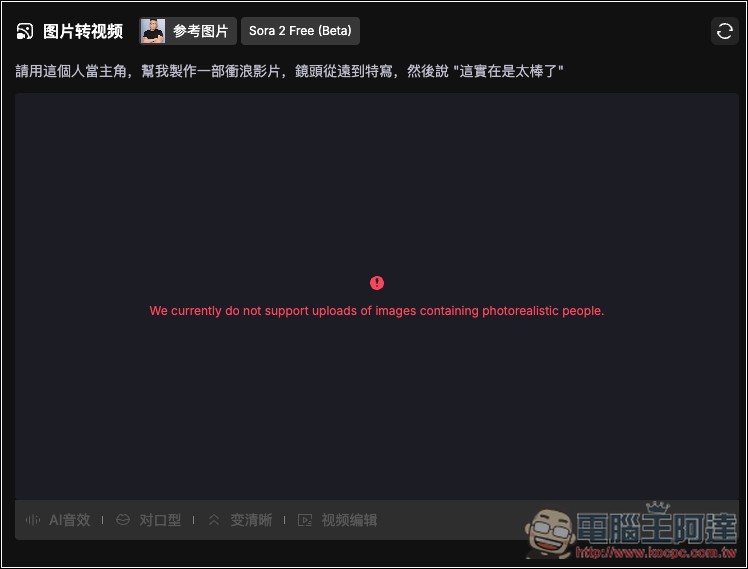
Like Sora’s official tools, at this stage, if it involves people, it likely won’t be able to generate videos. If you just want to generate your own videos, you can only use the official Sora tool.
Source: KOCPC Chinese