


When you see good pictures or AI pictures, you will definitely want to know what the prompt description is, and you may even want to generate similar AI pictures yourself and then use them in other places. This article will recommend a completely free tool “CLIP Interrogator”, which is installed in the Huggingface.co space. You can upload a picture and press a button to easily get the Prompt that generates the picture. My actual test results are indeed quite good.
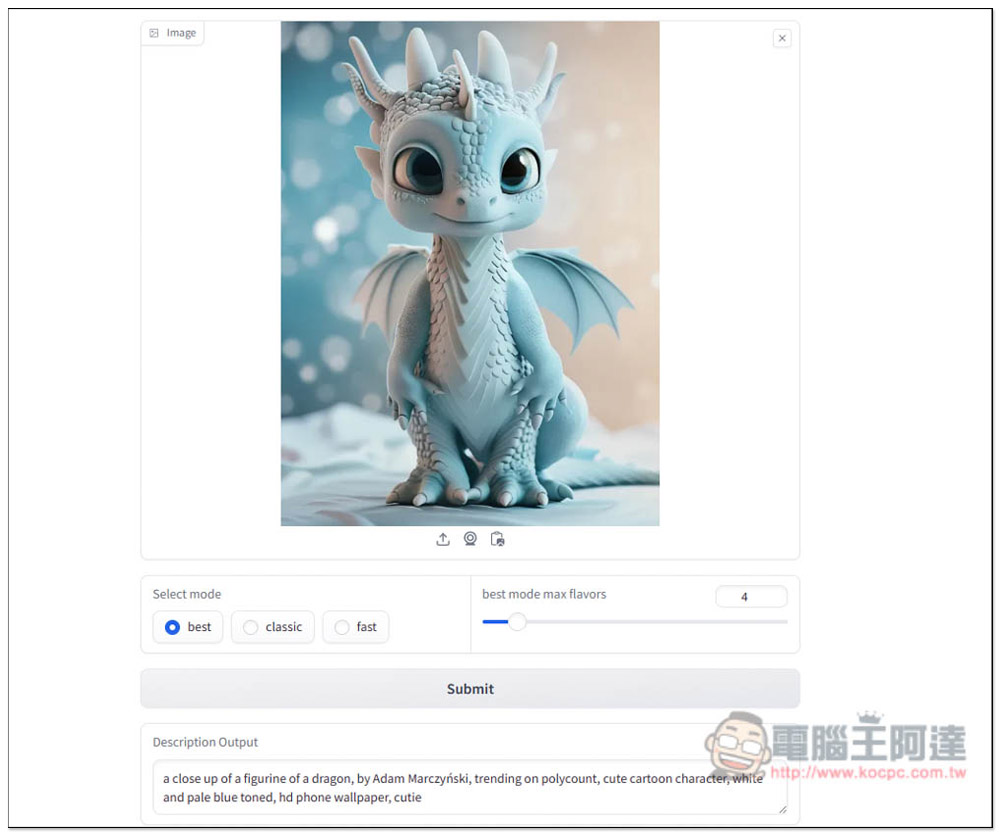
CLIP Interrogator can find out what the prompt description of the picture is with one click, and easily use AI to generate similar pictures.
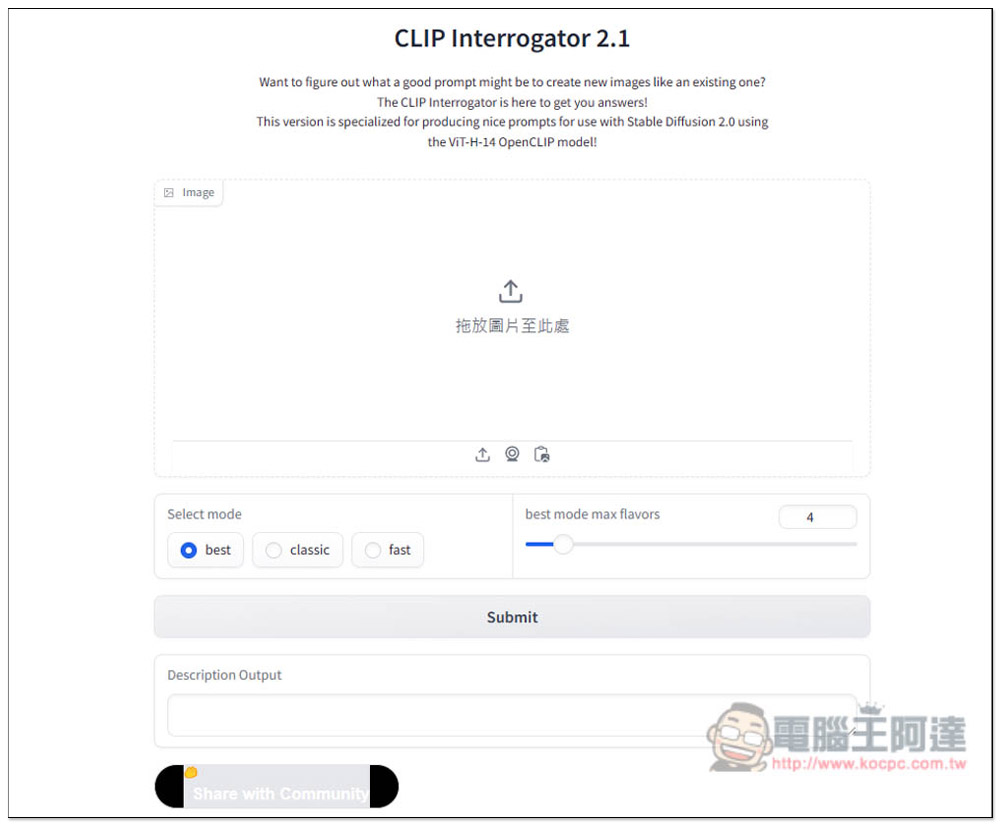
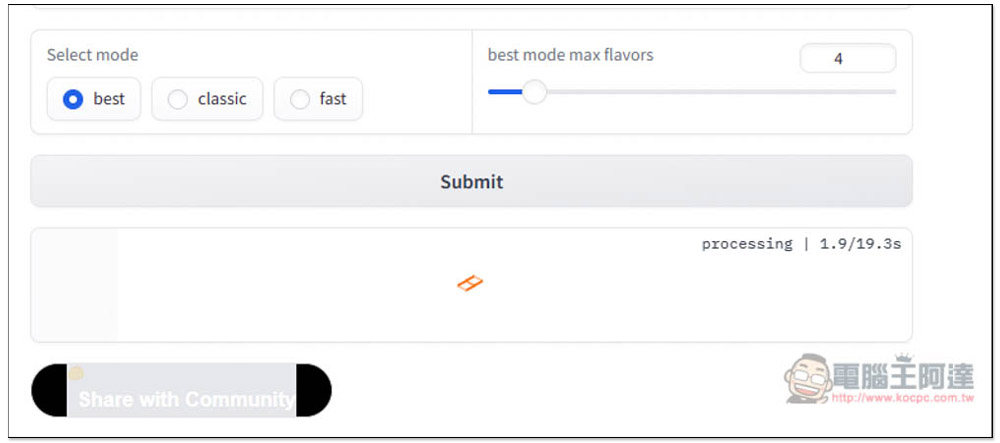
After clicking the link above to enter the CLIP Interrogator 2.1 page, drag in the picture you want to query the prompt description. It can also be used on mobile phones. Click to select the picture you want to search. Select mode has three options, best, classic, and fast. It is recommended to use the default best. Although the conversion speed will be slower, you can get the best prompt:
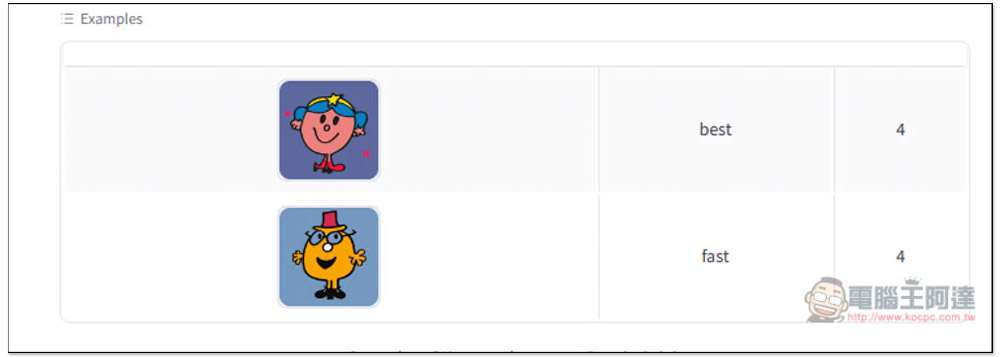
There are examples at the bottom for your reference. The AI generated by the Prompt obtained by best will be more detailed, while the AI generated by fast will be worse:
Below is an AI picture I randomly found on the Internet. It seems quite interesting. After uploading the picture, click Submit below:
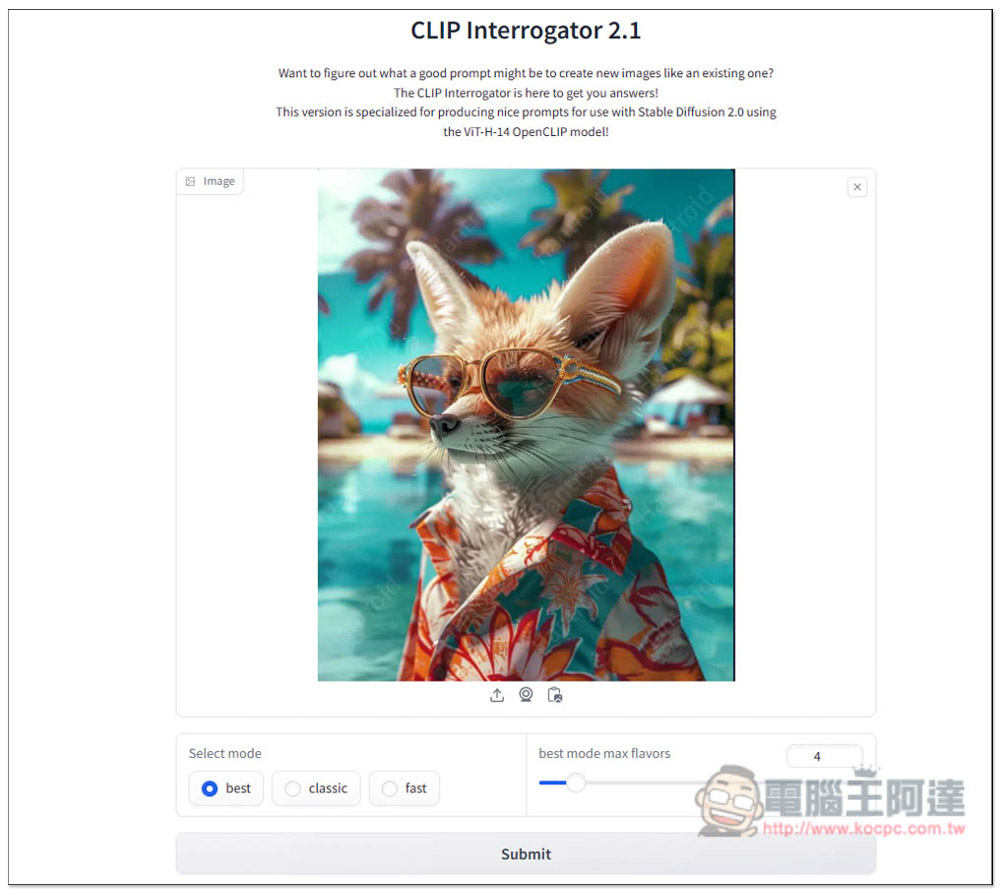
Then wait for the processing time to complete. There will be a number of seconds for you to refer to, but this is not necessarily accurate. Sometimes it will take more time:
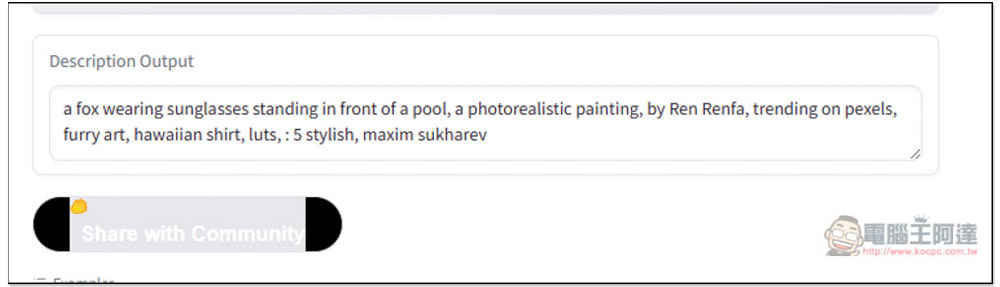
After running, the Prompt will be displayed in the Description Output box. Copy it and see if you want to modify the content:
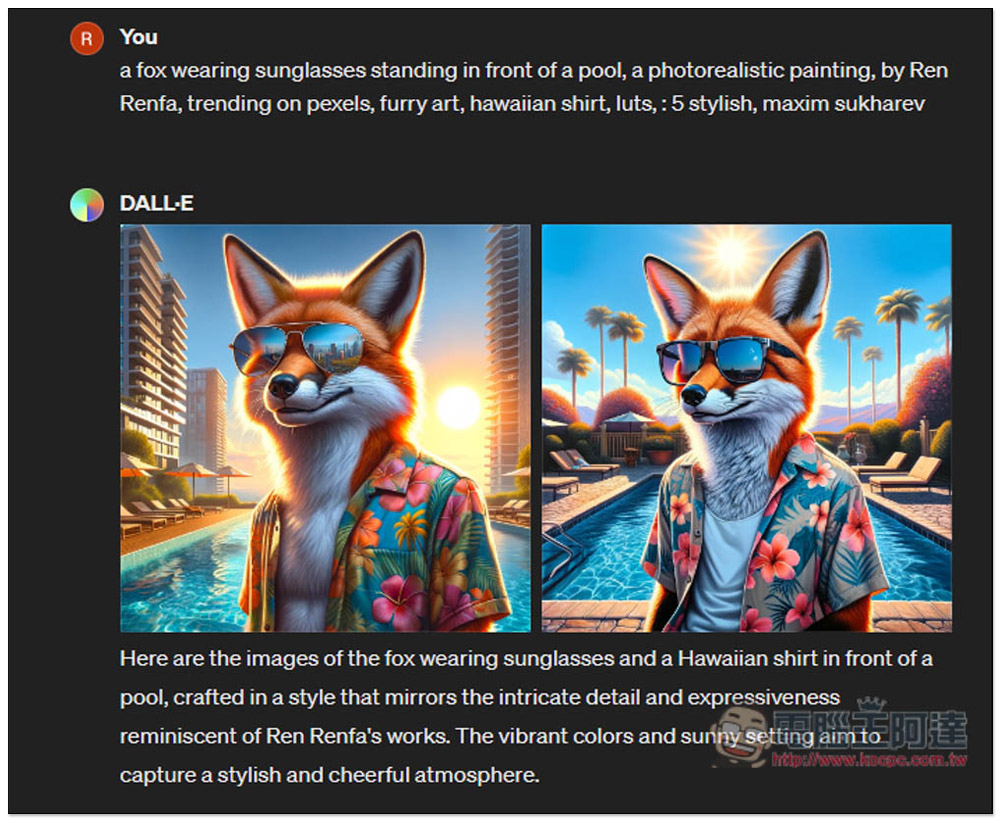
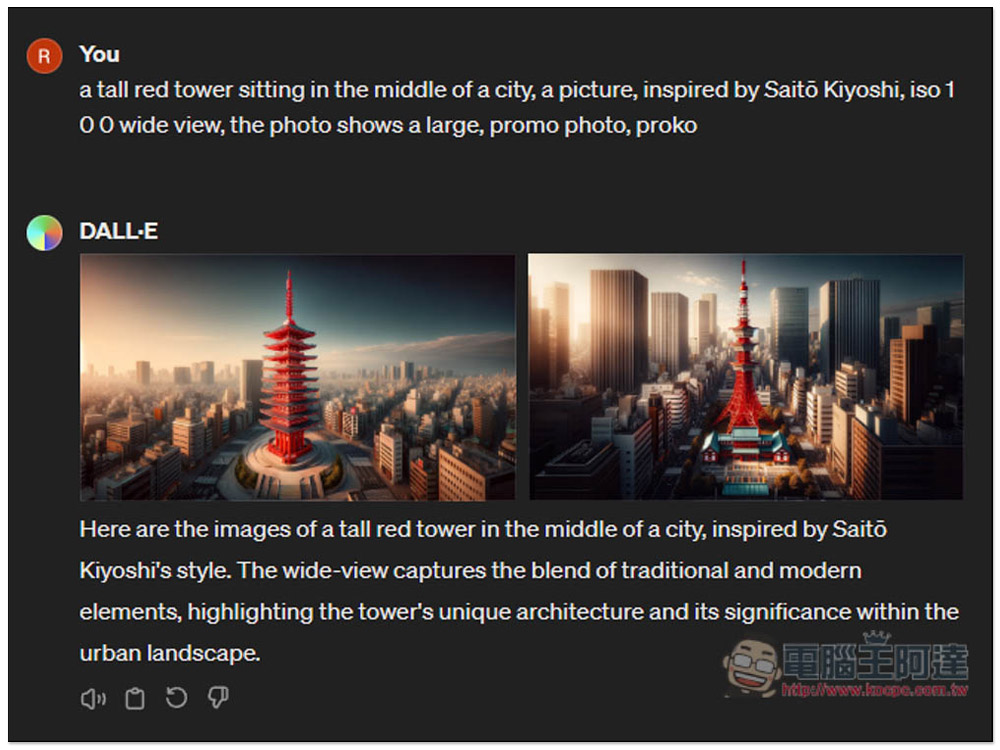
I directly threw it into DALL-E of ChatGPT to generate it. Although it is not exactly the same as the original image (after all, the model used may be different), at least the main body is exactly the same as the original image. I think it is quite amazing. If you figure out this prompt by yourself, it will definitely take a lot of testing time:
Next, I have a real picture to test. This is a picture taken below the Tokyo Tower:
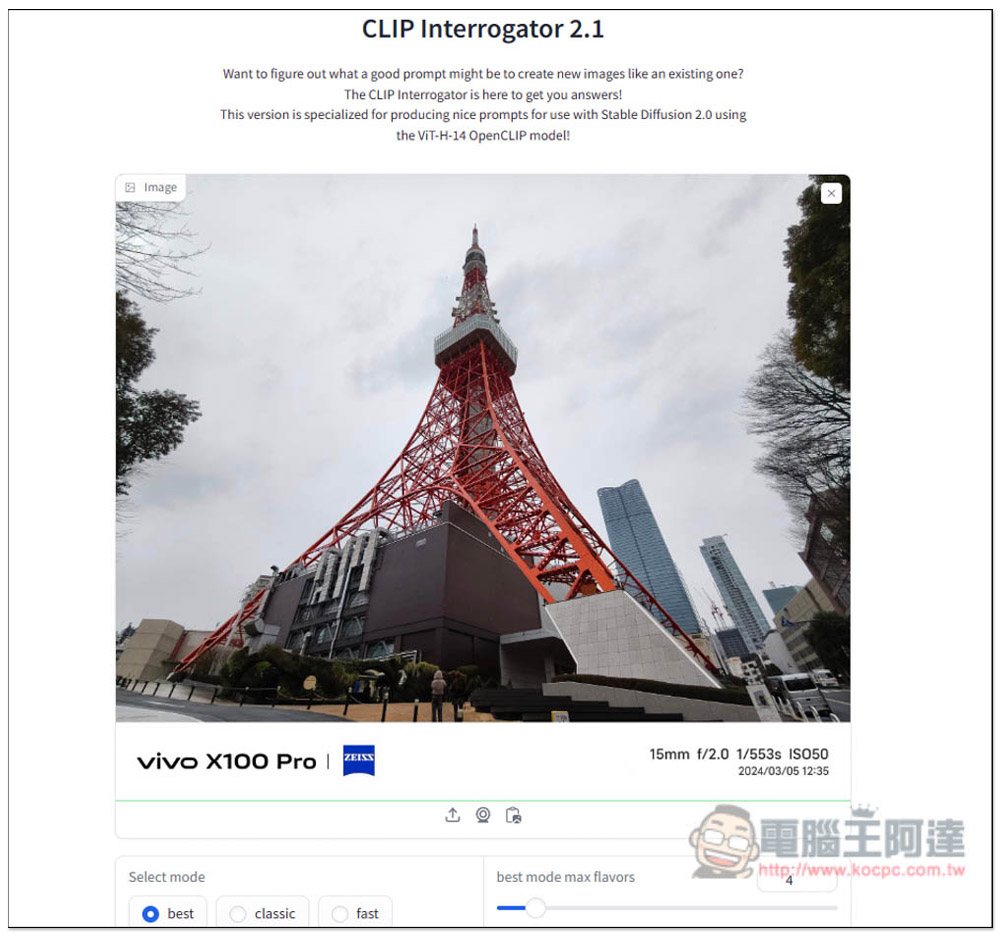
You can also get Prompt prompt description:
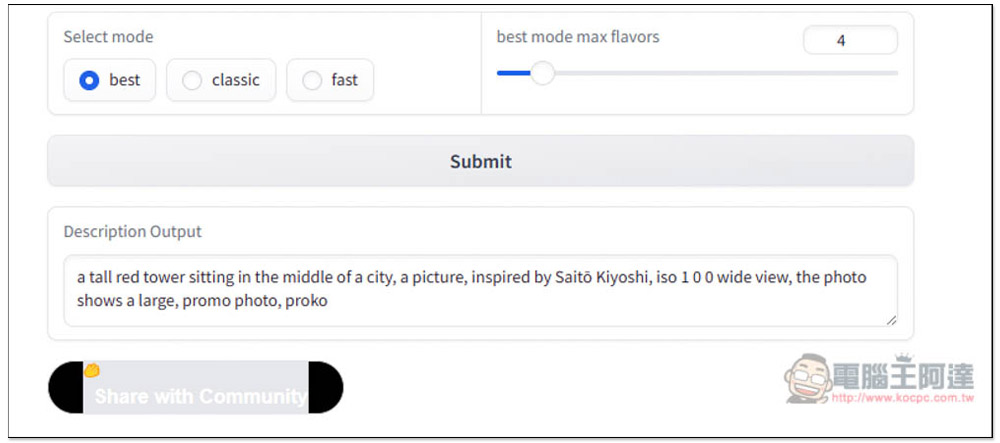
And after I threw it into ChatGPT DALL-E, it did produce a picture similar to Tokyo Tower. Of course, there are still some differences in the scenery. You can fine-tune and adjust this part by yourself. Compared with studying it from beginning to end, it can really save a lot of time:
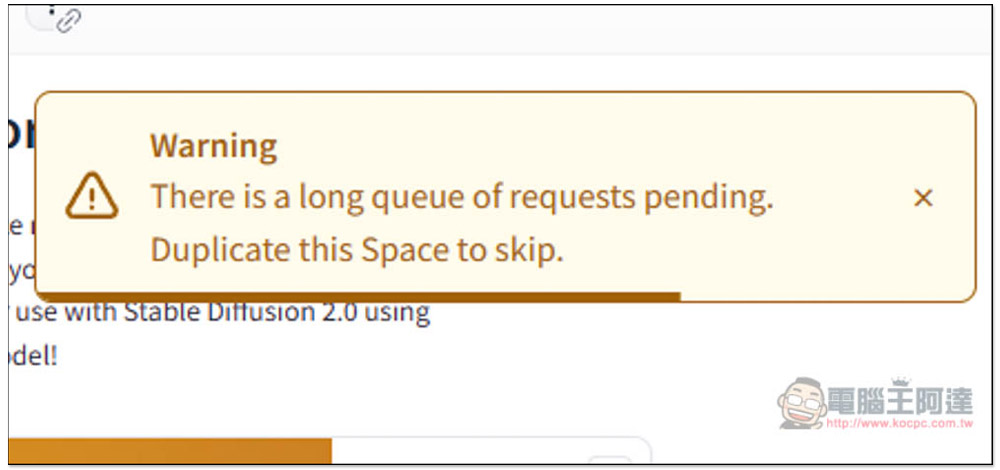
In addition, because it is a free tool, the computing power is limited. Sometimes this warning may appear, showing “There is a long queue of pending requests. Duplicate the Space to skip.”, which means too many people are using it. It is recommended to wait and come back to use it. Otherwise, you may have to wait for a long time, which may be dozens of minutes:
In addition to this one, we have also introduced the same type of online tools before, such as “ImageToPrompt.com」、「AnimeGenius IMAGE TO PROMPT”, you can also try them all to see which one can best generate the prompt you want.
Source: KOCPC Chinese