


Windows Update is for many people the worst part of the entire Windows experience, and while things have gotten better over the years, it’s still far from “very good.” Updates are important to the system, but the way Windows 11 handles them is less than ideal, both in terms of installation and errors that occur due to updates, which Microsoft will need to address in future Windows versions.
The 5 most annoying things about Windows 11 updates
intricate version
This is a recent problem on Windows 11, and all things considered, it’s the most harmless yet annoying issue. Starting with last year’s Windows 11 23H2, Microsoft began this strategy of phased rollout of features using a toggle in the Windows Update page that would allow you to launch to get the latest updates as soon as they were released, and this approach is currently being repeated with the Moment 5 update.
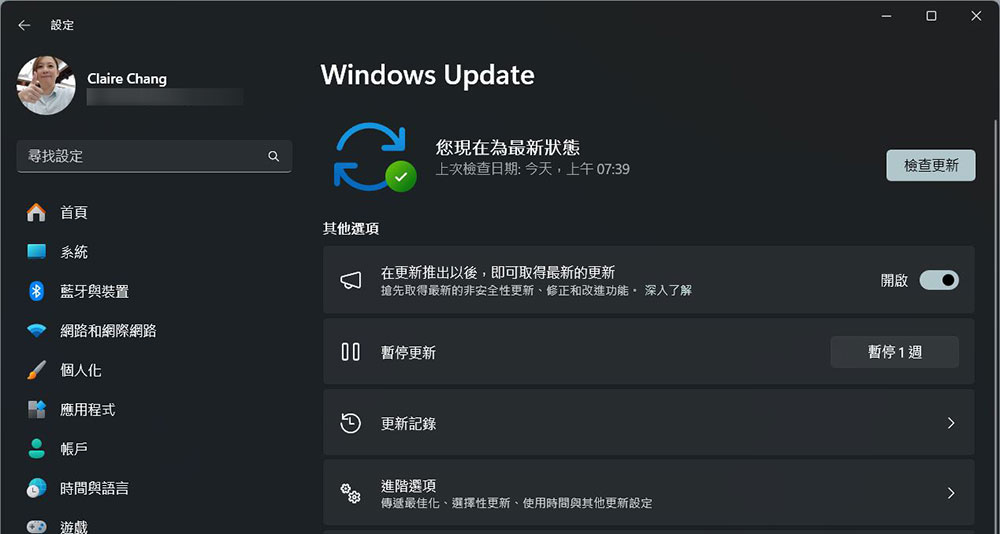
The way it works is that if you enable this switch, you’ll get these features almost 2 months in advance (in Moment 5, for example, this starts in late February). Then, a month later, another optional update was released that included the same functionality, but this time you didn’t need to enable the toggle, just manually install the update since it was still optional. The changes won’t start rolling out to everyone through mandatory Tuesday updates until next month. On top of that, many of the new features are being rolled out as part of a set of updates, but via app updates rather than system updates. So, you might think that certain features will be coming in April, but before then, they might be available to some users, it just makes it difficult to know when certain features will be available.
To make matters worse, Windows 11 23H2 gets even more confusing, as all the features related to the update are actually available as part of version 22H2. Technically speaking, 23H2 itself contains almost no new features, and despite being released around the same time as the aforementioned features, it’s still confusing.
There was a problem downloading the update
One of the bigger issues with Windows Update is how difficult it is to install certain updates, and it’s no surprise that there’s no shortage of instructional articles on the web to help users troubleshoot Windows Update issues. While it’s tempting to say things have gotten better over time, it’s not uncommon for updates to get stuck while downloading or installing, and rebooting doesn’t seem to fix it, and as recently as February 2024, Microsoft admitted there was an issue with specific updates that caused them to get stuck at 96%, an issue that still happens fairly frequently.
Windows is an operating system that gets a lot of updates, and when you haven’t updated your system in a while, those updates can pile up, which can cause problems. I kind of understand why, but will this still be an issue in 2024? Other platforms don’t have this problem, or at least, it’s far less prevalent on other systems, and it’s about time Microsoft fixed it.
Update error
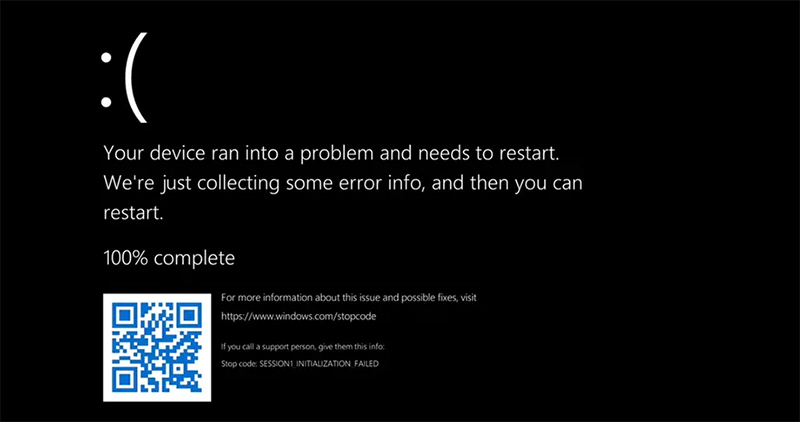
Downloading updates isn’t the only time Windows Updates can be annoying, sometimes the real problems arise after you’ve successfully installed them. You should have heard many times that users are worried about installing Tuesday updates in the first place because they may have a relatively high probability of causing certain problems with certain features or certain devices. Even last week, some users experienced performance issues with their Asus ROG Ally after the March Tuesday update. This is not a single incident. There are always different types of problems with the different types of Windows updates, sometimes it can break certain printers, sometimes it’s a security issue for businesses, there’s always something to be aware of and it feels like people don’t trust updates wholeheartedly anymore.
On top of that, Windows Update can also install driver updates, and in some cases, it will treat older drivers as newer versions than the one you installed. Even if a specific driver update causes problems, it can sometimes be force-installed on your system and overwrite any newer versions of drivers you might have installed. Nowadays, many driver updates are user-optional, but it still happens occasionally, and it’s infuriating when a specific driver breaks a specific feature.
All I need is for you to reboot.
Another annoying part of Windows updates is that you need to restart your computer in order for the updates to install. The vast majority of Windows updates require a computer restart to complete installation, which isn’t unique to Windows per se, but other platforms have done a better job of it over the years. Android’s monthly security updates may sometimes require you to reboot your phone, but on modern devices, you reboot your phone and it’s back online within seconds.
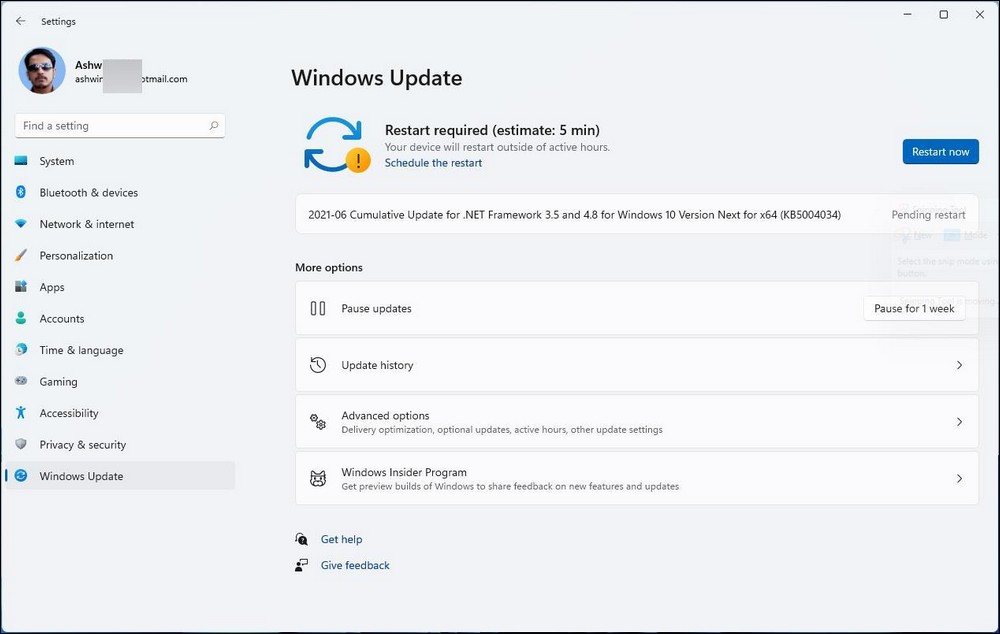
Windows updates are always more involved. Although it takes a few minutes for the update to download and install on your computer before it restarts, when you restart it still takes a few minutes for the update to be set up, and you can’t use the computer during that time. To be fair, it’s not always a long wait, but with competing platforms seemingly making more progress than Windows, it’s something Microsoft should consider improving.
Insufficient user control
Because of the issues mentioned above, customers should at least be able to have a higher degree of freedom when installing updates. This should include when and if they want to install specific updates. However, for now, Windows Update is very restrictive in terms of options for most users. If you are running Windows 11 Home, which is the most popular version of the operating system among personal users, monthly updates are mandatory and you can only pause for a week at a time at best. If there’s an issue with a particular update, you can’t specifically skip that issue.
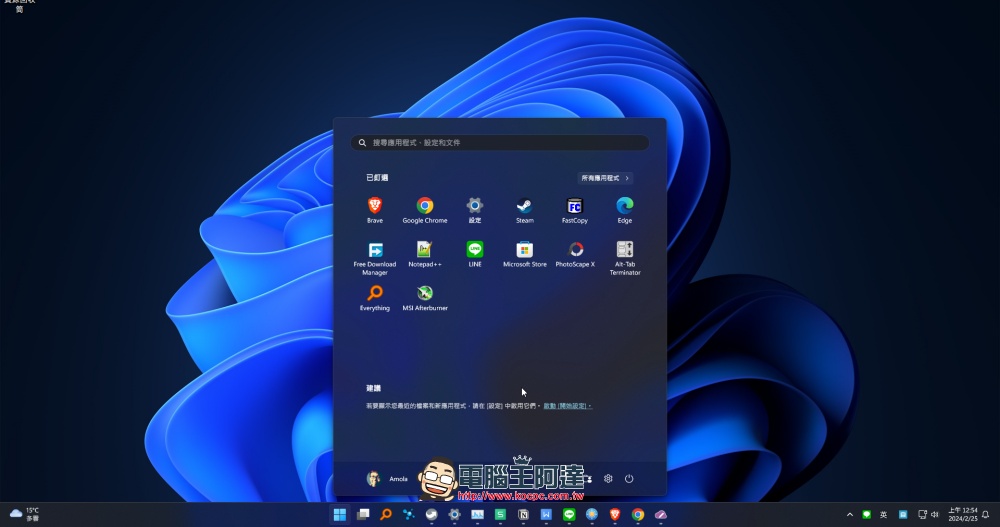
Things are better with Windows 11 Pro, where you can pause updates for up to 5 weeks and disable automatic updates entirely using the Group Policy Editor. But Windows 11 Pro licenses are more expensive, and most laptops don’t come with Pro licenses by default.
Updates are important and necessary, but Microsoft must do better
Ultimately, Windows updates do more good than harm. Updates can protect you from online threats and add useful new features, so overall, it is highly recommended that you install them whenever possible. But the issues mentioned above make it a less-than-ideal and less-enjoyable experience for users, especially when you have no control over how updates are installed. Even the smallest issues can be annoying, and of course we hope better changes come sooner rather than later.
Source: KOCPC Chinese