


AI can do a lot of things now, and AI face-changing is an effect that many people want to play with. We have introduced a pretty good one before. DeepSwapper website, but you can only change the pictures specified by the website, and you can’t decide by yourself. The “Change Face With AI” website recommended in this article allows you to choose the source and face-changed pictures and videos. It is also completely free and the effect is not bad.
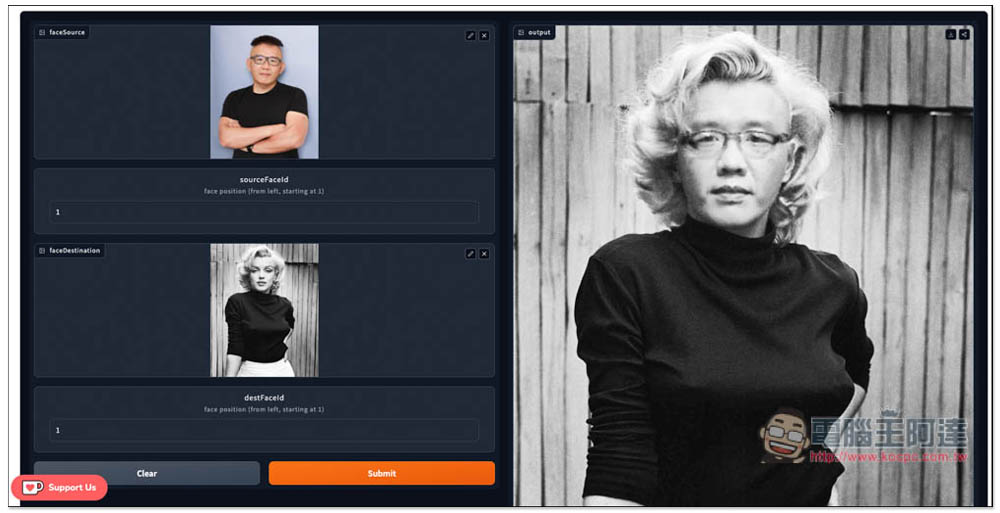
Change Face With AI is a free tool that uses AI to change faces in pictures and videos.
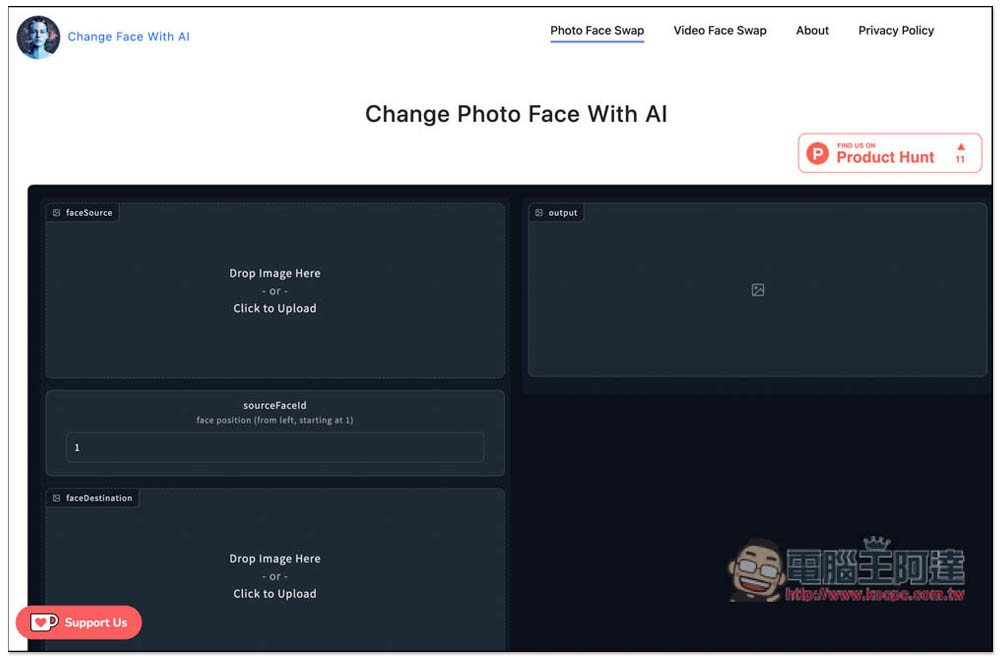
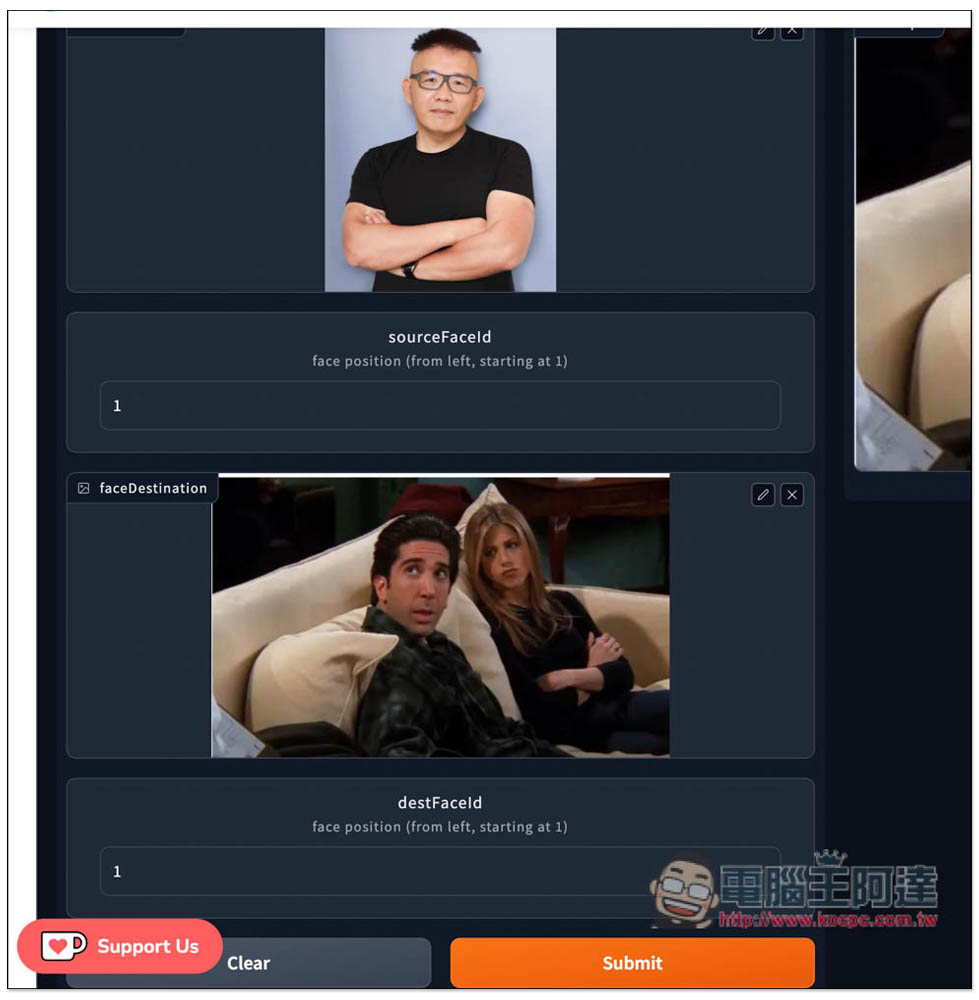
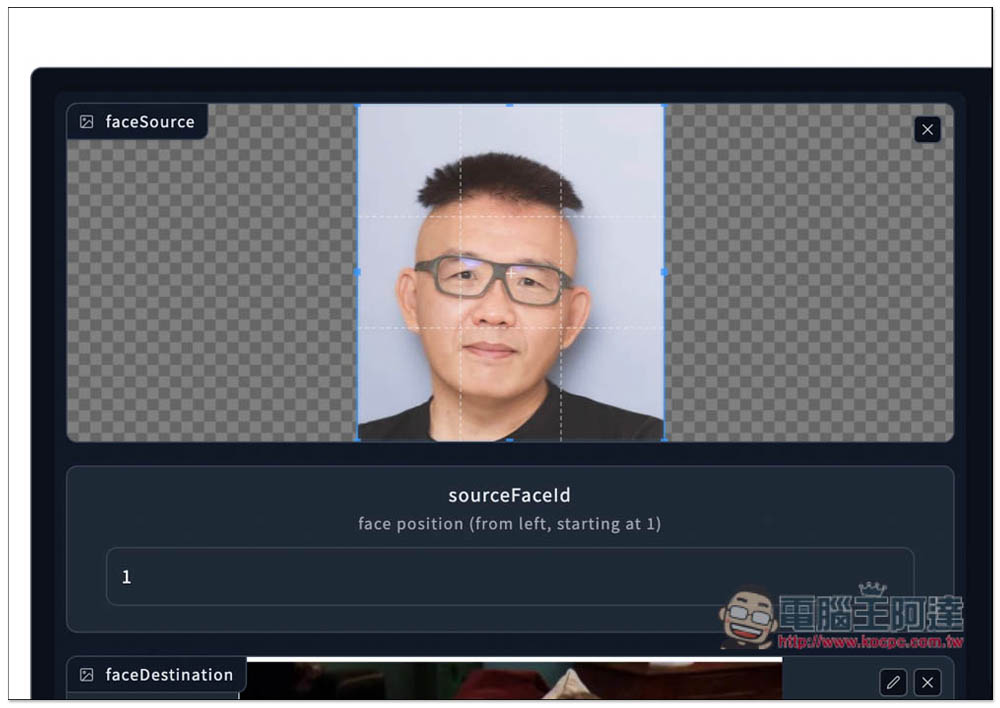
After clicking the link above to enter the Change Face With AI website, you will directly enter the AI picture face changing tool, which is Photo Face Swap. The faceSource below is the source (the picture to be changed). You can directly drag the picture in, or click to select it manually. faceDestination is the picture to be changed. It is worth noting that sourceFaceId refers to the order of the faces in the picture, counting from the left, and the leftmost is 1. That is to say, if there are three people in the picture, and the face you want to change is the one in the middle, please enter 2:
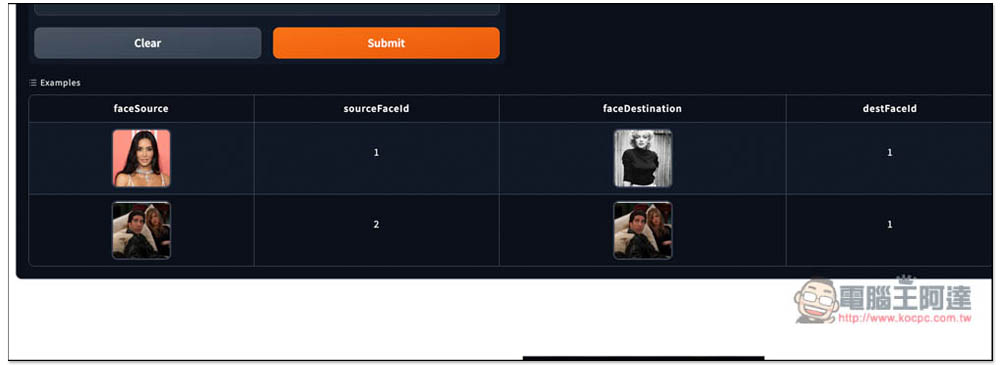
There are a few sample images at the bottom that you can use, if you want to try them out first without uploading your own images:
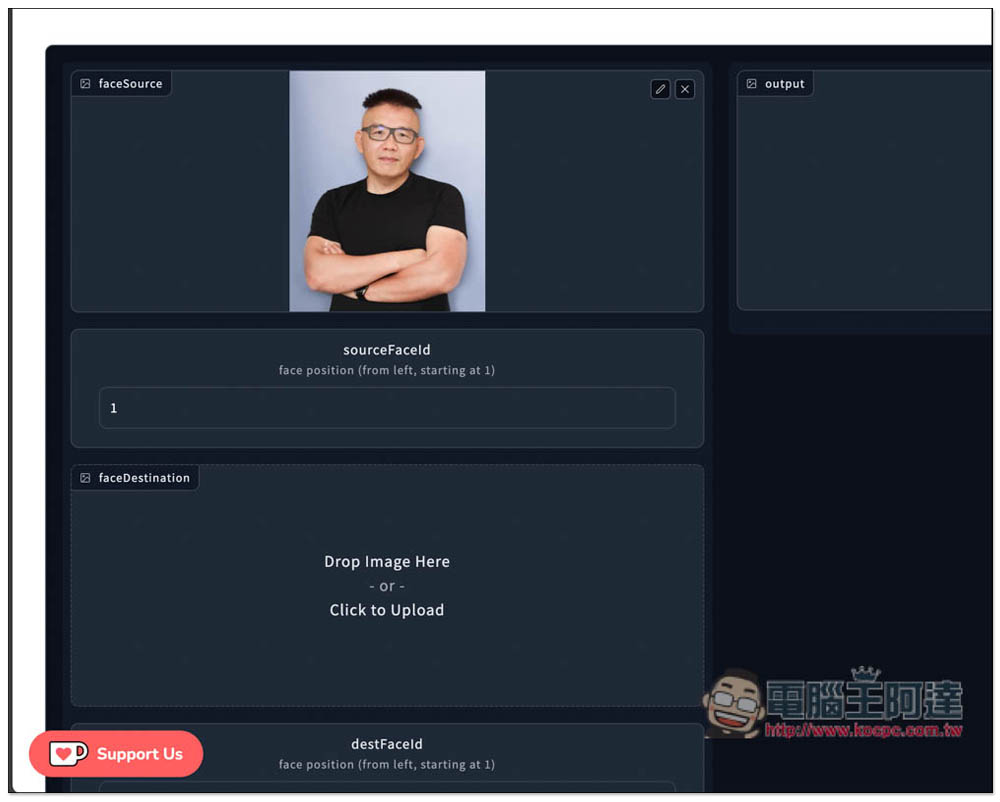
I chose the picture of Ada as the source. There is only Ada, so the sourceFaceId number of faceSource can be kept at 1:
I will use their sample image for the face-swapped picture. I want to change the person next to the boy, so the sourceFaceID remains 1. After setting it, press Submit:
The calculation will start on the right, and the estimated number of seconds will also be displayed in the upper right corner, but not only this, it usually takes double the time to complete. For example, my writing took 235.4 seconds to complete, but it actually took 5xx seconds to complete, which takes nearly 10 minutes, so those who want to play must be mentally prepared, as it will spend more time on calculations:
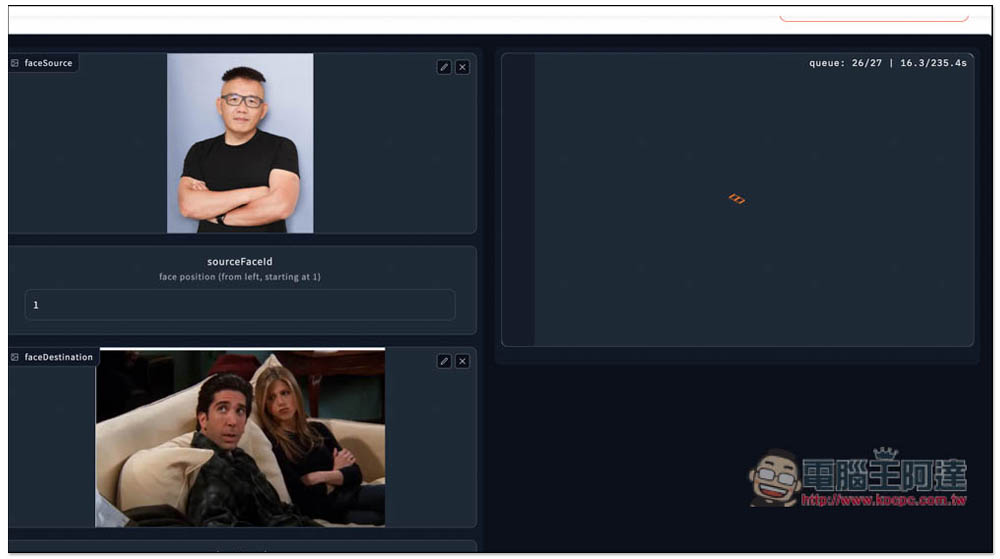
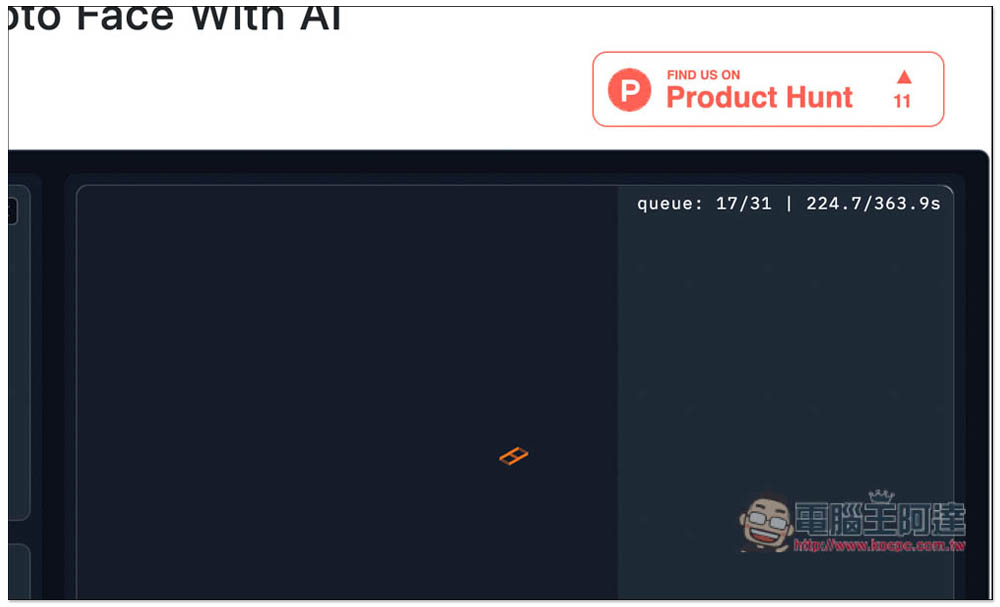
If more time is needed during the operation, the seconds in the upper right corner will keep increasing. The most accurate way is to look at the black area in the frame. When it reaches the far right, it means completion:
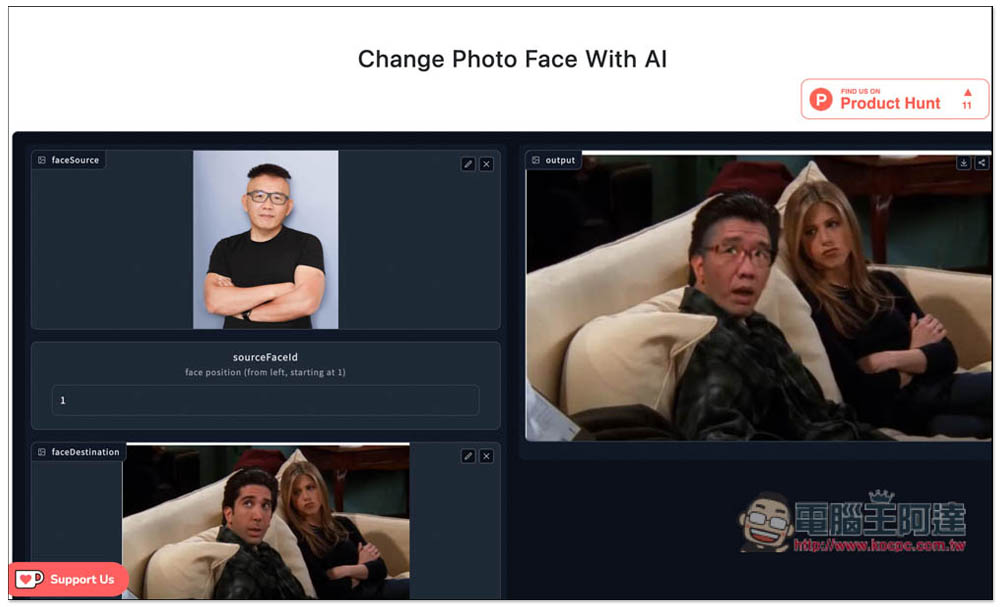
After the face change is completed, the result picture will be displayed. If you are satisfied, press the small download button in the upper right corner to download it to the device. I have to say that the effect of this face change is really good. The man in the original picture did not wear glasses, but Ada did, and the change was perfect. The nose was also slightly larger, and so was the mouth. But the most regrettable thing is that the hair was not changed, and the original hair was kept. If the hairstyle was also changed, I believe it would be more like:
It also provides an online image editing function, which can crop the image so that AI can find the face position faster. As for whether this action will shorten the calculation time? My test is not:
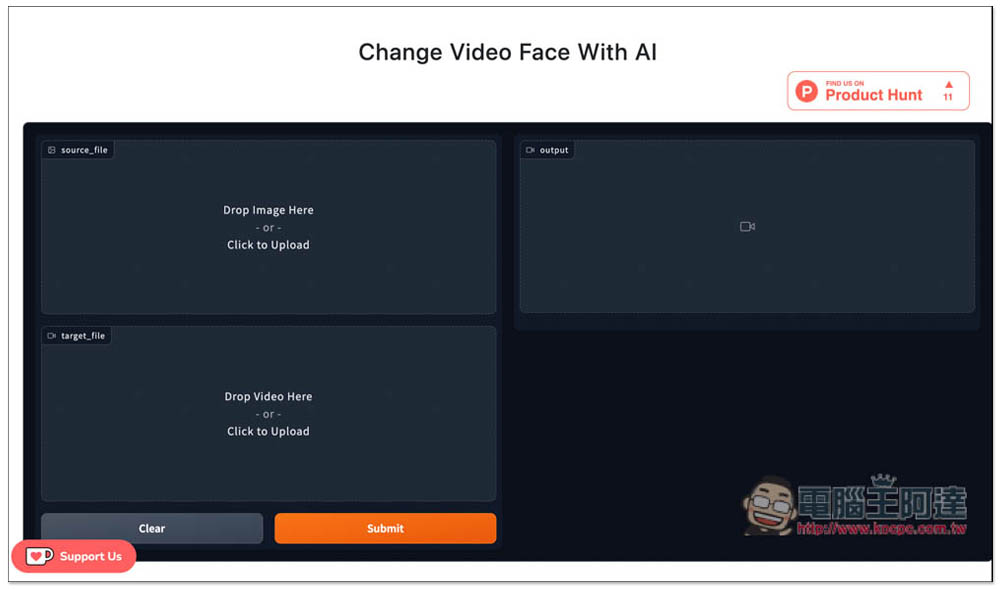
Video Face Swap is AI video face swapping. Source_file selects the source, which only supports images. target_file is the target file, which supports video files. After selecting them all, press Submit to start face swapping:
In the About page, there is also some good information, such as how to obtain the best AI face-changing effect, whether it will damage the quality of the original image, etc. It is highly recommended to read it.
Source: KOCPC Chinese