


In order to obtain better AI Reply—before starting to ask, it’s best to provide a prompt first, but not everyone knows how to write one. Besides trying the useful ones we’ve introduced before,Prompt OptimizerFree prompt optimization tool,OpenAI Recently, they have also generously provided over 300 prompts for free, making them accessible to everyone, with a complete classification into as many as 14 categories—definitely worth collecting.
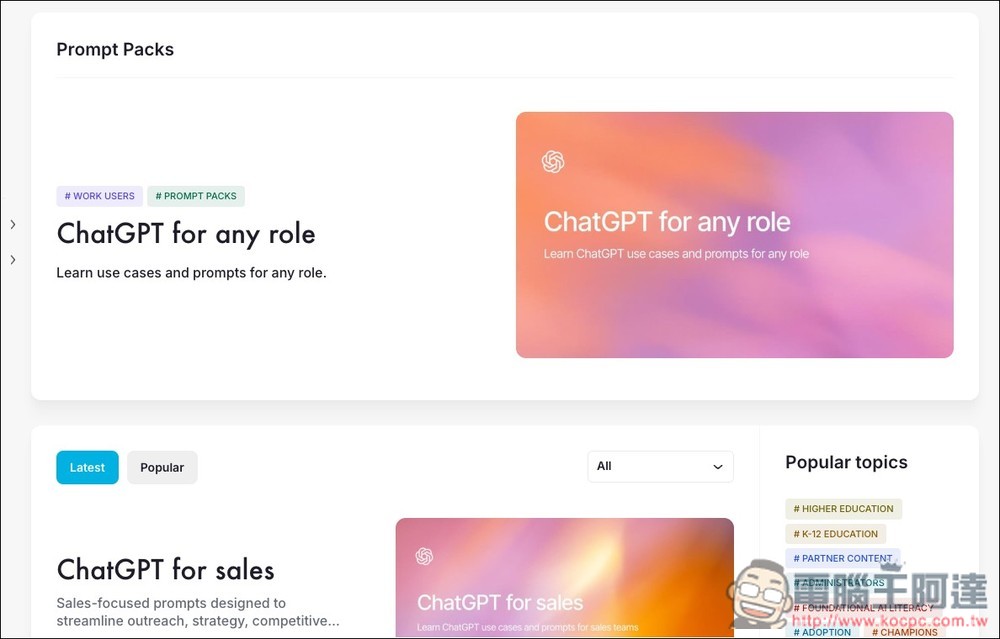
OpenAI shares over 300 prompts on OpenAI Academy: “Prompt Packs,” free for everyone to access.
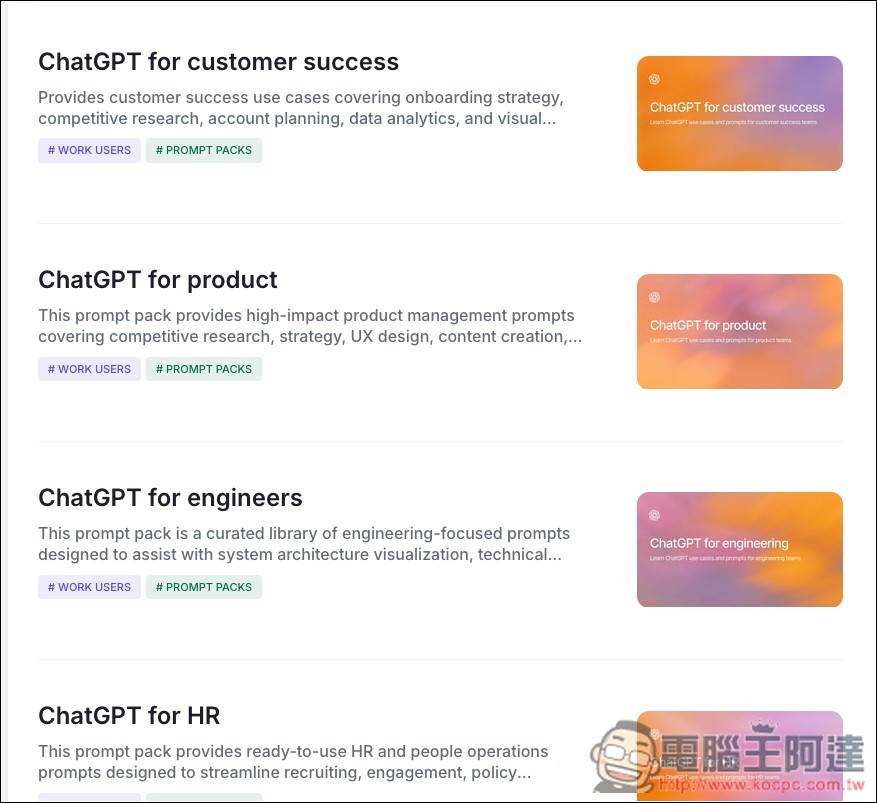
The Prompt Packs OpenAI recently launched are available in OpenAI Academy. The prompts provided there are primarily designed for the workplace, but some are also suitable for everyday life. They cover roles such as Sales, Customer Success, Product, Engineers, HR, IT, Managers, and Executives, ranging from competitive research, UX/documentation writing, and debugging to support ticket replies. They help users achieve better results in research, strategy, content creation, data analysis, visualization, and communication.
Main features
- Classify by role: Sales/CS/Product/Engineers/HR/IT/Managers/Executives.
- Ready-to-use prompt templates: copy-paste prompts for quick, better results.
- Government department prompt: Provide a combination of scenarios such as government IT/analytics.
After clicking the link above to enter OpenAI Academy, you’ll see many prompt categories. The top section is for roles, which is probably the category where most people can find usable prompts. In the ChatGPT for any role category, you’ll see prompts like “Write professional emails,” “Rewrite text for clarity,” “Tailor content to your audience’s goals,” “Summarize long email threads,” “Prepare meeting questions,” “Confirm root causes,” and “Compare options.” These are all useful whether at work or in daily life.
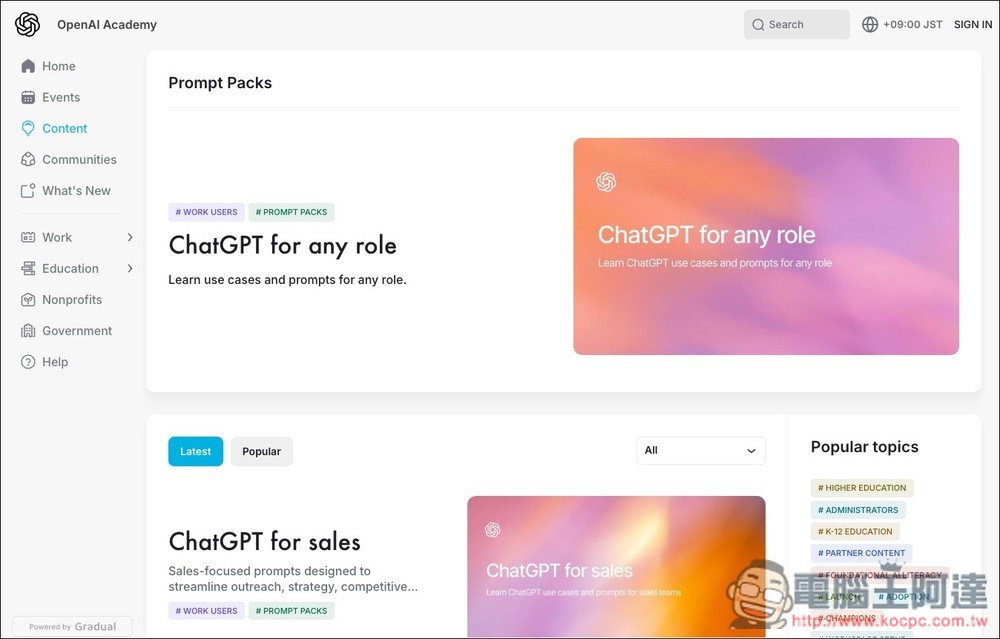
Scroll down on the homepage to find more categories—these are all prompts designed for professional work:
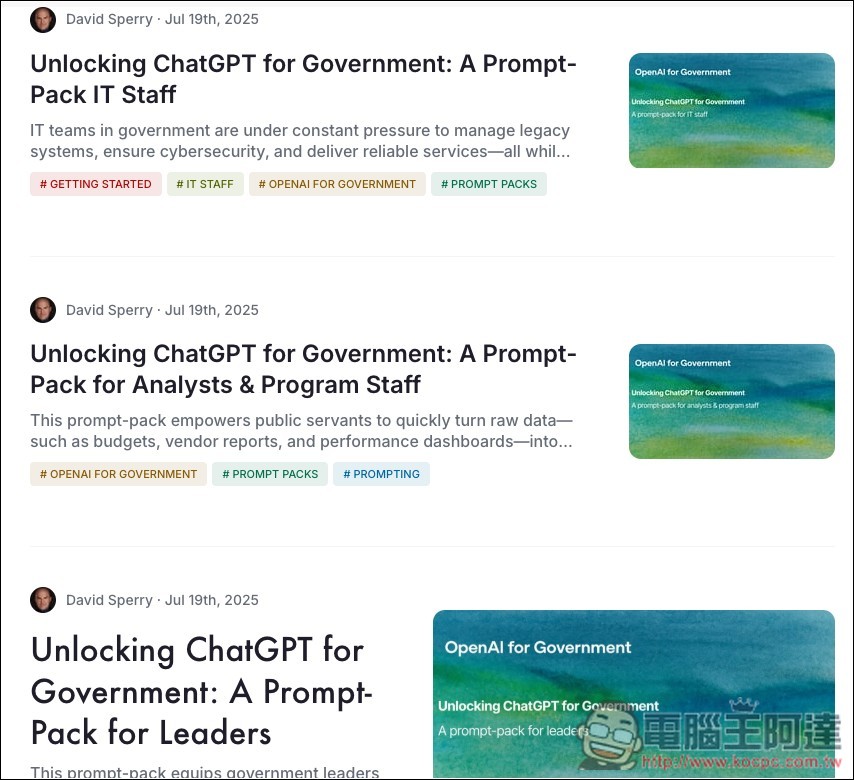
What’s particularly special is that even prompts suitable for government use are included:
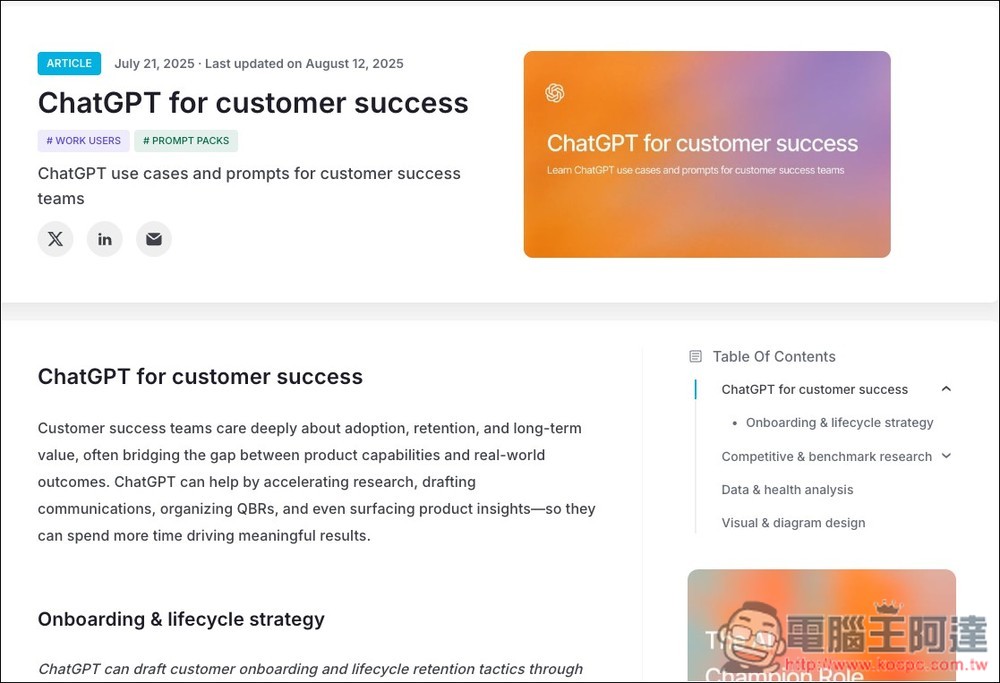
Each prompt category page looks like this: at the top there is a brief introduction. If you can’t quite understand the content, you can use the browser’s full-page translation feature to translate it into Chinese. Once you find the prompt you need, switch back and copy the English prompt (current AI understands English better than Chinese, so English is recommended):
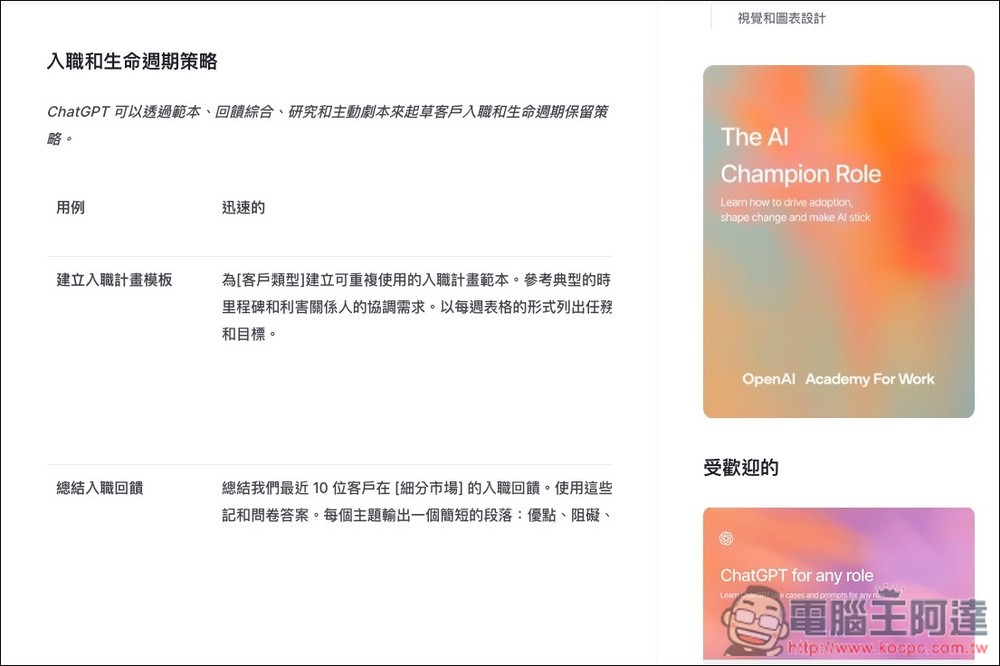
The “rapid” column in the figure below is the prompt content:
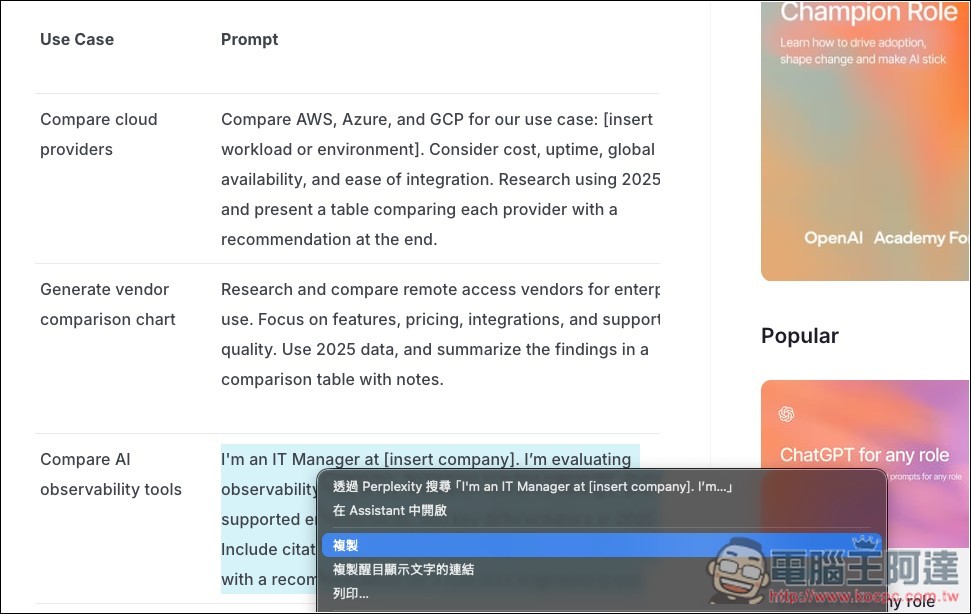
When you find the prompt you want to use, turn off the full-page translation feature, then copy the entire English prompt and use it.
Besides Prompt Packs, OpenAI Academy also has many great free learning resources, such as topics like ChatGPT at Work, as well as some video content. For those interested in improving their AI skills, it’s highly recommended to check them out.
Source: KOCPC Chinese