


Last month, the mobile version of LINE was updated to allow users to reply to “file” messages. Recently, this feature was also released in the LINE PC version 8.6 update. It has optimized many functions and also added some practical new features. For example, chat rooms can specify more message types to reply to, and can also be set as announcements. In addition, all photo albums have also added a new “upload item” function, allowing users to easily upload photos in any photo album.
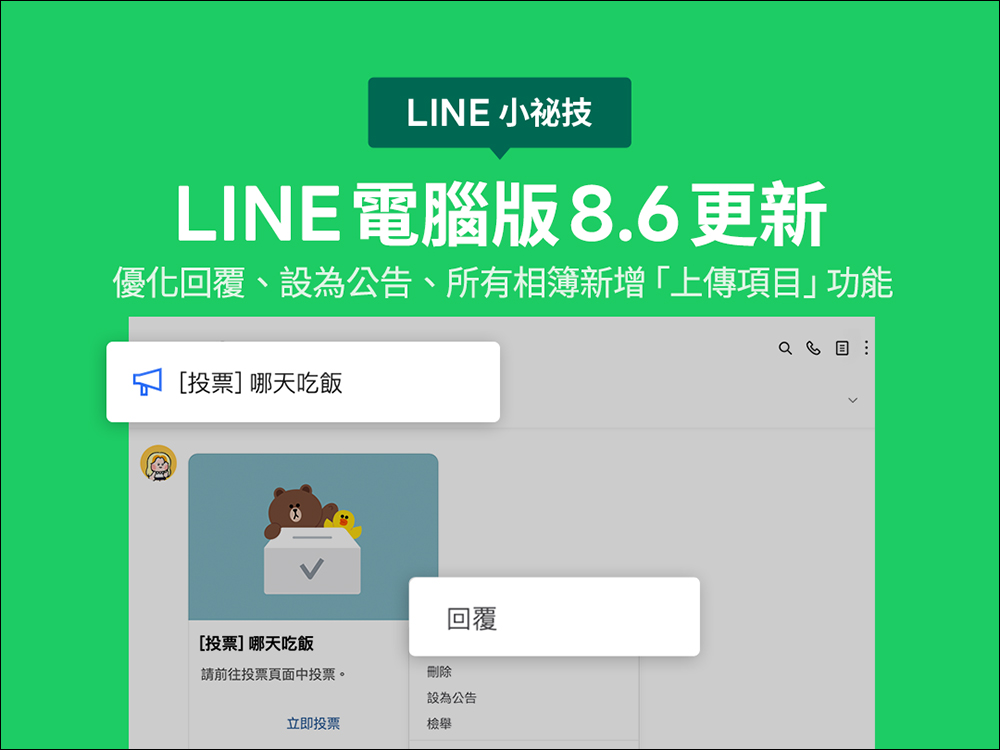
LINE PC version 8.6 updated! Optimize replies, set as announcements, and add “upload items” function to all albums
Recently, LINE released version 8.6 update for the computer version. Both Windows and Mac systems have been updated to the latest version 8.6. What are the changes in LINE PC version 8.6? Next, I will help you sort out several functional optimization contents.
Optimization of reply and set as announcement functions
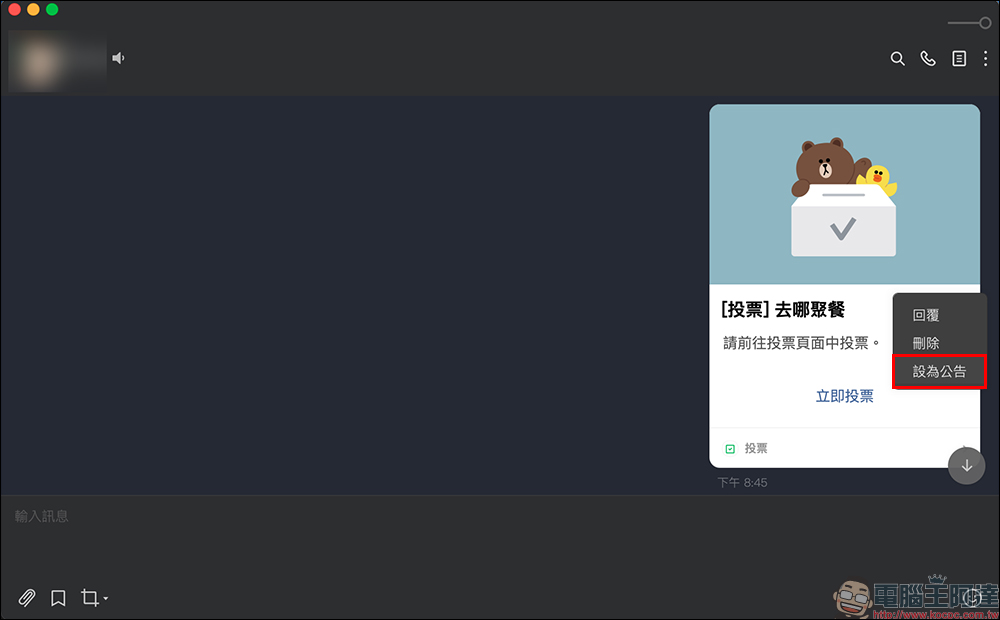
First of all, after updating to LINE PC version 8.6, you can “reply” and “set as an announcement” in general chat rooms for text menu messages or reminder messages in photo albums, notepads, and other chat rooms. If you are in a LINE social chat room, you can “reply” and “set as an announcement” for graphic menu messages, and you can also “reply” for notepad reminder messages. For example, in LINE PC version 8.6 and later, you can right-click the message in a general chat room to “set it as an announcement”, and the voting function is also available.
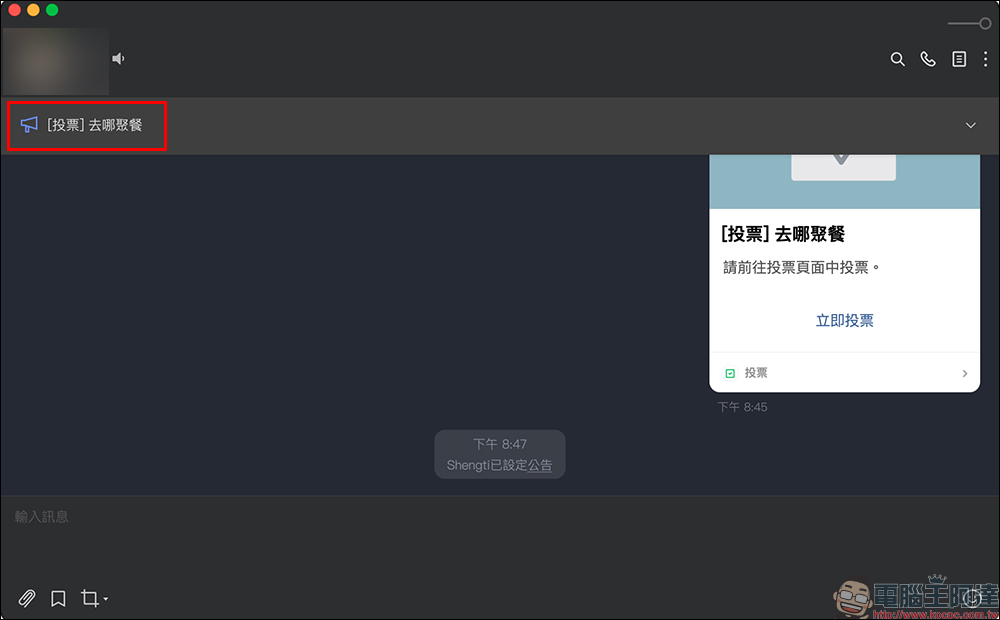
After setting the announcement, the message will be pinned to the top of the chat room page, so that other important messages such as voting will not be easily missed.
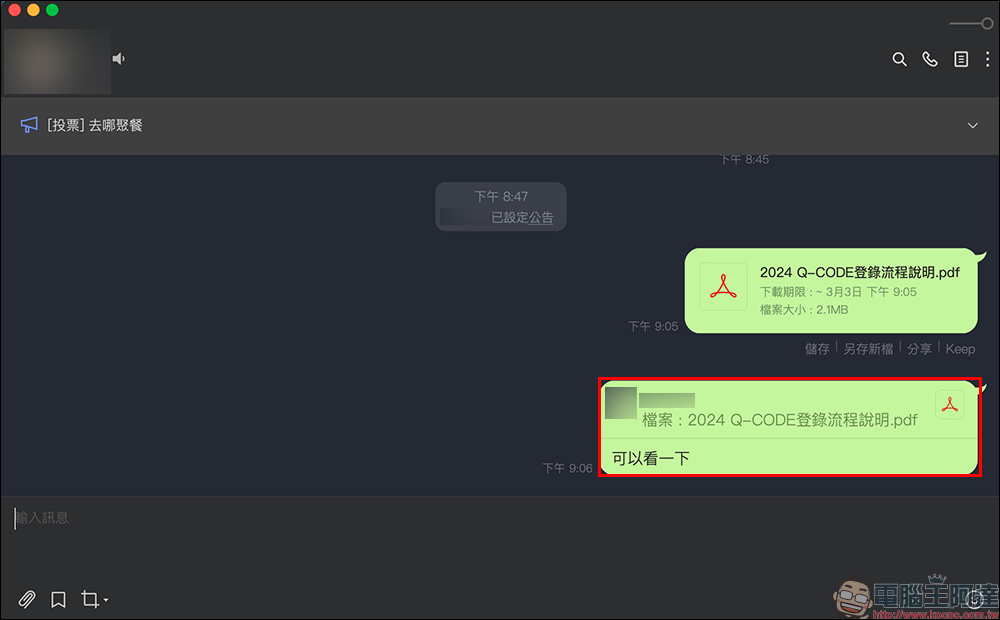
Reply to “File” type message
In addition to the LINE mobile version, you can now reply to “File” type messages as long as you update to LINE PC version 8.6!
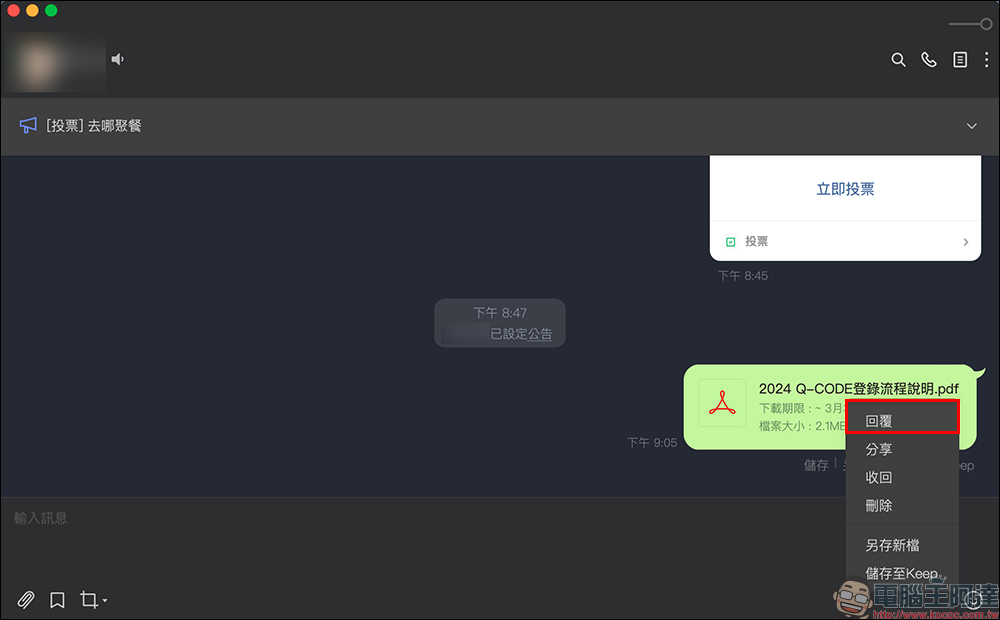
Reply to file messages to make chat room communication smoother.
Added “upload items” function to all photo albums
After version 8.6 of the PC version of LINE, you will find a new “Upload Item” function when you enter “All Albums”. At this point, you can easily upload new photos in any album. You don’t have to look for old messages anymore. Just go to the chat room where the album is located to add photos!

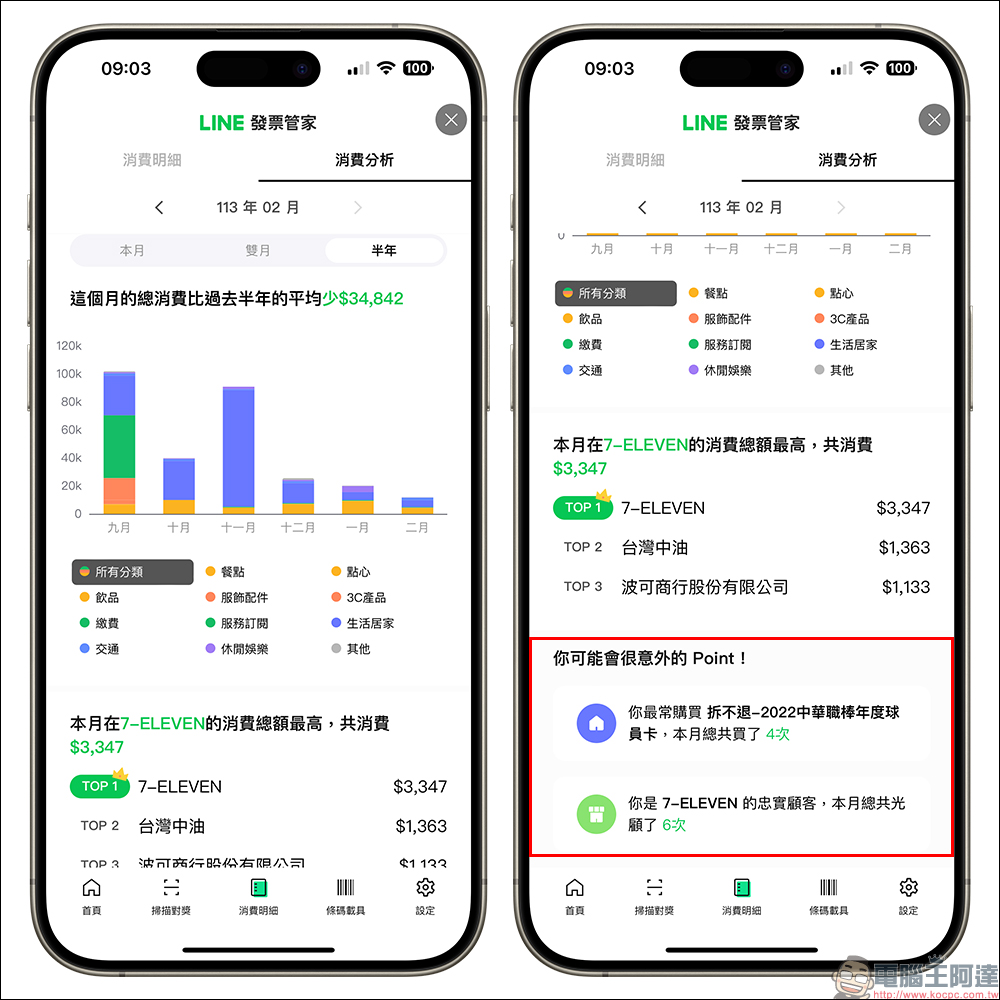
In addition to the continuous optimization of the user experience of the LINE PC version, the functions of LINE Invoice Manager have also become more powerful some time ago. Users can manage invoices more conveniently in LINE Invoice Manager, and can share invoice details with one click, scan long paper invoices for awards, and other functions. It has been updated with personalized monthly consumption analysis, turning it into an accounting butler! LINE Invoice Manager can also get exclusive consumption discovery.
On the consumption analysis page of LINE Invoice Manager, users can view the consumption analysis of the past month and view “Points that may surprise you” to analyze interesting personal consumption findings, allowing users to find their favorite stores and products this month, and further understand their consumption habits and preferences during the past period, and have a better understanding of where their money has been spent.

Source: KOCPC Chinese