


Recently, on social media platforms, you’ve probably often seen people sharing pictures of themselves with their childhood selves. You must want to try it too. It’s actually very simple—just use the “Selfie.ME” tool. It is similarly built on Gemini Up, therefore login Google You can use it with just an account, and of course, the image generation model is also the most powerful one right now. Nano Banana。
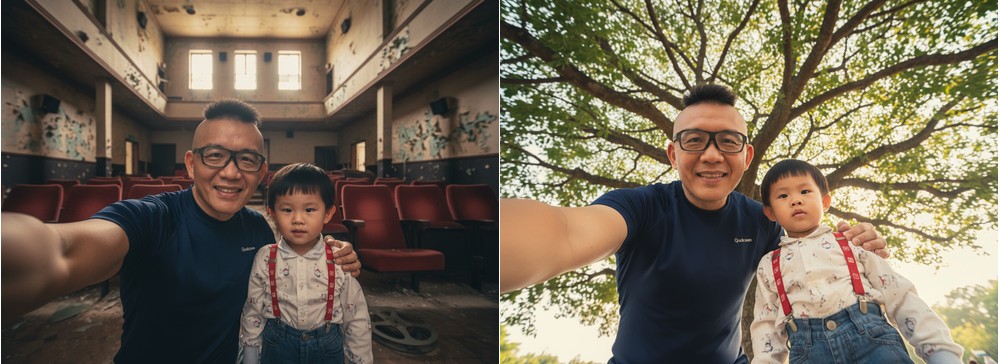
What is Selfie.ME? Learn how to easily generate time-traveling AI group photos with one click
Selfie.ME is an app developed specifically for generating time-travel-style selfie composite photos. You upload a “present” and a “past” photo of yourself, and the AI blends these two looks from different periods into a single photo. You can also choose your preferred photo background. One thing to note: even if the past photo you upload isn’t from your childhood, the final generated image will still be you now + you as a child—it can’t produce a photo of two adults together.
If you want to create a group photo of adults, you can use the one we introduced earlier. Tour.ME。
Main Features:
- AI Temporal Fusion: Using AI to Seamlessly Composite Two Portraits from Different Periods (e.g., Adulthood and Childhood) into a Single Image
- Dual photo upload: The interface is divided into two upload sections, “Current Photo” and “Childhood Photo,” so you don’t have to worry about uploading to the wrong place.
- AI-generated backgrounds: Offers a variety of background styles and can instantly generate even more diverse background options through AI.
- Download image: The generated image can be downloaded with one click.
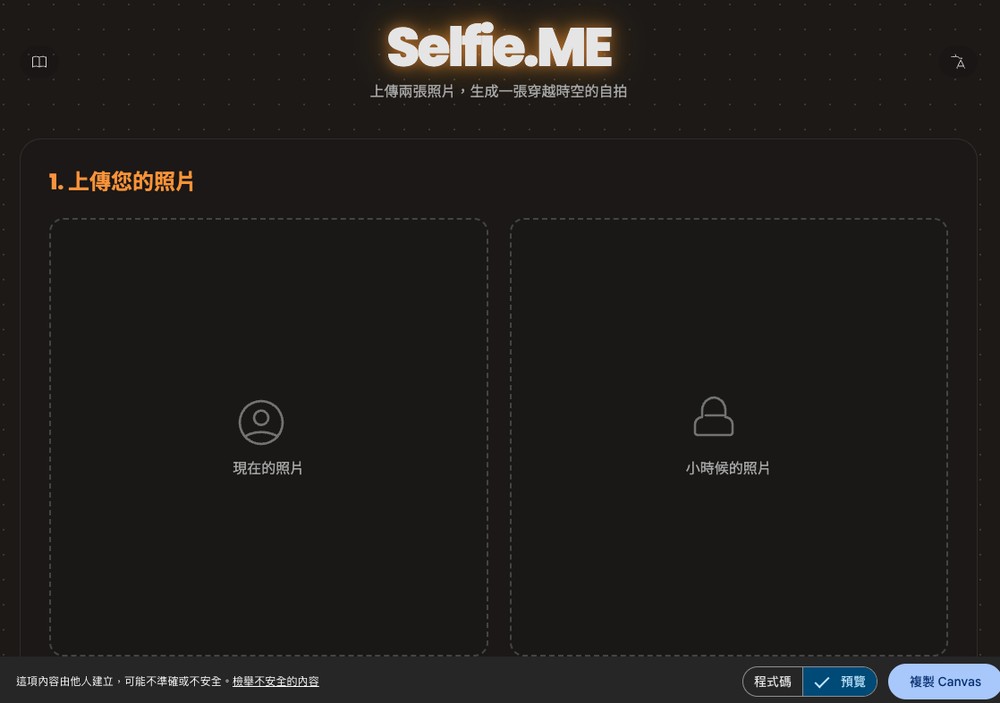
After clicking the link above to go to Selfie.ME, upload your current photo on the left, and your childhood photo on the right. If you don’t have a childhood photo on hand, that’s fine—you can also upload your current photo and let the AI guess what you looked like as a child:
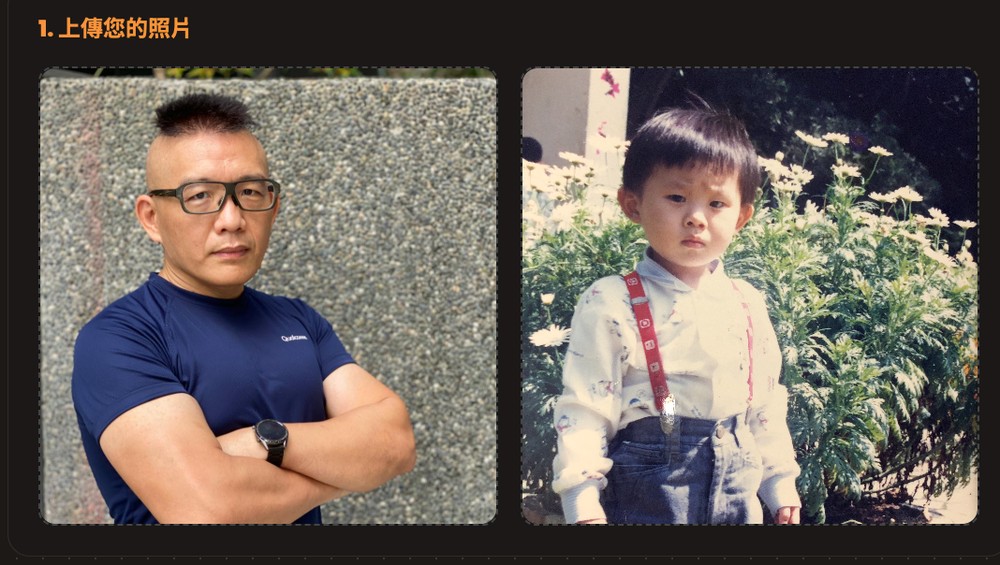
Once uploaded, it will preview. After confirming there are no issues, select the background:
Four default backgrounds are available: “Pure White Room,” “Pink Room,” “Childhood Room,” and “Adult Room.” If you don’t like any of these, click the “Generate Other Backgrounds” button below to have the AI create more.
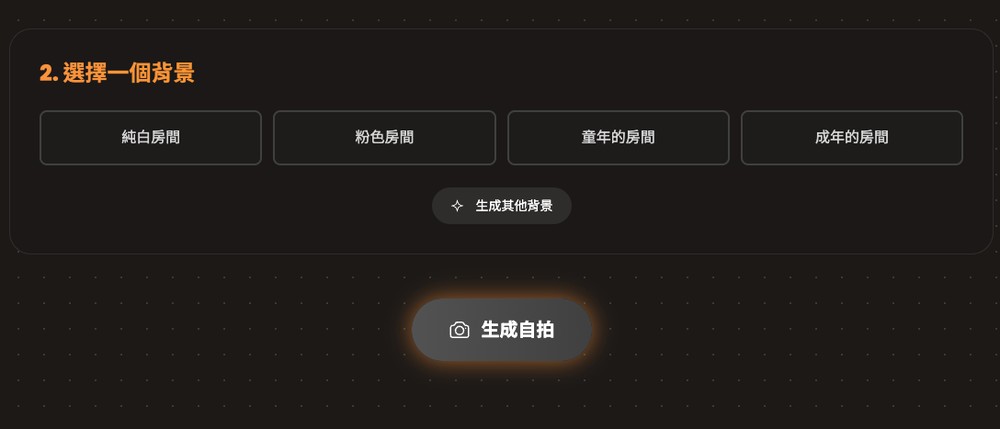
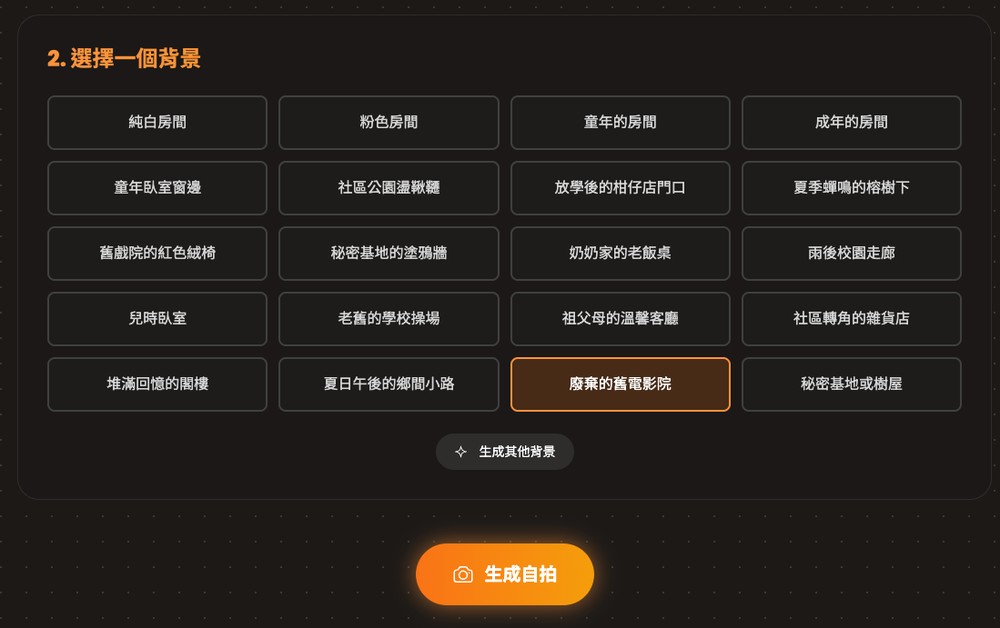
Each press generates 8 new backgrounds, and some are quite unique, such as the front of a corner store after school, grandma’s old dining table, and the school corridor after the rain. If you’re still not satisfied, you can keep generating 8 new backgrounds.
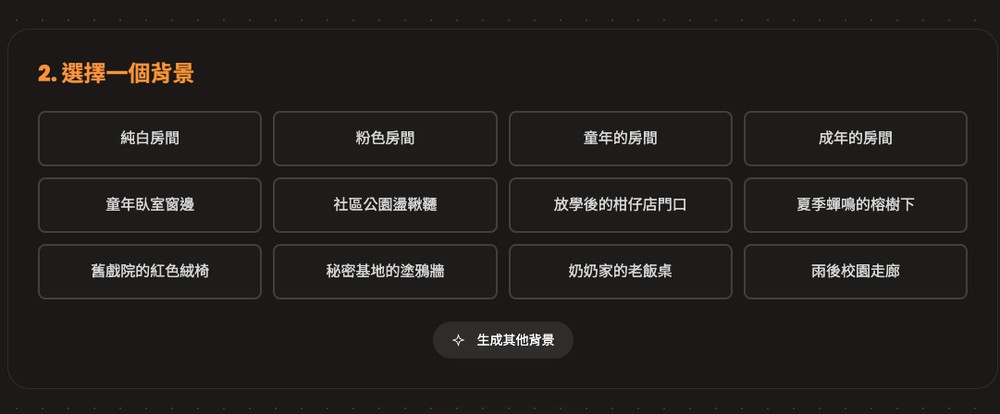
After selecting the background you want to generate (I chose “Abandoned Old Cinema”), click Generate Selfie below:
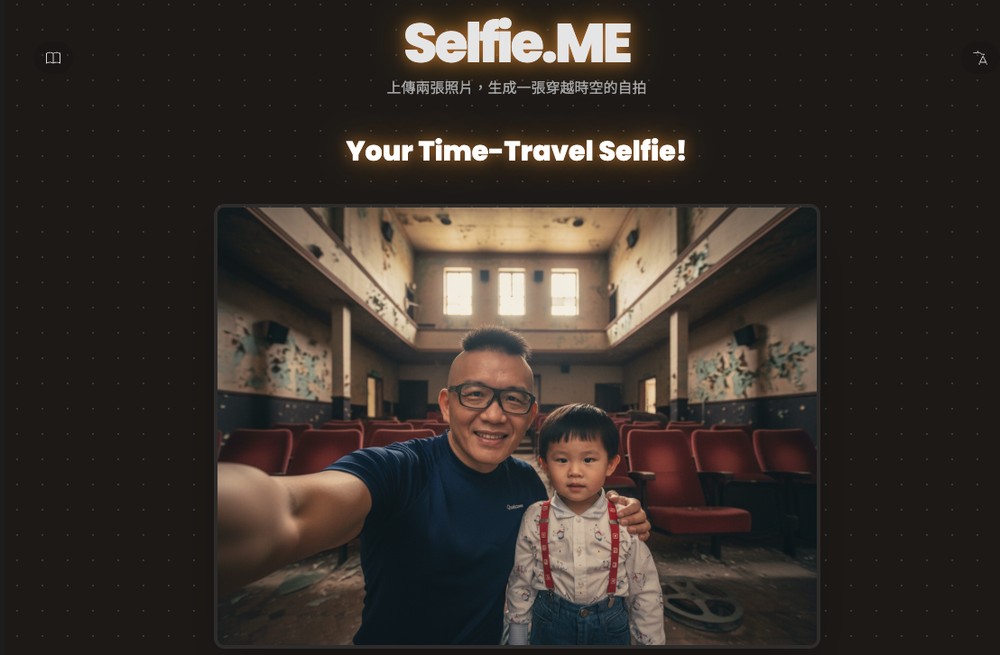
Wait a moment, and you’ll see the result. Of course, since it’s AI-generated, although Nano Banana is very strong at maintaining character consistency, the nuance is still somewhat different from a real person. If you think the result doesn’t look like you at all, you can try uploading other photos. If you’re satisfied, press the button below to download the image, or go back to the previous page to generate more selfies with different backgrounds:
Is there a limit on the number of images you can generate? This follows Gemini’s quota, so free Google accounts get 100 images per day, which is plenty and absolutely enough for you. The paid Google AI Pro version gives you 1,000 images per day, so there’s no need to worry about limits at all.
Source: KOCPC Chinese