


Although .VOB is a very common audio and video format, it is not supported by most mobile phone built-in players, so you may want to convert it to the universal MP4. This article will sort out the best VOB to MP4 conversion tools to help you quickly find a suitable choice.
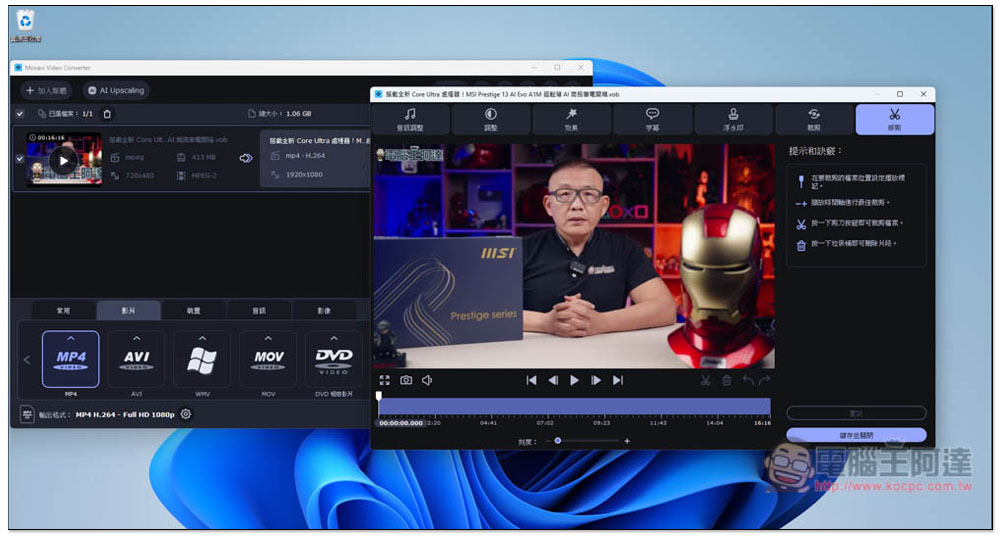
Recommended 10 Best VOB to MP4 Video Conversion Tools [2024]
1. Movavi Video Converter
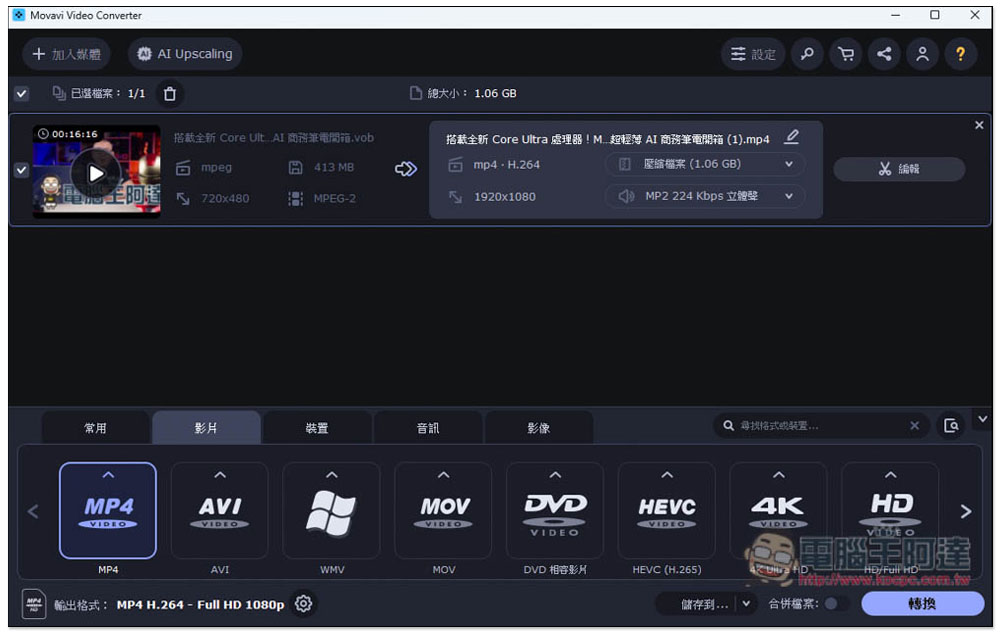
Movavi Video Converter is the best VOB to MP4 video conversion tool I have ever tested. It has a simple interface, built-in hardware acceleration, ultra-fast conversion speed, and supports more than 180 formats, which means that in addition to .VOB and .MP4, you can also convert many formats.
I tested converting a 100MB VOB video to MP4 H.264. Using good quality, the file will become 1.08GB. It only takes 1 minute and 9 seconds to complete, which is really fast.
If you don’t know what format to convert to, it also provides a device list. After selecting the device you want to use, it will be converted to a suitable format. For example, if you want to transfer to iPhone for viewing, just select iPhone. After transfer, you will be able to watch directly through the built-in player.
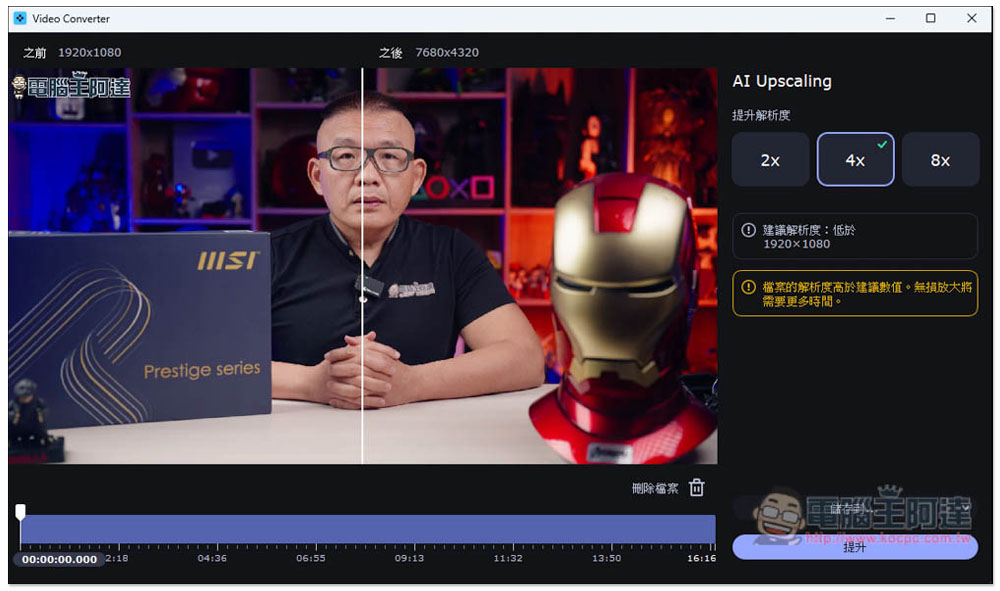
When the video resolution is low, Movavi Video Converter has a built-in AI Upscaling function that uses AI to upscale the resolution losslessly, up to 8 times. This is very practical. Most videos on the Internet have been compressed and have low resolution, so you can use this function to easily enlarge the video.
2. WinX Video AI
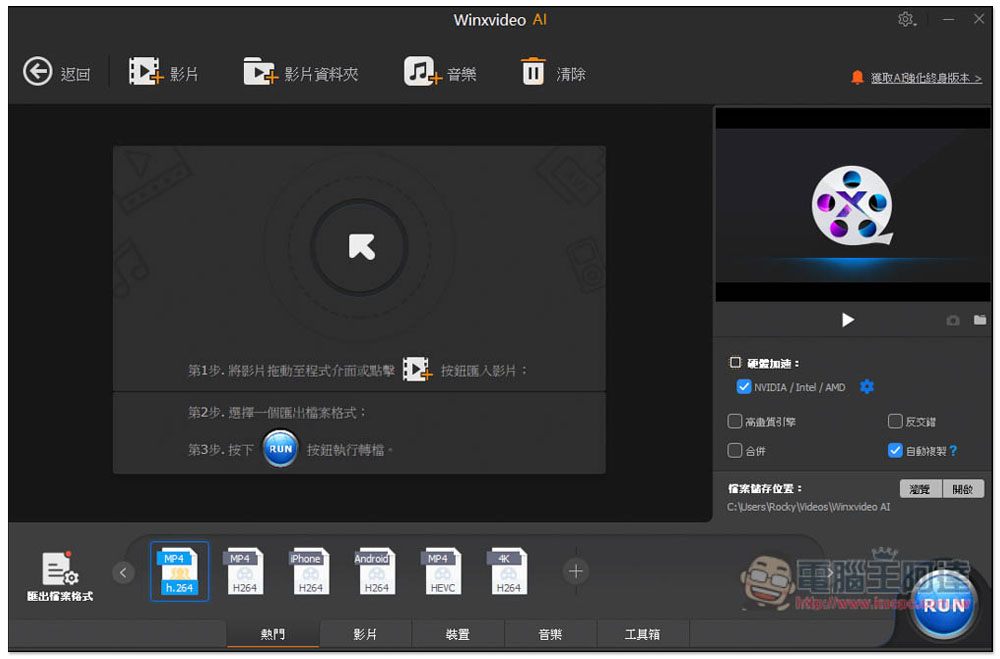
The predecessor of WinX Video AI is WinX HD Video Converter. The addition of AI in the name means of course the addition of AI functions, but in the picture and video editing part. The conversion is the continuation of the old model, and it seems that there are no changes. Most formats are supported, and a list of device names is also available.
It also supports hardware acceleration, and the conversion speed is moderate. It is neither too fast nor too slow. However, its file size estimation function is completely inaccurate. I once tested a video and the estimated file size was 772.17MB, but after conversion it turned out to be 1.17GB. This is too much, which is quite troublesome, especially when converting multiple videos at one time.
3. VideoSolo Video VideoPro (Converter Ultimate)
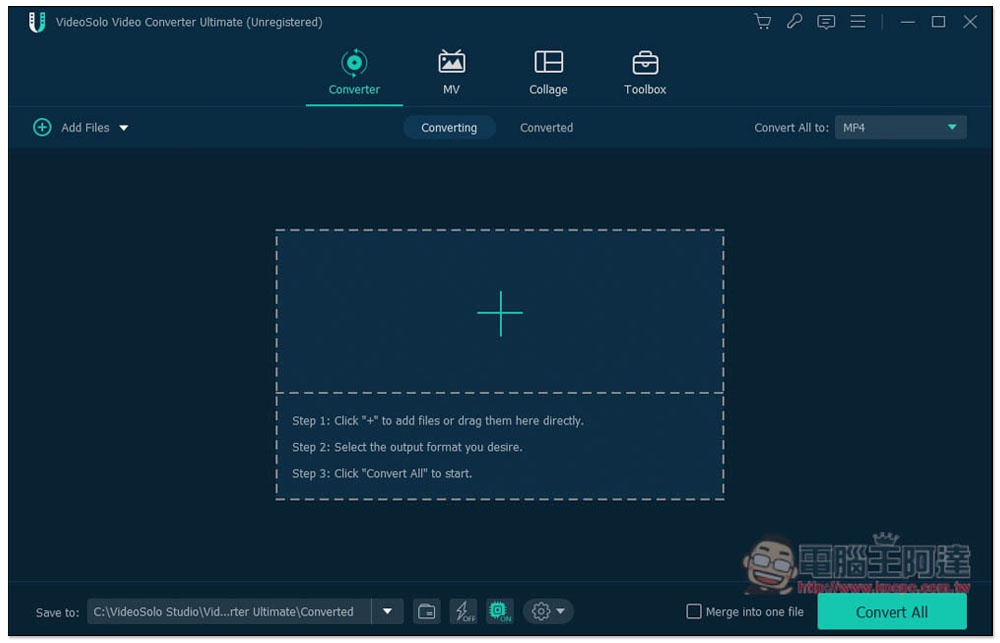
VideoSolo Video VideoPro computer conversion software is quite famous abroad and can convert more than 300 formats, including VOB to MP4. It has built-in video editing, watermarks, functions, special effects and other functions.
However, it currently does not support Chinese and only has an English interface, which is relatively unfriendly to Chinese users. Another disadvantage is that there is no way to know the size of the converted file before converting, and the settings for compressing files are also hard to understand how to use.
4. DVDFab Video Converter
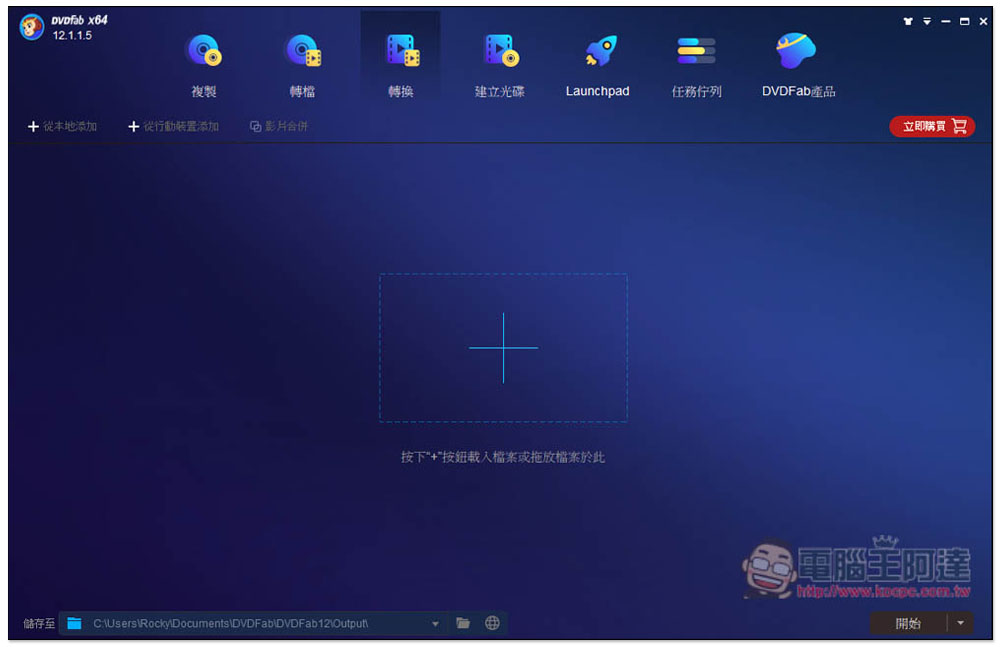
DVDFab Video Converter is a computer audio and video converter developed by a company in Beijing, China. The interface design is quite high-quality. Its main feature is disc copying and converting, but it also supports video format conversion, but only a few, such as: .VOB, .MP4, .MKV, etc. Compared with the above models, the formats are much smaller. If you have other audio and video format conversion needs, then this one is not suitable.
Provides a unique UniFab Video Enlarger AI video enhancement function that can upscale low-resolution videos to 4K, which is claimed to be noise-free, but the file size will become several times larger.
5. Talkhelper Video Converter
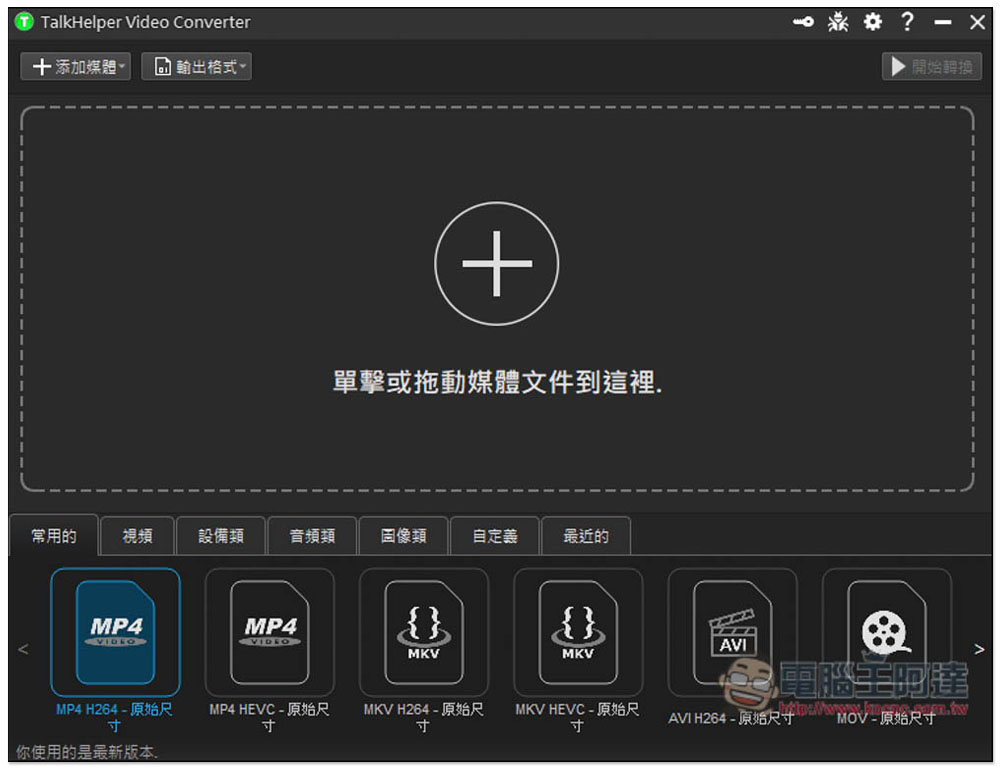
Talkhelper Video Converter is a well-established PC The video converter claims to support all popular formats, not just videos but also pictures. However, overall, the formats are still less than the above ones, and it probably feels a little more than DVDFab.
It should be noted that this model does not have hardware acceleration technology, so the shifting speed will be slower, relying entirely on CPU processing, and the fan will become very loud during switching.
Get Talkhelper Video Converter
6. Handbrake

I believe many people have heard of Handbrake, it is quite famous. PC An open source video converting software, it is feature-rich and supports most input formats, including CDs and Blu-rays. However, it only has three output options: MP4, MKV and WebM. This should be noted. In addition, because it is open source, the interface design is a little more complicated, and it may not be easy for novices to get started.
Although there is hardware acceleration, in my test, the conversion speed is much slower than that of Movavi. It takes about 3 minutes to complete the conversion of the same VOB file to MP4.
7. AnyMP4 Video Converter Ultimate
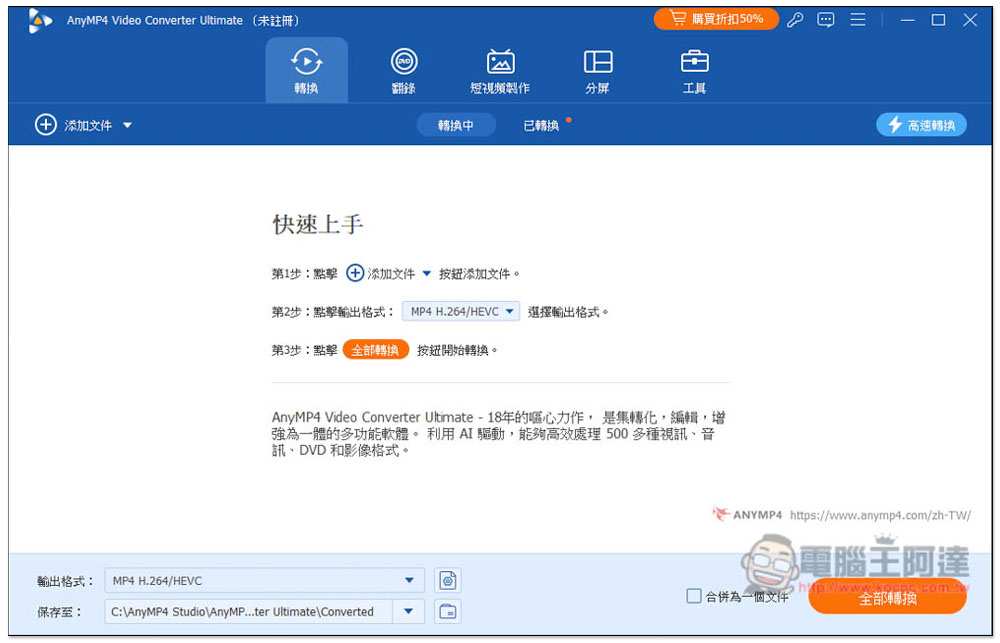
For those who pursue the ultimate conversion speed, AnyMP4 Video Converter Ultimate will not disappoint you. It can complete VOB conversion at 8 times the speed, and it is indeed very fast in my test. In addition to converting, there are also ripping, short video production, split screen, and various additional tools. The functions are quite rich.
It’s just that it’s already 2024, and this model doesn’t support dragging and importing files, which is really a bit troublesome, especially when converting videos in different folders.
Get AnyMP4 Video Converter Ultimate
8. Zamzar
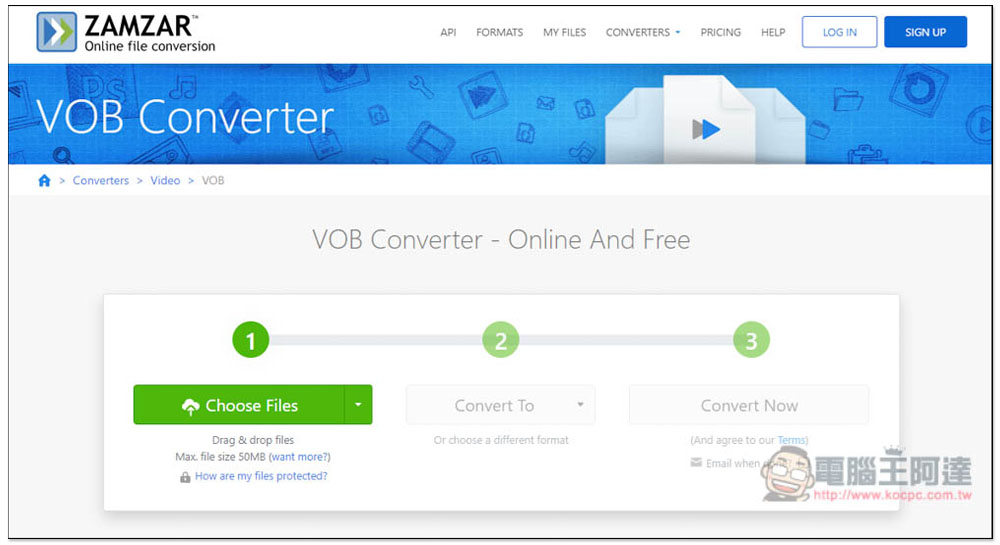
Zamzar is an online tool for converting VOB to MP4. The free version supports a single file of 50MB, which means it is only suitable for small files, and files that are too large will not work. Only 2 files can be converted at a time, and you will need to wait 24 hours before they can be used.
Although there is only an English interface, the operation is quite simple. Select or drag the VOB file you want to convert, set the conversion format to MP4, and then press Convert Now to start uploading and converting.
When converting, the web page can be closed, and there is a function that automatically sends an email to your mailbox after completion. This is not bad, but the conversion speed is not very fast and will take a while to complete. It is not recommended if you are in a hurry.
9. Convertio
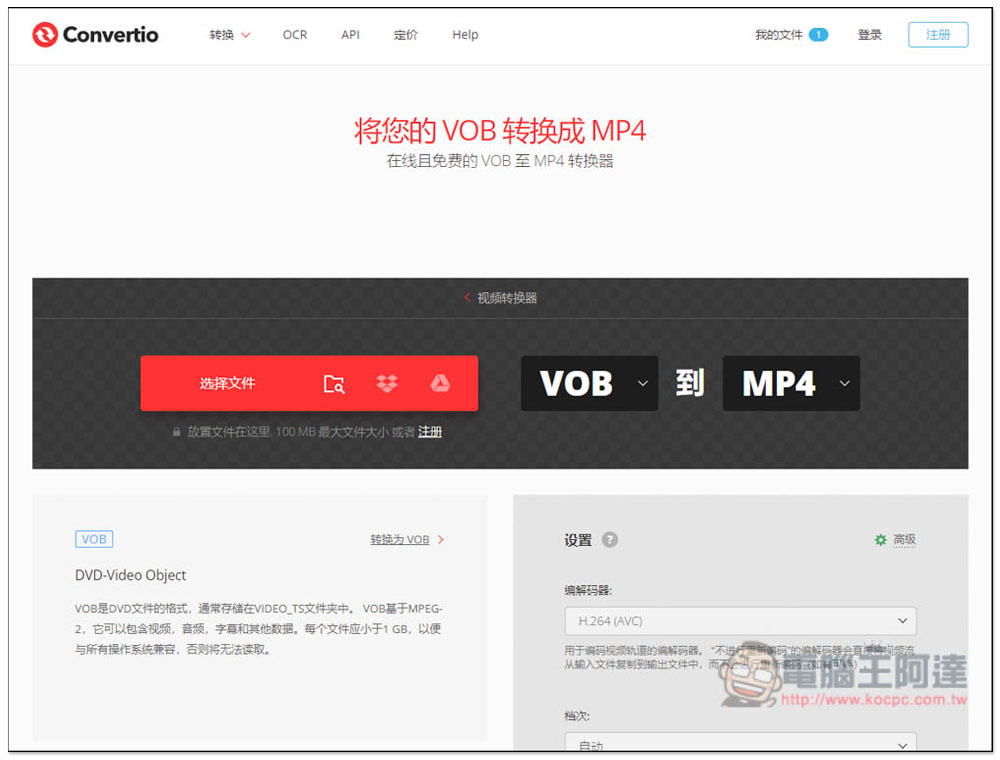
Convertio is also a free online tool for converting VOB files. It supports more than 300 formats, including VOB to MP4, and has a Chinese interface, so it is more friendly to Chinese users. The maximum single file size is 100MB. It is not suitable for files that are too large. Up to 10 files can be converted every 24 hours. There are also some advanced options that can be set when converting, such as: quality, frame rate, codec, etc.
Overall it is better than the previous one, but it has one obvious shortcoming: the upload speed is a bit slow. Even a file of about 90MB will take a few minutes to be uploaded. The conversion speed is also not fast. Although there is no email notification provided, you can close it after copying the processed URL, and you can return to the same URL at any time to check the progress.
10. Cloudconvert
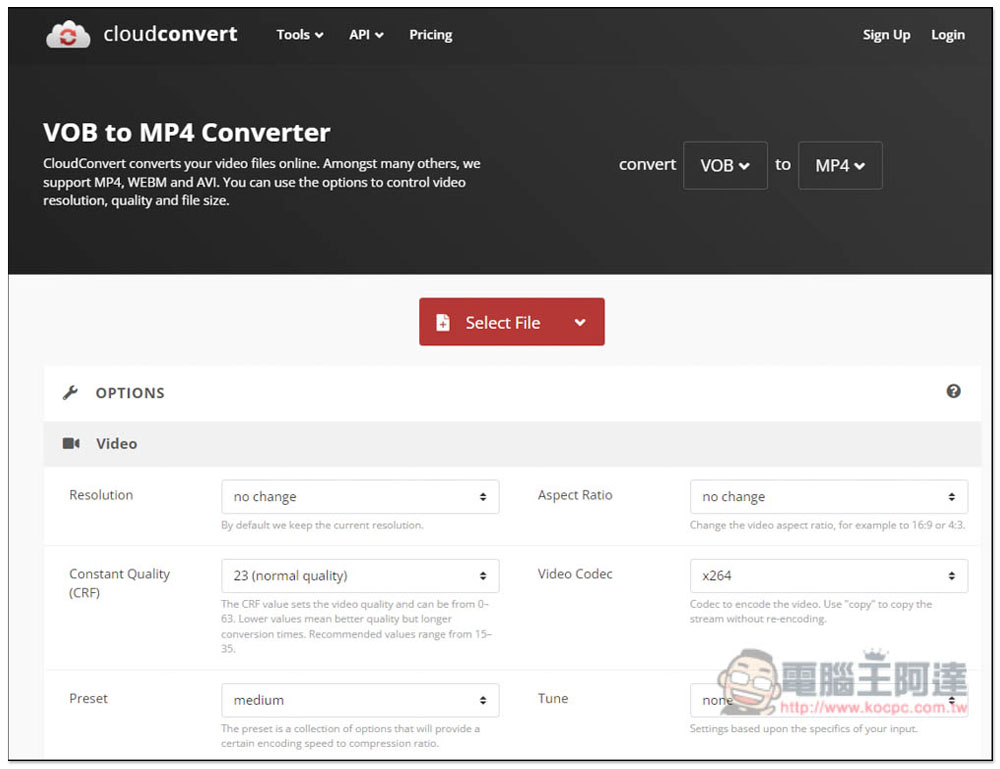
Cloudconvert is a free online VOB conversion tool from Germany. It claims to provide high-quality conversion, high security, and supports more than 200 formats. In addition to uploading files, it can also be imported from URLs, Google Cloud, Dropbox and OneDrive. It can convert up to 5 files at a time, and the maximum single-time support is 1GB.
Although 1GB looks great, the upload speed is quite slow, so if you want to convert a large file, upload + convert, the whole time will be very long. I tried uploading a video of about 900MB, and it took nearly an hour to complete the upload, and the conversion took even more time.
Summarize
The above are currently the best VOB to MP4 video conversion tools. Each has its own advantages and disadvantages. If you don’t know how to choose, it is highly recommended to just start with Movavi Video Converter. Any conversion needs in the future can be solved with it.
Source: KOCPC Chinese