


Previously, we have introduced a “Photo Elf” can generate photos of you traveling around the world, but the locations offered are fixed, only 6 of them, so the choices are very limited. That’s why this article recommends another even better one, “Tour.ME,” which was specifically developed for generating travel destination images. You can specify any scenic spot you want, such as Tokyo Station, Taipei 101, and so on. Not only can it composite your photos, but it can also handle group photos, and you can even set the relationship between the people in the photo, allowing you to generate couple photos. Behind it, of course, is also powered by Nano Banana Drive.
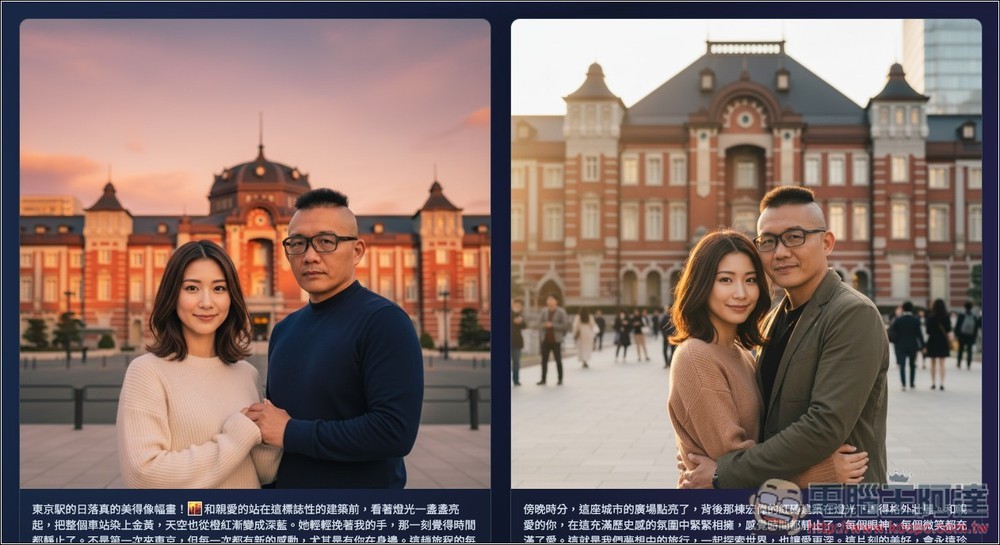
What is Tour.ME? A tutorial on how to use the one-click virtual travel photo generator tool.
Tour.ME is a tool that turns “personal or group photos” into highly realistic “virtual travel photos” with one click. You can upload 1 to 5 people, then enter a description of the scenic spot you want to generate, or upload an image, and the AI will produce two realistic composite photos while preserving facial features. It also includes built-in history records, regeneration, and ZIP batch download features. Here are the key features:
- Character limit: maximum of 5, supports character relationship settings (e.g., couples)
- Attraction Settings: Upload images, text descriptions
- Theme inspiration: If you have no inspiration, AI can automatically generate 10 travel styles.
- Generation strategy: strictly preserve facial features, with lighting and color tones automatically matched.
- Caption Assistance: AI also generates social media captions + Hashtags based on the photo’s context.
After clicking the link above to enter Tour.ME, upload your image on the left; click the + next to it to add characters. On the right is the attraction settings, whether you want to upload an image or use a text description. I tested that the generation effect of uploading images is not very good, so I recommend using text descriptions:
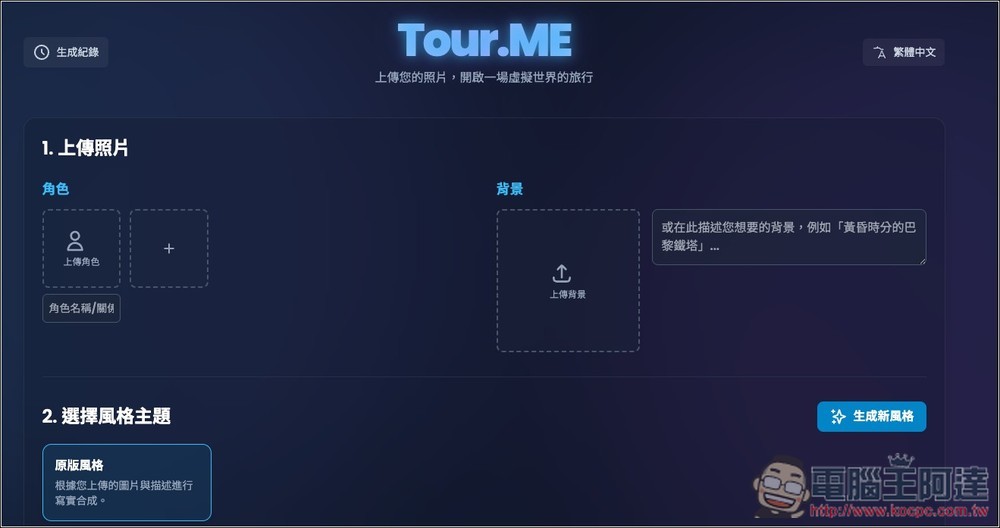
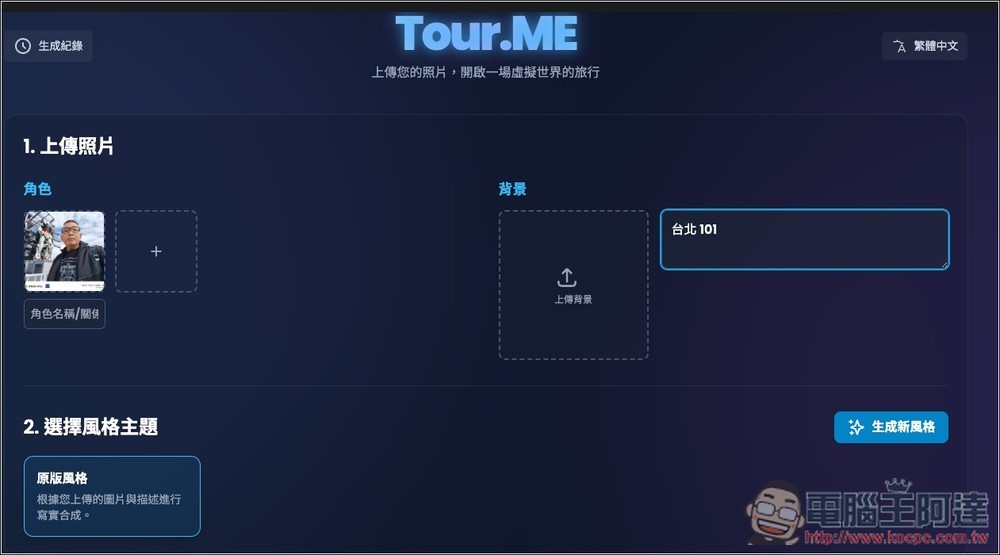
I uploaded this photo of Ada and then set it to Taipei 101. Let me share something first—the image I used isn’t actually that great. Ideally, you’d want a front-facing headshot with a plain background; that would significantly improve the generated result.
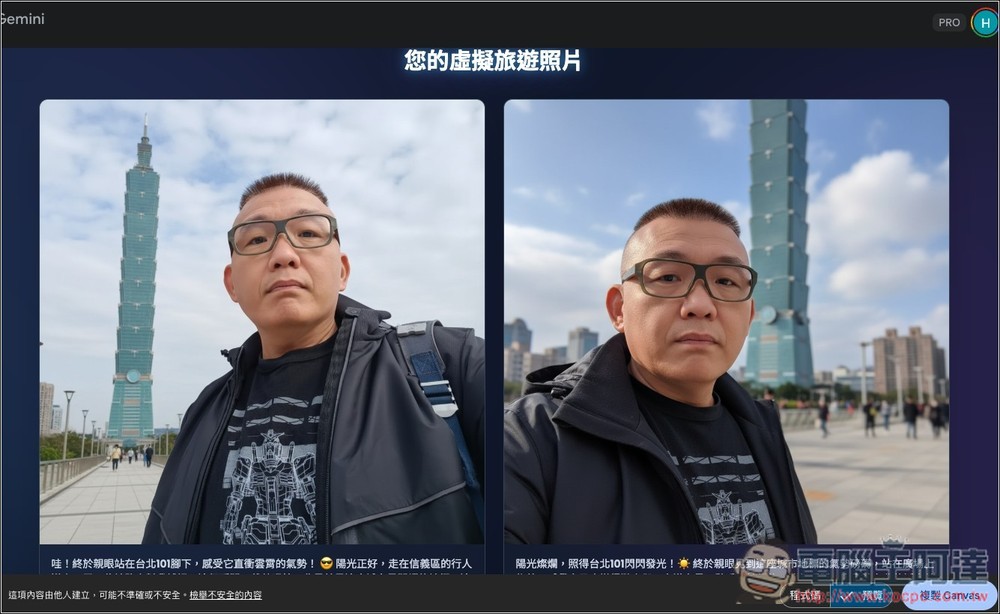
Sure enough, it generated images of Taipei 101, and the people stayed consistent throughout, especially in the one on the left:
Next, I changed it to “Tokyo Tower at sunset,” and it was also generated perfectly. The proportions of the background objects and Ada in the image were quite reasonable, and even the lighting and shadows looked very natural:
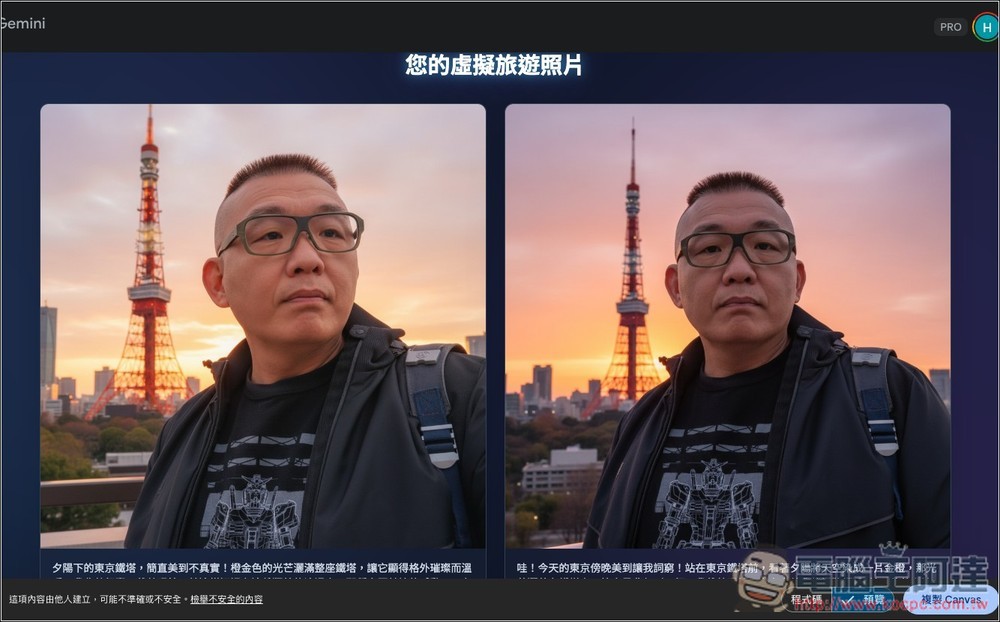
Next, I’ll add an image of a woman and generate the same travel photo of “Tokyo Tower at Sunset”:
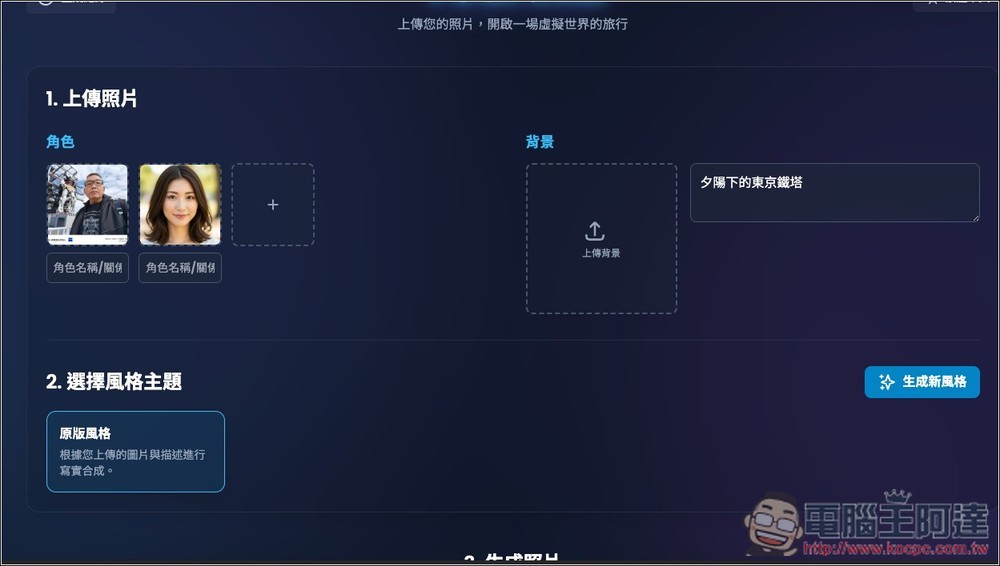
The image on the left is clearly off, but the right one looks good. And since I didn’t set up any character relationships, the photos turned out looking more like friends:
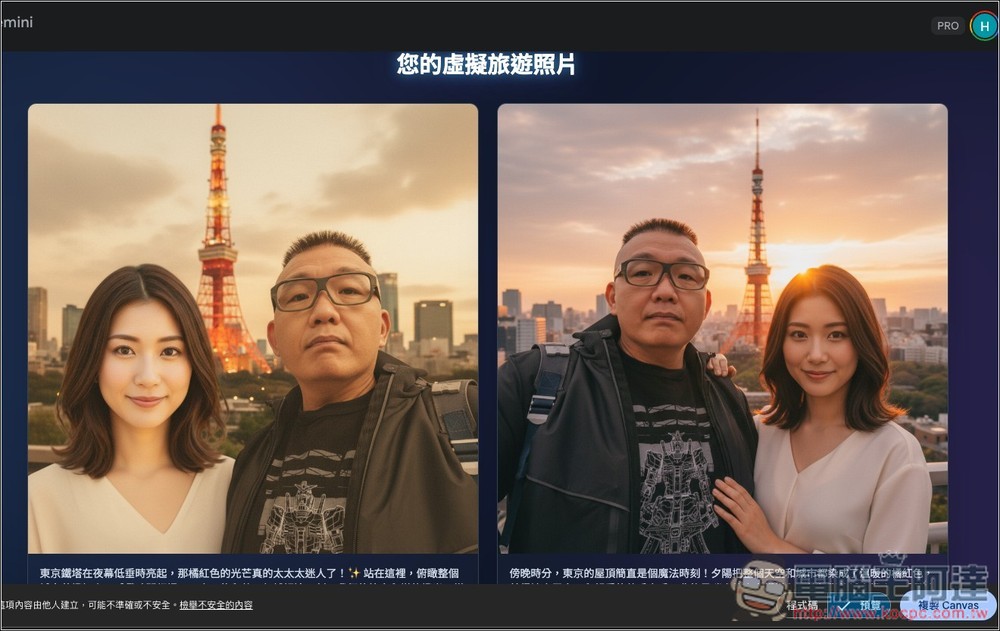
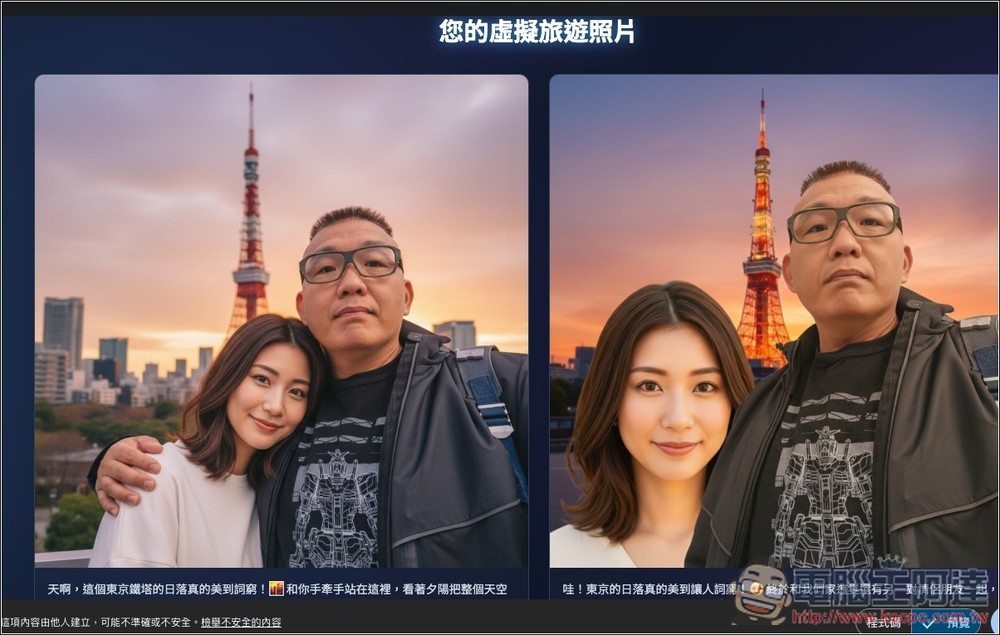
I’ll add the couple relationship below:
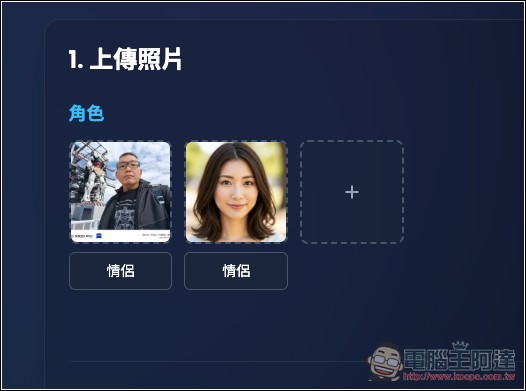
After regenerating, it became like a couple photo (left side), with the woman leaning on Ada’s shoulder:
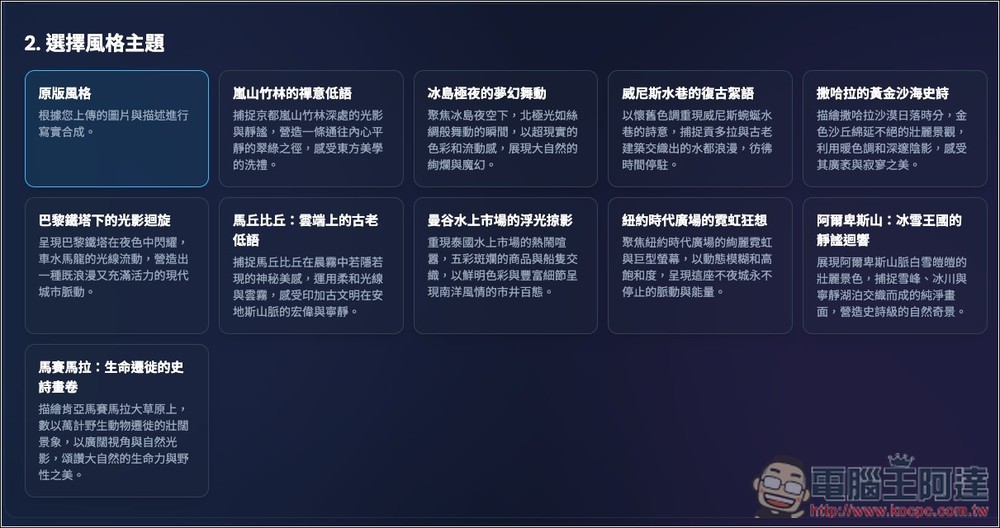
If you don’t have any inspiration and aren’t sure which location image to generate, you can click the “Generate New Style” button below the background, and it will automatically create multiple location styles. I’ll pick “New York Times Square’s Neon Rhapsody”:
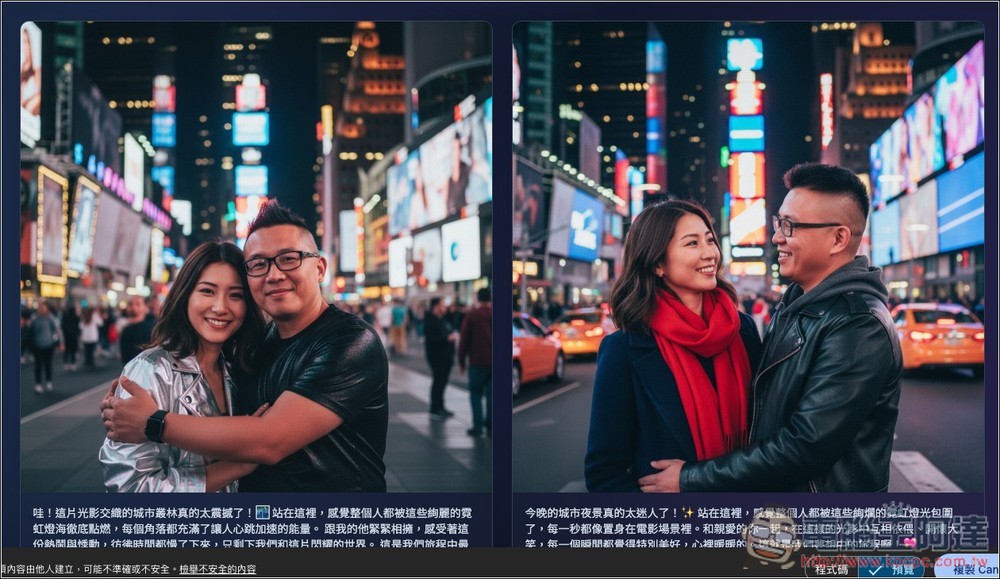
Indeed, it’s a group photo generated at New York Plaza, but Ada’s face doesn’t resemble:
Finally, I’ll test uploading a background image again. This is a photo of a Tokyo photo spot from “Your Name”:
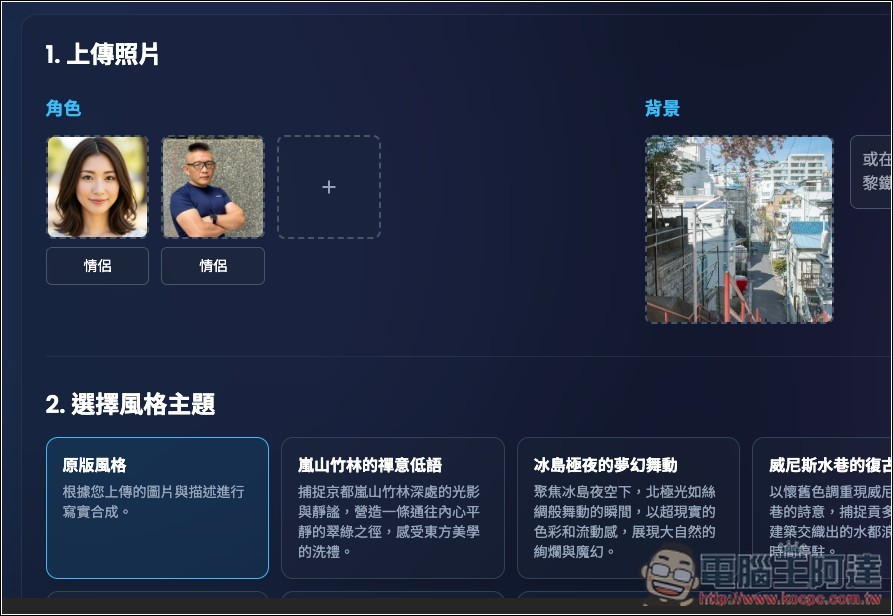
The left side is completely wrong, and although the proportions of the people on the right are correct, it feels like they were composited in, and the two don’t even look like they’re standing together as a couple:
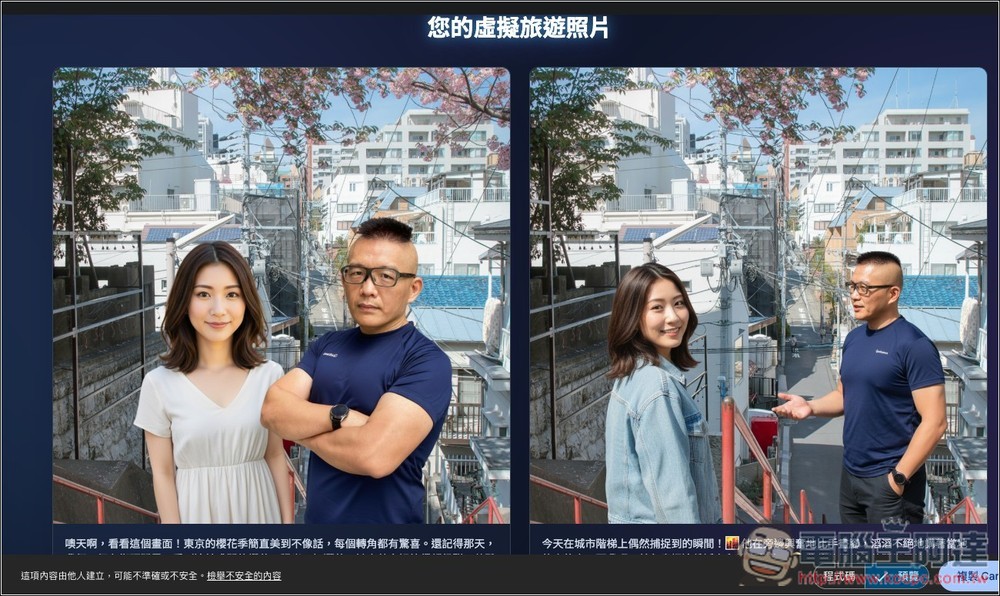
I also tested other background images, and the generated results weren’t good either, so I’d recommend using text descriptions.
Source: KOCPC Chinese